A-DH485R/B Router
Product Information
| Product Name | DH485 Router/B |
|---|---|
| Revision | 1.5 |
| Date | 01/2023 |
| Required Software | Aparian Slate software |
| Software Installation | http://www.aparian.com/software/slate |
| Module Installation | The module has two Ethernet ports located at the lower front of the module. There are also two ports at the bottom of the module for RS232/RS485 serial and power. The power port uses a three-way connector which is used for the DC power supply positive and negative (or ground) voltage as well as the earth connection. The nine-way connector is used to connect the RS232 and RS485 conductors for serial communication. The shield terminal can be used for shielded cable in high noise environments. |
| LED Description | The module LED will provide information regarding the system-level operation of the module. If the LED is red, then the module is not operating correctly. If the LED is green (flashing), then the module has booted and is running correctly without any application configuration loaded. |
| RS485 Termination | All RS485 networks need to be terminated at the extremities (start and end point) of the communication conductor. The termination for the RS485 network can be enabled/disabled via the module configuration. Enabling the termination will connect an internal 125 Ohm resistor across the positive (+) and negative (-) conductors of the RS485 network. |
| Electrical and Environmental Specification | Power requirements: [Specify power requirements] Power consumption: [Specify power consumption] Temperature: [Specify temperature range] |
| Studio 5000 Configuration | The module must be added to the Logix IO tree using a Generic Ethernet Module Profile. |
| North American Hazardous Location Approval | Suitable for use in Class I, Division 2, Groups A, B, C, and D hazardous locations, or non-hazardous locations only. WARNING – EXPLOSION HAZARD – DO NOT DISCONNECT EQUIPMENT WHILE THE CIRCUIT IS LIVE OR UNLESS THE AREA IS KNOWN TO BE FREE OF IGNITABLE CONCENTRATIONS. WARNING – EXPLOSION HAZARD – SUBSTITUTION OF ANY COMPONENT MAY IMPAIR SUITABILITY FOR CLASS I, DIVISION 2. |
| Additional Information | The following resources contain additional information that can assist the user with the module installation and operation: – Slate Installation For more details, please visit http://www.aparian.com/software/slate |
Product Usage Instructions
To use the DH485 Router/B, please follow the steps below:
- Install the required software, Aparian Slate software, by
downloading it from http://www.aparian.com/software/slate. - Physically install the module by connecting the two Ethernet
ports located at the lower front of the module. Additionally,
connect the RS232/RS485 serial and power ports located at the
bottom of the module using the appropriate connectors. - Configure the RS485 termination by accessing the module
configuration. Enable/disable the termination as needed. Enabling
the termination will connect an internal 125 Ohm resistor across
the positive (+) and negative (-) conductors of the RS485
network. - Add the module to the Logix IO tree in Studio 5000 using a
Generic Ethernet Module Profile. - Ensure proper electrical and environmental conditions are met
according to the product specification. - For users in North America, ensure the module is suitable for
use in the desired location and follow the provided safety warnings
and precautions. - Refer to the additional resources provided, including the Slate
Installation guide, DH485 Router User Manual, DH485 Router
Datasheet, Example Code & UDTs, Ethernet wiring standard, CIP
Routing, and Map PLC/SLC messages for further assistance with
module installation and operation.
Please note that for any specific details or updates, it is
recommended to visit http://www.aparian.com/software/slate
for the latest software, documentation, and installation files
related to your Aparian product.
Revision 1.5 01/2023
DH485 Router/B
Quick Start Guide
A-DH485R/B
NOTE: Before installing, configuring, operating, or maintaining Aparian products, please review this information and the information located on www.aparian.com for the latest software, documentation, and installation files specific to your Aparian product.
INTRODUCTION
This manual describes the installation, operation, and diagnostics of the Aparian DH485 Router Series B. The DH485 Router/B provides intelligent data routing between EtherNet/IP and DH485 which can help simplify the migration from MicroLogix and SLC systems to ControlLogix or CompactLogix platforms, where a DH485 interface is required. The DH485 Router/B can also be used to connect newer PanelView Plus and PanelView 800 devices to a range of Rockwell Automation controllers. This is especially useful where newer PanelView Plus devices (supporting only Ethernet) are required to connect to controllers (new and old) via DH485.
Document No. D120-018
Page 1 of 4
Revision 1.5 01/2023
REQUIRED SOFTWARE
The DH485 Router/B requires Aparian Slate software to setup and configure. The software installation can be found at www.aparian.com/software/slate.
MODULE INSTALLATION
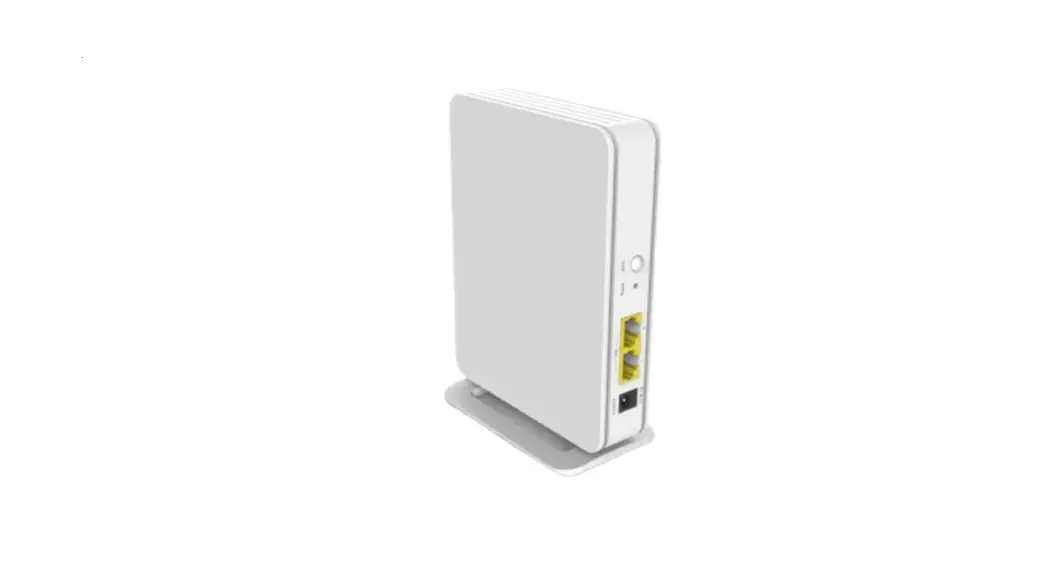
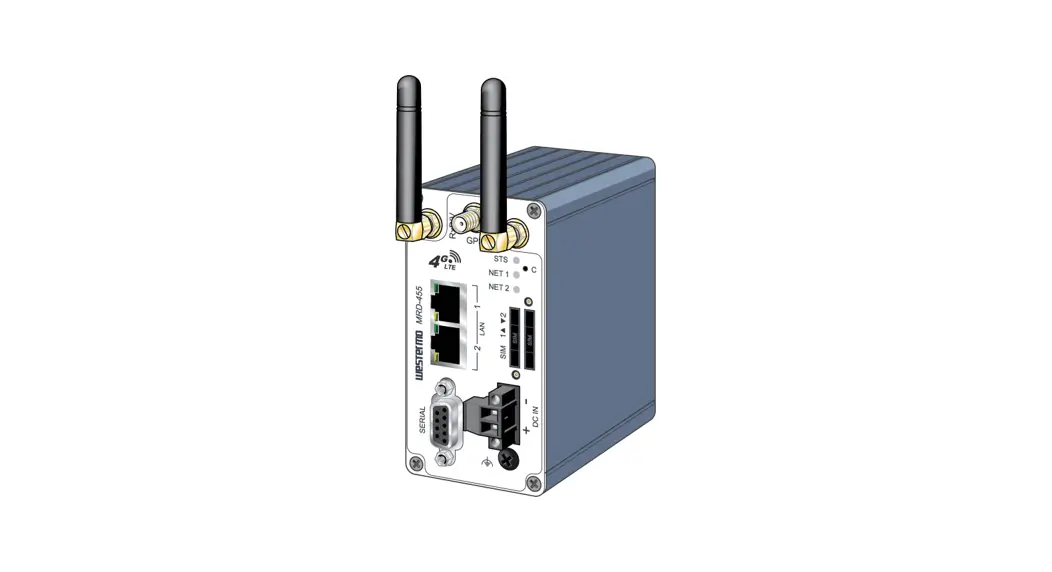
The module has two Ethernet ports located at the lower front of the module. There are also two ports at the bottom of the module for RS232/RS485 serial and power. The power port uses a three-way connector which is used for the DC power supply positive and negative (or ground) voltage as well as the earth connection.
The nine-way connector is used to connect the RS232 and RS485 conductors for serial communication. The shield terminal can be used for shielded cable in high noise environments.
LED
Description
Ok
The module LED will provide information regarding the system-level operation of the
module.
If the LED is red, then the module is not operating correctly. For example, if the module application firmware has been corrupted or there is a hardware fault the module will have a red Module LED.
If the LED is green (flashing), then the module has booted and is running correctly without any application configuration loaded.
Document No. D120-018
Page 2 of 4
A / B Act 232 485
Revision 1.5 01/2023
If the LED is green (solid), then the module has booted and is running correctly with application configuration loaded. The Ethernet LED will light up when an Ethernet link has been detected (by plugging in a connected Ethernet cable). The LED will flash every time traffic is detected. This module has two Ethernet ports A and B. Each LEDs represents each specific port. The activity LED is used for the DH485 Routing. Every time there is a successful DH485 routing transaction the LED will flash green. The LED will flash red if the routing was unsuccessful (e.g. Logix Tag does not exist). The 232 LED is used for the RS232 port. Every time there is a successful DH485 packet on RS232 the LED will flash green. The LED will flash red if the DH485 packet failed (e.g. checksum failure). The 485 LED is used for the RS485 port. Every time there is a successful DH485 packet on RS485 the LED will flash green. The LED will flash red if the DH485 packet failed (e.g. checksum failure).
RS485 TERMINATION
All RS485 networks need to be terminated at the extremities (start and end point) of the communication conductor. The termination for the RS485 network can be enabled/disabled via the module configuration. Enabling the termination will connect an internal 125 Ohm resistor across the positive (+) and negative (-) conductors of the RS485 network.
ELECTRICAL AND ENVIRONMENTAL
Specification Power requirements Power consumption
Temperature
Rating Input: 10 32V DC, (121 mA @ 24 VDC) 3.1 W (Including full load on USB of 200mA) 67 mA maximum -20 70 °C
STUDIO 5000 CONFIGURATION
The module must be added to the Logix IO tree using a Generic Ethernet Module Profile.
NORTH AMERICAN HAZARDOUS LOCATION APPROVAL
SUITABLE FOR USE IN CLASS I, DIVISION 2, GROUPS A, B, C AND D HAZARDOUS LOCATIONS, OR NONHAZARDOUS LOCATIONS ONLY.
WARNING – EXPLOSION HAZARD – DO NOT DISCONNECT EQUIPMENT WHILE THE CIRCUIT IS LIVE OR UNLESS THE AREA IS KNOW TO BE FREE OF IGNITABLE CONCENTRATIONS.
WARNING – EXPLOSION HAZARD – SUBSTITUTION OF ANY COMPONENT MAY IMPAIR SUITABILITY FOR CLASS I, DIVISION 2.
For professional users in the European Union
If you wish to discard electrical and electronic equipment (EEE), please contact your dealer or supplier for further information.
WARNING Cancer and reproductive harm www.p65warnings.ca.gov
Document No. D120-018
Page 3 of 4
Revision 1.5 01/2023
ADDITIONAL INFORMATION
The following resources contain additional information that can assist the user with the module installation and operation.
Resource Slate Installation DH485 Router User Manual DH485 Router Datasheet Example Code & UDTs
Ethernet wiring standard
CIP Routing
Map PLC/SLC messages
Link http://www.aparian.com/software/slate
http://www.aparian.com/products/dh485routerb
www.cisco.com/c/en/us/td/docs/video/cds/cde/cde 205_220_420/installation/guide/cde205_220_420_hi g/Connectors.html The CIP Networks Library, Volume 1, Appendix C:Data Management SLC to CompactLogix Migration Guide: Chapter 3 Map PLC/SLC Messages (1769-ap001_-en-p.pdf) EtherNet/IP Network Configuration: Chapter 5 Mapping Tags (enet-um001_-en-p.pdf)
SUPPORT
Technical support will be provided via the Web (in the form of user manuals, FAQ, datasheets etc.) to assist with installation, operation, and diagnostics.
For additional support the user can use either of the following:
Contact Us web link
https://www.prosoft-technology.com/Services-
Support/Customer-Support
Support email
Document No. D120-018
Page 4 of 4
 technology.com
 Home
Home p65warnings.ca.gov
 Regional Technical Support / Services & Support / Homepage - ProSoft Technology, Inc.