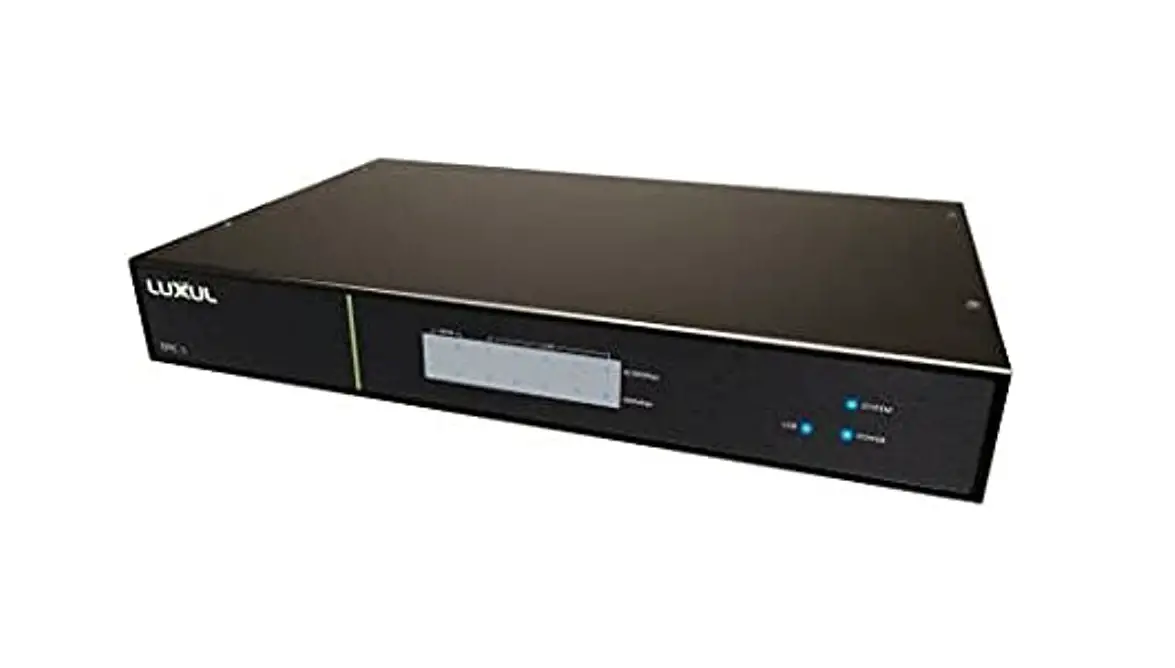
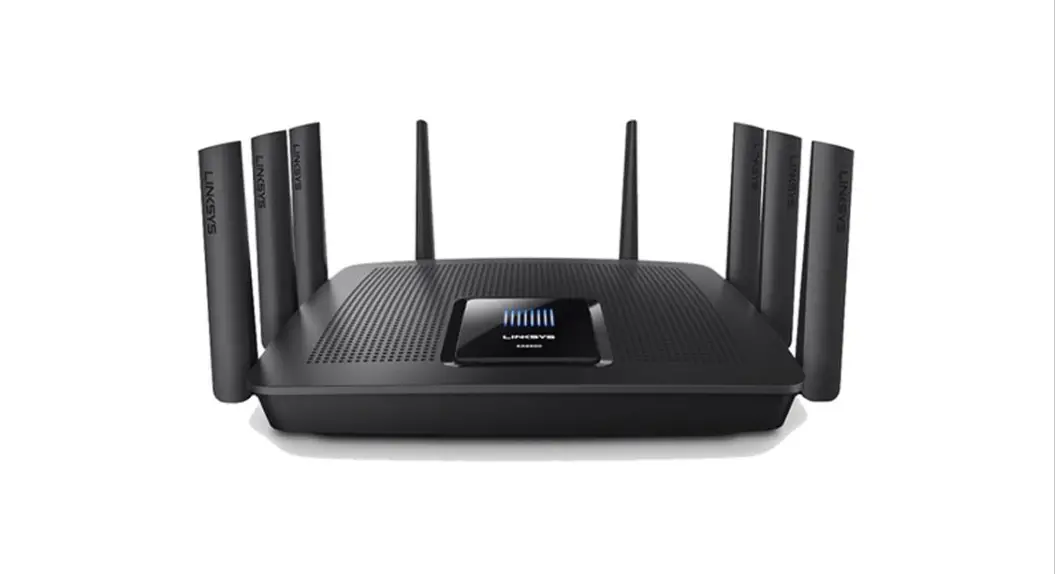
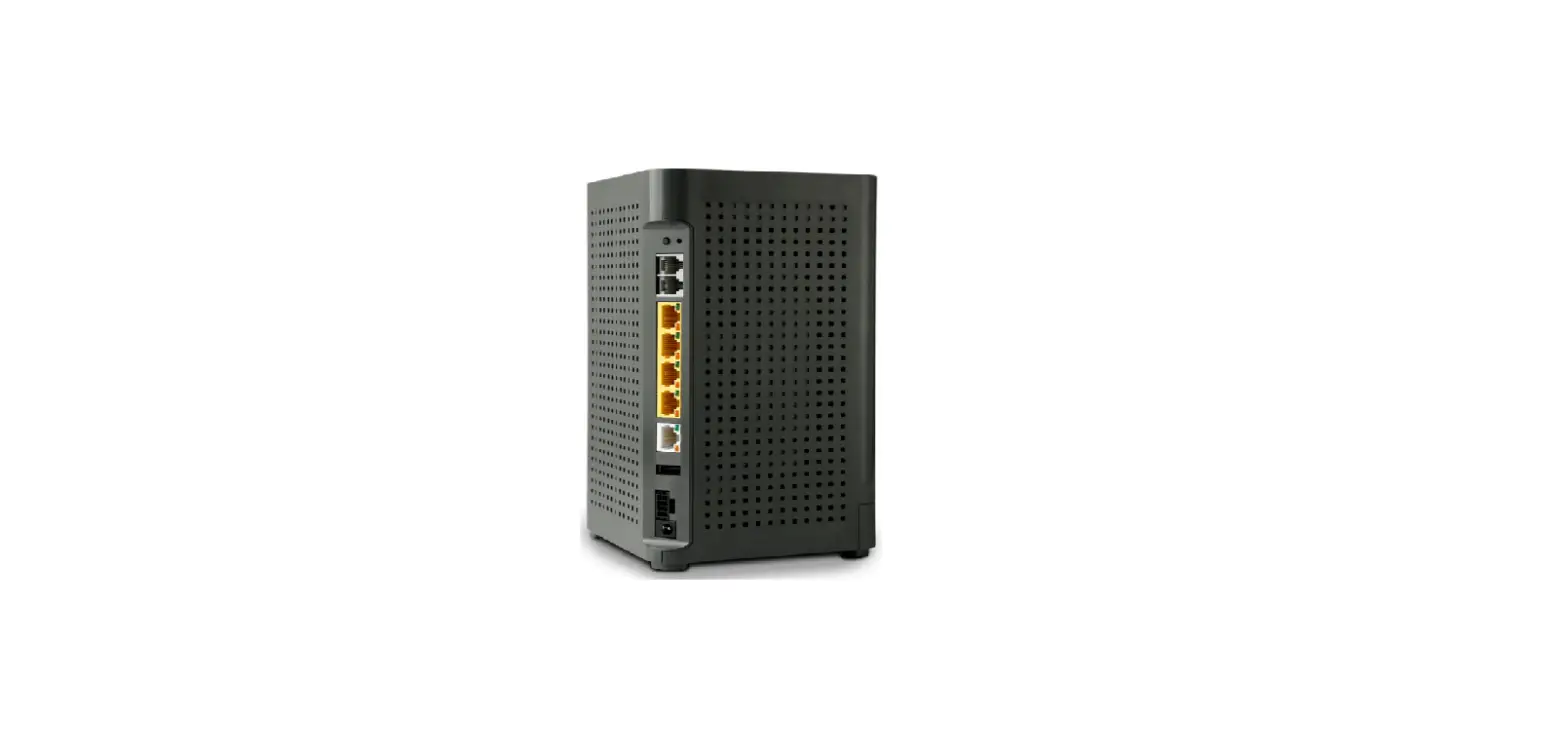
ABR-5000 Epic 5 Gigabit Router
Product Information
The product is a network solution guide that provides assistance
in designing and setting up a network. It includes various
components such as a gigabit wired router, a managed switch, a
modem, security cameras, an intelligent power distribution unit, a
wireless controller, and access points.
Here is the list of parts included:
| Description | Model # | QTY |
|---|---|---|
| Epic 5 Gigabit Router – Rear Ports | ABR-5000 | 1 |
| AV Series 26 Port/24 PoE+ Gb Managed (250W) | AMS-2624P | 1 |
| Eight Outlet Intelligent PDU | RLNK-915R | 1 |
| Wireless Controller, Managed up to 32 APs | XWC-2000 | 1 |
| High Power Wireless AC1200 Dual Band Outdoor WAP | XAP-1440 | 3* |
| High Power Wave 2 AC3100 Dual-Band WAP | XAP-1610 | 5* |
* The number of WAPs (Wireless Access Points) may vary depending
on building materials and overall space of the project.
For more information and pricing, you can visit the product
links provided or download the Bill of Materials (BOM).
Product Usage Instructions
To set up the network using the provided components, follow
these steps:
- Start by connecting the Internet Service Provider modem to the
Gigabit Wired Router using an Ethernet cable. - Connect the Gigabit Wired Router to the 26-Port Managed Switch
using another Ethernet cable. - Plug in the Security Cameras to the appropriate ports on the
Managed Switch. - Connect the Eight Outlet Intelligent Power Distribution Unit to
a power source and plug in any necessary devices. - Set up the Wireless Controller by connecting it to the Managed
Switch using an Ethernet cable. - Depending on your project requirements, install the High Power
Wireless AC1200 Dual Band Outdoor WAP and/or the High Power Wave 2
AC3100 Dual-Band WAP in suitable locations. The number of WAPs
needed will vary based on building materials and space.
Once all the components are properly connected and installed,
your network should be ready for use.
If you need further assistance or have any questions, you can
contact Luxul’s customer support at 800.572.2011 or
[email protected].
Network Solution Guide
Typical Network Topology
· Ethernet / Max Dist. 328′ (100m) · Cat5e or better – recommended
(Cat6a required for full Gigabit at 100m) · Shielded cable on runs over 100′ (30.5m)
– recommended · 10/100/1000 Mbps · Typical Network Speed – 1 GHz
· VLAN 1 – Management/Main · VLAN 2 – Guest, QoS-Bulk · VLAN 3 – PoS, QoS-Priority · VLAN 4 – Security
Need help designing a network for your install?
TAKE ADVANTAGE OF OUR FREE NETWORK DESIGN SERVICES!
Learn More about our Customer Assurance Program
RESTAURANT
INTERNET
GIGABIT WIRED ROUTER
26-PORT MANAGED SWITCH
INTERNET SERVICE PROVIDER MODEM
SECURITY CAMERAS
8 OULET INTELLIGENT POWER DISTRIBUTION UNIT
WIRELESS CONTROLLER UP TO 32 ACCESS POINTS
Parts List
Description
Model # QTY
Epic 5 Gigabit Router – Rear Ports
ABR-5000 1
AV Series 26 Port/24 PoE+ Gb Managed (250W)
AMS-2624P 1
Eight Outlet Intelligent PDU
RLNK-915R 1
Wireless Controller, Managed up to 32 APs
XWC-2000 1
High Power Wireless AC1200 Dual Band Outdoor WAP
XAP-1440 3*
High Power Wave 2 AC3100 Dual-Band WAP
XAP-1610
5*
* Number of WAPs depends on building materials and overall space of project and will vary.
BOM
Download
the BOM
PRODUCT LINKS | PRICING
SMART TVS
DISTRIBUTED AUDIO
INDOOR ACCESS POINT
LUXUL | legrandav.com NORTH AMERICA 800.572.2011 [email protected]
©2023 Legrand AV Inc. 220763 Rev A 1/23 Luxul is a registered trademark of Legrand AV Inc. All other brand names or marks are used for identification purposes and are trademarks of their respective owners. All patents are protected under existing designations. Other patents pending.
OUTDOOR ACCESS POINT
Network and PoE+
Power
Network
Chief | Da-Lite | Luxul | MAP | On-Q | Sanus
 Professional AV Equipment and Devices | Legrand AV
 Luxul Customer Assurance Program | Legrand AV