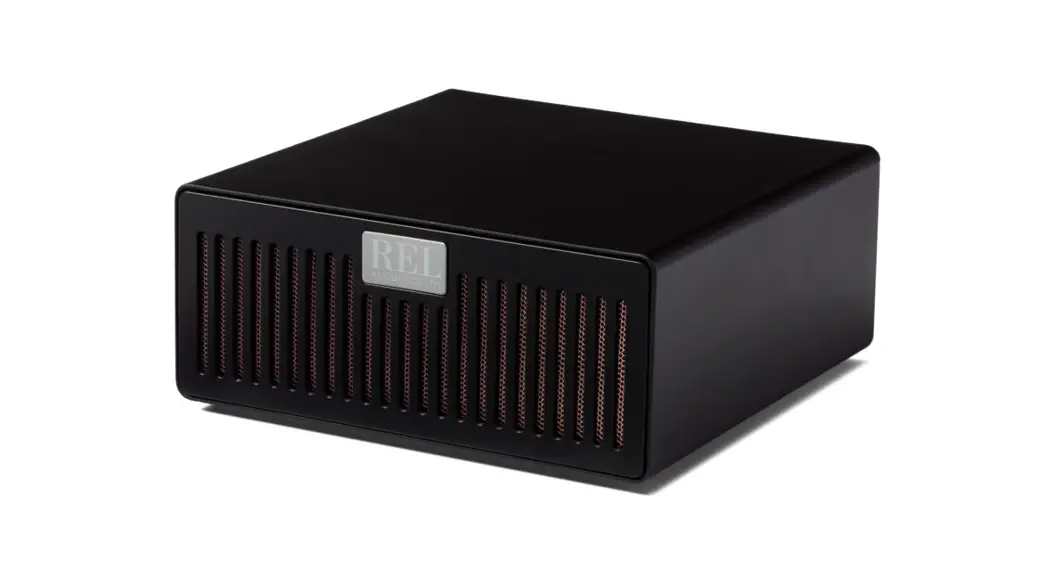
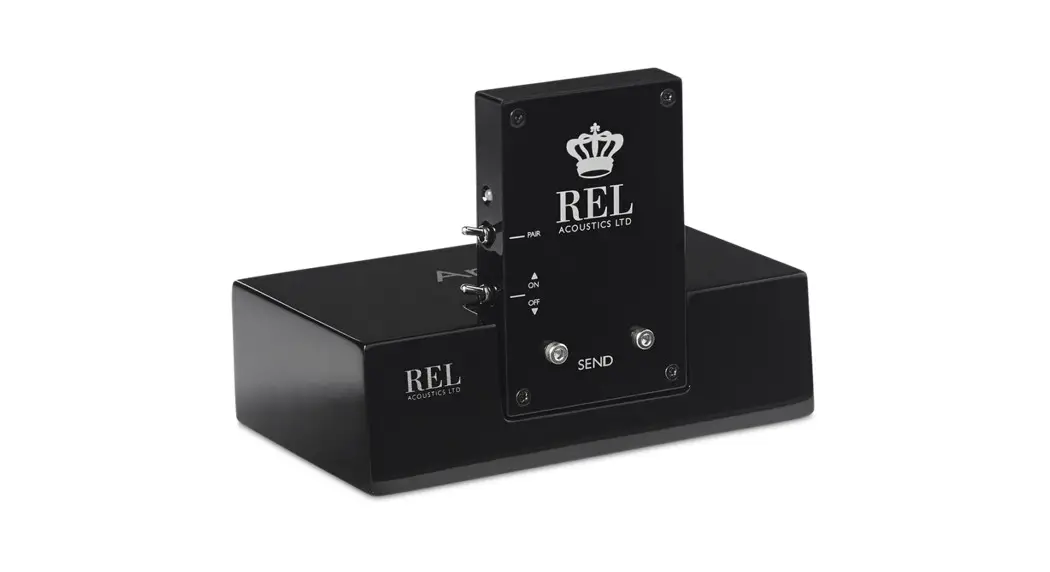
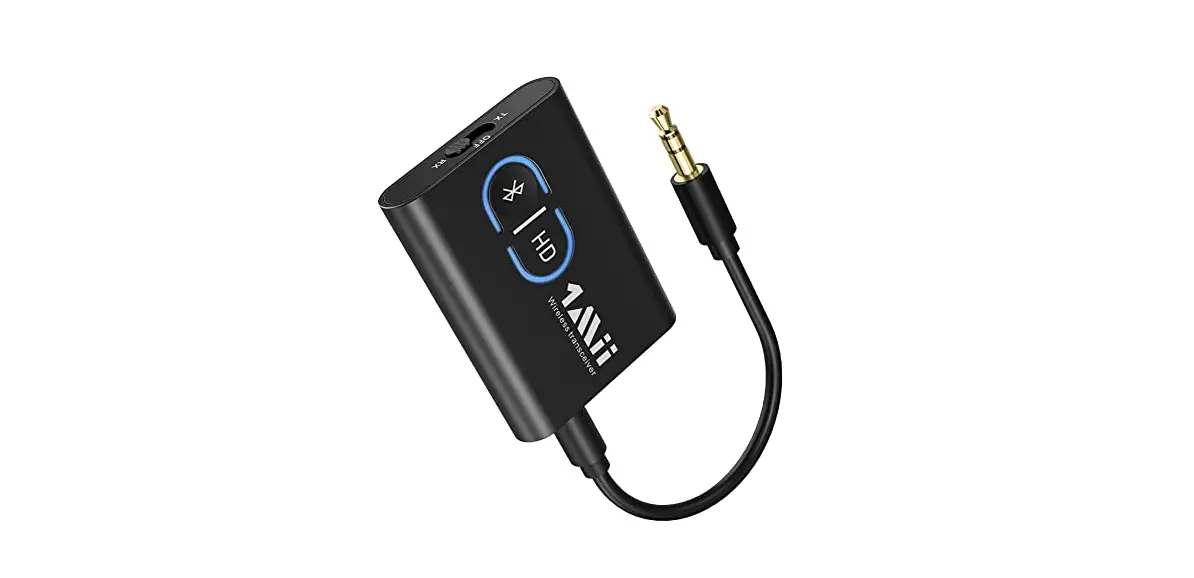
HT-Air MkII Wireless Transmitter
Product Information:
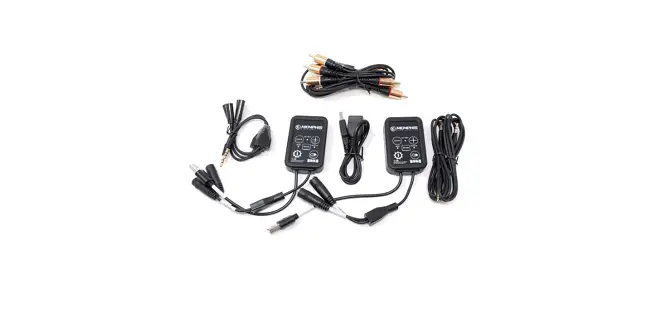
The HT-Air MkIITM Wireless is a high-quality wireless system
designed by REL. It is known for delivering exceptional sound
performance and reliable wireless delivery of the REL experience.
This wireless system offers several benefits, including the freedom
to enjoy ultra-high performance without the limitations of a cable
and the flexibility to place the equipment without being restricted
by cable length. The HT-Air MkIITM Wireless provides a better
sounding and less cluttered experience compared to many other
wireless systems on the market. It achieves this by eliminating the
slow delivery methods commonly found in off-the-shelf Bluetooth and
Wi-Fi based systems. This wireless system operates on the 5.8 GHz
frequency and can deliver .1/LFE or stereo low-level
performance.
Product Usage Instructions:
1. FCC Compliance: This device complies with Part 15 of the FCC
Rules. To ensure compliance, the following conditions must be met:
– The device must not cause harmful interference. – The device must
accept any interference received, including interference that may
cause undesired operation. – Any changes or modifications not
approved by the responsible party may void the user’s authority to
operate the equipment. – Reorient or relocate the receiving
antenna. – Increase the separation between the equipment and
receiver. – Connect the equipment into an outlet on a different
circuit from the receiver’s outlet. – Consult the dealer or an
experienced radio/TV technician for assistance. – Maintain a
minimum distance of 20cm between the wireless transmitter
(radiator) and your body to comply with FCC radiation exposure
limits.
2. Panel Connection Legend: – REL HT-Air MkIITM Wireless
Transmitter: – Inputs: Use both inputs for stereo two-channel
inputs or use the Right/LFE input for home theater. – Pair Switch:
Used to pair the transmitter with its receiver. – LED: Indicates
whether the transmitter is paired with the receiver or not. – Power
Adapter Socket: DC input socket for the detachable power adapter. –
REL HT-Air MkIITM Wireless Receiver: – Outputs: Used to connect as
stereo out or the low LFE input of a REL subwoofer. – Pair Switch:
Used to pair the receiver with its transmitter. – LED: Indicates
whether the receiver is paired with the transmitter or not. – Power
Adapter Socket: DC input socket for the detachable power
adapter.
3. Connecting Up: – Connect the HT-Air MkIITM Wireless
Transmitter to your audio source using the appropriate inputs
(stereo or Right/LFE). – Use the Pair Switch on the transmitter to
pair it with the HT-Air MkIITM Wireless Receiver. – Connect the
HT-Air MkIITM Wireless Receiver to your speakers or subwoofer using
the stereo out or low LFE outputs. – Use the Pair Switch on the
receiver to pair it with the HT-Air MkIITM Wireless Transmitter. –
Ensure that the LED indicators on both the transmitter and receiver
are indicating a successful pairing. – Plug in the power adapters
for both the transmitter and receiver into their respective power
adapter sockets. – Power on your audio source, speakers, and
subwoofer (if applicable) to start enjoying wireless audio.
Operating Instructions for the
HT-Air MkIITM Wireless
FCC STATEMENT This device complies with Part 15 of the FCC Rules. Operation is subject to the following two conditions:
(1) This device may not cause harmful interference, and
(2) This device must accept any interference received, including interference that may cause undesired operation.
Any Changes or modifications not expressly approved by the party responsible for compliance could void the user’s authority to operate the equipment.
NOTE: This equipment has been tested and found to comply with the limits for a Class B digital Device, pursuant to Part 15 of the FCC Rules. These limits are designed to provide reasonable protection against harmful interference in a residential installation.
This equipment generates uses and can radiate radio frequency energy and, if not installed and used in accordance with the instructions, may cause harmful interference to radio communications. However, there is no guarantee that the interference will not occur in a particular installation. If this equipment does cause harmful interference to radio or television reception, which can be determined by turning the equipment off and on, the user is encouraged to try and correct the interference by one or more of the following measures:
Reorient or relocate the receiving antenna.
Increase the separation between the equipment and receiver.
Connect the equipment into an outlet on a circuit different from that to which the receiver is connected.
Consult the dealer or an experienced radio/TV technician for help.
This Equipment complies with FCC radiation exposure limits set forth for an uncontrolled environment. This equipment should be installed and operated with minimum distance of 20cm between the radiator (wireless transmitter) and your body.
HT-Air MkIITM Wireless
REL have acquired a sterling reputation within the industry for delivering great sounding, reliable wireless delivery of the REL experience. The freedom this confers on our customers produces several benefits; it permits ultra-high performance without the cumbersome tether of a cable, permits careful placement without being limited by the length of a cable and can lead to a better sounding, less cluttered experience.
HT-Air MkIITM Wireless is our latest method of distributing 5.8 Ghz wireless and delivers .1/LFE or stereo Low Level performance similar to our more expensive wireless systems quickly, reliably and without the thin, non-dynamic sound many wireless systems deliver. In part, this is achieved by eliminating the often very slow delivery methods offered by off-the-shelf Bluetooth and wi-fi based systems.
We, at REL, are committed to delivering the highest quality listening experience for our customers; HT-Air MkIITM is yet another way in which we show we are listening to you.
HT-Air MkIITM Panel Connection Legend
1
2
4
3
REL HT-Air MkIITM Wireless Transmitter 1 Inputs: Use both for stereo two channel inputs, or
Right/LFE only for home theater.
2 Pair Switch: Used to pair REL HT-Air MkIITM Wireless transmitter with it’s receiver.
3 LED: Indicates whether the REL HT-Air MkIITM Wireless transmitter is paired with the receiver or not.
4 Power Adapter Socket: DC input socket that accepts a detachable power adapter.
1
2
4
3
REL HT-Air MkIITM Wireless Receiver 1 OUTPUTS: Used to connect as stereo out or the low LFE
input of a REL subwoofer.
2 Pair Switch: Used to pair REL HT-Air MkIITM Wireless receiver with it’s transmitter.
3 LED: Indicates whether the REL HT-Air MkIITM Wireless receiver is paired with the transmitter or not.
4 Power Adapter Socket: DC input socket that accepts a detachable power adapter.
Connecting Up
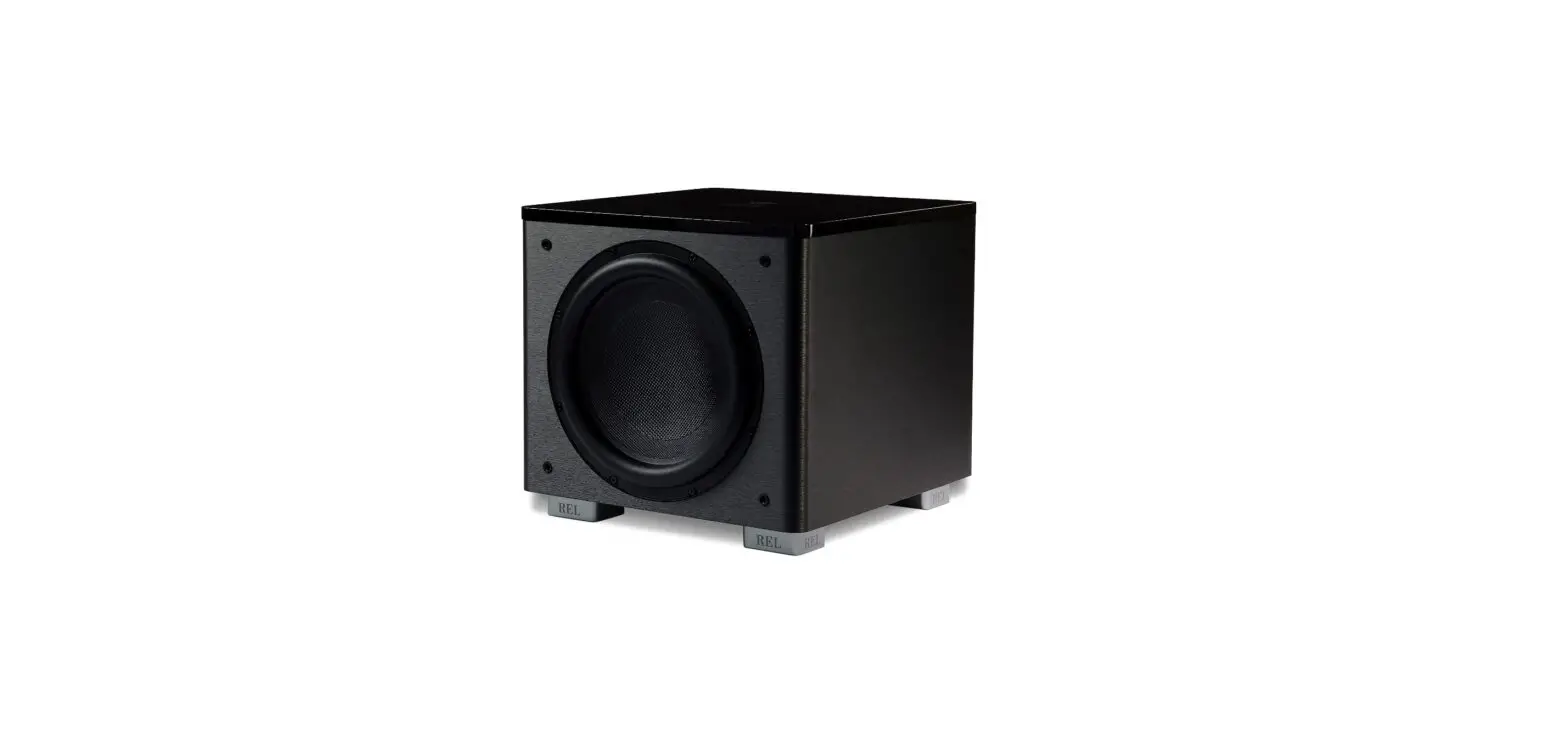
The REL HT-Air MkIITM Wireless is intended to be used with the SerieHT or similar REL sub bass system. The transmitter and receiver will require power from an AC wall plug using the power adapter cables supplied.
It is not possible to use the HT-Air MkIITM Wireless connection and a direct connection simultaneously. Using both wired and wireless connections simultaneously could result in damage and voids all warranties.
Always switch your system off before disconnecting any wires.
With the HT-Air MkIITM, there are two basic ways to connect and setup. The first is a single channel input from the sub out of a theater or power speaker system. In this case a single RCA cable is needed from the source to the transmitter.
Theater connection Connect RCA cable from Sub Out of theater processor to
LFE input of the HT-Air MkIITM transmitter.
Then use the second RCA from the LFE output of the HT-Air MkIITM receiver to the LFE input of the REL. The second is a stereo input from a stereo preamp or powered speaker system. You will need to use two RCA cables.
Powered Speaker connection Connect RCA from L/R output of the source to the inputs
of the HT-Air MkIITM.
Then use two more RCA cabels and connect from the L/R outputs of the HT-Air MkIITM receiver to the inputs of the REL.
Pairing
Now that the HT-Air MkIITM Wireless transmitter and receiver are connected to your system, the unit will need to be paired.
1 Make sure that the transmitter AC to DC wall plug supply is connected to an AC outlet, and that the barrel connector is connected to the transmitter.
2 Make sure that the receiver AC to DC wall plug supply is connected to an AC outlet, and that the barrel connector is connected to the receiver.
3 Make sure that the sub is plugged into an AC outlet using the supplied AC cable and that the sub is turned on. Power switch is located on the rear panel.
4 At this point the transmitter and receiver should find each other and pair together. This will be indicated by the “Pair” LEDs on both the transmitter and control panel staying lit (no flashing).
5 In the event that the transmitter and receiver do not automatically pair, simply exercise the momentary “Pair” button on the receiver until the LED flashes.
6 Then exercise the “Pair’ button on the transmitter.
7 When correctly paired, the LEDs on both units will stop flashing and stay solid within 5 seconds.
Status
Paired Looking for Pair
Standby
LED Indicator
Continuously on Blinks twice per second Blinks once per second
Pairing is persistent and will not be lost when unplugged.
Care
The units are best maintained by using a damp (not wet) cloth to remove dust. Do not place objects, such as drinks on top of your REL Air transmitter. Never use a dry cloth on this finish to prevent scratches.
Technical
The HT-Air MkIITM Wireless transmitter provides true REL theater experience. This occurs with virtually zero delay and a complete absence of compression.
HT-Air MkIITM Wireless Transmitter
Input Connectors:
Stereo RCA, LFE input uses Right channel input only.
Input Impedance:
10k ohms
Wireless Output Power: 0 dBm
Wireless Effective Distance: 30 ft (10 meters) with clear line of site
Mains Input Voltage:
5V DC, 5.5mm circular connector, positive center
Power Consumption:
600 mWatts
Dimensions (WHD):
2 3/4 x 2 1/16 x 3 1/4 in., (70 x 53 x 82.3 mm)
Finish:
Black
Supplied Accessories
X2 Power adapters X2 RCA Cable: 2 meter in length
In the interest of product improvement, REL Acoustics Limited reserves the right to alter these specifications without notice.
Notes
REL Acoustics Limited North Road, Bridgend industrial Estate . Bridgend, CF31 3TP . United Kingdom
Telephone: +44 (0)1 656 768 777 . Fax: +44 (0) 1 656 766 093 Web: www.rel.net
 REL Acoustics | Home Theater Subwoofers