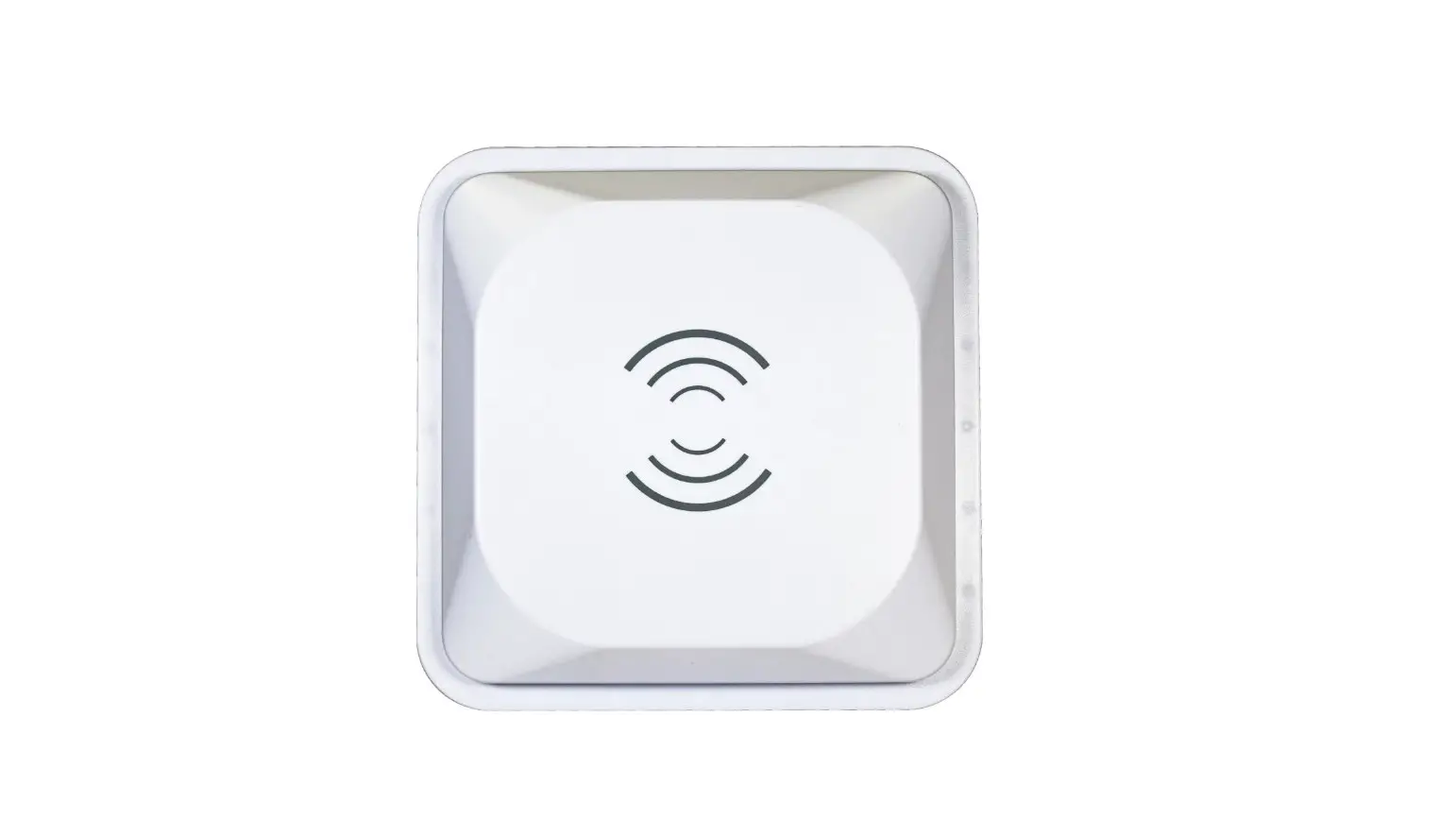
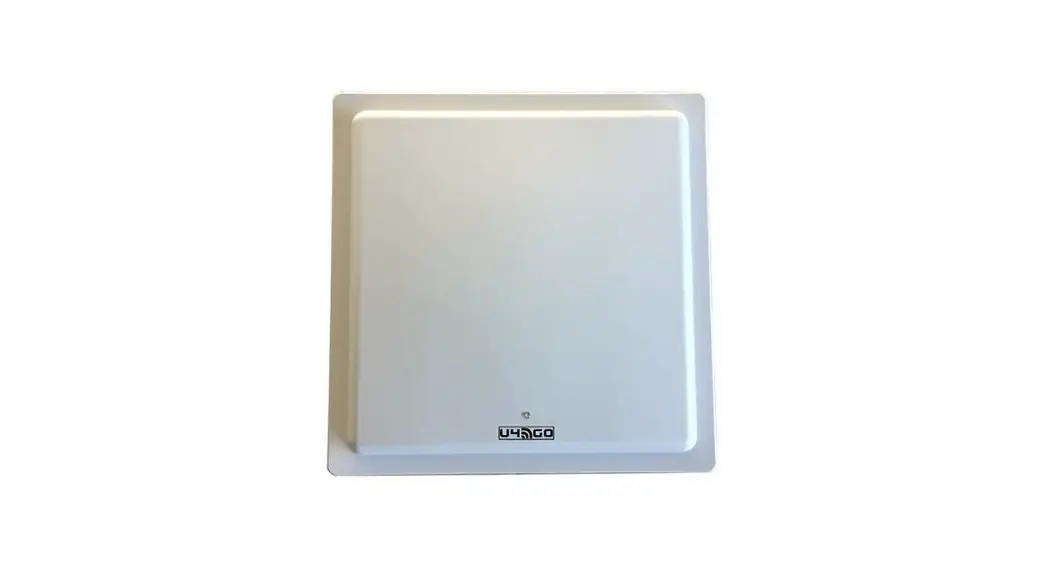
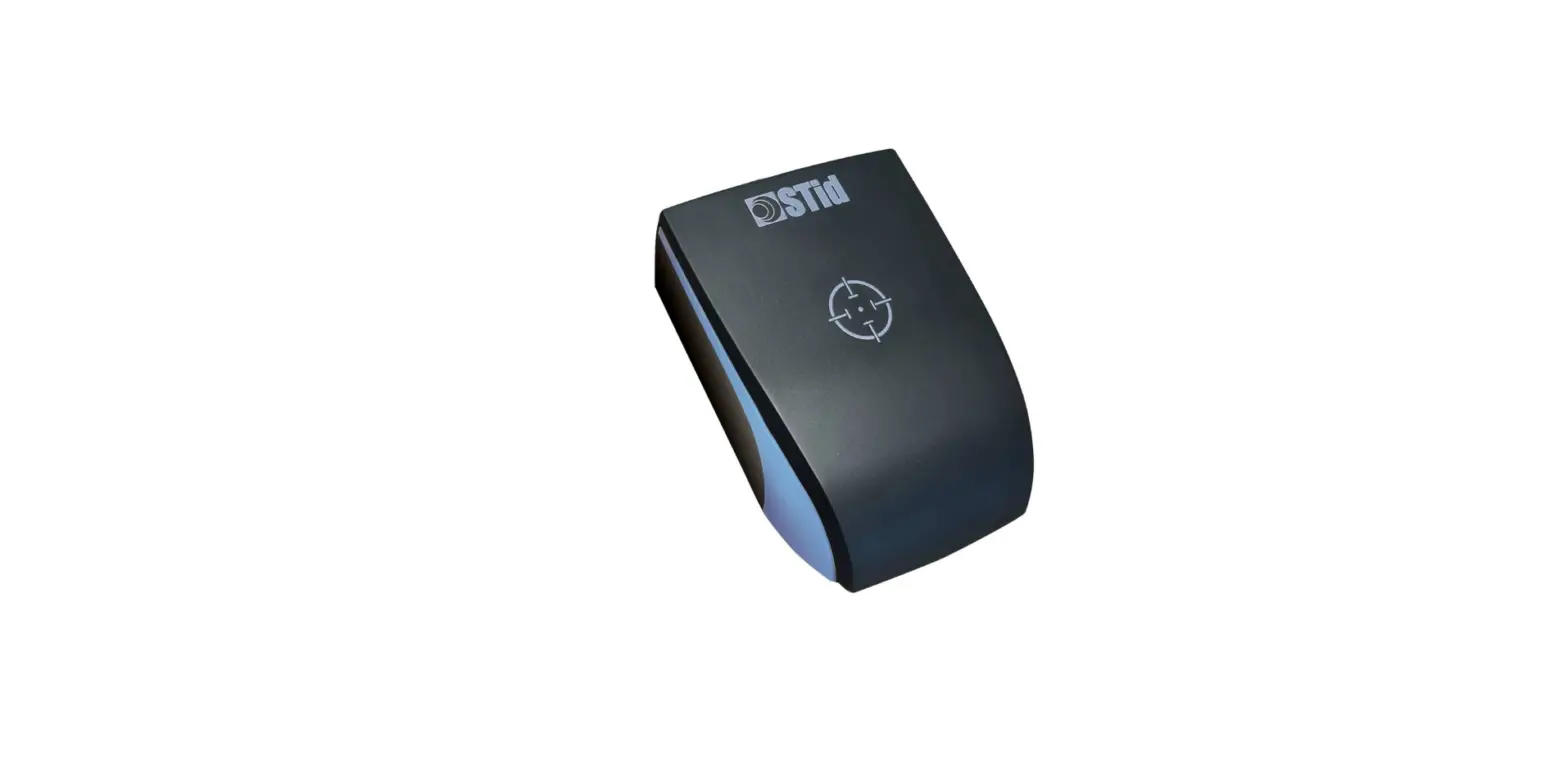
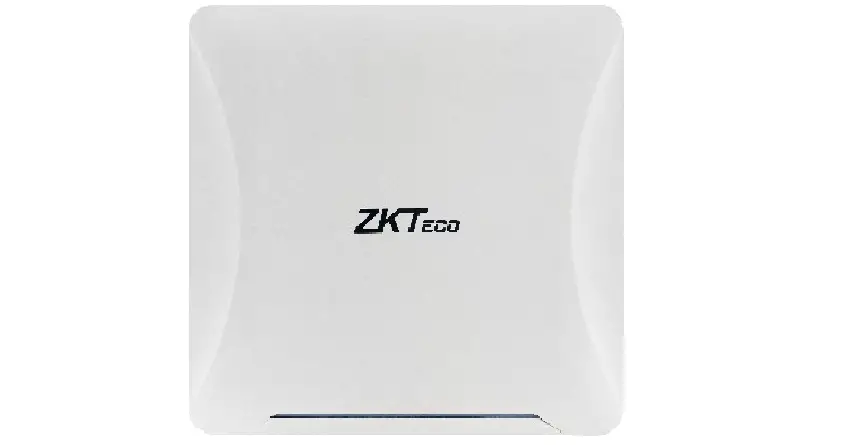
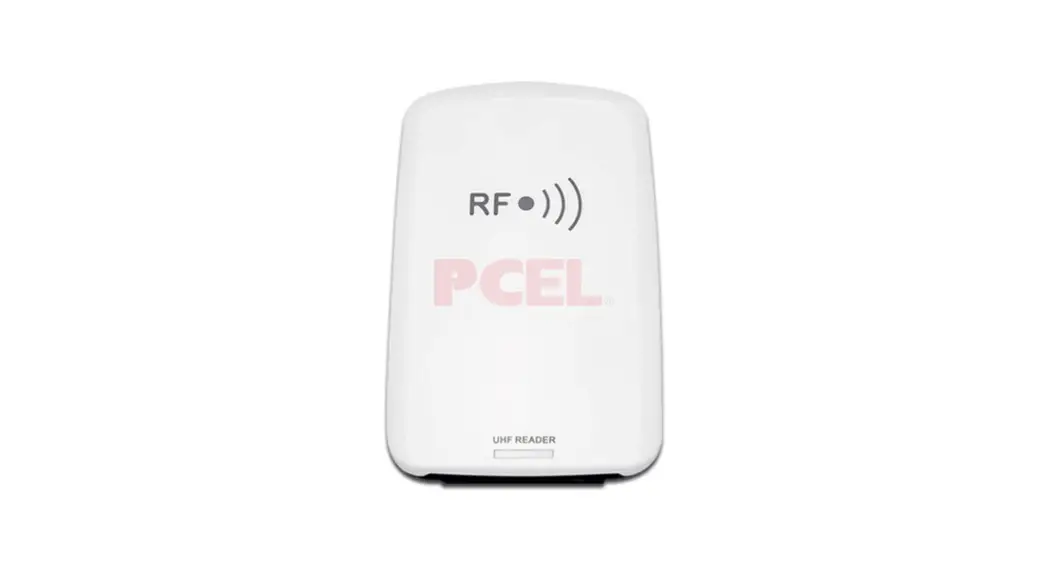
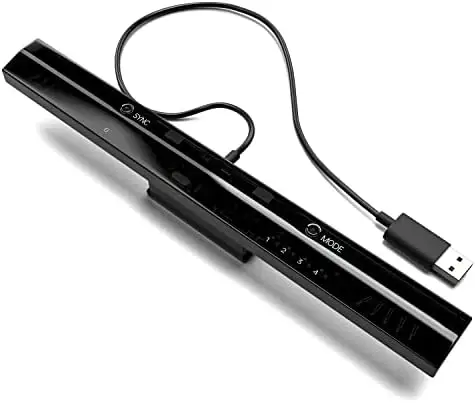
DOLCWIUHF-910 UHF Long Range Reader
Product Information: Product Name: UHF Long Range Reader
(DOLCWIUHF-910) Model: DOLCWIUHFP Compliance: FCC Rules, parts 15
Working Modes: Interval Scan Mode, Trigger Mode Communication
Interface: Wiegand 26/34, RS232, RS485 (default: Wiegand 26)
Operating Frequency: Not specified Transmitter Power: Not specified
Supply Voltage: Not specified Communication Rates: Not specified
Power Consumption: Not specified Interfaces Optional: Yes Overall
Size: Not specified Package Size: 370*360*96 mm Net Weight: Not
specified Operating Temperature: Not specified Storage Temperature:
Not specified Product Usage Instructions: 1. Tag
Installation: – Overview: – The tag installation process is
explained in section 3.1 of the user manual. – Instruction: –
Detailed instructions for tag installation can be found in section
3.2 of the user manual. 2. How to check the performance simply? –
Appendix 1 of the user manual provides instructions on how to check
the performance of the device simply. Please refer to this section
for more information. 3. Working Modes: – The device has two
working modes: – Interval Scan Mode: – In this mode, when the
reader is powered on, it will intermittently scan the tag. – No
external trigger is required for scanning in this mode. – Trigger
Mode: – In this mode, the reader will only scan the tag
automatically if the voltage of the Trigger Pin is logic 0. – An
external trigger is required to initiate scanning in this mode. 4.
Communication Interface: – The device supports the following
communication interfaces: – Wiegand 26/34 – RS232 – RS485 – The
default communication interface is Wiegand 26. – If you require a
different communication interface or need to switch to Trigger
Mode, please consult with Transmitter Solutions before purchasing.
Please note that specific details regarding operating frequency,
transmitter power, supply voltage, communication rates, power
consumption, overall size, net weight, operating temperature, and
storage temperature are not provided in the user manual. For more
information on these parameters, please contact Transmitter
Solutions directly.
UHF LONG RANGE READER
(DOLCWIUHF-910)
INSTALLATION MANUAL
User Manual of DOLCWIUHFP
Content
1 Introduction…………………………………………………………………………………………………………………… 2 1.1 Functions………………………………………………………………………………………………………………………. 2 1.1.1 Working principle…………………………………………………………………………………………………….. 2 1.1.2 Working Mode ………………………………………………………………………………………………………… 2 1.1.3 Parameters ……………………………………………………………………………………………………………… 3 1.2 System Description…………………………………………………………………………………………………………. 3 1.2.1 Components……………………………………………………………………………………………………………. 3 1.2.2 Host……………………………………………………………………………………………………………………….. 4 1.2.3 Interface…………………………………………………………………………………………………………………. 4 1.2.4 LED Indicator …………………………………………………………………………………………………………… 4 1.2.5 Buzzer…………………………………………………………………………………………………………………….. 5 1.2.6 Label………………………………………………………………………………………………………………………. 5 1.3 Cautions before Using ……………………………………………………………………………………………………. 5
2 Reader Installation………………………………………………………………………………………………………….. 6 2.1 Installation Overview……………………………………………………………………………………………………… 6 2.2 Installation Summary ……………………………………………………………………………………………………… 6 2.3 Side Installation …………………………………………………………………………………………………………….. 7 2.3.1 Overview ………………………………………………………………………………………………………………… 7 2.3.2 Instruction………………………………………………………………………………………………………………. 7 2.3.3 Notice…………………………………………………………………………………………………………………….. 8 2.4 Overhead Installation …………………………………………………………………………………………………….. 8 2.4.1 Overview ………………………………………………………………………………………………………………… 8 2.4.2 Instruction………………………………………………………………………………………………………………. 9 2.4.3 Notice…………………………………………………………………………………………………………………….. 9
1 Tag Installation ………………………………………………………………………………………………………… 10 3.1 Overview …………………………………………………………………………………………………………………….. 10 3.2 Instruction …………………………………………………………………………………………………………………… 10
Appendix 1 How to check the performance simply? ……………………………………………………………… 13
1
User Manual of DOLCWIUHFP
This device complies with parts 15 of the FCC Rules. Operation is subject to the following two conditions: (1) This device may not cause harmful interference, and (2) This device must accept any interference received, including interference that may cause undesired operation.
Changes or modification not expressly approved by the party responsible for compliance could void the user’s authority to operate the equipment.
FCC Radiation Exposure Statement:
This equipment complies with FCC Radiation exposure limits set forth an uncontrolled environment. This equipment should be installed and operated with minimum distance 20cm the radiator &your body.
This transmitter must not be co-located or operating in conjunction with any other antenna or transmitter.
1 Introduction
1.1 Functions
1.1.1 Working principle
Transmitter Solutions DOLCWIUHFP directs the RF module to generate an RF signal, which is broadcast through the internal antenna. Entering the Transmitter Solutions DOLCWIUHFP s reading range, a Transmitter Solutions RFID tag installed on a vehicle or other object to be tracked adds its programmed identification information to the signal and reflects the signal back to the Transmitter Solutions DOLCWIUHFP . The Transmitter Solutions DOLCWIUHFP receives this modified or modulated signal, and decodes the tag data carried by the reflected signal and transmits this data to a local host computer or process through specified the communication port.
1.1.2 Working Mode
has two working mode. one is Interval Scan Mode ,In this mode ,if reader Power on ,it will scan the tag intermittently The other mode is Trigger Mode, in this mode, only if the voltage of the Trigger Pin is logic 0,the reader begins to scan the tag automatically.
When reader enters into the scanning status, it will capture the programmed identification information of the tags which within DOLCWIUHFP s read range automatically, and transmits the data to a local host computer or process through the specified communication interface ( Wiegand 26/34, RS232 or RS485).
The default working mode of Transmitter Solutions DOLCWIUHFP is Interval Scan Mode and specified Wiegand 26 as the communication interface. if need preconfigured to Trigger Mode or other communication interface, please consult with the Transmitter Solutions before purchasing.
2
User Manual of DOLCWIUHFP
1.1.3 Parameters
The parameters of Transmitter Solutions DOLCWIUHFP Table 1.1.3-1
Table 1.1.3-1
No Parameter 1 Operating Frequency 2 Transmitter Power 3 Supply Voltage 4 Communication Rates 5 Power Consumption 6 Interfaces Optional 7 Overall Size 8 Package Size 9 Net Weight: 10 Operating Temperature 11 Storage Temperature
Value 902 928 MHz FHSS 0.5 to 2W (programmed by software) 10~25 VDC +5%/-1%, Ripple: maximum 50 mV 9600 bps Maximum 10 W Wigand 34, RS232, RS485 370* 360 * 96 mm 430 * 420 * 190 mm 3.0 KGS -20°C to +70°C -40°C to +90°C
1.2 System Description
1.2.1 Components
The package of Transmitter Solutions DOLCWIUHFP contents the components list in the Table 1.2.1-1.
No Component 1 Host 2 RS232 Cable 3 Test Tag 4 Definition of Connection Pins 5 Packing List
Table1.2.1-1 Specification 370* 360 * 96 mm
86 * 54 * 1.0 mm
Quantity 1 PC 1 PC 1 PC 1 PC 1 PC
Remark With Fixed Holder
Optional
3
1.2.2 Host
User Manual of DOLCWIUHFP
Over view
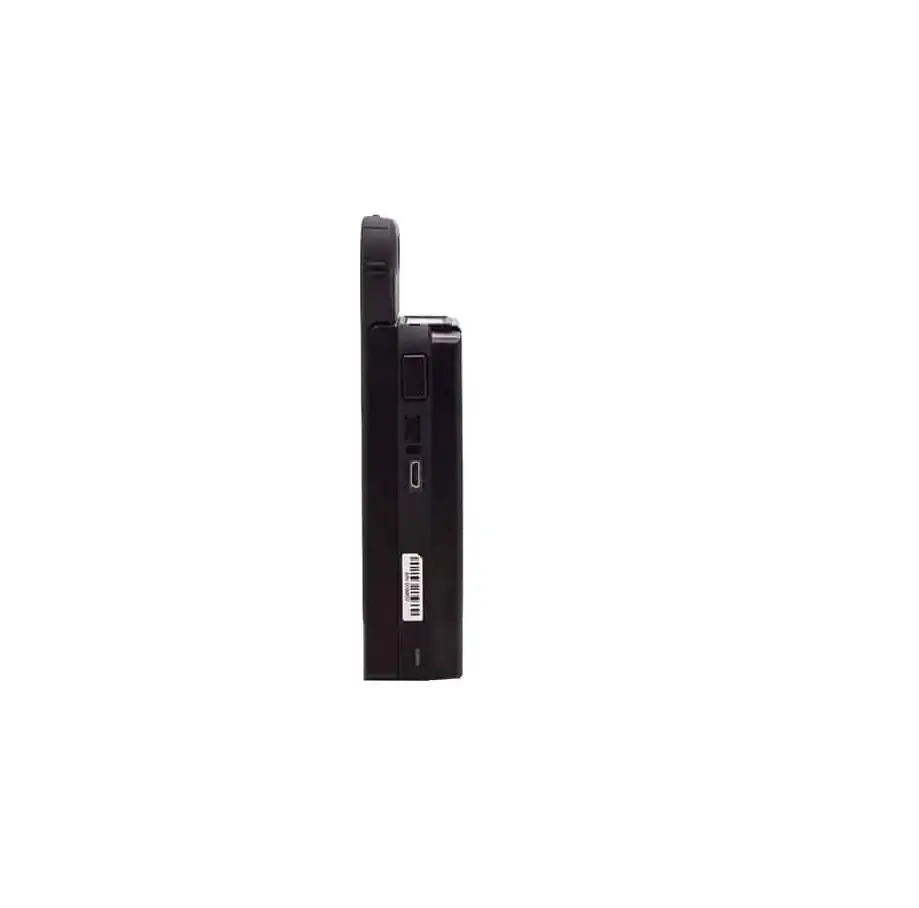
Side view
Back view
1.2.3 Interface
Transmitter Solutions DOLCWIUHFP can be able to provide 5 group interface, for details please refer to Table 1.2.3-1
Table 1.2.3-1 Definition of the Interface
No Interface Type
Definition
Color
1 Power Pins
+12 V GND
Red Black
Wiegand 0
Purple
2 Wiegand Pins
Wiegand 1
Green
Ground
Yellow
3 Trigger Pins
Trigger GND
Orange Yellow
232 (RX)
Blue
4 RS232 Pins
232 (TX)
Grey
GND
Black
485 +
White
5 RS485 Serial Port pins
485 –
Light Green
GND
Yellow
6 Shielding Wire
Earth Ground
Yellow Embeded Green (Thick)
Please make sure all connections are correct before turning on power!
1.2.4 LED Indicator
There are two rows LED indicators on the Transmitter Solutions DOLCWIUHFP, when
4
User Manual of DOLCWIUHFP
Red LED lighting means the DOLCWIUHFP is power on, while Blue LED lighting means the DOLCWIUHFP captures the data of the tag,
1.2.5 Buzzer
When DOLCWIUHFP captures the data of the tag, the buzzer will beep.
1.2.6 Label
No Label Type 1 SN Label 2 Interface Label 3 Capital Letter Label 4 Mode
Definition The serial number of the host The specified communication interface of the host A or B or C or D or E Interval Scan or Trigger Mode
Position Back Board Back Board Back Board Back Board
Remark: 1. The SN label is the identification of each reader, don t tear off during using. 2. Please check the interface configuration with the Interface Label, if not correct, please contact with Transmitter Solutions. 3. Don t install two hosts with the same Capital Letter Label within 20 meters scope. 4. Trigger Pins reserved for Trigger Mode only.
1.3 Cautions before Using
1. Please use the 12V 4A DC Power for connecting the host with the power. 2. If the DC Power is not waterproof, it is suggested to insert into the Ticket Box or be covered. 3. The power cord which connected DC Power and the 120V AC Power needs to be connected the ground wire to prevent lightning strikes. 4. When extending power:
· Up to 100 feet, use 18 AWG, 600 volt insulated wire · Up to 200 feet, use 16 AWG, 600 volt insulated wire
THE PROPER WIRING IS CRITICAL! 5. Wiegand wire runs are 500 feet maxium. Use 6-conductor stranded wire with overall shield. 18, 20, 22 or 24 gauge is preferred.
5
2 Reader Installation
User Manual of DOLCWIUHFP
2.1 Installation Overview
The Reader has been designed with easy installation in mind. The Figure 2.1-1 provides you with any details that you will need to know.
Figure 2.1-1 Installation
2.2 M
2.2 Installation Summary
There are two ways for installing Transmitter Solutions DOLCWIUHFP by install position. One installs on the side of the lane which we called Side Installation, while the other installs on the overhead of the lane which we called Overhead Installation. For details please refer to the Table 2.2-1
Install Way Side Installation
Overhead Installation
Table 2.2-1
Advantage
Disadvantage
1. Easy to install with the pole
1.The read range is subject to the install height & the
2. Easy for maintenance
angle of the reader
2. The tag should installed to the side near the reader
1. The reader range is larger & wider 1. It`s not easy for maintenance due to the install
2. The tag position is more flexible
height of the reader.
2. The extension power wire & communication wire
requires longer & thicker
6
User Manual of DOLCWIUHFP When the site meets following conditions, we suggest choosing the Overhead Installation way, otherwise choosing the Side Installation way: 1. There are many types of car, especially with both large vehicle and small car; 2. The position of the tag is different from different type of vehicles; 3. The drive position is available for both left and right side
2.3 Side Installation
2.3.1 Overview
Take a simple parking lot for example: the width of the lane is 3.5 M, while the distance between Gate and Ticket Box is 5 M. The reader is expected to be placed to allow time for the gate to open so the car can roll through without stopping while not allowing room for an untagged car to be between the car being read and the gate. There 2 opinions position for installing Reader, for the details please refer to the Figure 2.3.1-1
Figure 2.3.1-1
2.3.2 Instruction
The instruction mentioned in the Table 2.3.2-1 is based on the example showed on the Figure 2.3.1-1, if not suitable for your site, you can contact with Transmitter Solutions for assistance.
7
User Manual of DOLCWIUHFP
Description Install Height Pole Position (H)
Pole Position (V) Offset Angle with Lane Offset Angle with Pole
Table 2.3.2-1
Position A
Position B
Over 2.2 m (see the Left View of Position B in Figure 2.3.1-1)
Over 0.25 m horizontal far from the edge of the lane (See Over View of Side
Installation in Figure 2.3.1-1
1.0 m far in vertical from the Gate
1.0 M far in vertical from the Ticket Box
About 30º
About 60º
About 0º
About 15º
2.3.3 Notice
1. If the DC Power is not waterproof, it is suggested to insert into the Ticket Box or be covered.
2. The dia of the extension power core should be 1.5 mm” if the length is over 5.0 m. 3. The data wire should be with shielding layer and should be connected with the GND to avoid any interference. 4. Adjust the reader range to make sure the tag can be detected when the vehicle with the tag is approaching ticket box and within one lane area only, so that there is only one vehicle and one tag in the operation area to avoid any wrong operation.
2.4 Overhead Installation
2.4.1 Overview
Take a simple parking lot for example; the width of the lane is 3.5 M, while the distance between Gate and Ticket Box is 5 M. The reader is expected to be placed to allow time for the gate to open so the car can roll through without stopping while not allowing room for an untagged car to be between the car being read and the gate. For the details please refer to the Figure 2.4.1-1
8
User Manual of DOLCWIUHFP Figure2.4.1-1
2.4.2 Instruction
The instruction mentioned in the Table 2.4.2-1 is based on the example showed on the Figure
2.4.1-1, if not suitable for your site, you can contact with Transmitter Solutions for assistance.
Tabel 2.4.2-1
Description
Overhead Installation
Install Height
Over 5.0 m (See the Left View of Overhead Installation in the Figure 2.4.1-1)
Pole Type
L type as the Left View of Overhead Installation in the Figure 2.4.1-1)
Pole Position(H)
Over 0.25 m horizontal far from the edge of the lane (See Over View of Side
Installation in Figure 2.4.1-1
Pole Position(V)
1.0 m far in vertical from the Gate
Offset Angle with Pole
About 25º(see figure 2.4.1-1)
Reader position (H)
The center of the Reader is 1.75 m far from the edge of the Lane in horizontal
2.4.3 Notice
1. If the DC Power is not waterproof, it is suggested to insert into the Ticket Box or be covered.
2. The dia of the extension power wire should be 2.0 mm” if the length is over 10.0 m.
9
User Manual of DOLCWIUHFP
3. The data wire should be with shielding layer and should be connected with the GND to avoid any interference.
4. Adjust the reader range to make sure the tag can be detected when the vehicle with the tag is approaching ticket box and within one lane area only, so that there is only one vehicle and one tag in the operation area to avoid any wrong operation.
1 Tag Installation
3.1 Overview
WINGSAFE provides 3 types of tag according to different demands:
Type Card
Photo
Suitable Way
1. Fixed with card holder 2. Handheld by user
Sticker Metal Tag
1. Stick on the surface of the glass 1. Fixed on the surface of the metal
3.2 Instruction
3.2.1 Card
3.2.1.1 Fixed with card holder
Transmitter Solutions provides 2 types of card holder according to different demands:
Type Fixed Holder
Photo
Suitable Way
Fixed on the windows, see the remark
Rotatable Holder
Fixed on the driver platform
10
User Manual of DOLCWIUHFP
3.2.1.2 Installation for Tags For the vehicles without metalized windshield, you can choose one of six places showed on
the figure 3.2.1-1 to install For the vehicles with the pre-configured metalized windshield, it should have a reserved area
with 120(L) * 70(W) mm that not metalized for RFID tags according to the European Standard, usually in the place B, so you can install the tag on this reserved area.
For the vehicles with the after-sale metalized windshield, you can choose one of six places showed on figure 3.2.1-1 to cut off the metallic coat with a 120(L) * 70(W) mm area
For optimum performance, choose the placement A or E if the antenna of the reader in the left position of the windshield; choose the placement C or D if the antenna in the right position of the windshield; while choose placement B or F if the antenna in the overhead of the traffic lane.
Figure 3.2.1-1
3.2.1.3 Installation for card The card is designed to install on the front of the driver platform, the base of the
card can be adjusted to make sure the front surface of the tag is face to the front surface of the reader.
Remark: When there is a metalized windshield, the read range of the reader will be affected. Please test the performance before installation 3.2.1.4 Holding the card by hand
Choose the correct way with ticket #! $ for holding card. For details, please see figure 3.2.1.4-1
Figure 3.2.1.4-1
11
User Manual of DOLCWIUHFP
3.2.2 Sticker
The install way is same as card holder, for details refer to 3.2.1.2. Please note that the tag need to be used by stick on the surface of the window or headlights and cannot able to reuse if rip off. Please test the performance before installation.
3.2.3 Metal Tag
It designed for License plate use only. Use the screws to fix the tag on the bottom of the License plate
12
User Manual of DOLCWIUHFP
Appendix 1 How to check the performance simply?
Purpose: When a malfunction occurs during the using, the follow steps will help you to check the performance of the reader simply. 1. Test Sites: Open area without any barrier or block. 2. Reader Install Height: Over 2 Meter and power the reader with Power Adapter & Power Code enclosed the package. 3. Test Tag: use the tag enclosed the package 4. Tag Install: by hand, use the correct way as figure 3.2-3 5. Test Method: Keep the front surface of the tag parallel to the front surface of the reader. Move the tag from the near to the distant by the horizontal line (see as the figure Appendix-1) until the tag can not be detected by the reader. The line distance between the reader and the tag is the MAX Distance. 6: When the MAX Distance is over 9 meters, and the reading signal of the reader is stable & continuous, the read performance of the reader is OK.
Figure-Appendix-1
9 meters
13