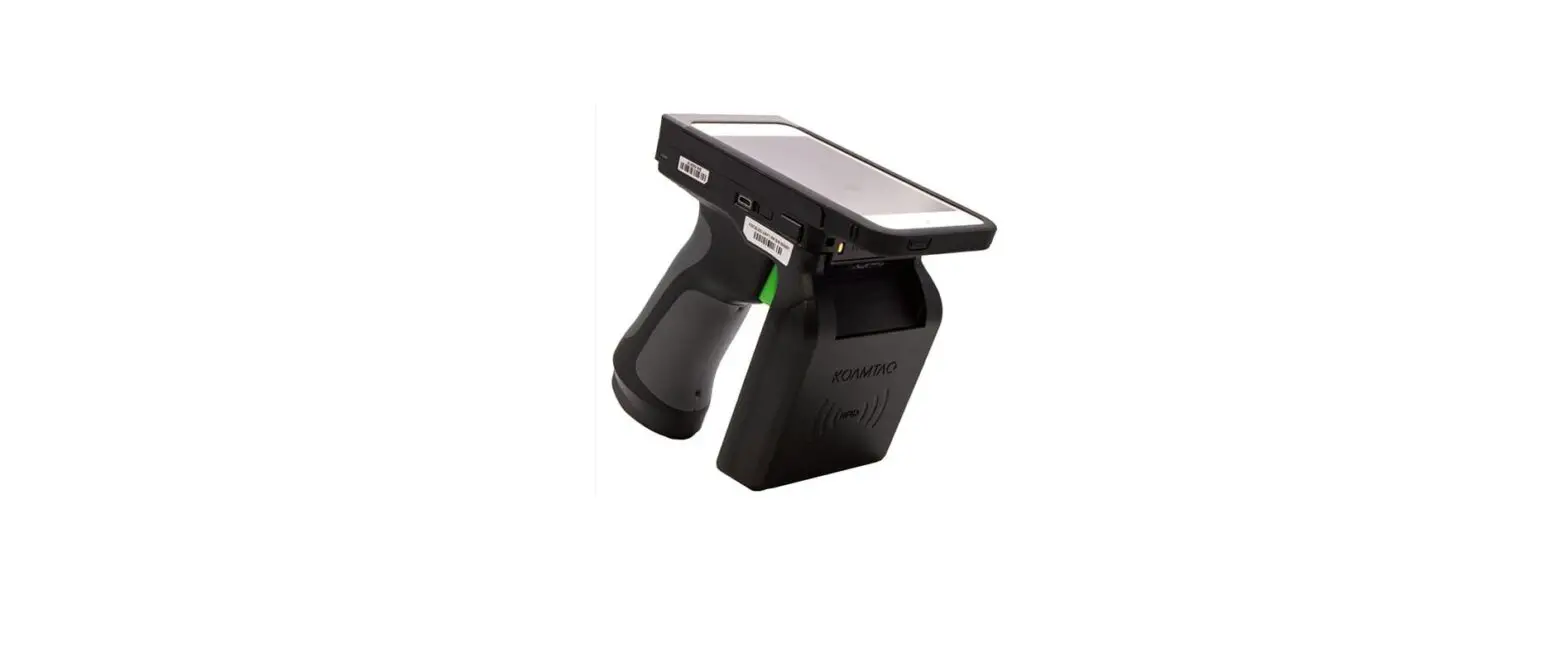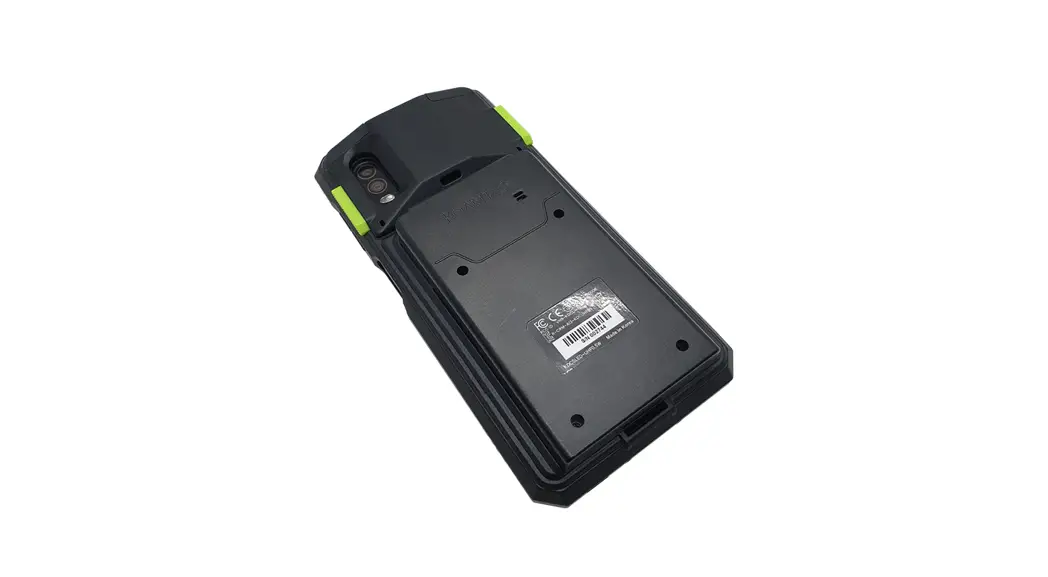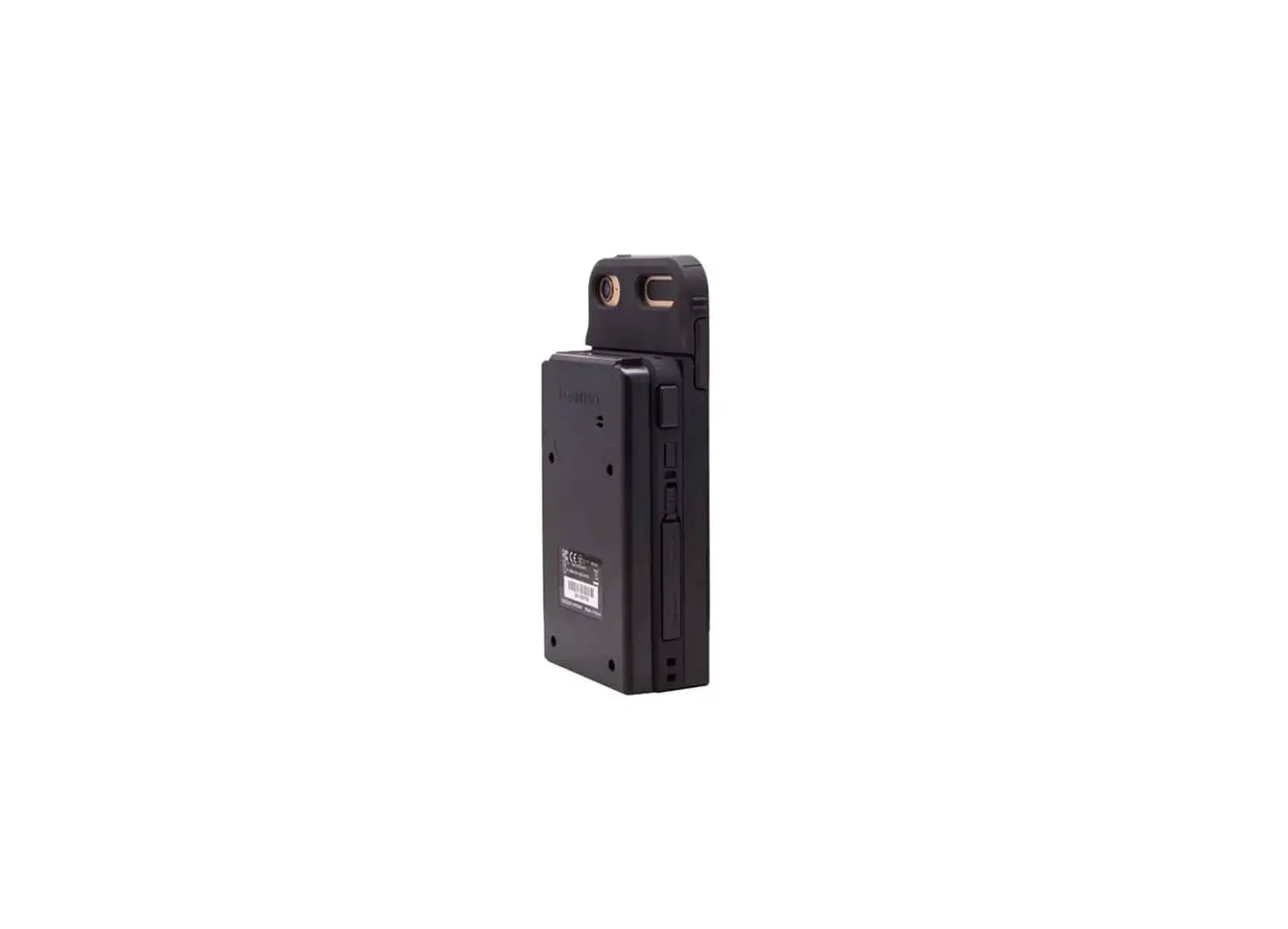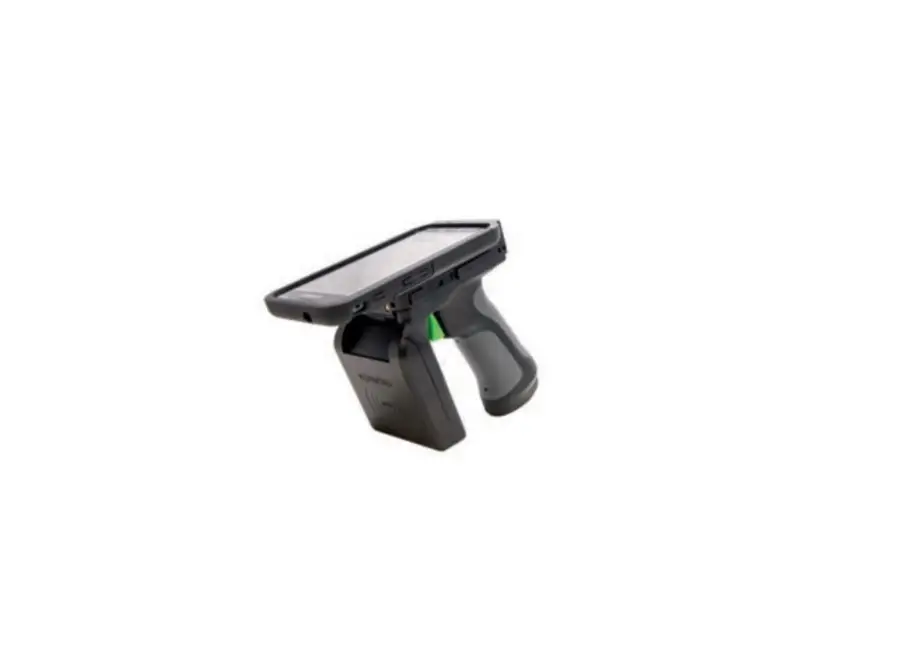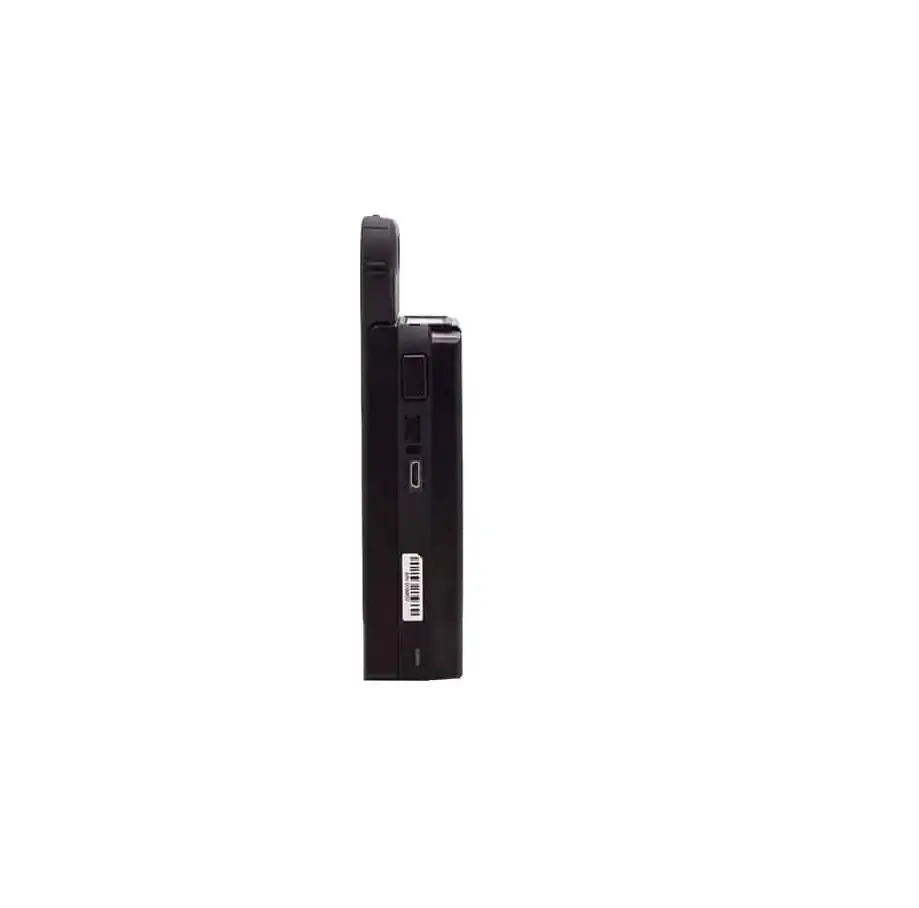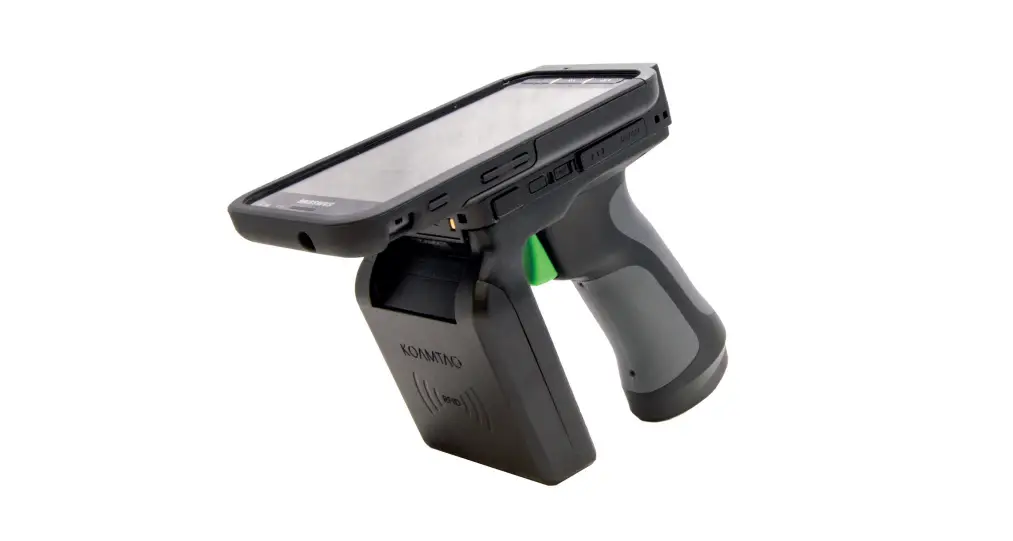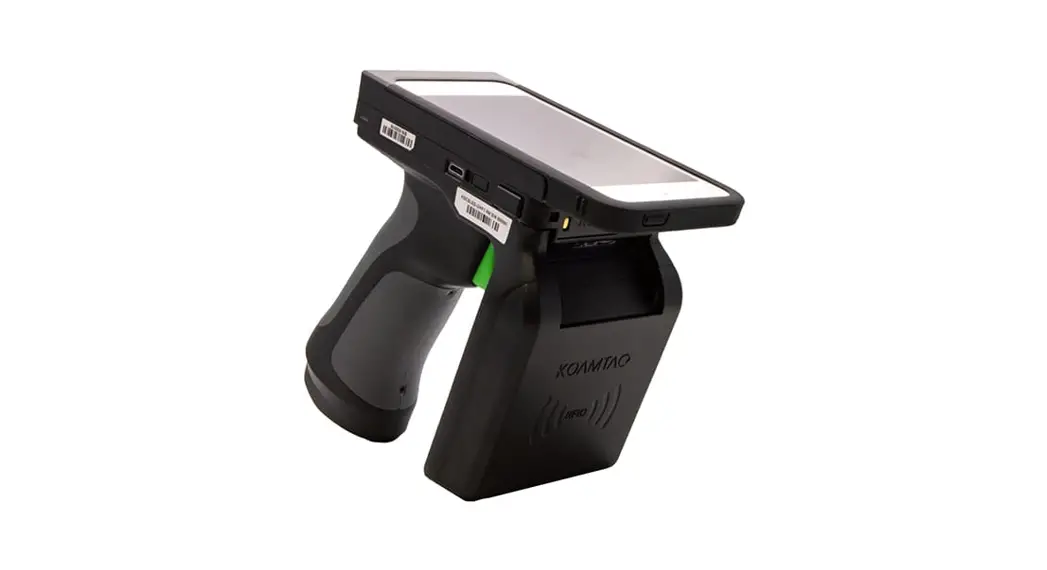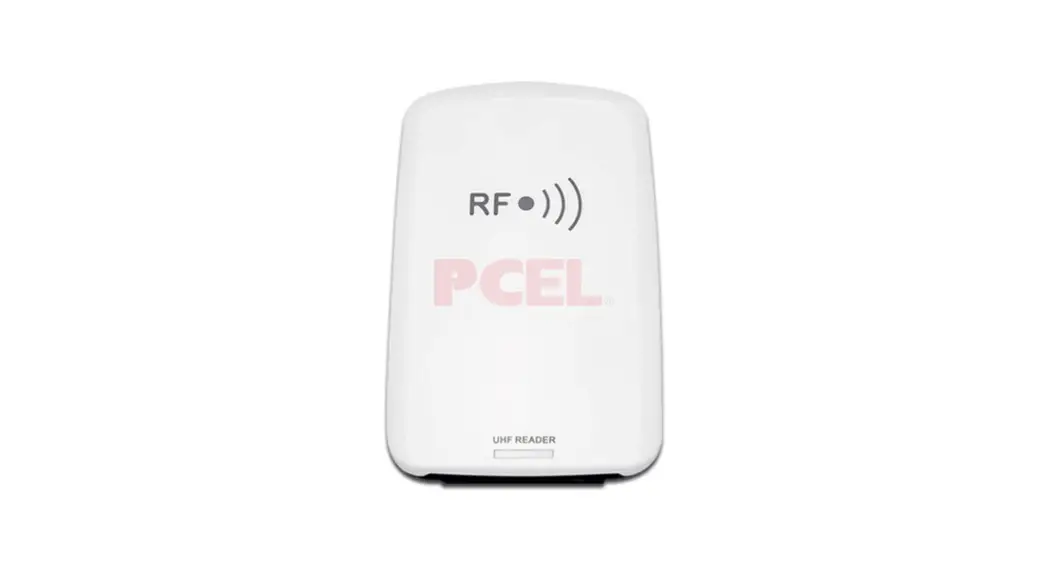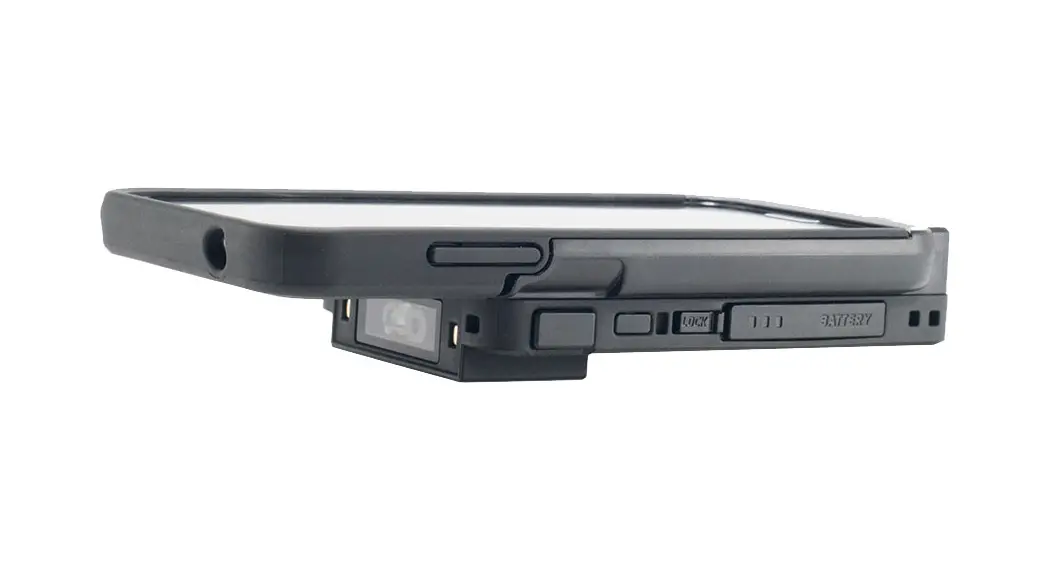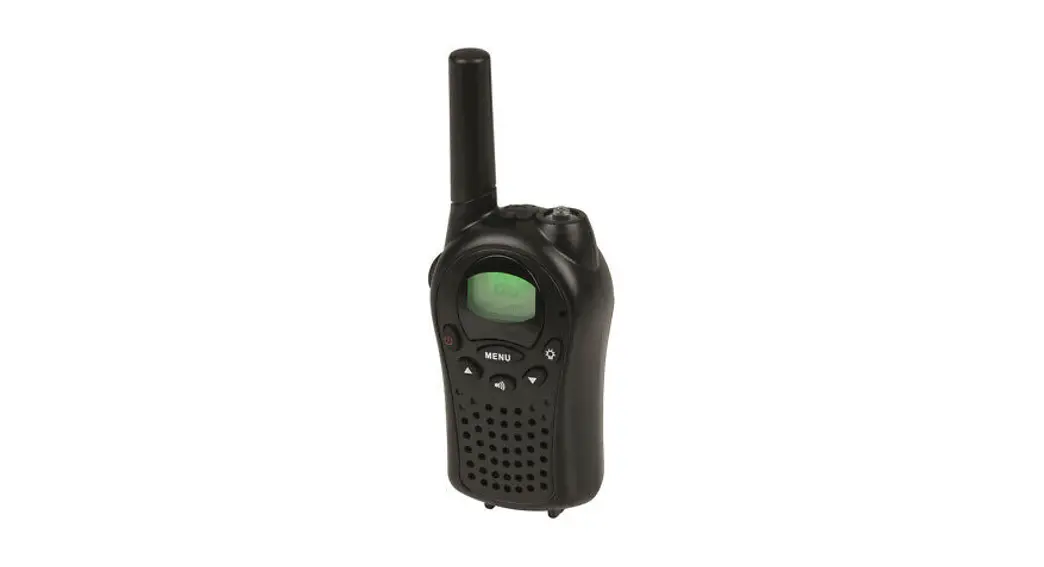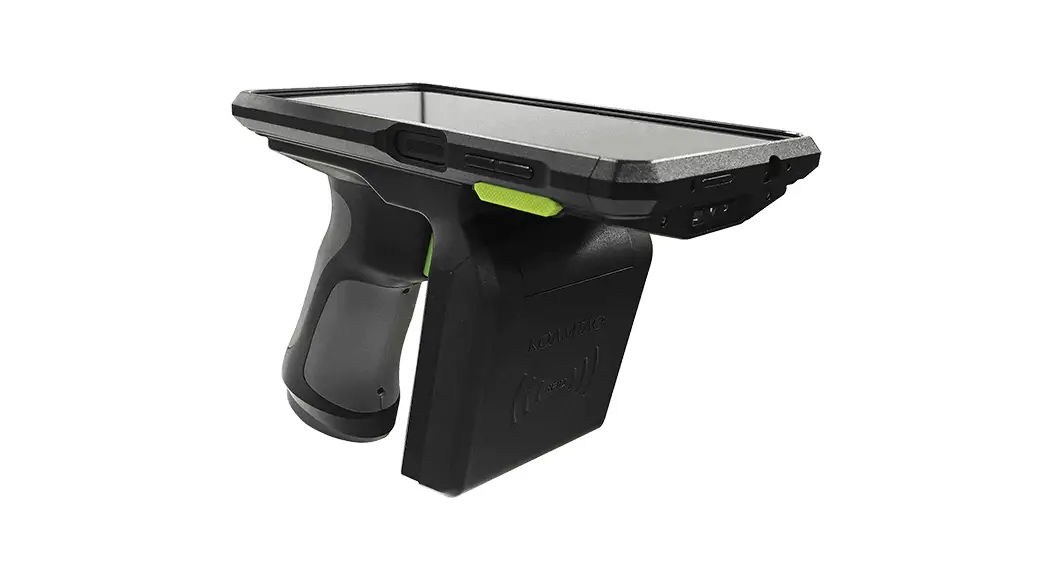

SKX™ SmartSled®
1.0W UHF Reader Companion
Assembly Manual

* All pictures shown are for illustration purposes only.
* Actual product may vary.
What’s in the Box?
- 1 X SKXSLED-UHF 1.0W
- 1 X 6000mAh Lithium-Polymer Battery
- 1 x Contact PCB (SKXPro or SKX5)
- 1 x Companion Cushion (SKXPro or SKX5)
- 8 screws + 1 extra
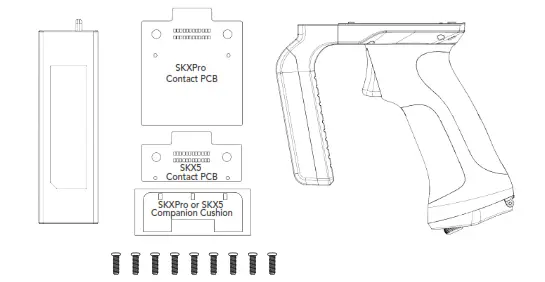
*SKX sold separately. Tweezers and PH0 screwdriver (not included) will be necessary to complete assembly.
Assembly Instructions
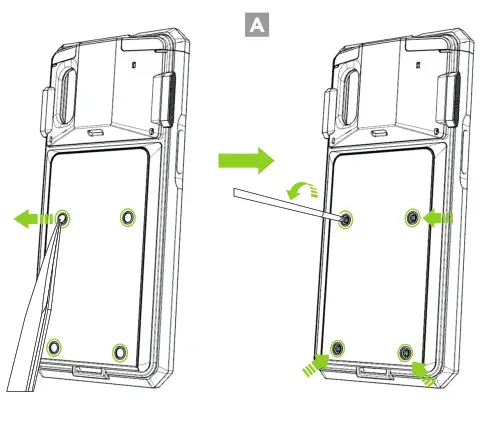
Using tweezers, carefully remove all four (4) screw caps from the back of the SKX™ SmartSled®. Then, remove all(4) screws from the back of the SKX. (A)
Contact PCB Assembly – SKXPro
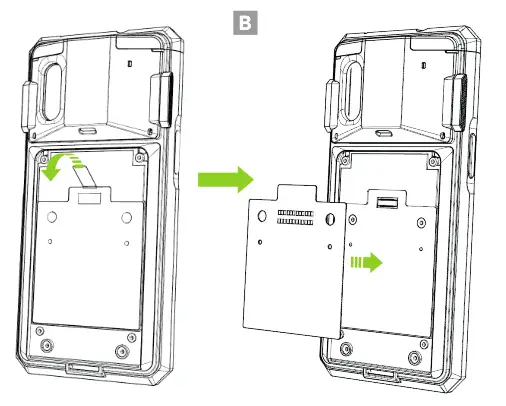
- Remove the blue protective film from the front of the companion PCB. Next, attach the contact board to the back of the SKXPro as shown below. (B)

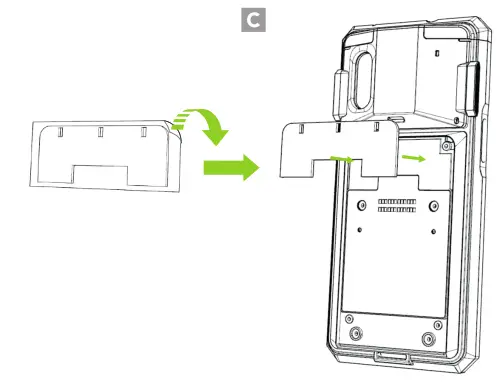
- Remove the transparent protective film from the back of the companion cushion and attach it to the back of the SKXPro as shown below. (C)
Contact PCB Assembly – SKX5
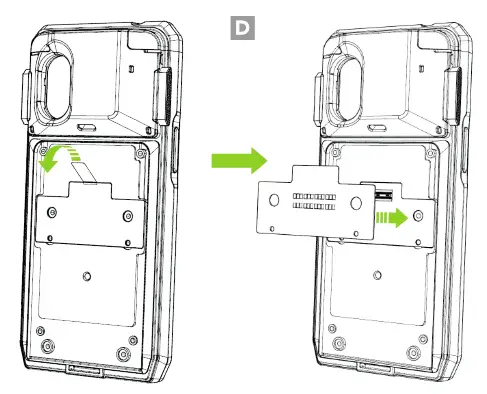
- Remove the blue protective film from the front of the companion PCB. Next, attach the contact board to the back of the SKX5 as shown in the image. (D)

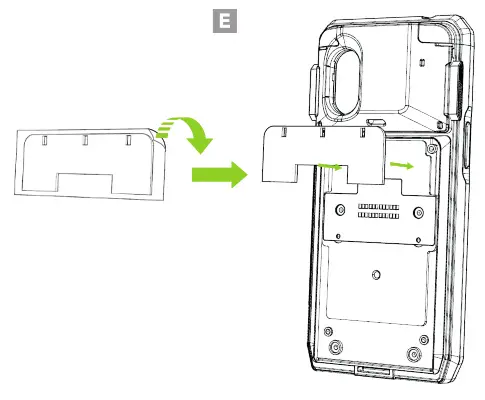
- Remove the transparent protective film from the back of the companion cushion and attach it to the back of the SKX5 as shown below. (E)
1.0W UHF Reader Companion Assembly
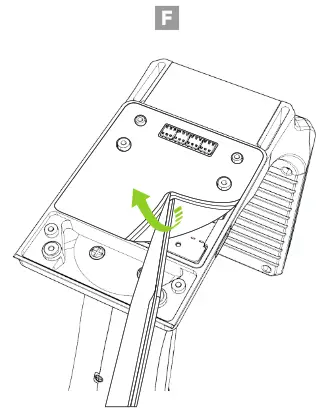
- Remove the blue protective film from the top of the SKXSLED-UHF1.0W. (F)

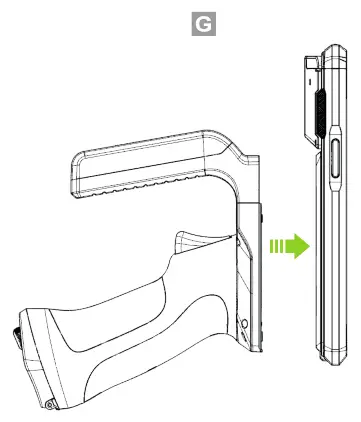
- Align the screw holes of the SKXSLED-UHF 1.0W with the screw holes of the SKX. (G)

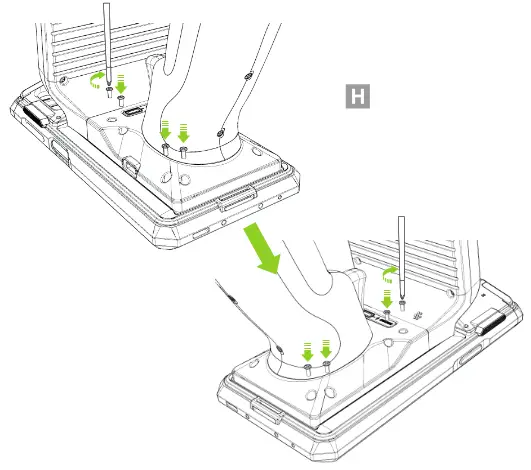
- Use the eight (8) included screws to attach the SKXSLED-UHF1.0W to the SKX as shown below. (H)
6,000mAh Lithium-Polymer Battery
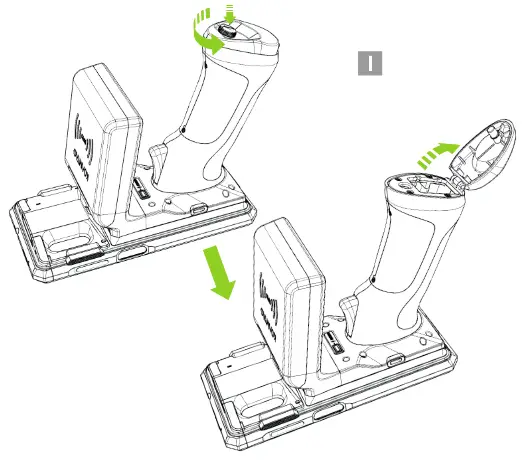
- Turn the battery doorknob counterclockwise and open the battery door as shown below. (I)

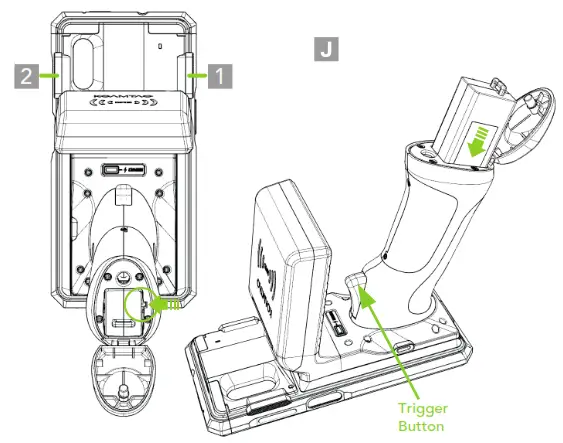
- Insert the battery into the SKXSLED-UHF1.0W using the inner guide groove. (J)

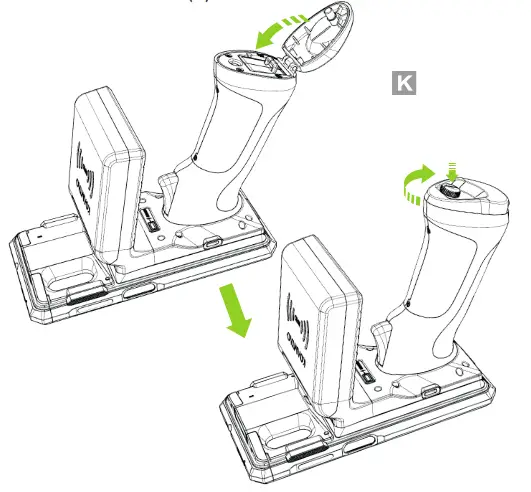
- Close the battery door and turn the battery doorknob clockwise to lock. (K)
Battery Status
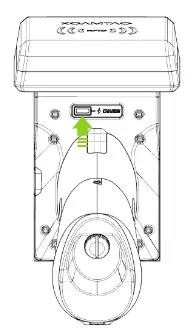
When the device is charging
Red: Low Battery
Orange: Charging
Green: Fully Charged
When the battery is in use and the device is discharging
Blinking Red: Low Battery
Blinking Orange: Discharging
Blinking Green: Fully Charged
*The LED blinks when the battery is in use.
Toggling Read Modes
There are two read modes in which the SCAN or Trigger buttons work and they are toggled via hotkey command.
* Please refer to the figure for the location of keys 1 and 2.
• Hotkey: Input SCAN Buttons 1, 1, 2, 2, 1, 2 within 3 sec.
• Barcode Mode: When entered into this mode, 1 long and
1 short beep will be heard. Barcodes can be read with
SCAN or Trigger buttons.
• Tag Reading Mode: When entered into this mode, 1 long and 2 short beeps will be heard. UHF tags can be read with SCAN or Trigger buttons.
Changing Tag Read Mode
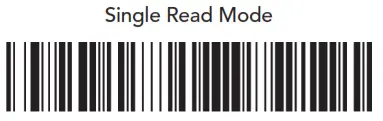
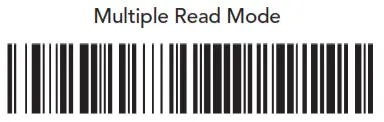
There is 3 tag read modes: Active, Single, or Multiple.
The tag read mode is changed by scanning one of the following barcodes:
Active Read Mode
Simultaneous reading of multiple tags while pressing SCAN or Trigger buttons.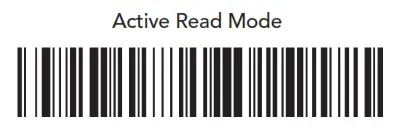
Single Read Mode
Only one tag is read each time the SCAN or Trigger button is pressed.
Multiple Read Mode
When pressing SCAN or Trigger buttons, multiple tags are simultaneously read for the set duration (default: 10 seconds).
* Time setting can be changed in Settings ->Reading Timeout.
Additional Accessories
► 0.5W UHF Reader Companion
► 2000mAh Extended Battery Companion
► Pistol Grip Companion (battery optional)
► SKX 1-Slot Charging Cradle
► SKX 5-Slot Charging Cradle
► XCover 1-Slot Charging Cradle
► XCover 5-Slot Charging Cradle
► SKXSLED-mPOS
► SKXSLED-MSRIC116 Village Blvd, Ste 305, Princeton, NJ 08540
+1 609-256-4700 I +1 609-228-4373
[email protected]
www.koamtac.com
20211005
933321