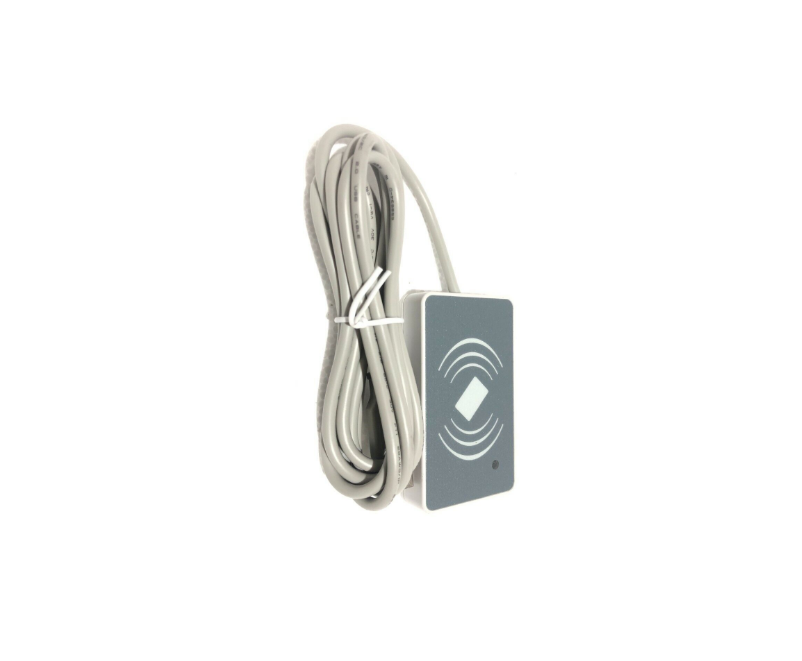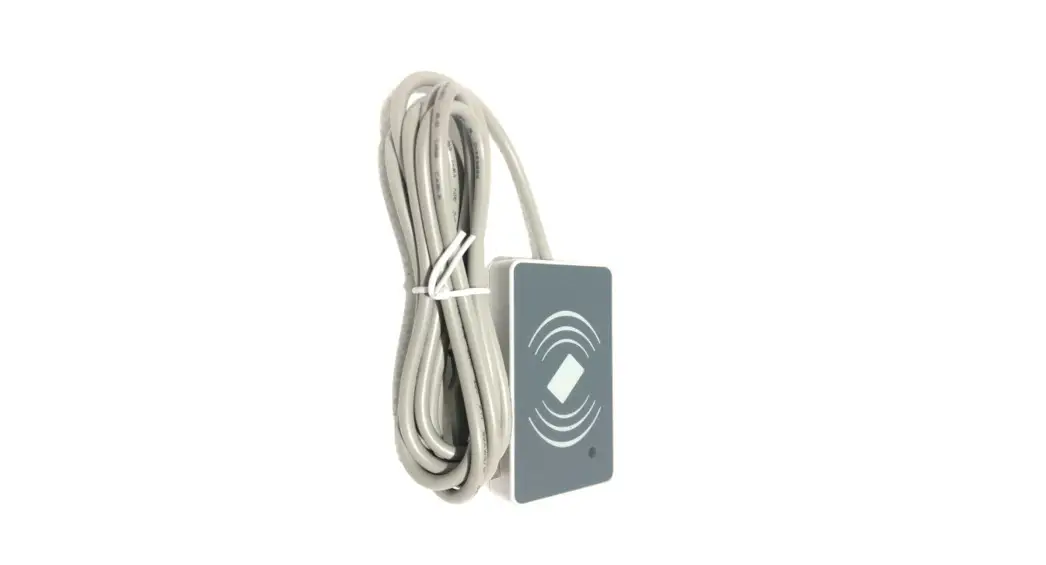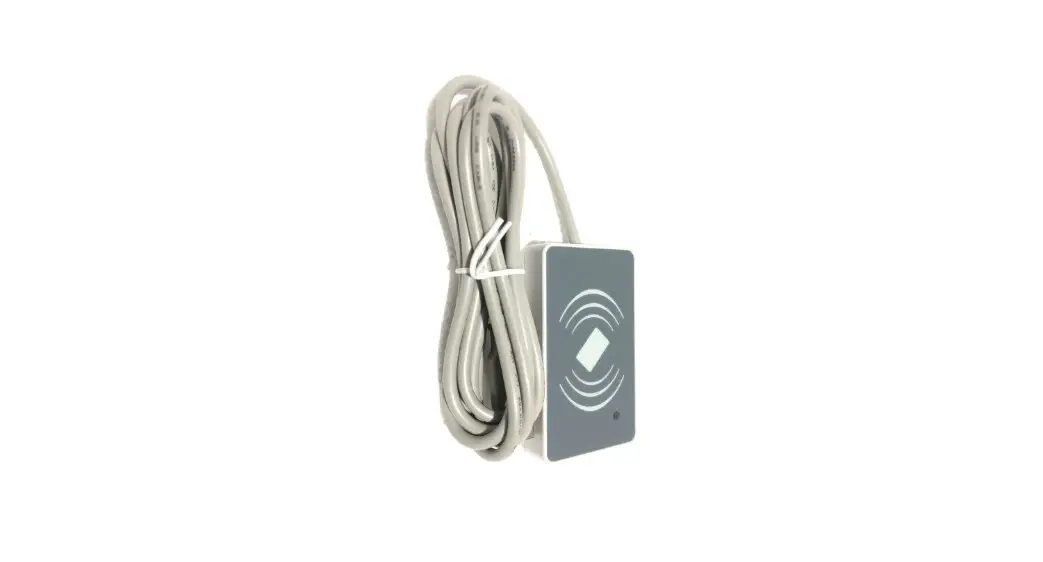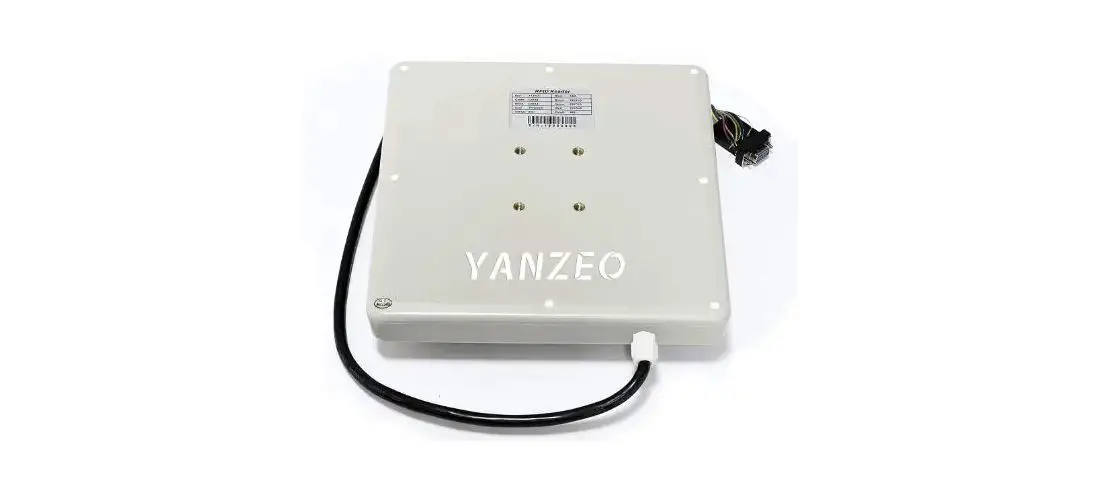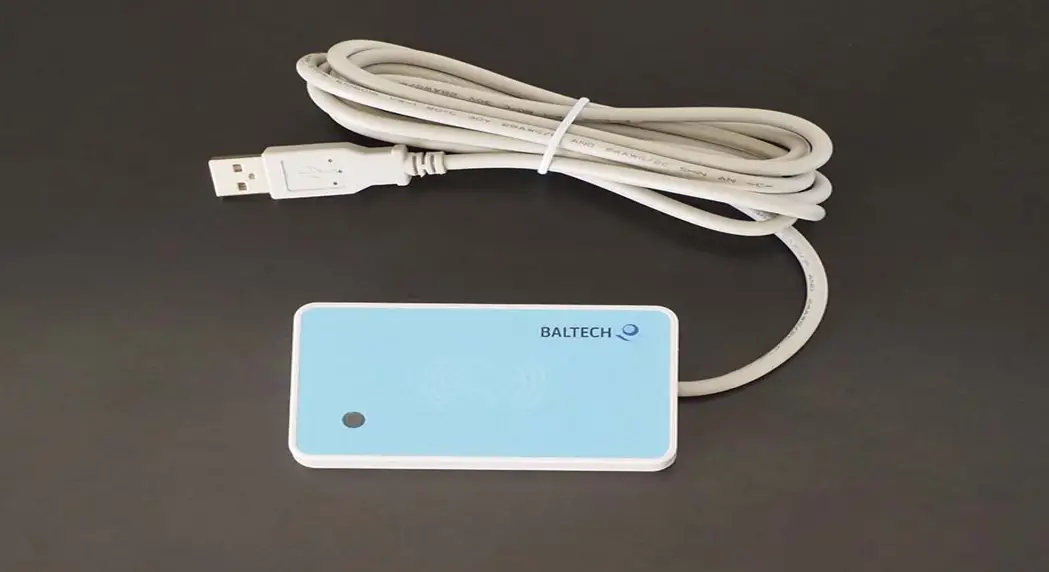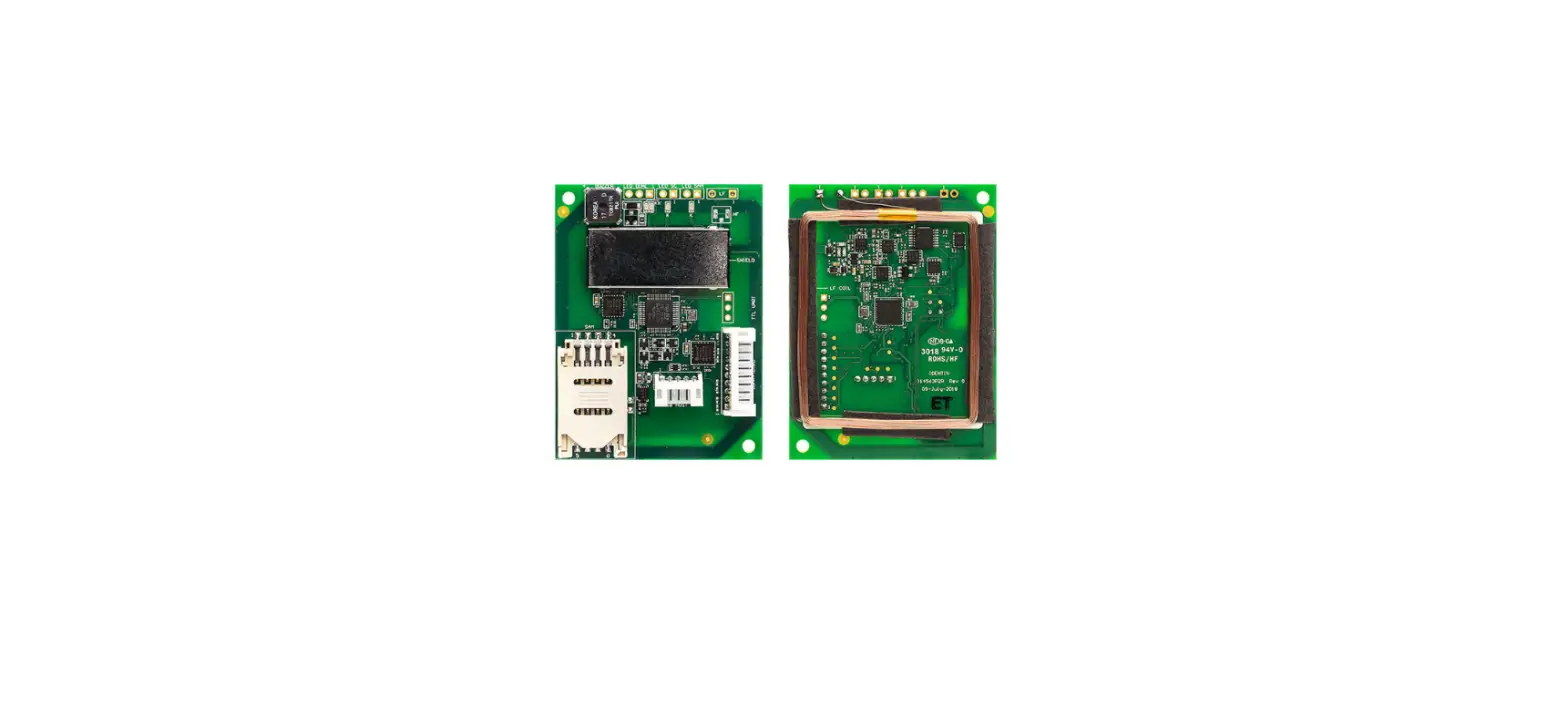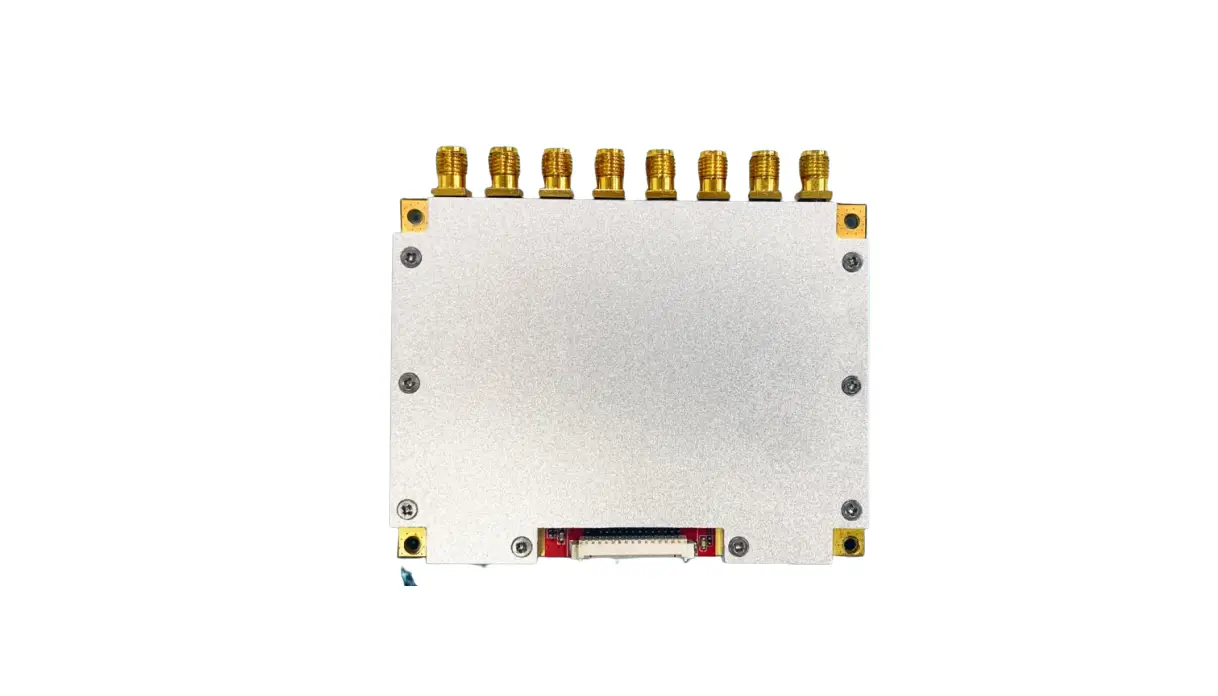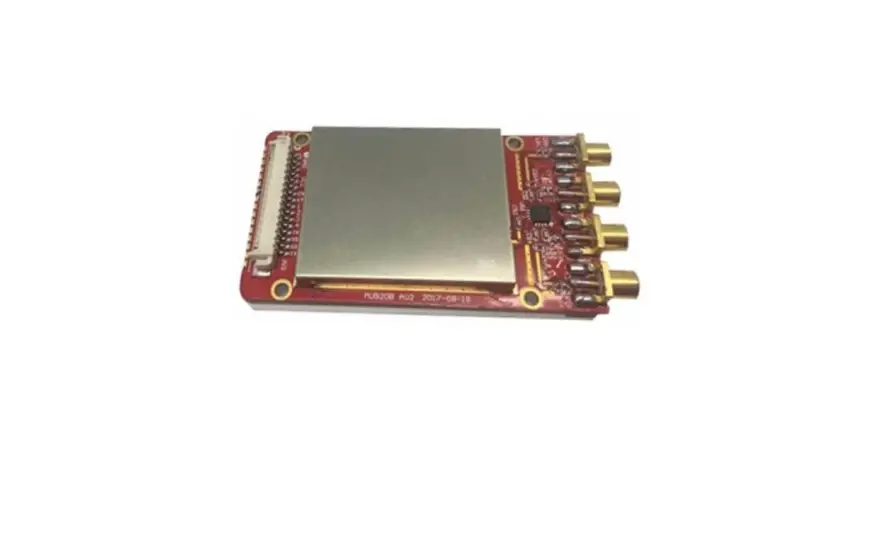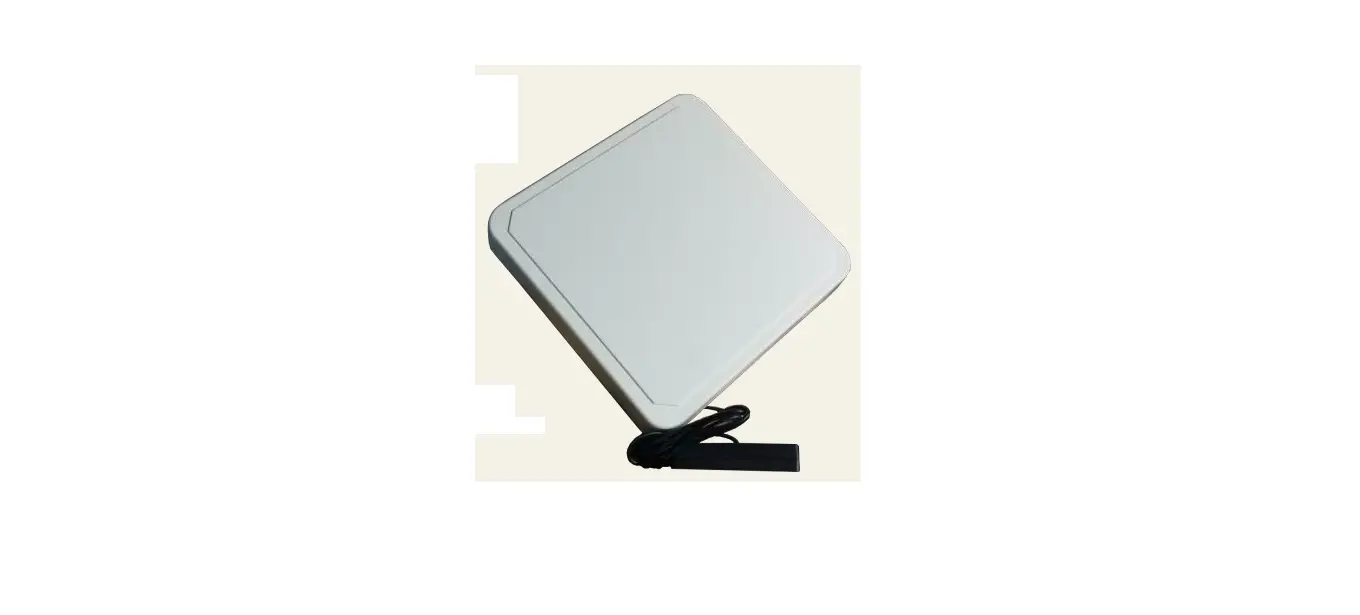

SILION SLR1218 Desktop UHF RFID Reader-Writer
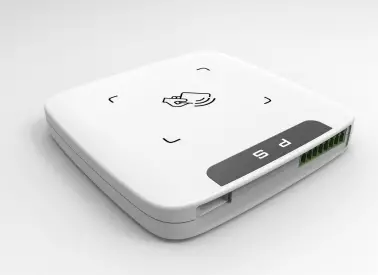
Desktop UHF RFID reader/writer Hardware manual(For SLR1218、SLR5218、SLR5318)
Edition:V1.0 Date:2020/1/17
Disclaimers
This document does not grant any license of intellectual property rights, and does not grant any license of intellectual property righ ts, express or implied, or by prohibiting speech or other means. Exce pt for the responsibilities stated in the terms and conditions of sal es of its products, our company does not assume any other responsibil ities. In addition, our company does not make any express or implied warranty on the sale and/or use of this product, including the applic ability of the product for a specific purpose, marketability, or liab ility for infringement of any patent, copyright or other intellectual property rights. The company may modify the product specifications a nd product descriptions at any time without notice.
Overview
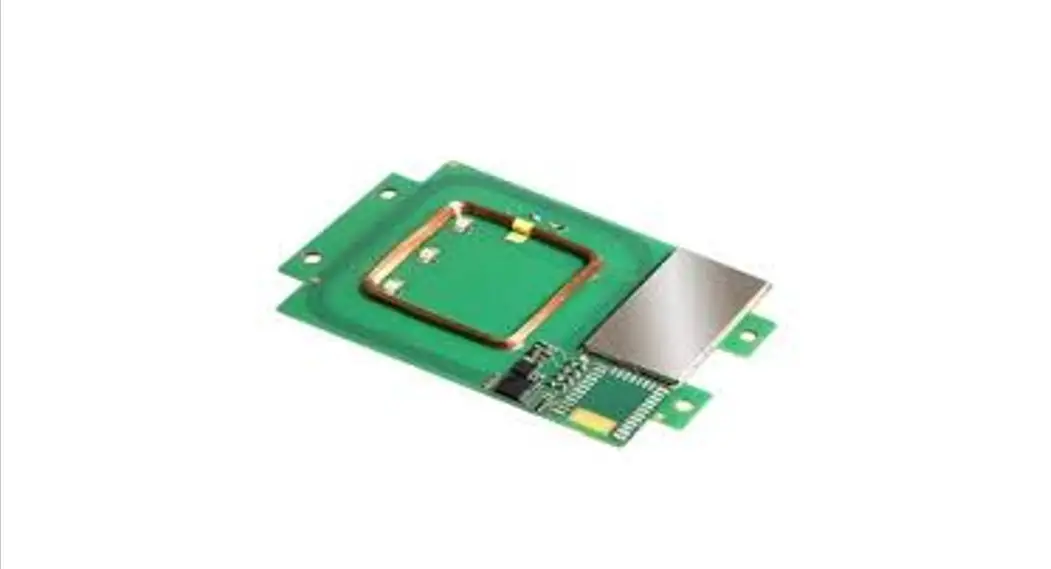
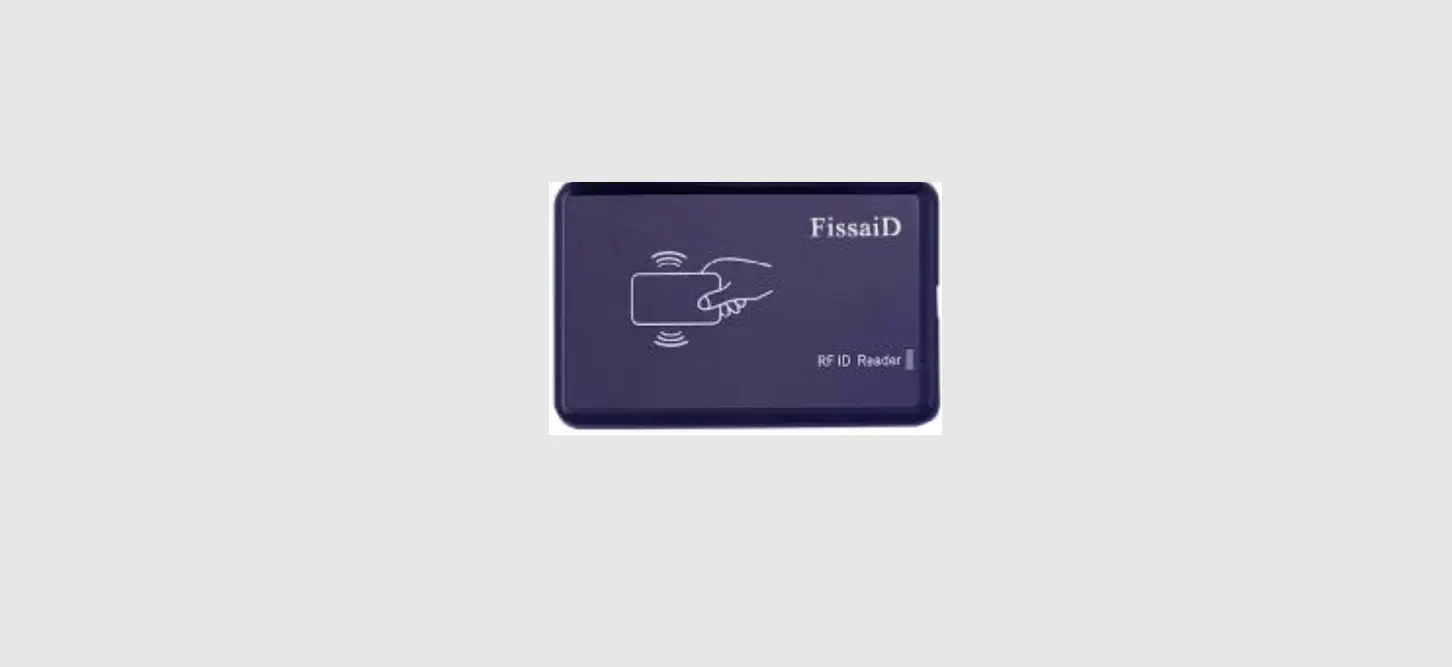
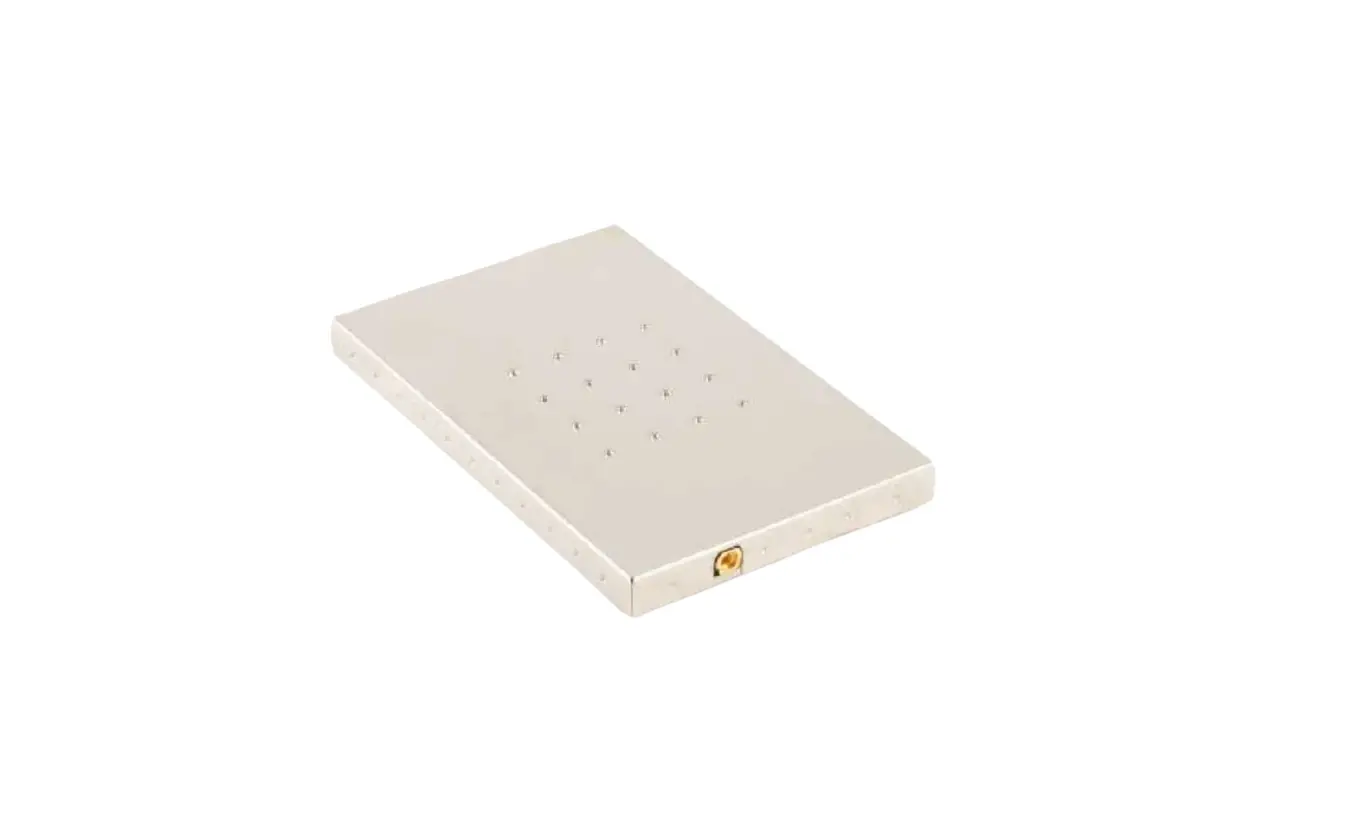
This series of readers have built-in small gain PCB antenna, excellent structural design, can effectively prevent the tag from being misread or serial read, positioned in the use of close reading card scenarios. Suitable for supply chain management, asset management and other fields of card issuing applications and close card reading applications. At the same time, it can support the optional high-gain ceramic antenna, combined with the high-performance RFID module to meet the use of higher card reading performance scenarios. The series currently has three main products
| model | model difference |
| SLR1218 | Power range 5 – 30dbm,high-performance |
| SLR5318 | Power range 5 – 30dbm |
| SLR5218 | Power range 13 – 20dbm |
Technical Parameters
| Label / transfer protocol | |
| Tagged agreement | EPC Class 1 Gen 2(ISO18000-6C) |
| Radio frequency interface | |
| Antenna connection | Default 0 dBi round polarized PCB antenna, optional 2 dBi round polarized ceramic antenna |
| Output power range | SLR1218: 5dBM~30dBm Adjustment accuracy:1dBm SLR5318: 5dBM~30dBm Adjustment accuracy:1dBm SLR5218:13dBM~20dBm Adjustment accuracy:1dBm |
| Receiving sensitivity | SLR1218: < -85dBm SLR5318:< -75dBm SLR5218:< -65dBm |
|
Work area support | FCC(NA,SA)902-928MHz ETSI(EU) 865-867MHz SRRC-MII(P.R.China)840-845 MHz、920-925MHz OPEN'(Custom)840-960MHz |
| Transmission control interface | |
| communication interface | USB2.0 communication / RS232 serial port communication, portport rate: 115200 bps (default) |
| Universal GPIO port | Two sets of inputs, and two sets of outputs |
| Work status tips | Power indicator, read card status indicator, buzzer |
| format | |
| physical dimension | 110mm×110mm×16.5mm |
| Power supply / power consumption | |
| DC power supply | USB power supply, external 5V (+ / -0.25V) power supply |
|
power dissipation | Work: (separate USB supply, only maximum transmitting power of 27 dBm)SLR1218: 3.9W(27dBm)/4.8W(30dBm) SLR5318: 2.7W(27dBm)/3.6W(30dBm) SLR5218: 1.0W (20dBm) Stand: SLR1218:0.35W SLR5318:0.25W SLR5218:0.25W |
| environmental character istics | |
| working temperature | -10℃ – +55℃ |
| Storage temperature | -20℃ – +60℃ |
| function | |
|
Label reading rate | SLR1218 :> 100 tag/second SLR5318 :> 50 tag/second SLR5218 :> 50 tag/second (In special case, related to labeling performance) |
|
Read the card distance | 0dBi PCB Antenna 2 dBi Ceramic Antenna SLR1218 :5cm – 80cm SLR1218 :20cm – 3.0m SLR5318 :3cm – 60cm SLR5318 :10cm – 2.5m SLR5218 :10cm – 30cm SLR5218 :60cm – 1.0m The write distance is about 50% of the read distance(Test label: ALIEN9662 white card) |
Hardware Description
Interface description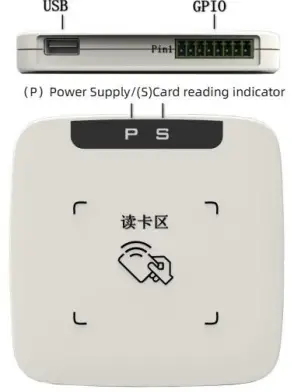
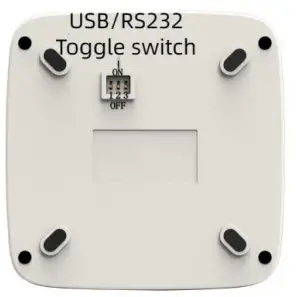
- USB:USB 1.1 / USB 2.0
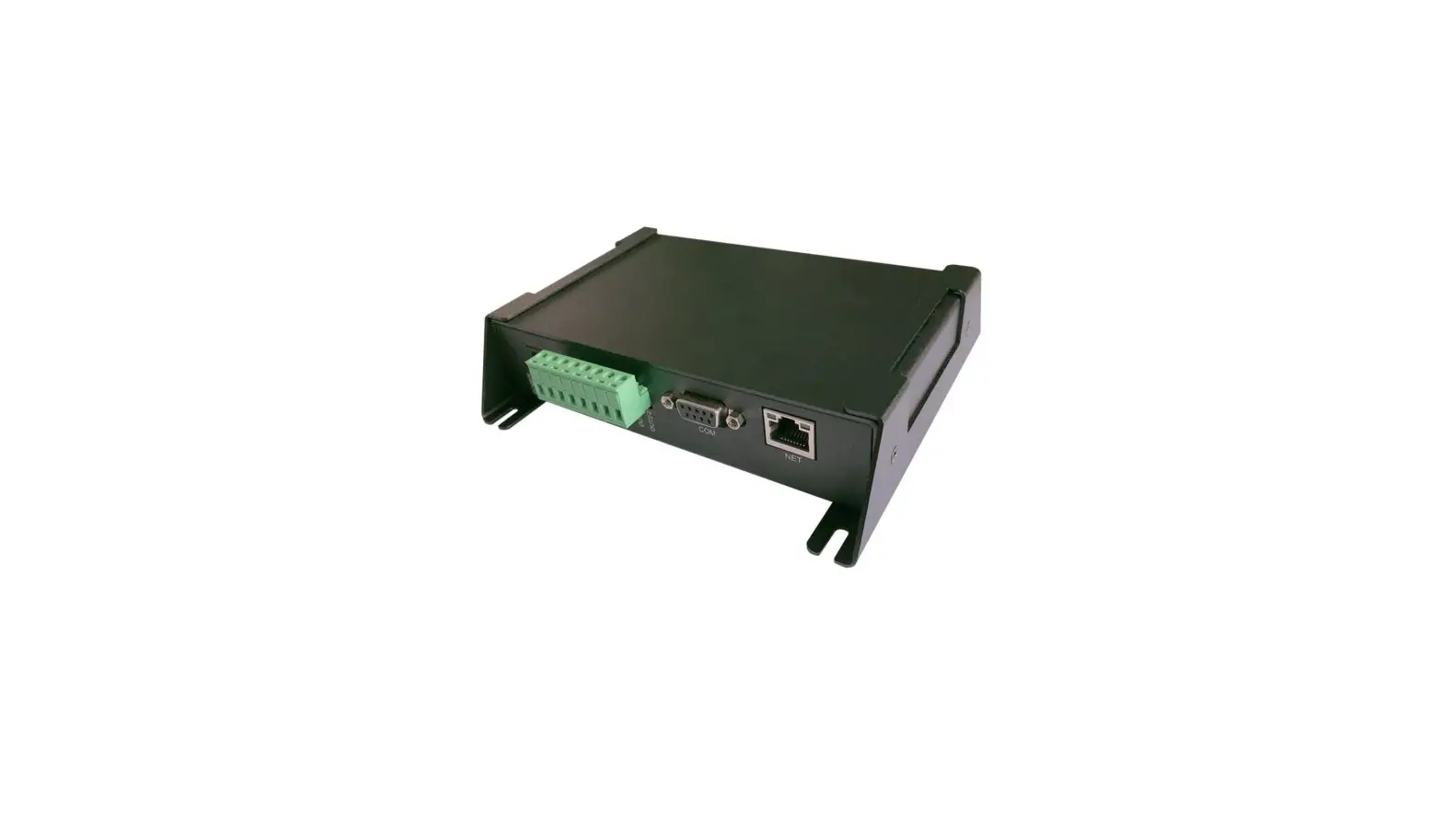
- GPIO:(Universal Input / Output interface), from left to right (Pin 1- Pin 8)
| pin | Definition | instruction |
| 1 | +5V | The equipment is connected to 5V(+/-0.25V) power supply |
| 2 | GND | Power supply of equipment |
| 3 | TXD | RS232 serial port data output |
| 4 | RXD | RS232 Serial port data entry |
| 5 | IN1 | GPIO Input (5-12V) |
| 6 | IN2 | GPIO Input (5-12V) |
| 7 | OUT1 | GPIO output (5V) |
| 8 | OUT2 | GPIO output (5V) |
USB port / RS232 serial port communication switching switch::
| switch | 1 | 2 | 3 |
| USB | ON | OFF | OFF |
| RS232 | OFF | ON | OFF |
- (P)Indicator light: power supply indicator light, always on the power on.
- (S)Indicator: Read the card indicator until the card is on.
Appearance size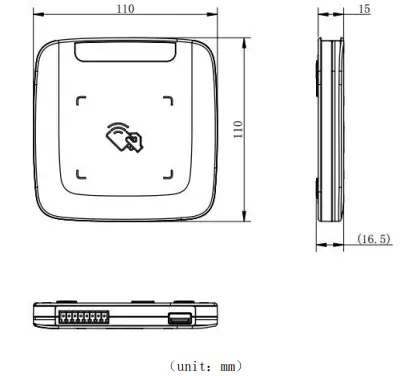
Direction for use
link
Connect the device through a serial port cable or USB cable to power up the device, (desktop right-click computer-Management-Device Manager-view the available COM slogan). Connection setting: fill in the COM slogan for the address, and select a single antenna for the number of antenna ports. Please refer to the demonstration software instructions for specific functions.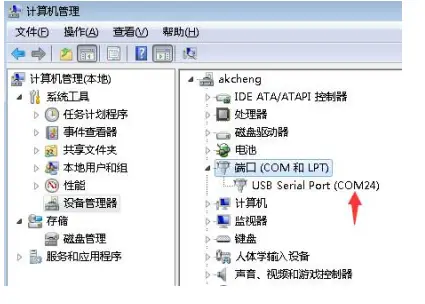
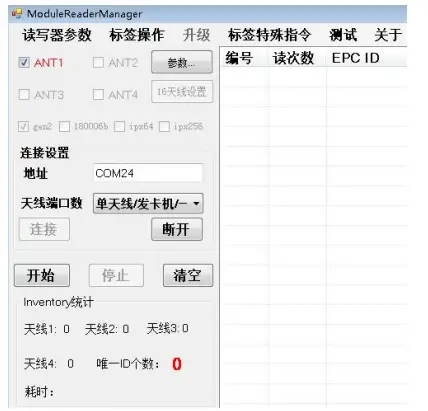
GPIO control
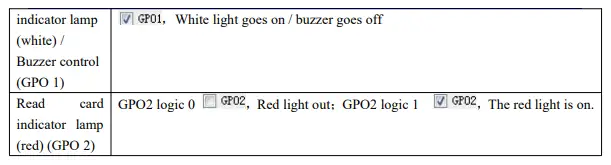
Description: demonstrate the software-reader parameter GPIO interface setting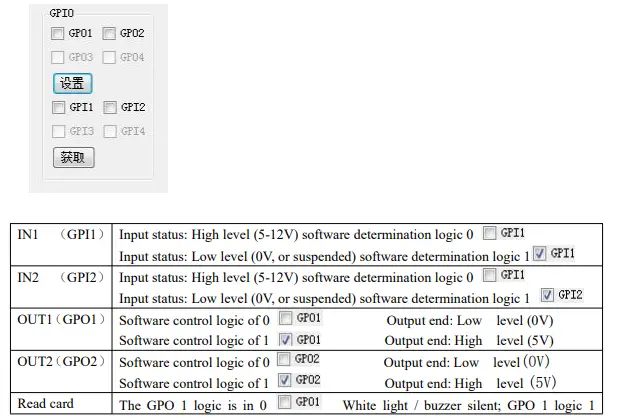
FCC Warning
This device complies with part 15 of the FCC Rules. Operation is subject to the following two conditions: (1) This device may not cause harmful interference, and (2) this device must accept any interference received, including interference that may cause undesired operation.
Any Changes or modifications not expressly approved by the party responsible for compliance could void the user’s authority to operate the equipment.
Note: This equipment has been tested and found to comply with the limits for a Class B digital device, pursuant to part 15 of the FCC Rules. These limits are designed to provide reasonable protection against harmful interference in a residential installation. This equipment generates uses and can radiate radio frequency energy and, if not installed and used in accordance with the instructions, may cause harmful interference to radio communications. However, there is no guarantee that interference will not occur in a particular installation. If this equipment does cause harmful interference to radio or television reception, which can be determined by turning the equipment off and on, the user is encouraged to try to correct the interference by one or more of the following measures:
- Reorient or relocate the receiving antenna.
- Increase the separation between the equipment and receiver.
- Connect the equipment into an outlet on a circuit different from that to which the receiver is connected.
- Consult the dealer or an experienced radio/TV technician for help.
This equipment complies with FCC radiation exposure limits set forth for an uncontrolled environment. This equipment should be installed and operated with minimum distance 20cm between the radiator & your body.
Beijing Xinlianchuangzhan Electronic Technology Co., Ltd
Tel:(+86)010-62153842/62153840
http://www.silion.com.cn
 芯联创展-RFID专业技术服务商|R2000|E710 RFID模块