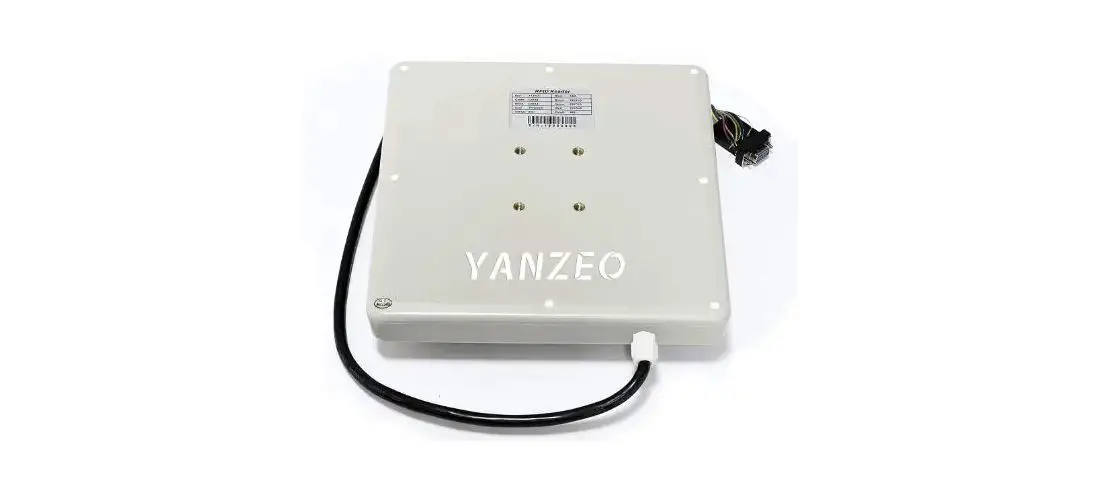
Yanzeo Sr681 Uhf Rfid Reader User Manual

Yanzeo Sr681 Uhf Rfid Reader User Manual

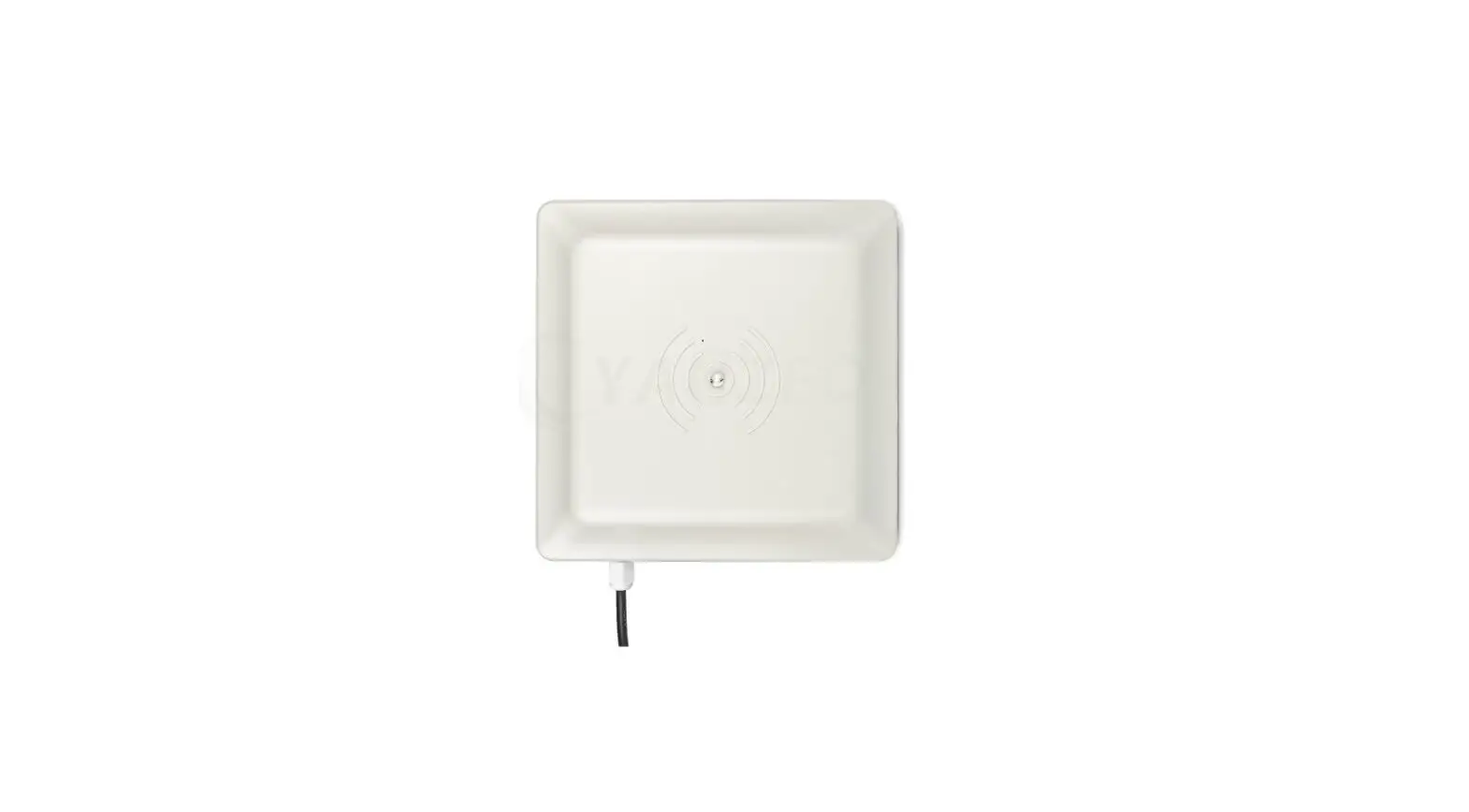
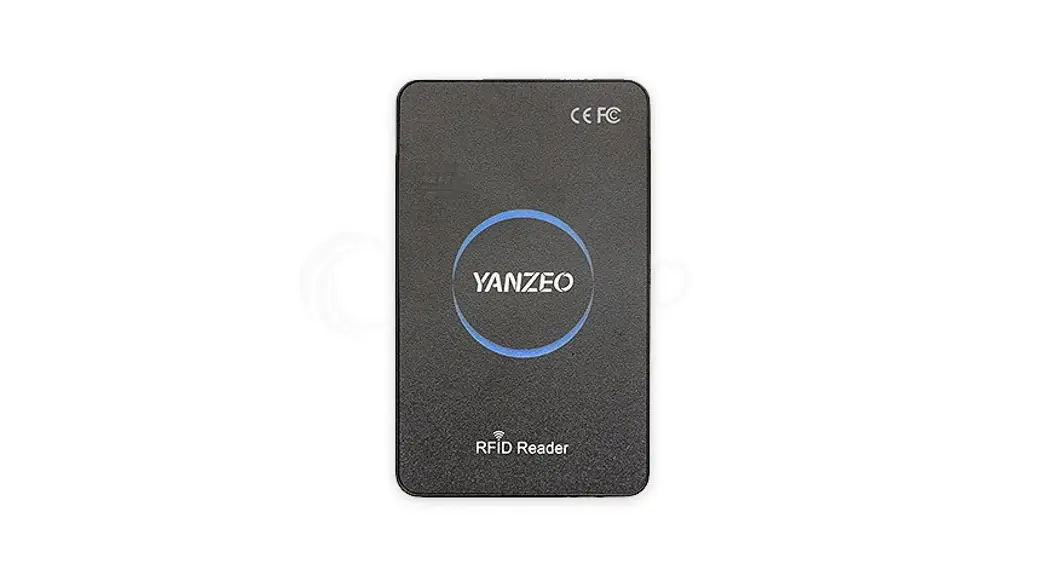
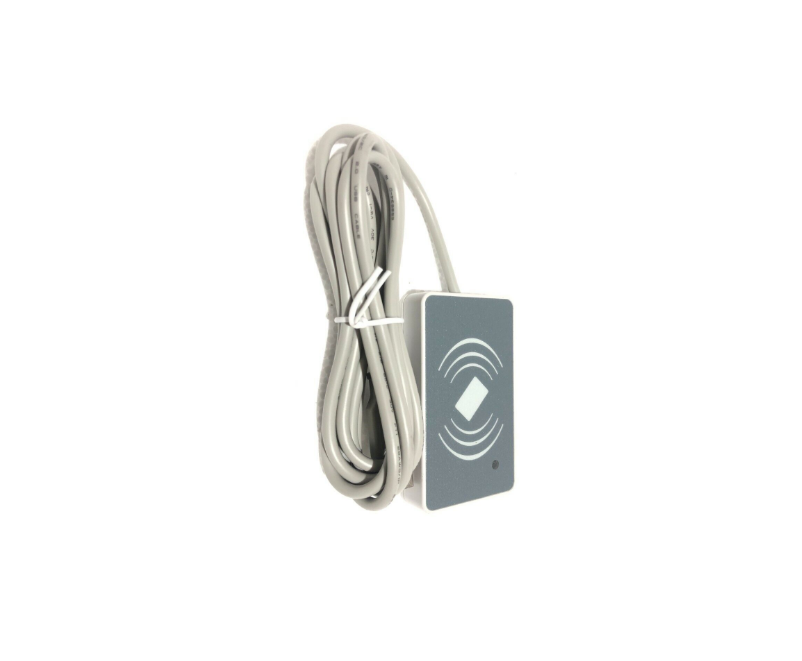
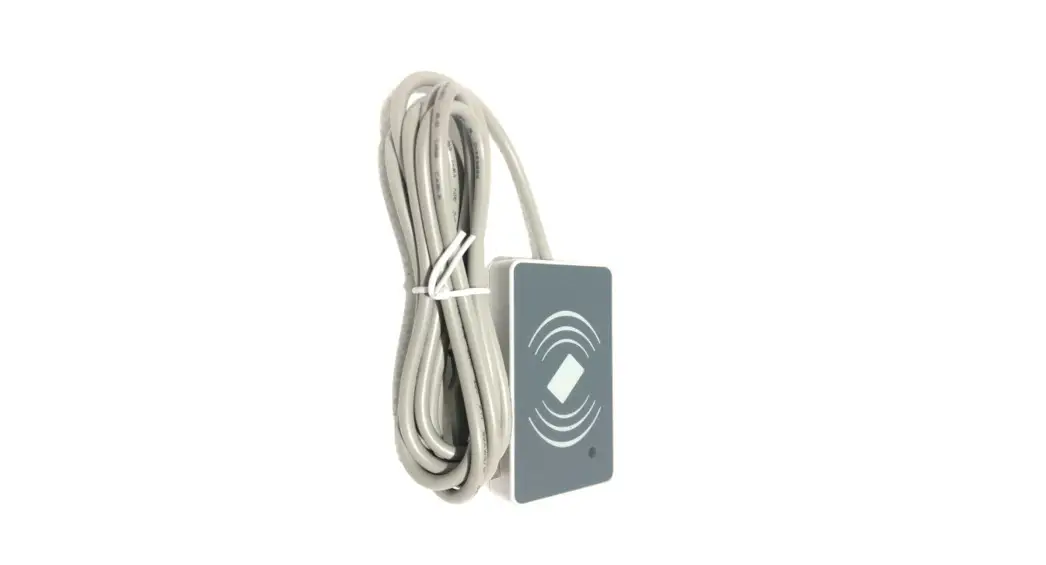
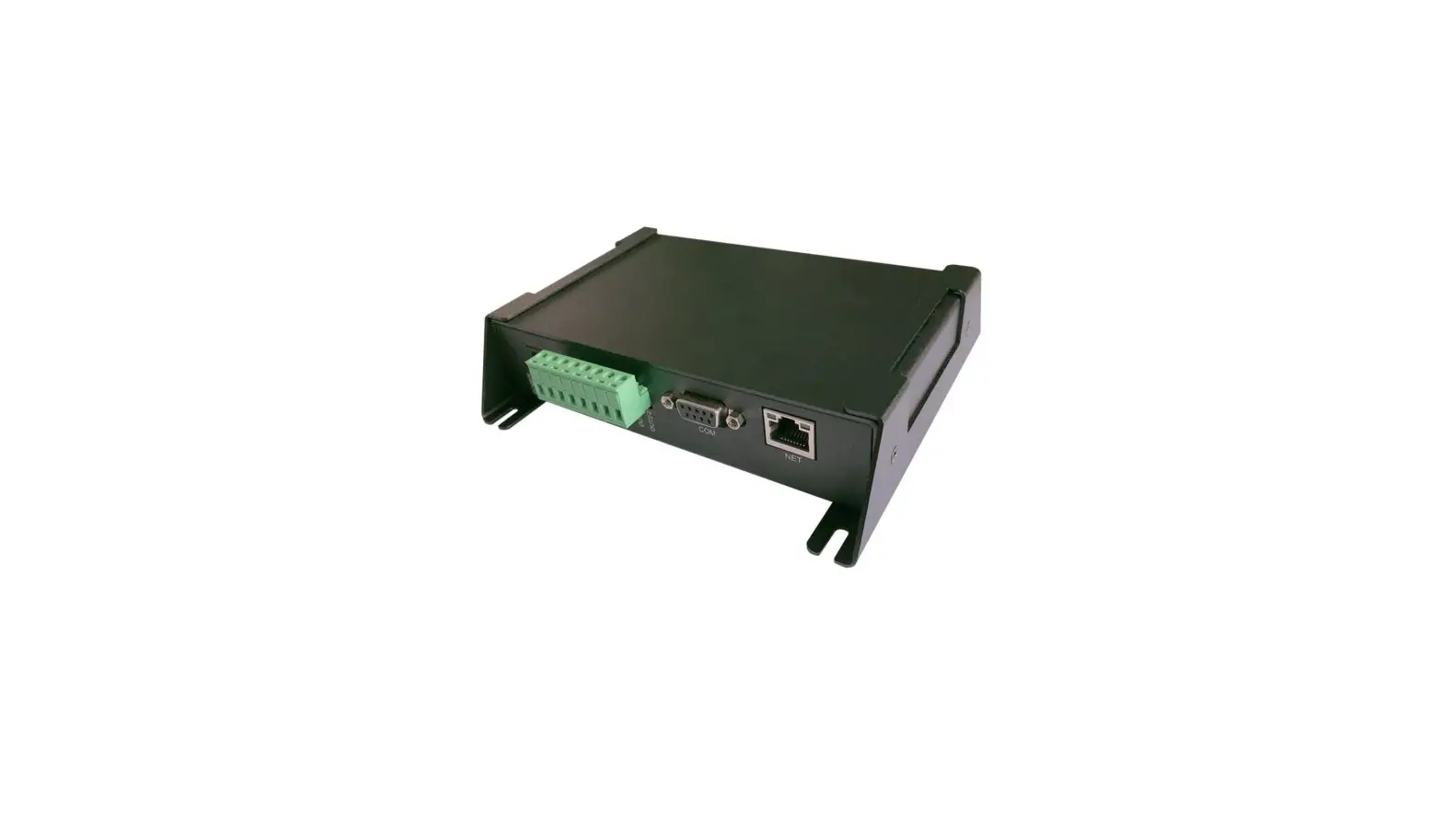
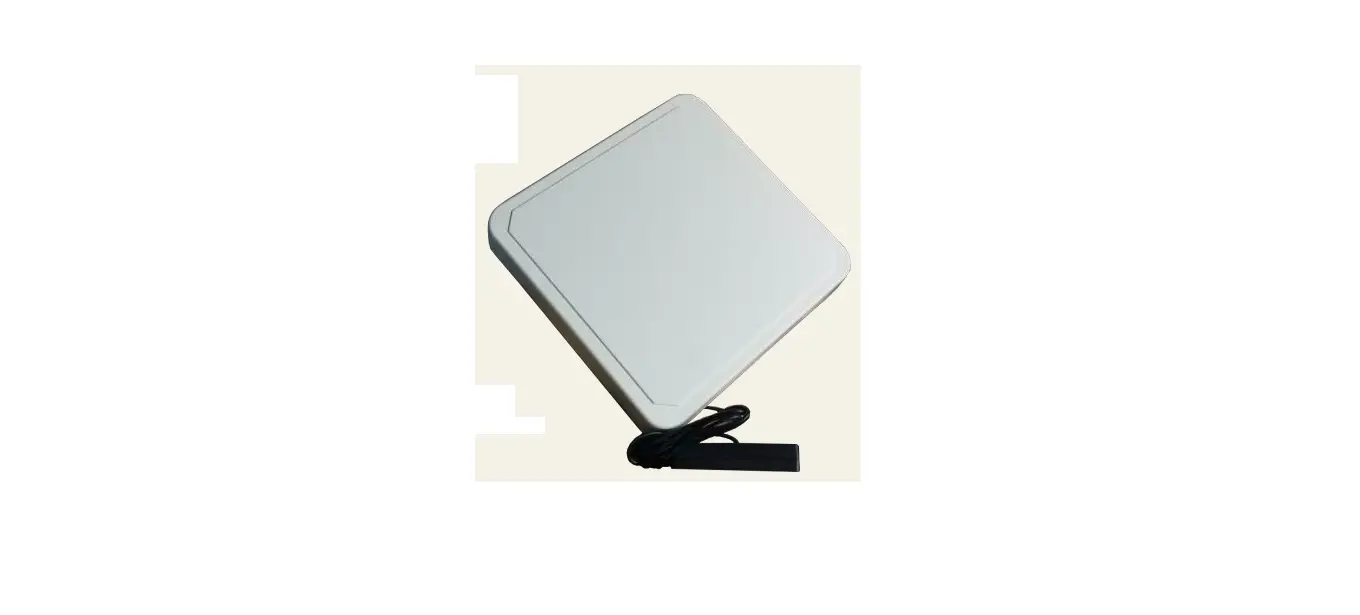
YANZEO SR681 UHF RFID Reader 
User Manual

YANZEO SR681 UHF RFID Reader User Manual

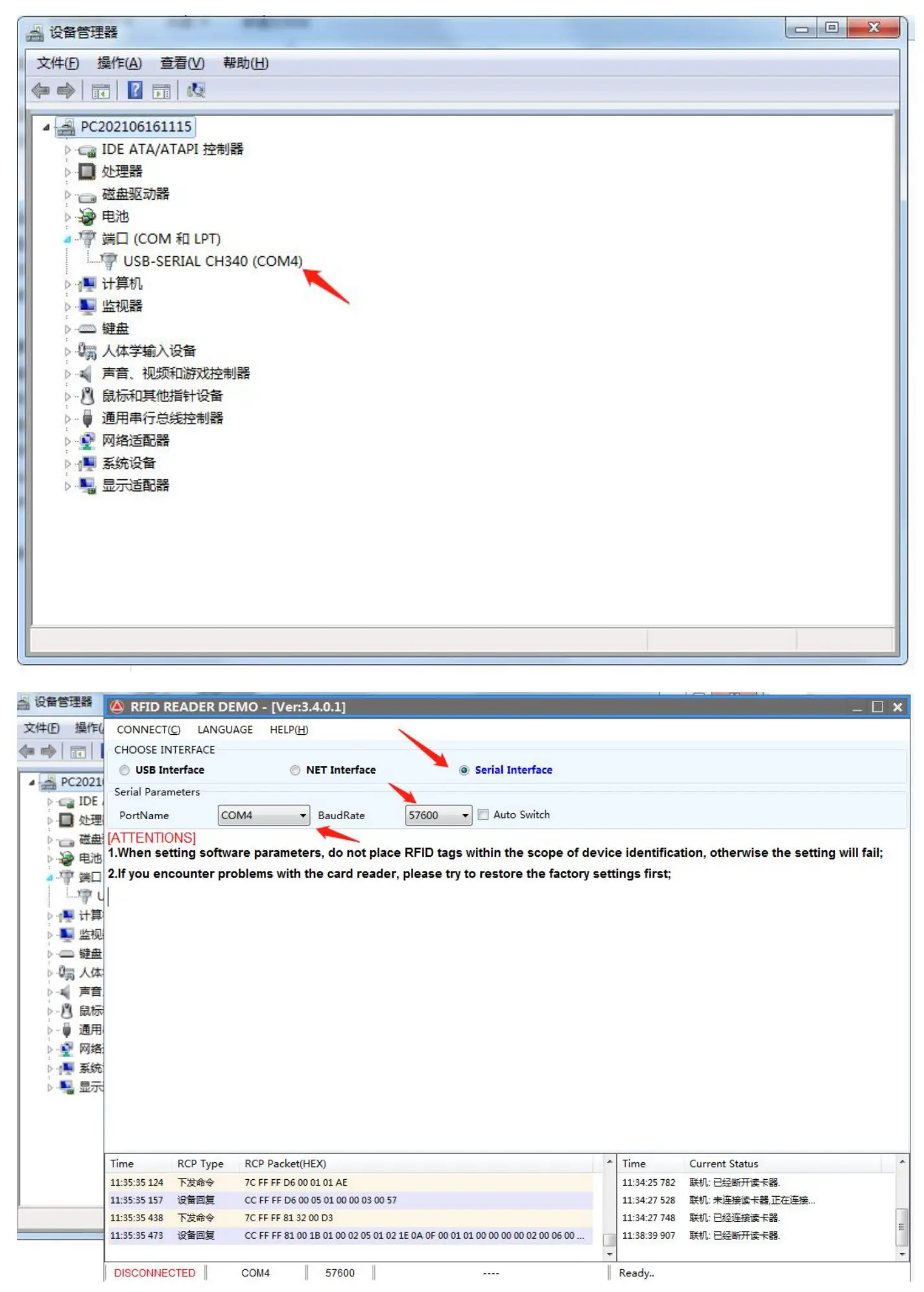
1:CH340 COM Port to USB, 2:Red or Black Cable to Power Adapter.
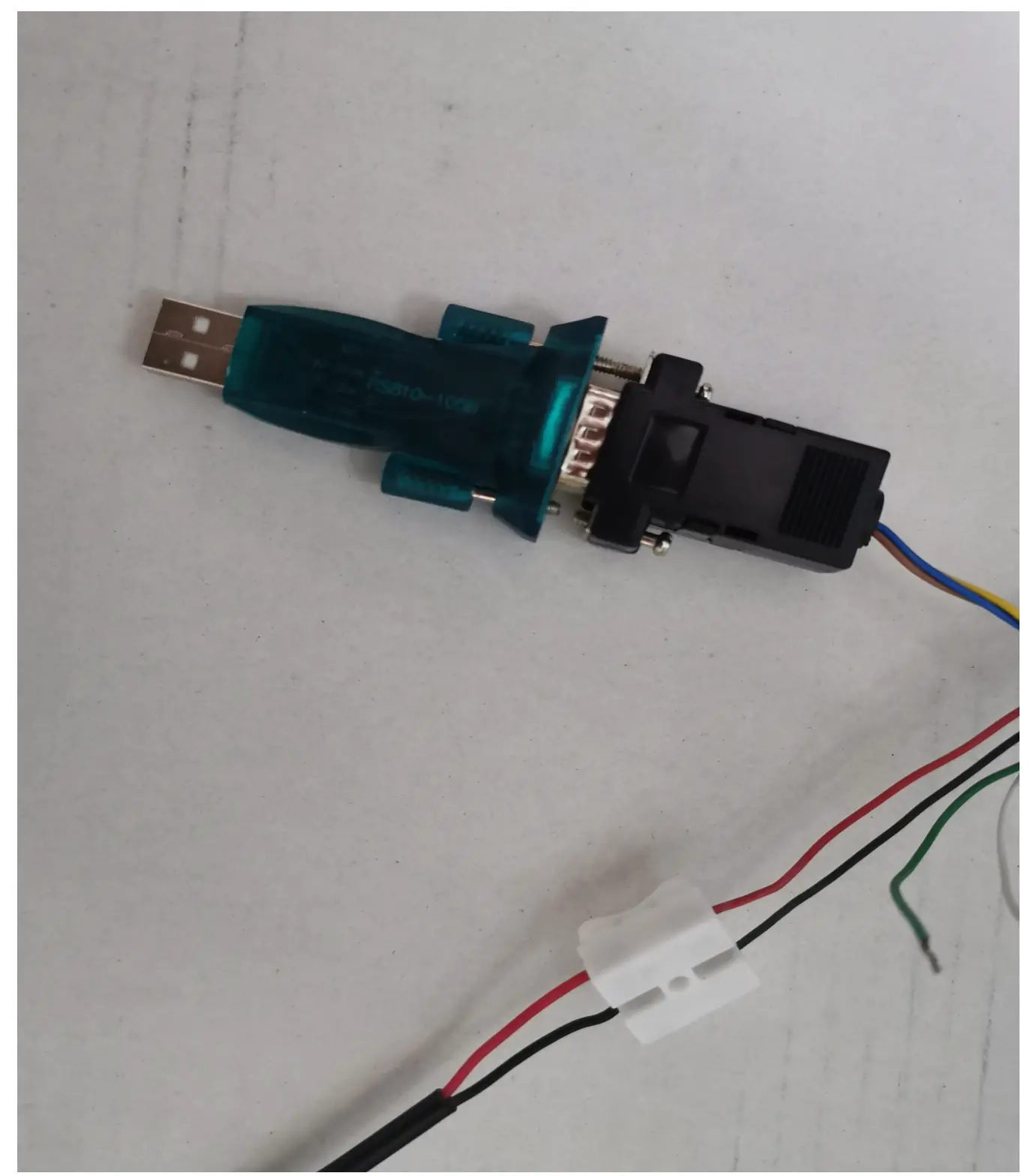
YANZEO SR681 UHF RFID Reader - CH340 COM Port to USB

YANZEO SR681 UHF RFID Reader - Red or Black Cable to Power Adapter.

2:USB
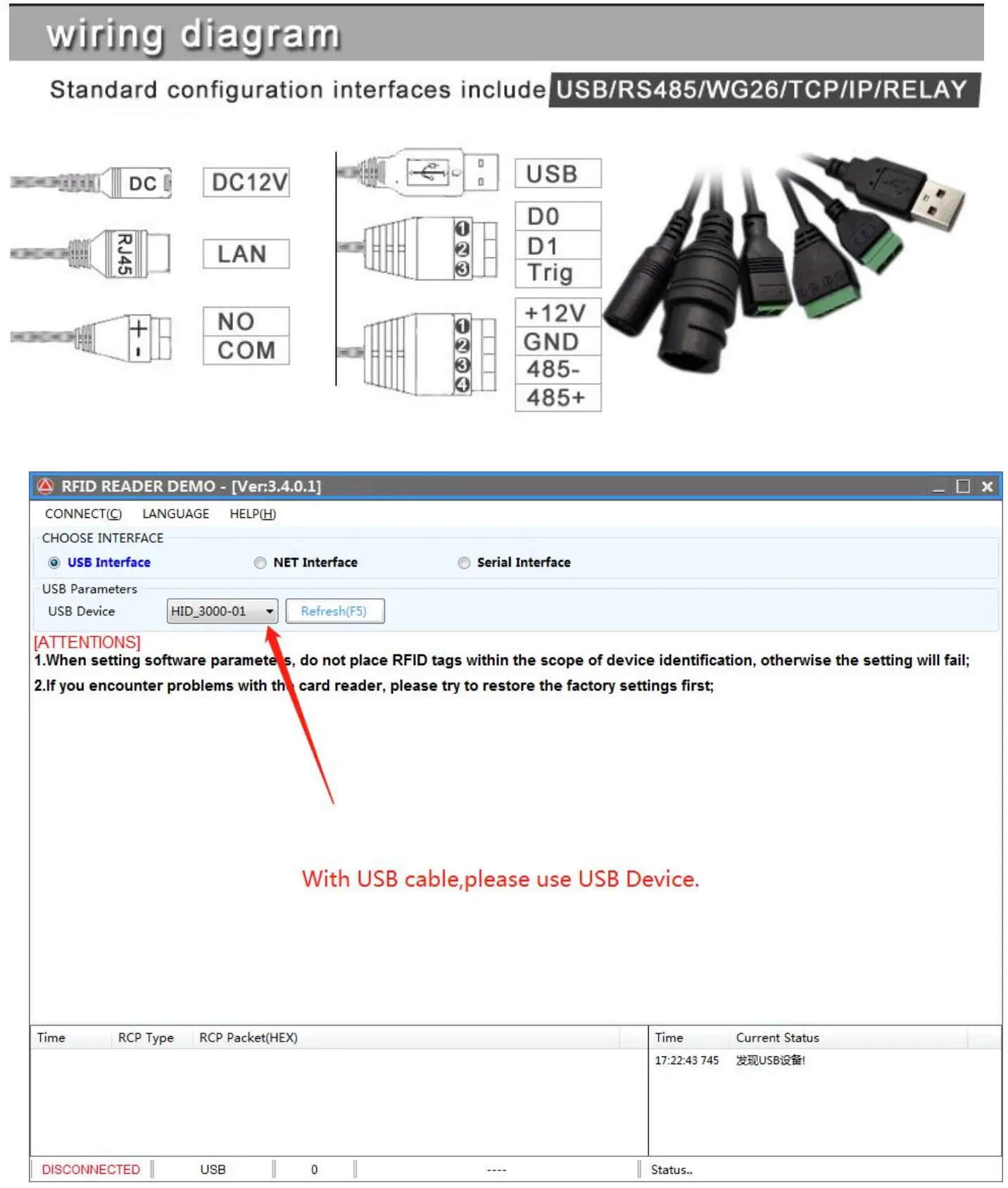
YANZEO SR681 UHF RFID Reader - USB

3:Set the working mode of the reader according to your needs.
If you need to write a card, please set the reader to passive mode.
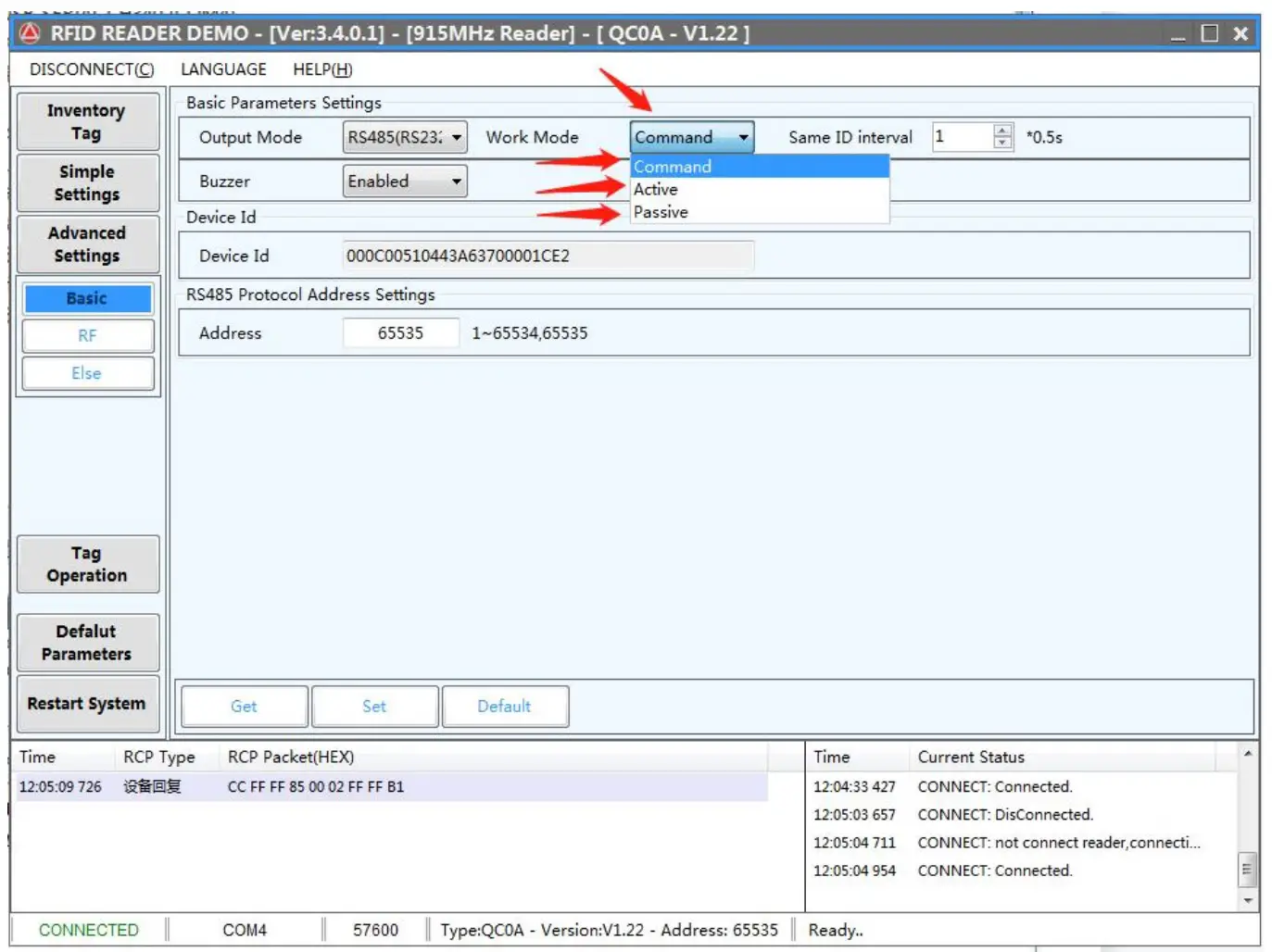
YANZEO SR681 UHF RFID Reader - Set the working mode of the reader according to your needs

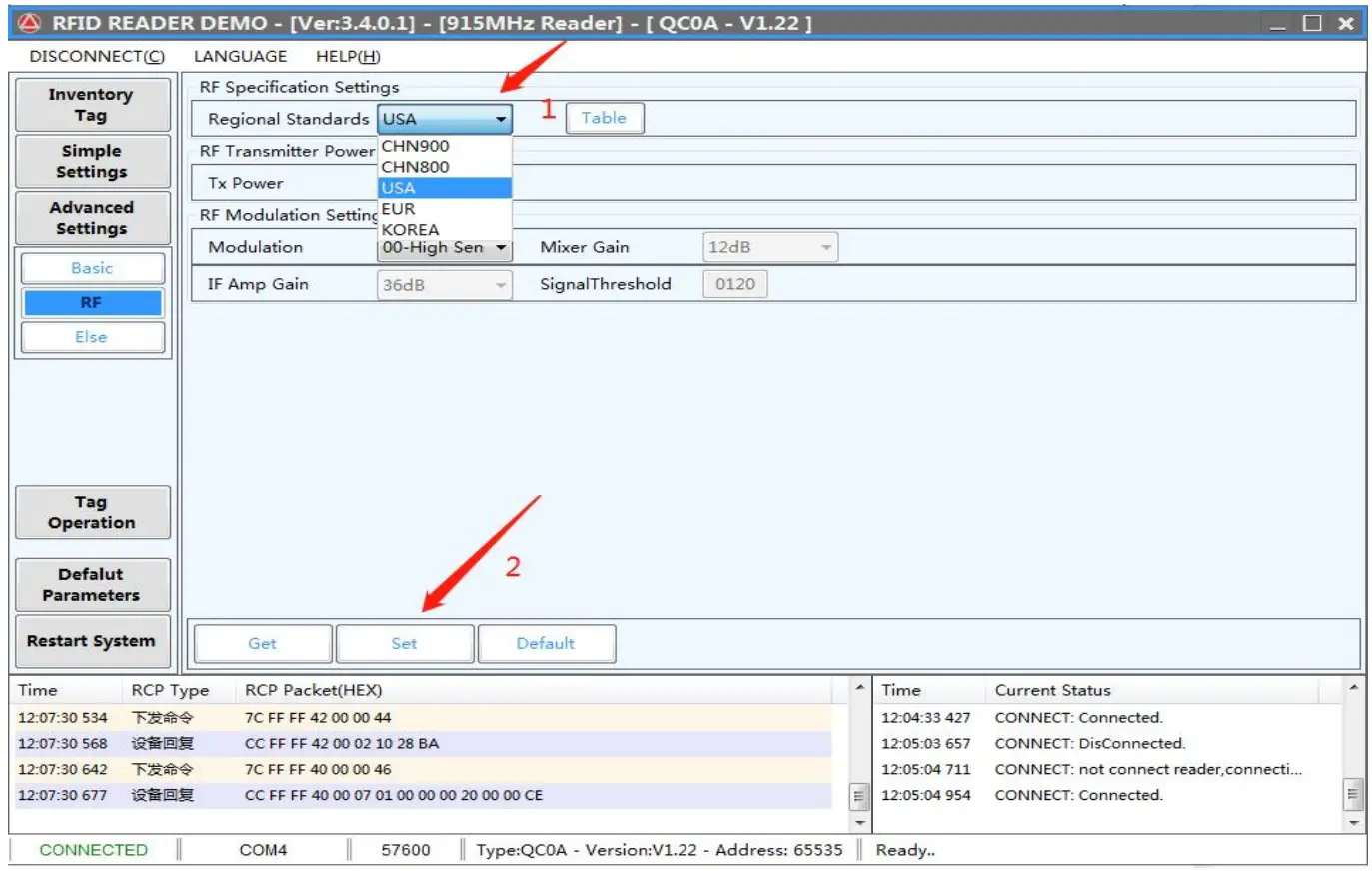
4:Set your regional standard

YANZEO SR681 UHF RFID Reader - Set your regional standard

5:Set the baud rate you require.
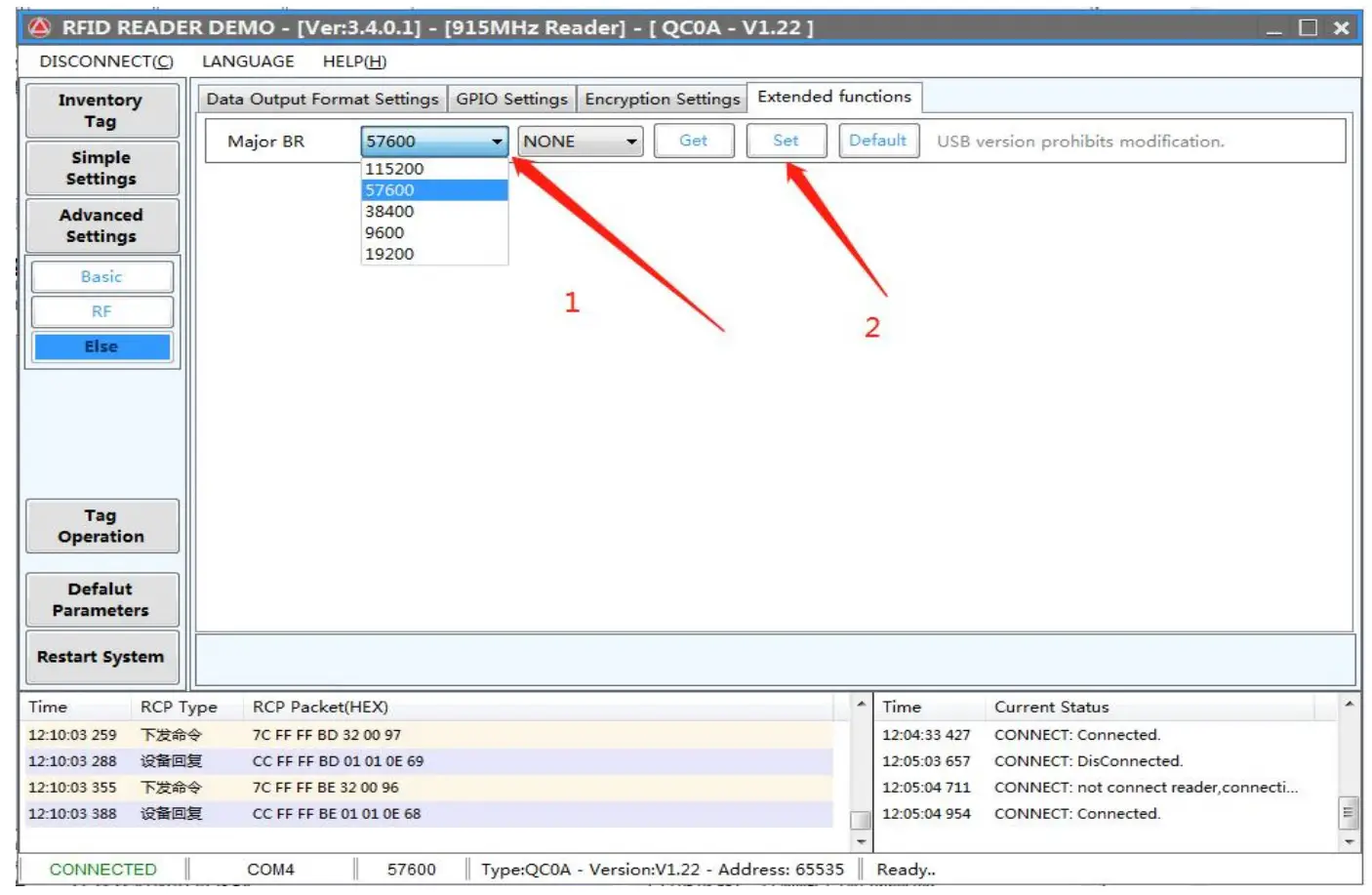
YANZEO SR681 UHF RFID Reader - Set the baud rate you require

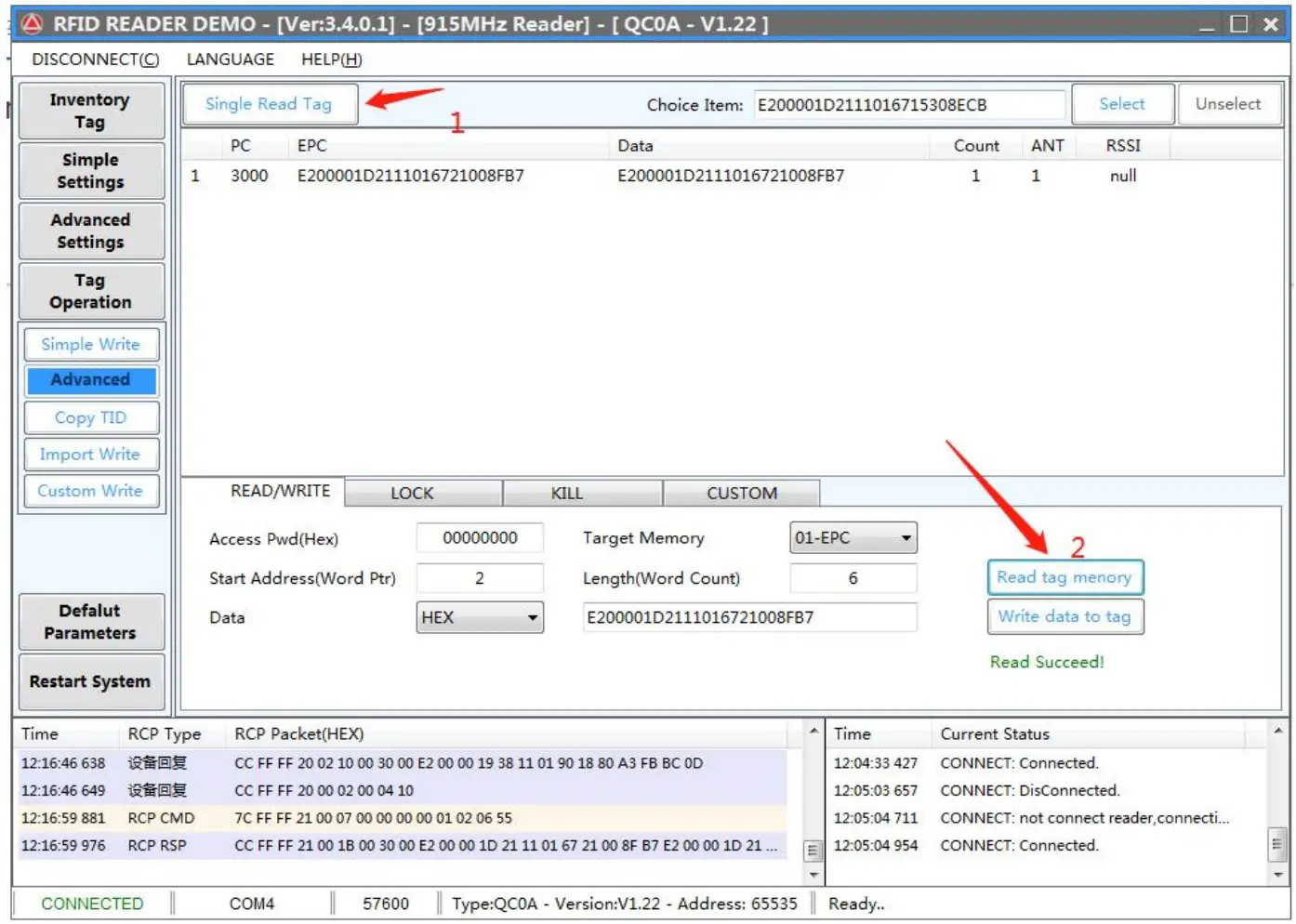
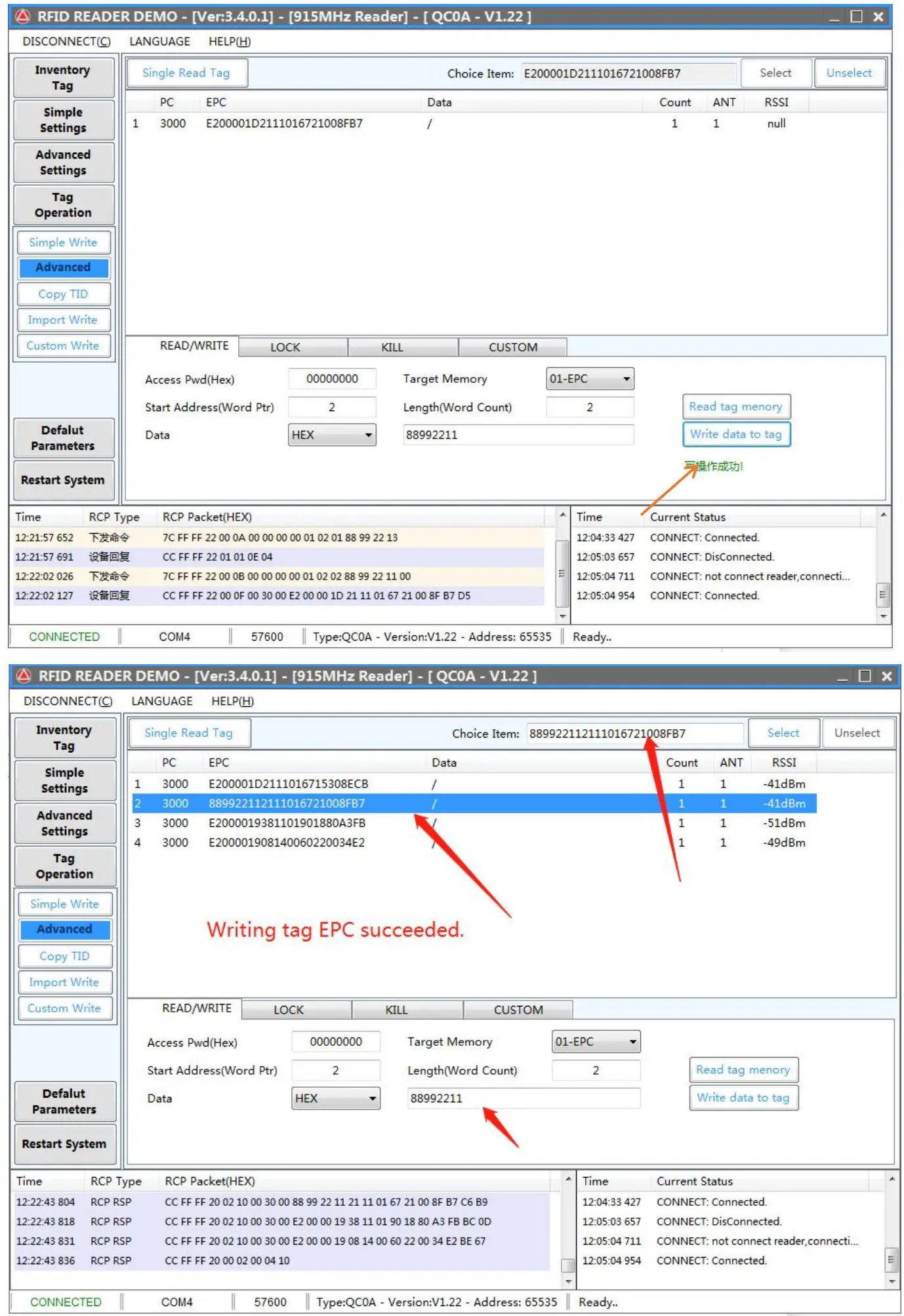
6:Write RFID Tag

YANZEO SR681 UHF RFID Reader - Write RFID Tag

YANZEO SR681 UHF RFID Reader - Write RFID Tag 2

7:Configure output and communication modes.
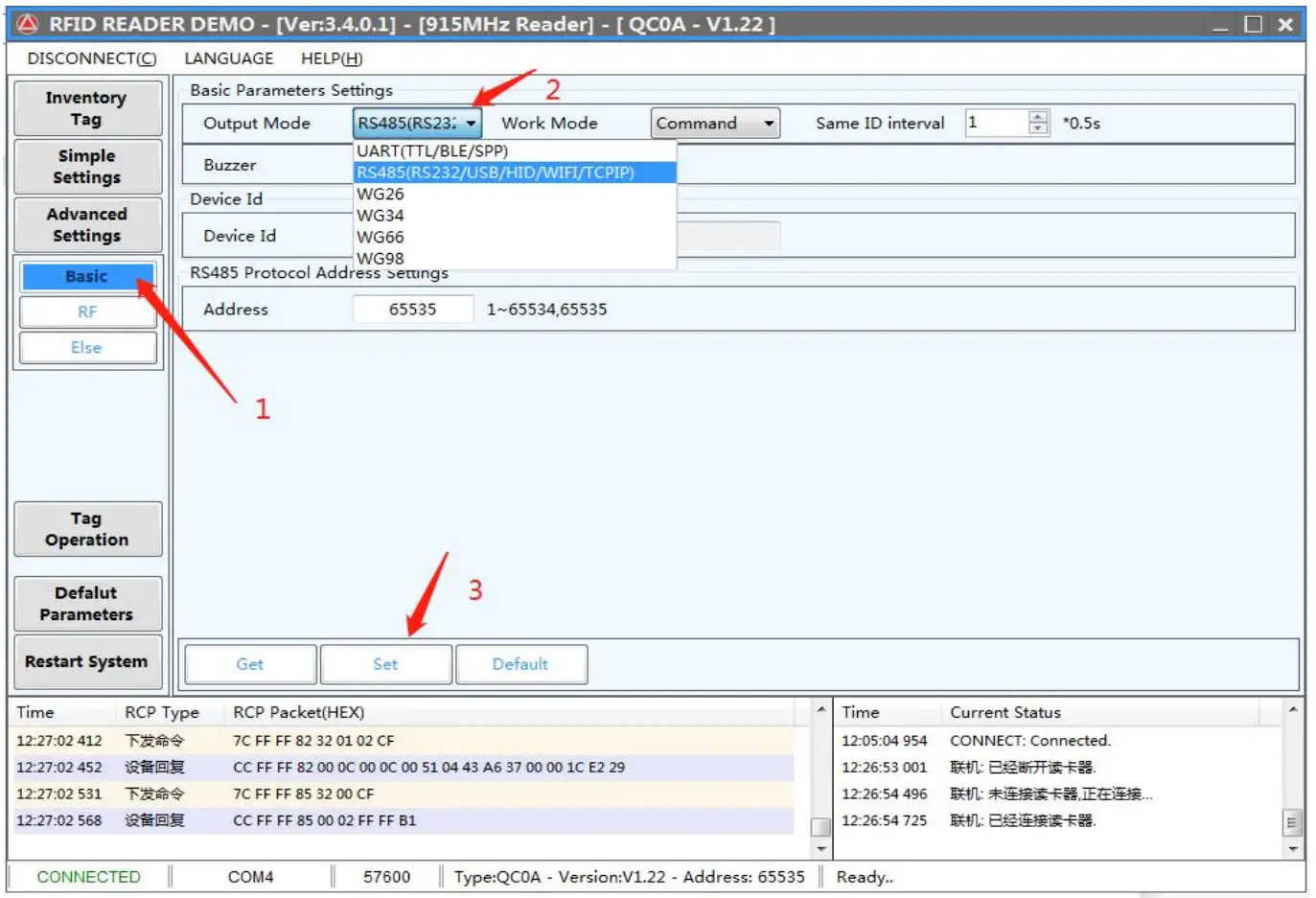
YANZEO SR681 UHF RFID Reader - Configure output and communication modes

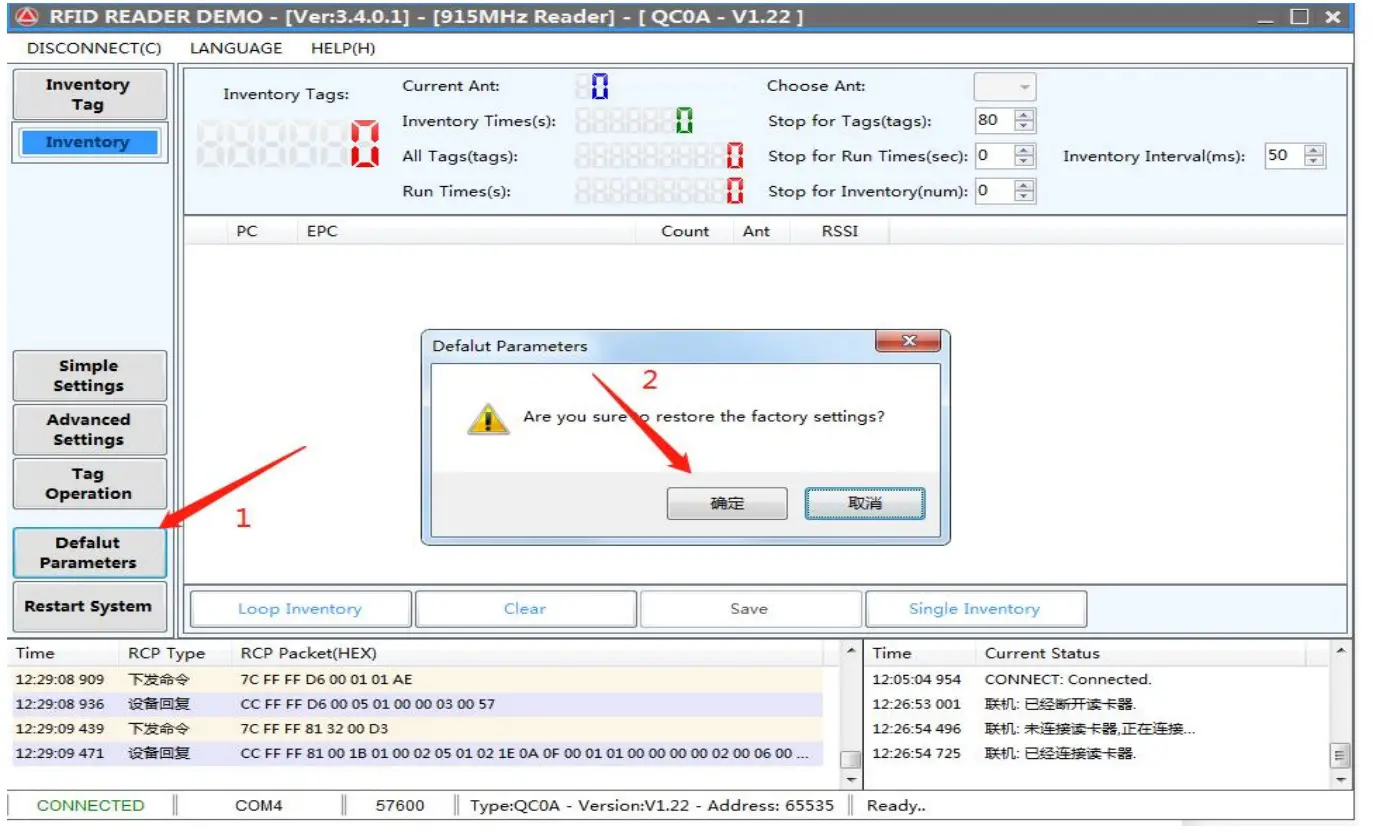
8:Factory Reset

YANZEO SR681 UHF RFID Reader - Factory Reset

If you have any questions, please contact us.

Technical Support Skype: shiminhe Wechat or QQ: 839872638 www.yanzeo.com


References

Documents / Resouces

Download manual
Here you can download full pdf version of manual, it may contain additional safety instructions, warranty information, FCC rules, etc.


Related Manuals