 Atop Technologies, Inc.
Industrial Warless Router
AWR5805P AWR5805
Hardware Installation Guide Version 1.0 Updated on Oct., 2021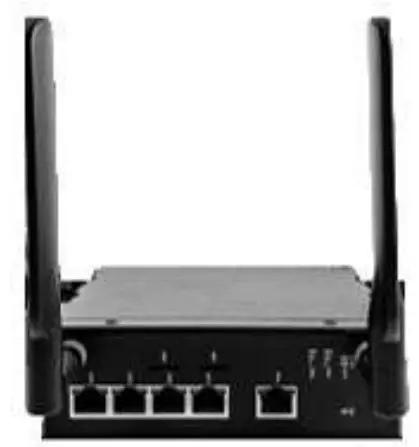
Installation Overview
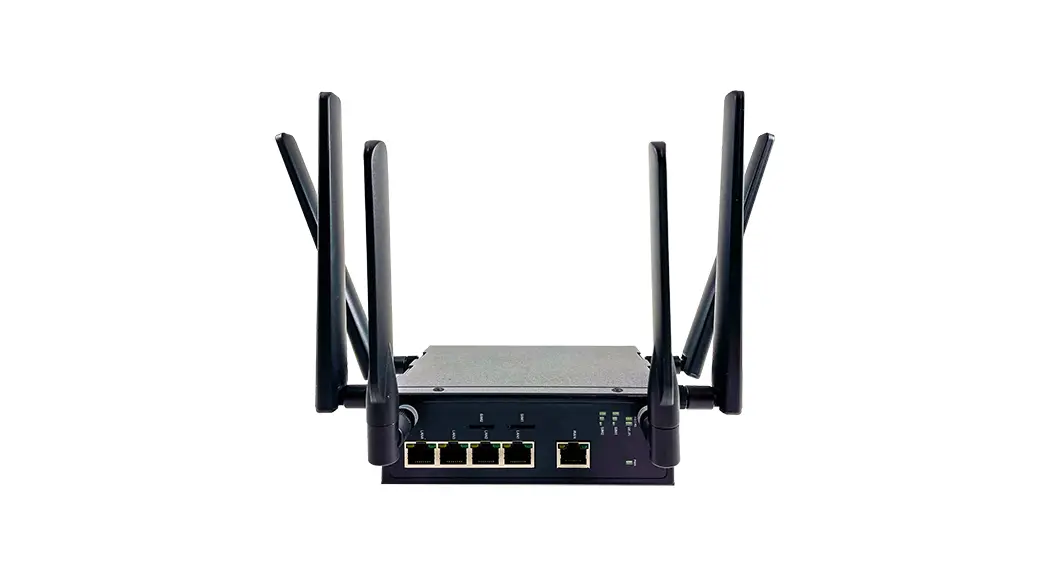
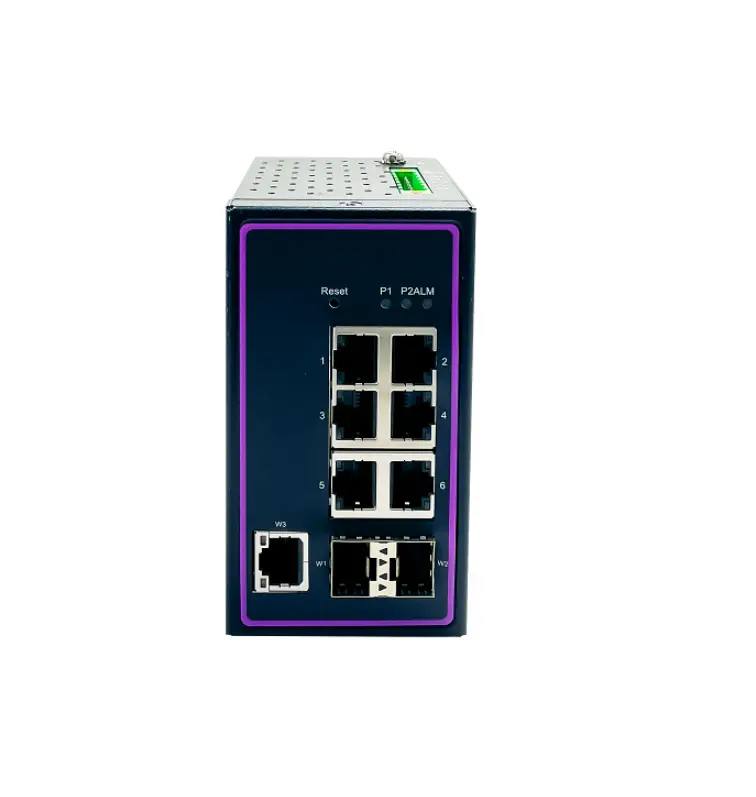
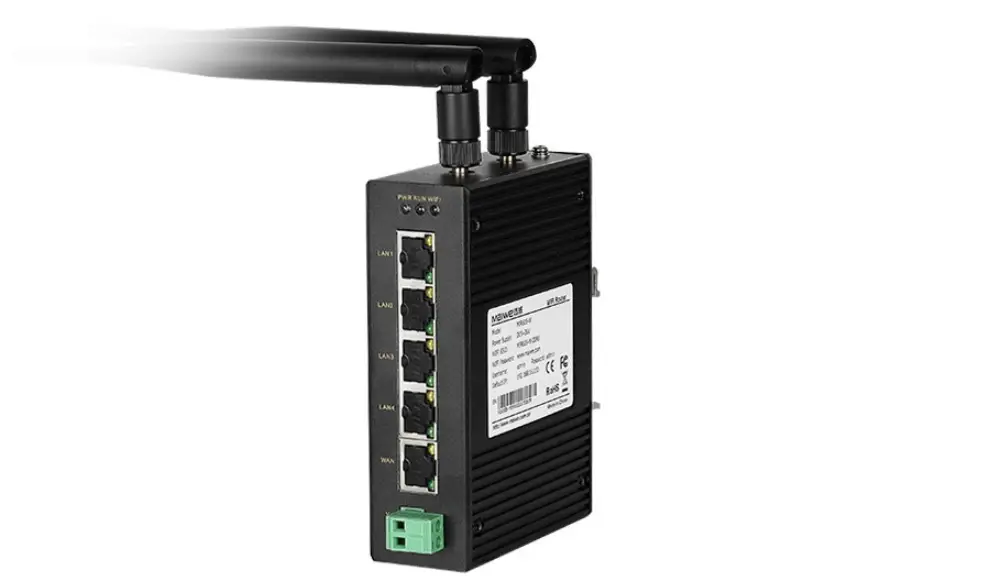
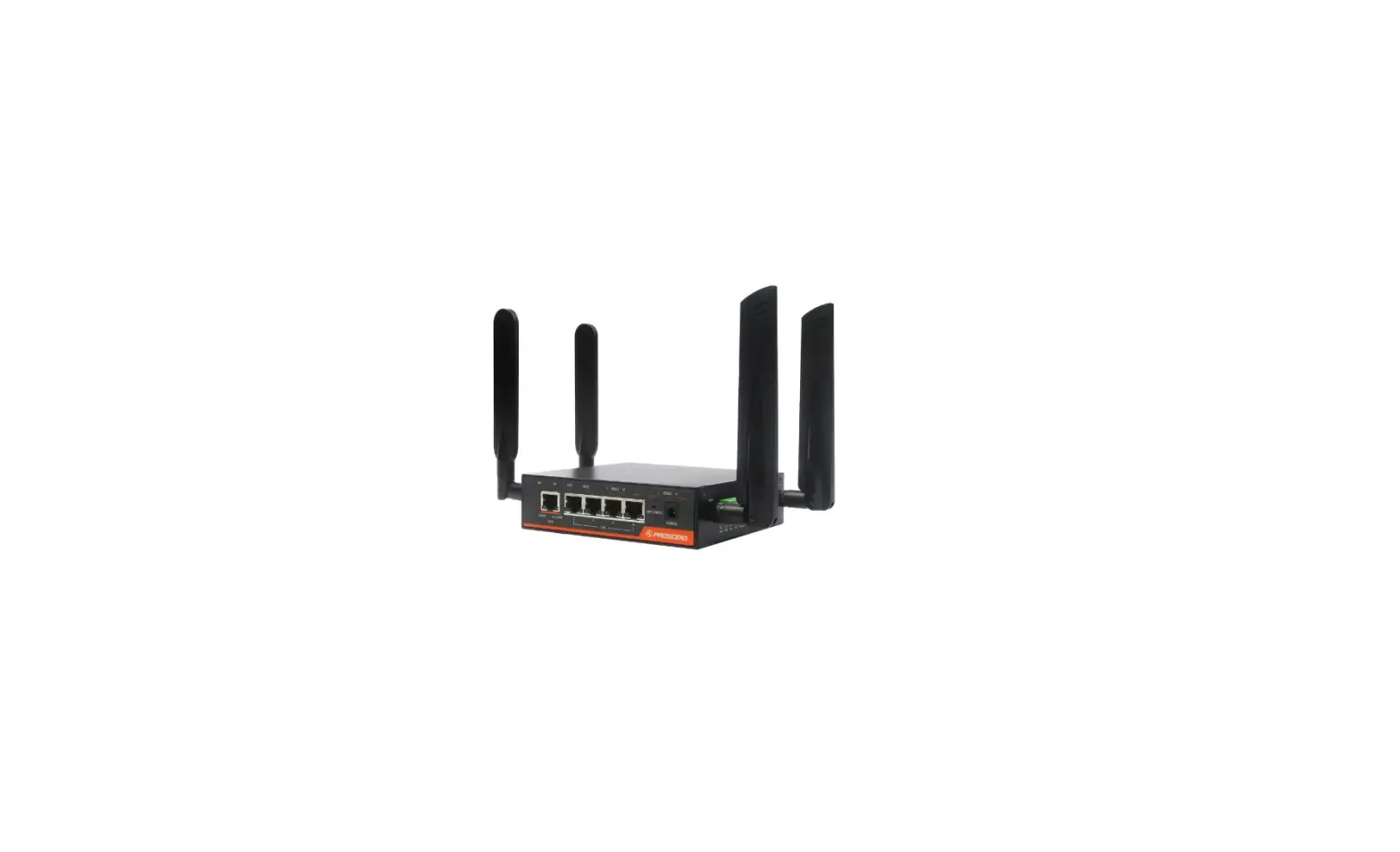
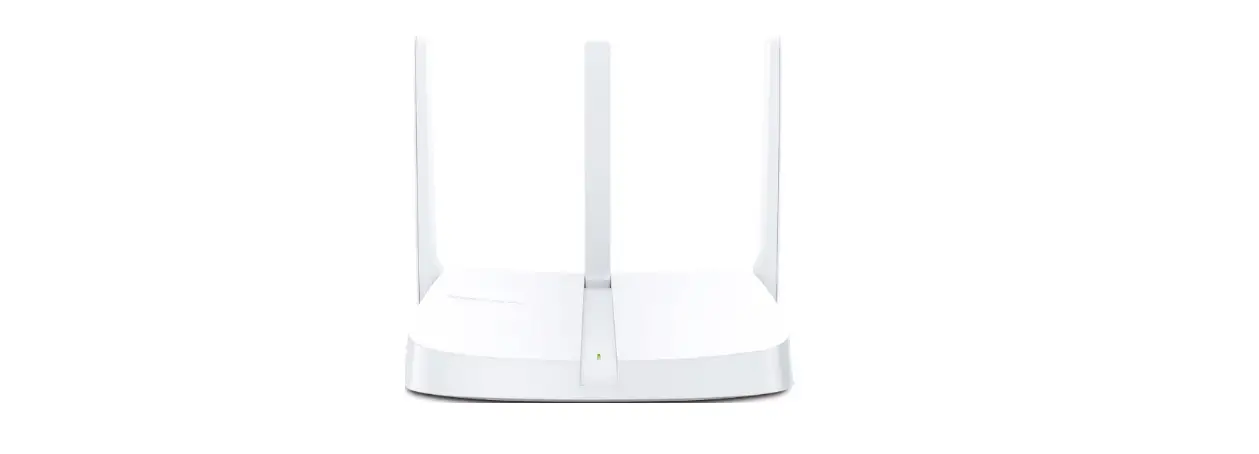
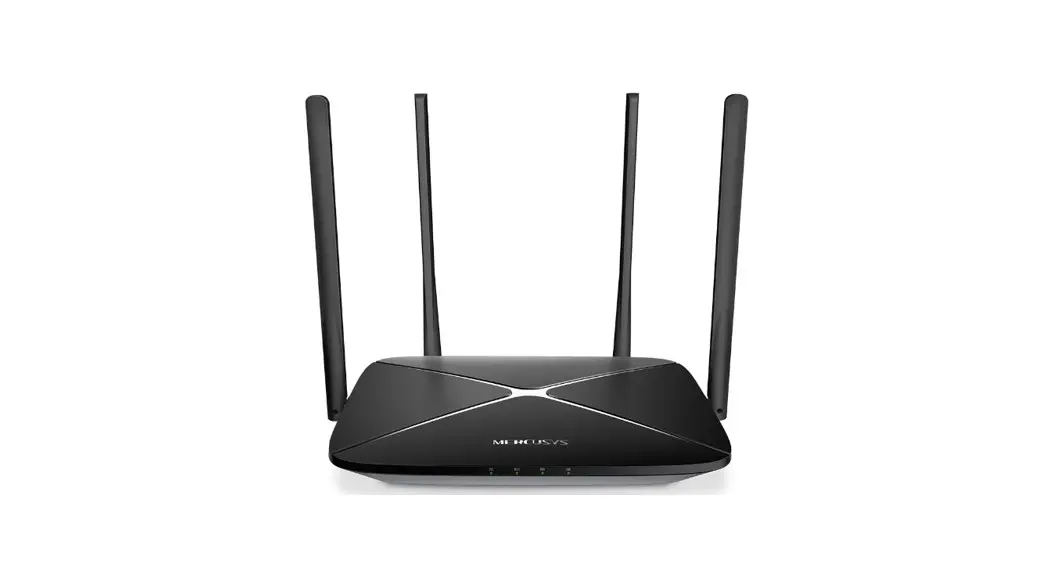
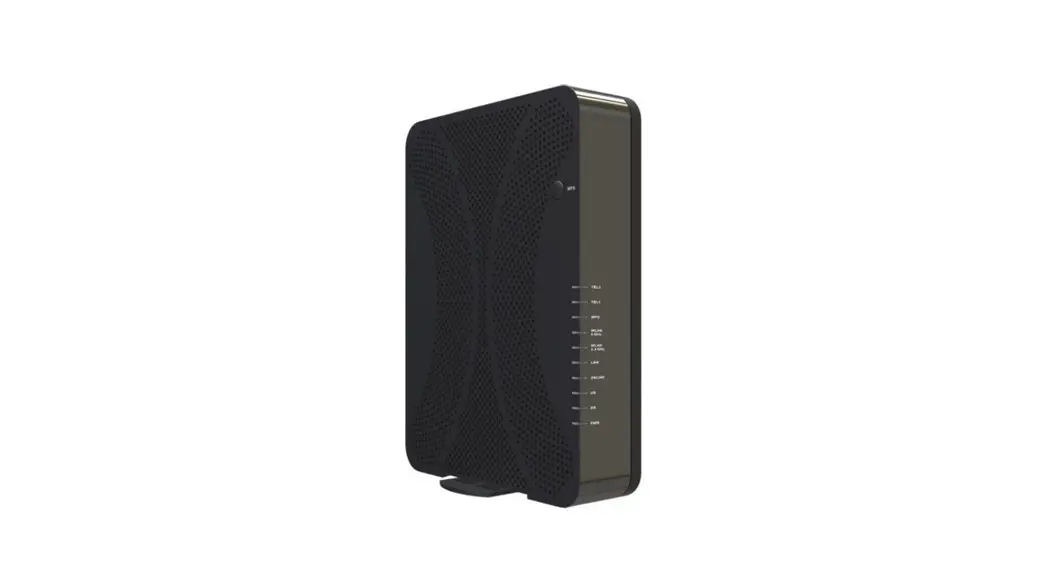
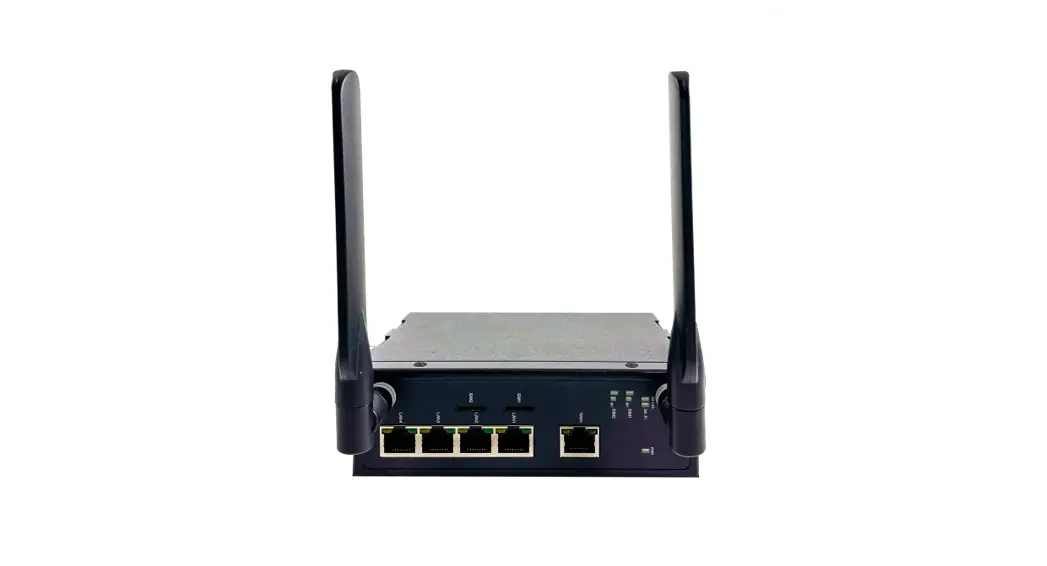
The device’s appearance Is as In the figure below.
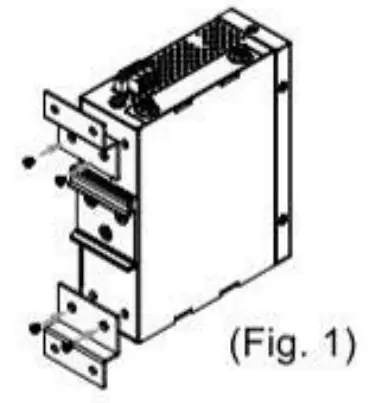
- If you have purchased the wall mount kit, proceed to place the screws on the back of the device as shown in (Fig. 1).

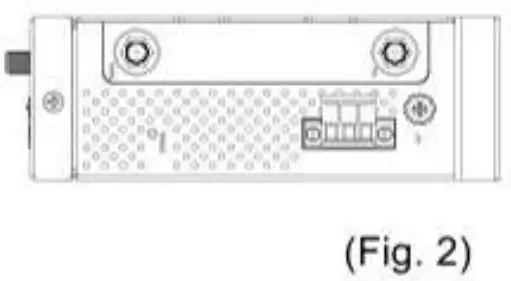
- Although internal grounding has been done inside, in order to ensure overall maximum performance and protect your device it is still strongly advised to to ground the device properly: hazardous ESO can come into contact with it and damage your equipment. On the power terminal block, there is a terminal for Frame Ground. you can choose whether to connect it to the grounding or you may opt to connect to the grounding screw next to the terminal block (the one chosen should be connected at all times) (Fig. 2)

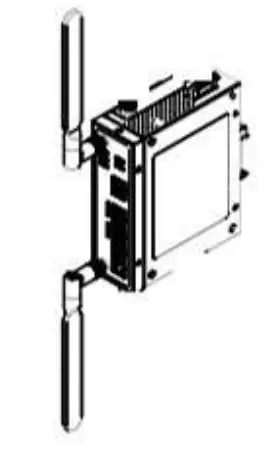
- Proceed then to fix the antennas to the female RP-SMA connectors deemed to (Fig. 3).
 You can then choose whether to plug in the I/O ports at this point or do it later depending on the actual location of the device or level of comfort for performing such operation.
 - Once the plate has been firmly put in place: proceed to mount the whole device as shown in (Fig. 4). Proceed to (Fig. 5) if you want to remove the device from DIN-Rail.

- Next we can then procsed to connect the device 10 the LAN (switch or PC, depending on the case), take care on using the RJ-45 connec- tor; after this we can then proceed to the device’s settings
 You can then choose whether to plug in the I/O ports at this point or do it later depending on the actual location of the device or level of comfort for performing such operation.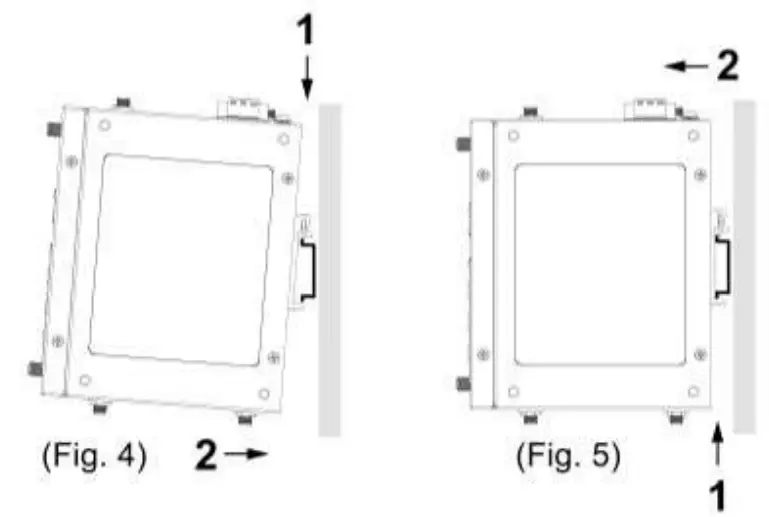
Other points to take into consideration when installing the device:
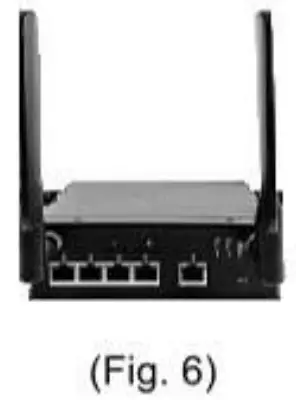
- The antennas are Wi-Fi / Mobile antennas; once the device is fixed to the rail, adjust antennas as shown in below checked (V) positions.
- If the device is going to be positoned horizontally, then the antennas should be set upright for better antenna performance. (Fig. 6).

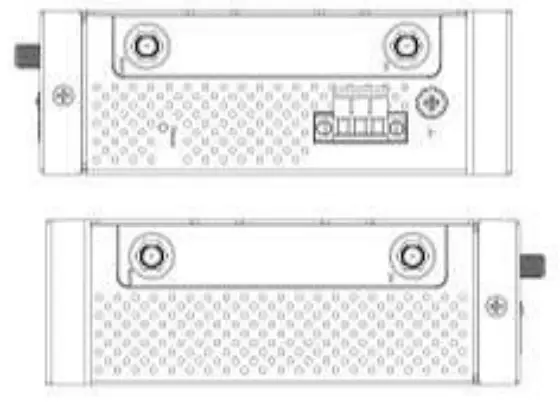
- The openings on the sides are for the device’s heat dissipation and there may be hazardous voltages inside. Never obstruct, cover, or try to insert anything through them.

- AWRSB0S’s factory IP by default is 192.168.1.1 you can access the device by its Web Ult once it is connected to a physical network (or using Device View, for more information on Device View, pleased reform 1o manual). Please be aware that the PC needed for this procedure needs to be in the same subnet, otherwise please refer to User’s Manual.
Field Maintenance and Service
If the device requires any kind of services, you may need to disconnect and remove it form tsp. mounting. The initials installation should be done i a way that makes this as convenient as possible.
- Voltage/Power lines should be properly insulated as well as other cables.
Be careful when handing them 1o avoid tripping, - Do not under any circumstances insert foreign objects of any kind knot the heat dissipation holes located on the different surfaces of the device. This may not only ham the intimal layout but might cause harm 10 you as weld
- Do not under any circumstances open the device casing for any reason. Please contact your dealer for any repair needed o follow the instructions on the User s Manual
Package Check List
Inside the package you will find the following items:
- Wi-Fi antenna x 2
- 3-Pin 5,08mm Lockable Terminal Block x 1
- Din Rail Kit x 1 (Already Mounted to the device)
Optional Accessories
| tem | Description |
| WMK-454-Black | Black Aluminum Wall Mount Kit |
LED Indicators
| Name | Color | Status | Description |
| Power LED | Green | On | Power connected |
| Off | Power disconnected | ||
| VIII-Fi 2.4GHz | Green | On | Wi-Fi 2.4GHz activated |
| Off | Wi-Fi 2.4GHz deactivated | ||
| Wi-Fi 5.0GHz | Green | On | Wi-Fi 5.0GHz activated |
| Off | Wi-Fi 5.0GHz deactivated | ||
| Ethernet LED (LAN ! WAN) | Orange | Blinking | 101100 Mbps. Data is transmitting |
| Off | No data or speed is 1000 Mbps | ||
| Green | Blinking | 1000 Mbps. Data is transmitting | |
| Off | NO data or speed is 10/100 Mbps |
PIN Assignments
10/100/1000Base-TX Ethernet
| RJ45 | 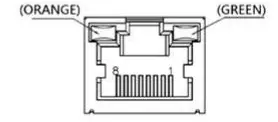 | ||||||||
| 10/100 Base-TX | |||||||||
| Pin | 1 | 2 | 3 | 4 | 5 | 6 | 7 | 8 | |
| Signal | Tx+ | Tx- | Rx+ | Rx- | |||||
| 1000 Base-TX | |||||||||
| Pin | 1 | 2 | 3 | 4 | 5 | 6 | 7 | 8 | |
| Signal | BiDA+ | BI DA- | BI_DB+ | BI_DC+ | BI DC- | BI_DB- | BI_DD+ | BI DD- | |
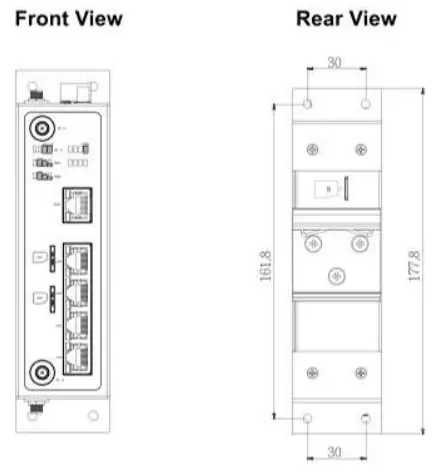
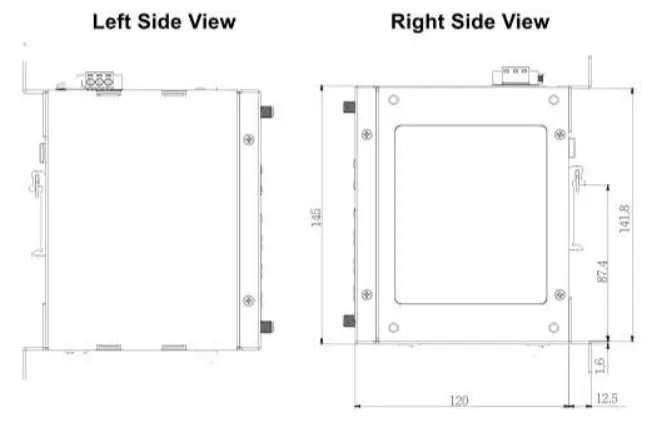
Device Dimensions, Physical Appearance and Mounting
Proceed to mount the AWRSS05 dry location free from dirt and corrosive vapors, for more questions on environmental limitations please refer to the User’s Manual.
- Dimensions (mm)


Warranty Policy
Products supplied by Atop Technologies are covered in this warranty for sub-standard performance or defective workmanship. The warranty is not, however, extended to goods damaged in the following circumstances:
(a) Excessive forces or impacts
(b) War or an Act of God: wind storm, fire, flood, electric shock, earthquake
(€) Use of unqualified power supply, connectors, or unauthorized parts/kits
(d) Replacement with unauthorized parts
RMA and Shipping Costs Reimbursement
‘Customers shall always obtain an athorized “RMA® number from Atop before shipping the goods to be repaired to Atop. When in normal use, 2 50ld product shall be replaced with a new one within 3 months after purchase. The shipping cost from the customer to Atop will be: reimbursed by Atop. After 3 months and stillwithin the warranty period, it is up to Atop ‘whether to replace the unit with a new one; normally, as long as a productis under warranty, all parts and labor are free of charge to the customers.
After the viarranty period, the customer shall cover the cost for parts ‘and labor Three months after purchase, the shipping cost from the customer to Atop will not be reimbursed, but the shipping cost from Atop to the customer will be paid by Atop.
Limited Liability
At0p shall not be responsible for any consequential losses from using Atop’s product,
Warranty Period
| Product Categories. | Warranty |
| DIN-Rail Power Supplies | 3 Years |
| Antennas | 1 Year |
“The warranty certification wil not be effective until an authorized stamp issued by Atop’s overseas agents. Purchase Date: ! ! (yyyy/mm/dd) Serial Number:
ATOP Customer Services and Supports
- Please contact your local dealers or Atop Technical Support Center at the following numbers. +886:3-5508137 (Atop Taiwan)
- Please report the defected problems via Atop’s website or email
 www.aloponiine.com
  [email protected] Tw


FCC Statement:
Federal Communication Commission Interference Statement
This equipment has been tested and found to comply with the limits for a Class
A digital device, pursuant to part 15 of the FCC
Rules. These limits are designed to provide reasonable protection against harmful interference when the equipment is operated in a commercial environment. This equipment generates, uses, and can radiate radio frequency energy and, if not installed and used in accordance with the instruction manual, may cause harmful interference to radio communications. Operation of this equipment in a residential area is likely to cause harmful interference in which case the user will be required to correct the interference at his own expense.
FCC Caution: Any changes or modifications not expressly approved by the party responsible for compliance could void the user’s authority to operate this equipment.
This device complies with Part 15 of the FCC Rules. Operation is subject to the following two conditions:
- This device may not cause harmful interference, and
- this device must accept any interference received, including interference that may cause undesired operation.
This device is restricted for indoor use.
IMPORTANT NOTE:
FCC Radiation Exposure Statement:
This equipment complies with FCC radiation exposure limits set forth for an uncontrolled environment. This equipment should be installed and operated with minimum distance 20cm between the radiator & your body.
 + 886-3-5508137
 886.3-5508131
 www.amptom.tw