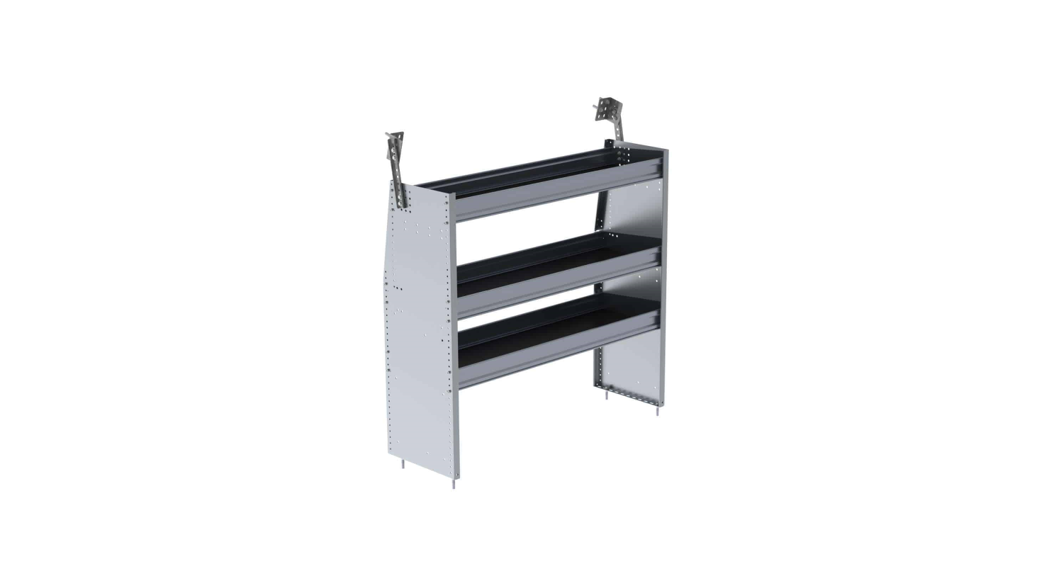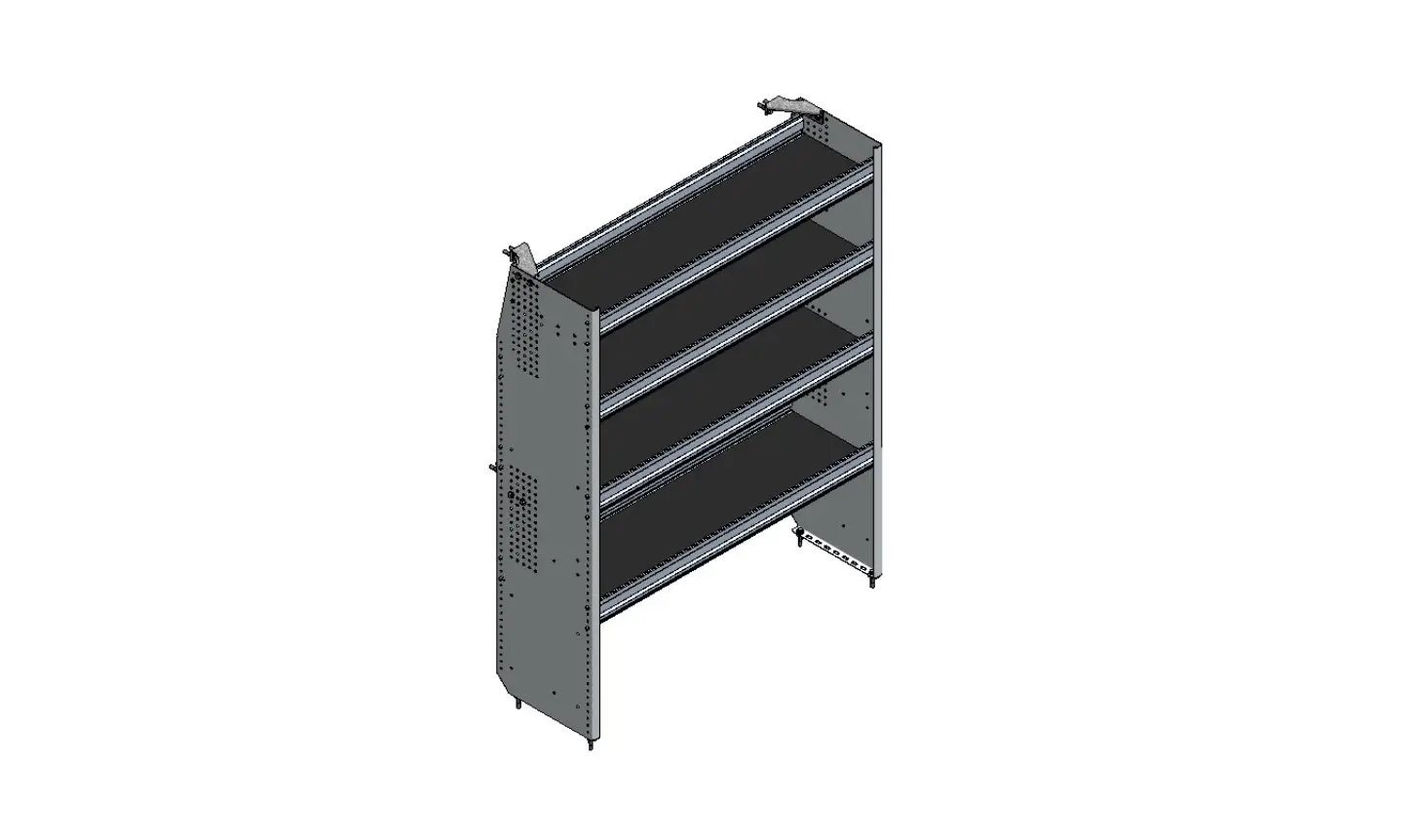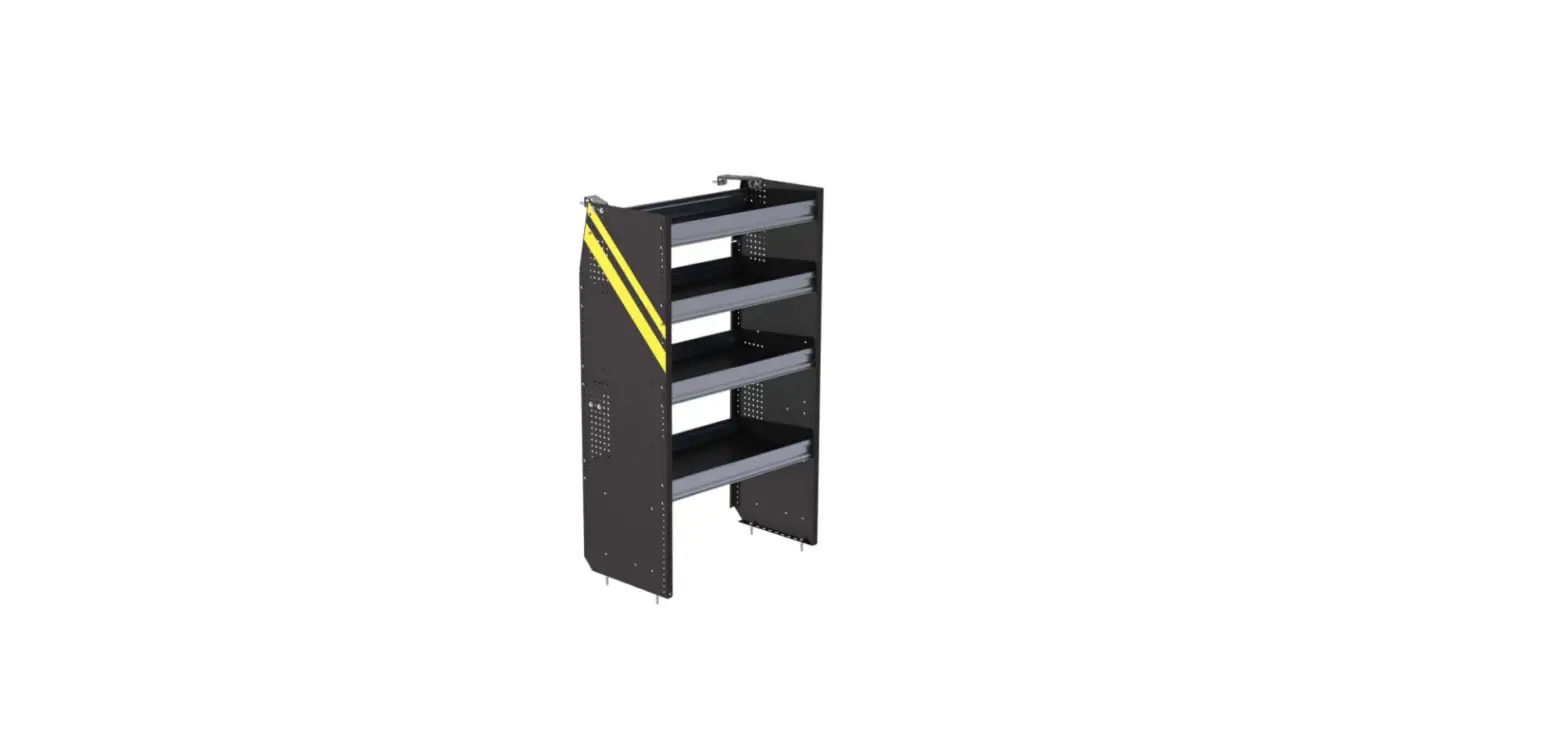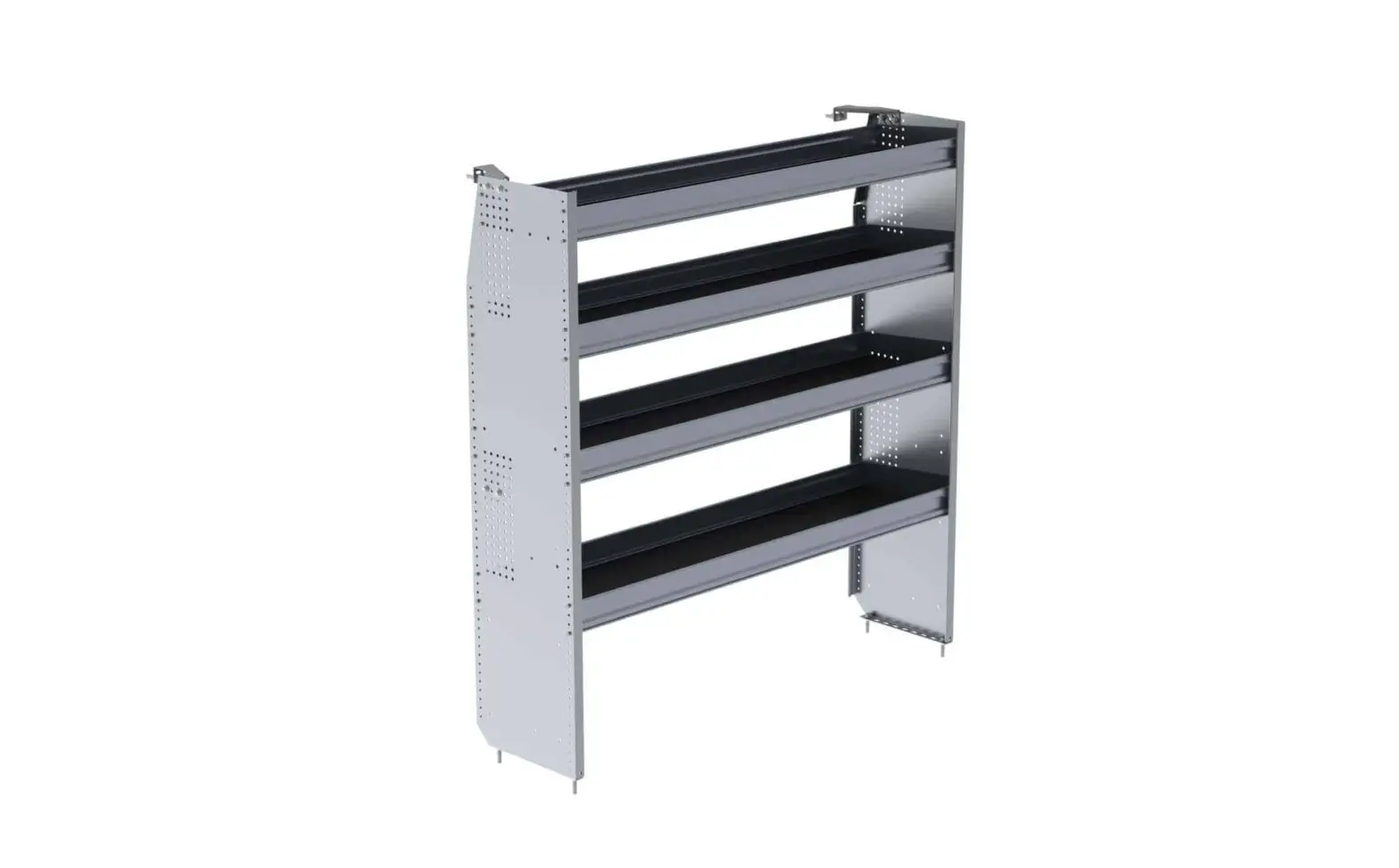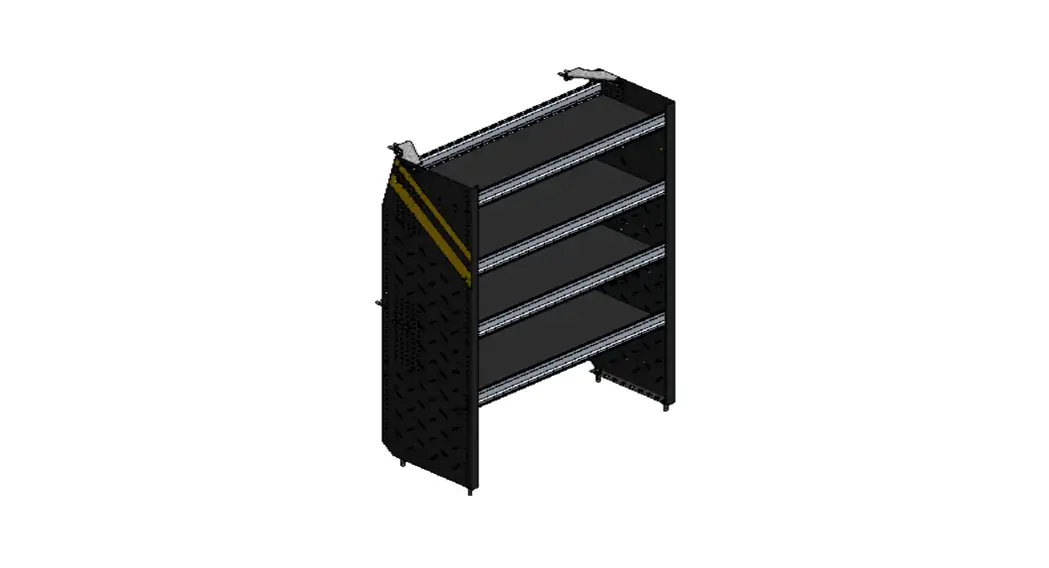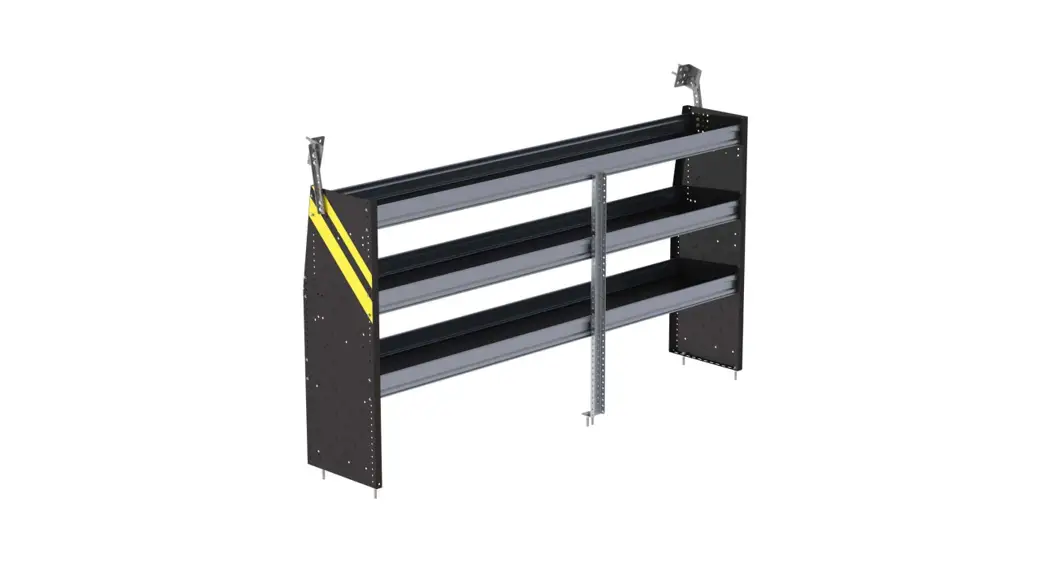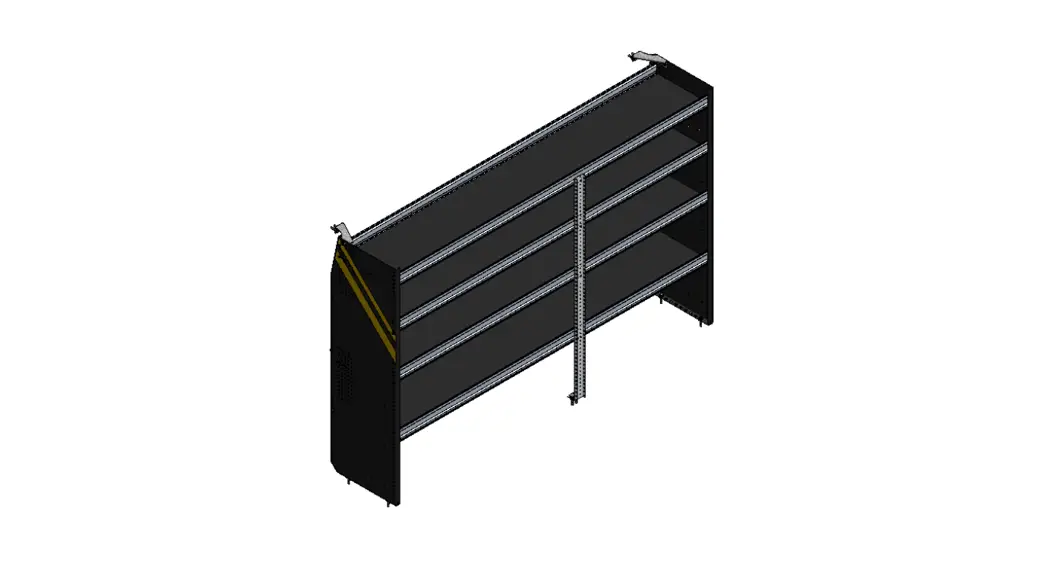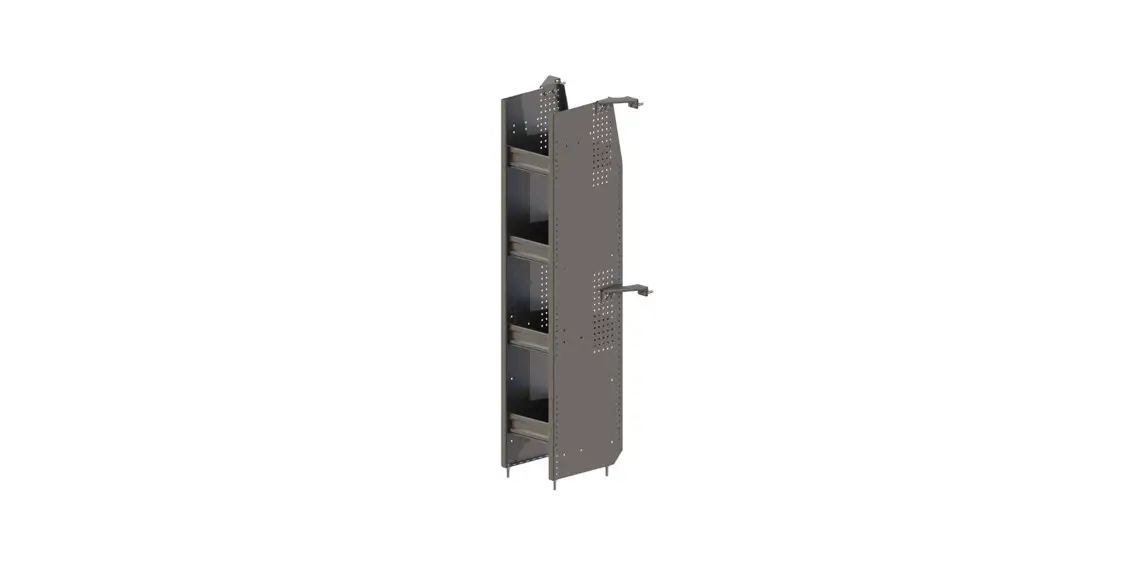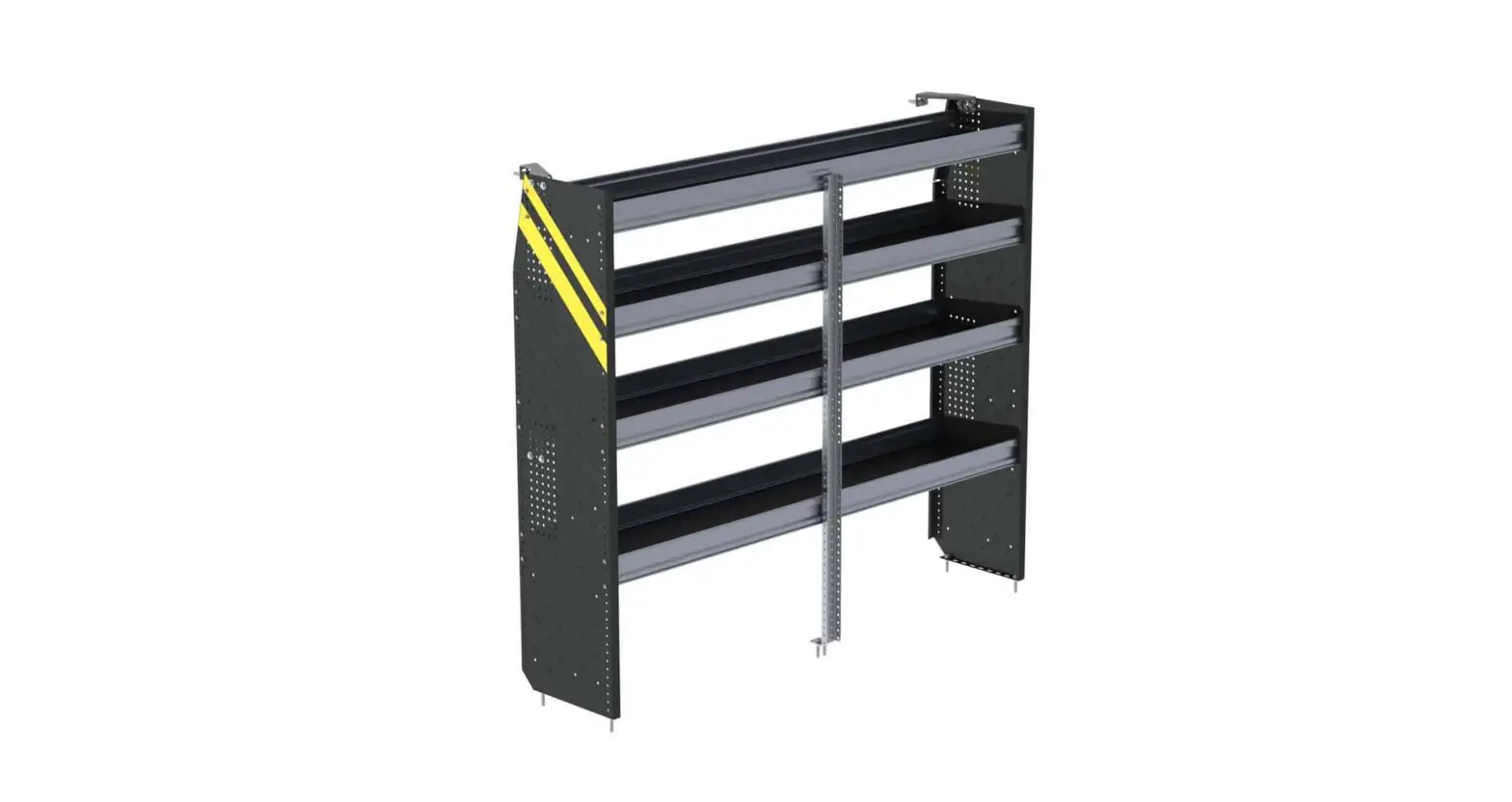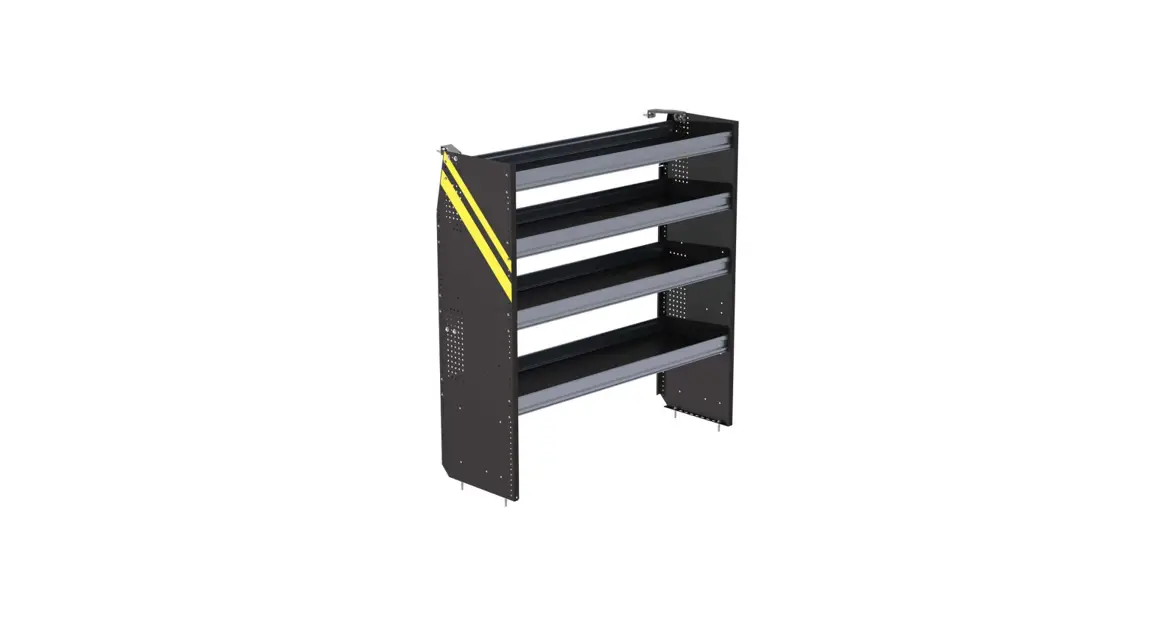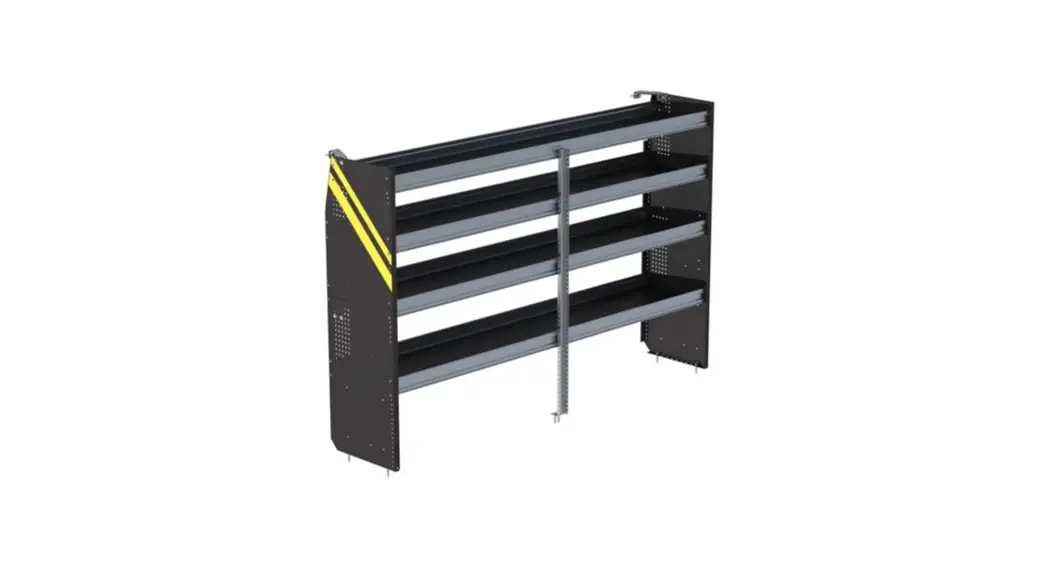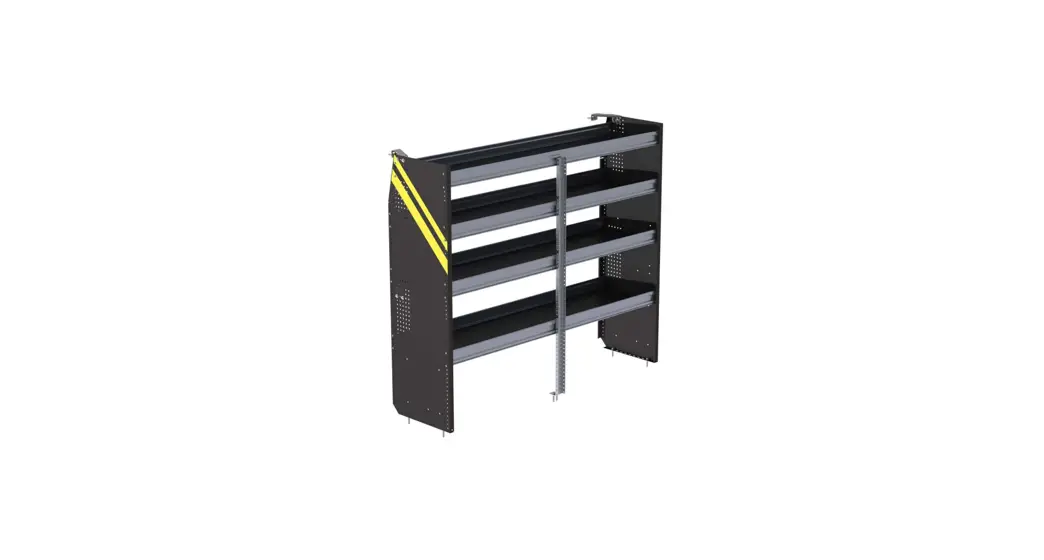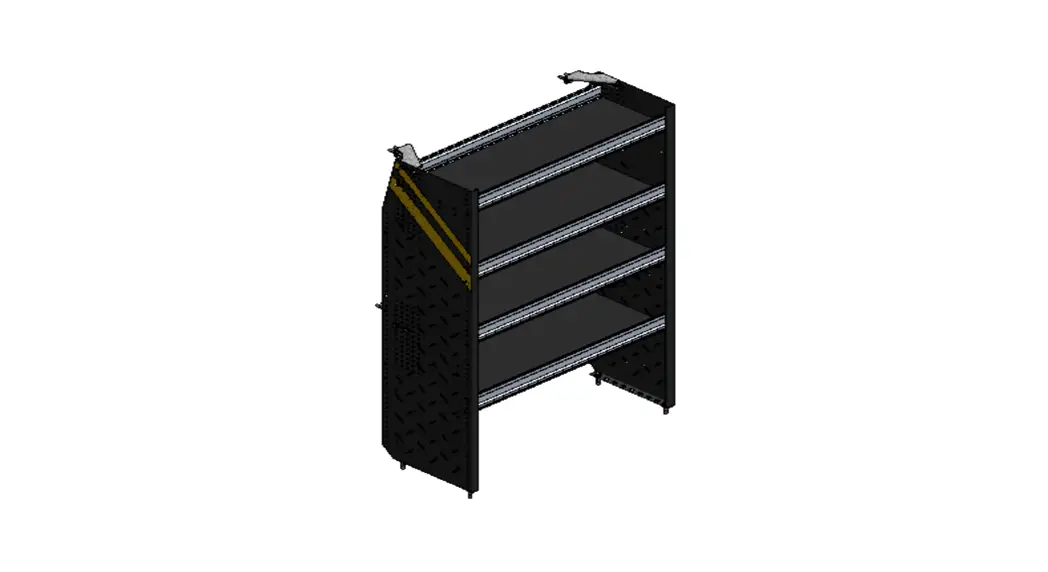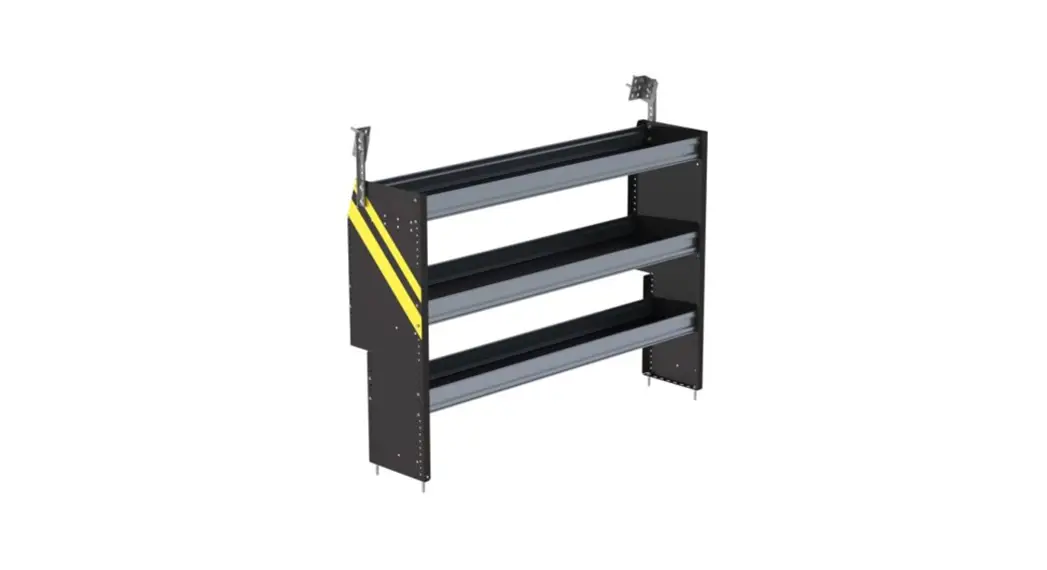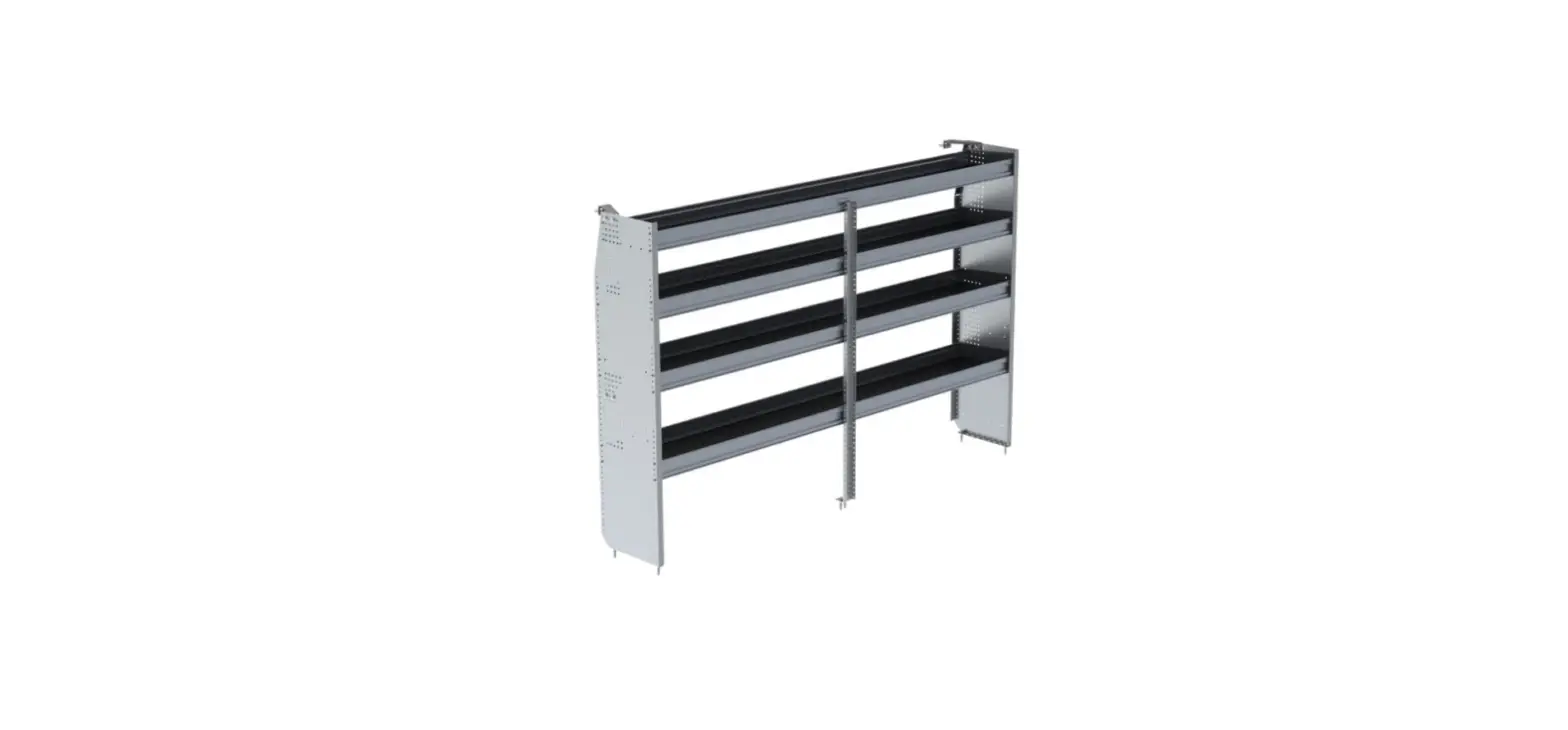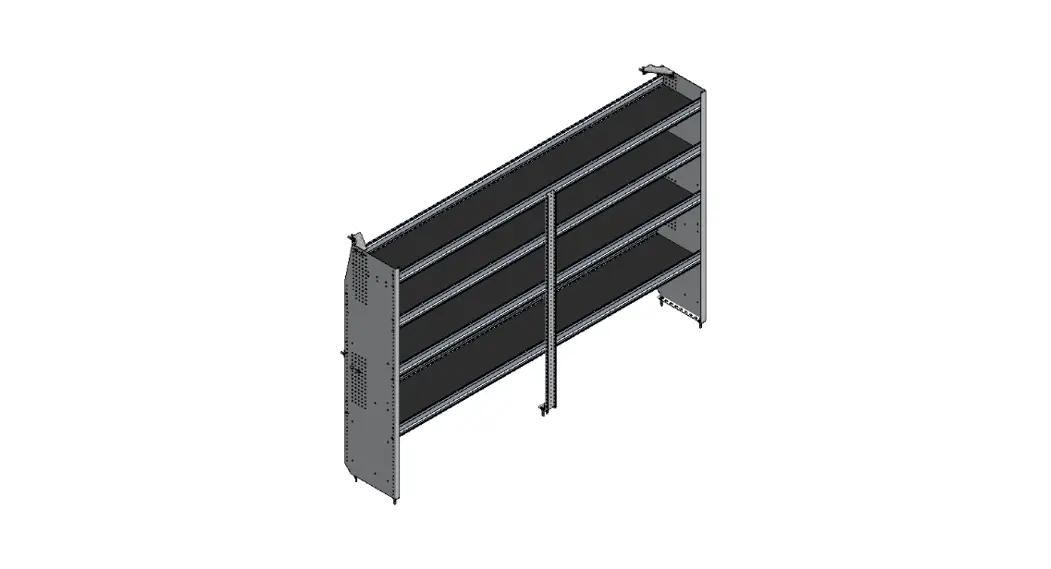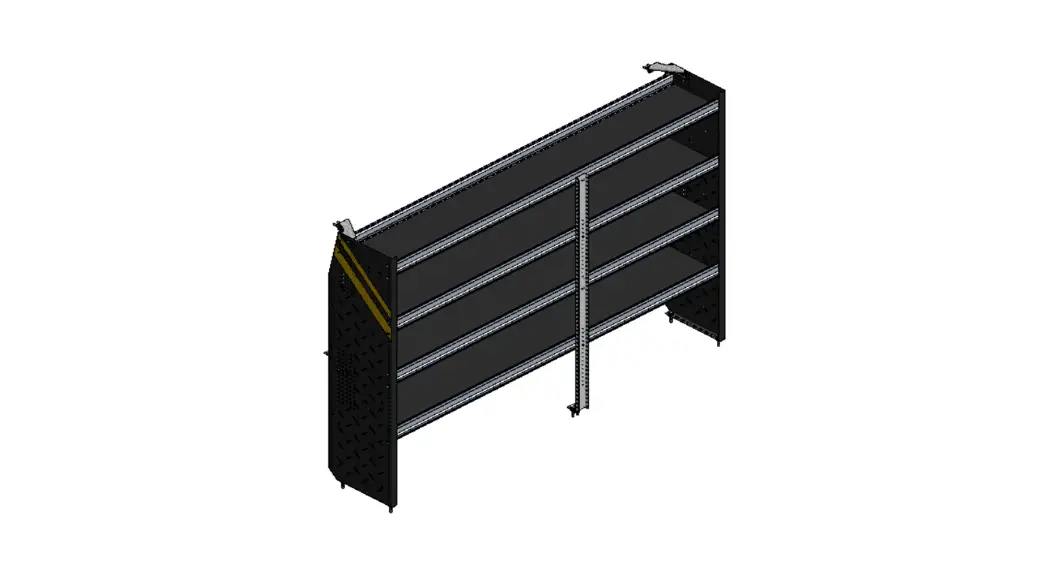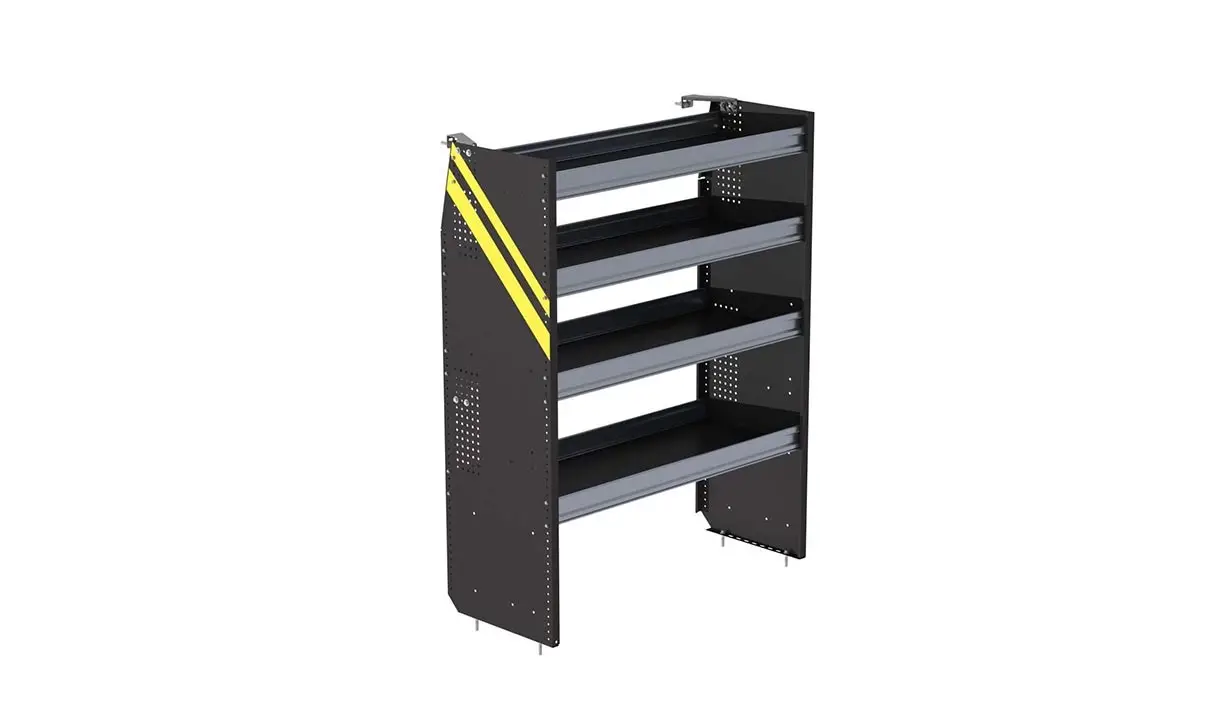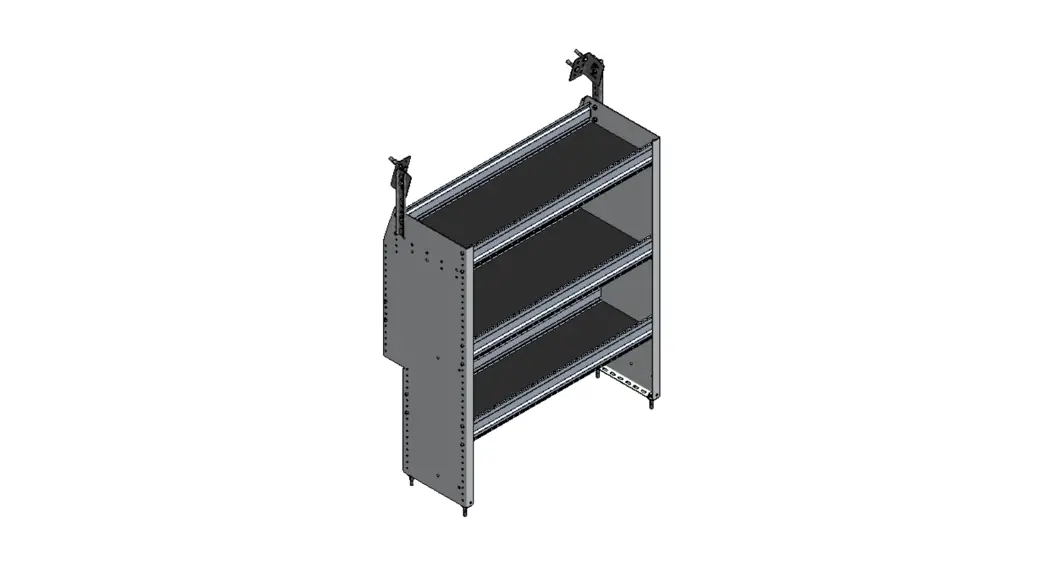
 P4-RA36-3 Shelving
Promaster City
Installation Guide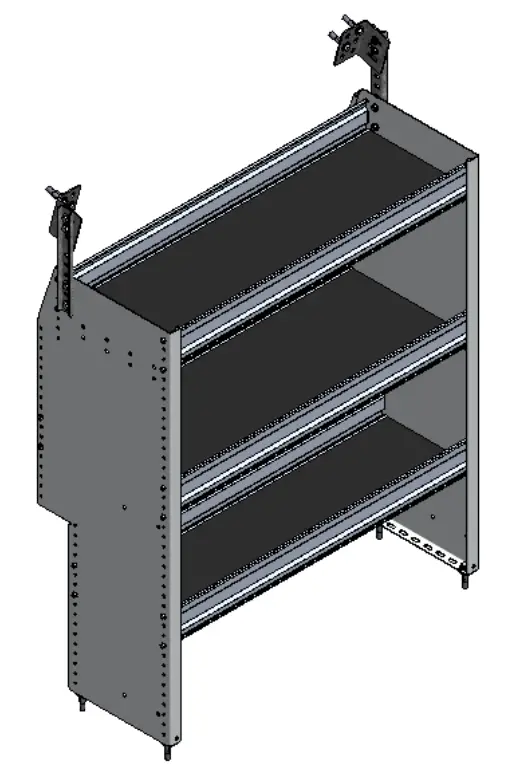
REQUIRED ITEMS
 | • Cordless Impact |
| • Cordless Drill | |
| • Tape Measure | |
| • Marker | |
| • 1/2″ Socket | |
| • 1/2″ Drill Bit w/ Drill Collar ( Set at 1/2″ ) | |
| • 3/8″ Driver Bit | |
| • Knife | |
| • Plusnut Tool / Plusnut Gun ( 5/16″ ) |
PHASE 1 – ASSEMBLY
1.1 SETUP
1.1.1 Unpack components; compare with the bill of materials.
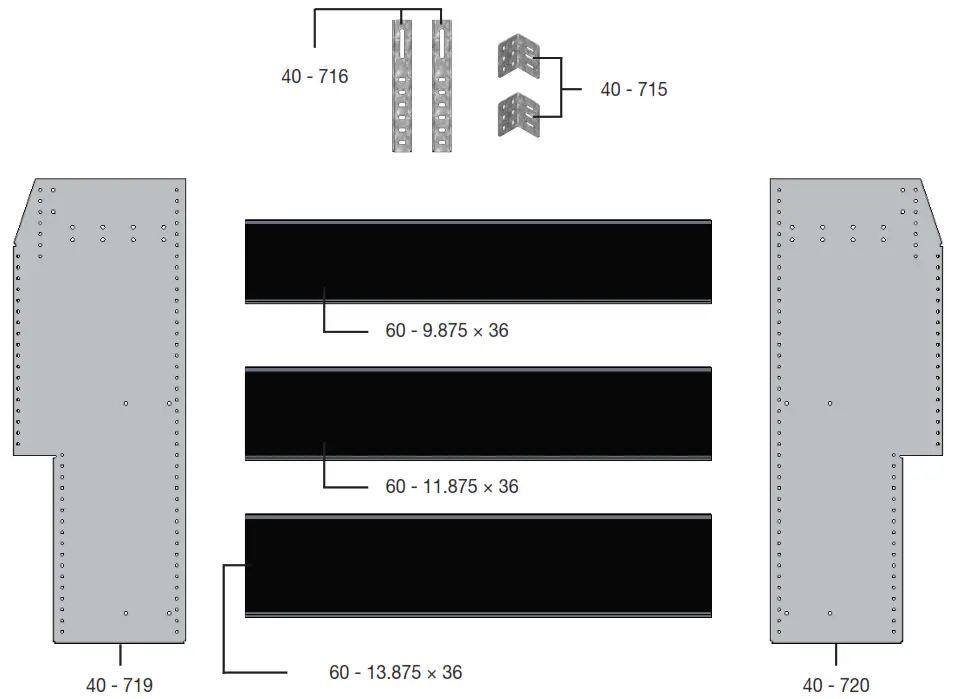
1.1.2 Verify all parts are present.
BILL OF MATERIALS
| Item No. | Description | Qty. |
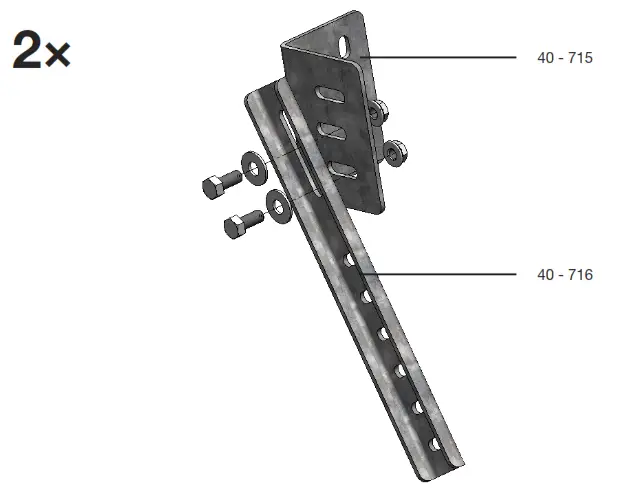
| 40 – 715 | Bracket head | 2 |
| 40 – 716 | Bracket arm | 2 |
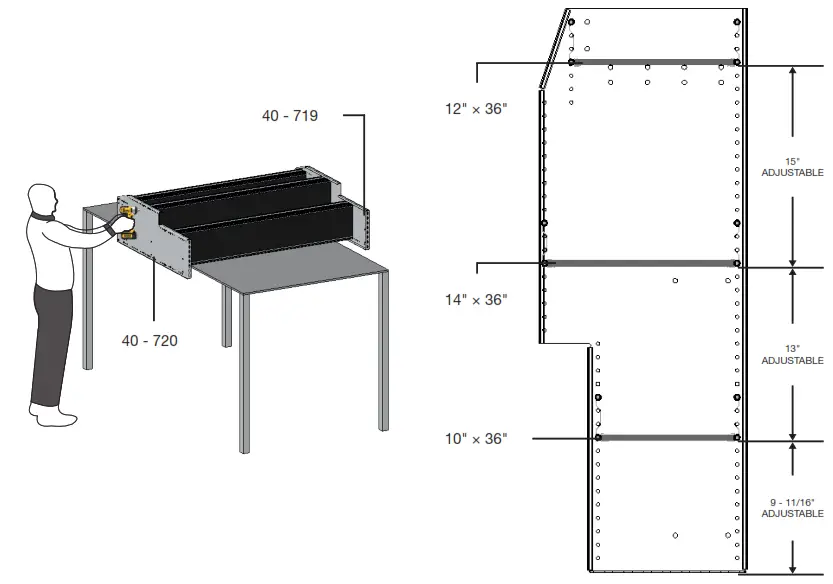
| 40 – 719 | End Panel ( Left ) | 1 |
| 40 – 720 | End Panel ( Right ) | 1 |
| 60 – 9.875 × 36 | Shelf Tray, Black Plywood, Usable 10″ × 36″ | 1 |
| 60 – 11.875 × 36 | Shelf Tray, Black Plywood, Usable 12″ × 36″ | 1 |
| 60 – 13.875 × 36 | Shelf Tray, Black Plywood, Usable 14″ × 36″ | 1 |
| 94 – 4027 | Assembly Fastener Kit | 1 |
| 96 – 4027 | Install Fastener Kit | 1 |
1.1.3Fastener kits.
94 – 4027 Fastener Kit
| 8x |  | # 90-204 | Hex Bolt 5/16″-18 × 3/4″ GR-5 ZINC |
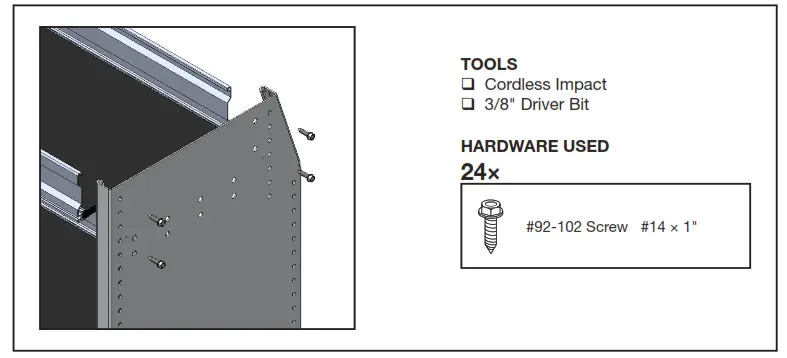
| 24x |  | # 92-102 | Screw HWH #14 × 1″ ZINC |
| 8x |  | # 94-116 | Serrated Nut 5/16″-18 ZINC |
| 8x |  | # 98-116 | Flat Washer 5/16″ – 18 × 1″ ZINC |
| 4x | | # 90-212 | Hex Bolt 5/16″-18 × 1-1/4″ GR-5 ZINC |
| 4x | | # 90-011 | Hex Bolt 5/16″-18 × 1-3/4″ GR-5 ZINC |
| 8x | 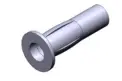 | # 94-132 | Plusnet |
| 8x | | # 98-116 | Flat Washer 5/16″, O.D. 7/8″ ZINC |
| 8x |  | # 98-122 | Lock Washer 5/16″ ZINC |
| 4x |  | # 98-157 | Spacer 0.375″ ID, × 1.0″ OD × 0.25″ LONG NYLON |
Fastener Assembly
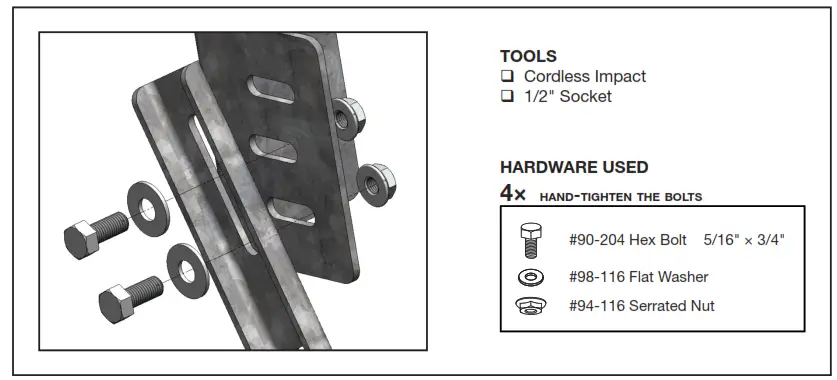
8×
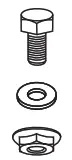 | #90-204 Hex Bolt 5/16″ × 3/4″ |
| #98-116 Flat Washer | |
| #94-116 Serrated Nut |
24×
 | #92-102 Screw #14 × 1″ |
4×
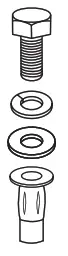 | #90-212 Hex Bolt 5/16″ × 1-1/4″ |
| #98-122 Lock Washer | |
| #98-116 Flat Washer | |
| #94-132 5/16″ Plusnut |
4×
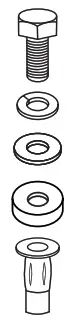 | #90-011 Hex Bolt 5/16″ × 1-3/4″ |
| #98-122 Lock Washer | |
| #98-116 Flat Washer | |
| #98-157 Spacers ( QTY = Gap beTween floor and end panel ) | |
| #94-132 5/16″ Plusnut |
SHELF ASSEMBLY
1.2.1 Attach both panels to the shelf trays.
NOTE: You can adjust the bottom shelf location to maximize or minimize your space over the wheel.
IMPORTANT: Always handle panels on a smooth, protected, and clean surface to avoid unnecessary scratching.
1.2.2 Attach the bracket head to the bracket arm.
NOTE: Hand-tighten the bolts for adjustment.
PHASE 2 – INSTALLATION
2.1 VEHICLE PREPARATION
2.1.1 Removing overhead plastic.
NOTE: There are two types of covers.
( White Covers – Without OEM partition, and Black Covers – With OEM partition )
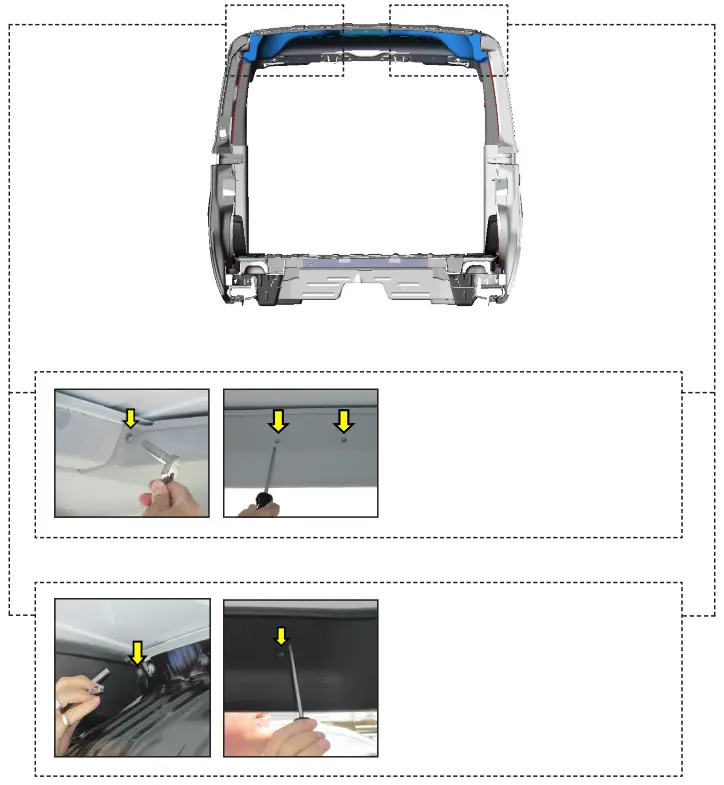
For the white cover, remove the two screws on the side and bolt on the front.
NOTE: Do these on both sides of the van.
TOOLS
- Cordless Impact or Ratchet
- Philips Screw Driver
- 7/16″ Socket
For the black cover, remove the screw on the side and bolt on the front.
NOTE: Do these on both sides of the van.
TOOLS
- Cordless Impact or Ratchet
- Philips Screw Driver
- 7/16″ Socket
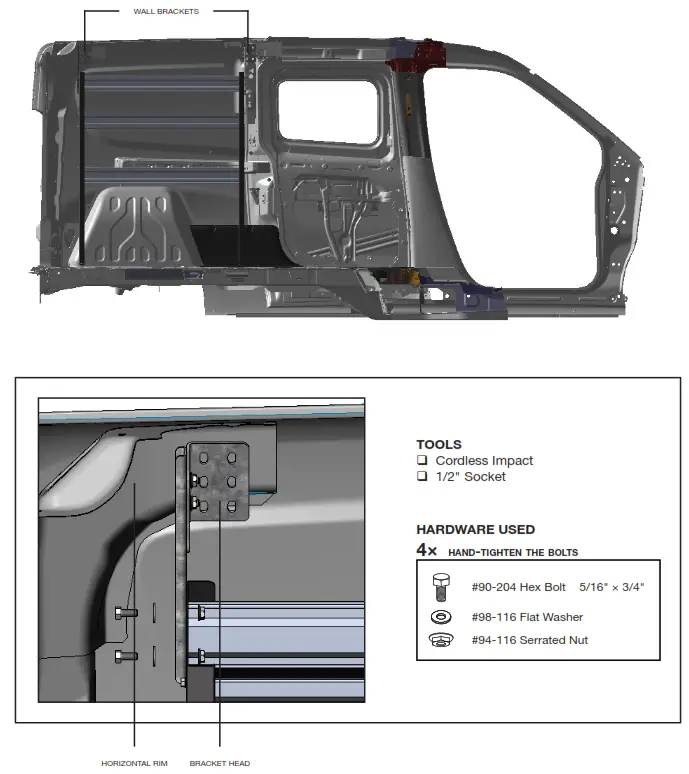
ATTACH WALL BRACKETS TO THE END PANELS
2.2.1 • Lift the assembled shelf to the vehicle, then put it in place.
- Attach the bracket arm to the panels aligning the bracket head to the horizontal rim of the vehicle.
NOTE: Handle with care.
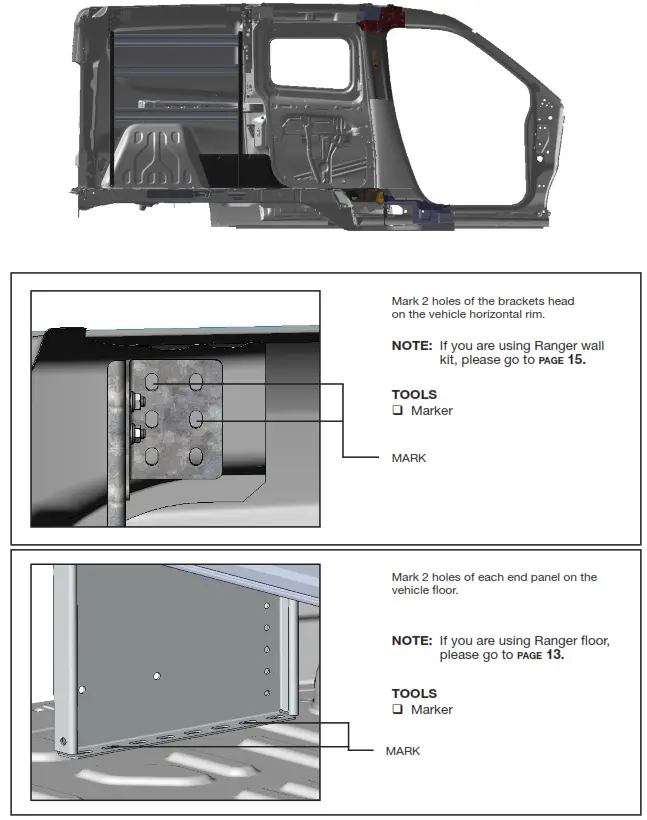
MARK HOLES FOR PLUS NUTS
2.3.1 After attaching the brackets mark the holes on the brackets and end panels to the vehicle.
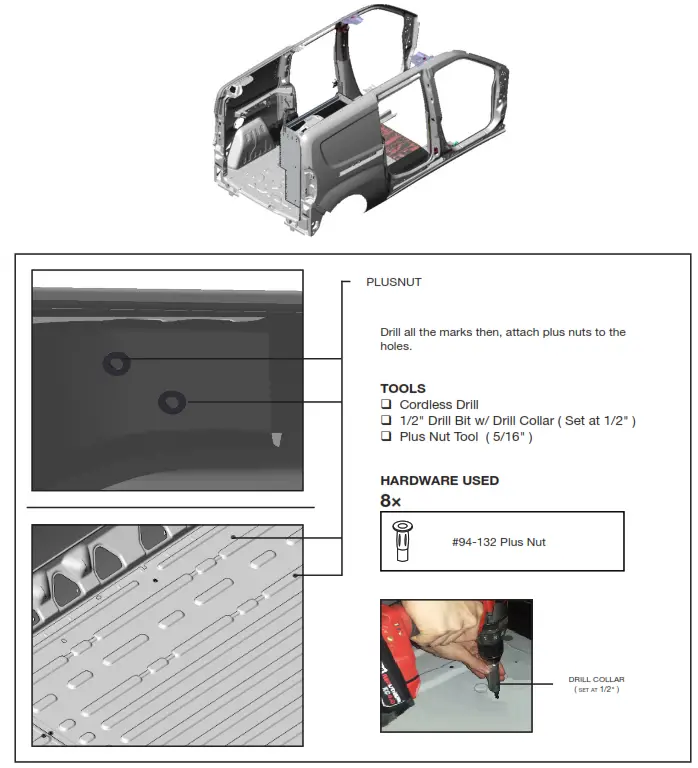
ATTACH PLUS NUTS
2.4.1 • Lift the assembled shelf on the side.
- Drill all the marks using a 1/2″ drill bit w/ drill collar, then attach plus nuts to the holes.
NOTE: Use a 1/2″ drill bit with a drill collar to stop the drill at 1/2″ depth.
WARNING: Before drilling, ensure that you will not hit any critical parts of the vehicle like the Gas tank, Wiring Harness, and Hose.
2.4.2 How to attach plus nut.
- using plus nut gun
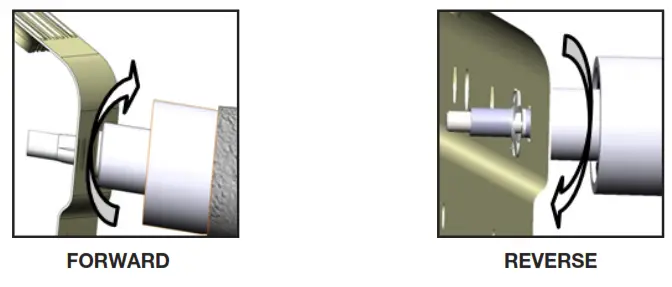
STEP: Put the plus nut on the Plusnet gun, then attach the plus nut in the hole by turning the gun forward until the plus nut locks, then remove the gun by turning it in reverse.
- using the 6491 plus nut tool
NOTE: The hardware used for the 6490 plus nut tool is not included in the fastener bag.
The 6490 plus nut tools can be ordered separately upon demand at no charge.
TOOLS
- Cordless Impact
- 1/2″ Socket
- 9/16″ Wrench
| 6491 | HARDWARE USED |
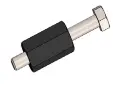 |  Flat washer 5/16″ Flat washer 5/16″Flat washer 5/16″ BS × 7/8″ OD |
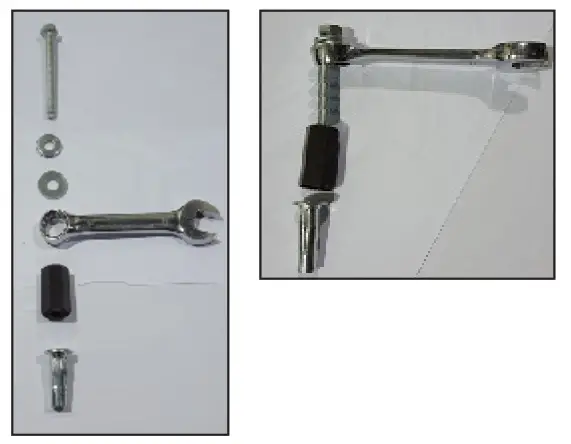
STEP 1:
Assemble the 6491 plus nut tool with the hardware needed, plus the nut and the 9/16″ wrench as shown.
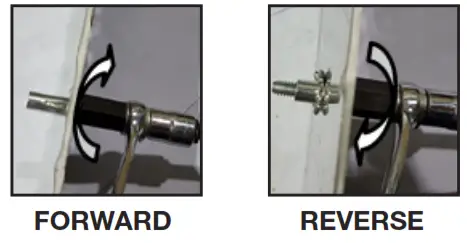
STEP 2:
Attach the plus nut in the hole by turning the bolt forward using an impact with a 1/2″ socket until the Plusnet locks, then remove the bolt by turning the impact in reverse.
ATTACH THE SHELF UNIT TO THE FLOOR
without ranger floor
2.5.1 Put the assembled shelf back in place aligning the holes to the plus nuts, then install the end panels to the plus nuts.
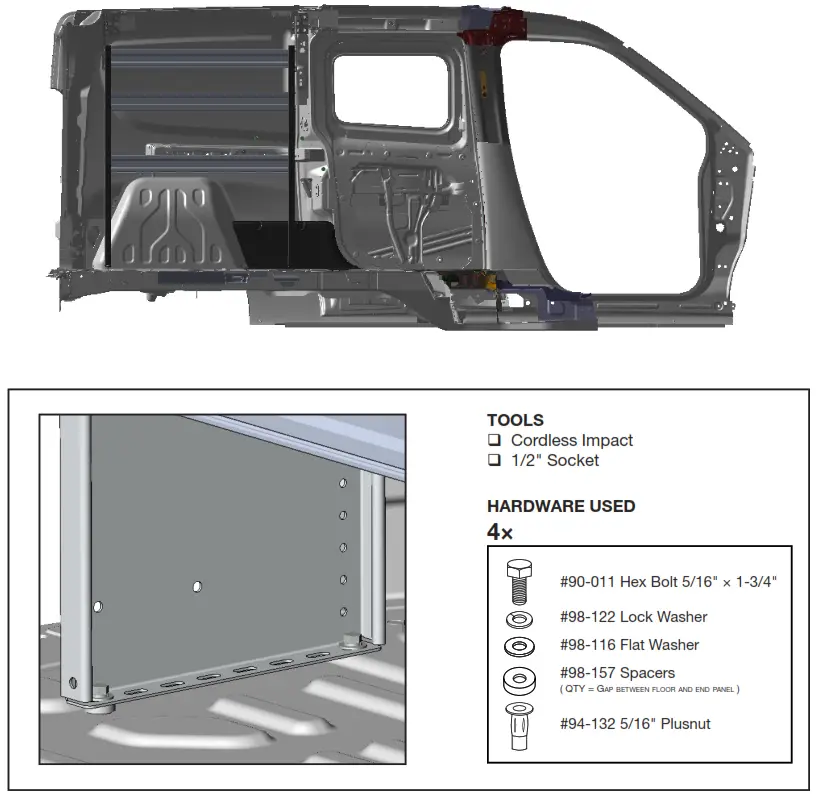
most vehicle use 1 spacer when not over ribs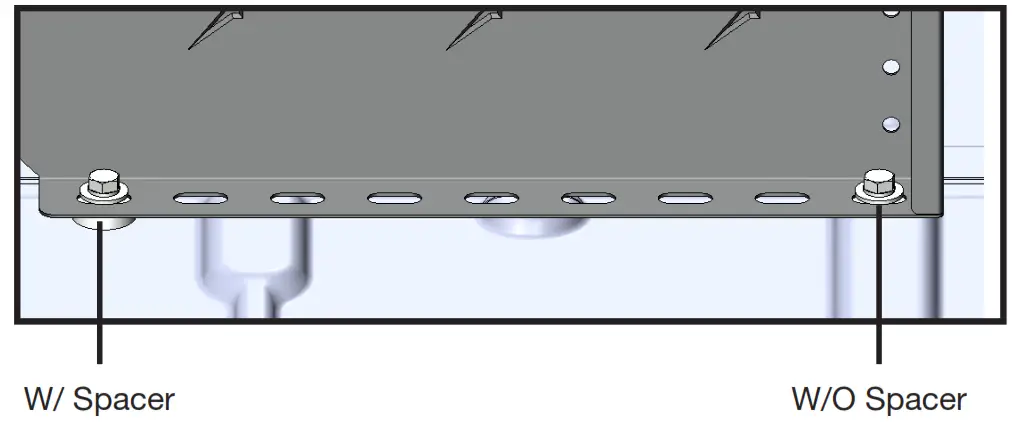
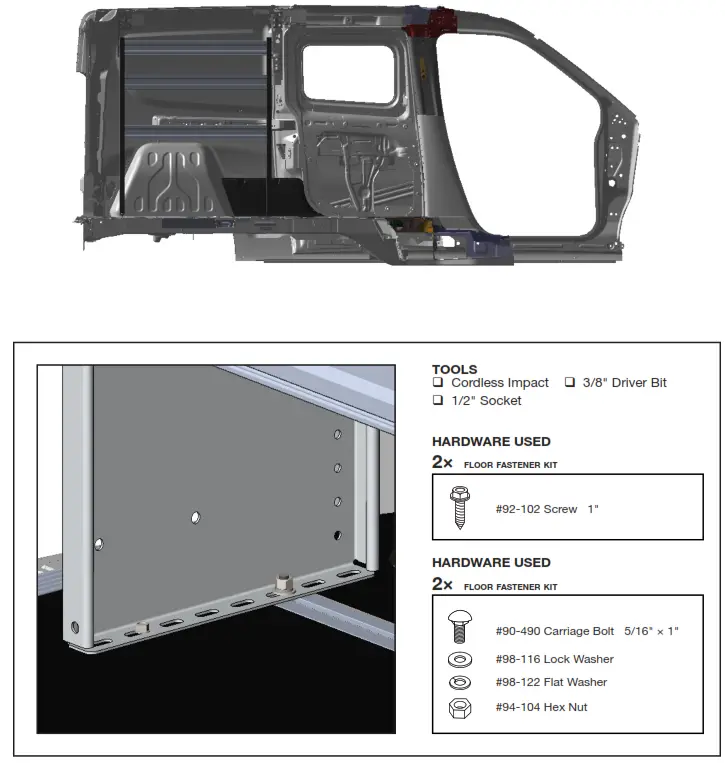
with ranger floor
2.5.2 • Lift the shelving unit inside the van, then put it in place.
- Install the shelving unit to the floor mounting track by sliding bolts in the mounting tracks, and putting screws on the other side of the end panels of the shelving unit.
ATTACH WALL BRACKETS
without ranger wall kits
2.6.1 Aligned the wall brackets to the plus nuts, then install the wall brackets to the wall.
NOTE: Tightened the bolts that are used to attach the wall bracket to the wall or wall kits 1 st
before the bolts that are used to attach the wall bracket to the end panel.
IMPORTANT: After installation is completed, ensure all bolts are tightened.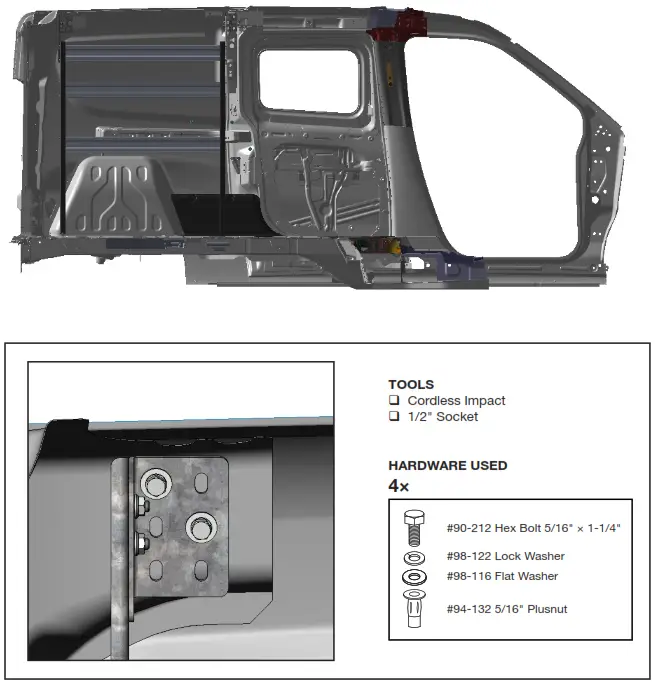
with ranger wall kits
2.6.2 Aligned the wall brackets to the wall mounting track kits, then install the wall brackets to the wall mounting track kits using channel nuts.
NOTE: Tightened the bolts that are used to attach the wall bracket to the wall or wall kits 1 st
before the bolts that were used to attach the wall bracket to the end panel.
IMPORTANT: After installation is completed, ensure all bolts are tightened.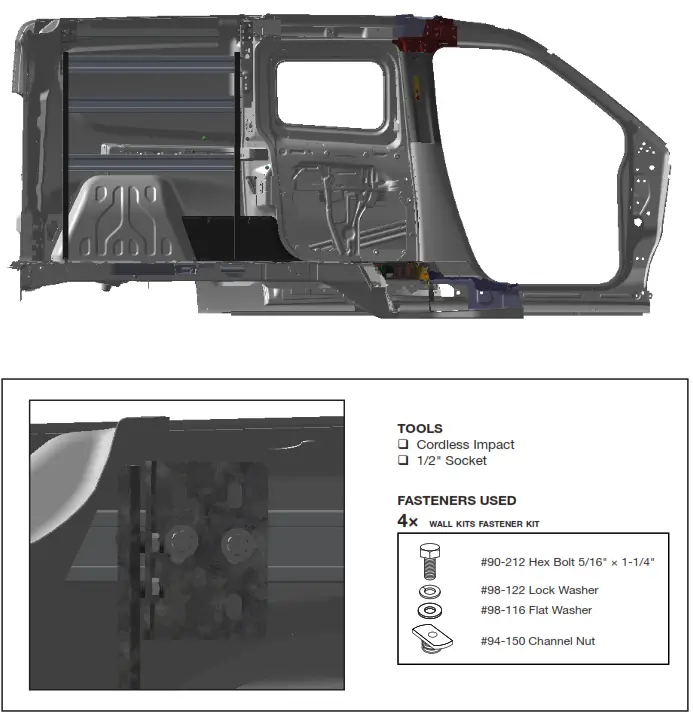
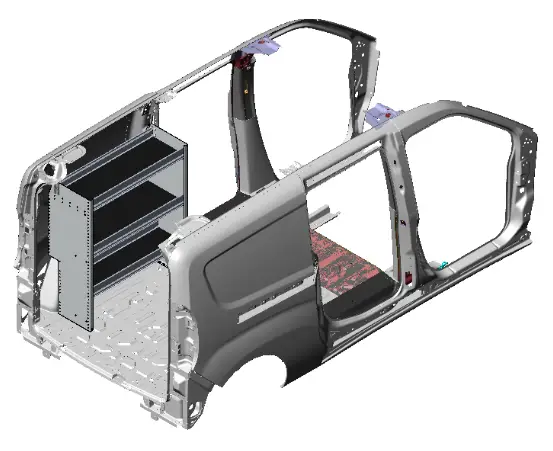 “You have successfully installed your
P4-RA36-3
Thank you for doing business with us.”
For any feedback or suggestions, you may have, please contact: [email protected]
For technical support, contact us at 1-800-565-5321
P4-RA36-3 Installation Guide | REV. B1