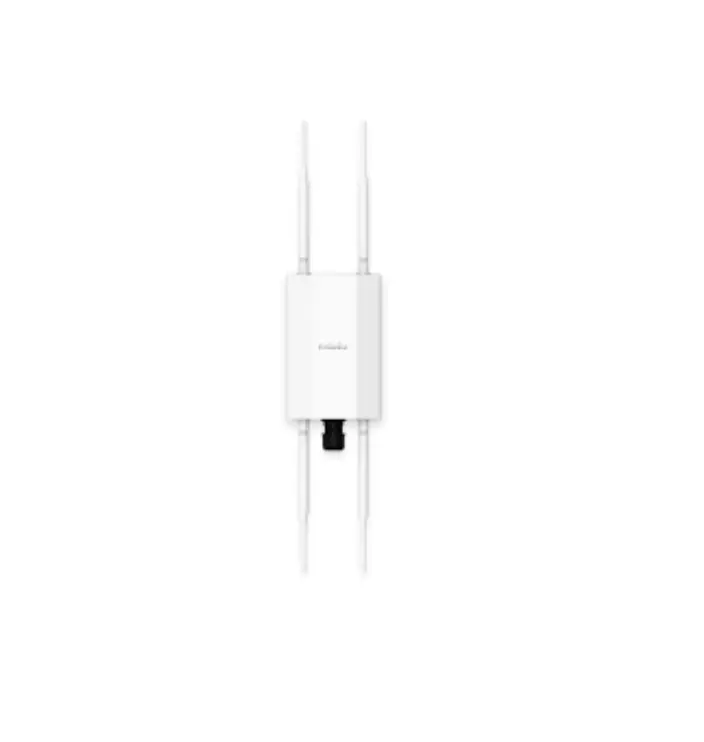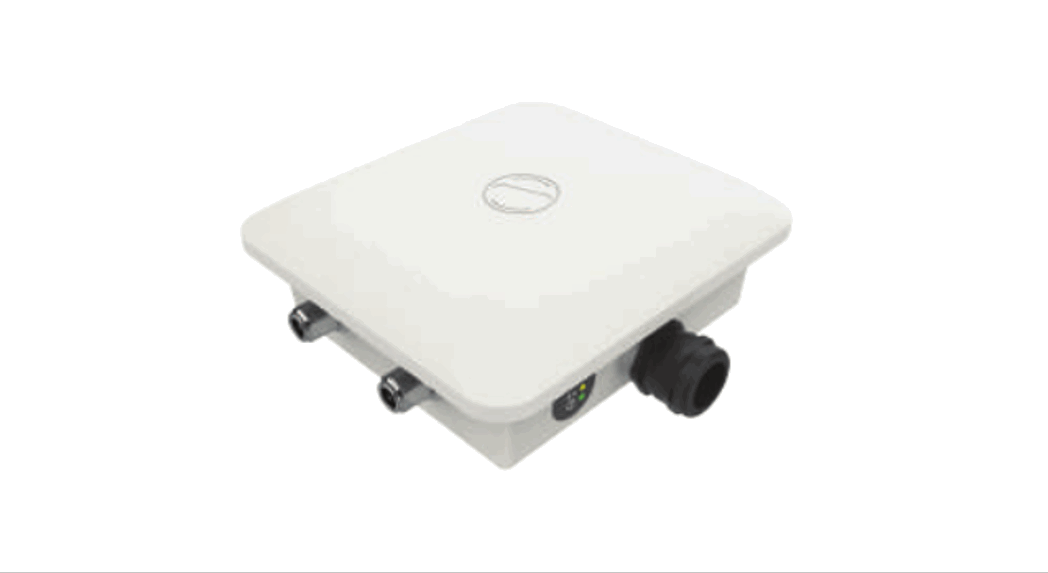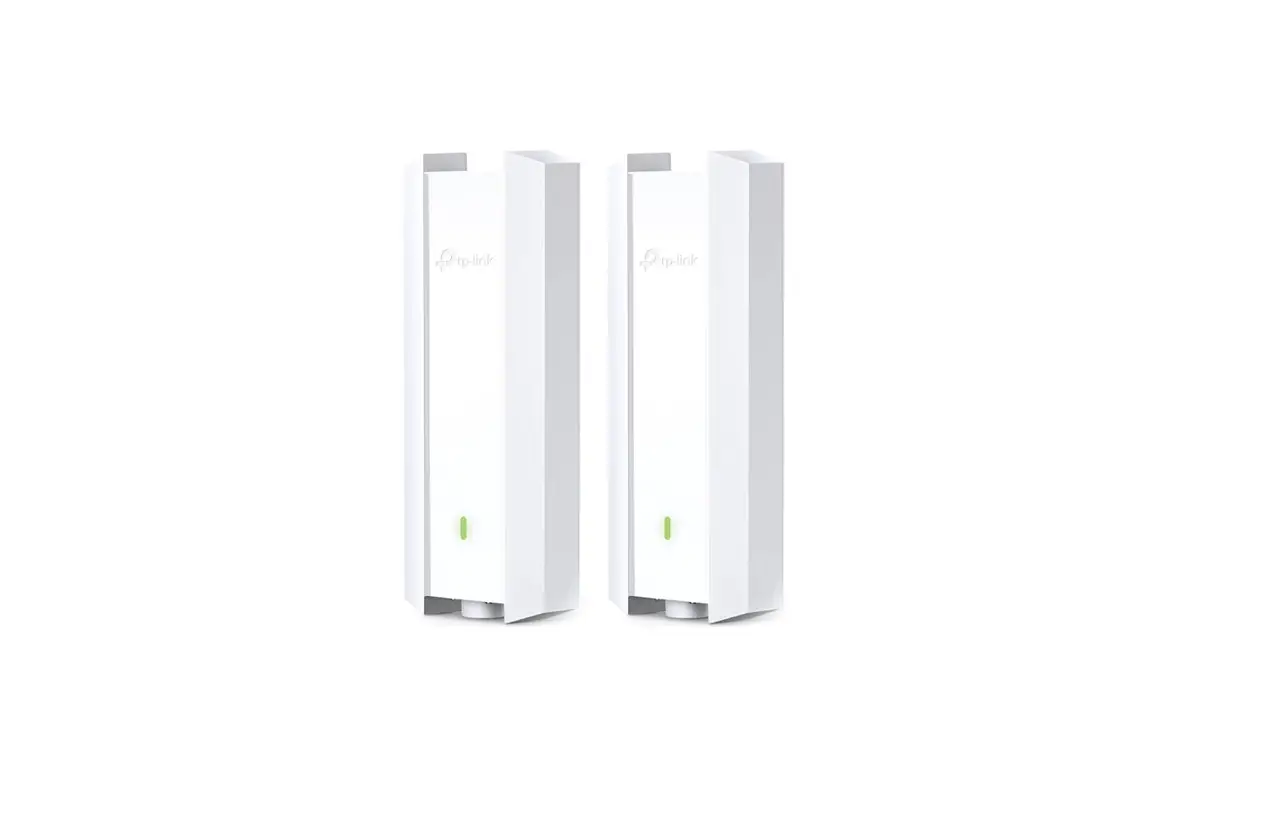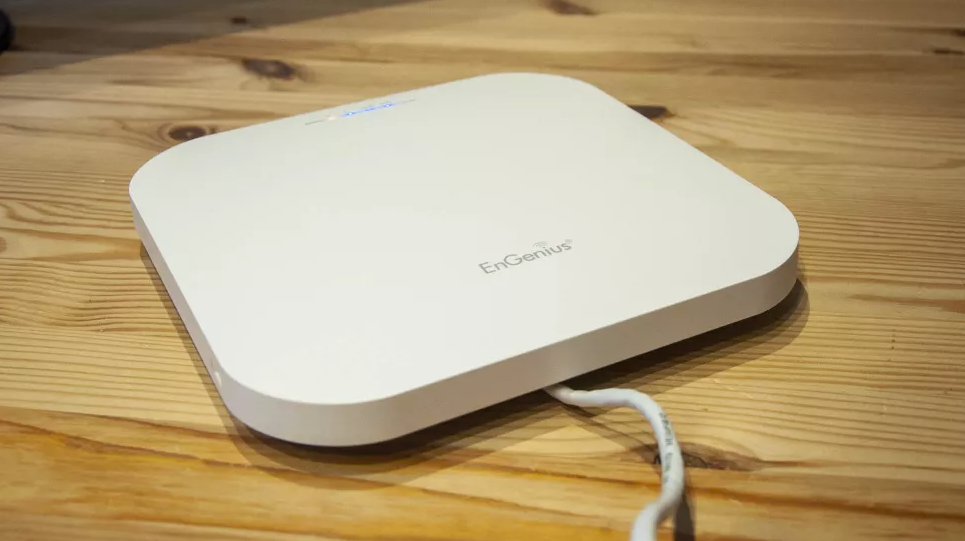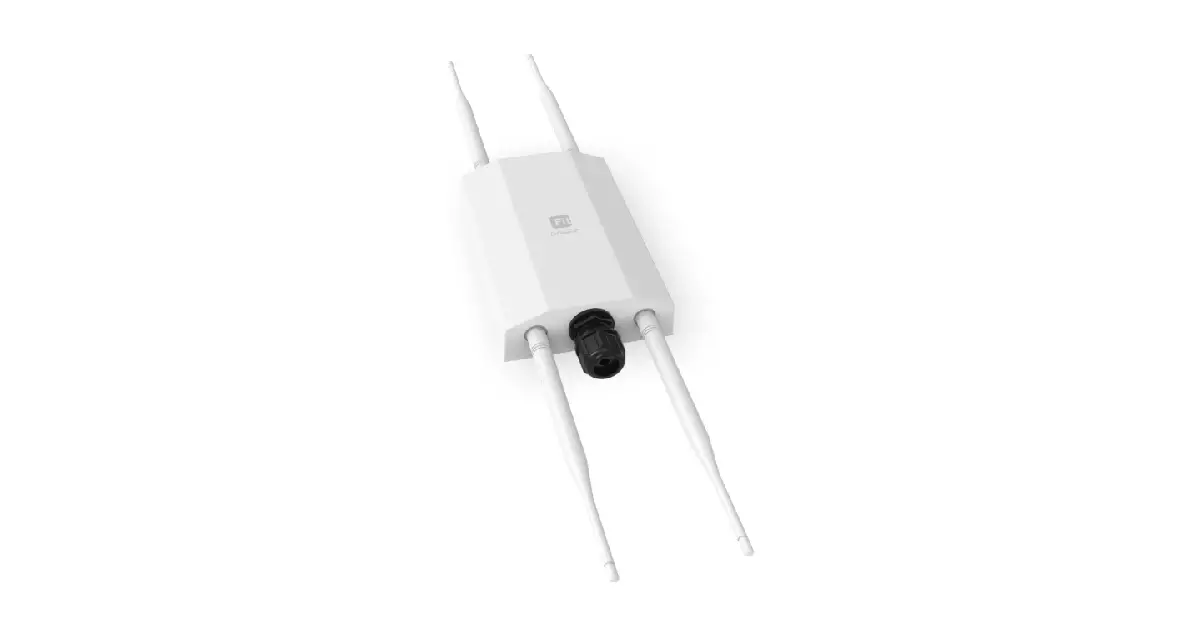

EnGenius EWS850-FIT Wi-Fi 6 2×2 Wireless Outdoor
Product Information
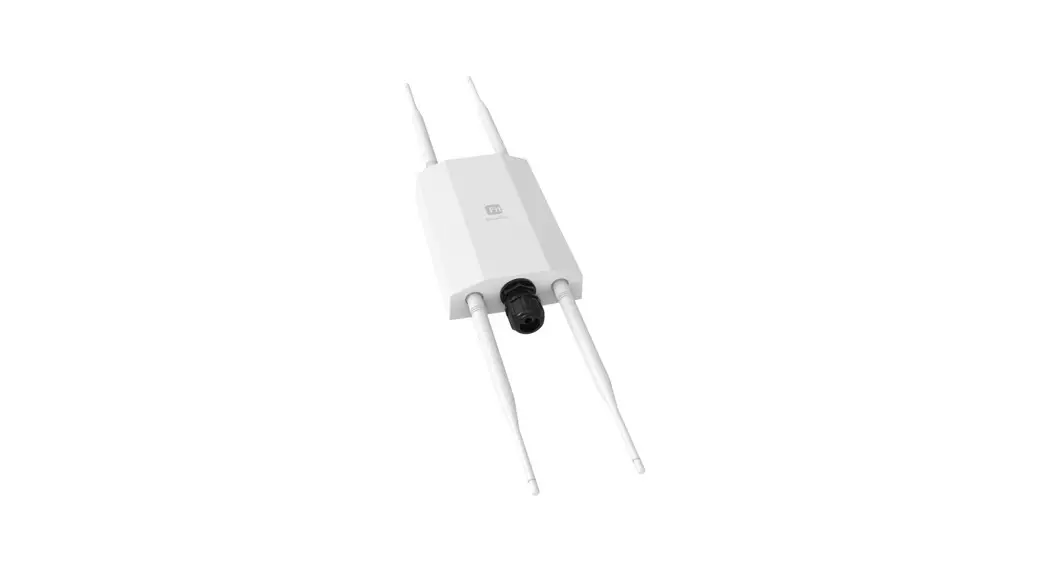
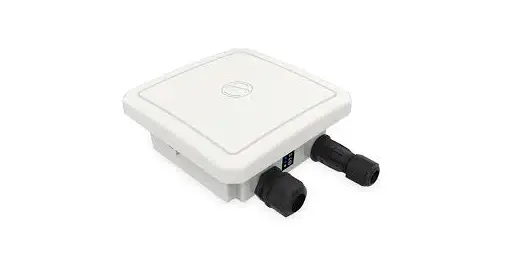
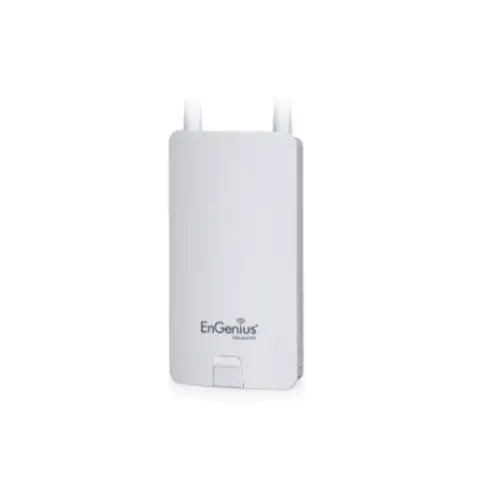
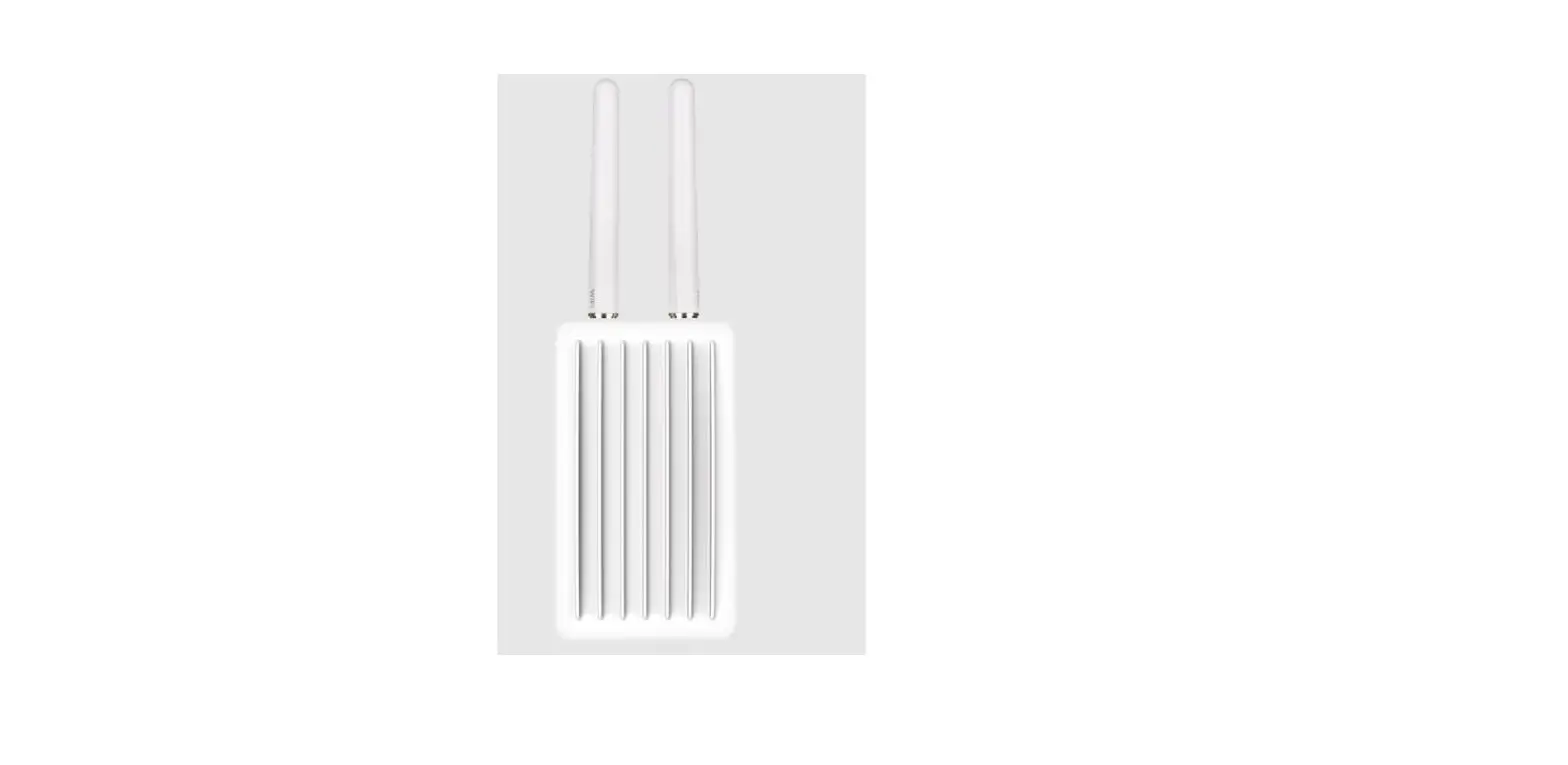
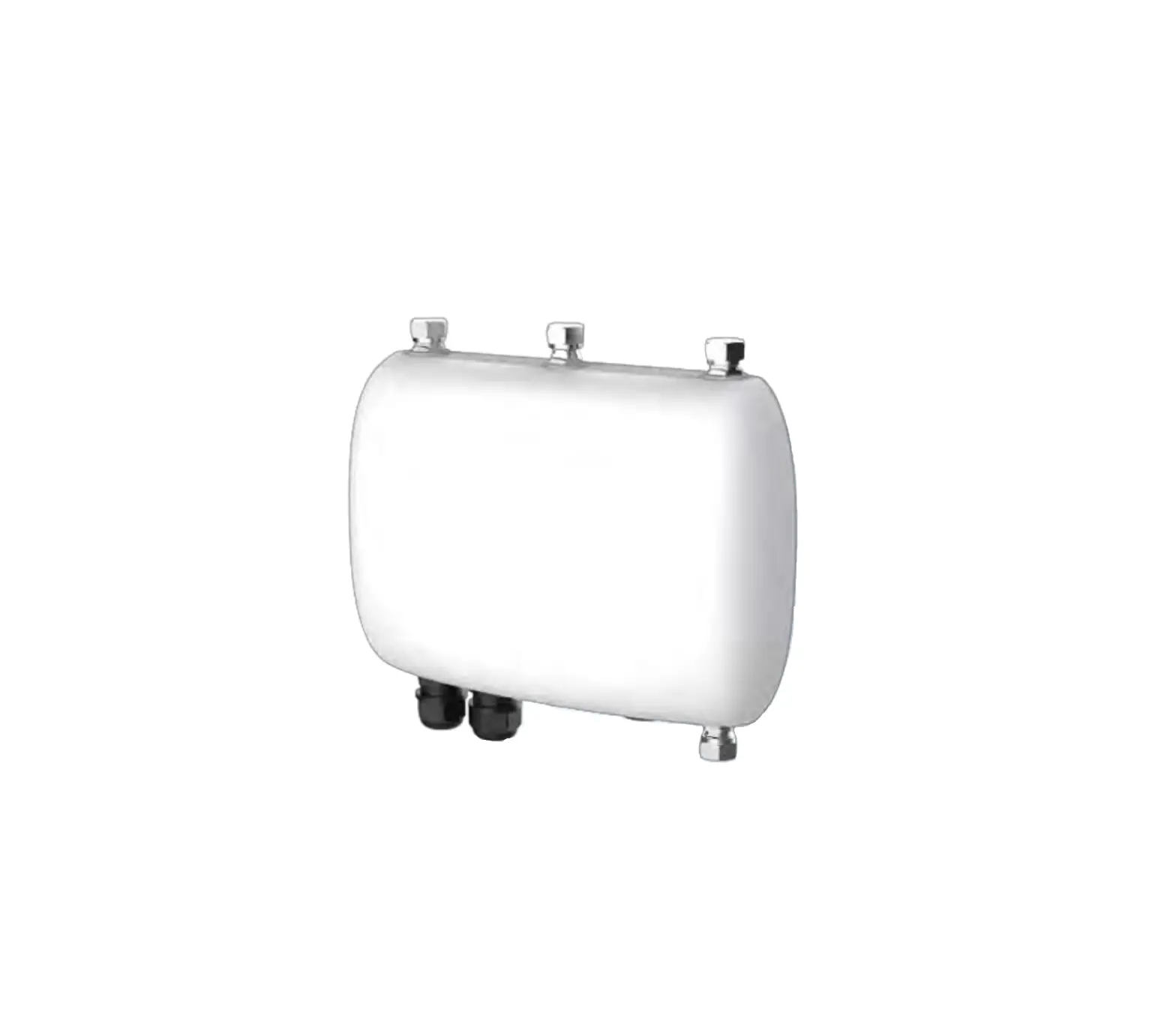
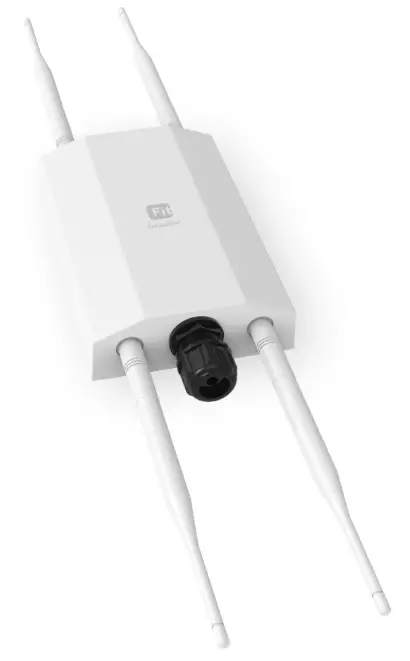
The EnGenius Fit Wi-Fi 6 2×2 Dual-band Outdoor Access Point (EWS850-FIT) is a high-performance Wi-Fi access point designed for high-density, multi-device environments. It utilizes Wi-Fi 6 technology to provide fast and reliable wireless connectivity for multiple applications, both on-premises and in the cloud.
Features:
- Wi-Fi 6 technology
- Two spatial streams
- Supports up to 1,200 Mbps (5GHz) & 574 Mbps (2.4GHz)
- Dual-band operation
- Outdoor rated
Package Contents:
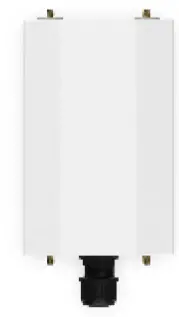
- EWS850-FIT Access Point

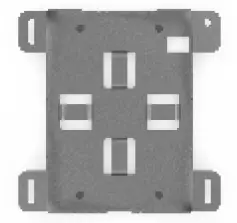
- Pole Mounting Bracket

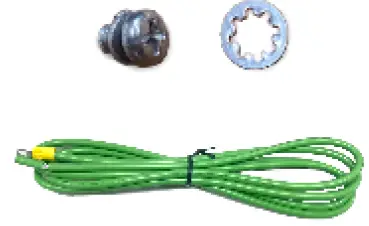
- Ground Wire & Screw Set

- Screws

- Pole Mounting strap

- DE attachable antenna

- Quick Start Guide


System Requirements:
- Web Browser:
- Google Chrome (57.0.2987.110 and later),
- Microsoft Edge (80.0.361.103 and later),
- Mozilla Firefox (52.0 and later)
Hardware Overview:
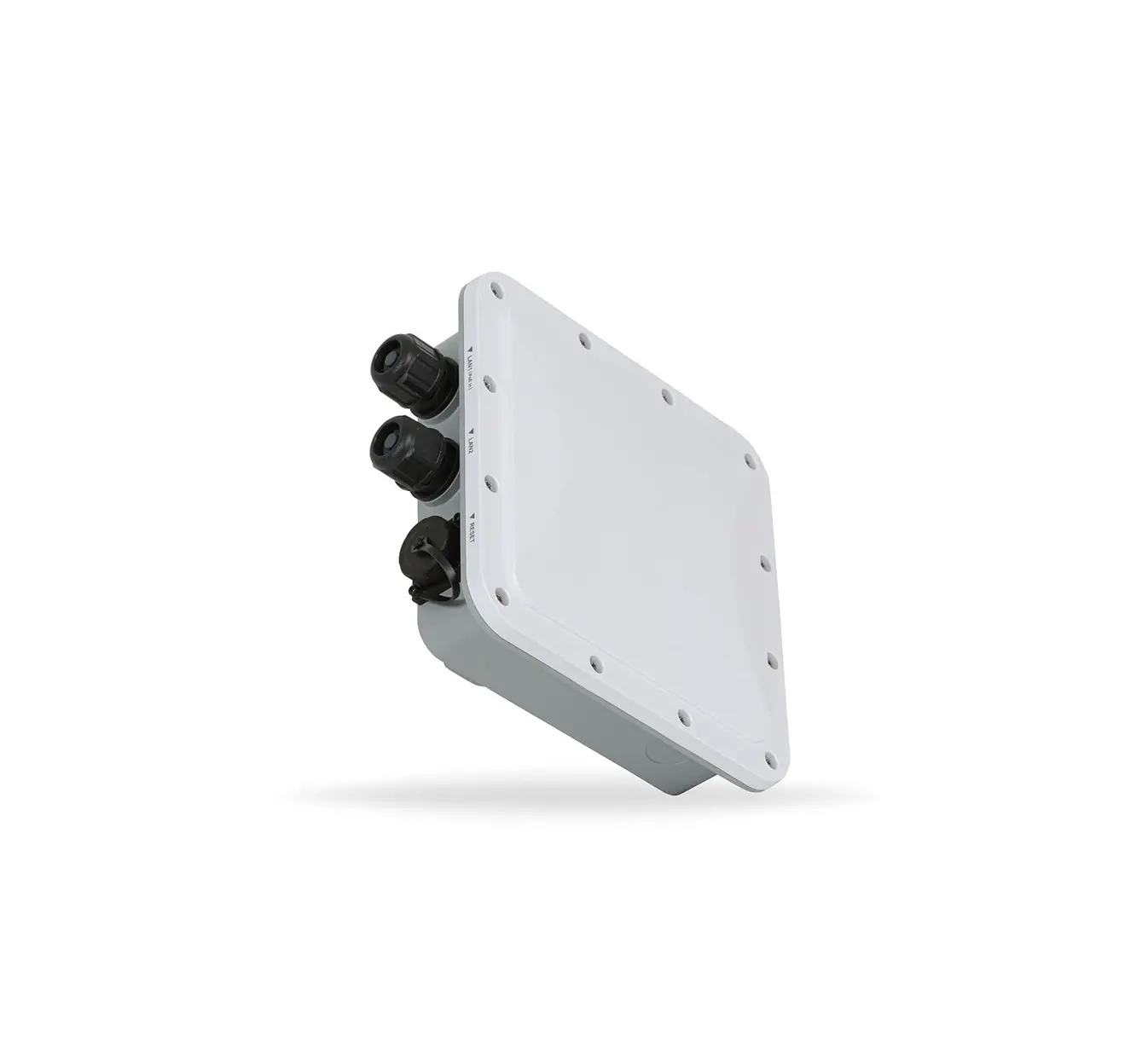
The EWS850-FIT Access Point has the following ports:
- Reset by EnGenius PoE Adapter

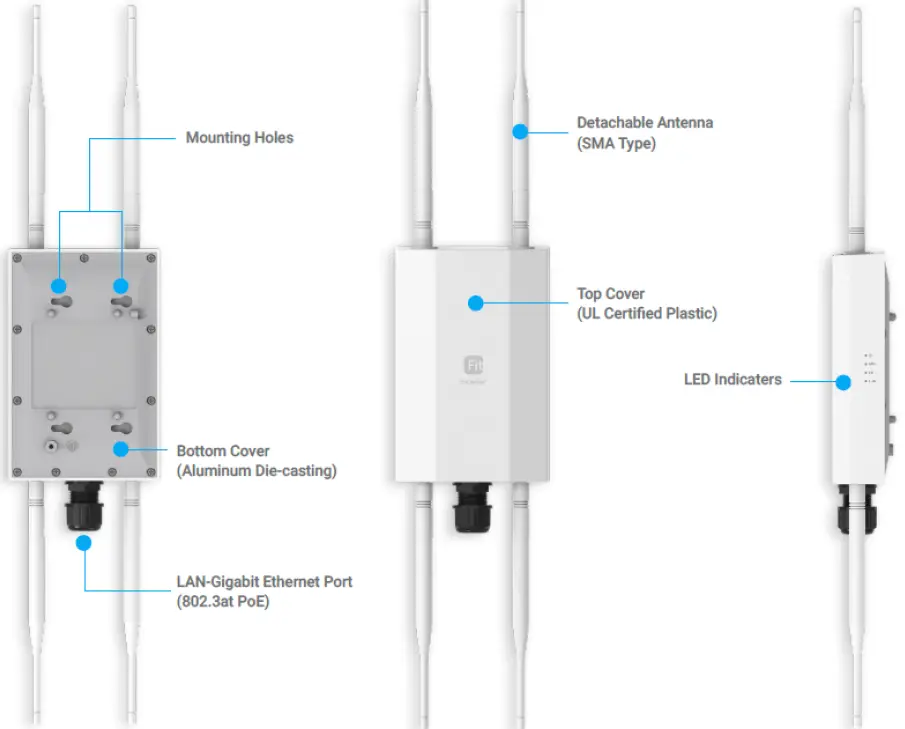
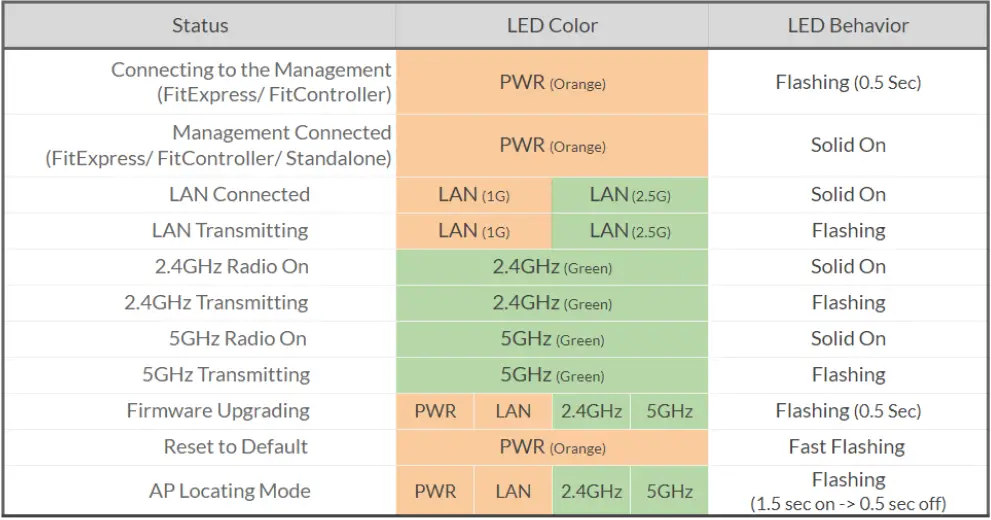
The EWS850-FIT Access Point has the following LEDs:
- PWR LED

Product Usage Instructions
Hardware Mounting:
Mount the EWS850-FIT Access Point using the pole mounting bracket and screws provided in the package. Refer to the Quick Start Guide for detailed instructions.
Powering the EnGenius Fit AP:
The EWS850-FIT Access Point can be powered using a PoE (Power over Ethernet) adapter or a 12V DC power supply. Connect the power source to the Reset port on the Access Point.
Management Plane:
The EWS850-FIT Access Point can be managed through cloud management, on-premises management, or standalone configuration.
Refer to the Quick Start Guide for detailed instructions on each option.
- Option A: Cloud Management – Use the EnGenius Cloud Management platform to manage the Access Point.
- Option B: On-Premises Management – Use the EnGenius Neutron Series Wireless Management software to manage the Access Point.
- Option C: Standalone Configuration – Configure the Access Point using a web browser.
Reset to Default:
To reset the EWS850-FIT Access Point to factory default settings, press and hold the reset button on the PoE adapter for over 10 seconds. The PWR LED on the Access Point will start fast flashing (0.2 sec) indicating that the device has been reset to factory default settings.
Introduction
This Quick Start Guide is designed to guide you through the installation of the Fit6 2×2 Outdoor access point, model EWS850-FIT, including hardware mounting and configuration.
Fit6 2×2 Outdoor
EnGenius Fit Wi-Fi 6 2×2 Dual-band Outdoor Access Point Model: EWS850-FIT
- Wi-Fi 6 technology for high-performance Wi-Fi in high-density, multi-device environments.
- Two spatial streams support up to 1,200 Mbps (5GHz) & 574 Mbps (2.4GHz).
- Multiple applications for cloud and on premises solutions