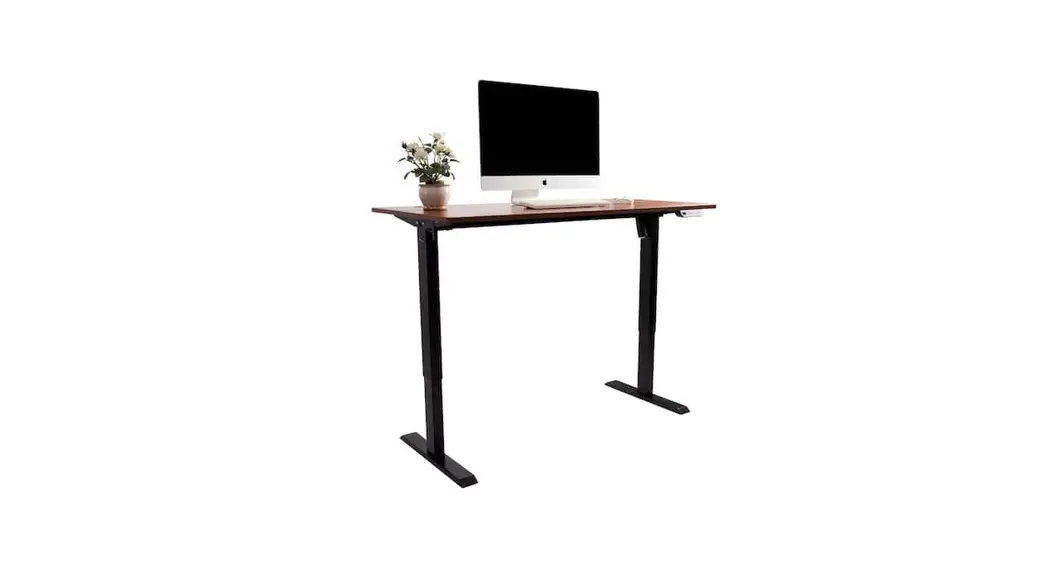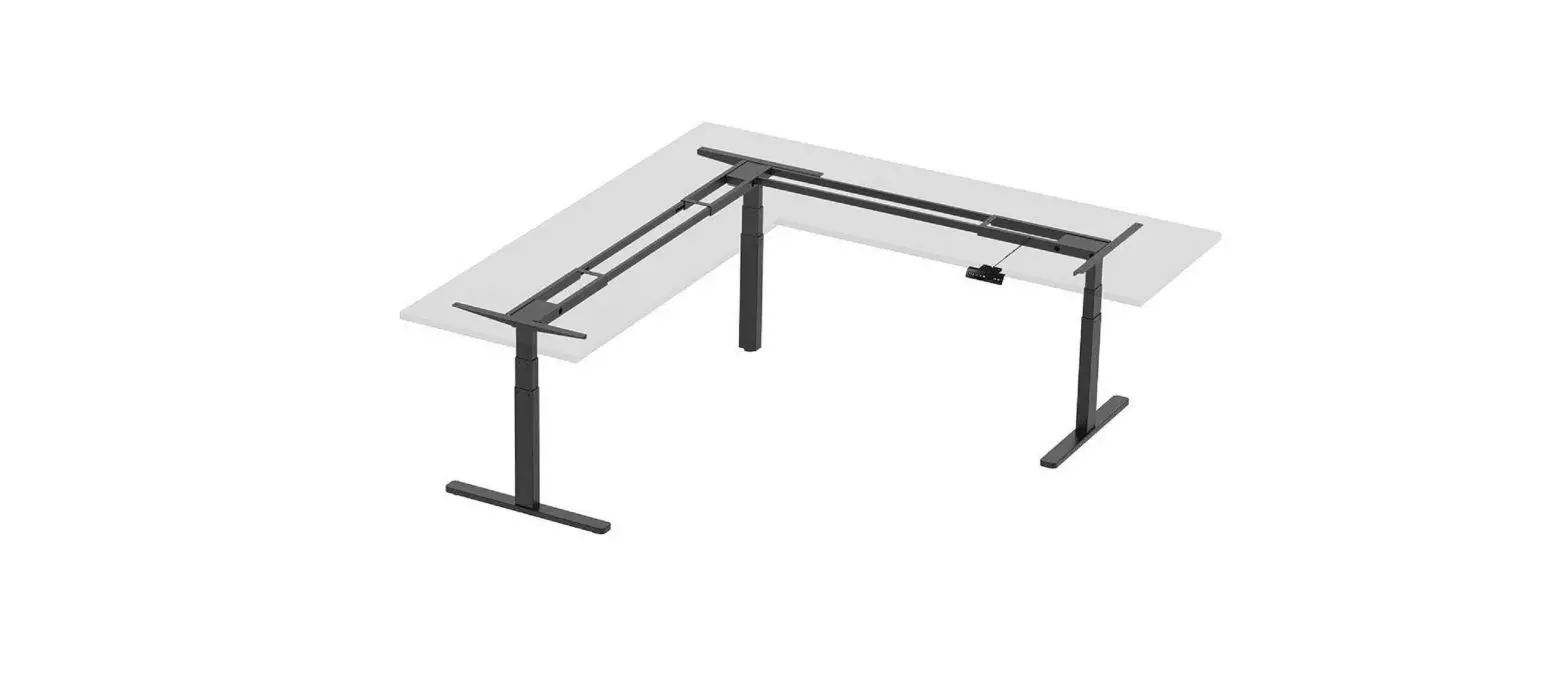
WORKSTREAM 34827 Monoprice Triple Motor Height Adjustable Sit-Stand Corner Desk Installation Guide
SCREWS/FASTENERS (BAG)
A | M5x16 screws (2pcs extra) | 30pcs |
B | M6x12 screws (2pcs extra) 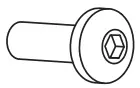 | 48pcs |
C | Foot pads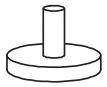 | 5pcs |
D | M6x35 screws 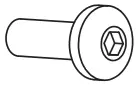 | 6pcs |
E | Connection plate | 1pc |
F | S=4mm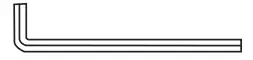 | 1pc |
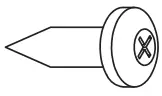
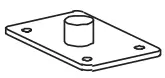
PARTS INCLUDED
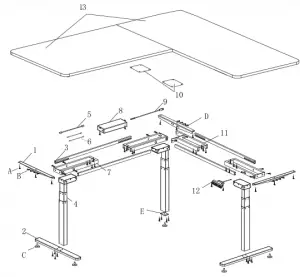
| 1 | Side plates 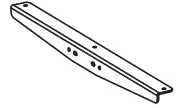 | 3pcs |
| 2 | Feet 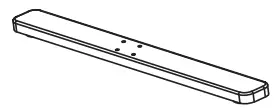 | 2pcs |
| 3 | Connecting Roads 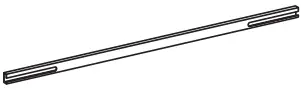 | 4pcs |
| 4 | Table legs 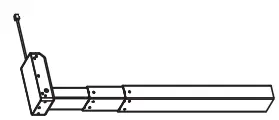 | 3pcs |
| 5 | Connecting Line (long)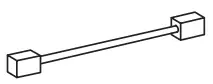 | 1pc |
| 6 | Connecting Line (Short) 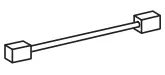 | 2pcs |
| 7 | Frames 1 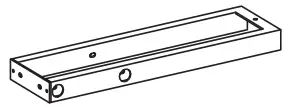 | 3pcs |
| 8 | Controller Box 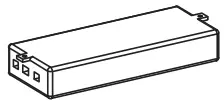 | 1pc |
| 9 | Power Cord 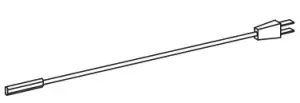 | 1pc |
| 10 | Table Board Connection board | 2pcs |
| 11 | Frames 2 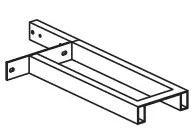 | 1pc |
| 12 | Control Panel 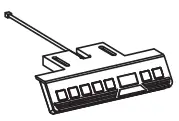 | 1pc |
| 13 | Desktop (not included) 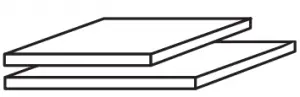 | 2pcs |
INSTALLATION
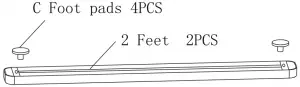
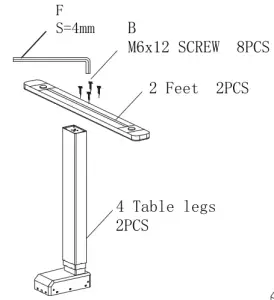
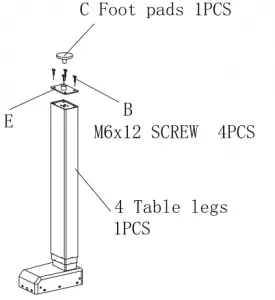
- Attach the adjusting foot(C) to the feet (2) , connect the table leg (4) to the feet (2), and fasten the screw (B) with the wrench (F). Screw the adjustment foot(C) onto the Connection plate(E) . Place the Connection plate(E) on the table leg 2 and tighten it with the screw (B).


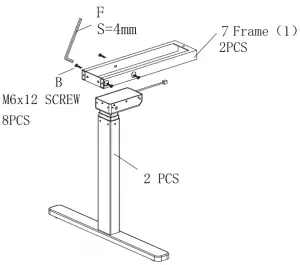
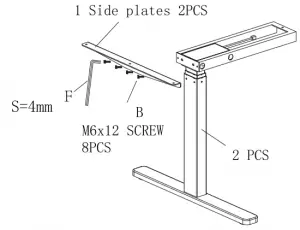
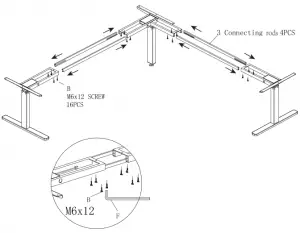
- Mount the frame 1 (7) and use the wrench (F) to lock the screw (B), fix the side panel (1) to the frame (7) with the screw (B).


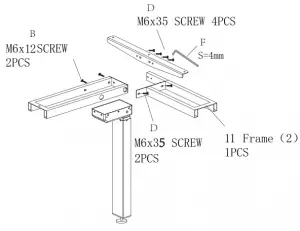
- Fix the frame 1 (7) with screws (B) Fix the frame 2 (11) with screws ( D ) Secure the side plate (1) with screws (D)

- 0 Insert the connecting rod (3) into the frame Adjust the distance according to the size of the table, and then tighten the screw (B) with the wrench (F).

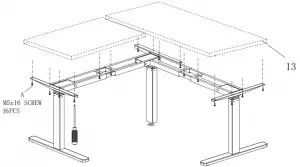
- Mount the desktop (not included) with screws (A) on the two sides plates.

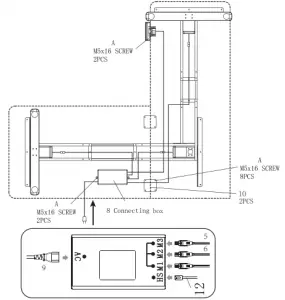
- 0 Mount the control box (8) under desktop(13) with screws (A). Use the screws (A) to install the controller panel(12) under the desktop. If using two separate table boards, connect and support them with the table connection hardware (10).


OPERATION
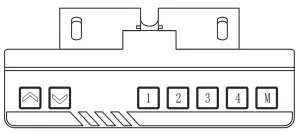
 | Press |
 | Press |
 | Press until 1 appears, release the button, it runs to corresponding height and displays current positions |
| Press  until 2 appears, release the button, it runs to corresponding height and displays current positions until 2 appears, release the button, it runs to corresponding height and displays current positions |
 | Press |
| Press  until 4 appears, release the button, it runs to corresponding height and displays current positions until 4 appears, release the button, it runs to corresponding height and displays current positions |
 | Save button, used to entire the save height function |
Memory Position | Set to desired height. Press |
Reset | If an error occurs, press |
protection Mode ( Auto lock Mode) | |
| Over-heating protection | Hot: if the desk continuously works for over 2 minutes. Clears automatically after an18 minute cool down period. |
| Sensorless alarm | El: motor setting not detected, reset or unplug to dear error. |
| Overload protection | E2: Check for obstructions or overloading, error clears automatically after 3 seconds |
| Rebound protection | E3 : it alarms in reversed compression when running down, check that there are no obstructions. press any button to dear or reset. |
| Overvoltage alarm | E3: it alarms when voltage is higher than limit value, dear automatically after voltage reduced to set value. |
| Undervoltage alarm | E3: it alarms when voltage is lower than limit value: dear automatically after voltage is higher than set value |
| Step out alarm | E6: it alarms when height difference between left and right leg exceeds the set value; dear it after re-power on. |
| Breaking protection | Desk enters protection state when motor or control wires are disconnected. Reconnect to restore operation. |
| Metric and English unit conversion | Press for 3 seconds and it will display- release press until 0 appears, release the button and it display current height,(cm) |
| Press for 3 seconds and it will display- release press until 1 appears, release the button and it display current height,(in) | |

![Matrix Executive Electric Height Adjustable Desk [jbmatel12k, Jbmatel15k] User Manual](https://static-data1.manualsee.com/1/img/202/58891/2021/02/Matrix-Executive-Electric-Height-Adjustable-Desk-JBMATEL12K-JBMATEL15K-User-Manual.jpg "Matrix Executive Electric Height Adjustable Desk [jbmatel12k, Jbmatel15k] User Manual")