
17-09-20 Issue 2
Installation Instructions
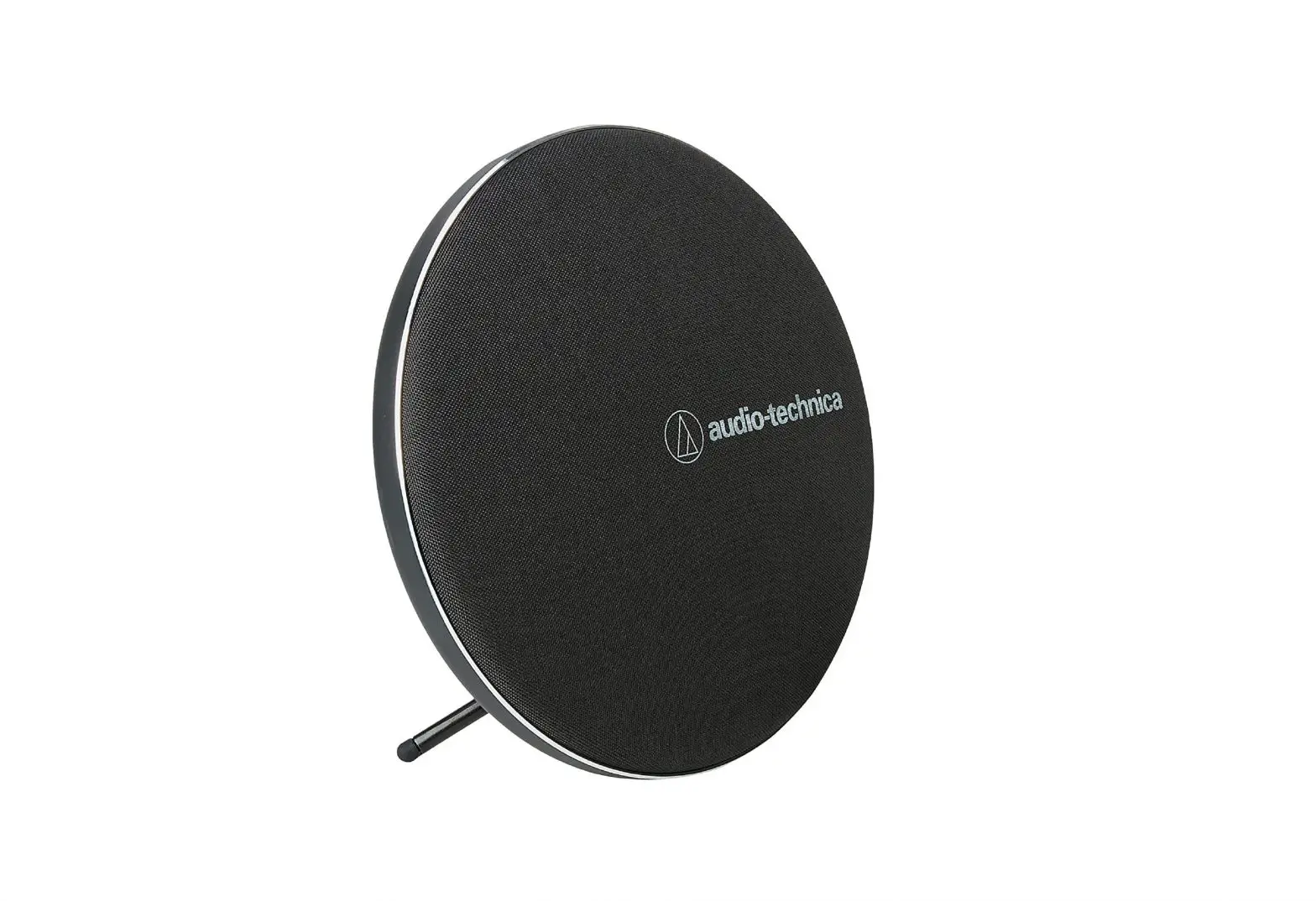
ROKK Wireless Sub (SC-CW-07E)
Parts List
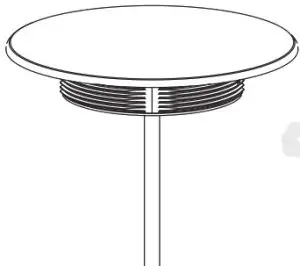 |  |
| Charger | Alcohol wipe |
Techinhical Information
| Input voltage range : | 10-30V DC(12/24V system |
| Input currant max | 1.5A |
| Output | 5W (5V,1A) |
| Standby current draw | <0.03W |
| Certifications | Qi, CE,FCC, ROHS |
| Waterproof rating: | IPX6 front and back |
Tools Required
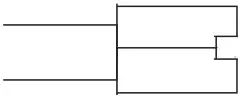
 | Power drill |
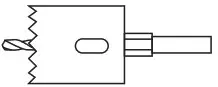 | 64/65mm(2.5″) Hole Saw) |
 | Straight router |
 READ THE IMPORTANT SAFETY INFORMATION LEAFLET BEFORE INSTALLING
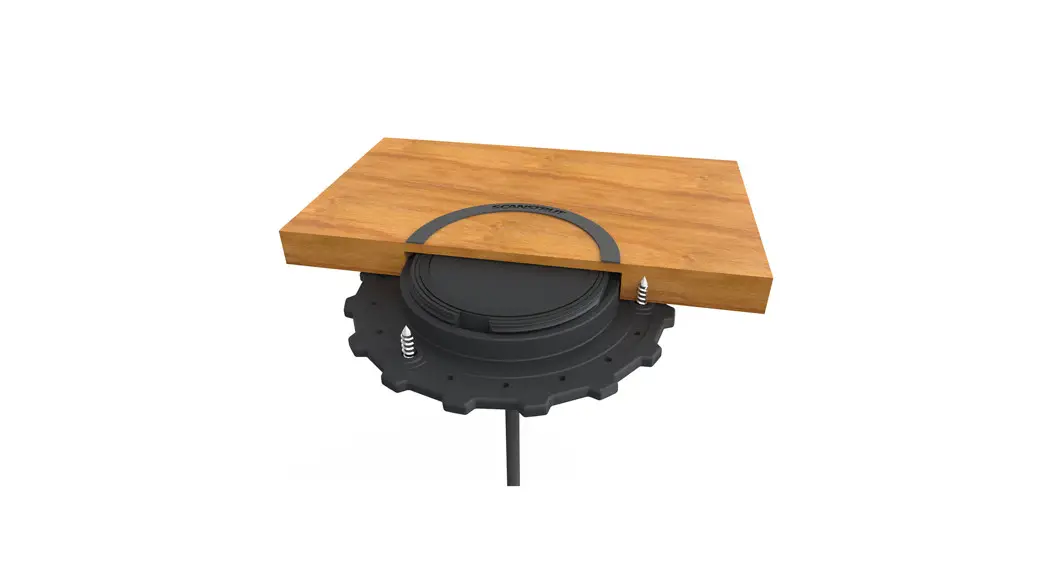
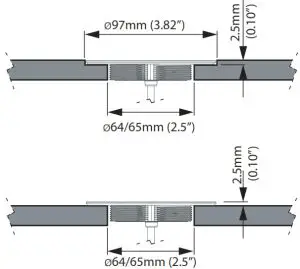
Install options and cut out dimensions
Remove self-adhesive backing
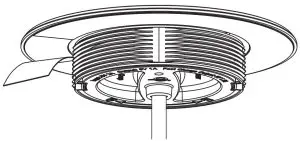
Optional threaded locking ring available separately if self-adhesive is not suitable for the mounting surface. Part #: SC-CW-LOCK-01
Use an alcohol wipe to ensure the surface is free from dirt or grease and insert into the hole.
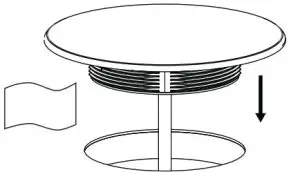
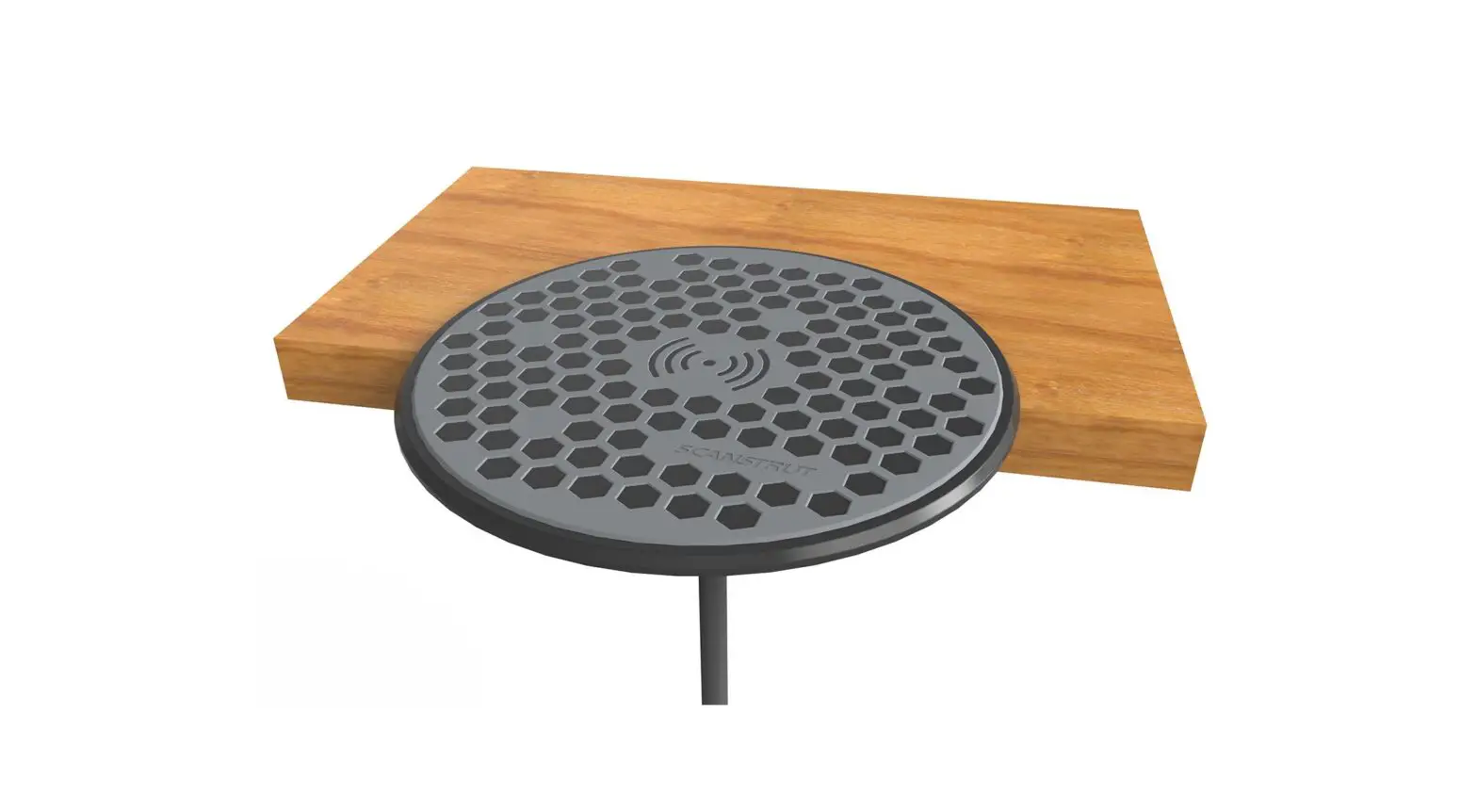
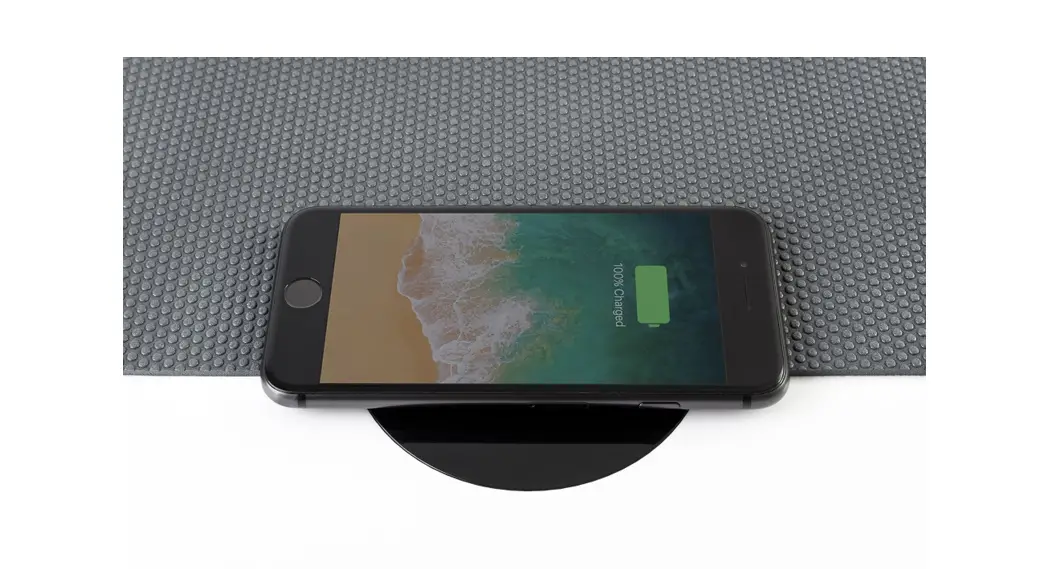
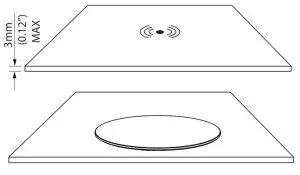
Overlay your choice of non-metallic surface, including wood, fabric, or marine traction surface. (Not provided). Maximum thickness ≤3mm. Ensure the charging logo is concentric over the charger.
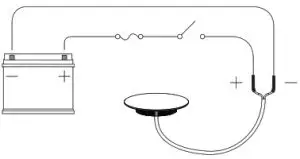
Connect wires to 12-24V supply, ensuring a waterproof connection. Fuse appropriately according to the input voltage and current, check the product is functioning correctly.