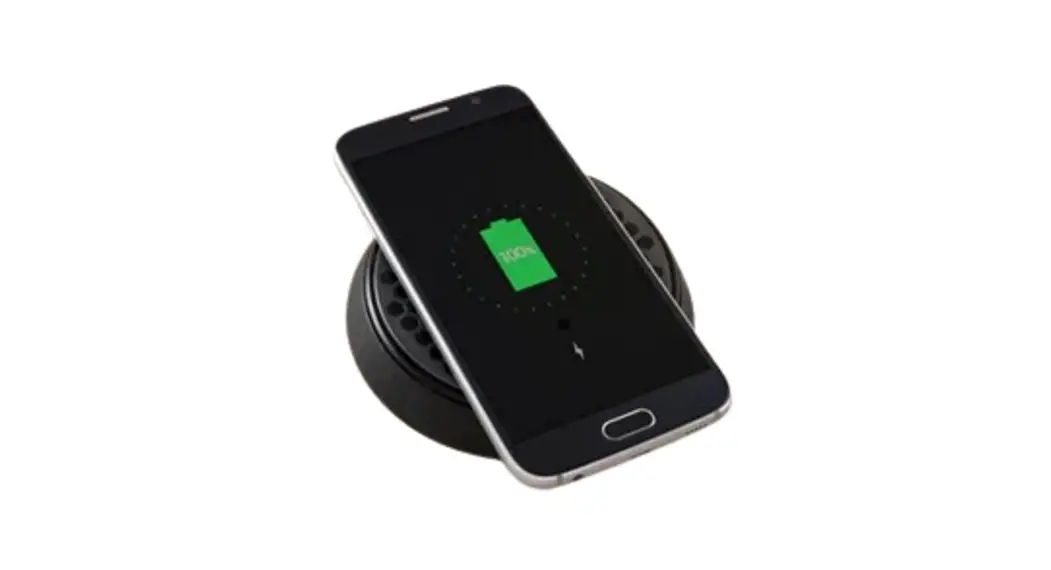

ROKK WIRELESS BEZEL ACCESSORY PACK
(SC-CW-BZ) 09-06-2022 (Issue 2)
Installation Instructions
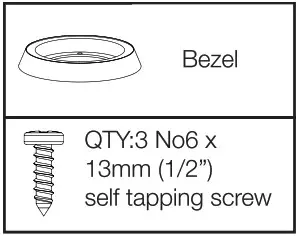
Parts List
Tools Required
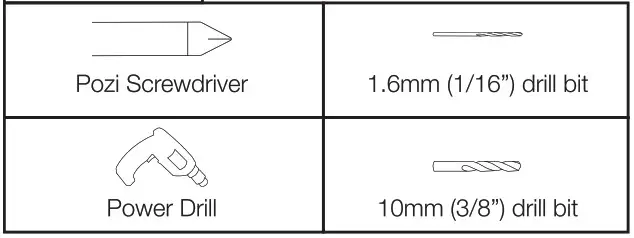
Parts NOT Included

Technical Information – SC-CW-02F
| Input voltage range | (102,2% C/Dsystem) |
| Input current max | 2A |
| Output power | 10W (9V, 1.1A) |
| Standby power draw | < 0.2W |
| Waterproof rating | IPX6 front and back |
| Certifications | Qi, CE, UKCA, FCC, ROHS, UNECE R10 E24, RCM,IC, PSE |
 READ THE IMPORTANT SAFETY INFORMATION LEAFLET BEFORE INSTALLING
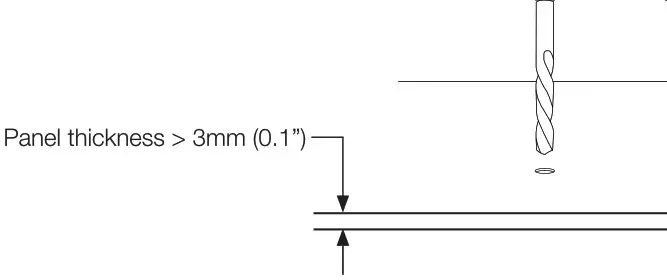
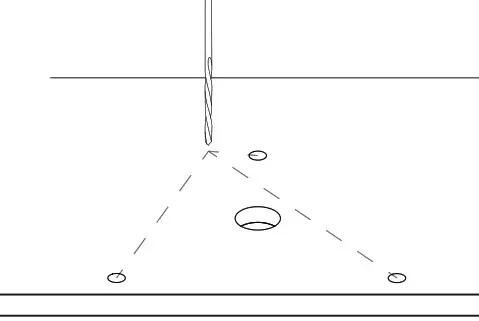
- Drill hole 10mm (25/64”).

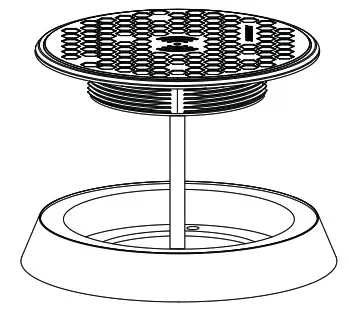
- Place charger and bezel over hole to mark screw centres. **Caution** Do not remove self-adhesive backing from tape, dry fit only.

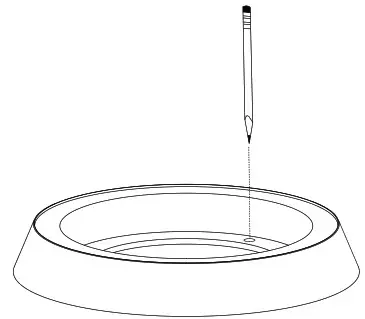
- Remove and mark hole centres in bezel.

- Drill 3x 1.6mm
(1/16”) pilot holes.
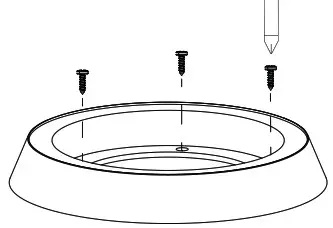
- Screw bezel to surface.

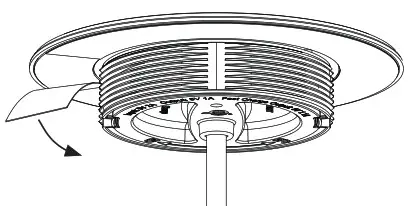
- Remove self adhesive backing from charger.

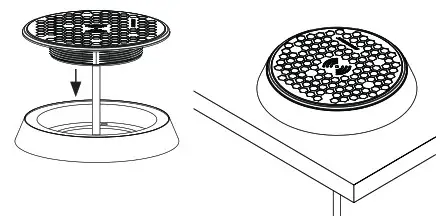
- Install charger into bezel.

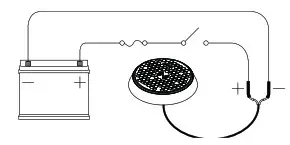
- Connect wires to 12/24V supply, ensuring a waterproof connection.
Fuze appropriately according to input voltage and current. See Surface Installation instructions for Electronic information.
Share your installation with us.

UK & International | For further installation and warranty information please visit: www.scanstrut.com | USA |