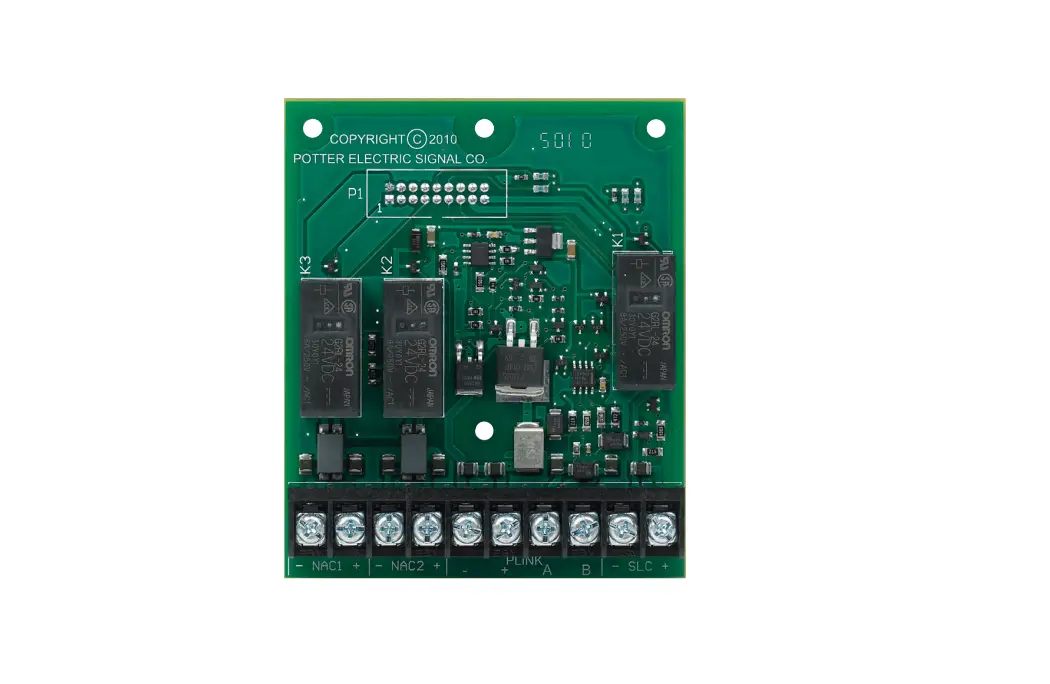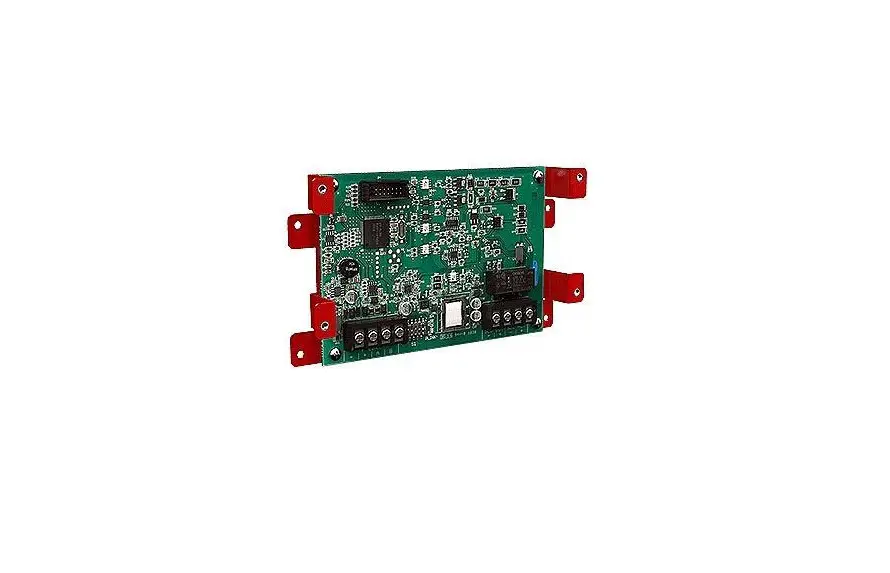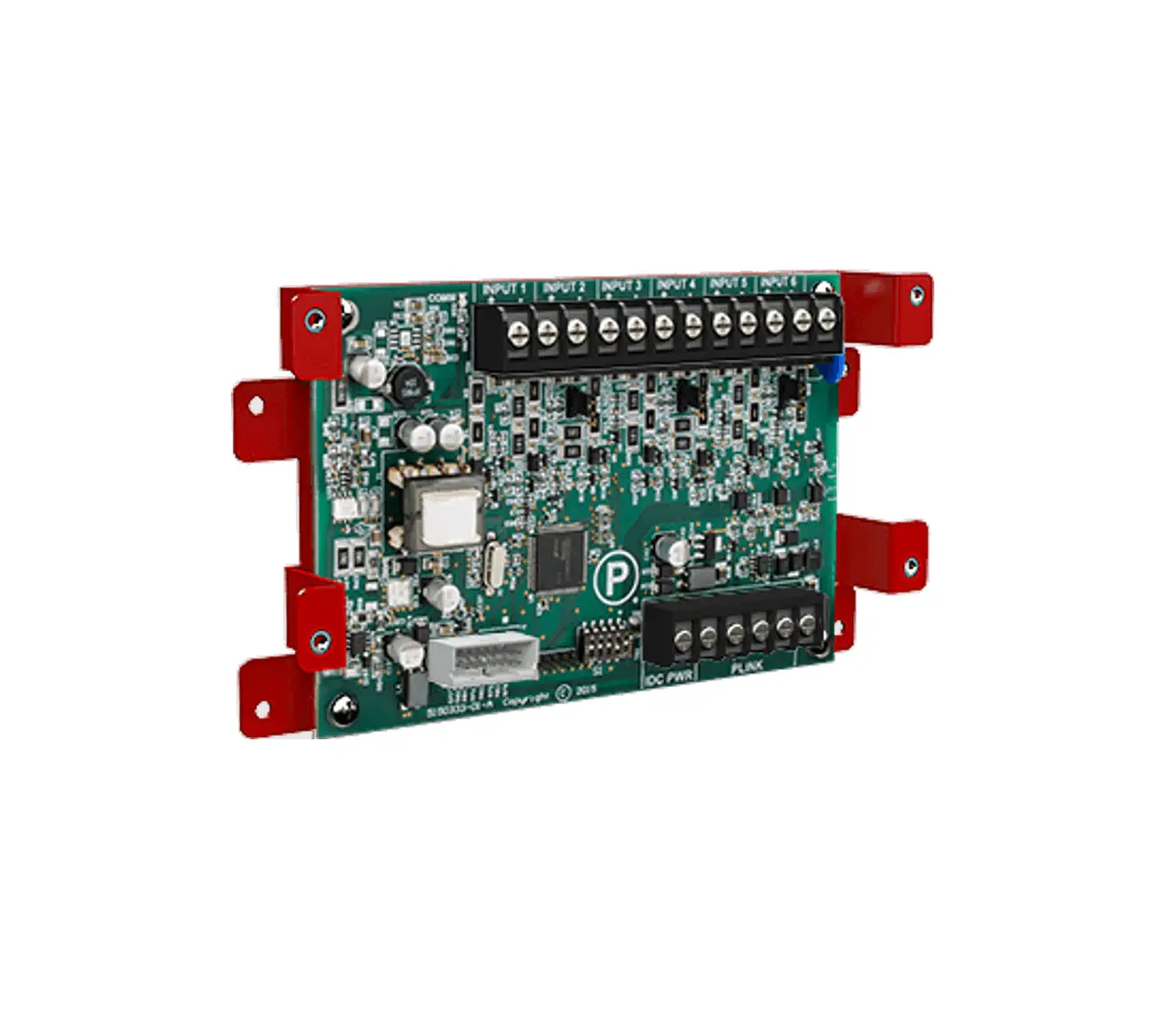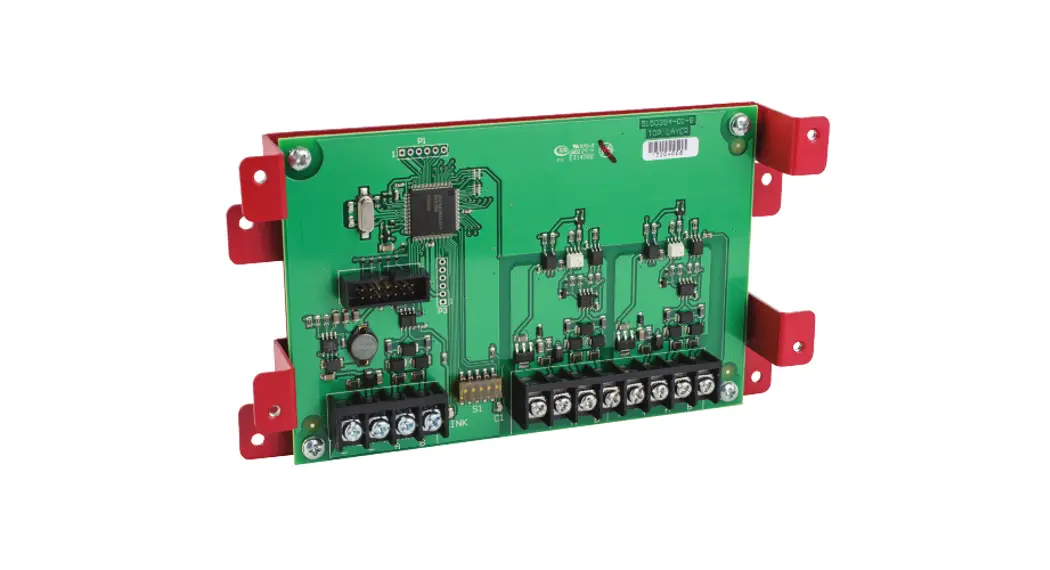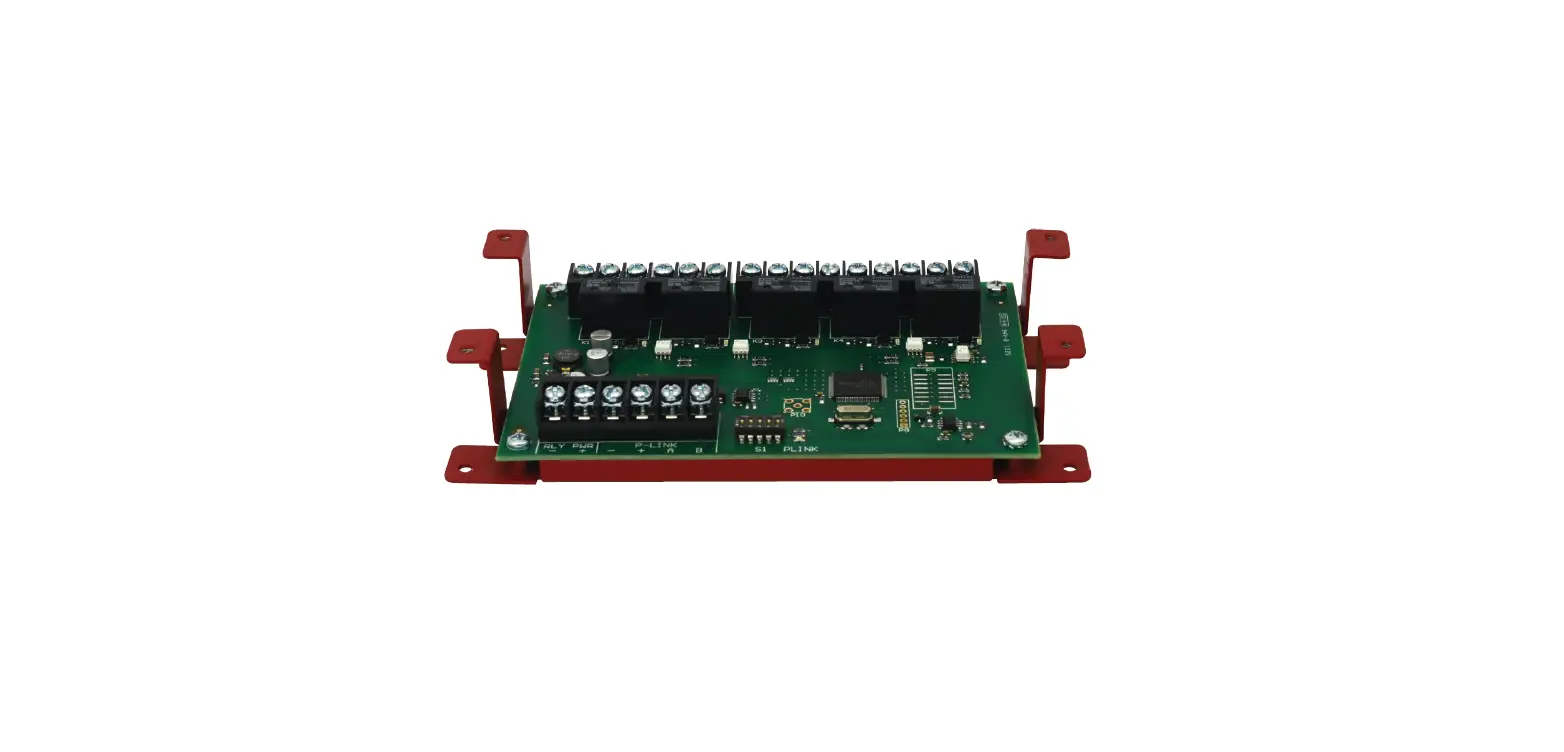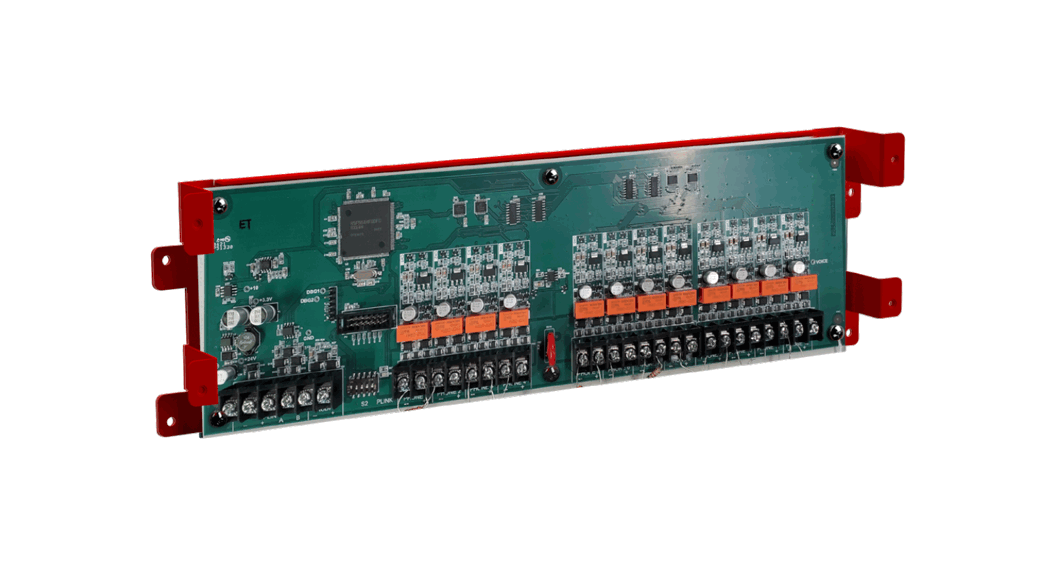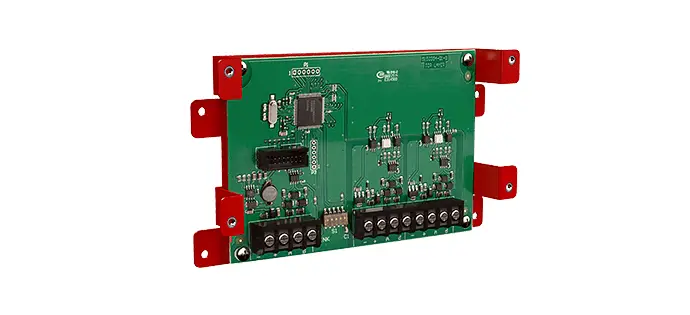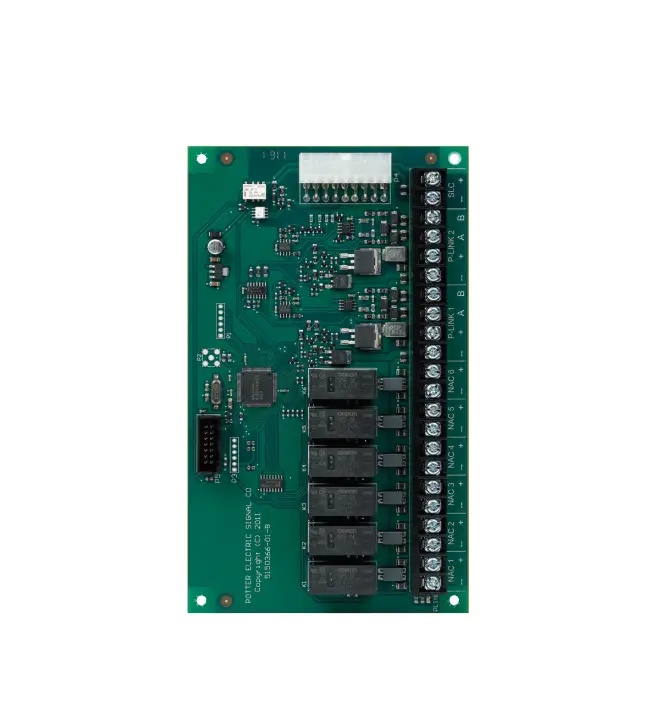
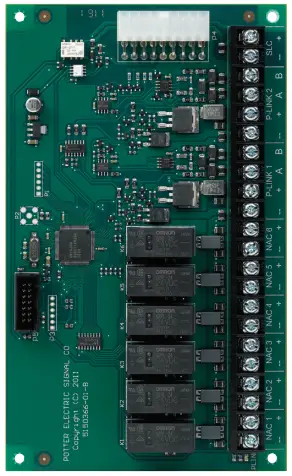
POTTER CA-6500 Class A Expander
Features
- Provides Class A connection for NACs, P-Link and SLC
- Mounts to framework inside panel enclosure
- Allows for independent circuit selection of Class A operation
- Product includes a 5 year warranty
- UUKL Listed for Smoke Control
Description
The CA-6500 Class A expander allows six notification circuits, two PLINK circuits and the built-in SLC circuit to be wired for class A operation. The Class A operation can be independently selected for the PLINK and SLC circuits using the Potter Fire Panel Programmer Software.
Installation
The CA-6500 is installed directly in the addressable control panel enclosure using the supplied cable assembly and hardware.
- Power the system down.
- Slide the Class A expander into the opening on the bottom of the control chassis. The tabs on the back of the CA-6500 Class A expander must slide into the slots located in the control panel chassis.
- Secure the CA-6500 Class A expander using two #6-32×3/8” screws.
- Plug the 2 x 9 cable assembly (P/N 5210515) into the CA-6500 and control panel. See page 2 for wiring instructions
Technical Specifications
| Standby Current | 60 mA |
| Alarm Current | 100 mA |
| Ambient Operating Temperature | 32°F – 120°F (0°C – 49°C) 10%-93% @ 30°C (86°F) non-condensing humidity |
| Maximum CA-6500 expanders | 1 |
| Size (WxHxD) | 10-1/4” x 1-1/8” x 5-1/8” |
| Compatible Panels | Ipa-4000 aFC-1000 PFC-6800* P400(R)* |
Examples of Installing and Wiring a Class A Expander Card
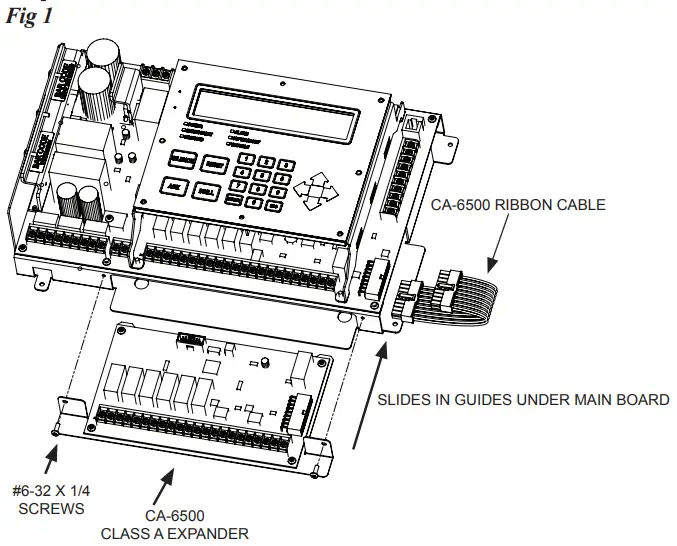
CA-6500 Installation Showing the CA-6500 Ribbon Connection
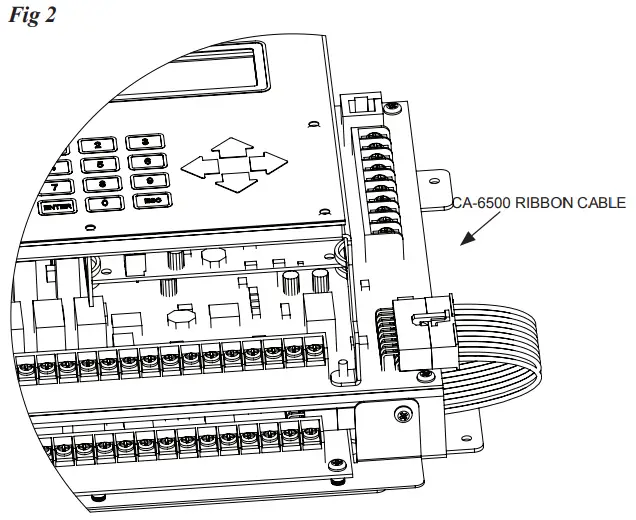
Example of Wiring a Class A Expander Card
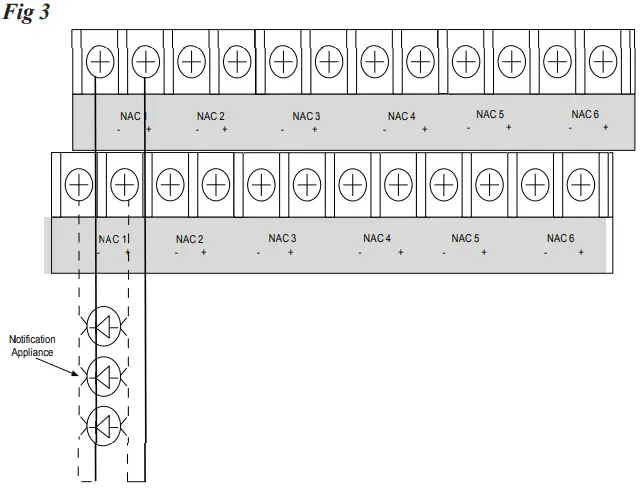
Example of P-Link Class A Wiring Requiring a CA-6500
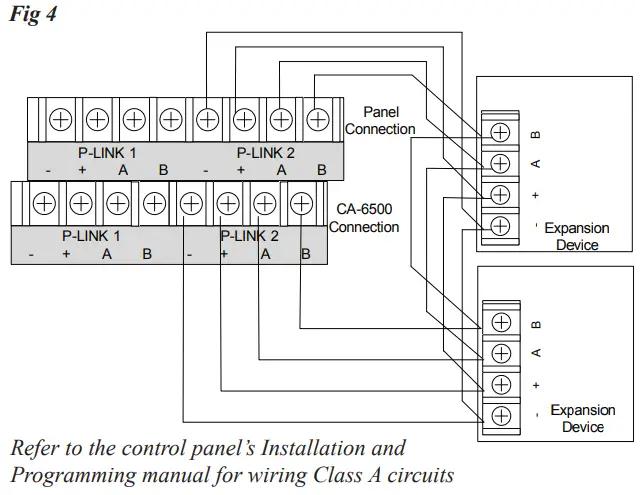
CA-6500 Class A Expander Installation
The Class A configuration requires the use of the CA-6500. Once the card is installed, the additional terminals are provided for the return loop of the NAC. The CA-6500 provides the terminals for NACs, SLCs, and P-Link. Refer to the figures below for examples of installing and wiring a Class A expander card.
Notes:
- One (1) CA-6500 Class A expander may be installed per panel.
- The CA-6500 provides the terminals for NACs, P-Link, and SLCs.
Ordering Information
Model | Description | Stock No. |
| Ca-6500 | Class A Expander | 3992663 |
Customer Support
Potter Electric Signal Company, LLC
St. Louis, MO
Phone: 800-325-3936
www.pottersignal.com
firealarmresources.com