POTTER CA-6075 Class A Expander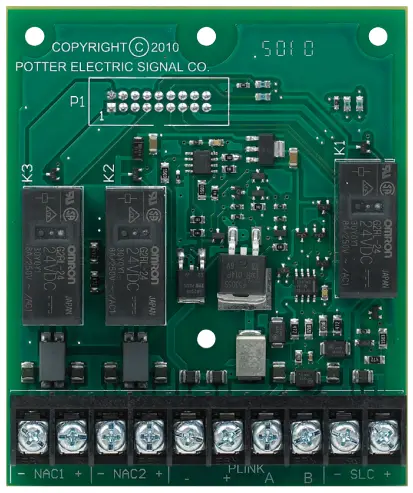
Description
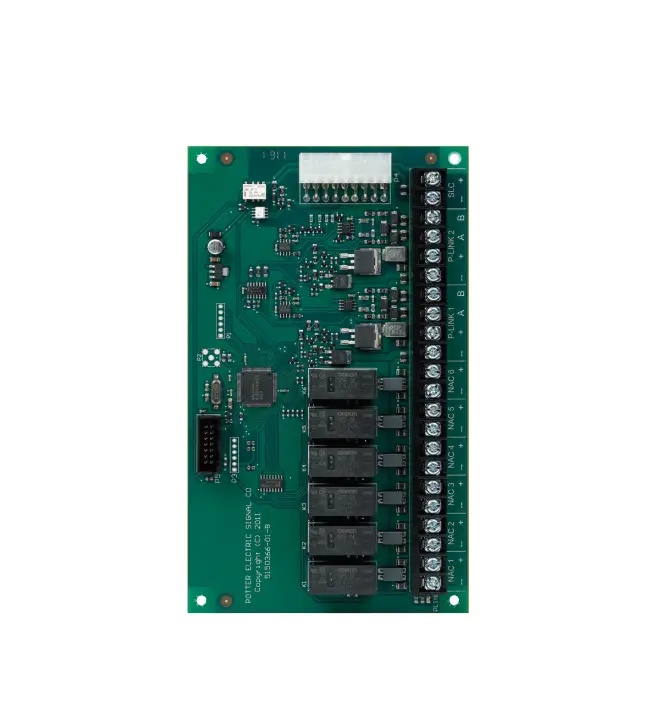
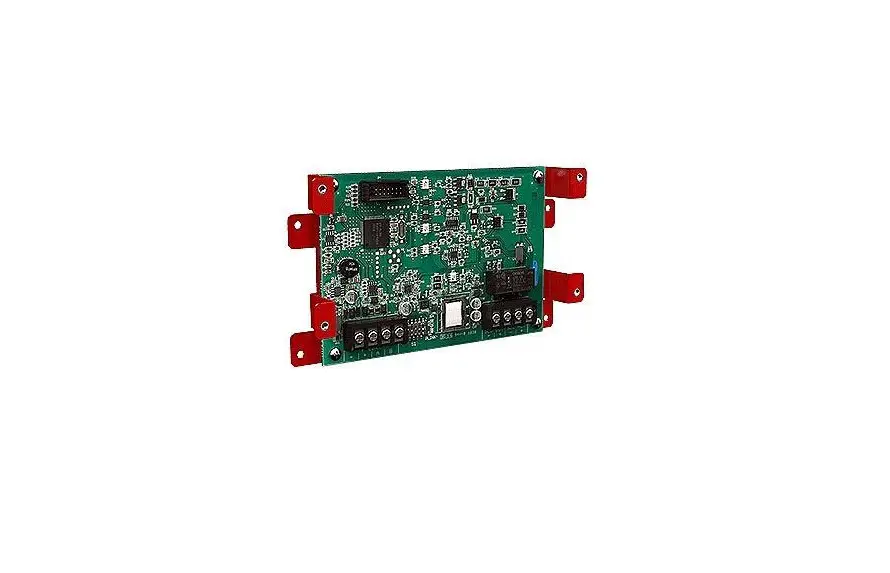
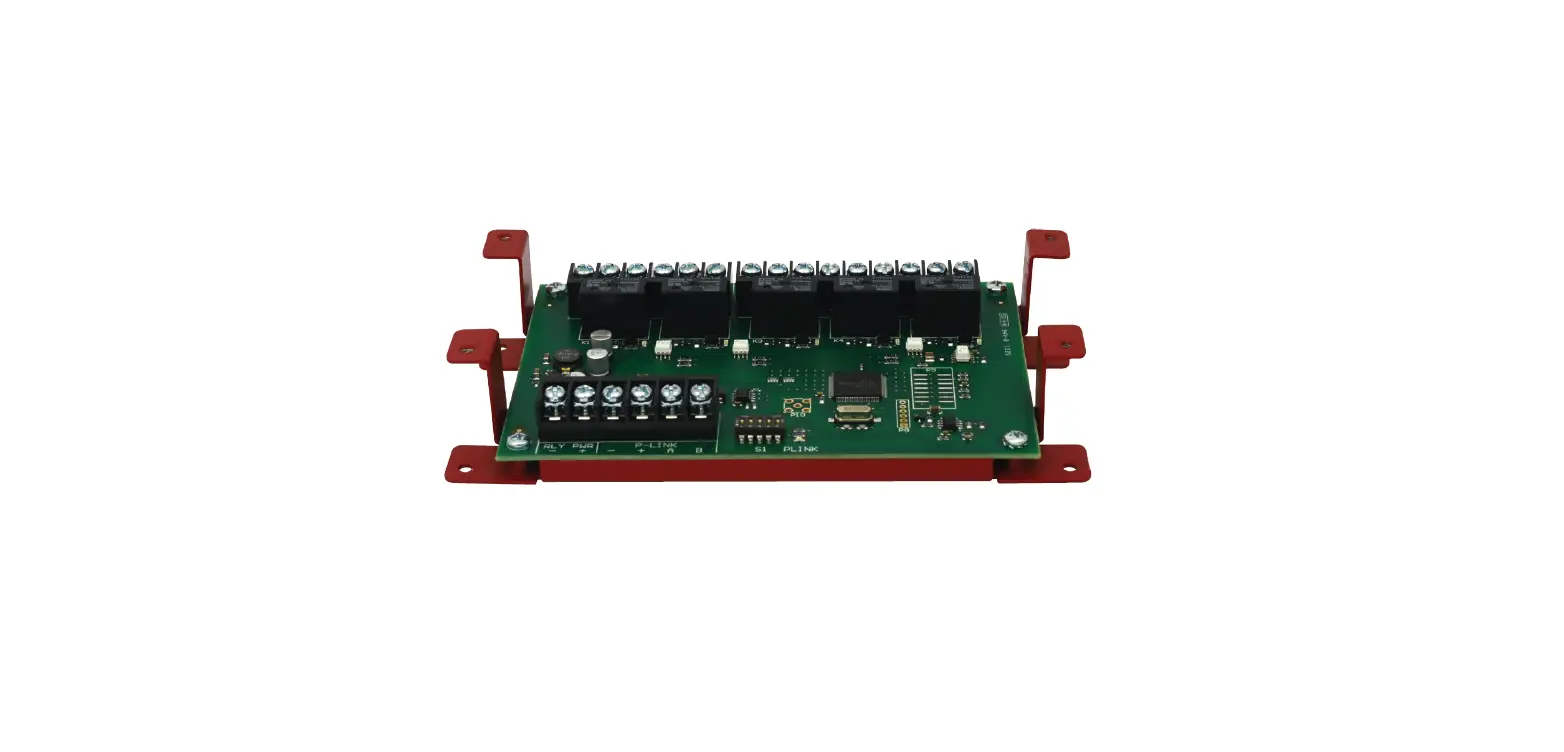
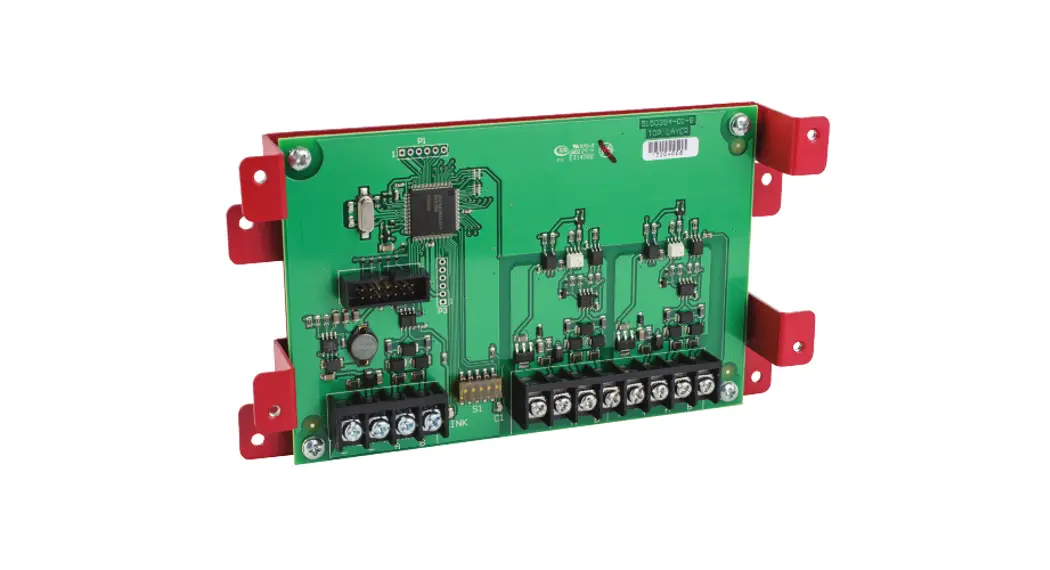
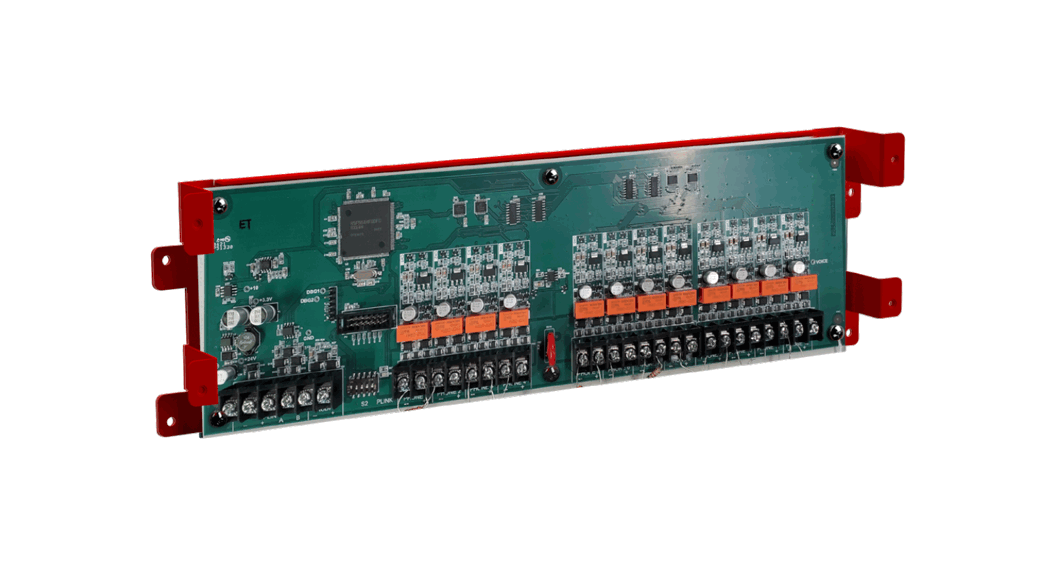
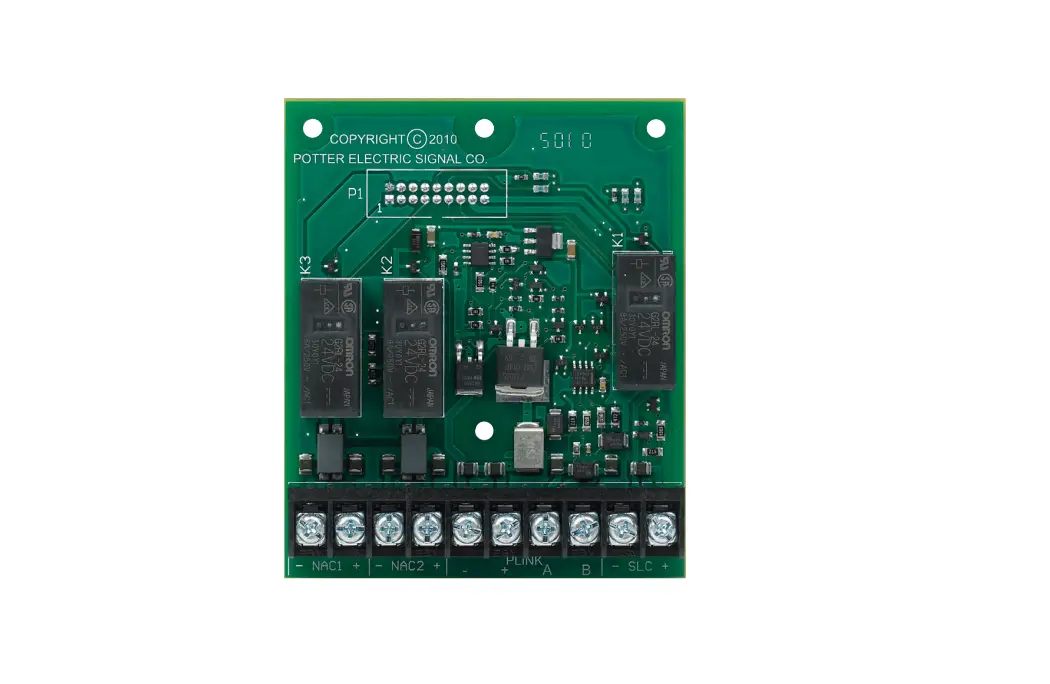
The CA-6075 is a Class A Expander. The CA-6075 allows for Class A wiring of the built in SLC circuit, P-Link communication bus and two (2) built in NAC circuits. The CA-6075 mounts to the provided framework in the fire alarm control panel. The Class A operation can be independently selected for the P-Link and SLC circuits using the Potter Fire Panel Programmer Software
Installation
Connection of the CA-6075 Class A Expander to the addressable control panel:
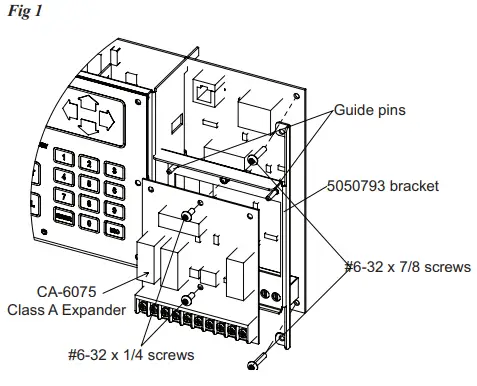
- Remove two (2) #6-32×7/8 screws (item #1 shown below) from the control panel and retain for use in step #3.
- Install 5050793 Bracket, inserting end tabs into slots on the control panel User Interface bracket.
- Secure 5050793 bracket to the control panel using the two (2) screws (item #1) that were removed in step #1.
- Slide the CA-6075 Class A Expander over the two (2) guide pins on the 5050793 bracket. Seat the CA-6075 on the 5050793 bracket so the connector on the back of the CA-6075 is fully engaged with the connector on the control panel.
- Secure the CA-6075 to the 5050793 bracket using two (2) #6- 32×1/4 screws provided (shown on page 2).
Technical Specifications
| Standby Current | 12 mA |
| Alarm Current | 44 mA |
| Ambient Operating Temperature | 32°F – 120°F (0°C – 49°C) 10%-93% @ 30°C (86°F) non-condensing humidity |
| Maximum CA-6075 Expanders | 1 |
| Compatible Panels | IPA-60, IPA-100 AFC-50, AFC-100, ARC-100 PFC-6030*, PFC-6075*, PFC-6200* PFC-6075R*, P100*, P200*, P300* |
*Legacy Product
Note:
Not for use with IPA-4000, AFC-1000, PFC-6800 and P400(R) control panels.
CA-6075 Class A Installation Diagram
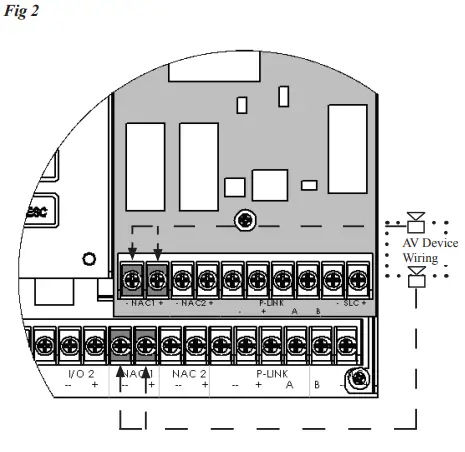
Installed Class A Card
Ordering Information
| Model | Description | Stock No. |
| CA-6075 | Class A Expander | 3006459 |