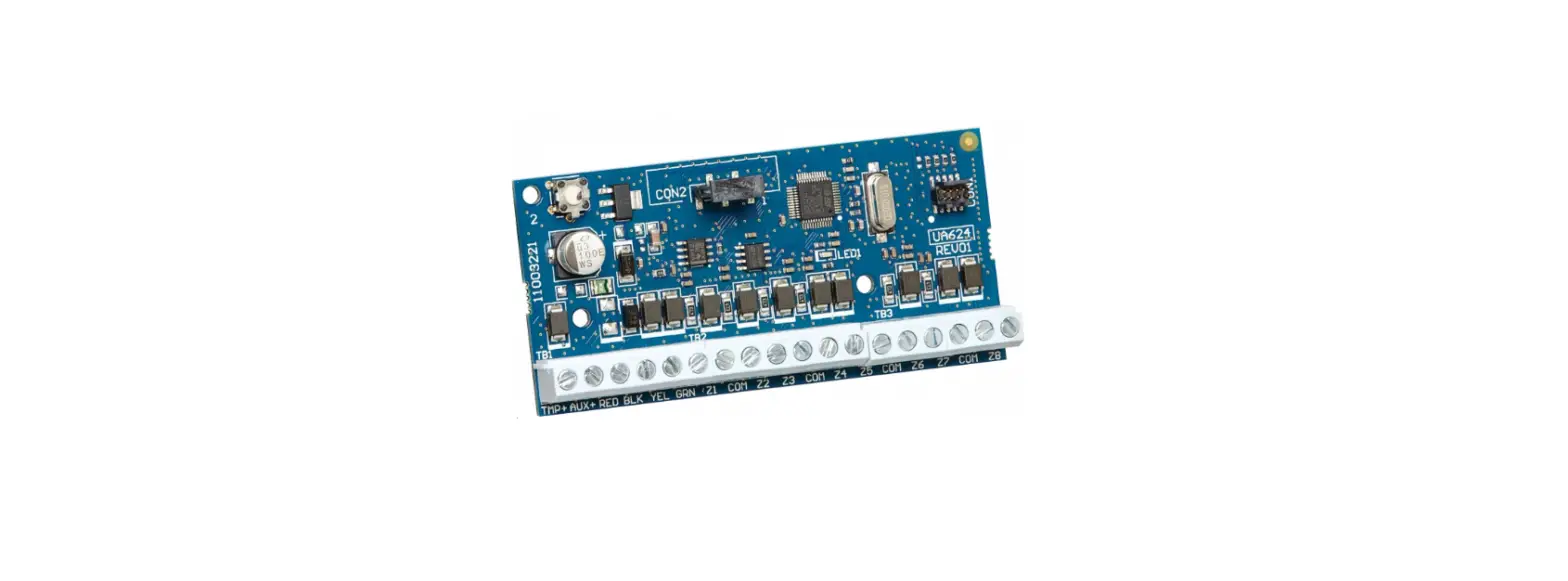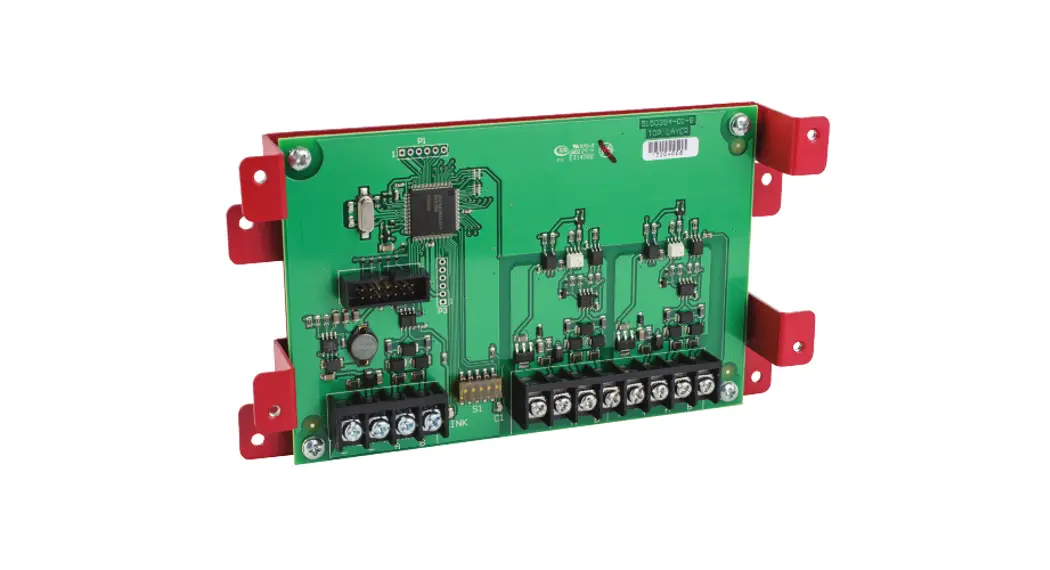
 MC-1000
Technical Bulletin
Status LEDS
Instruction Manual
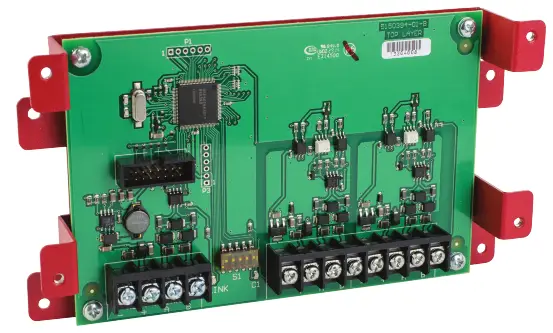
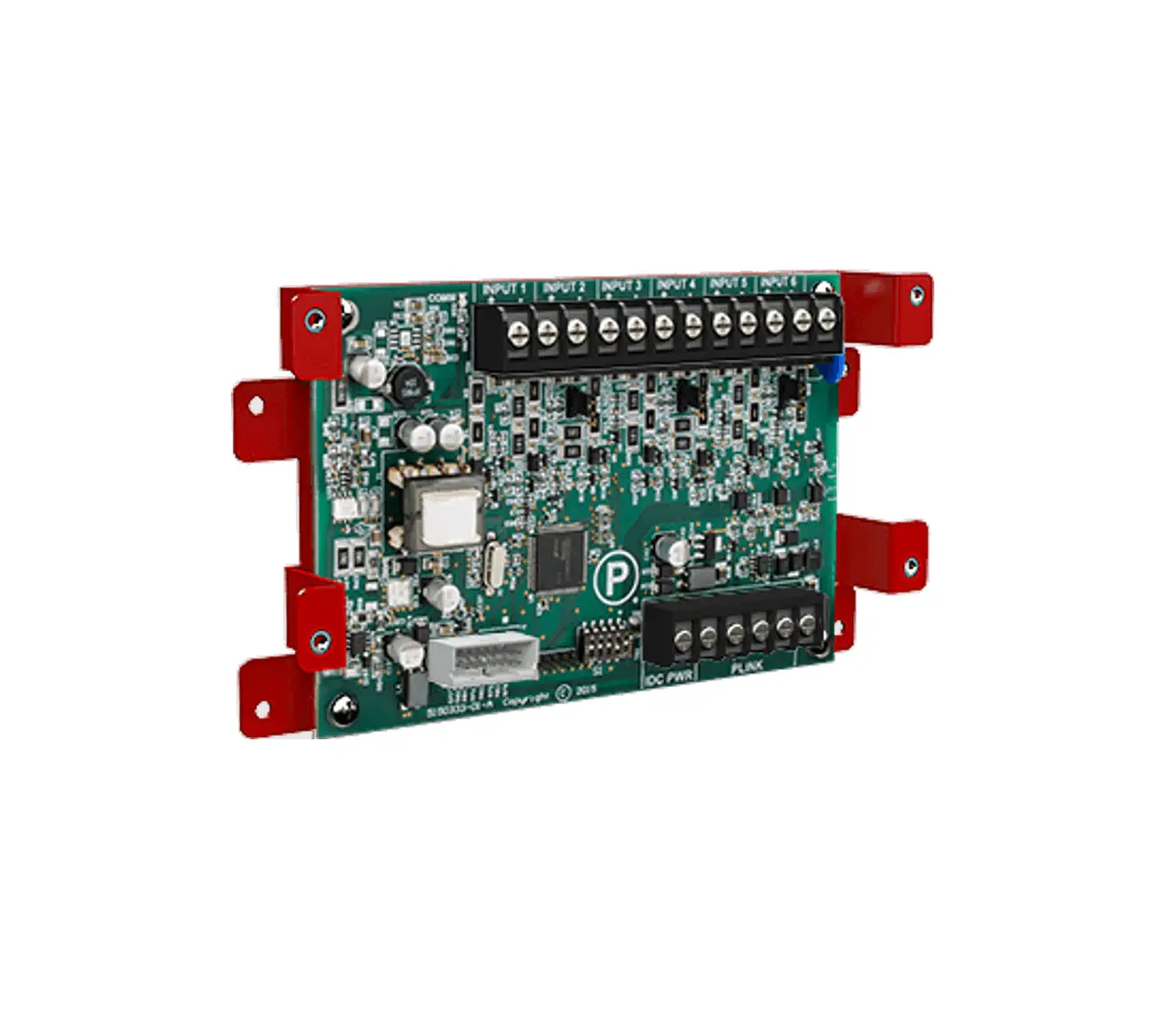
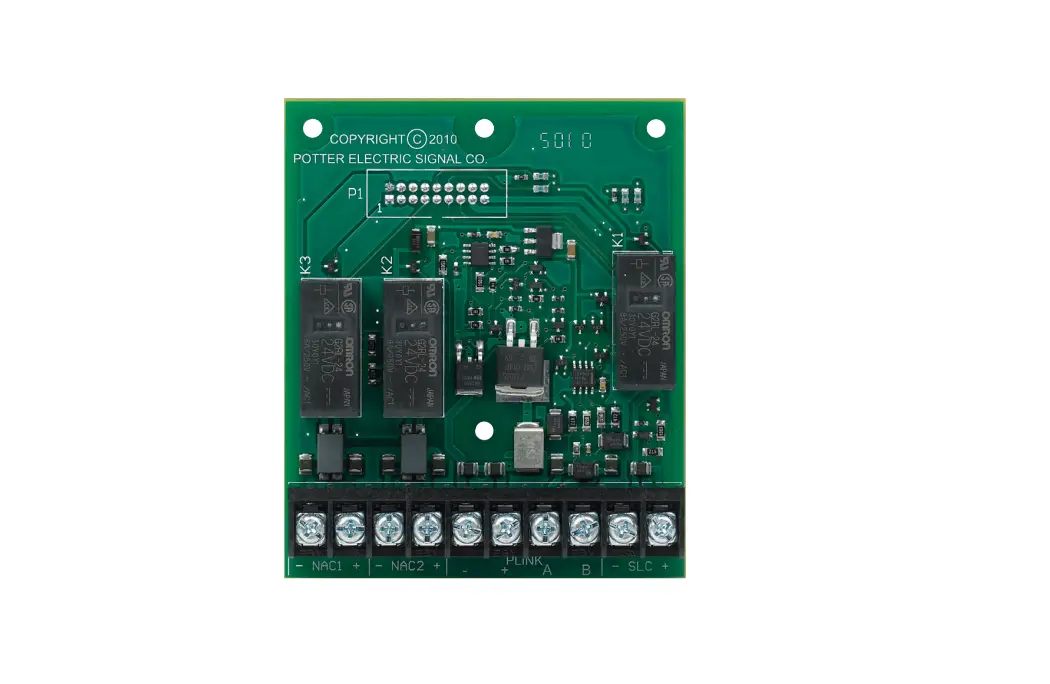
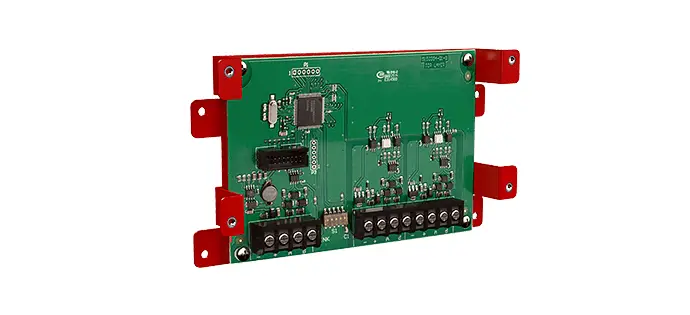
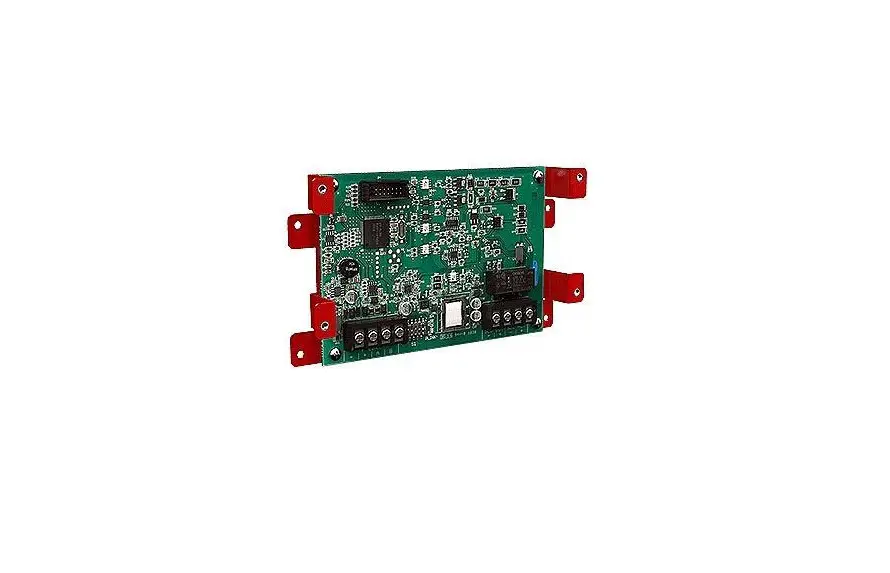
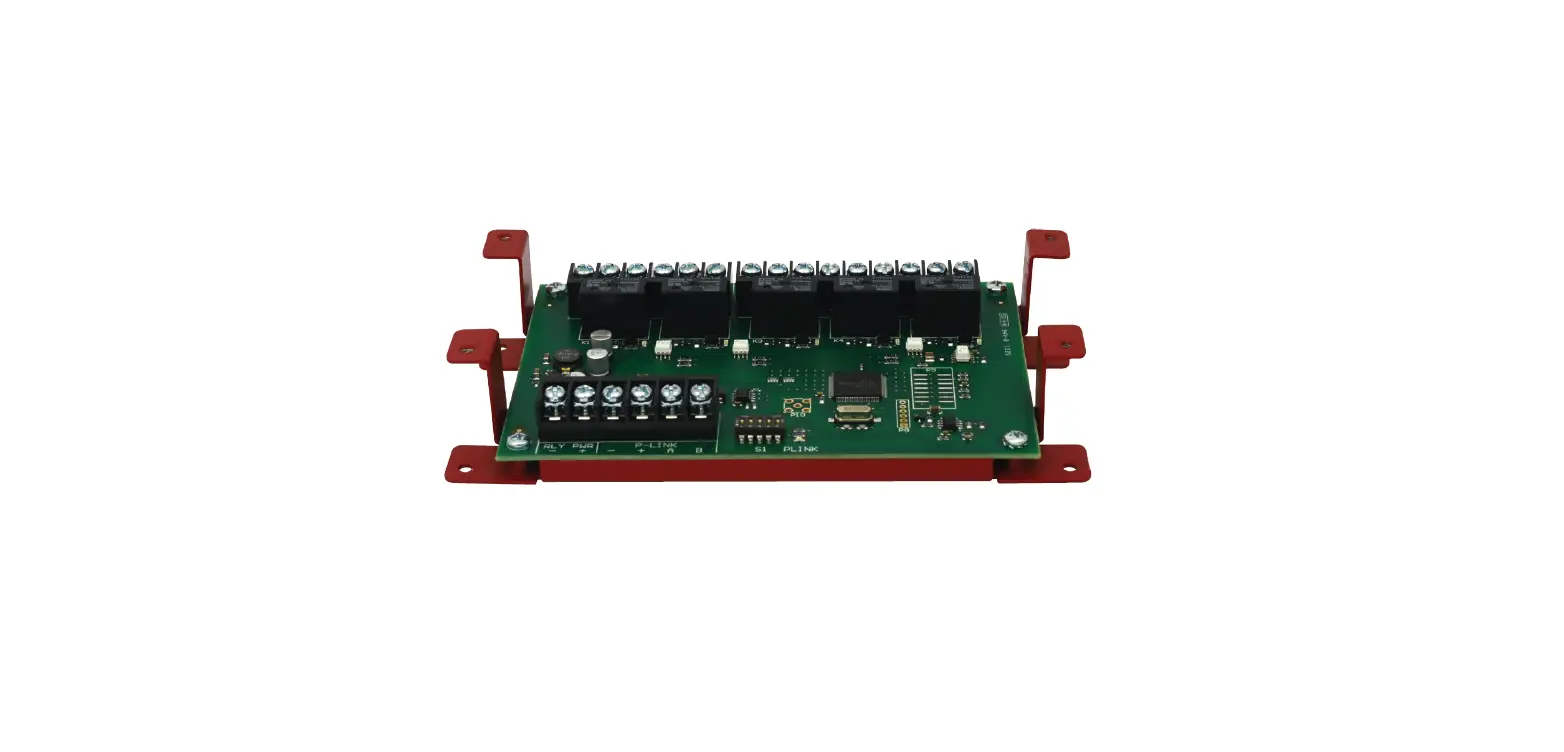
MC-1000 Multi-Connect Expander
| Flashing | Normal Condition – MC-1000 communicating with FACP Will still need programming at MC-1000 Host for reporting |
| Solid | Incorrect wiring between Host panel and Client panel. The Client panel’s software doesn’t match the wiring at the MC1000. I.E. Client 1 wiring is terminated on Client 2 terminals |
| Off | • No communication with FACP. (LED is off until module is added to FACP program) • A broken wire between the card and the Client panel |
Reporting Code Examples
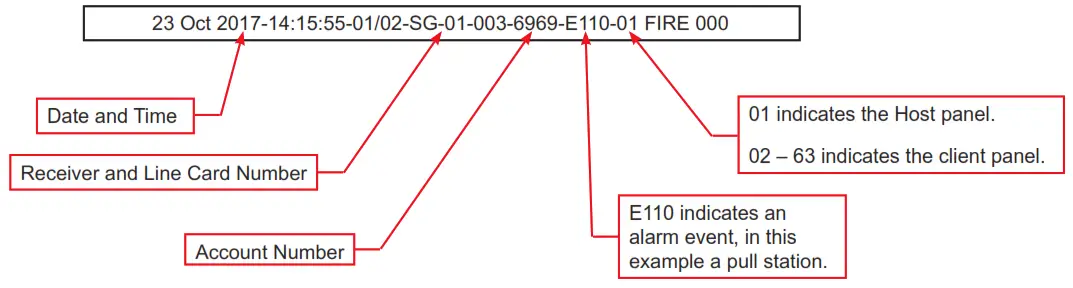
The MC-1000 allows multiple panels designated as Clients, to communicate to a central station receiver through a single panel designated as the Host. The Host panel can transmit signals to the remote/central station using either SIA or Contact ID protocols. Contact ID format is only capable of sending general zone type information, while SIA format allows for Point reporting from each panel. Point reporting for each panel is accomplished by the use of the PI modifier available with SIA protocol. This PI modifier is noted as NPI when viewing raw receiver data as indicated in the examples below.
How to Read a Raw Data String Using SIA Reporting by Point
Alarm Events Using SIA: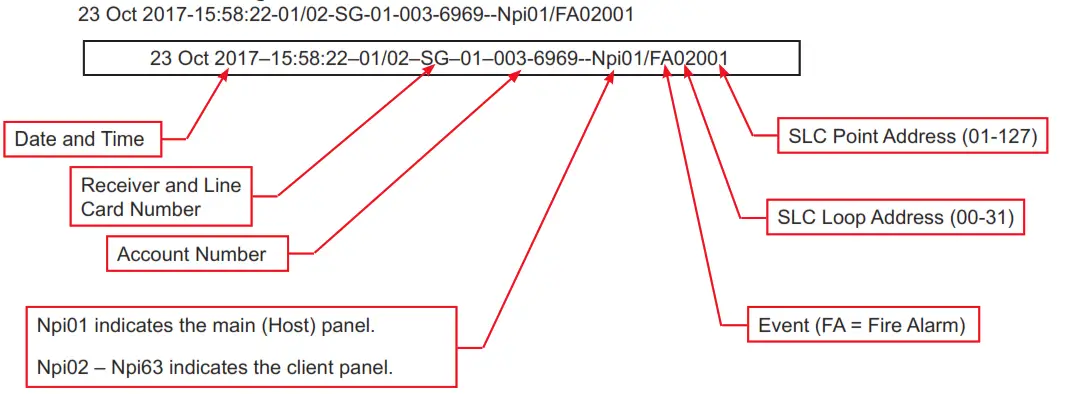 How to Read Data String Using CID Reporting by Zone
Alarm Events Using CID:
23 Oct 2017-14:15:55-01/02-SG-01-003-6969-E110-01 FIRE 000
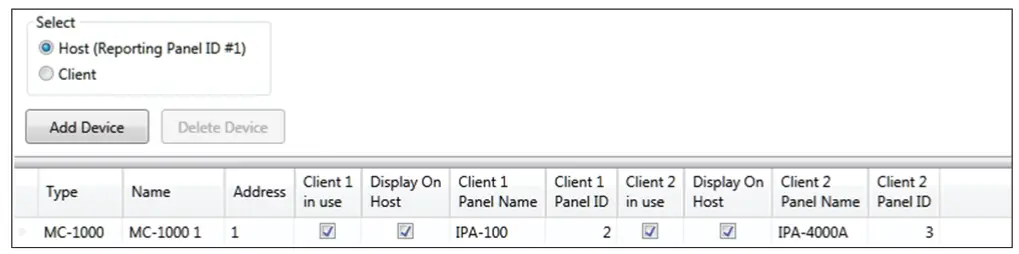
MC-1000 Host Panel Software Programming
The Host panel P-Link circuit must be connected to each MC-1000 module. Each MC-1000 module must also be entered in the Host panel’s configuration program.
- Client panel “Name” is either Client 1 and Client 2 by default. These can be renamed to better identify the panels.
- The “Address” field is the physical P-link address of the MC-1000 set by the dipswitch.
- Each MC-1000 module can support two (2) Client panels. Each Client panel connection used must be enabled by checking the “Client In Use” box.
- The “Display On Host” option must be checked for Client panel events to display at the Host panel.
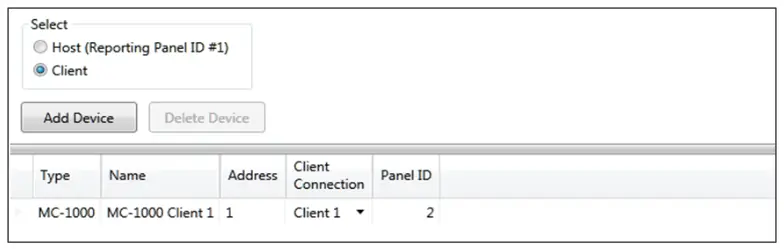
MC-1000 Client Software Programming
Client panel P-link circuits are connected to either the Client 1 or Client 2 terminals on the MC-1000 module. The Client connection for each specific MC-1000 module must be entered in the Client panel’s configuration program.
- By default the “Name” shown during programming is MC-1000. This can be modified to better identify the where the MC-1000 is located.
- The “Address” field is the P-Link address of the MC-1000. This is set on the card.
- The “Client Connection” is used to select if the panel is connected to the Client 1 or Client 2 terminal.
- “Panel ID” is the Panel Number that will report to the monitoring station receiver for this client panel. This Panel ID is based on the module’s P-link address and which Client connection is used and cannot be adjusted.
Display Events on Host Panel
When Display on Host is selected, events from the Client panel will display on the Host panel.
The Host panel will display general zone type information including, alarm, waterflow, supervisory and trouble conditions.
The Host panel does not have control over Client Panels. Events from a Client panel cannot be reset or silenced at the Host panel. Below is an example of how different Client panels display at a Host panel.
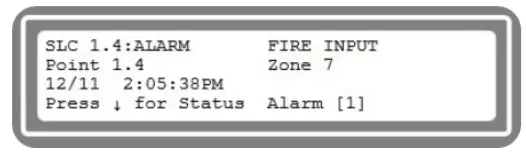
This is the Host panel. The alarm is initiated by subpoint 1.4 as indicated on the upper left hand side of the screen.
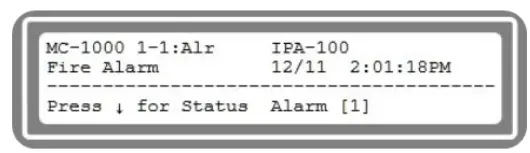
This is the Host panel display with the first client panel in alarm, as indicated by the MC-1000 1-1.In this example the Client Name selected was IPA-100. The name can be edited in the software under the MC-1000 tab.
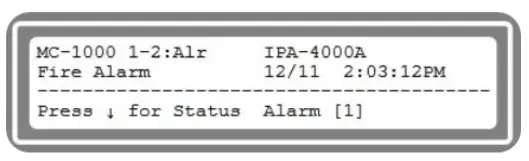
This is the Host panel display with the second Client panel in alarm as indicated by the MC-1000 1-2. The Client Name is located on the upper right hand side of the screen. This can be edited in the software under the MC-1000 tab.
Note: Only general information from the Client is displayed on the on the Host panel.
Potter Electric Signal Company, LLC
St. Louis, MO
Phone: 800-325-3936
www.pottersignal.com
firealarmresources.com
 Home - Fire Alarm Resources - Free fire alarm PDF manuals, documents, installation instructions, and technical specifications
 Potter Electric: Fire Alarms & Fire Sprinkler Systems