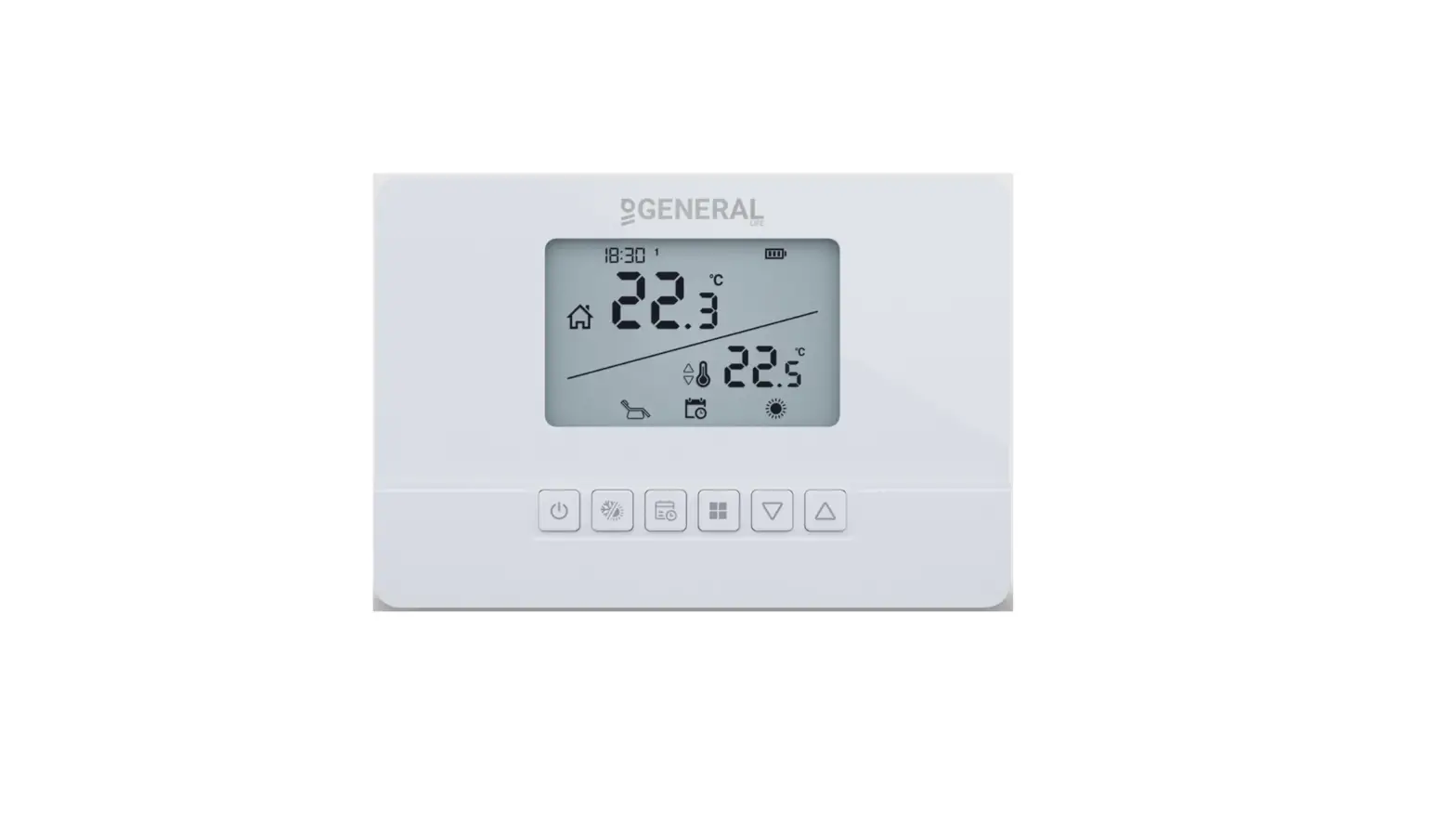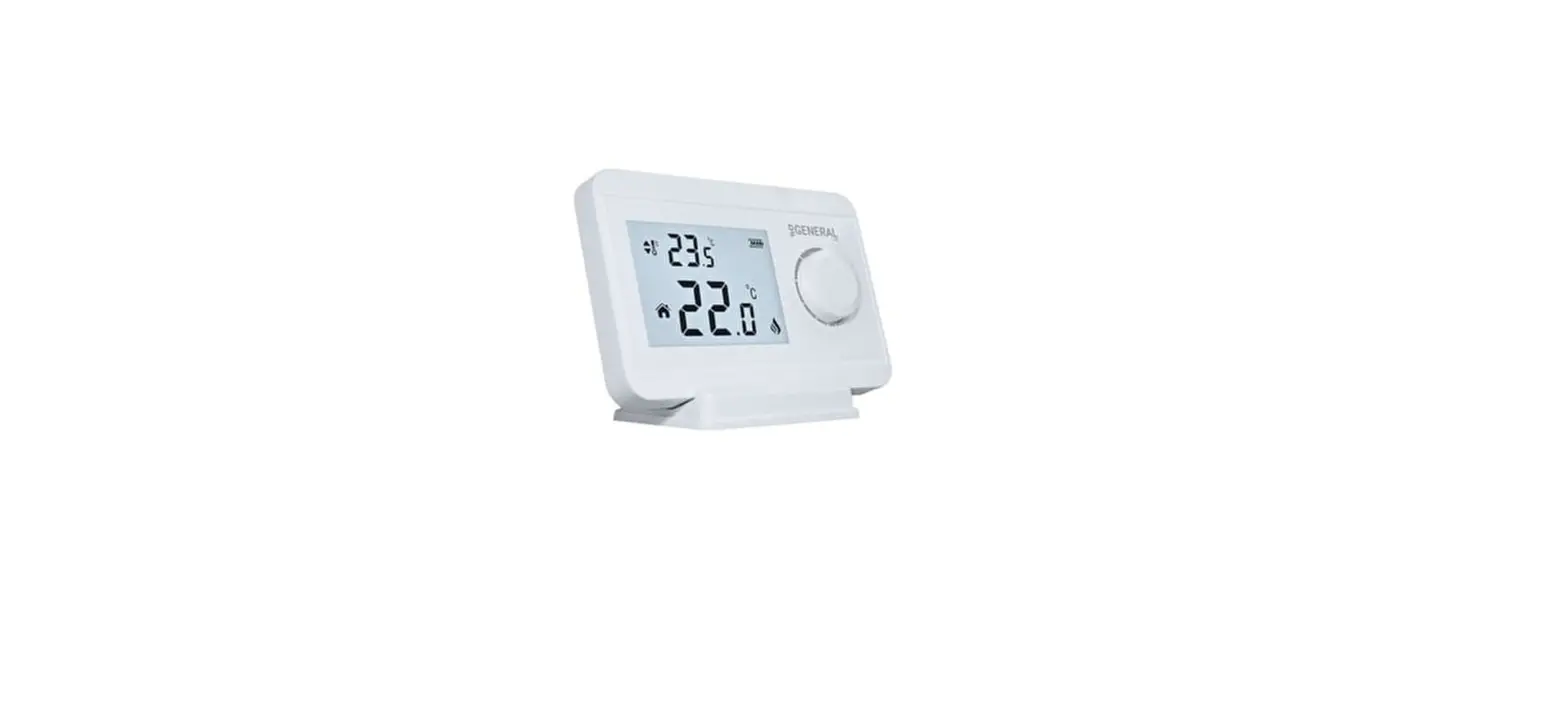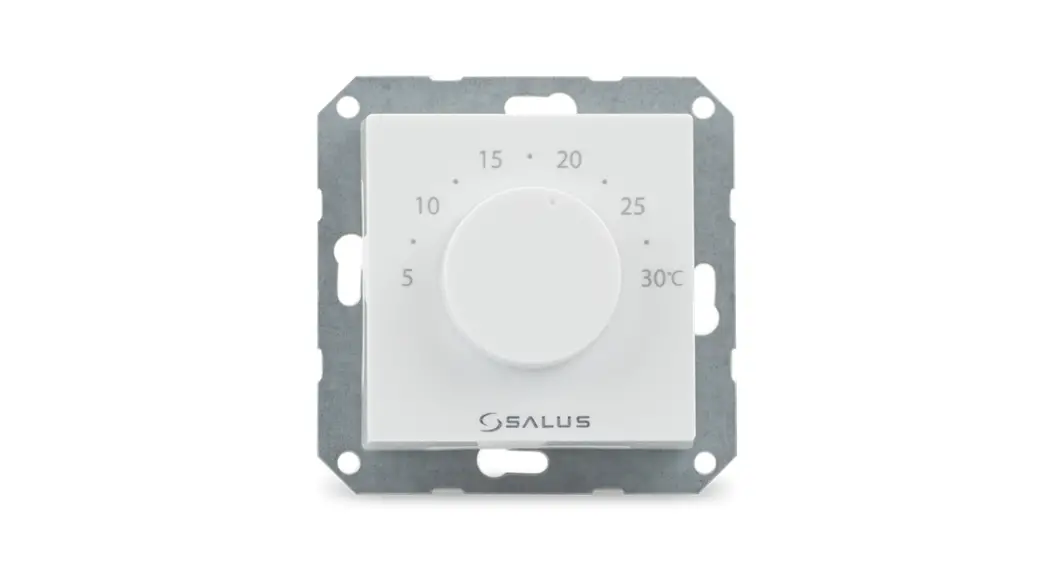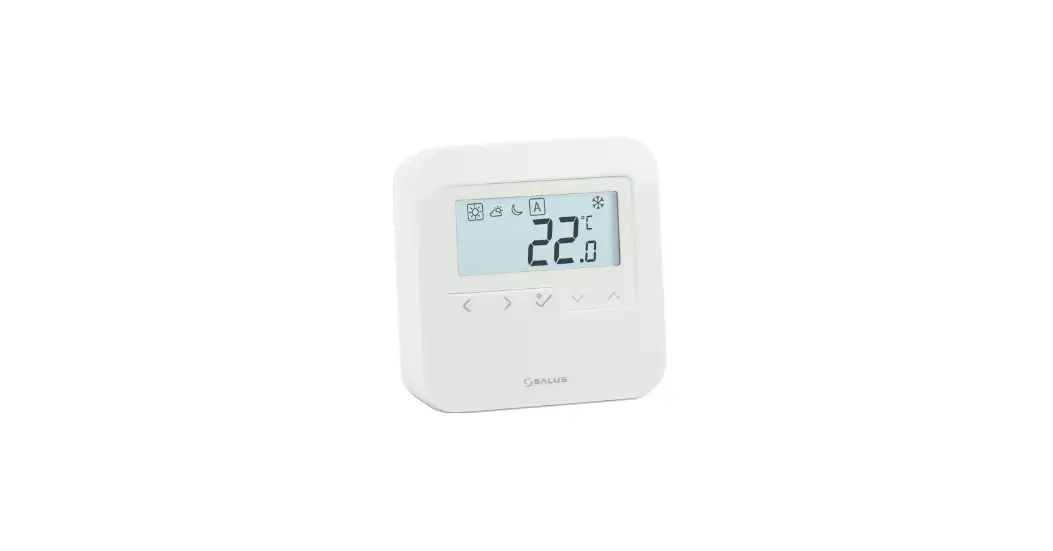
 SALUS HTRS-RF Digital Room Thermostat
 SALUS HTRS-RF Digital Room Thermostat
Introduction
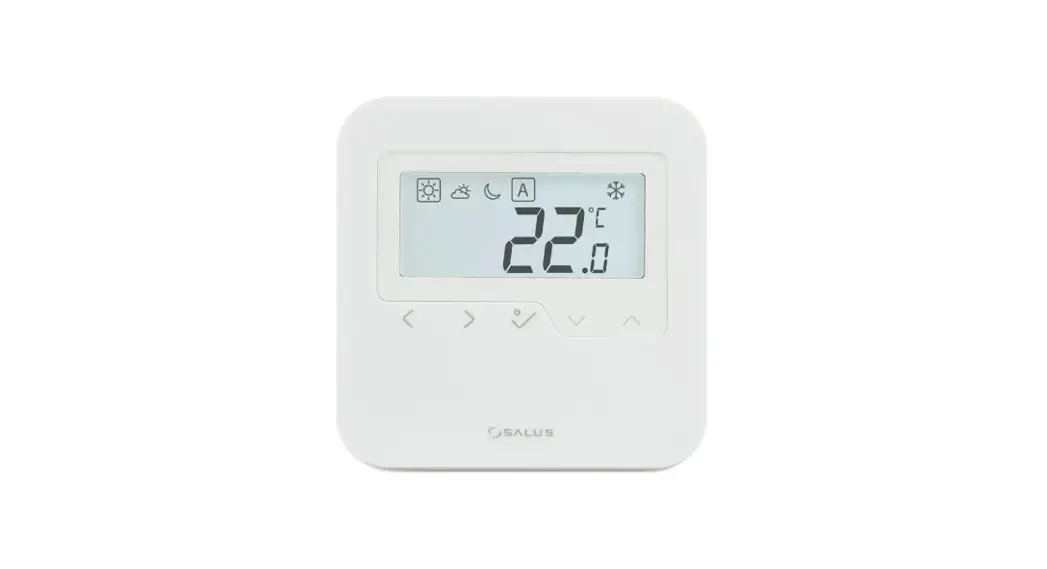
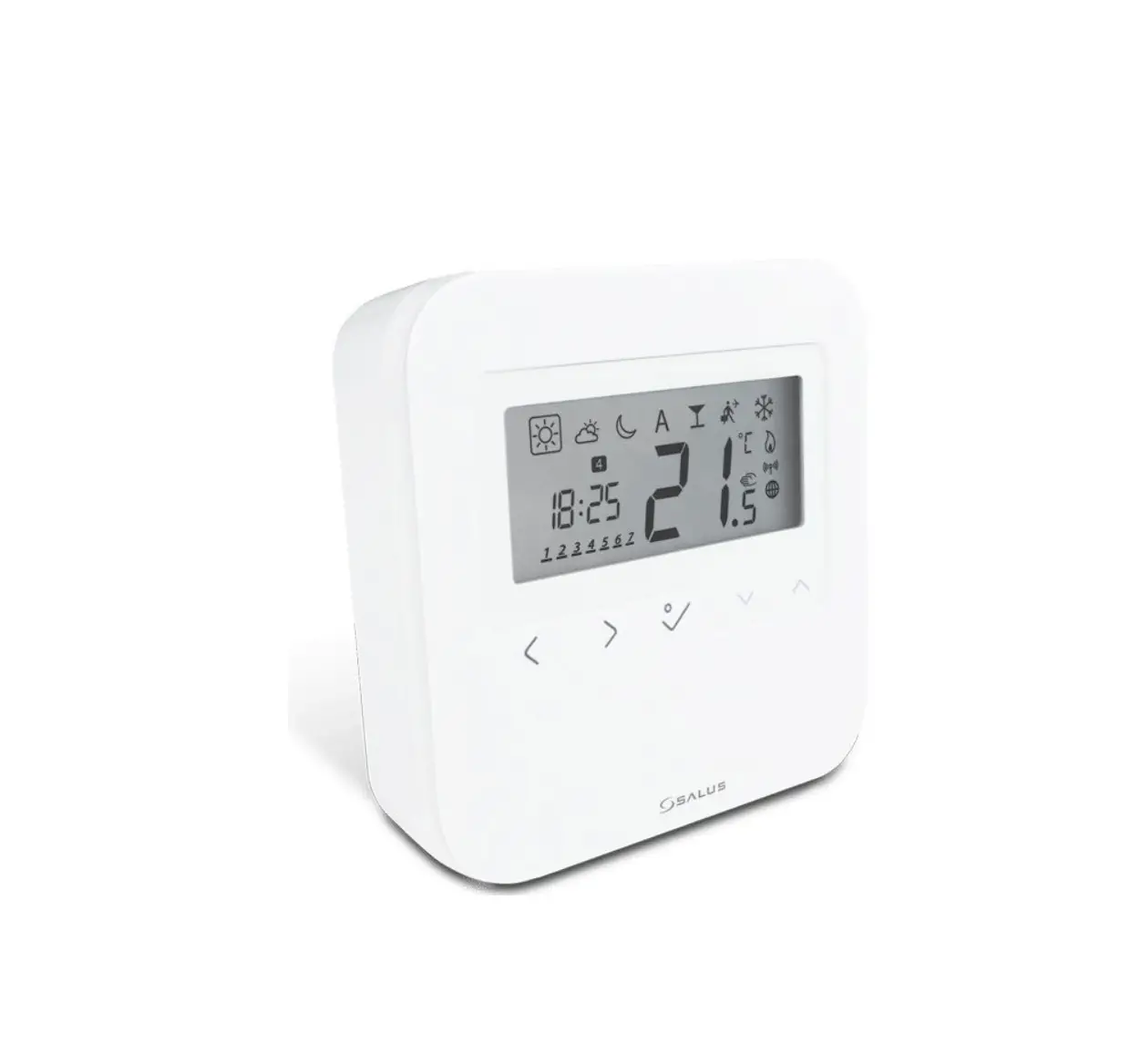
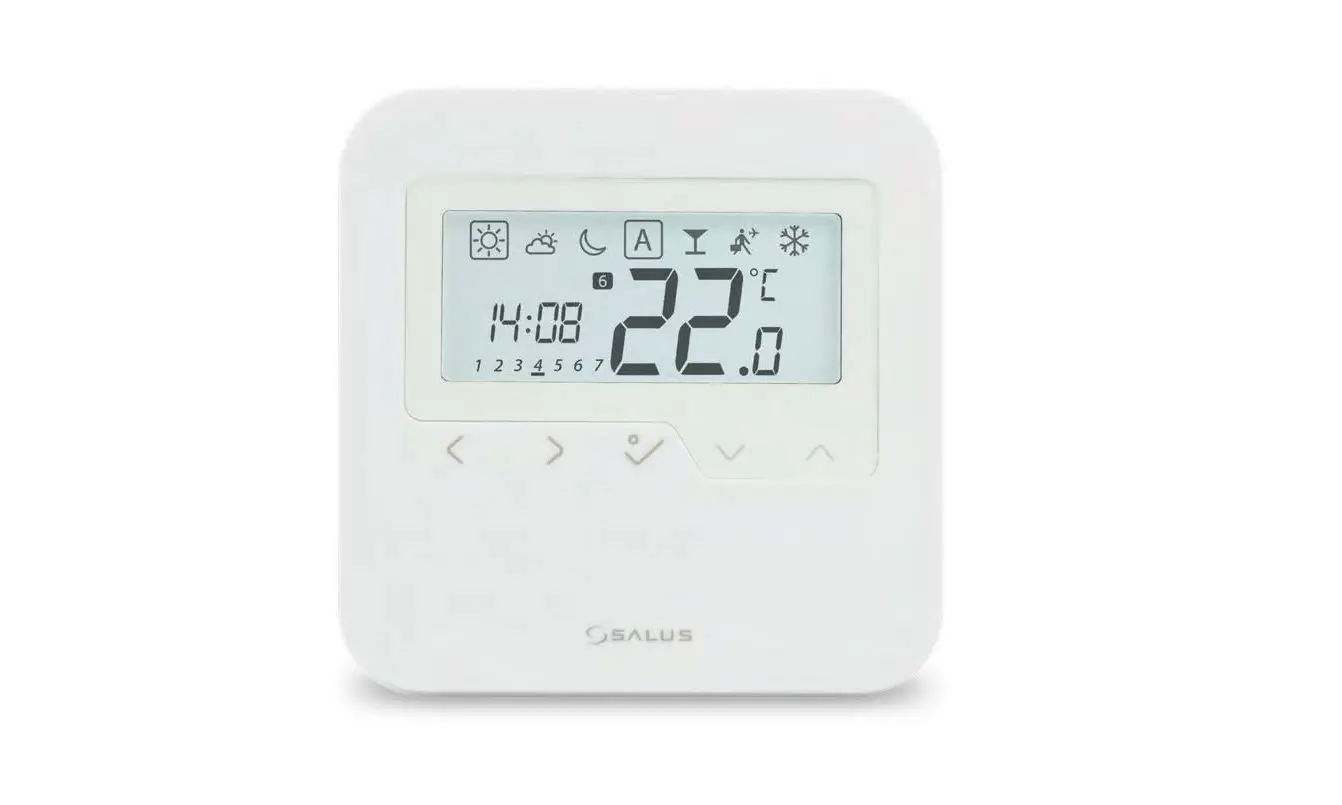
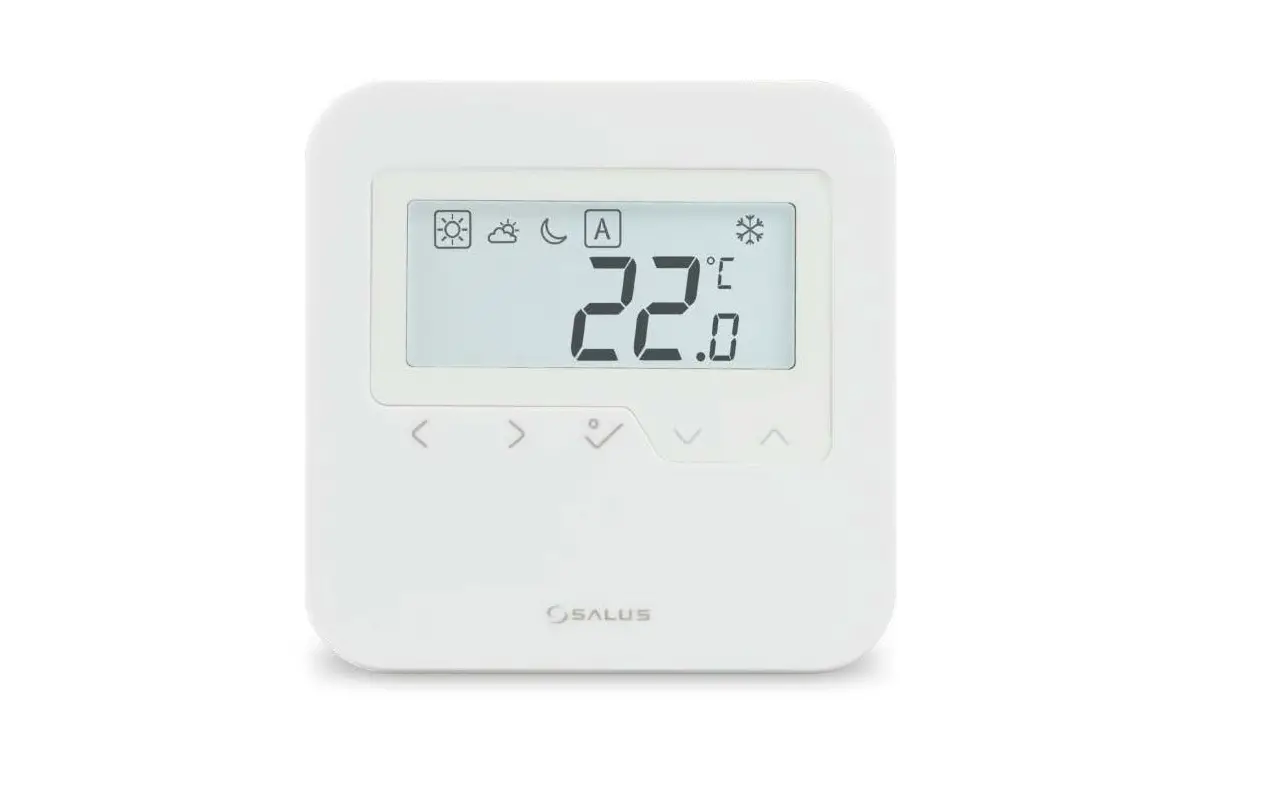
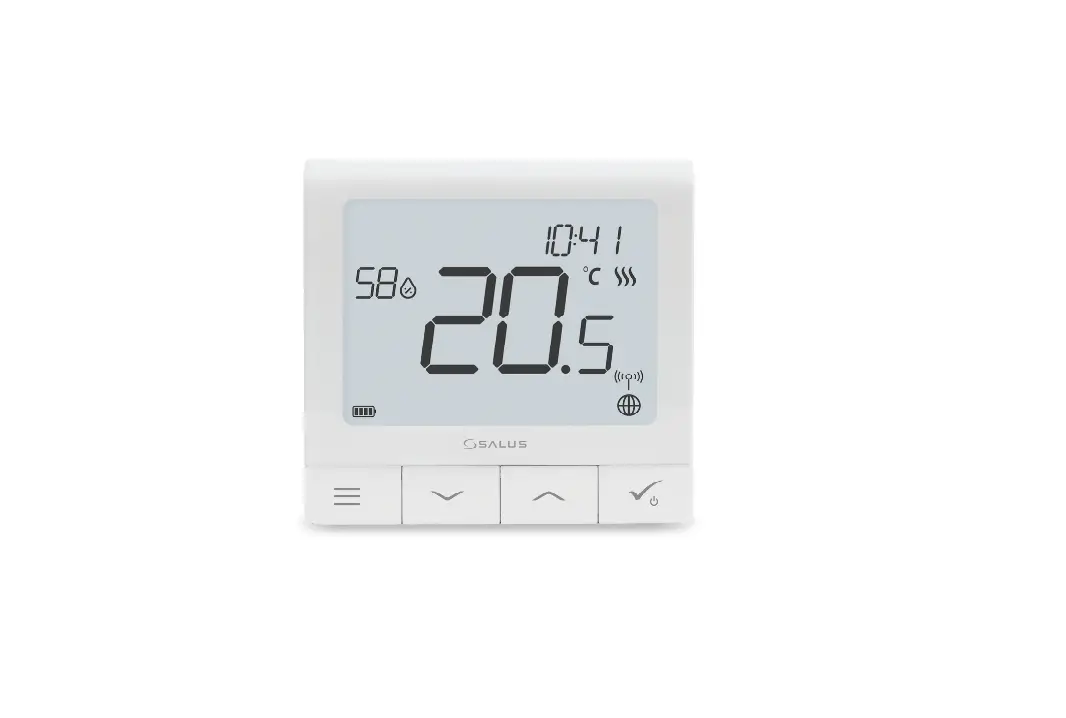
HTRS – RF (30) is a stylish and accurate digital room thermostat. You can now simply adjust your home temperature as desired in order to create a comfortable home environment.
Product Compliance
This product complies with the essential requirements and other relevant provisions of Directives 2014/53/EU (RED) and 2011/65/EU. 2405-2480MHz; <14dBm The full text of the EU Declaration of Conformity is available at the following internet address: www.saluslegal.com
Safety Information
Use in accordance with the regulations. Indoor use only. Keep your device completely dry. Disconnect your device before cleaning it with a dry cloth.
Power Up and button function
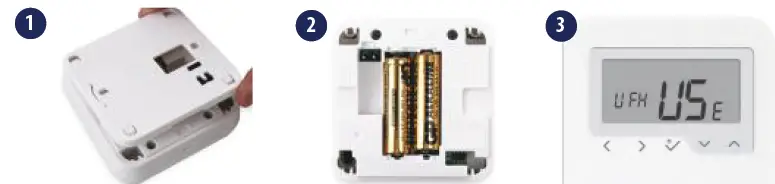
- Mode selection.
- Long press to return home without saving.
- Short press to return to previous screen.
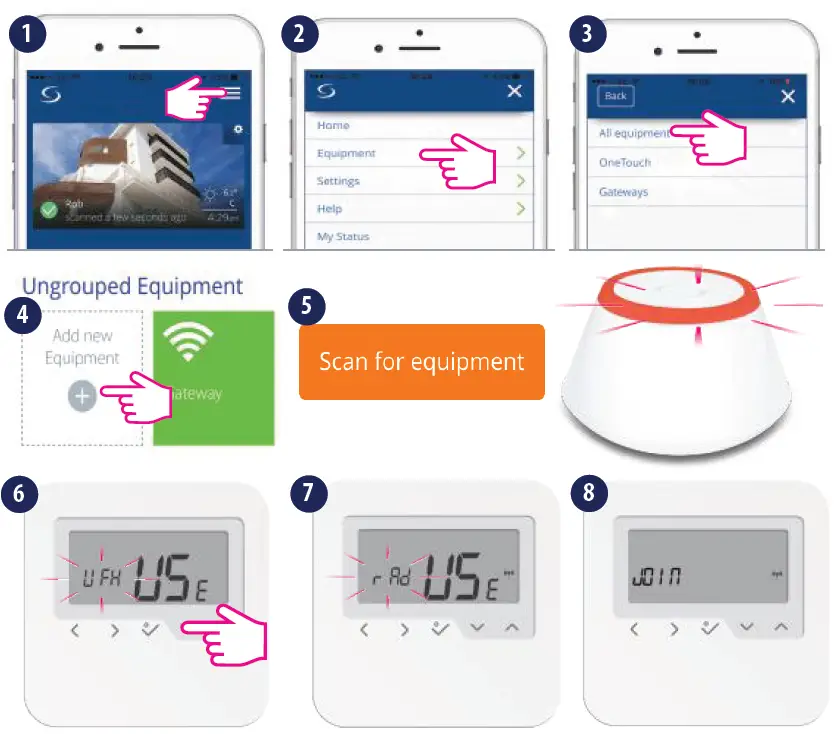
Pairing with the Wiring Center – offline
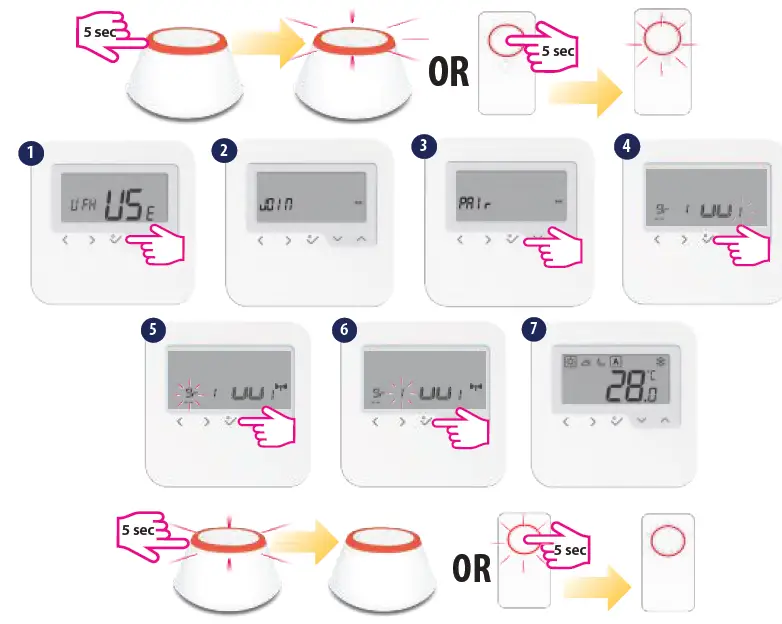
- When pairing the thermostats with the Wiring Center you can assign a group to a digital thermostat. There can be maximum 2 groups per Wiring Center. You can also add a KL04RF to the KL08RF, having a total of 12 zones.
Note: You cannot add two thermostats to the same zone. If you are trying to do this, the following error will be displayed.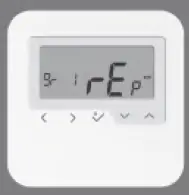
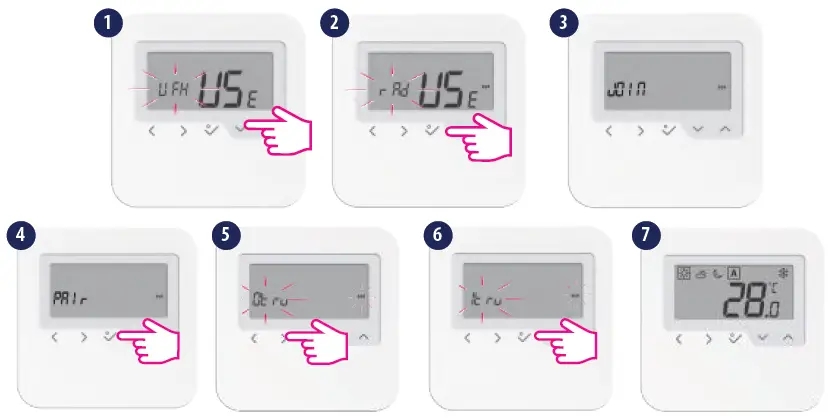
Pairing with the TRV- offline
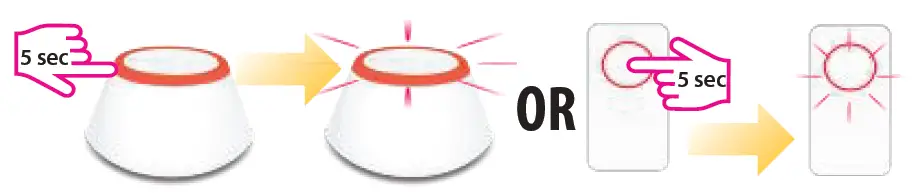
- Make sure your TRV is in pairing mode. Please check TRV manual for full process. Max 6TRVs!

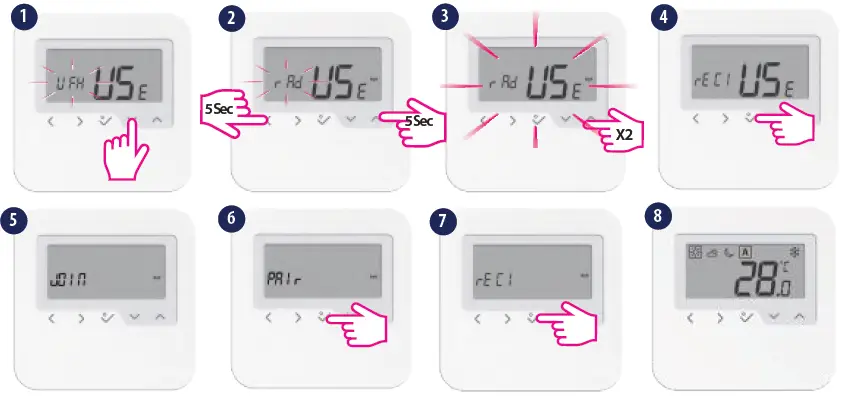
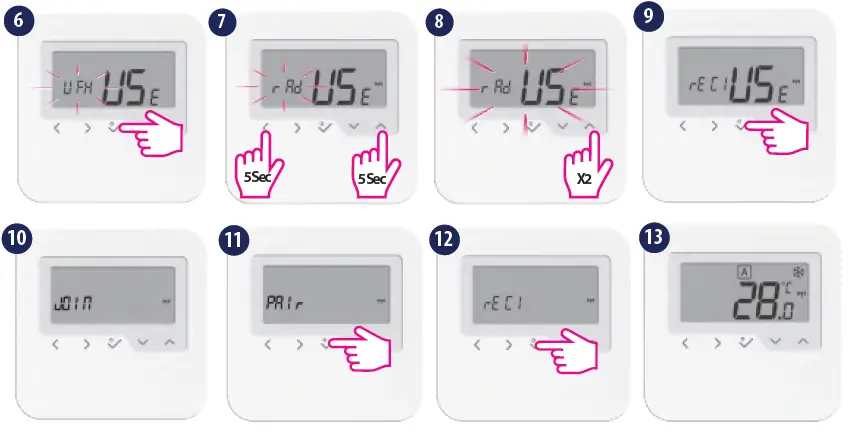
Pairing with the boiler receiver RX1/RX2
- Make sure your receiver is in pairing mode. Please check receiver manual for full process.

- For pairing with RX2, set the internal switch of the receiver to RX2 and choose that, at step 4. Afterfollow the same procedure as described above.
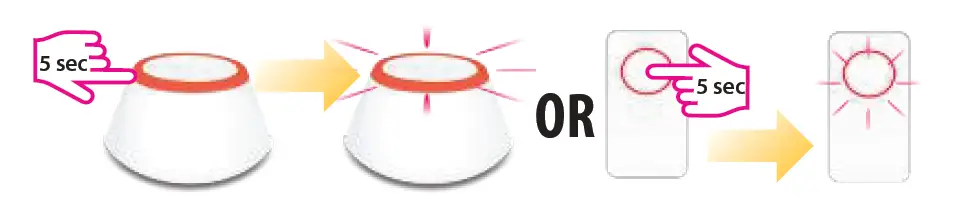
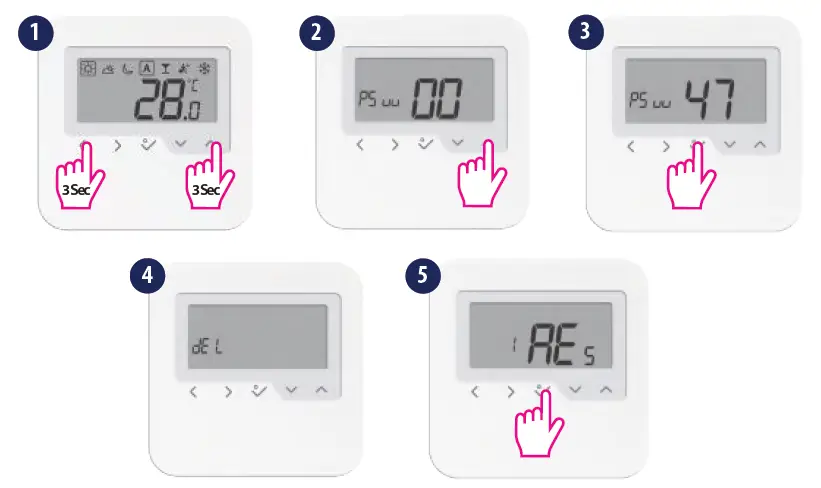
Identify procedure OFFLINE
START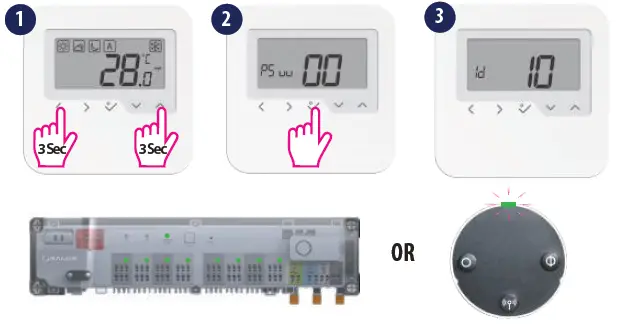
STOP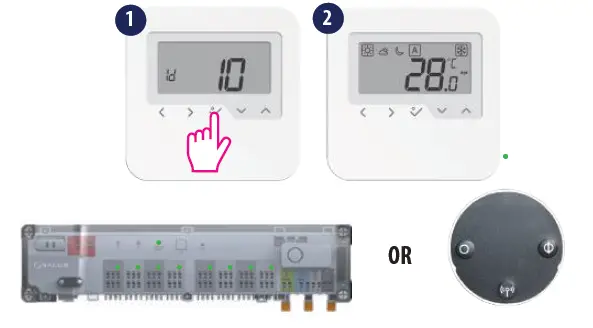
Change temperature setpoint
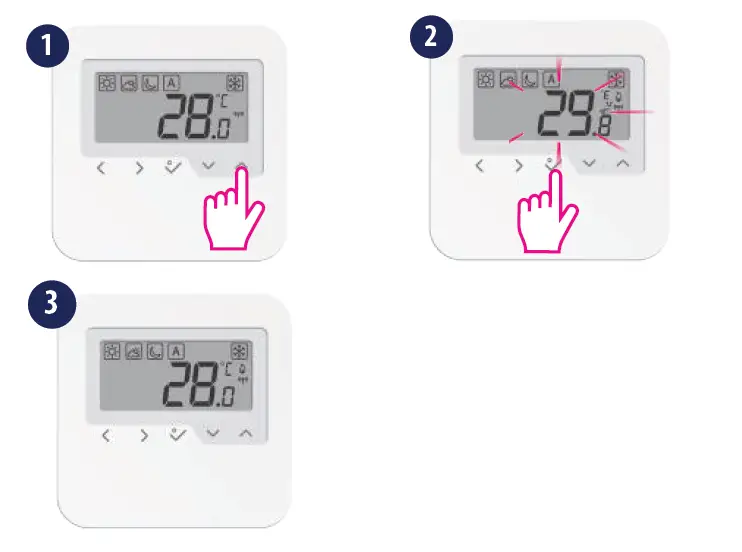
- Thermostat in temporary override
Pairing with the Wiring Center – online
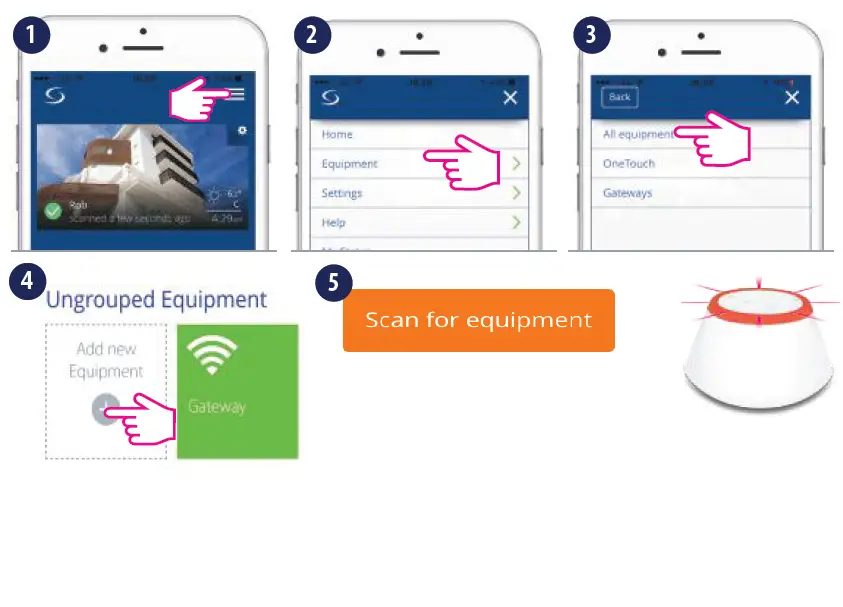
- Tap Scan for equipment to add your thermostat.

- When pairing the thermostats with the Wiring Center you can assign a group to a digital thermostat. There can be maximum 2 groups per Wiring Center. You can also add a KL04RF to the KL08RF, having a total of 12 zones.
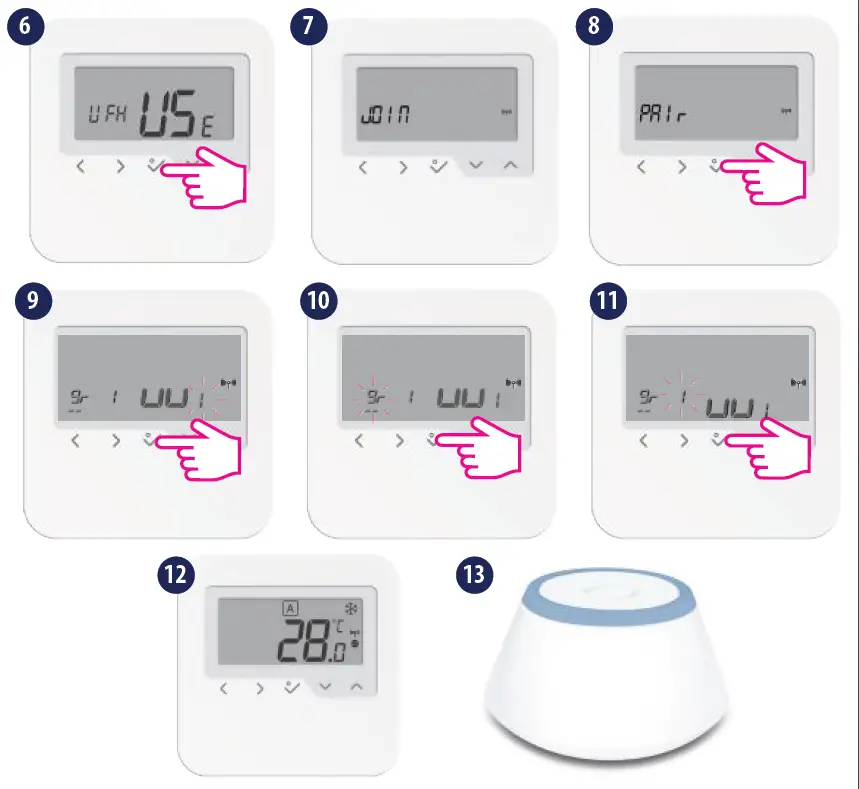
Pairing with the TRV – online
- Make sure the TRV is in pairing mode

- Please follow the on screen instruction in order to complete the pairing process. After that continue by associating the TRV(s) to the thermostat(s) (mandatory). Max 6TRVs!

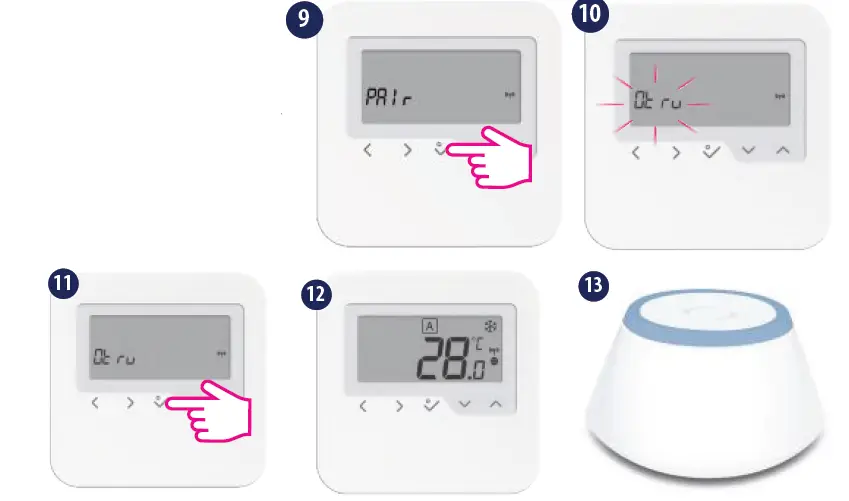
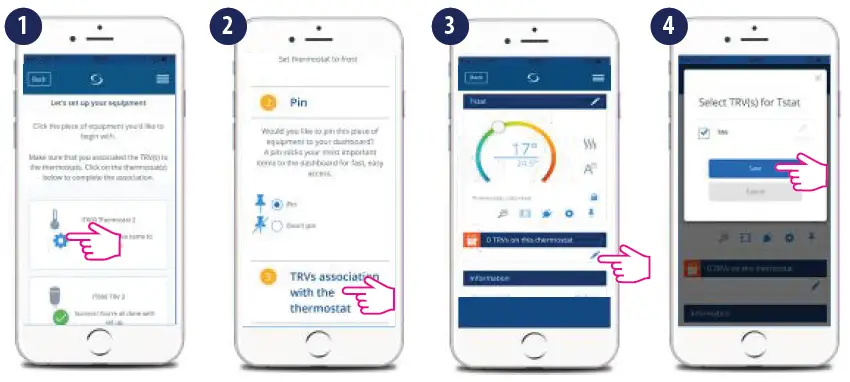
Note: The TRV LED will flash orange until the association process is complete. Once this action has finished the LED will go off.
Pairing with the boiler receiver RX1/RX2 – online
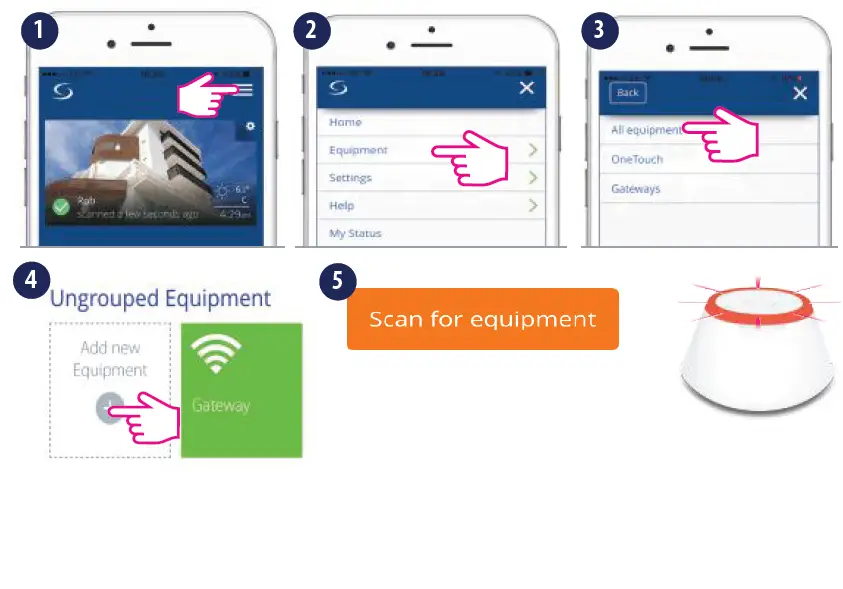
- Tap Scan for equipment to add your thermostat.
- Make sure your receiver is in pairing mode. Please check receiver manual for full process.

- For pairing with RX2, set the internal switch of the receiver to RX2 and choose t step 4. Afterthat, follow the same procedure as described above.
Device identification
Note: To identify your devices, tap the icon on the app screen. The LED (or screen) on the enquired device will flash.
Setting the schedule
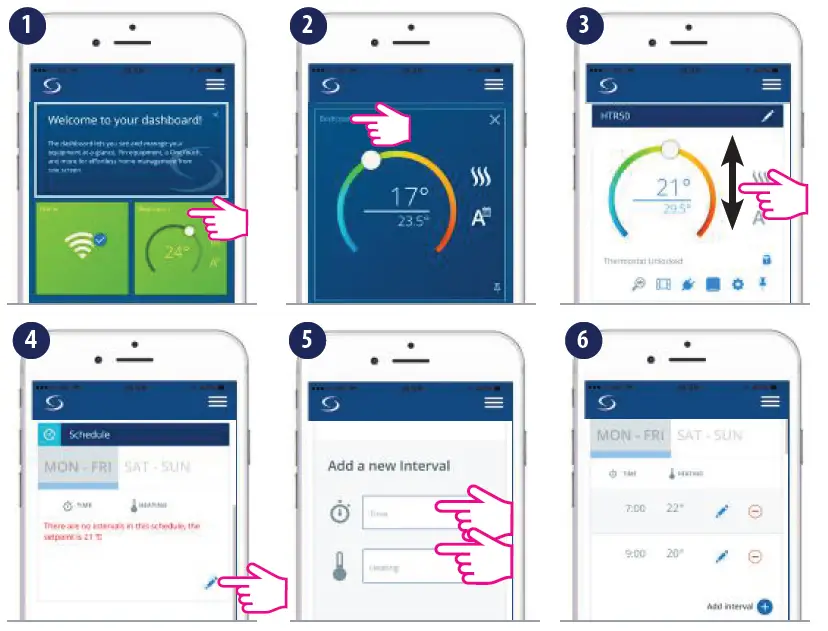
Note: Once connected to the App, the time and date will update automatically. Select the desired programming mode (5/2 days, 7 days or 24h) and create your own schedule.
 Salus – Smart Technology for your comfort