 BTR230
Quick Guide
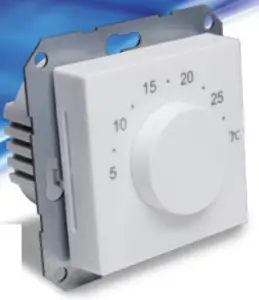
Introduction
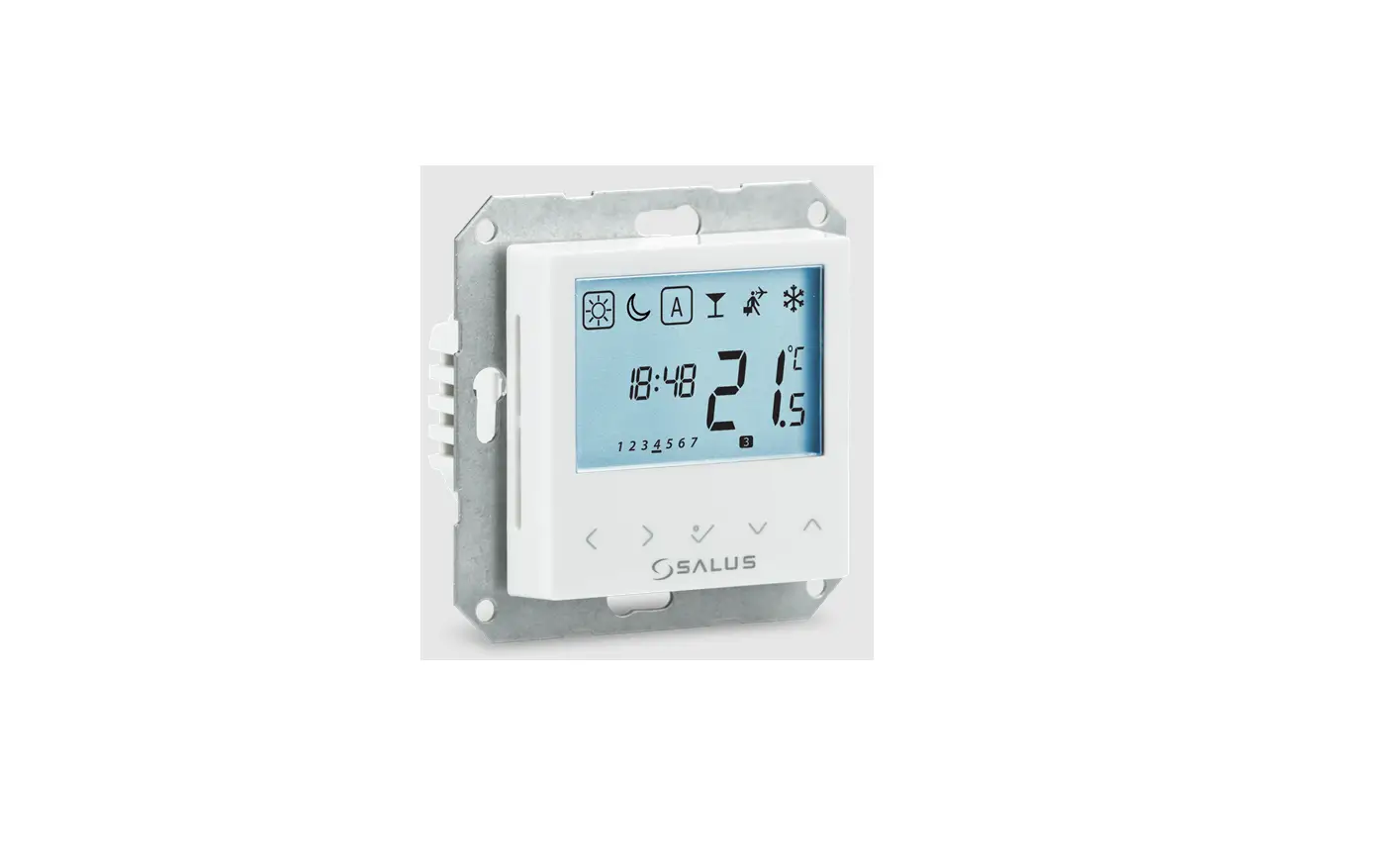
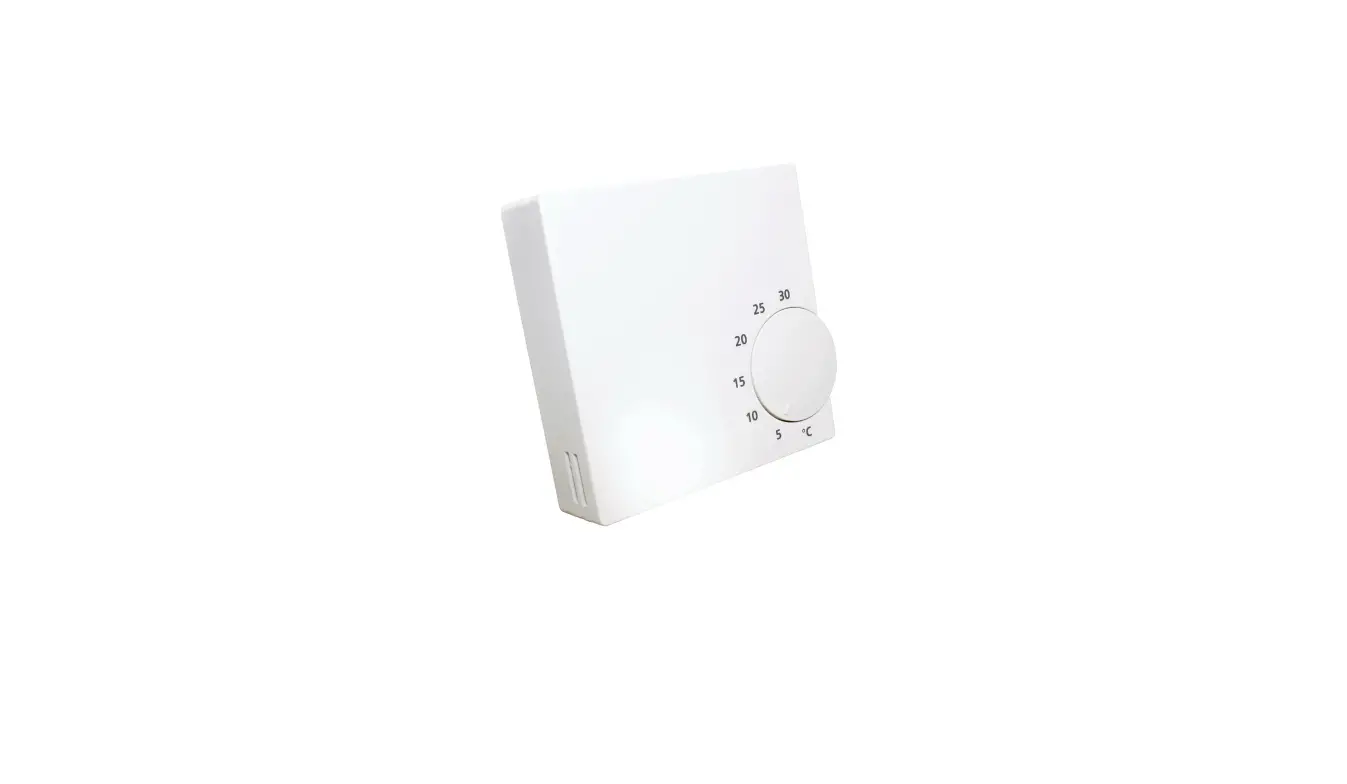
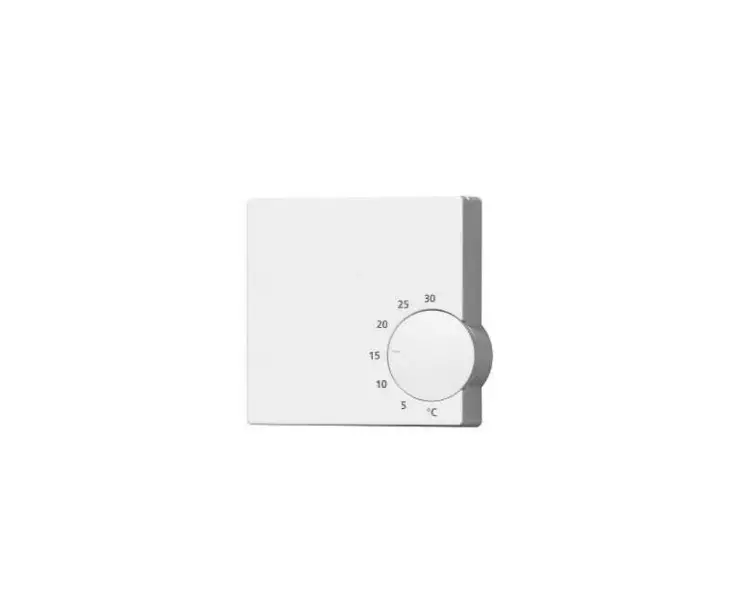
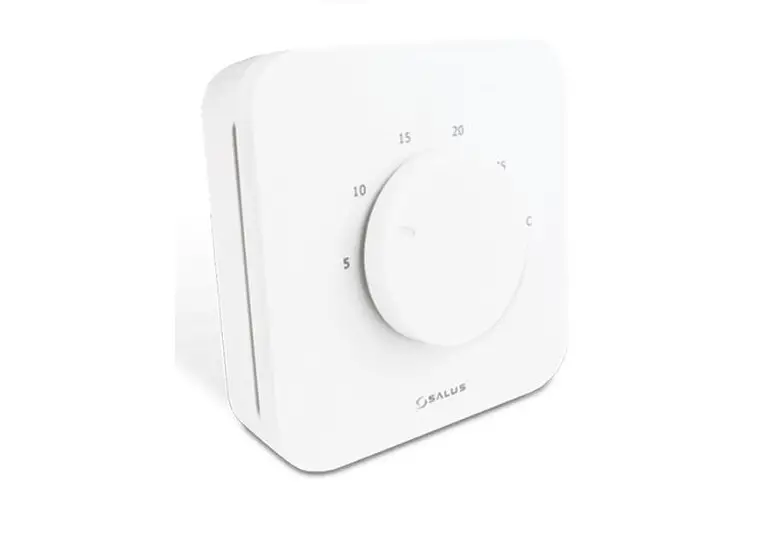
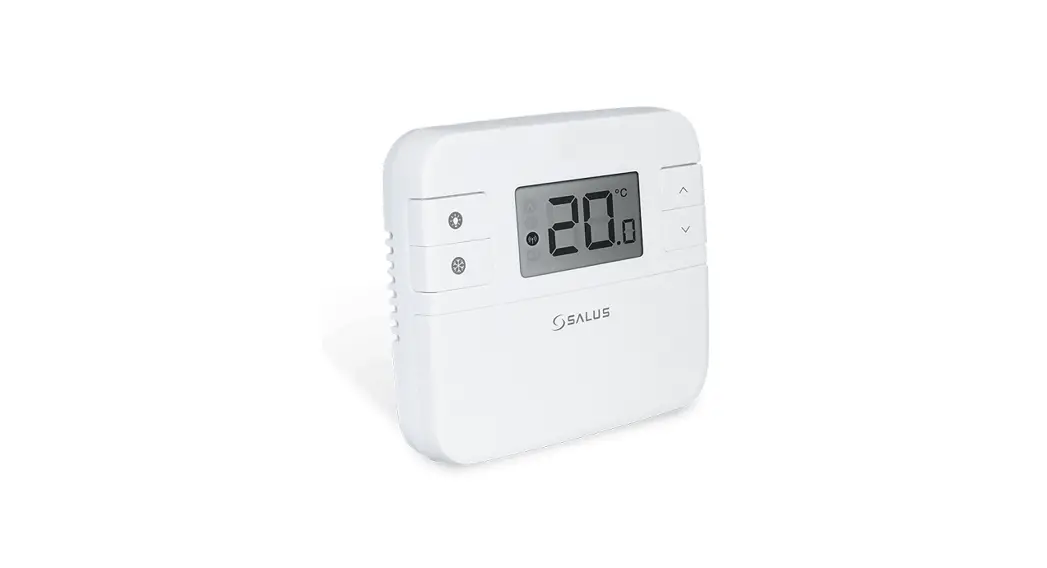
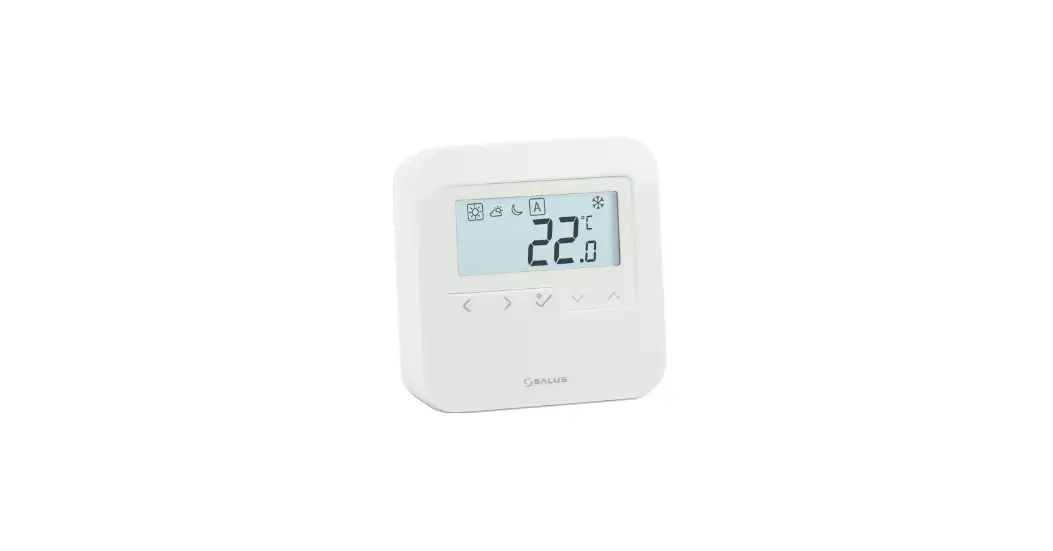
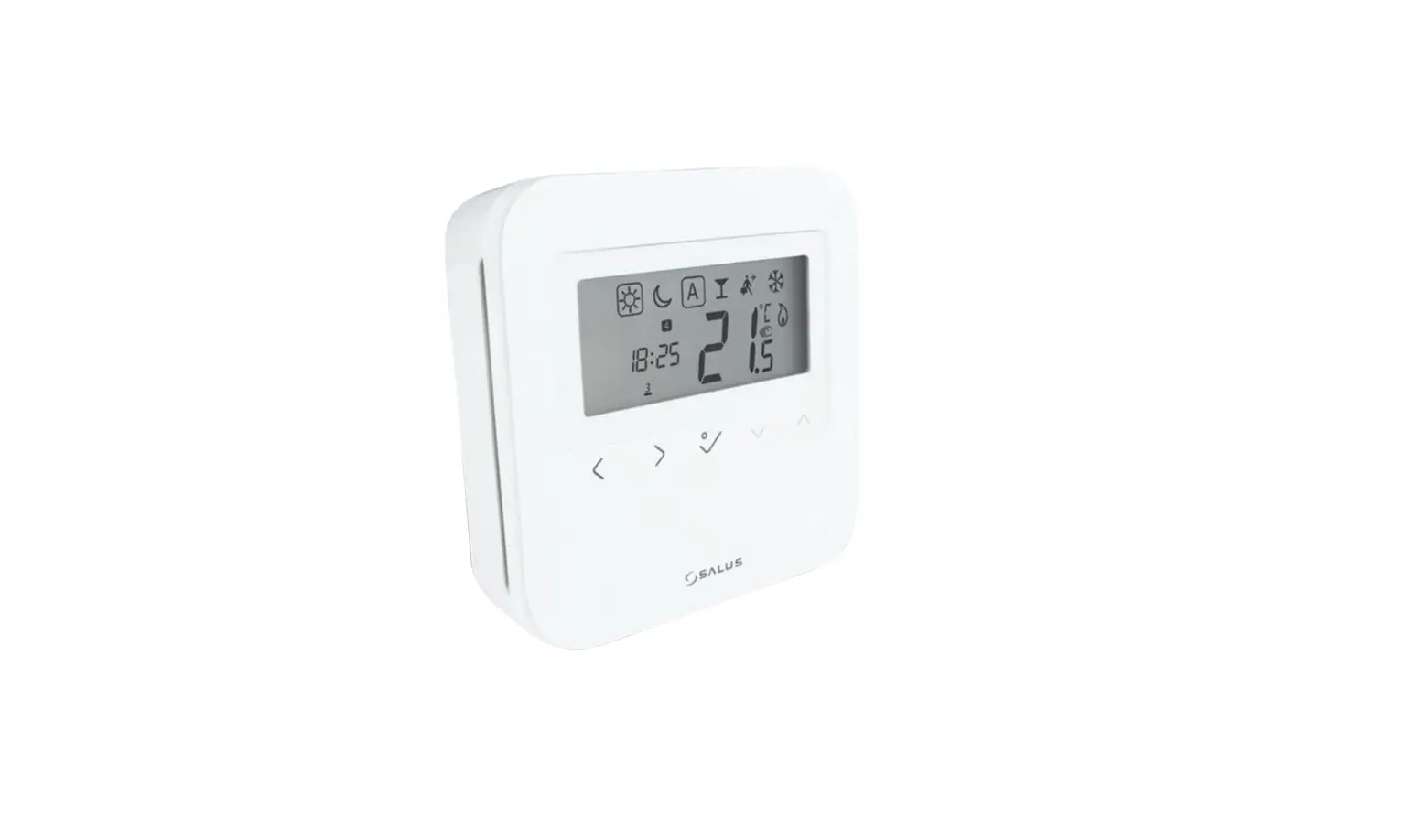
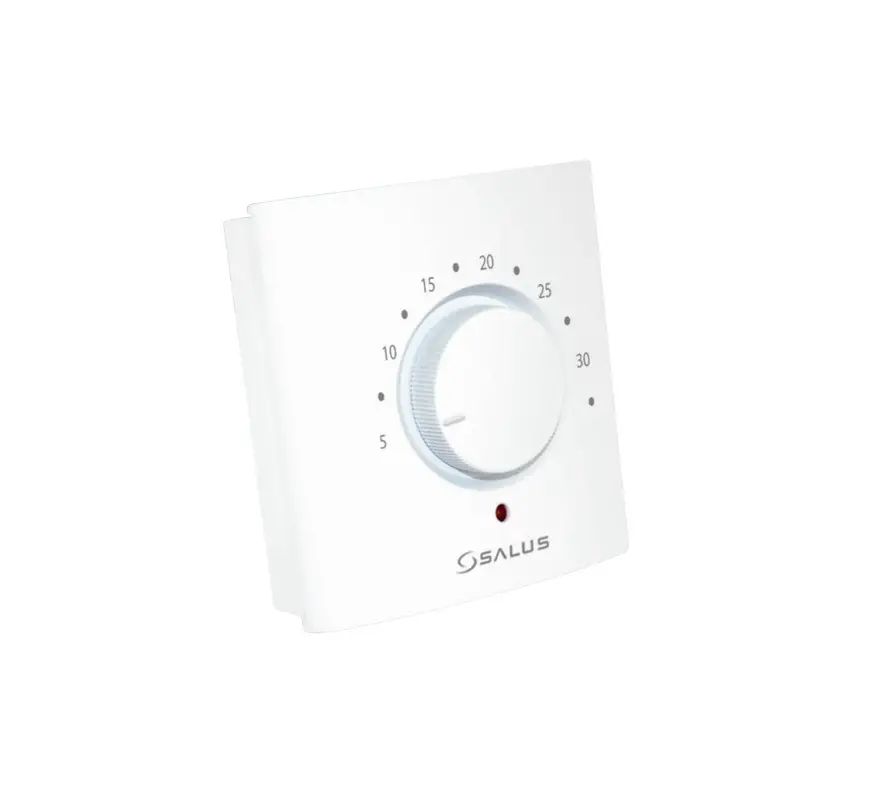
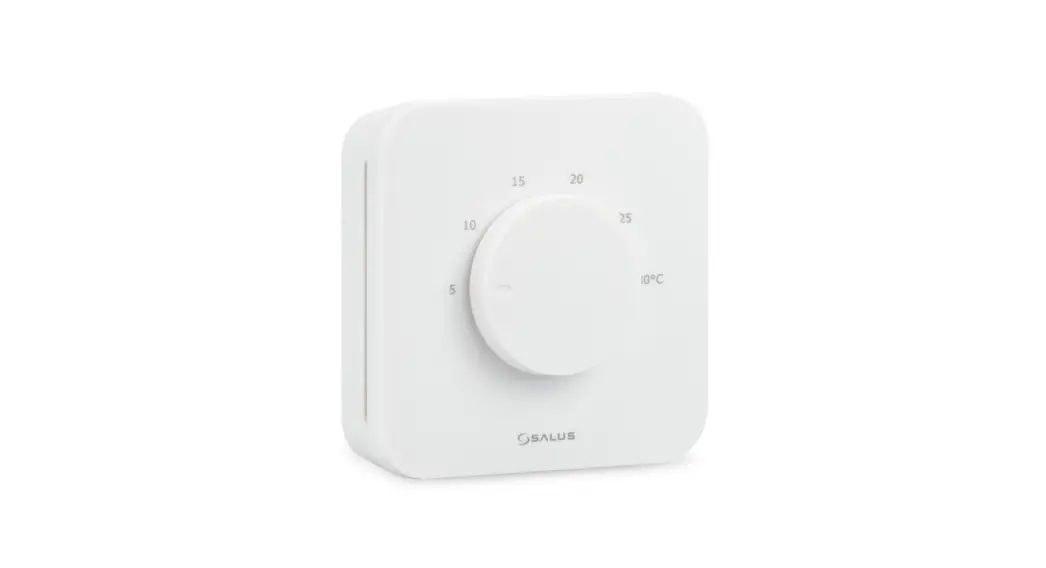
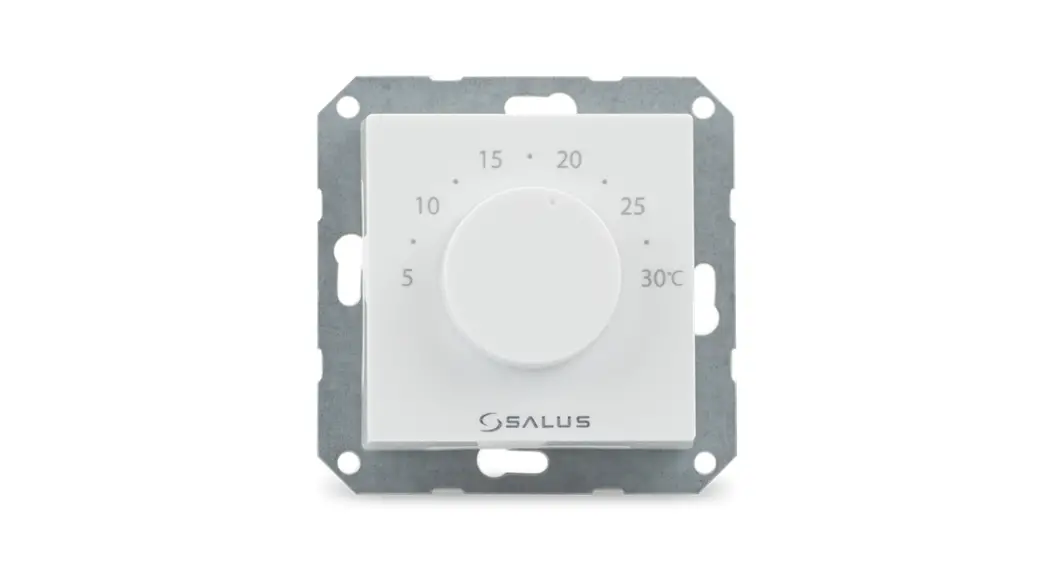
The BTR230 is an electronic flush mount Room Thermostat for Bezel 55, which offers key advantages over conventional mechanical products.
Product Compliance
This product complies with 2014/30/EU, 2014/35/EU, 2011/65/EU. Full text of the EU Declaration of Conformity on www.saluslegal.com.
 Safety Information

Use in accordance with the regulations. Indoor use only. Keep your equipment completely dry.
Disconnect your equipment before cleaning it with a dry towel.
Installation
This accessory must be fitted by a competent person, and installation must comply with the guidance, standards, and regulations applicable to the city, country or state where the product is installed. Failure to comply with the relevant standards could lead to prosecution.
Box Content
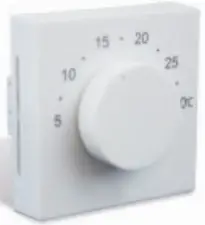 | Thermostat front case |
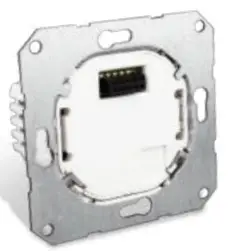 | Thermostat rear case |
 | Quick Guide |
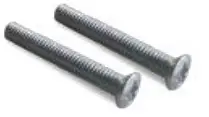 | 2 x fixing screws |
Wiring
Note: You can wire the thermostat directly to the KL08NSB Wiring Center (purchased separately).
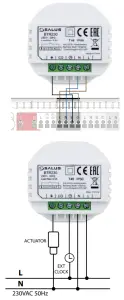
Mounting
Please refer to the images below for mounting your thermostat.
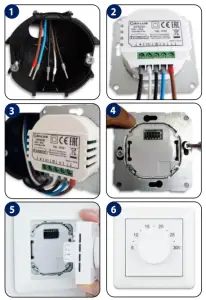
Terminals
| Terminal | Function |
| ↓ | Switching life (output) |
| CO | Changeover, OV for heating or 230V for Cooling (input) |
 | OV normal temp mode; 230V reduced temp mode (input) |
| N | Neutral Input |
| L | Live Input |
BTR230 Jumpers
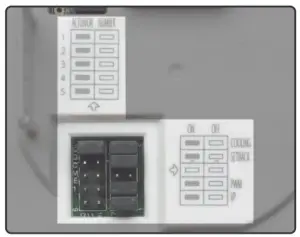
Different features of the BTR230 can be switched ON or OFF with the jumpers.
In order to do this please follow the table below.
| Jumper | Feature | ON | OFF |
| COOLING | Close: Cool block disabled; Cooling enable Open: Cool block enabled; Cooling disable |  |  |
| SETBACK | NSB Function (2° or 4° selectable) | 2⁰C | 4⁰C |
| PWM | Pulse-Width-Modulation | | |
| VP | Valve protection | | |
The jumpers from 1 to 5 are representing the number of actuators that you can connect to the thermostat.
After the actuators are mounted please move the jumper on the correct number (the same as the number of actuators).
Night Setback
NSB (Night SetBack) Function
NSB Mode is always ON, giving the possibility to choose a reduction between 2°C or 4°C.
The NSB signal is activated every 1 second. When the signal is received the setpoint temperature will be reduced by 2°C or 4°C.
Heating and Cooling
Heating and Cooling Selection
The Heating/Cooling function is determined by the CO terminal connection.
C O 0 V = Heat mode
CO 230V= Cool mode
Cooling Blocked
Cooling Blocked function
Cooling Enabled: Set the jumper to ON position. The thermostat will run in normal cooling mode. That means that it will open/close the actuators when necessary. The LED will be BLUE when the cooling function is running.
Cooling Disabled: Set the jumper to the OFF position. CO terminal will be deactivated. Heat mode only.
Control Patterns
This product has a jumper to choose output control pattern, PWM output, or ON/OFF output.
In heating mode, there is PWM or ON/OFF control output.
In cooling mode, only ON/OFF control output.
[email protected]
tel: +44 (0) 1226 323961
Head Office:
SALUS Controls Plc
Units 8-10 Northfield Business Park
Forge Way, Parkgate, Rotherham
S60 1SD, United Kingdom
T: +44 (0) 1226 323961
E: [email protected]
www.salus-controls.eu
SALUS Controls is a member of the Computime Group.
Maintaining a policy of continuous product development SALUS Controls plc reserves the right to
change specification, design, and materials of products listed in this brochure without prior notice.
For PDF Installation guide please go to www.salus-manuals.com
Issue Date: 01 2021 V001
 Choose your country – Salus
 salus-manuals.com
 Salus – Smart Technology for your comfort