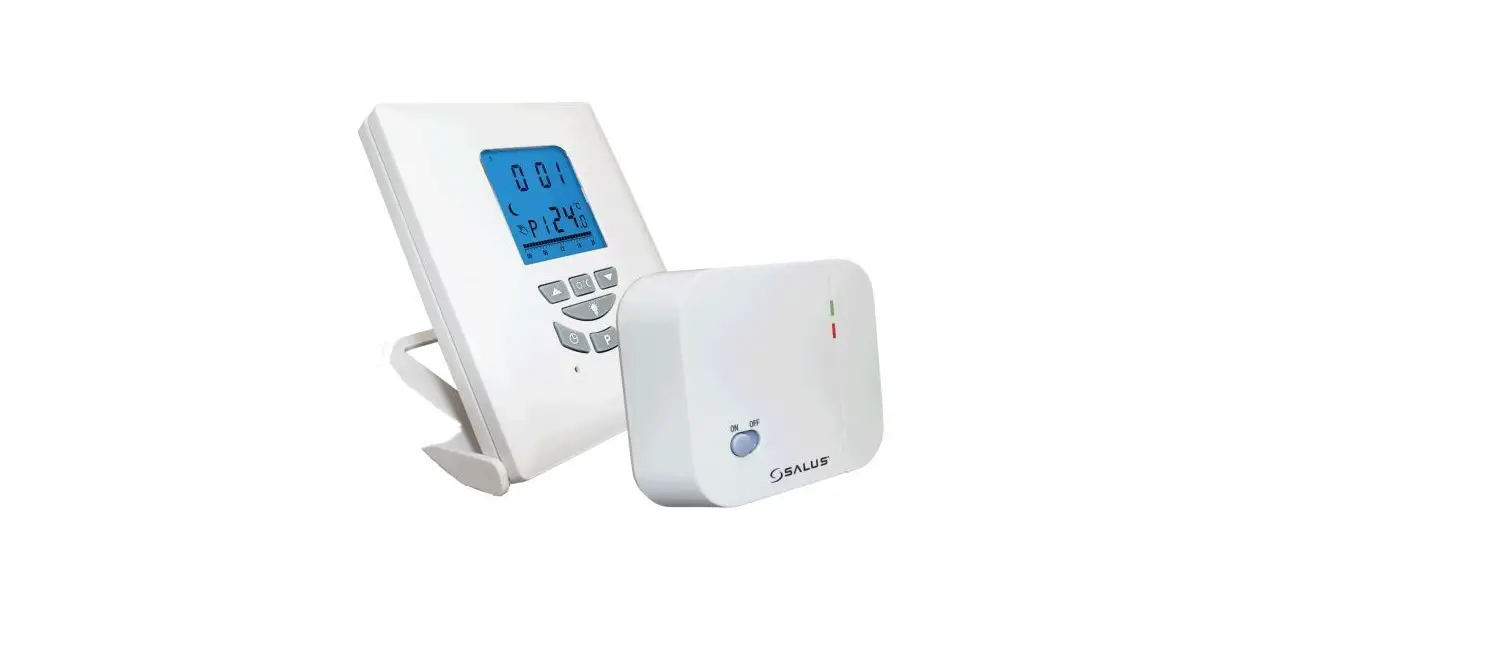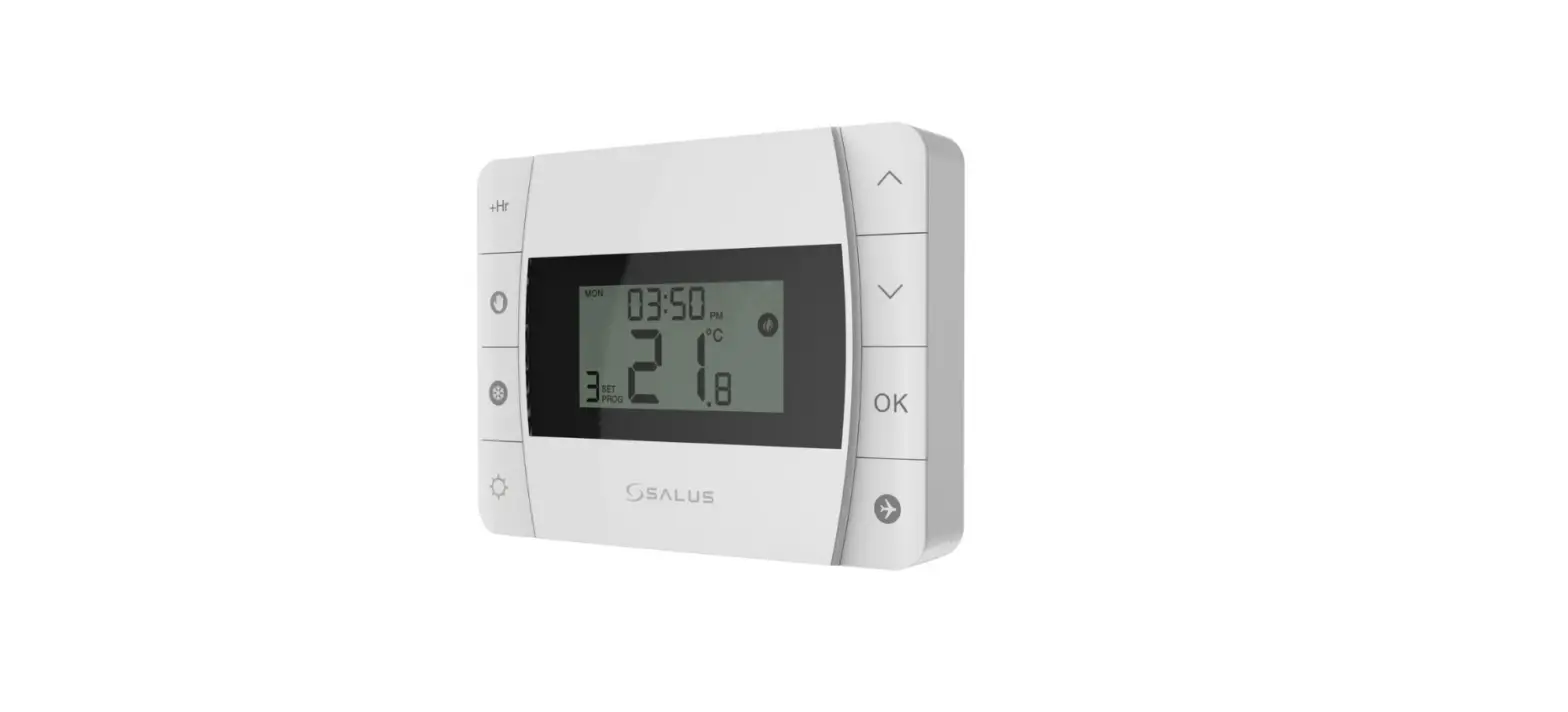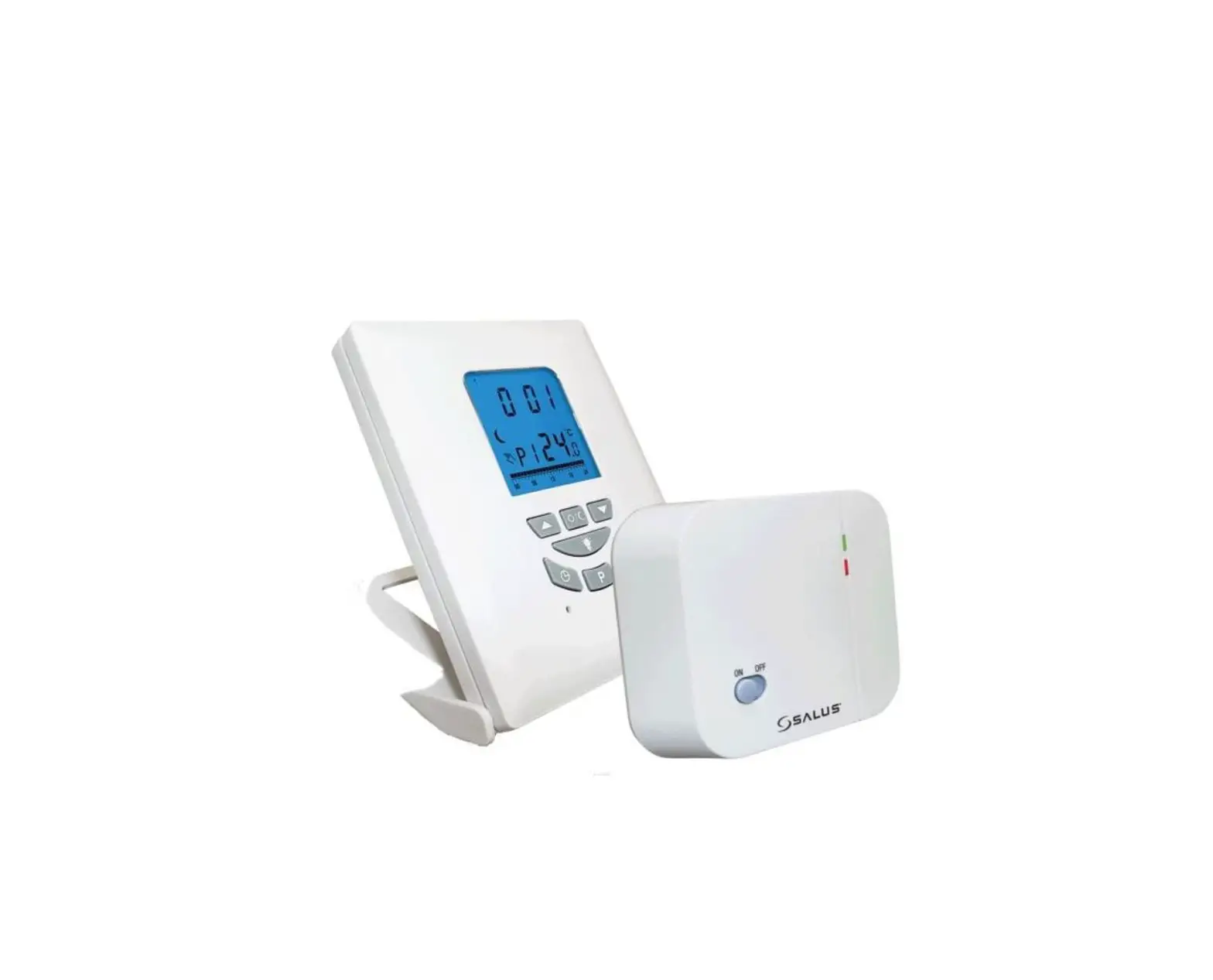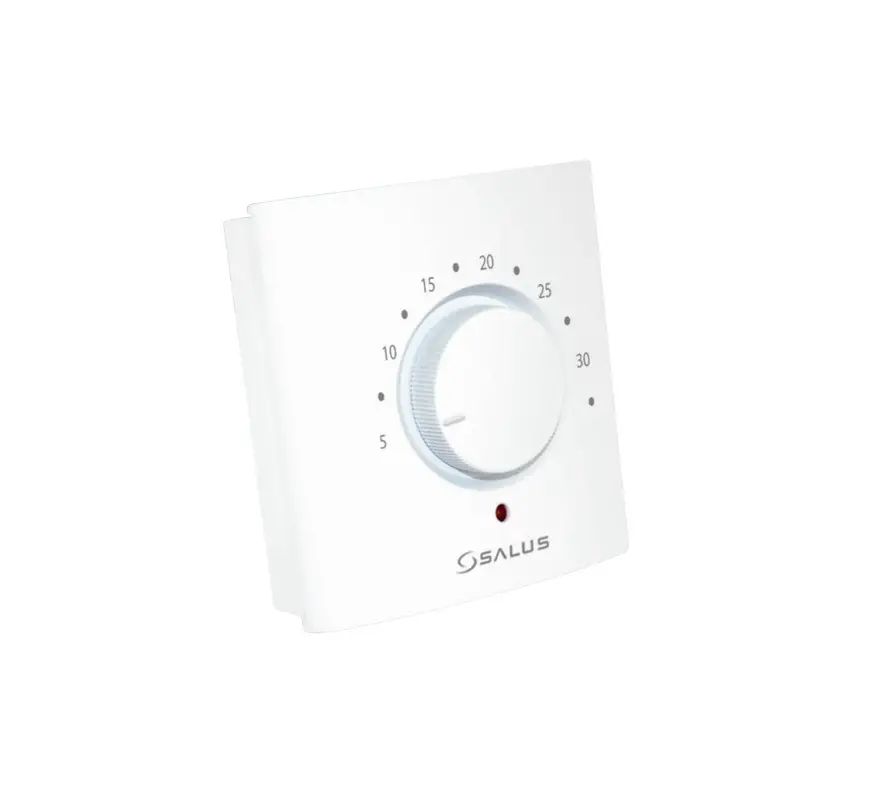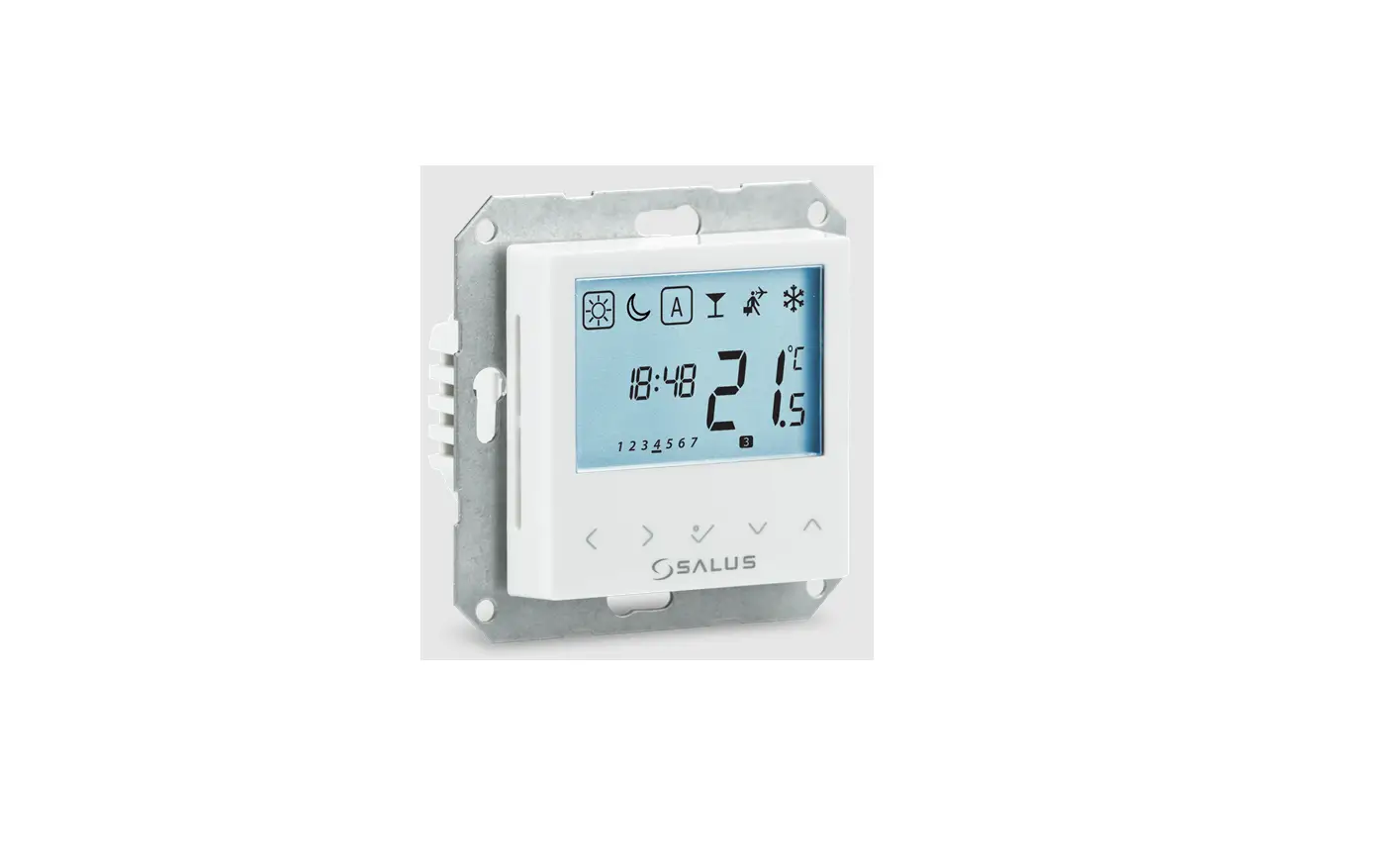

SALUS BTRP230 Digital Thermostat
INTRODUCTION
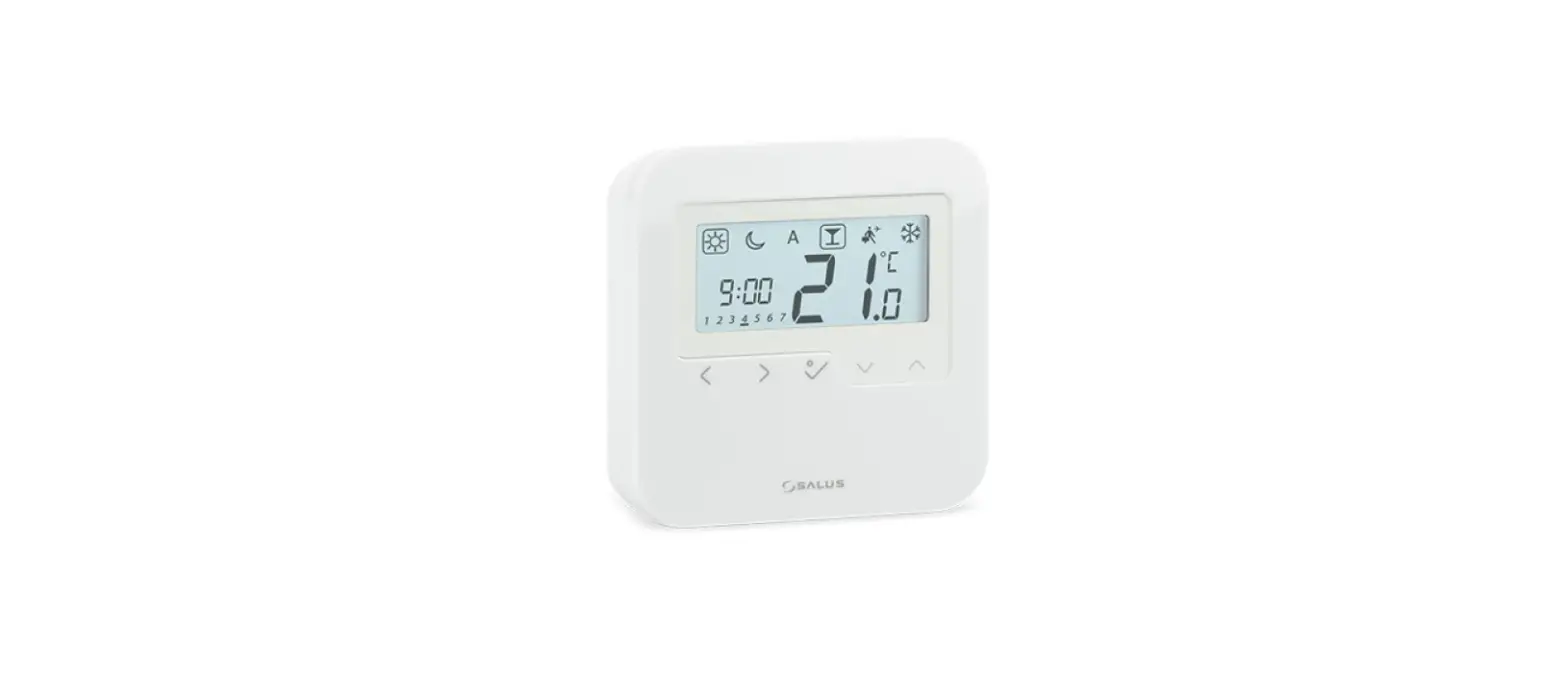
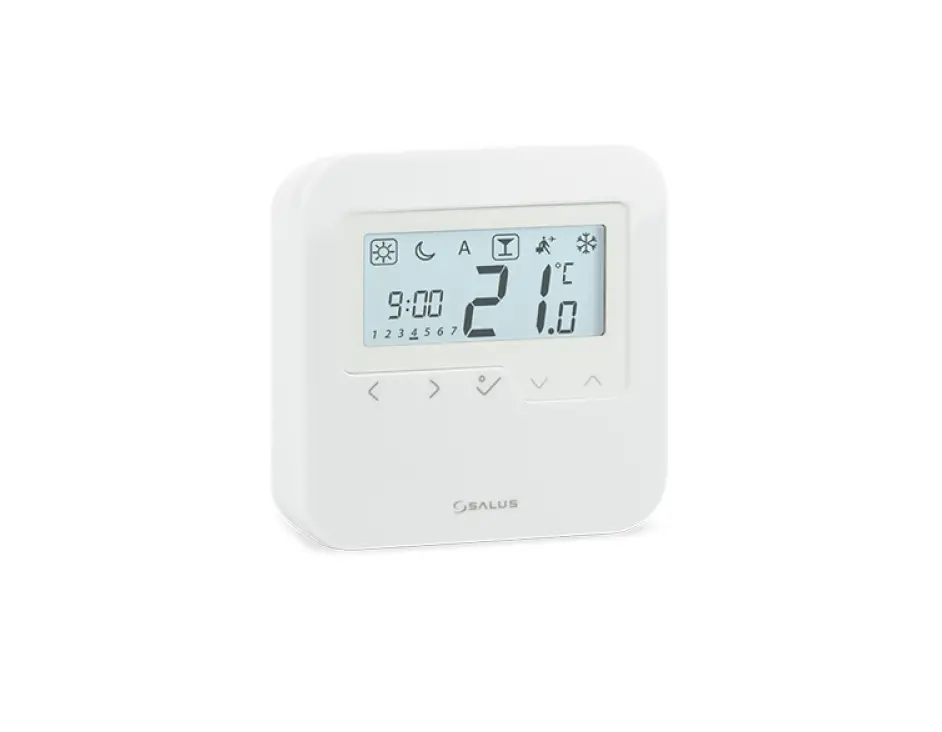
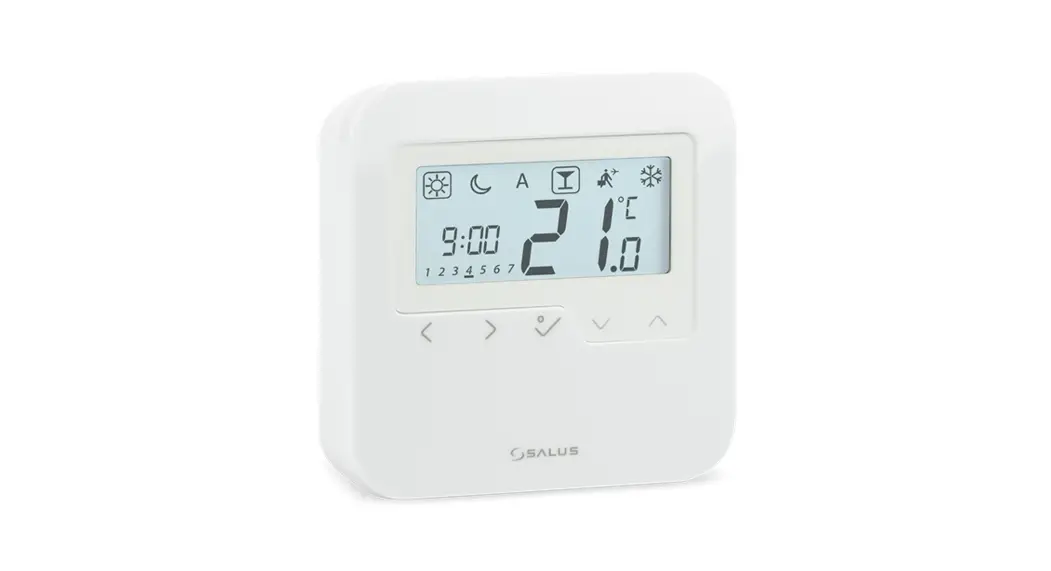
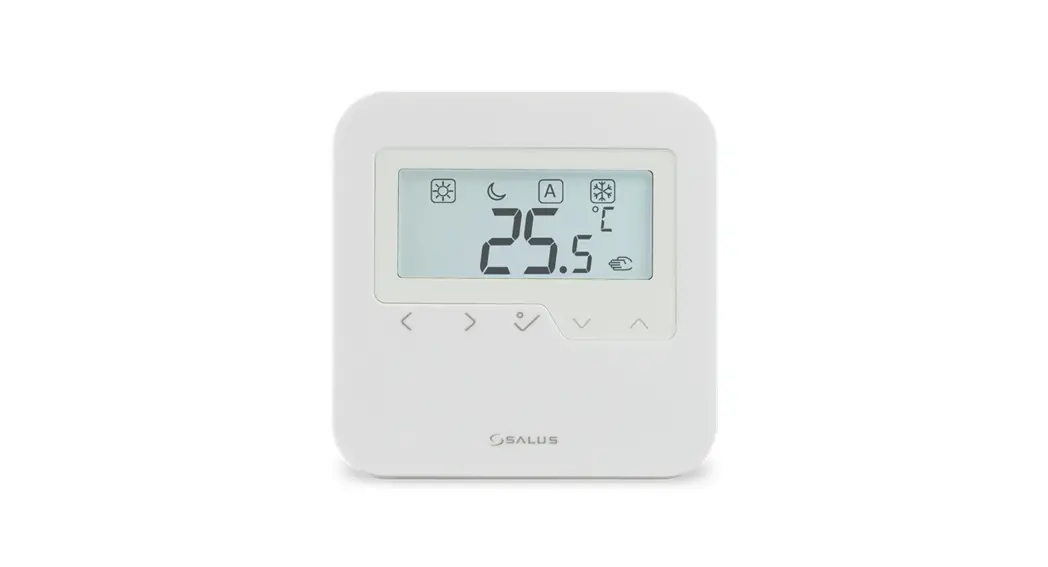
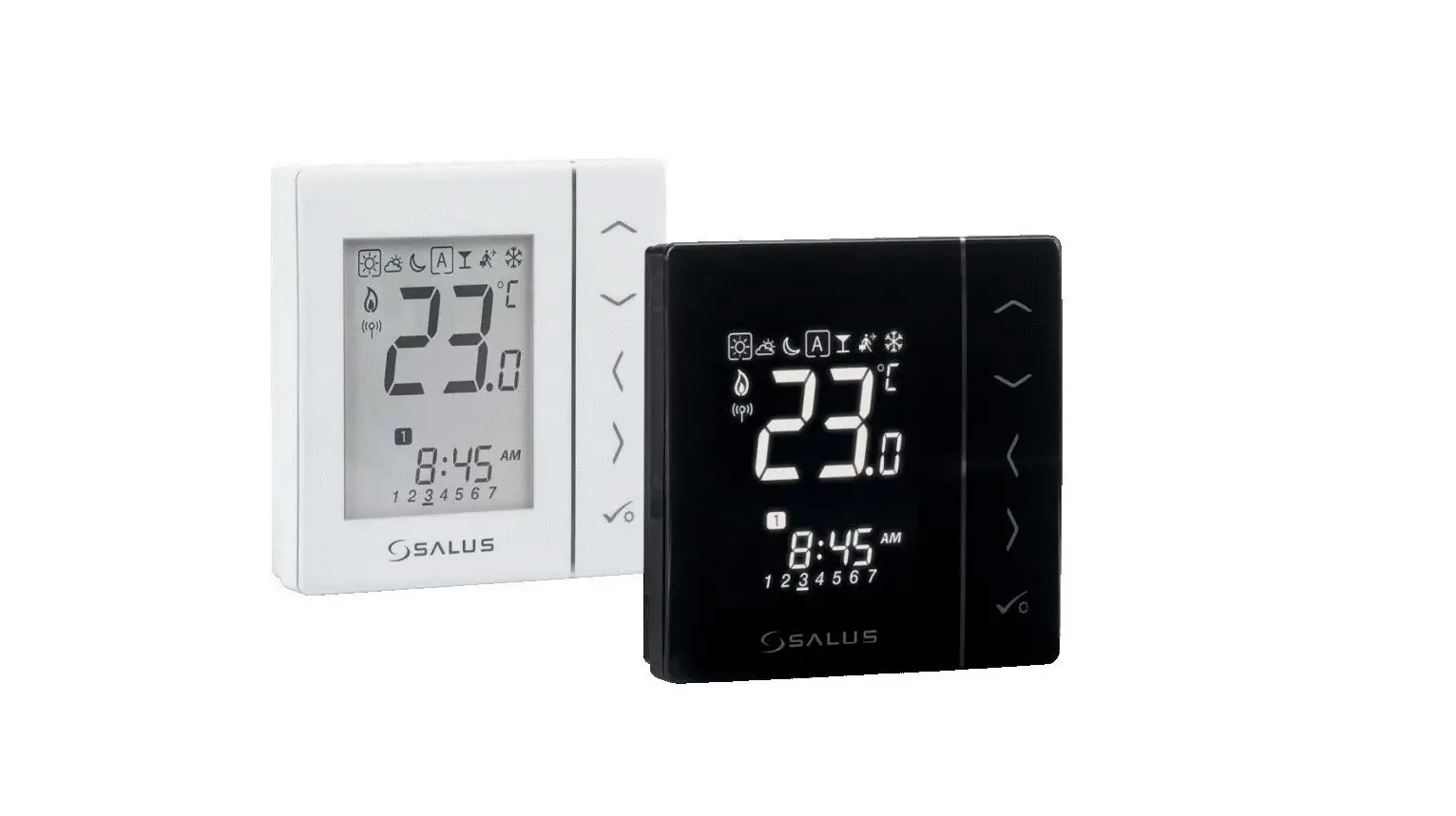
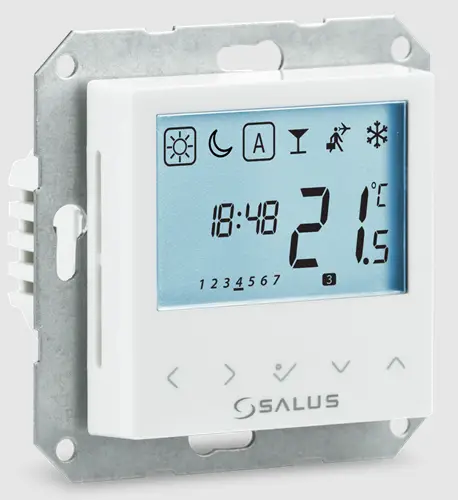
The BTRP230 thermostat from Salus Controls is a stylish and accurate programmable flush mount digital room thermostat for Bezel 55. You can now simply adjust your home temperature as desired in order to create a comfortable home environment.
PRODUCT COMPLIANCE
This product complies with the essential requirements of the following EC Directives: 2014/30/EU, 2014/35/EU, and 2011/65/EU. The full text of the EU Declaration of Conformity is available at the following internet address: www.saluslegal.com.
SAFETY INFORMATION
Use in accordance with the regulations. Indoor use only. Keep your equipment completely dry. Disconnect your equipment before cleaning it with a dry towel. The unit is to be used for the control of room temperature inside the house.
INSTALLATION
This accessory must be fitted by a competent person, and installation must comply with the guidance, standards, and regulations applicable to the city, country, or state where the product is installed. Failure to comply with the relevant standards could lead to prosecution.
Box content
- Front case
- Rear case

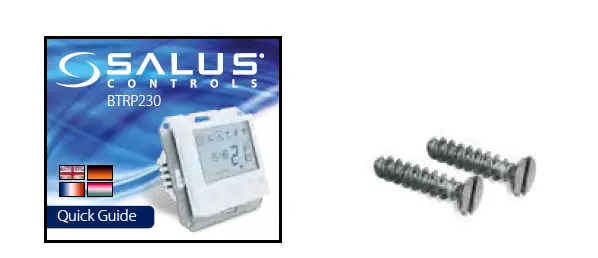
- Quick guide
- 2x fixing screws

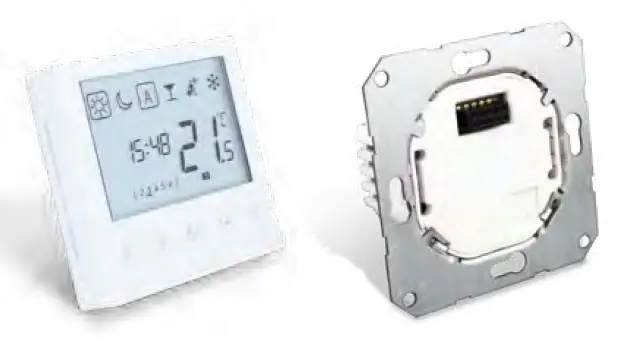
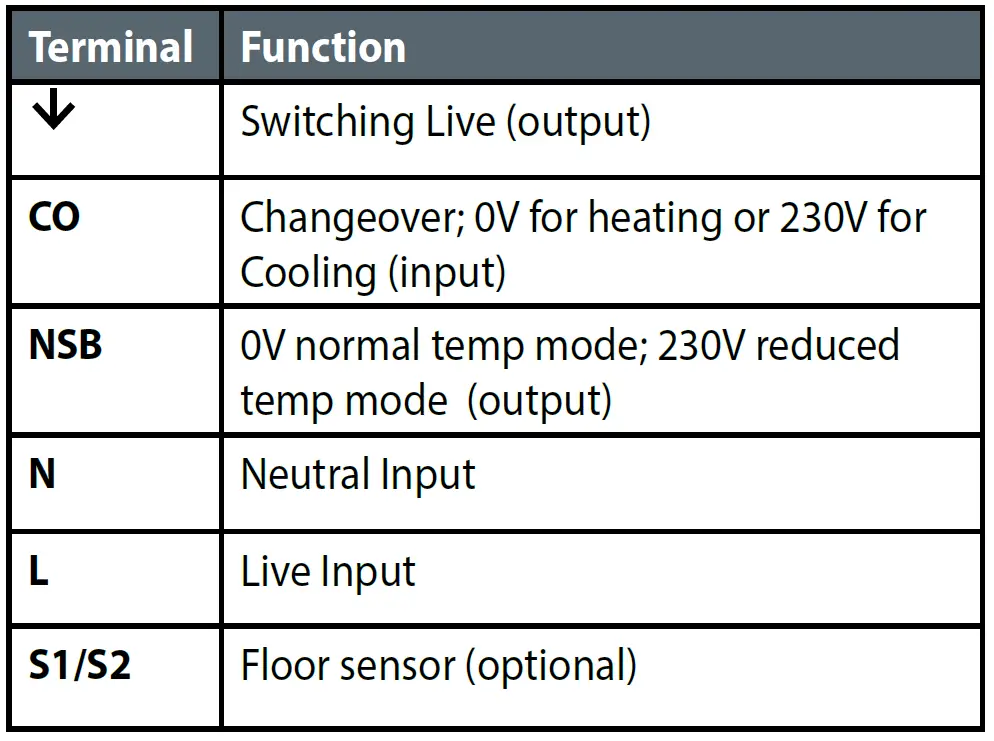
Terminals
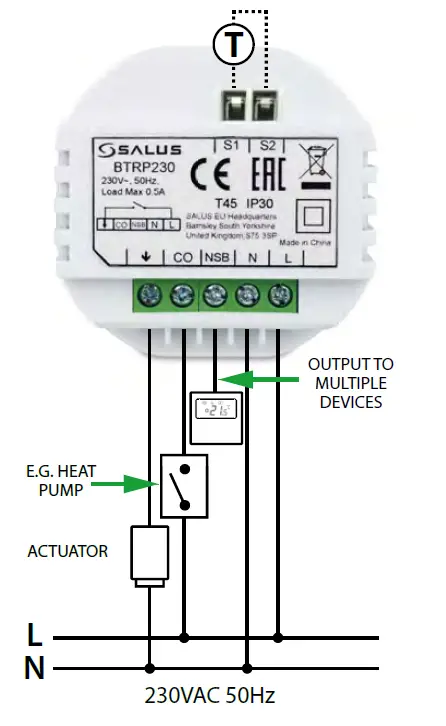
Wiring
You can wire the thermostat directly to the KL08NSB wiring center or to an actuator (purchased separately).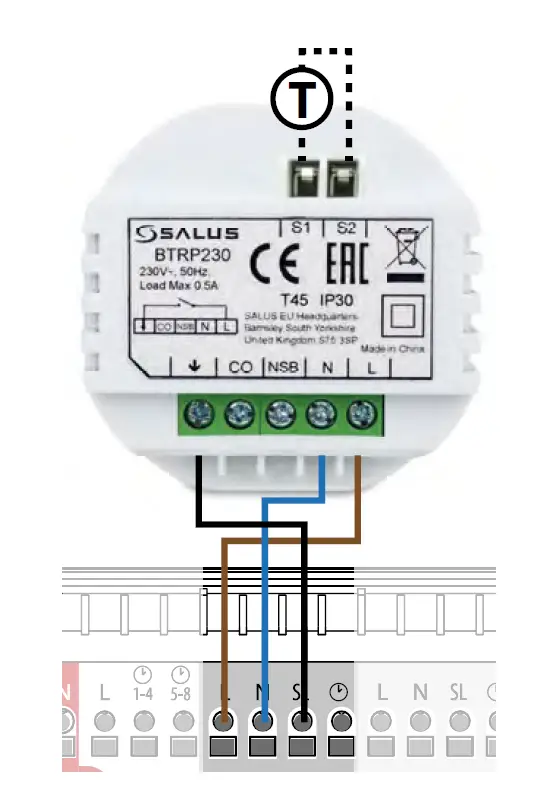
Mounting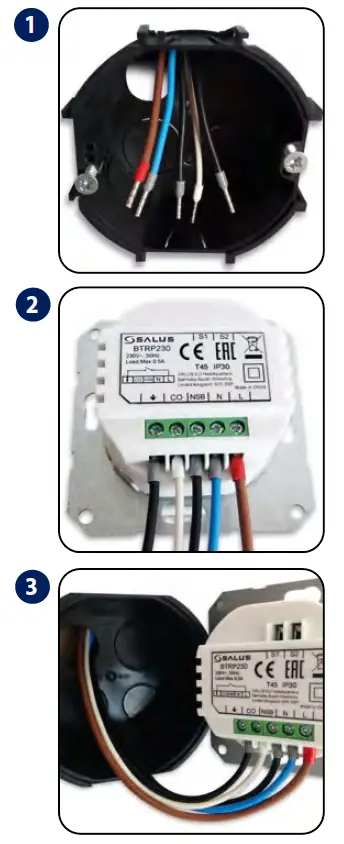
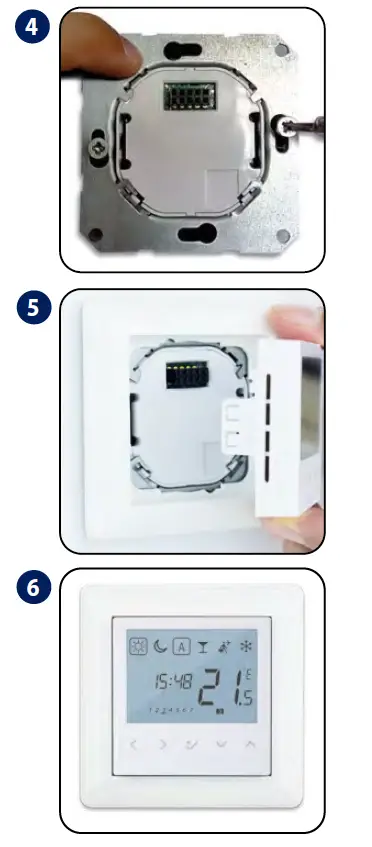
LCD Icons
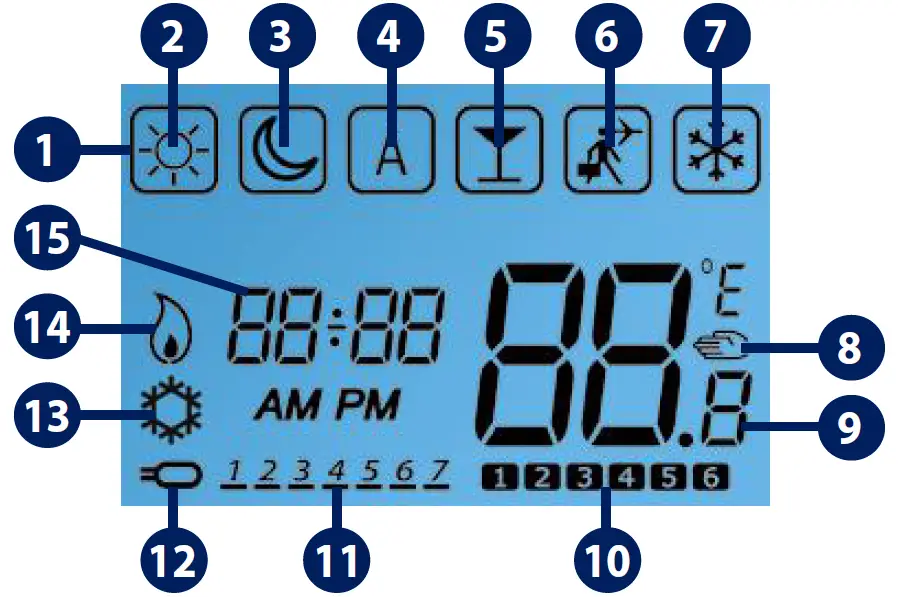
- BOX indicates which mode is active
- Standard temperature
- Reduced temperature
- Automatic
- Party mode
- Holiday mode
- Frost protection
- Temporary override indicator
- Temperature indicator
- Programs number indicator
- Day of the week
- Floor sensor connected
- Cool mode
- Heat mode
- Time indicator
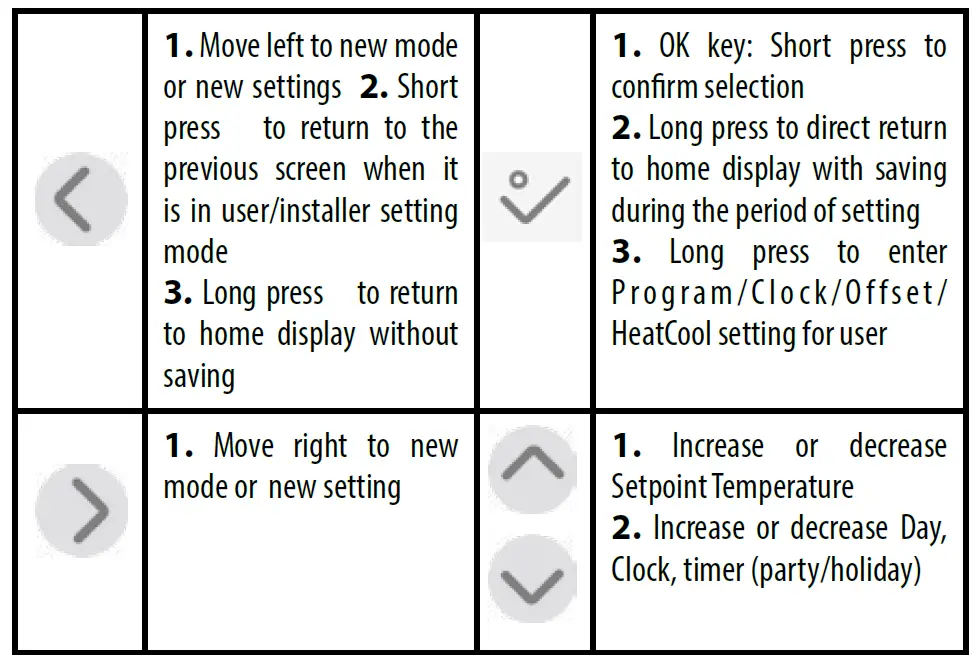
Button Functions
Setting time and date
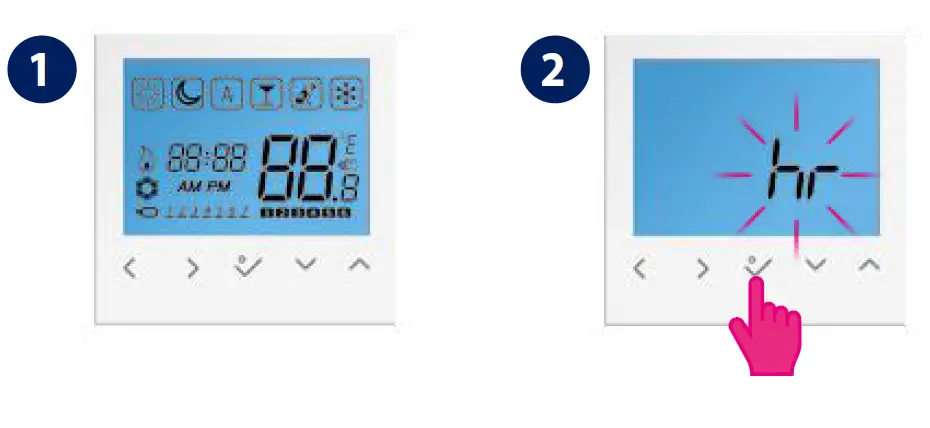
- Select or to choose 12/24 hr then press to confirm

- EN Set the hour, the minutes, and the date using or. Press to confirm.

- The time and date have been set.


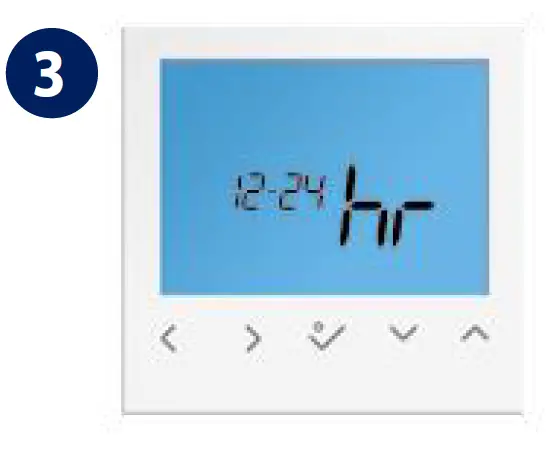
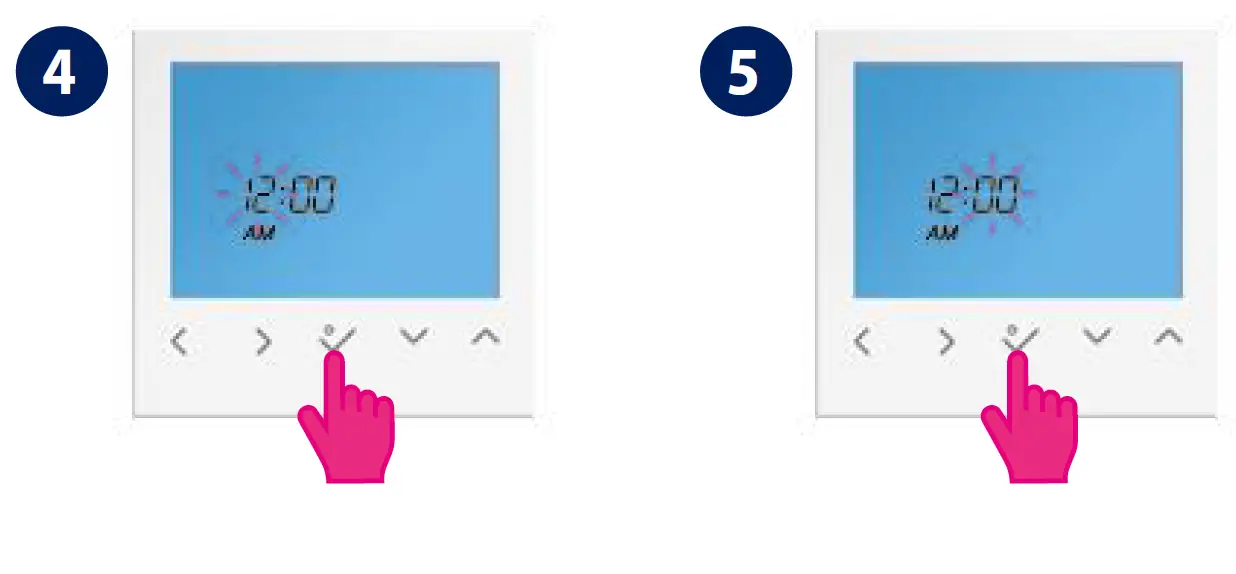
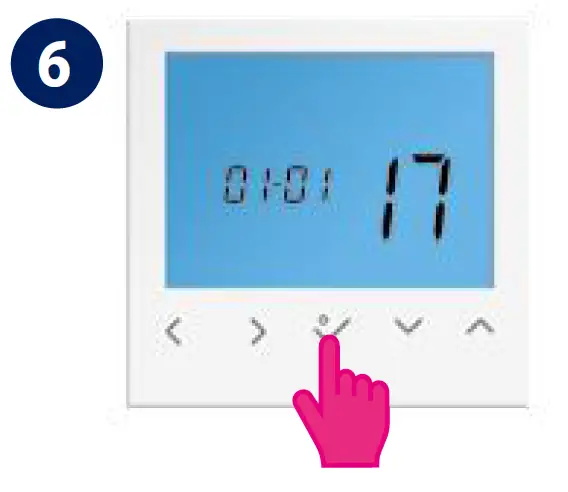
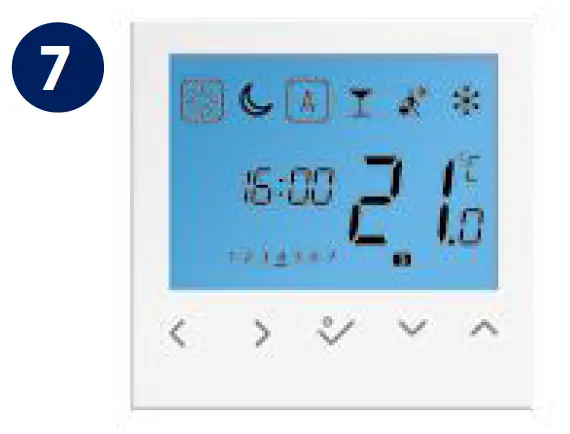
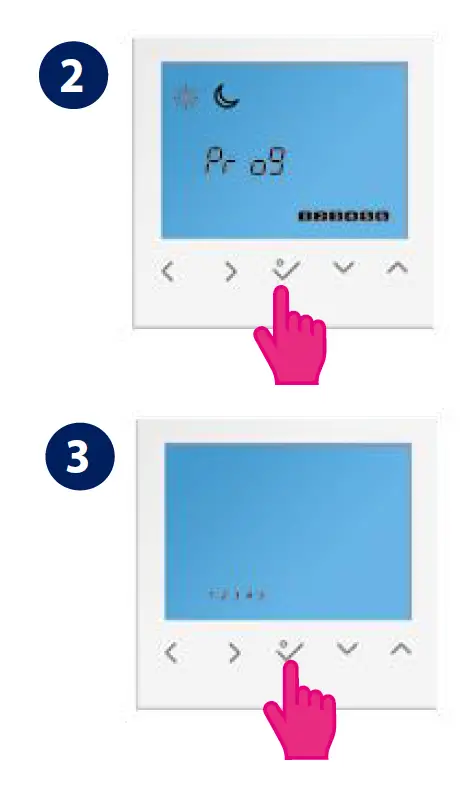
Setting Programs
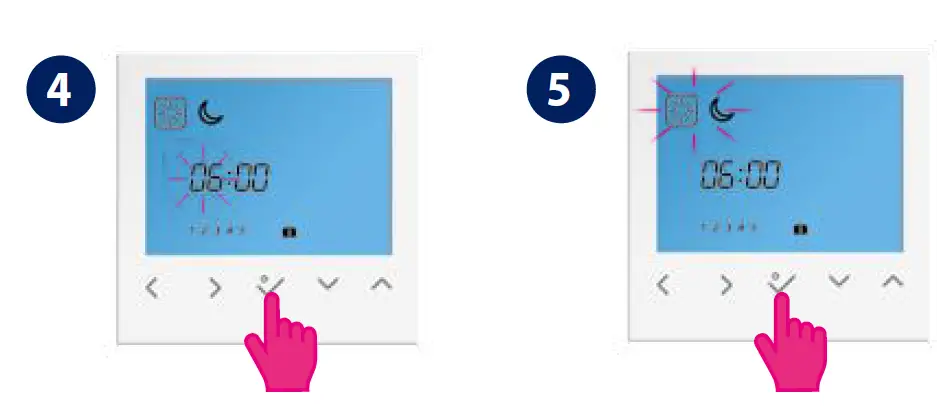
- You can customize your programs by long-pressing when on the main screen.
- Select or choose weekdays /weekends then press to confirm.

- Set the hour using or . Press to confirm. Repeat the procedure for setting the minutes
- Select the desired program or by pressing or. Press to confirm.

Override / Manual Control
When in automatic mode you can override the temperature by pressing the up or down arrow buttons until the next switching of the program. Manual control: you can set your thermostat into manual control by moving the box icon to the sun symbol or the moon symbol only, here you can change your temperature by pressing the left or right arrow buttons. Press the tick button to confirm.
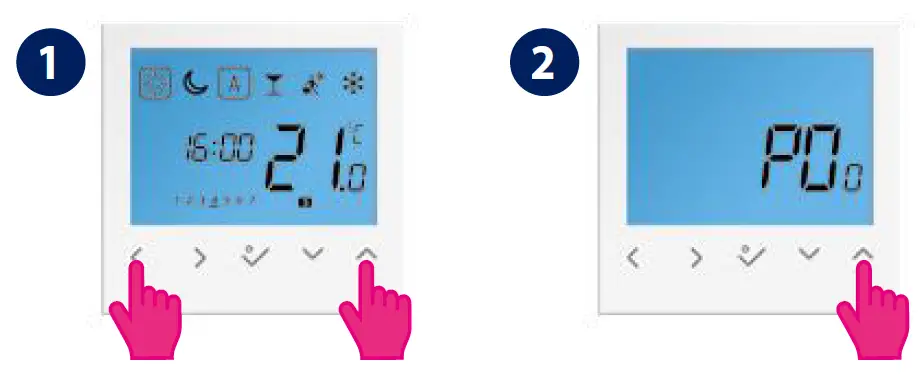
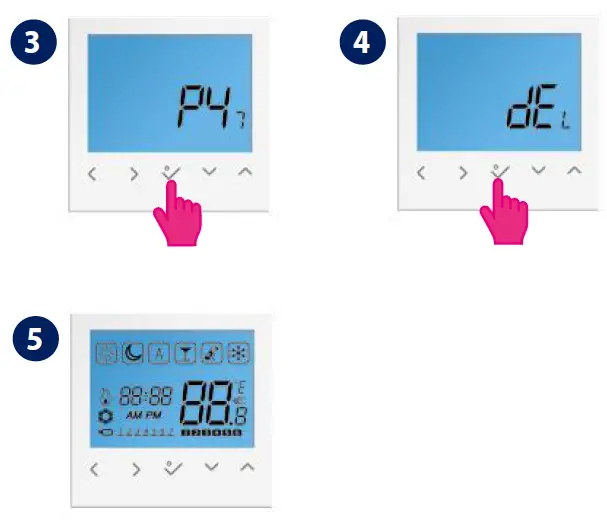
RESET
- Press the indicated keys at the same time for 3 seconds.

- Select P47 if you want to reset to factory settings.

 Choose your country – Salus
 salus-manuals.com
 Salus – Smart Technology for your comfort