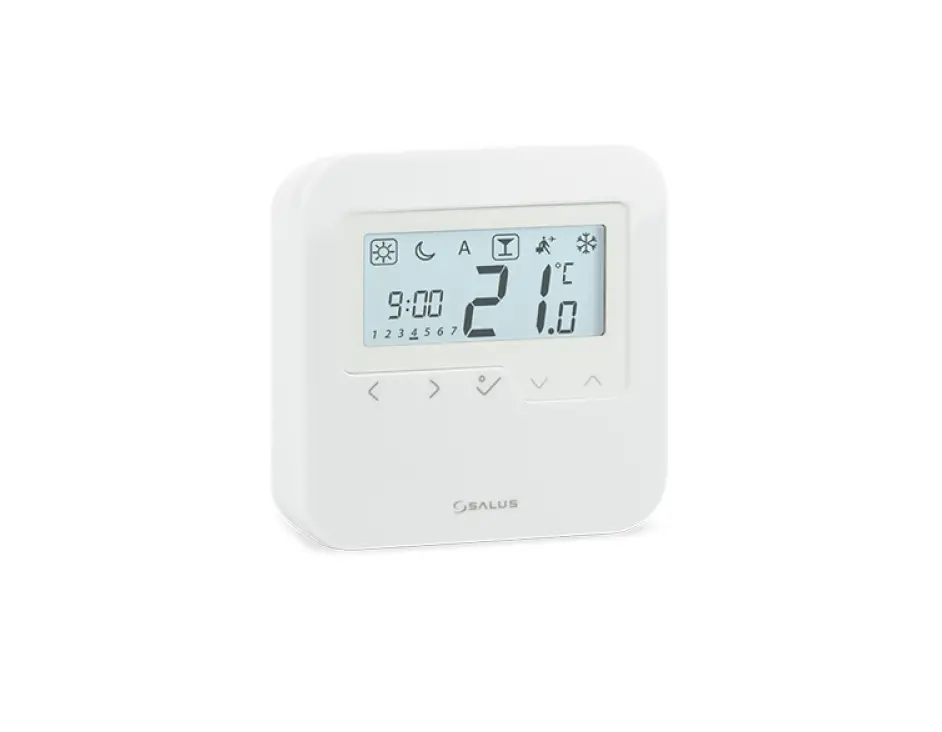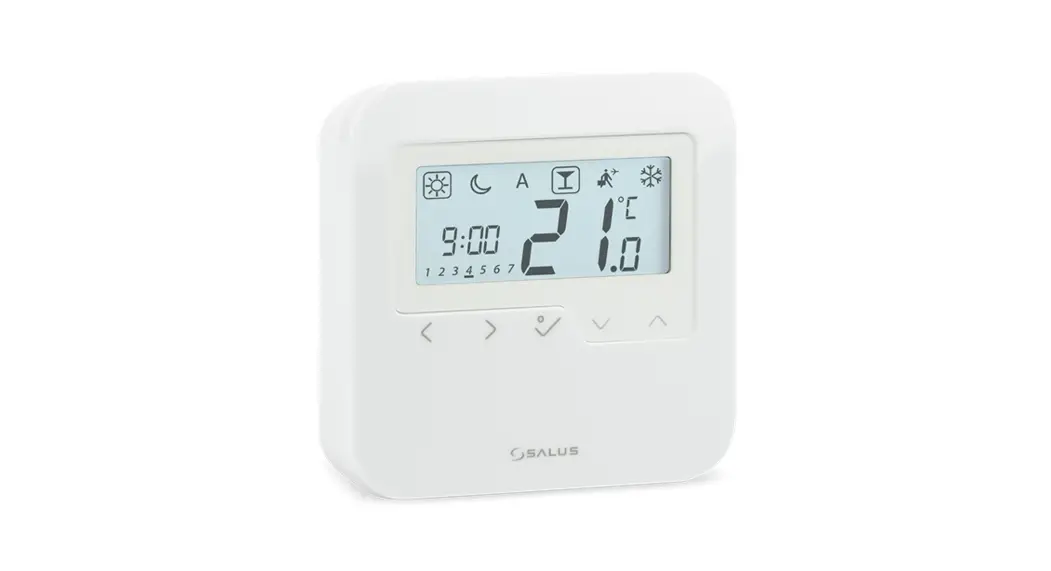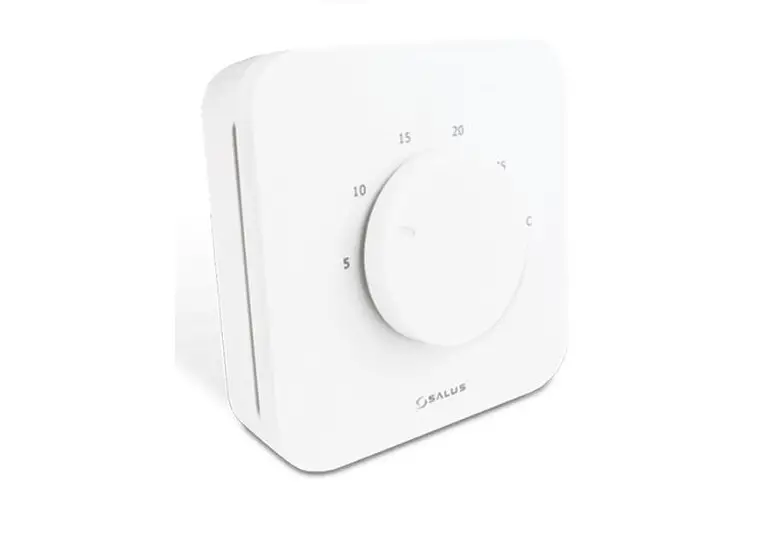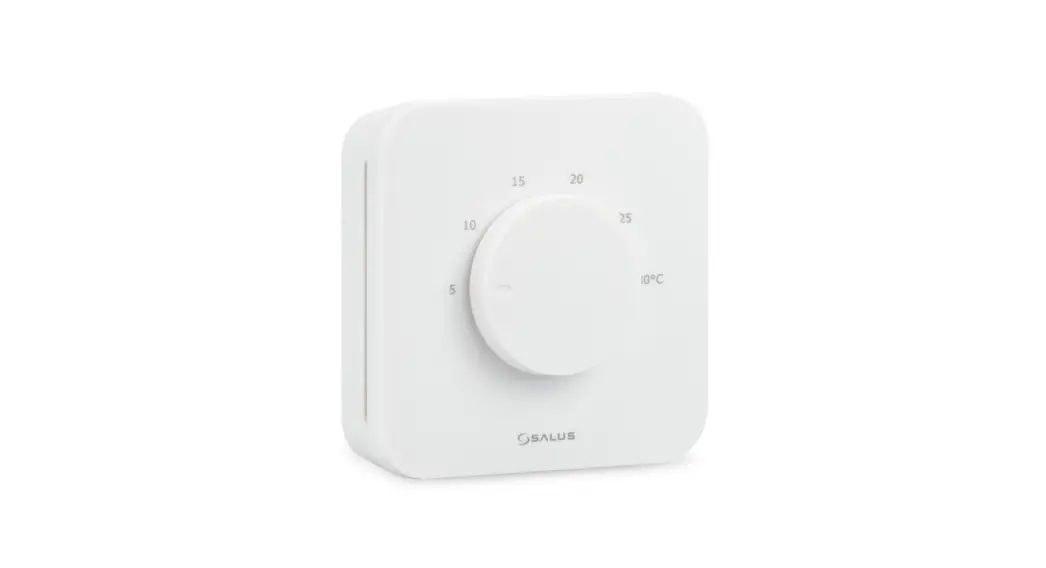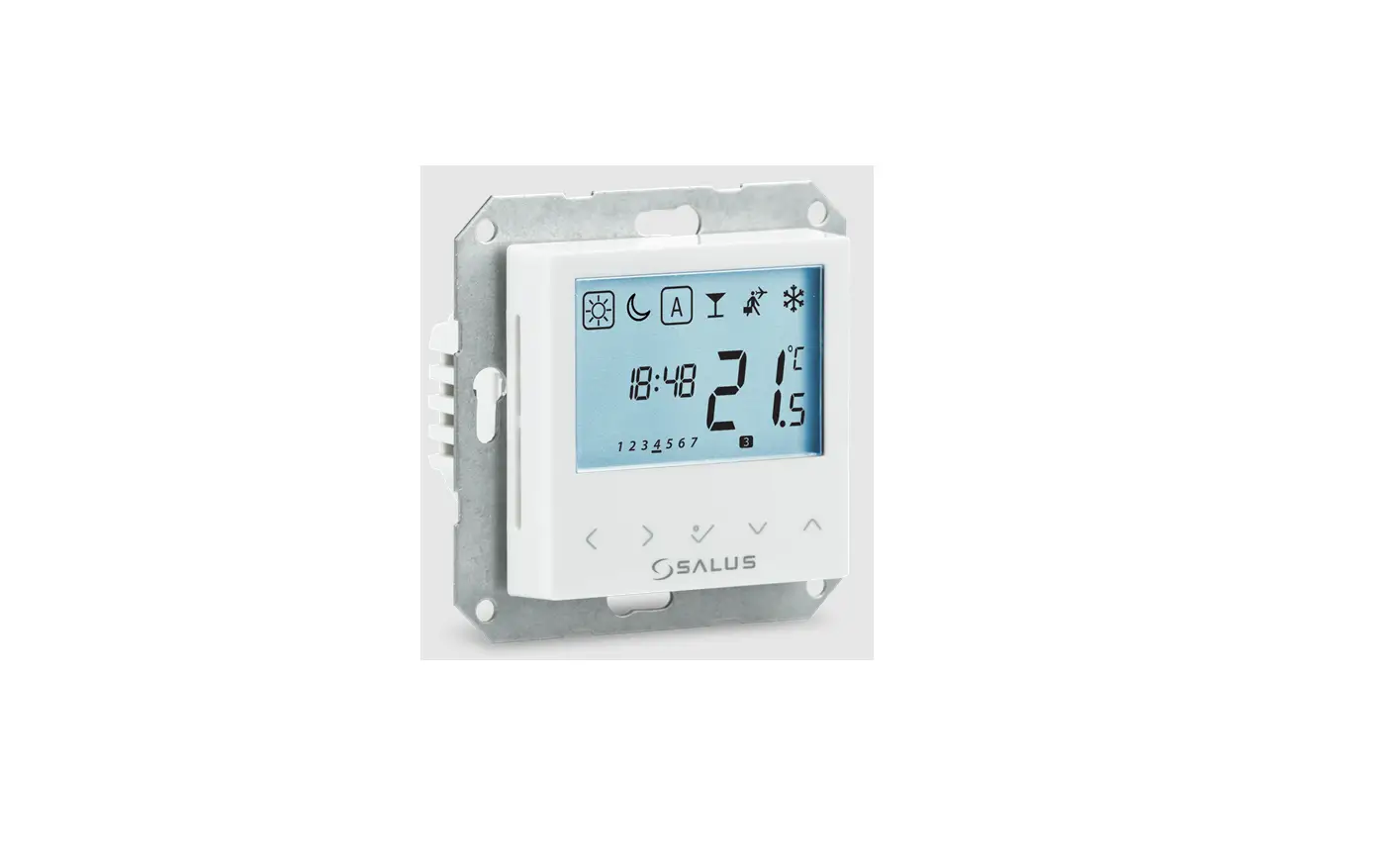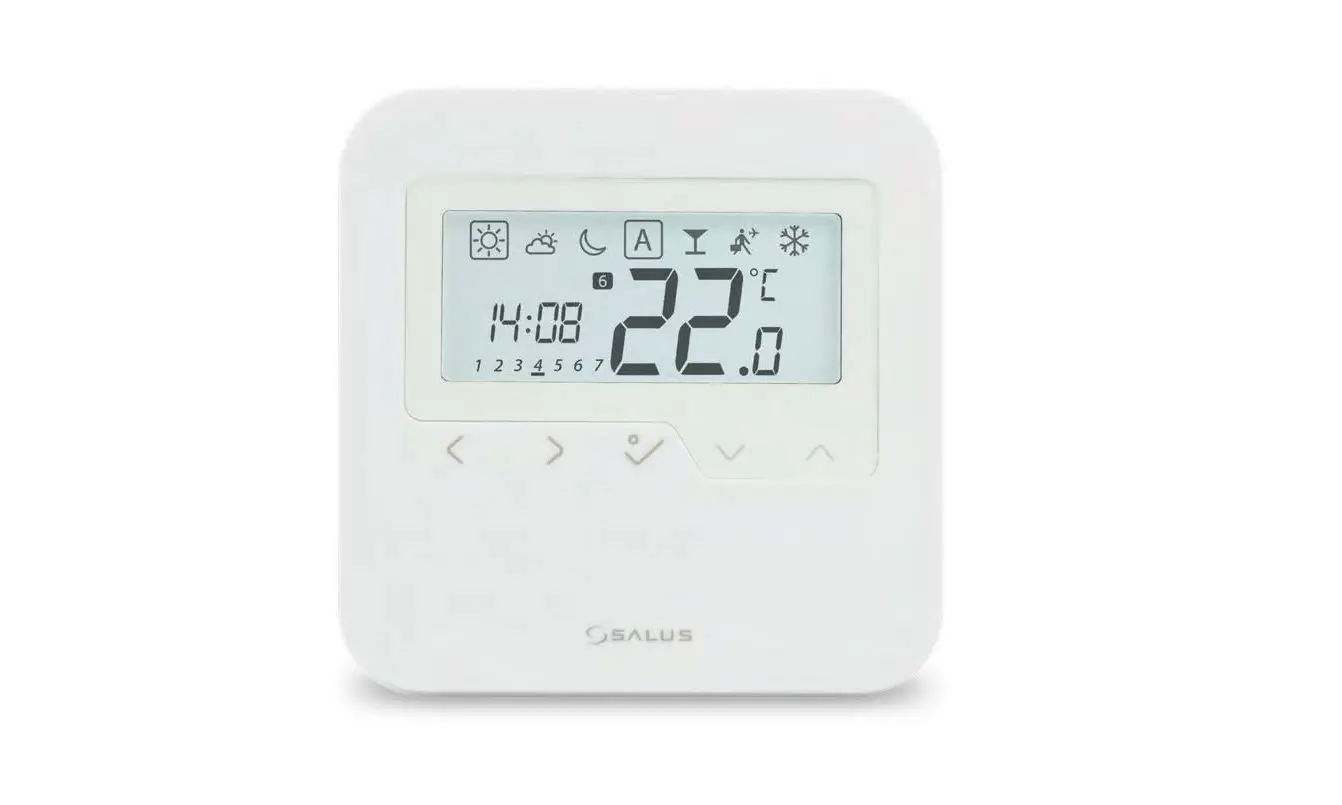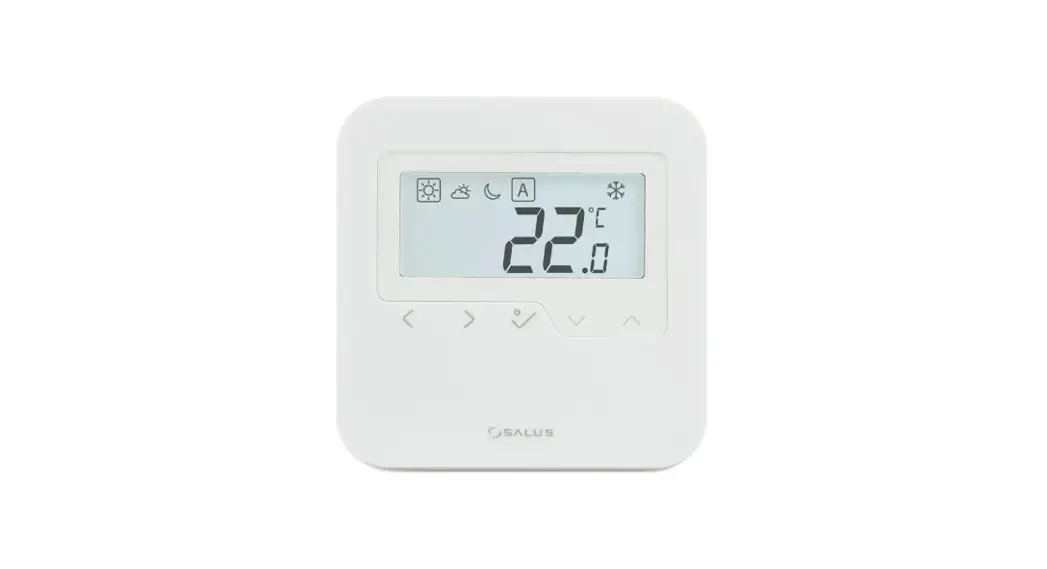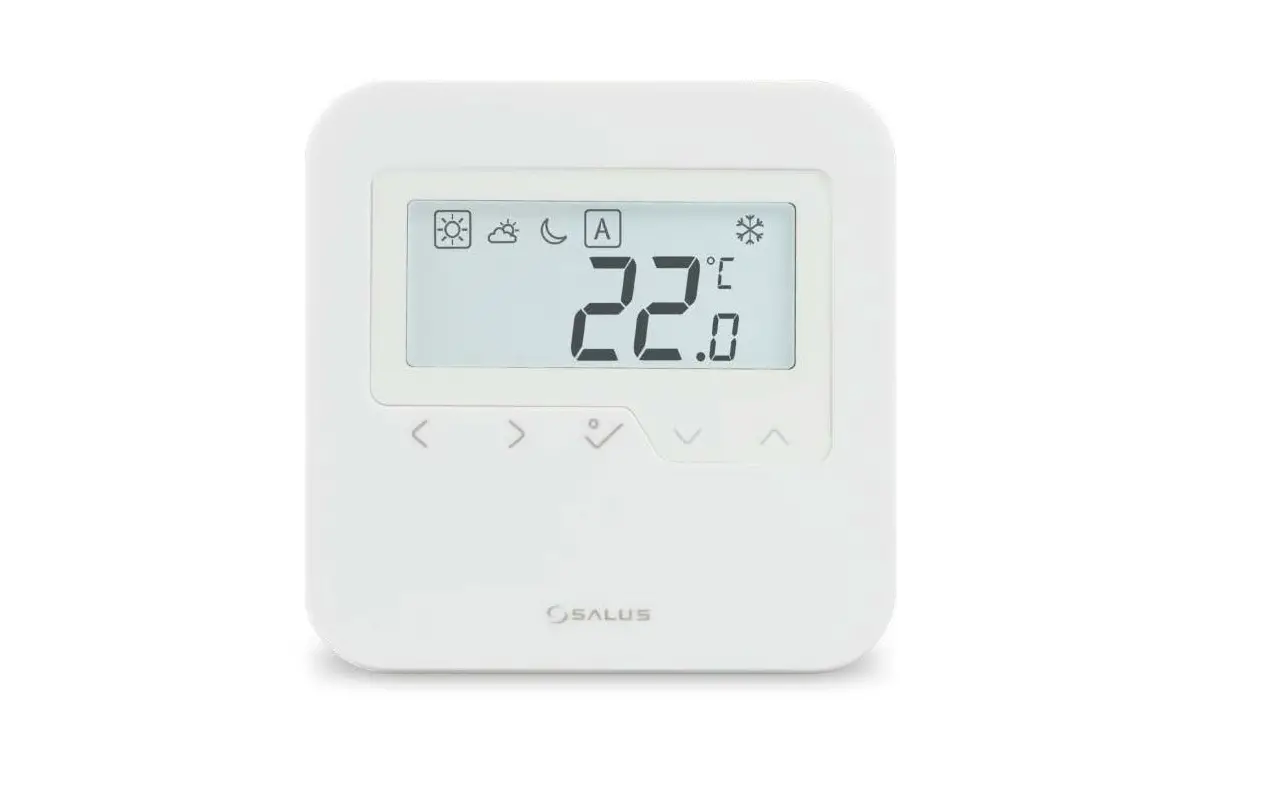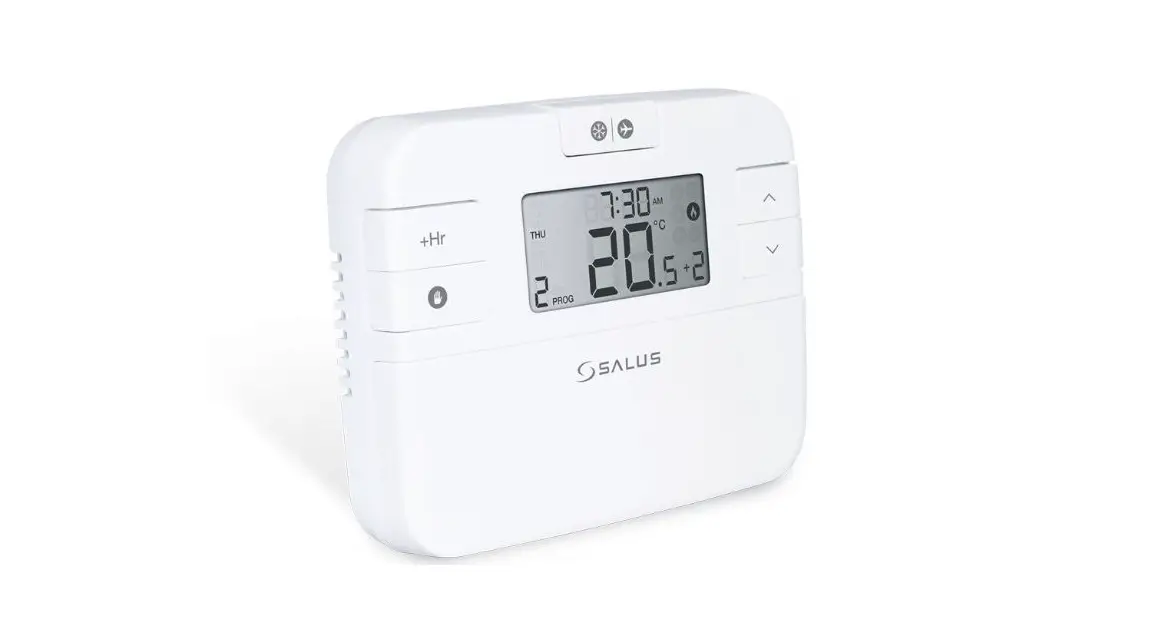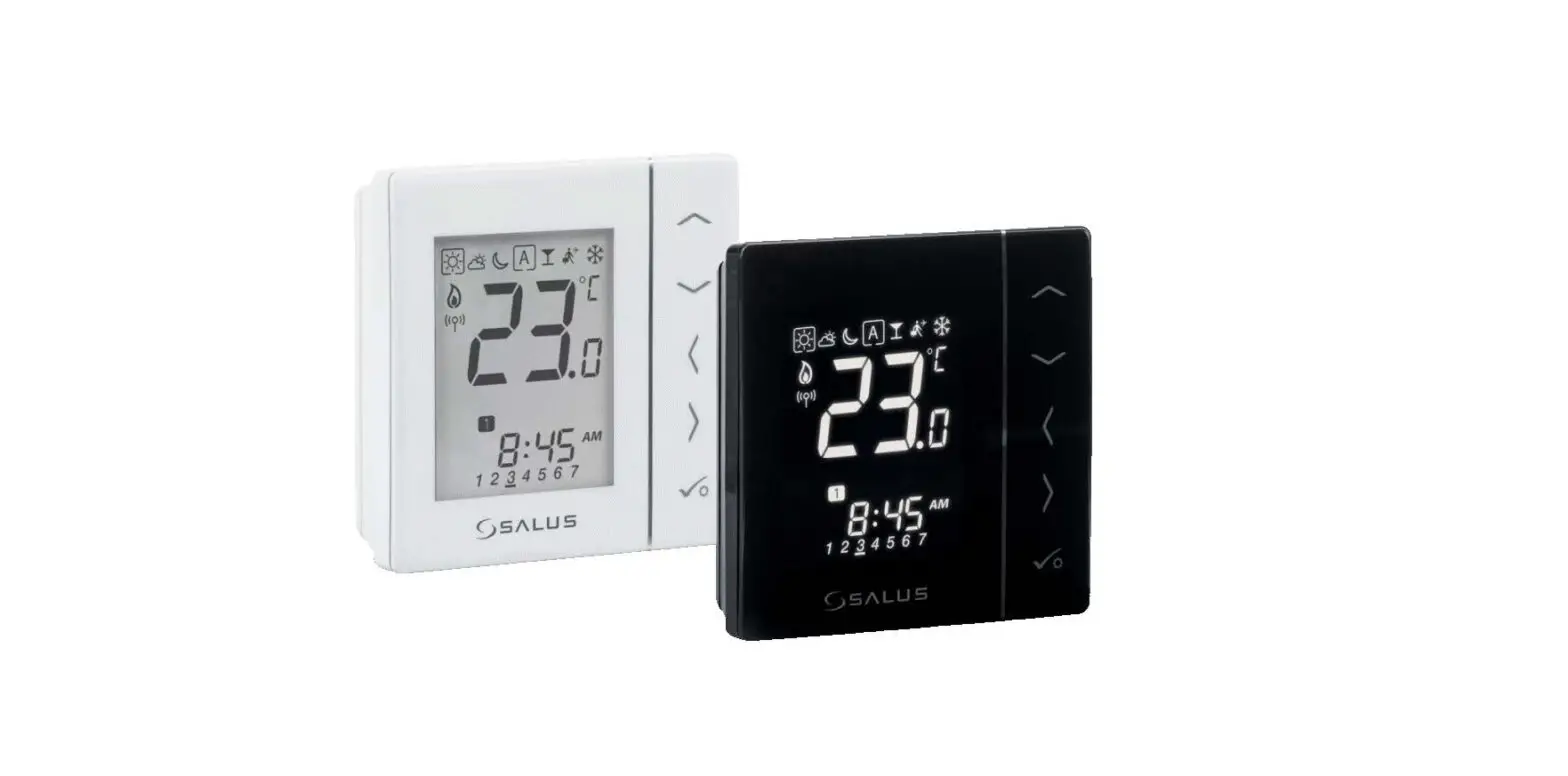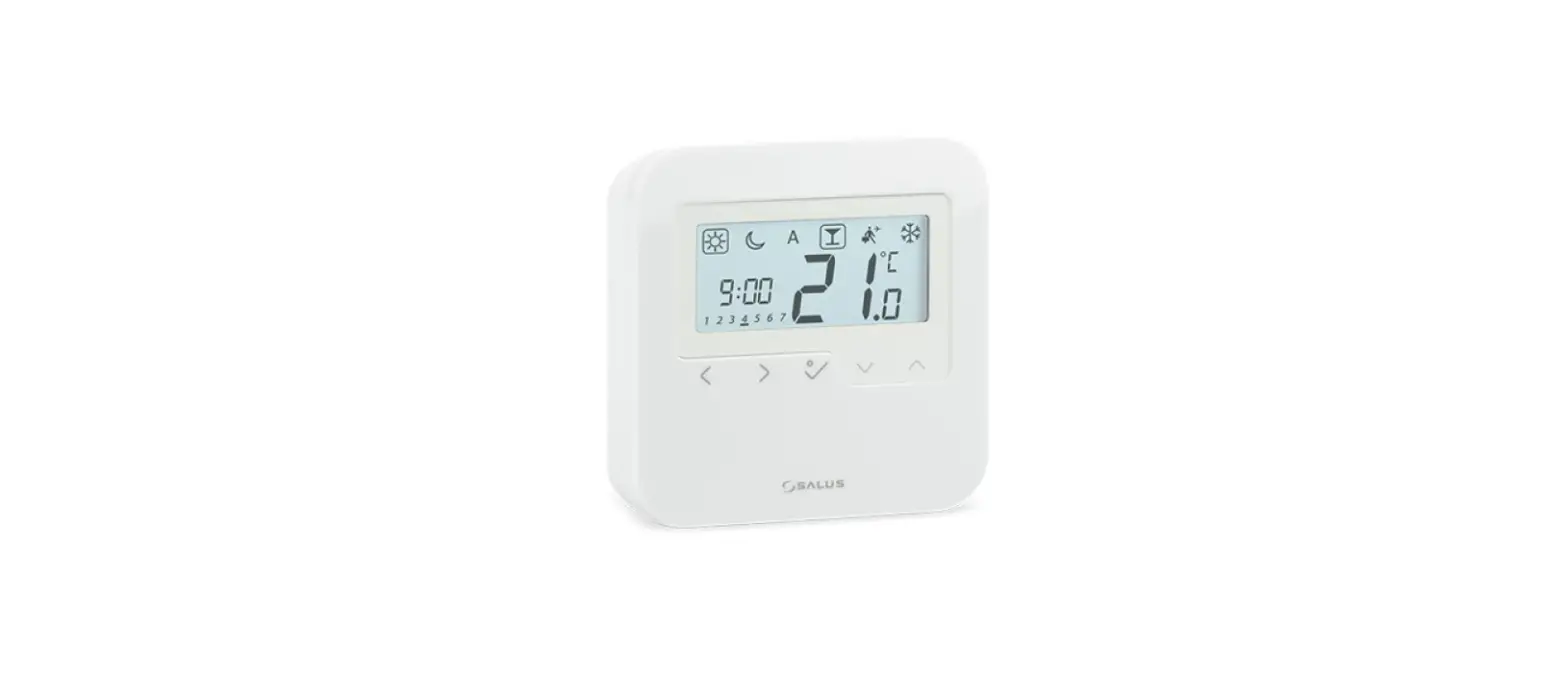

SALUS HTRP230 Wired Digital Thermostat
Introduction
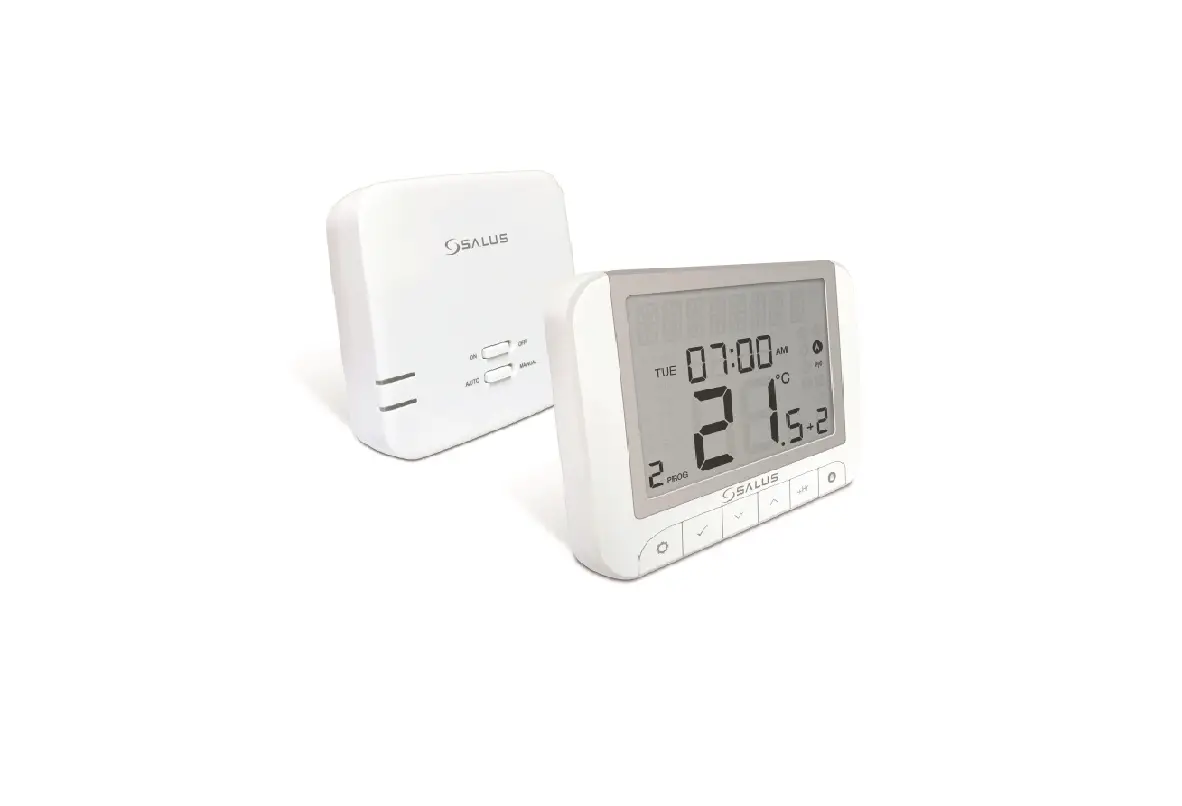
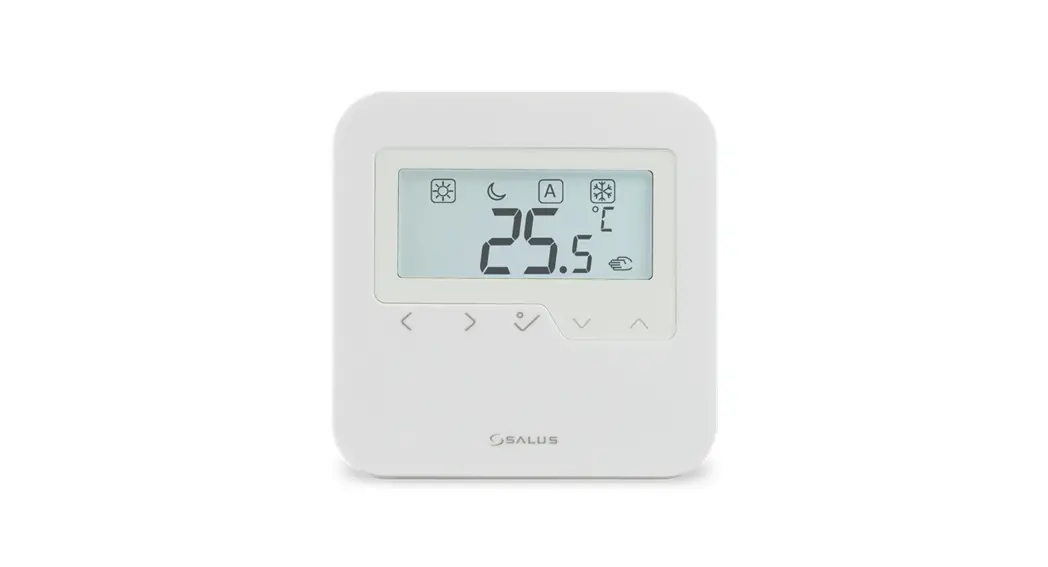
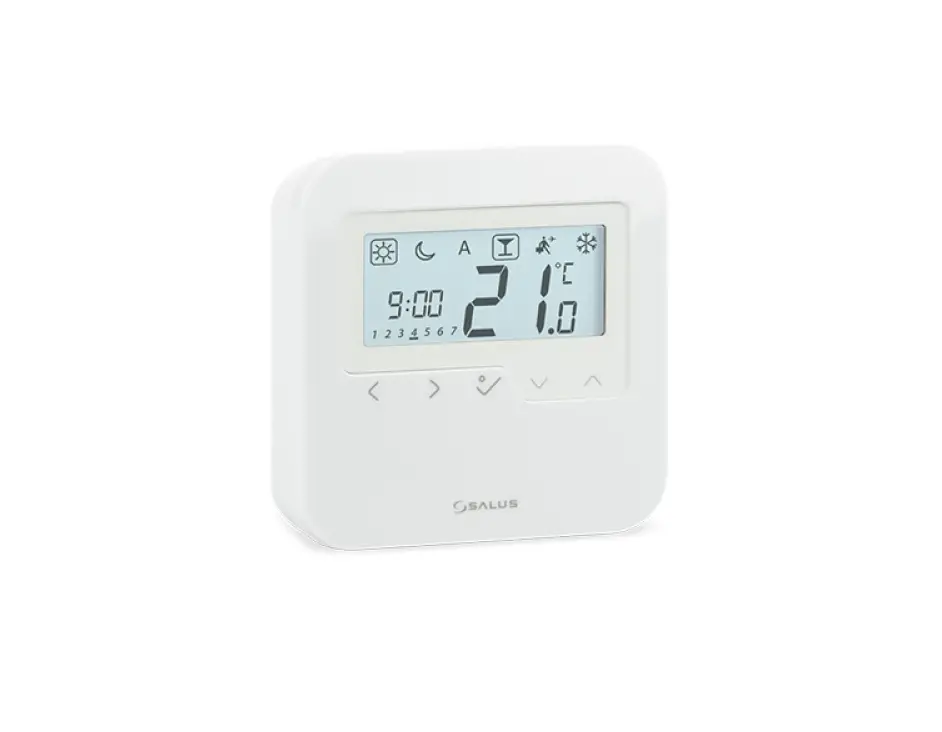
The HTRP230V(50) from SALUS Controls is a stylish and accurate 5/2 or 24h programmable electronic thermostat with a large, easy to read Liquid Crystal Display (LCD). It is surface-mounted temperature controller dedicated for surface heating / cooling, characterized by high thermal inertia. It is connected to the wired wiring centre KL08NSB. Thermostat has the function of creating your own schedules. It can control group (SLAVE) thermostats – via wiring centre it sends them an NSB (nighttime temperature reduction) signal and switches them to economic temperature. The time schedule is common to all thermostats (according to weekly (MASTER) thermostat), but temperatures are set individually on each thermostat. Thanks to the built-in algorithms, it offers much better temperature control accuracy than traditional mechanical thermostats. The thermostat is characterized by silent operation. The controller is characterised by silent operation.
Product compliance The product complies with the following EU directives: 2014/30/EU, 2014/35/EU, 2011/65/EU. Full information is available at
www.saluslegal.com
Please note: This document is a quick guide to the installation and operation of
the product and indicates its main features and functions. Detailed informations are in the full manual, which is available at www.salus-controls.eu and which must be used for proper installation and operation of the product.
Safety informations:
Use in accordance with national and EU regulations. Use the device as intended and keep it dry. Product for indoor use only. Please read the entire manual before starting the installation and using the product. Installation: Installation must be carried out by a qualified person, with appropriate electrical authorisations, in accordance with national and EU standards and regulations. The manufacturer shall not be liable for failure to comply with the manual.
NOTE: There may be additional protection requirements for the entire installation. The installer shall be responsible for compliance with such requirements.
Package content
Front housing of the thermostat
Back housing of the thermostat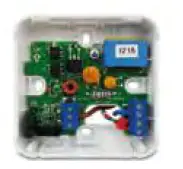
User manual 
Mounting screws
Proper thermostat location 
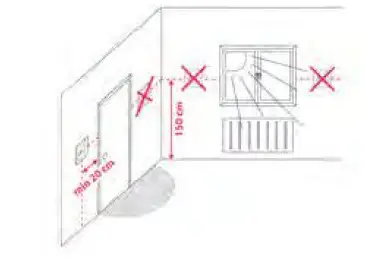
The ideal position to thermostat mounting is about 1,5m under floor level far from heating or cooling sources. In addition, the thermostat should not be installed behind curtains or other obstacles or in places with high humidity, as this will prevent accurate measurements of room temperature. The thermostat must not be exposed to sunlight. Do not place the thermostat on an outer wall.
Connection description
Note:The thermostat is compatibile with the following Salus wiring centre models:KL06 230V, KL08NSB 230V, KL04NSB 230V or directly to the actuator.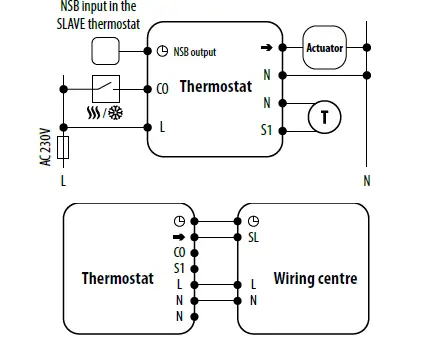
Symbols explanation
| Terminal | Description |
| L, N | Power supply (230V AC) |
| NSB | Night setback (input temperature reduction (230V ACoutput) |
| SL | 230 V AC output signal |
| S1, N | Additional temperature sensor eg. FS300 |
| CO | Switching jumper between heating and cooling (input 230V AC) |
Montage
Make sure that the thermostat is not connected to the 230V AC. Then open the front housing using a screwdriver as shown above.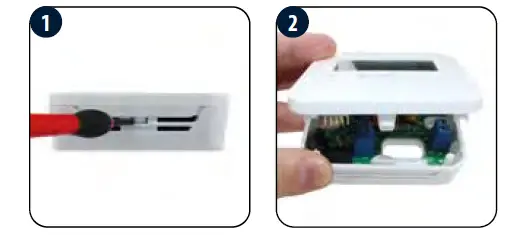
Connect the thermostat properly. Please refer to the “Connection description” section. Mount the thermostat using the designed screw holes.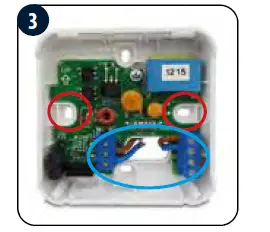
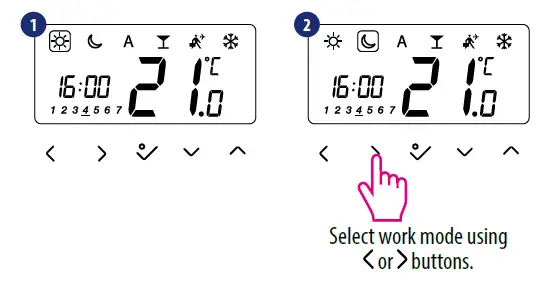
Slide the front of the controller over thermostat on the back of the controller cover. The thermostat is configured. Use or buttons to set the temperature setpoint.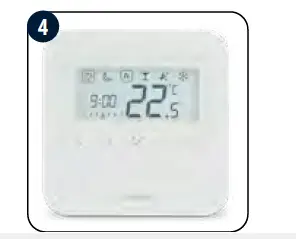
| Increase or decrease setpoint temperature | |
| Mode selection | |
| Short press to confirm selection Press and hold – enter / exit the menu |
LCD icon description
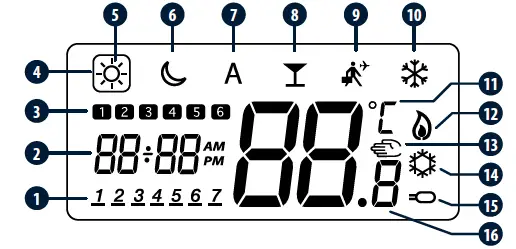
- Day of the week
- Hour
- Program number
- Active work mode
- Economic mode
- Economy mode
- AUTO mode
- PARTY mode
- Holiday mode
- Frost protection mode
- Temperature unit
- Heating mode
- Manual mode / temp. override
- Cooling mode
- Additional temp. sensor
- Current / set temp
Time and date setting
Set time and date during the first thermostat’s power-up.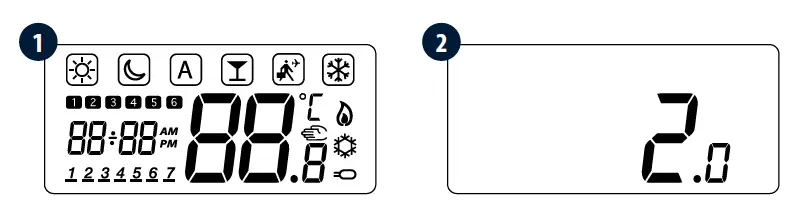
Press to select the time settings menu (hr).
Press to confirm. 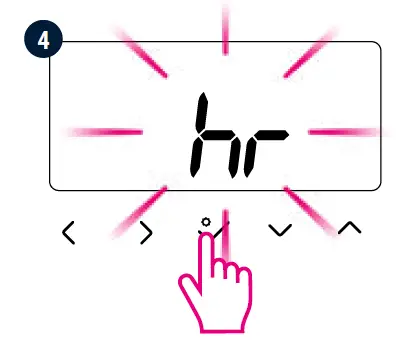
Press or to select a 12 or 24-hour format, then confirm with .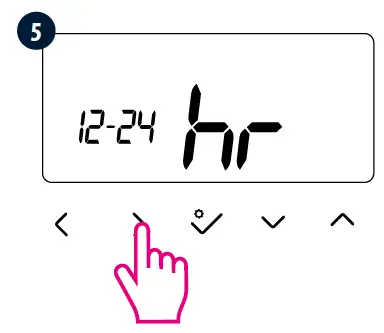
Set the time using or and then confirm the selection with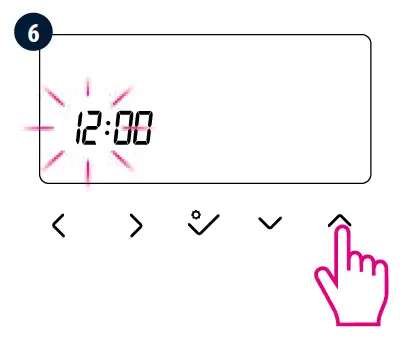 Set the minutes using or , and then confirm your choice with .
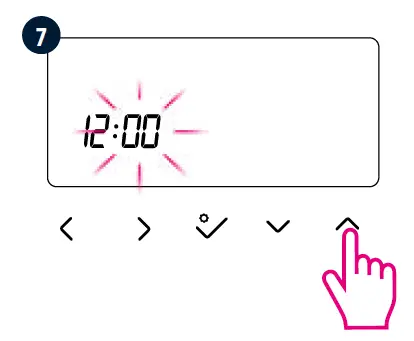 Set the date (month, day, year) using or buttons. Confirm by button..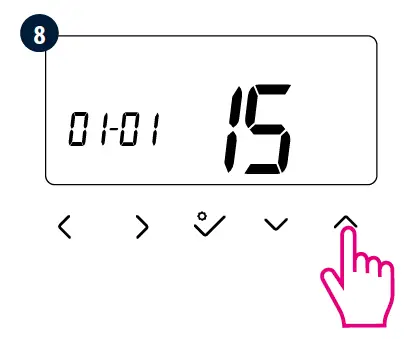
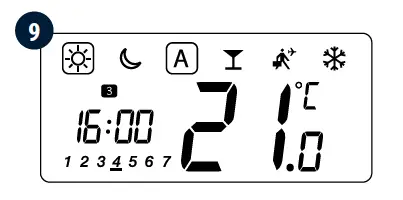
Date and time can be set at any moment during thermostat using. Press any button to highlight the screen, then press and hold for 3 seconds, then follow steps from 3 to 9.
Manual mode – temperature setpoints
3 temperature levels are available. In manual mode, only one temperature level is maintained for the entire day. Icon in the frame indicates which mode is currently active. A different temperature can be set for each level.
- Comfort temperature mode
- Economic temperature mode
- Frost protection mode Usually used during the period of absence or during the holidays (only available in HEATING mode).
- The PARTY mode sets the comfort temperature for a user-defined time (maximum 9 hours 50 minutes).
- The HOLIDAY mode sets the frost protection mode for a user-defined time (maximum 99 days).
- Press any button to highlight the screen, then follow the steps below:

Temperature setpoint
Press any button to highlight the screen, then follow the steps below: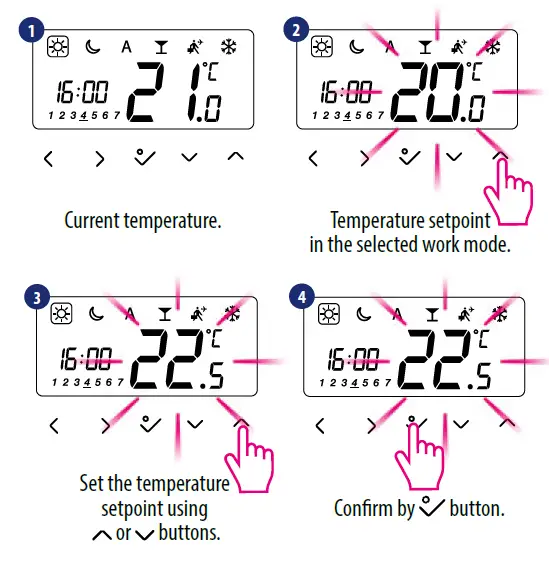
AUTO mode – NSB function
The NSB (Night Setback) function enables automatic reduction of the temperature setpoint on the HTRS230(30) SLAVE thermostat, via the HTRP230(50) programmable MASTER thermostat connected to the wiring centre (or other external clock). The temperature change takes place between the comfort temperature mode and economic temperature mode.
To activate AUTO mode, select the icon. Together with the icon, the thermostat shows the active temperature mode on the display: or Press any button to highlight the screen, then follow the steps below: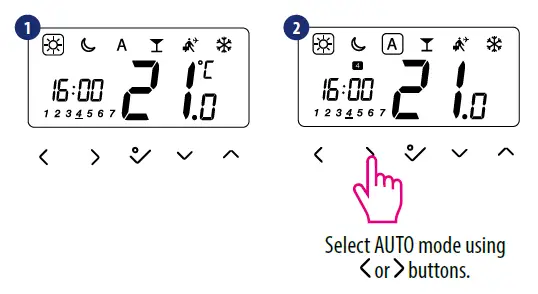
Note:For the proper NSB function work, an appropriate cable connection is required. The connection description is on the previous page.
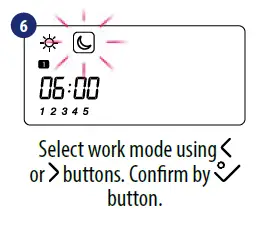
Schedule programming
Press any button to highlight the screen, then follow the steps below: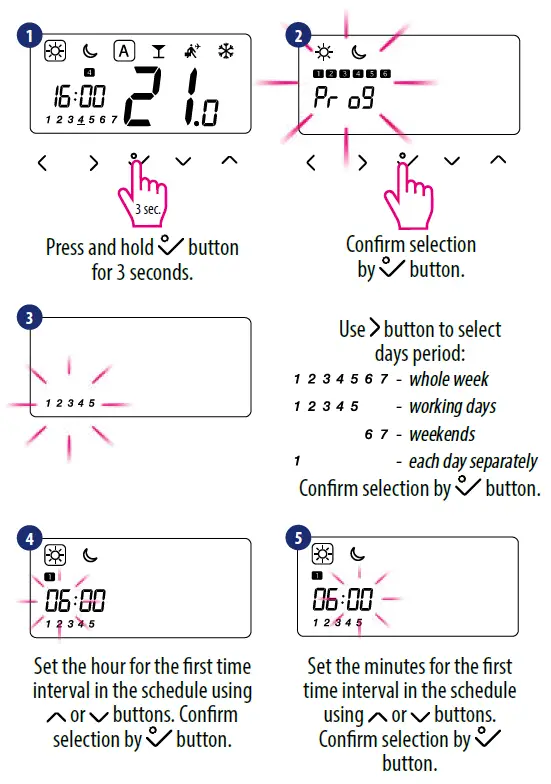
Heating / Cooling mode
Manual change
Modes are indicated by symbols. Press and hold the button to enter the menu, then use button to select the Heating / Cooling mode change setting. Confirm changes using button. Now use or buttons to set the heating or cooling mode. Confirm by button.
Automatic change (via CO terminal)
The heating/cooling mode can be changed automatically via the CO terminal in the thermostat. If 230 V AC power supply is connected to the CO terminal – then thermostat automatically switches to cooling mode. If you want to use this function, then you have to change the value of the D18 parameter to “1”.
Cooling blocking
When D19 thermostat parameter is set to “1”, then cooling is blocked for a single room. When the cooling function is blocked, no message is displayed.
Installer mode
Press any button to highlight the screen, then follow the steps below: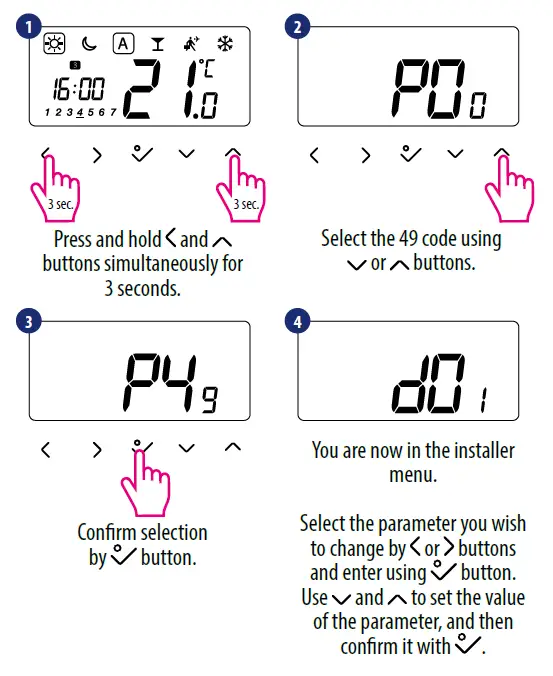
Note: To restore default settings – set the P47 code during 2 step and then confirm your choice using or buttons.
Installer parameters
| dxx | Function | Parameter Values | Description | Default Values |
| d01 | Heating Control | 0 | According to the PWM algorithm | 0 |
| 1 | Hysteresis 0.5°C (±0.25°C) | |||
| 2 | Hysteresis 1.0°C (±0.5°C) | |||
| D02 | Displayed temperature correction | -3.0°C to + 3.0°C | If the thermostat indicates an incorrect temperature, then it can be corrected ±3.0°C | 0°C |
| D03 | External sensor connection (S1/S2) | 0 | External sensor not connected | 0 |
| 1 | External sensor connected | |||
|
d04 |
External sensor used as Air sensor or Floor sensor | 0 | The D03 parameter must be set to “1” – then, if the D04 parameter is set to “0”, the thermostat only measures the temperature at the external sensor |
0 |
| 1 | The D03 parameter must be set to “1” – then, if the D04 parameter is set to “1”, the sensor is used as floor overheating protection. | |||
| D05 | Cooling Control | 1 | Hysteresis 0.5°C (±0.25°C) | 2 |
| 2 | Hysteresis 1.0°C (±0.5°C) | |||
| D07 | Valve Protection | 0 | Disabled | 1 |
| 1 | Enabled | |||
| D08 | Frost Setpoint | 5°C – 17°C | The frost protection temperature is maintained for example during active holiday mode. | 5°C |
| D09 | 12/24 Hour Format | 0 | 12 hours | 1 |
| 1 | 24 hours | |||
| D10 | Time zone (reserved for internet wireless) | from -13 to +13 hours | It gives you the possibility to fit the thermostat time zone to yours (every 1 hour step). | 0 |
| D11 | Daylight Saving Time (DST) | 0 | Off | 1 |
| 1 | On | |||
| D12 | Heating setpoint limits | 5°C – 35°C | Maximum temperature which can be set for heating | 35°C |
| D13 | Cooling setpoint limits | 5°C – 40°C | Minimum temperature which can be set for cooling | 5°C |
| D14 | Floor sensor protection limit (heating high limit-HL) | 11°C – 45°C | In order to protect floor againts overheating – heating will be turned off when floor sensing temp is higher than protection limit | 27°C |
| D15 | Floor sensor protection limit (heating low limit-LL) | 6°C – 40°C | In order to protect floor againts overcooling – heating will be turned on when floor sensing temp is lower than protection limit | 10°C |
| D16 | Floor sensor protection limit (cooling) | 6°C – 45°C | In order to protect floor againts overcooling – heating will be turned on when floor sensing temp is lower than protection limit | 6°C |
|
D17 | Preset program selection |
1-5 | Select one of these 5 default programs. Once selected, default program will overwrite present program. Selected default program can be edited by the user in the User Setting Mode. |
1 |
| D18 | Heat/Cool Mode Selection | 0 or 1 | 0: Manual with buttons use 1: Automatic by the CO terminal | 0 |
| D19 | Cooling Blocking function heating / cooling | 0 or 1 | 0: Cooling disabled 1: Cooling allowed | 0 |
| D20 | Actuators loading selection for different temperature compensation | 1 to 5 | Numbers 1 to 5 are the numbers of actuators connected to the thermostat. | 1 |
 Index English - controls.eu
 SALUS Controls - intelligent temperature control
 Salus – Smart Technology for your comfort