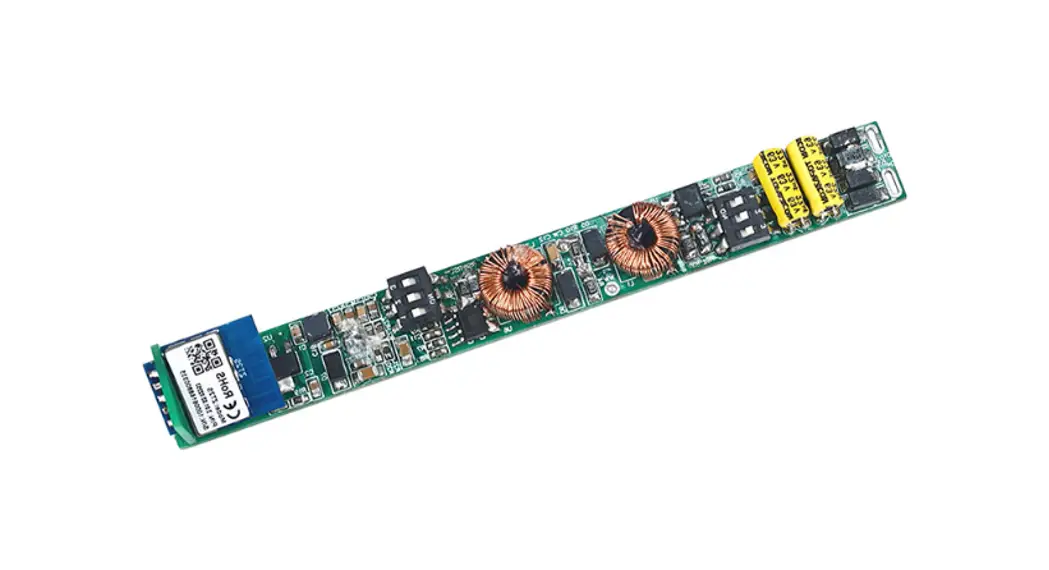
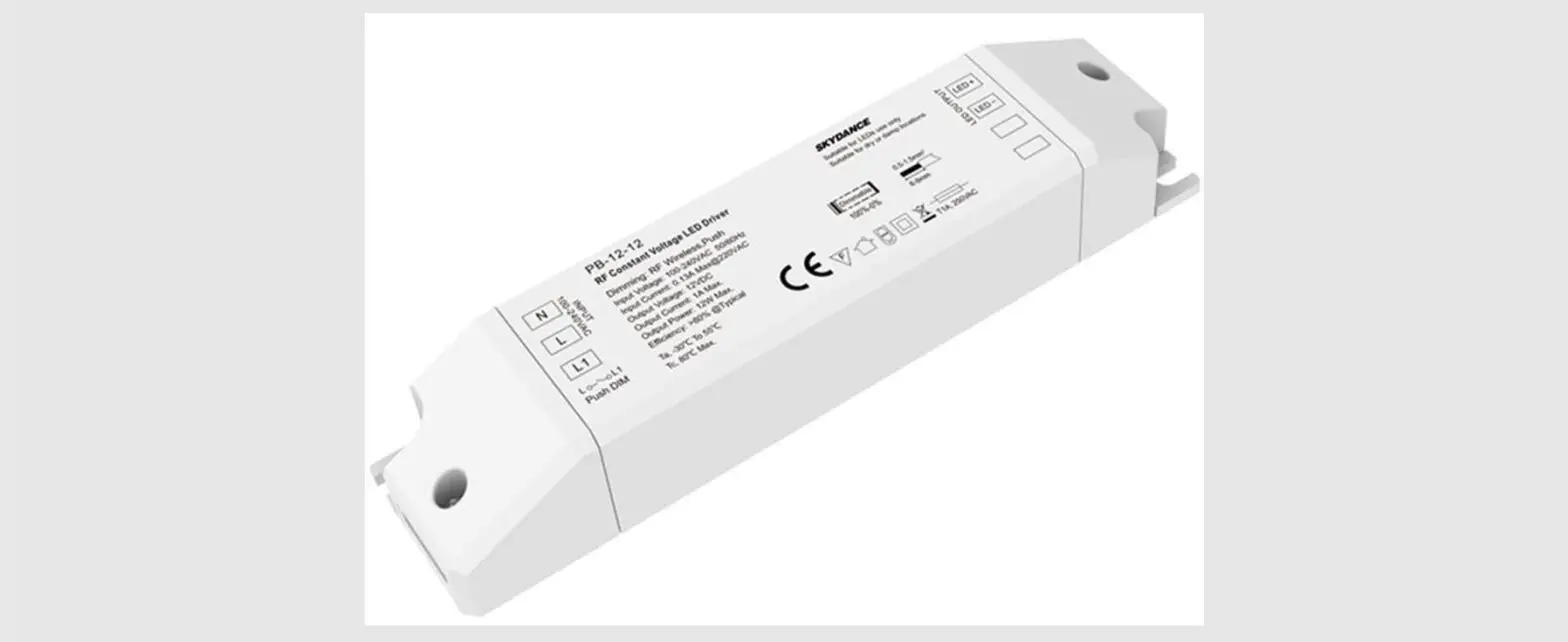
PB-12A-H, PB-12A-L Zigbee3.0 Constant Current LED Driver
Product Information:
The Zigbee3.0 Constant Current LED Driver is available in two
models: PB-12A-H(WZS) and PB-12A-L(WZS). It comes with various
features including Tuya APP cloud control, Philips HUE APP control,
voice control compatibility with Alexa, Google, Amazon ECHO, and
Tmall Genie smart speaker. It can relay and route to each other
with up to 15 hops and can be matched with Zigbee 3.0 remote or
scene panel control. The LED driver also offers over-heat,
over-load, and short circuit protection, as well as digital dimming
and flicker-free operation. It is suitable for indoor LED lighting
applications and comes with a 5-year, 50,000-hour warranty.
Product Usage Instructions:
To use the Zigbee3.0 Constant Current LED Driver, follow the
instructions below:
- Connect the AC N input and AC L input to the corresponding
power source. - Connect the LED output to the LED lights.
- Use the DIP switch for current selection. Refer to the provided
table to choose the appropriate current for your LED lights. - Press the RESET button to clear network connections if
needed. - Ensure that the LED driver is installed in a suitable location
with proper ventilation. - Make sure the LED driver is synchronized with multiple LED
drivers if required. - For remote control and voice control functionality, use the
Tuya ZigBee gateway and follow the provided instructions for
setup. - Refer to the user manual for additional information on system
wiring, distance limitations, and compatibility requirements.
Please note that it is important to carefully follow the
provided instructions and safety guidelines to ensure proper and
safe usage of the Zigbee3.0 Constant Current LED Driver.
Zigbee3.0 Constant Current LED Driver Model No.: PB-12A-H(WZS),PB-12A-L(WZS)
Features
Tuya APP cloud control, support brightness adjust, delay turn on/off, timer run, scene edit,
sleep wake-up and biorhythms function
Philips HUE APP control by connect with Philips HUE bridge
Voicecontrol, support Alexa,Google, AmazonECHOandTmallGeniesmartspeaker
Can relay and route to each other, up to 15 hops
Match with Zigbee 3.0 remote or scene panel control optional
RESET button for clearing network connection
Universal AC input / Full range
Flicker – Free
1 channel constant current output, configurable current via DIP switch
Synchronize on multiple number of LED drivers
3.0
Over-heat / Over-load / Short circuit protection, recover automatically
Digital Dimming
Full protective plastic case
Suitable for indoor LED lighting application
5 Year, 50,000hr warranty
Mechanical Structures and Installations
AC N input N
L
AC L input
INPUT
LED OUTPUT
ON 123
Aperture 3x5mm
DIP Switch for current selection
LED
LED output +
LED
LED output –
RESET
Reset Key
ON
Over-heat Protection
123 Multiple Current
Over Load Protection
Short Circuit Protection
Warranty 5 years
111.00 mm
Distance 98.75 mm
36.00 mm
20.00 mm
Technical Parameters
Output
Input Protection Environment Safety&EMC
Model
Output Voltage Max Output Voltage Output Current Output Power Dimming Range
PWM Frequency Current Accuracy
Ripple & Noise Input Voltage Range Frequency Range Ef ciency
Alternating Current Anti Surge
Inrush Current Leakage Current No Load Power
Over Load Power Short Circuit Woking Temperature T-case Max Working Humidity Storage Temp/Humidity Temperature Coef cient Vibration Resistance IP Rating Security Speci cations Withstand Voltage Insulation Resistance EMC Emission
EMC Immunity Certications
PB-12A-H(WZS)
3-24VDC 33VDC 350-700mA Max. 12W 0100, dimming depth:0.5%
4000Hz
±5 < 100mV 100240VAC 50/60Hz >79%/230VAC
0.3A/115VAC, 0.15A/230VAC L-N:1KV Cold start 27A at 230VAC < 0.5mA/230VAC < 2W
Hiccup,recovers automatically affer fault condition is removed Hiccup,recovers automatically affer fault condition is removed -2050 80 2090RH, non-condensing -4080, 1095RH ±0.03/ (0-50) 10-500Hz, 2G, 6min/cycle, X,Y,Z axes/2min IP20 IEC/EN61347-1, IEC/EN61347-2-13 I/P-O/P: 3750VAC I/P-O/P: 100M/500VDC/25/70RH EN61000-3-2 Class C, IEC61000-3-2
EN61000-4-2.3.4.5.6.8.11, EN61347 CE
PB-12A-L(WZS)
9-45VDC 48VDC 100-450mA
>80%/230VAC
ON
ON
LED Current Selection: 1 2 3 OFF
Model PB-12A-H(WZS) PB-12A-L(WZS)
1 23
Output Voltage Output Current Output Voltage Output Current
3-24V 350mA 9-45V 100mA
3-24V 400mA 9-45V 150mA
3-24V 450mA 9-45V 200mA
3-24V 500mA 9-45V 250mA
3-22V 550mA 9-40V 300mA
3-20V 600mA 9-34V 350mA
3-18V 650mA
9-30V 400mA
3-17V 700mA 9-26V 450mA
User Manual Ver 1.0.0
1
Applications
Suitable for downlight, spotlight and decorative applications. Of ce / Commercial / Domestic Lighting, Hotels, Classrooms, Warehouse, Health care, Retail and Display. Use for retro t upgrades & new luminaire designs.
Systemwiring
3G/4G/5G WiFi
Tuya Cloud
ON 123
15m Mobile Phone
15m
15m
WiFi Router
Tuya Zigbee Gateway
INPUT
N LED
L LED
RESET
LED OUTPUT
ON 123
15m
15m
INPUT
N LED
L LED
LED OUTPUT
RESET
Amazon ECHO
Zigbee Scene Panel Zigbee Remote
ON 123
LED OUTPUT
INPUT
N LED
L LED
RESET
Smart Panel (Gateway Free)
AC Power 50/60Hz Note: 1.The above distance is measured in spacious (no obstacle) environment, Please refer to the actual test distance before installation. 2.PleasecheckiftheWiFi routernetin2.4Gband, the5Gband isnotavailable, and donothideyourrouternetwork. 3. PleasekeepthedistancebetweenLED driverandrouterclose, andchecktheWiFisignals. 4. Users must use the Tuya ZigBee gateway to realize remote control and voice control (The smart panel integrate Zigbee gateway function).
App Operating Instructions
1. Network pairing Download the Tuya APP and register anaccount, search and add the Tuya Zigbee gateway device. Quickly press the “RESET” button five times or repeat power on and off five times to clear the previous network connection,
enter pairing mode with the output light breathes blinking. Under the gateway, search and add new device. If the network connection is successful, you can find ZBS-DIM devices in Tuya APP.
2. Lighting control settings After pairing the light device, click the device and change brightness by touch brightness slide.
User Manual Ver 1.0.0
2