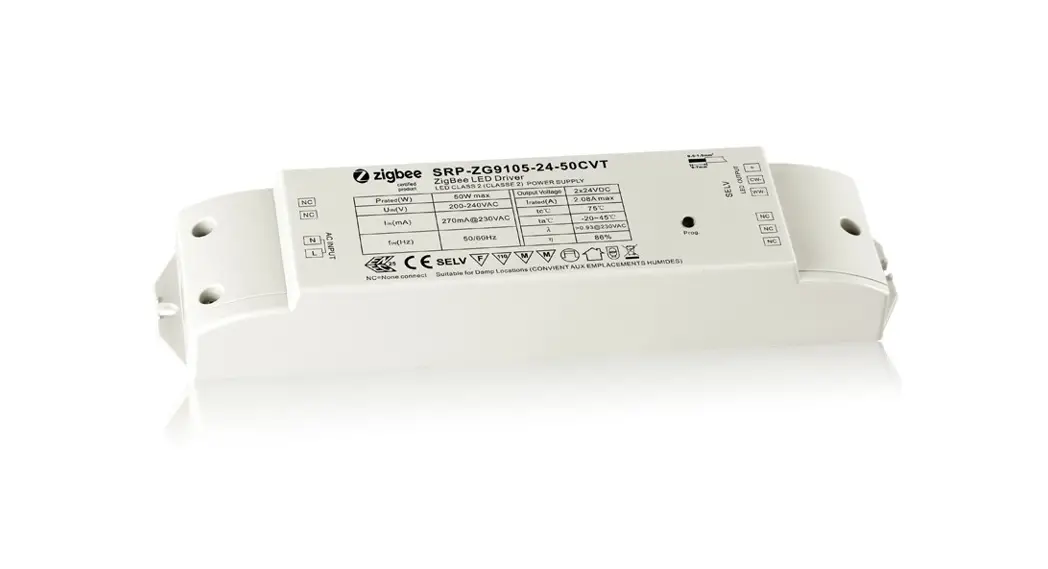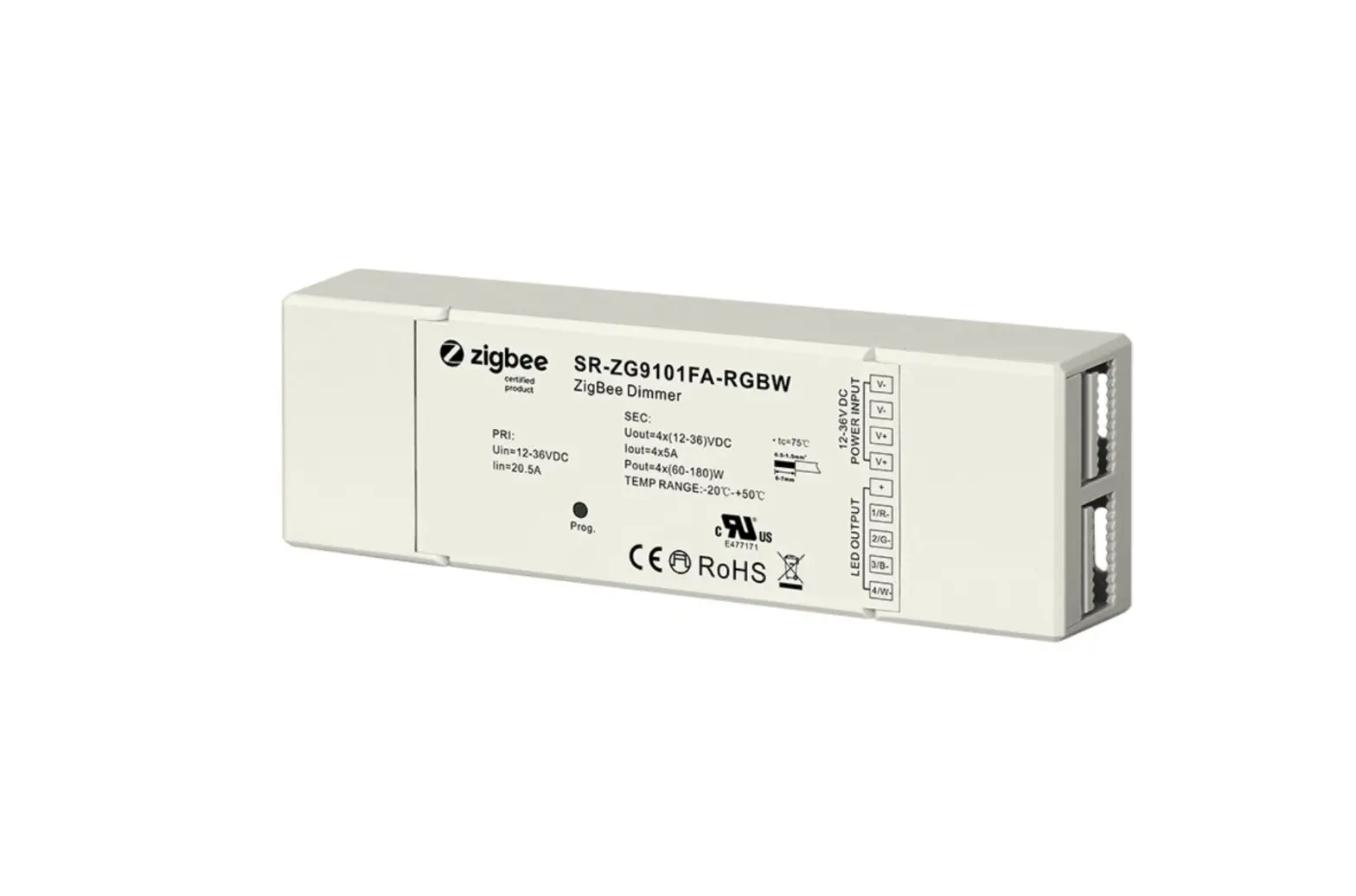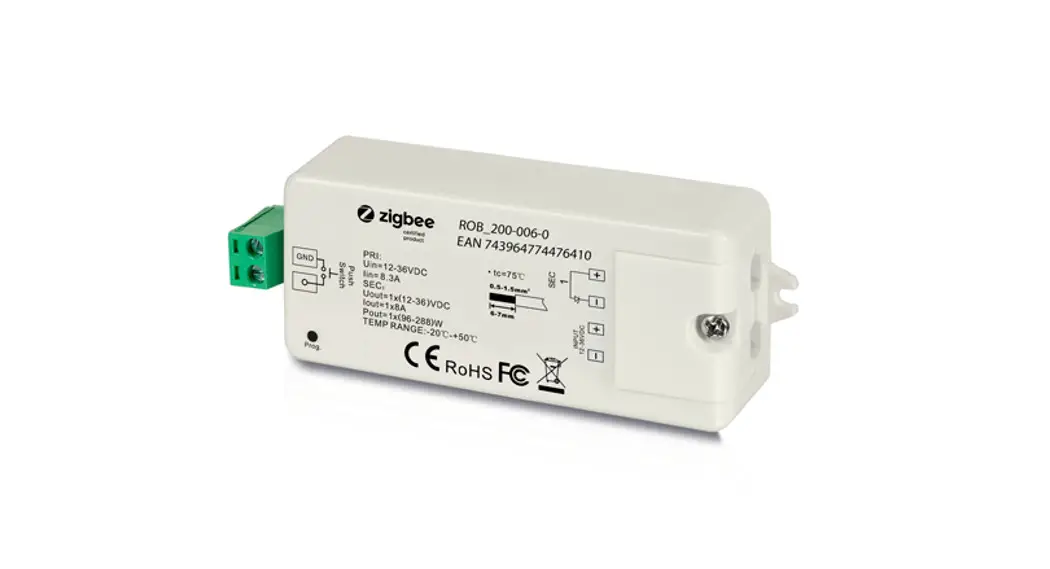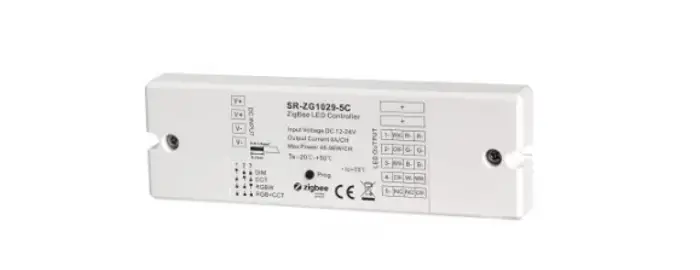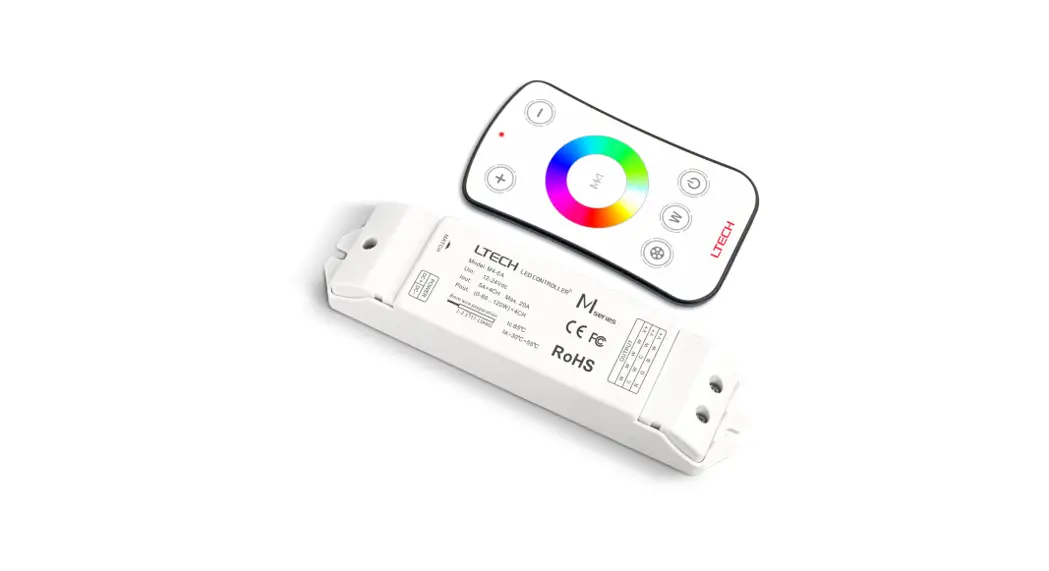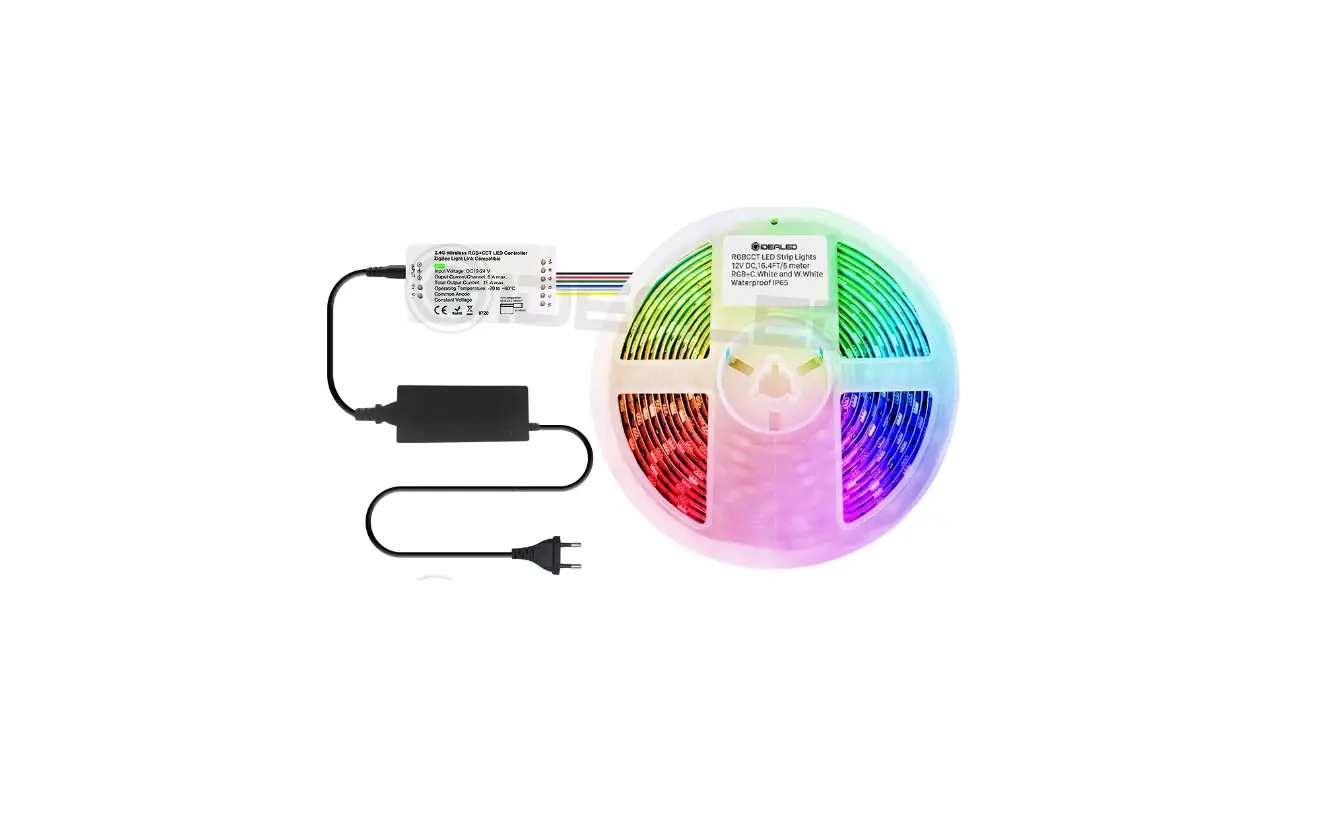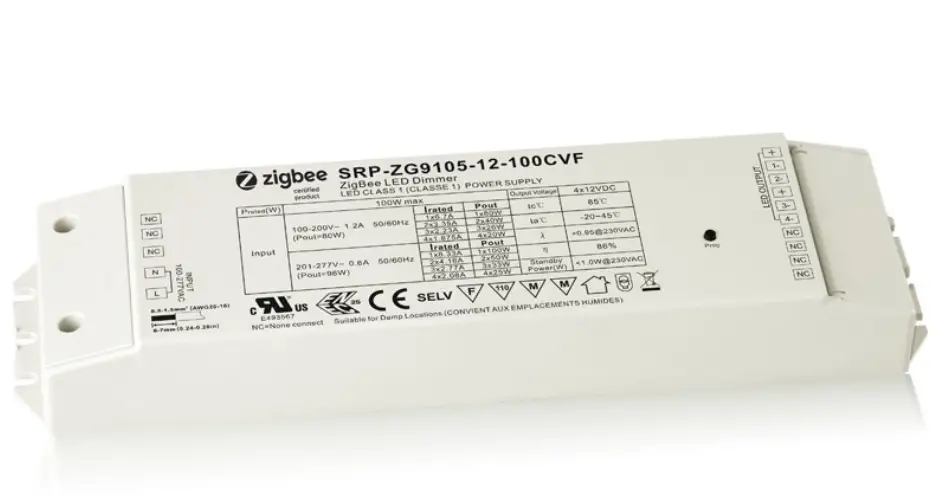

zigbee 100W LED Driver
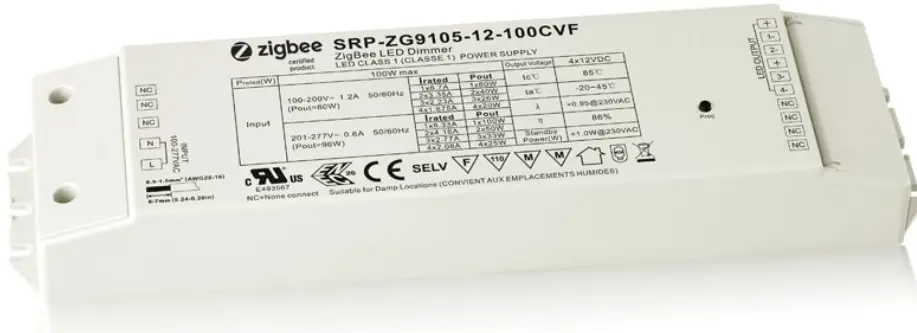
100W ZigBee LED Driver(constant voltage)
Important: Read All Instructions Prior to Installation Function introduction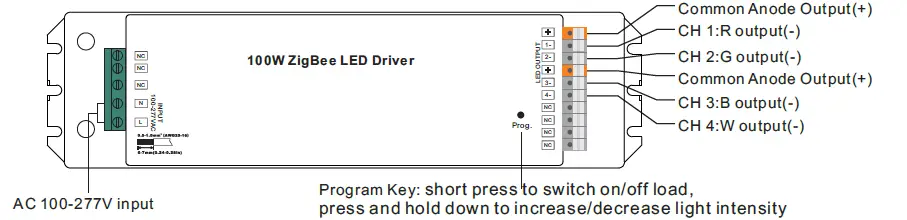
Note:
- W channel can be turned on through Gateway’s color temperature control interface which will mix RGB channels as 1 channel white and then make color tuning with the 4th channel white. Once turned on, the brightness of white channel will be controlled together with RGB channels.
- W channel can be controlled separately from RGB channels through RGBW zigbee remote or touch panel’s W button, please refer to their manuals.
Product Data
| Output | LED Channel | 4 |
| DC Voltage | 12V DC | |
| Max. Current | Max. 8.3A/CH, CH1+CH2+CH3+CH4=8.3A | |
| Voltage Tolerance | ±1% | |
| Rated Power | max. 100W | |
| Input | Voltage Range | 100-277V AC |
| Frequency Range | 50/60Hz | |
| Power Factor (Typ.) | > 0.90 @ 230VAC | |
| Total Harmonic Distortion | THD ≤ 15% (@ full load / 230VAC) | |
| Efficiency (Typ.) | 90% @ 230VAC full load | |
| AC Current (Typ.) | 1.2A @ 100VAC, 0.5A @ 230VAC | |
| Inrush Current (Typ.) | Cold Start Max. 50A @ 230VAC | |
| Leakage Current | < 0.5mA /230VAC | |
| Control | Dimming Interface | ZigBee |
| Dimming Range | 0.1%-100% | |
| Dimming Method | Pulse Width Modulation | |
| Protection | Over Current | Yes, recovers automatically after fault condition is removed |
| Over Temperature | Yes, recovers automatically after fault condition is removed |
| Environment | Working Temp. | -20℃ ~ +50℃ |
| Max. Case Temp. | 85℃ (Ta=”45℃”) | |
| Working Humidity | 10% ~ 95% RH non-condensing | |
| Storage Temp. & Humidity | -40℃ ~ +80℃, 10% ~ 95% RH | |
| Safety & EMC | Safety Standards | UL8750, CAN/CSA C22.2 No. 250.13-14, EN61347-1, EN61347-2-13 approved |
| Withstand Voltage | I/P-O/P: 3.75KVAC | |
| Isolation Resistance | I/P-O/P: 100M Ohms / 500VDC / 25℃ / 70% RH | |
| EMC Emission | EN55015, EN61000-3-2, EN61000-3-3 | |
| EMC Immunity | EN61547, EN61000-4-2,3,4,5,6,8,11, surge immunity Line-Line 1KV | |
| Others | MTBF | 188300H, MIL-HDBK-217F @ 230VAC at full load and 25℃ ambient temperature |
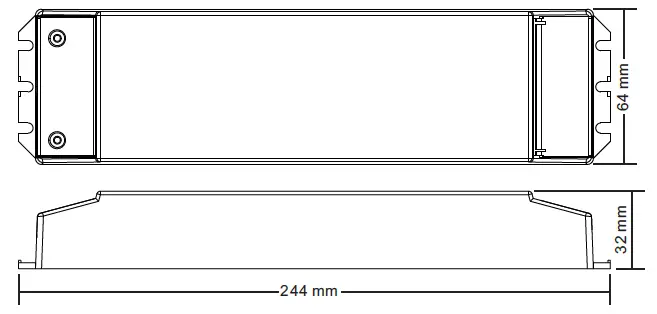
| Dimension | 244*64*32mm (L*W*H) |
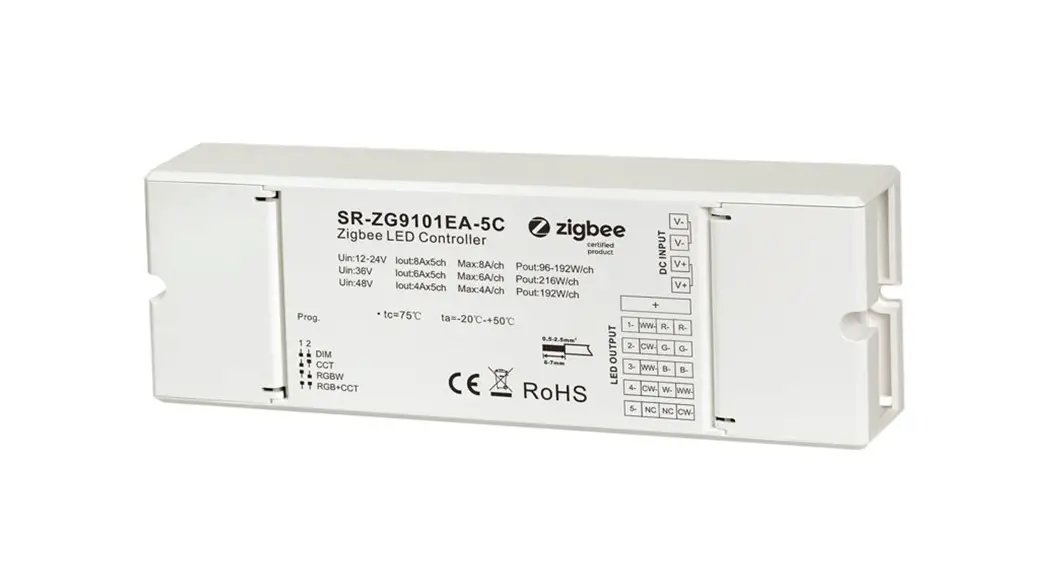
- Dimmable LED driver with plastic case, 4 channels 12VDC constant voltage output
- Class 1 power supply, full isolated design
- Built-in two-stage active PFC function, PF > 90, Efficiency > 90%
- Compliant with Safety Extra Low Voltage standard
- Over load, over temperature protection
- ZigBee RGBW LED light device based on ZigBee 0 protocol, supports Touchlink commissioning
- Enables to control ON/OFF, light intensity and RGB color
- W channel can be controlled through Gateway’s color temperature control interface
- W channel can be controlled separately from RGB channels through RGBW zigbee remote or touch panel’s W button
- Can directly pair to a compatible ZigBee remote via Touchlink
- Supports zigbee green power and can bind 20 zigbee green power remotes
- Compatible with universal ZigBee coordinator or gateway products
- IP20 rating, suitable for indoor LED lighting applications
- 5 years warranty
Safety & Warnings
- DO NOT install with power applied to the device.
- DO NOT expose the device to moisture.
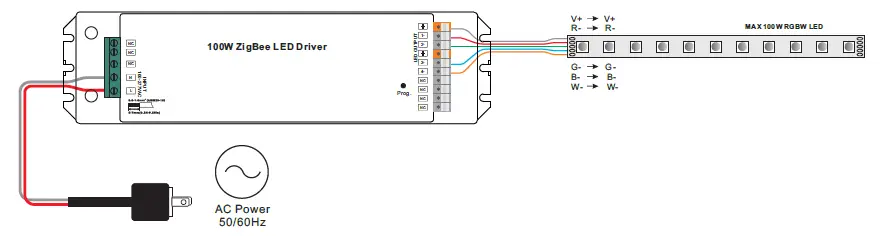
Wiring Diagram
Operation
- Do wiring according to connection diagram correctly.
- This ZigBee device is a wireless receiver that communicates with a variety of ZigBee compatible systems. This receiver receives and is controlled by wireless radio signals from the compatible ZigBee system.
Zigbee Network Pairing through Coordinator or Hub
(Added to a Zigbee Network)
Step 1: Remove the device from previous zigbee network if it has already been added to, otherwise pairing will fail. Please refer to the part “Factory Reset Manually”.
Step 2: From your ZigBee Controller or hub interface, choose to add lighting device and enter Pairing mode as instructed by the controller.
Step 3: power on the device, it will be set into network pairing mode (connected light flashes twice slowly), the network pairing mode will last until the device is added to a zigbee network.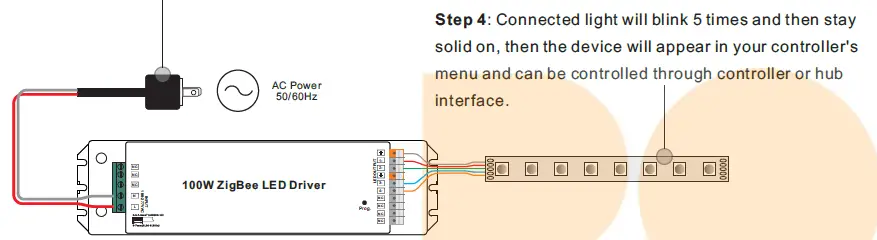
TouchLink to a Zigbee Remote
Step 1: Method 1: Short press “Prog” button (or re-power on the device) 4 times to start Touchlink commissioning immediately, 180S timeout, repeat the operation.
Method 2: If the device is already added to a network, it will be set into Touchlink commissioning immediately, 180S timeout. Once timeout, re-power on the device to set it into touchlink commissioning again.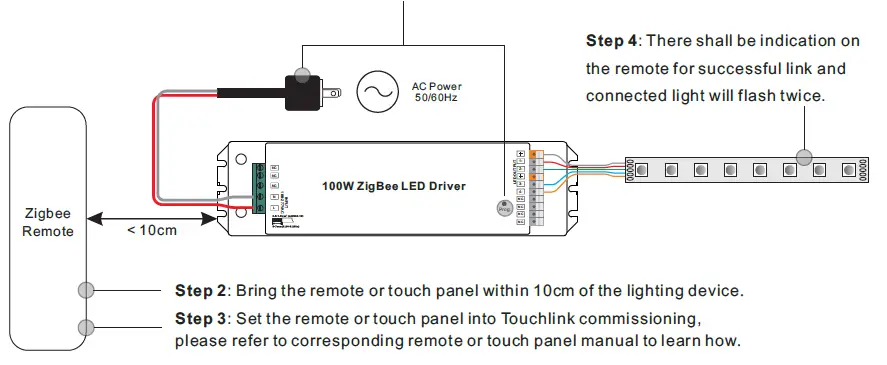
Note:
- Directly TouchLink (both not added to a ZigBee network), each device can link with 1 remote.
- Touch Link after both added to a ZigBee network, each device can link with max. 30 remotes.
- For Hue Bridge & Amazon Echo Plus, add remote and device to network first then Touch Link.
- After TouchLink, the device can be controlled by the linked remotes.
Removed from a Zigbee Network through Coordinator or Hub Interface
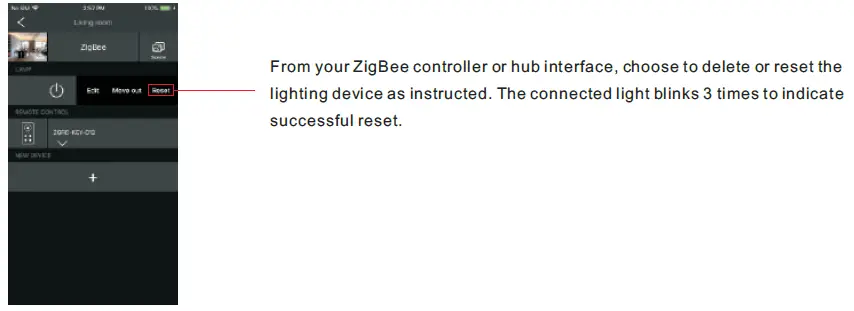
Factory Reset Manually
Step 1: Short press “Prog.” key for 5 times continuously or re-power on the device for 5 times continuously if the “Prog.” key is not accessible.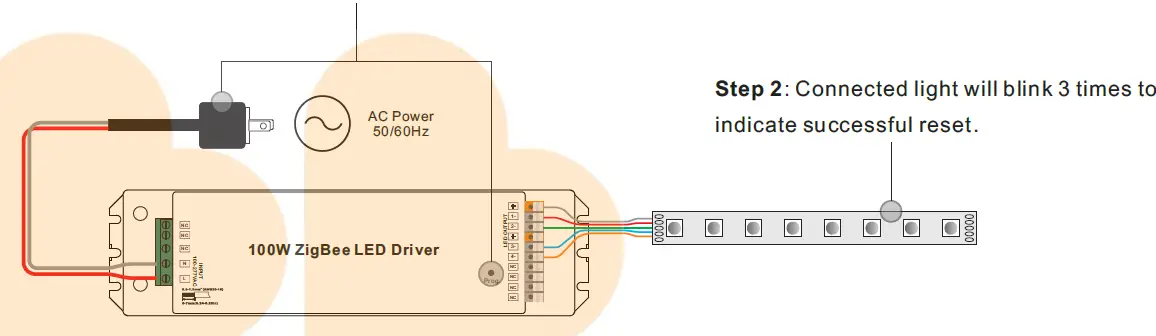
Note: All configuration parameters will be reset after the device is reset or removed from the network.
Factory Reset through a Zigbee Remote
(Touch Reset)
Note: Make sure the device already added to a network, the remote added to the same one or not added to any network.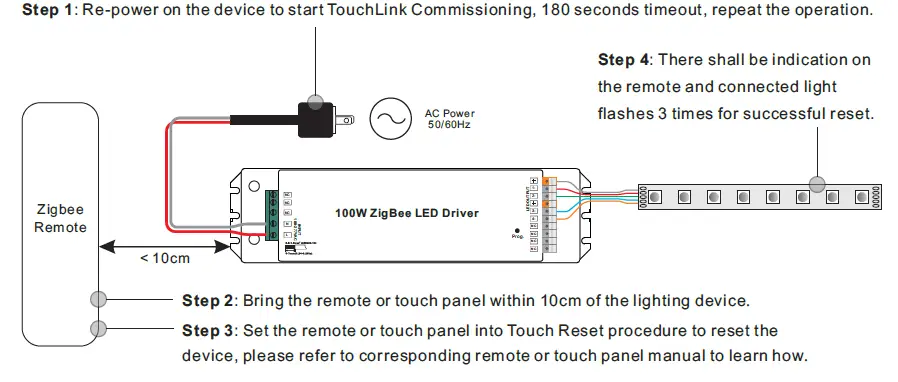
Find and Bind Mode
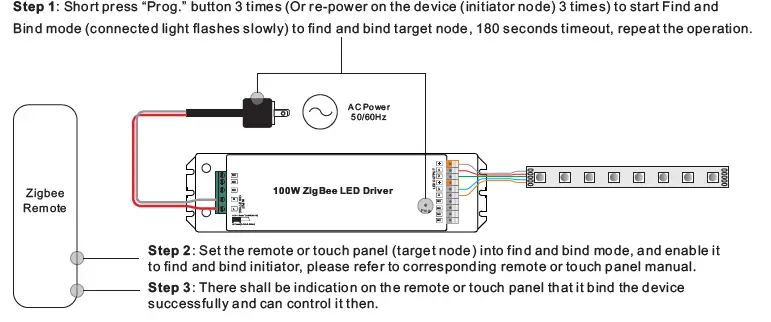
zigbee-100W-LED-Driver-08
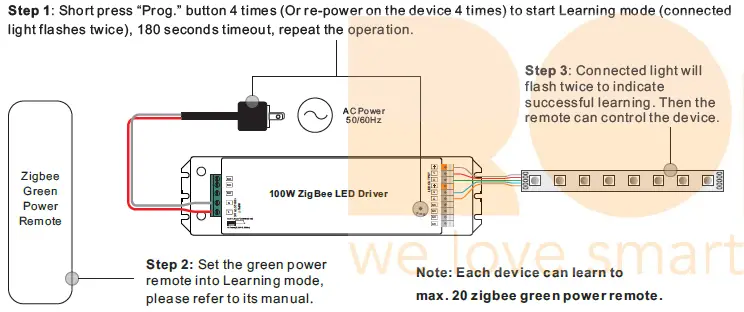
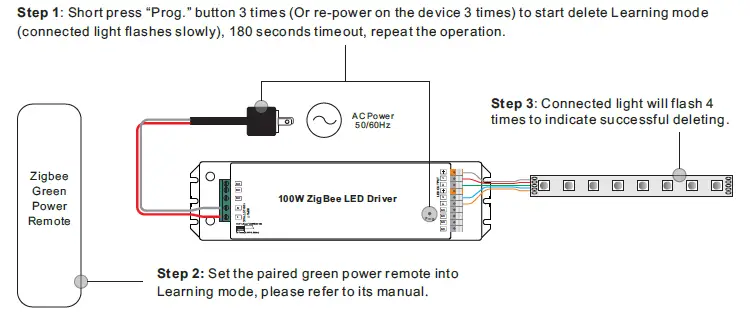
Delete Learning to a Zigbee Green Power Remote
Setup a Zigbee Network & Add Other Devices to the Network
(No Coordinator Required)
Step 1: Short press “Prog.” button 4 times (Or re-power on the device 4 times) to enable the device to setup a zigbee network (connected light flashes twice) to discover and add other devices, 180 seconds timeout, repeat the operation.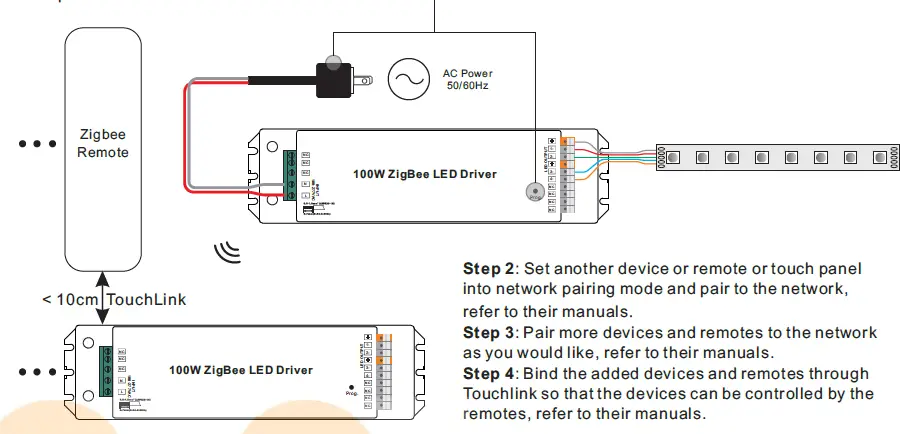
Note:
- Each added device can link and be controlled by max. 30 added remotes.
- Each added remote can link and control max. 30 added devices.
ZigBee Clusters the device supports are as follows
Input Clusters
- 0x0000: Basic
- 0x0003: Identify
- 0x0004: Groups
- 0x0005: Scenes
- 0x0006: On/off
- 0x0008: Level Control
- 0x0300: Color Control
- 0x0b05: Diagnostics
Output Clusters
- 0x0019: OTA
OTA
The device supports firmware updating through OTA, and will acquire new firmware from zigbee controller or hub every 10 minutes automatically.
Product Dimension