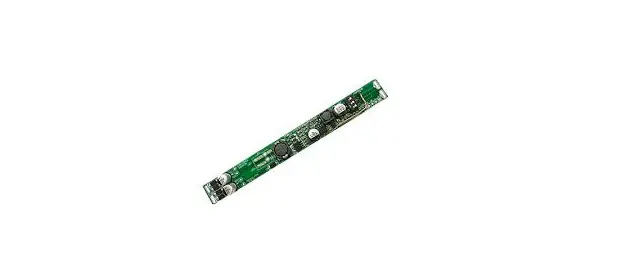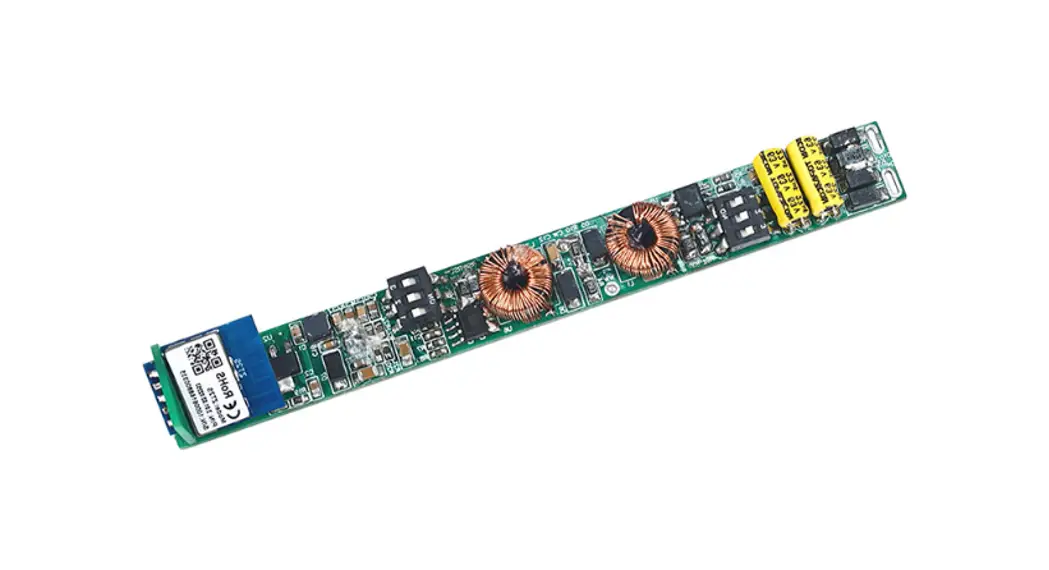
 3.0 Constant Current LED Driver
Model No.: CXR-21A(WZS), CXR-28A(WZS)
Owner’s Manual
Features
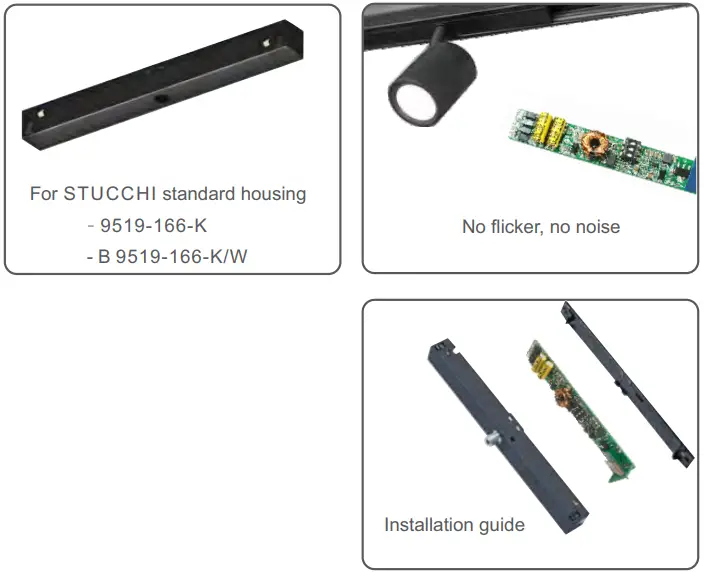
- Special for magnetic & linear lamp
- No input polarity
- DC to DC constant current output, multiple output current settings
- Tuya APP cloud control, support brightness adjust, delay turn on/off, timer run, scene edit, sleep wake-up and biorhythms function
- Voice control, support Alexa, Google, Amazon ECHO and TmallGenie smart speaker
- Can relay and route to each other, up to 15 hops
- Match with Zigbee 3.0 remote or scene panel control optional Suitable for STUCCHI standard housings, magnetic installation
- Smooth dimming without flicker, quiet without noise
- Short circuit, overload, no-load and anti-reverse protection
- 5-year warranty
Technical Parameters
| Model | CXR-21A(WZS) | CXR-28A(WZS) | |
| Output | Output Voltage | 10~42Vdc | |
| Output Current | 150-500mA | 350-700mA | |
| Output Power | 1.5W- 21W | 3.5W-29.4W | |
| Current Accuracy | ±5% | ||
| Dimming Range | 0~100% | ||
| Channel num | 1 | ||
| Input | Dimming Interface | Zigbee 3.0 | |
| Input Voltage | 48Vdc±5% (No polarity) | ||
| Input Current (Typ) | Max. 0. 47A | Max. 0.65A | |
| Efficiency | 93% | 95% | |
| Standby Power | <0.5W | ||
| Environment | Woking Temperature | – 20~50°C | |
| Storage Temperature | -40~80°C | ||
| Working Humidity | 20~95%RH, non-condensing | ||
| Protection | Overload | Hiccup,recovers automatically affer fault condition is removed. | |
| Short Circuit | Hiccup,recovers automatically affer fault condition is removed. | ||
| Input Anti-Reverse Protection | No input polarity | ||
| Other | Size | L92×W13.5×H12.2mm | |
| Weight | 10g±2g | ||
LED Current Selection:
Note: Please select the correct current through the DIP switch on the PCB board when the power is off. 
| DIP Switch | 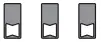 | 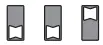 | 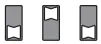 | 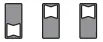 | 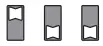 | 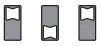 | 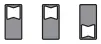 | 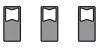 |  ON OFF ON OFF | |
| CXR-21A(WZS) | Output Current | 150mA | 200mA | 250mA | 300mA | 350mA | 400mA | 450mA | 500mA | |
| Output Voltage | 10-42V | 10-42V | 10-42V | 10-42V | 10-42V | 10-42V | 10-42V | 10-42V | ||
| Output Power | 1.5-6.3W | 2-8.4W | 2.5-10.5W | 3-12.6W | 3.5-14.7W | 4-16.8W | 4.5-18.9W | 5-21W | ||
| DIP Switch | | | | | | | | | ON OFF | |
| CXR-28A(WZS) | Output Current | 350mA | 400mA | 450mA | 500mA | 550mA | 600mA | 650mA | 700mA | |
| Output Voltage | 10-42V | 10-42V | 10-42V | 10-42V | 10-42V | 10-42V | 10-42V | 10-42V | ||
| Output Power | 3.5-14.7W | 4-16.8W | 4.5-18.9W | 5-21W | 5.5-23.1W | 6-25.2W | 6.5-27.3W | 7-29.4W | ||
Mechanical Structures and Installations
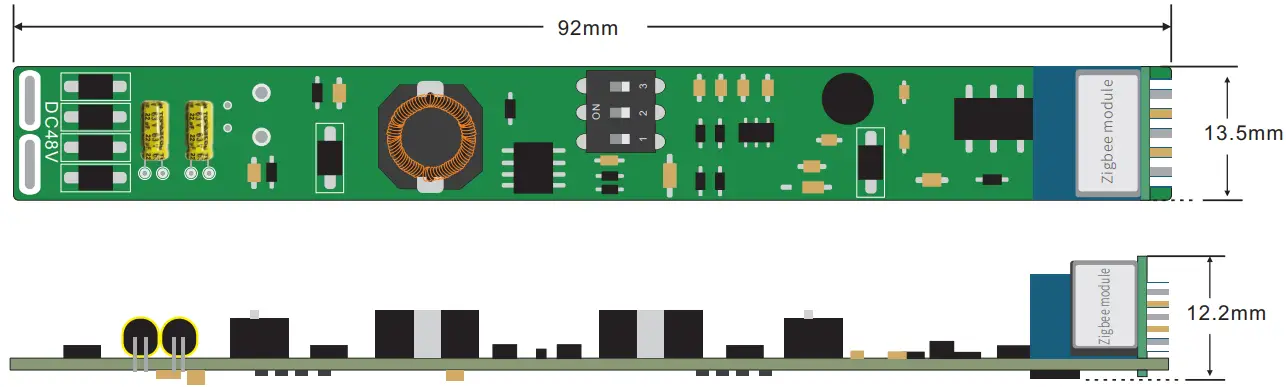
Wiring Diagram

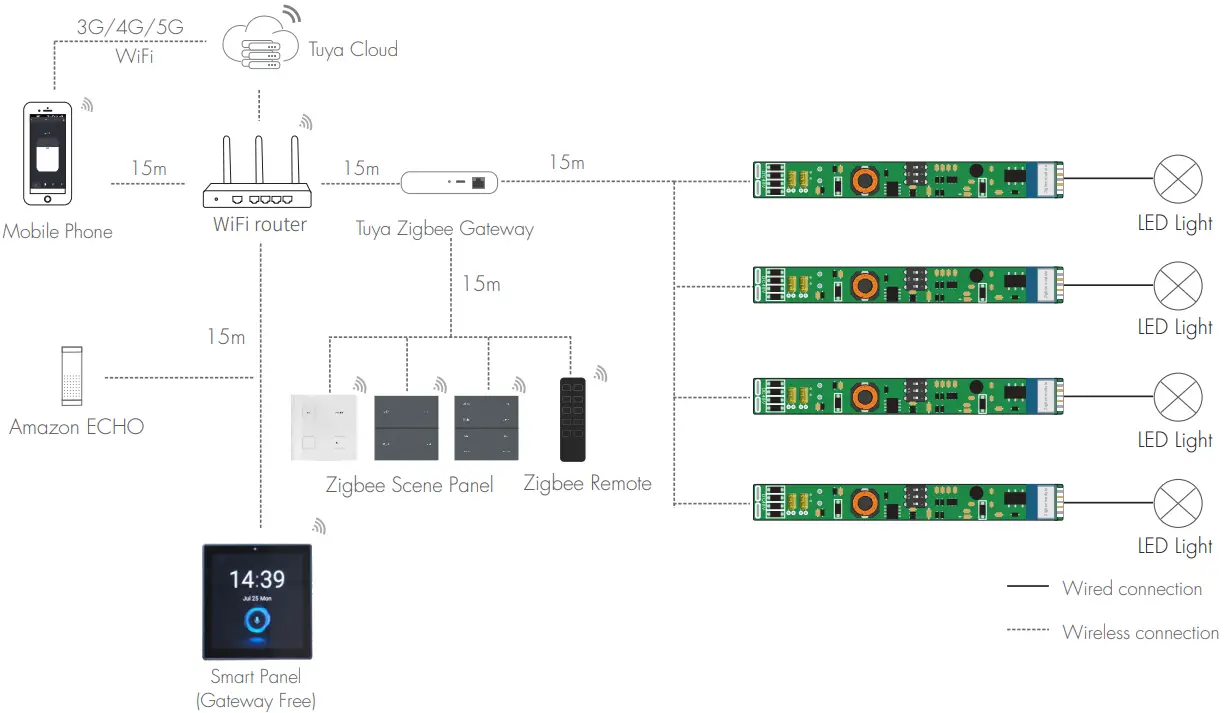
System wiring
 Note:
Note:
1. The above distance is measured in spacious (no obstacle) environment, Please refer to the actual test distance before installation.
2. Please check if the WiFi router net in 2.4G band, the 5G band is not available, and do not hide your router network.
3. Please keep the distance between LED driver and router close, and check the WiFi signals.
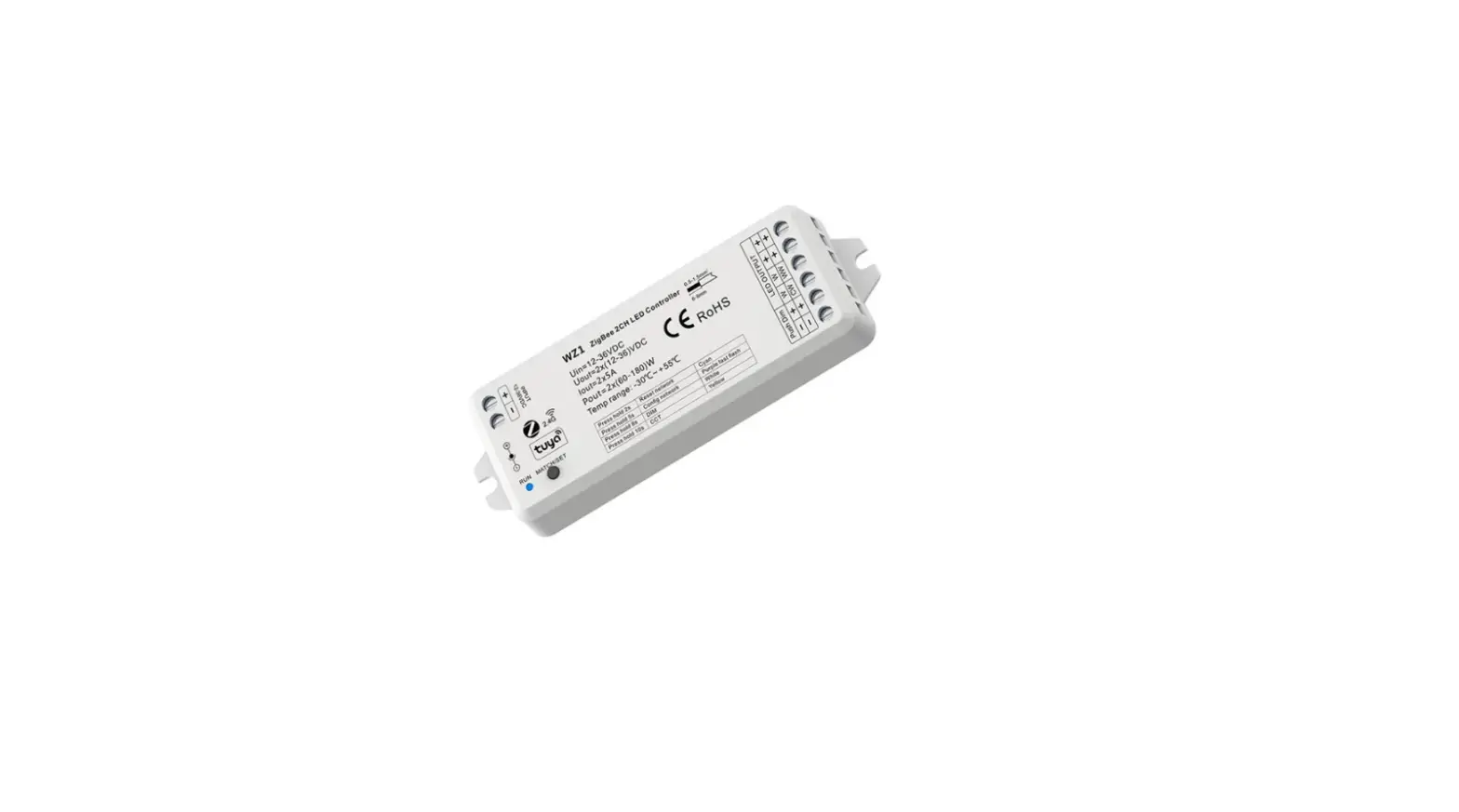
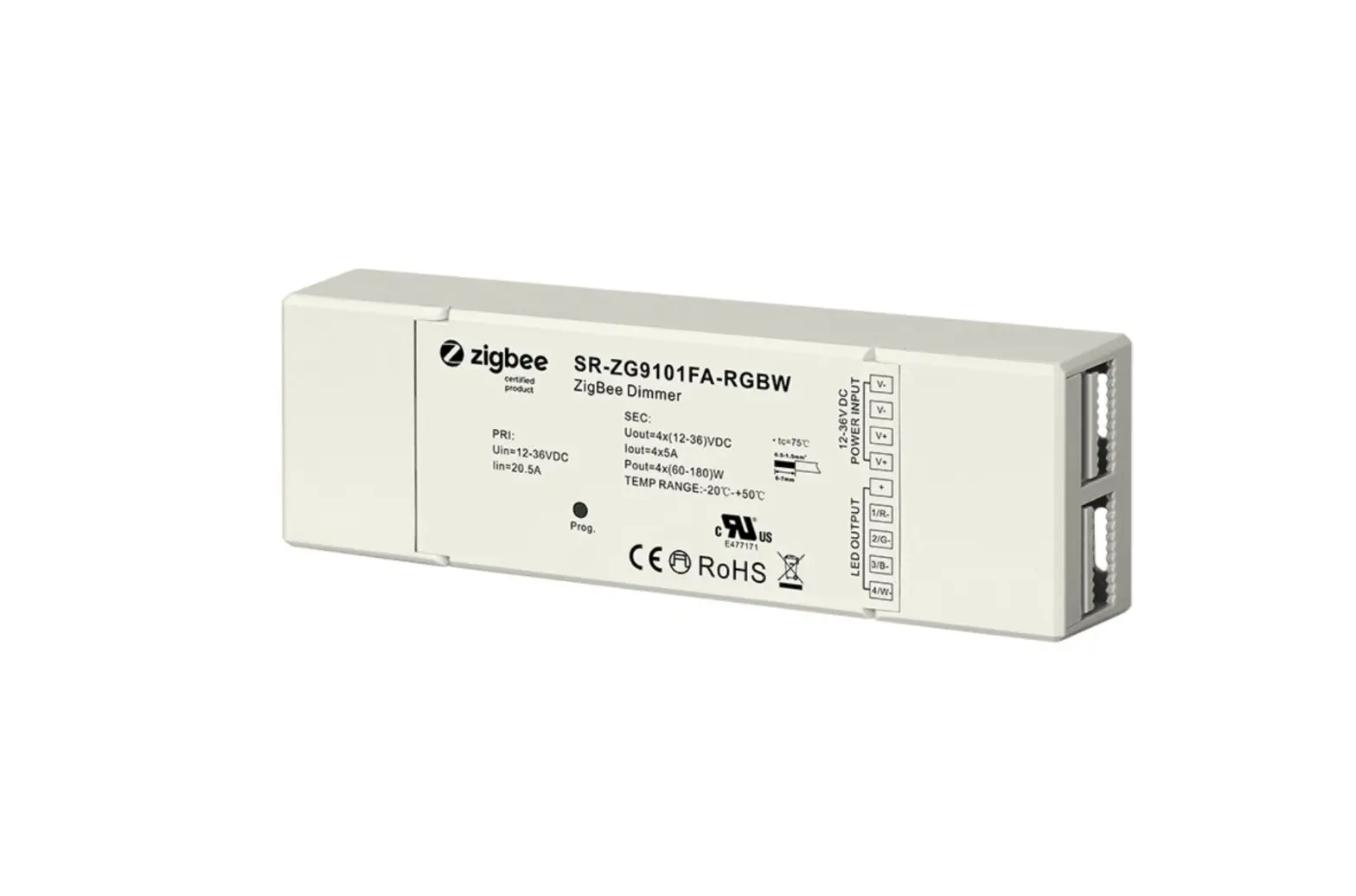
4. Users must use the Tuya ZigBee gateway to realize remote control and voice control [The smart panel integrate Zigbee gateway function).
App Operating Instructions
- Network pairing
• Download the Tuya APP and register an account, search and add the Tuya Zigbee gateway device.
• Quickly press the “RESET” button five times or repeat power on and off five times to clear the previous network connection, enter pairing mode with the output light breathes blinking.
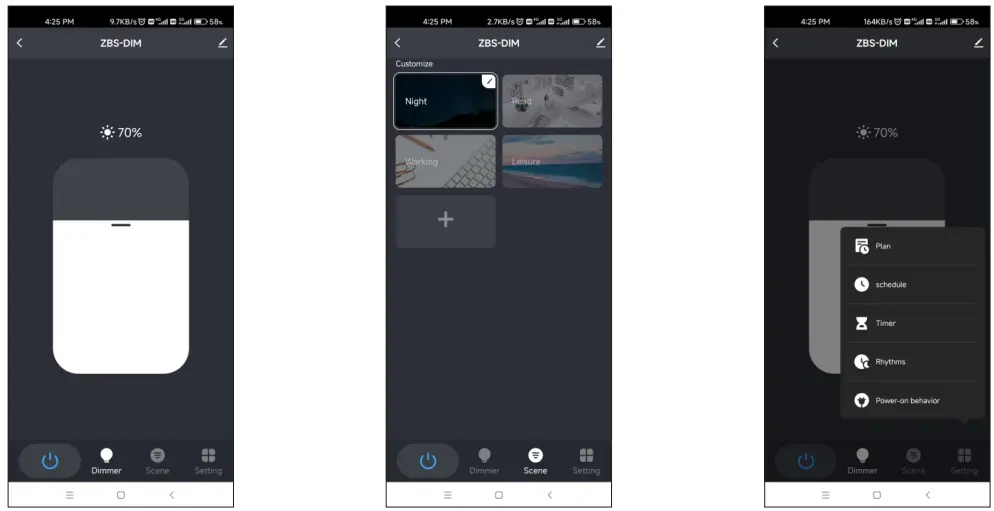
• Under the gateway, search and add new device. If the network connection is successful, you can find ZBS-DIM devices in Tuya APP. - Lighting control settings
After pairing the light device, click the device and change brightness by touch brightness slide.