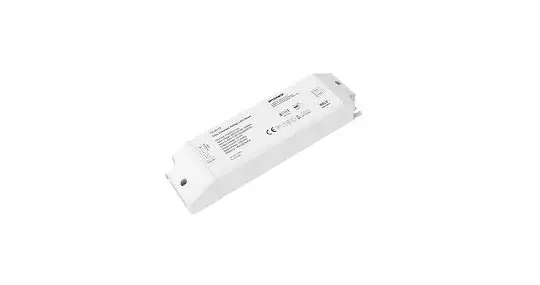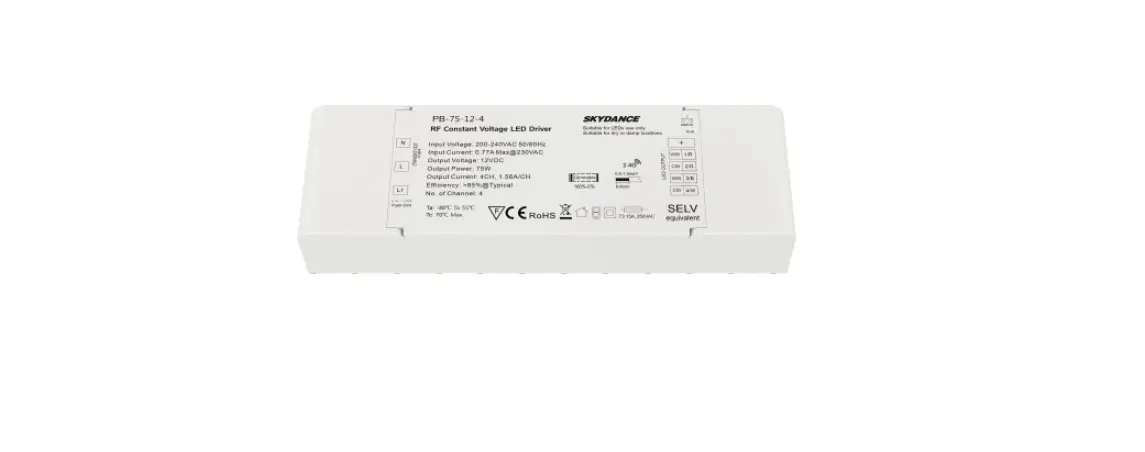
SKYDANCE CXR-28A RF Constant Current LED Driver User Manual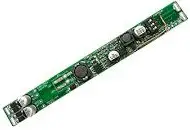
Features
- Special for magnetic & linear lamp
- No input polarity
- DC to DC constant current output, multiple output current settings
- Match with RF 2.4G dimming remote control
- Synchronize on multiple number of LED drivers
- Suitable for STUCCHI standard housings, magnetic installation
- Smooth dimming without icker, quiet without noise
- Short circuit, overload, no-load and anti-reverse protection
- 5-year warranty.
- No flicker, no noise

- For STUCCHI standard housing – 9519-166-K – B 9519-166-K/W

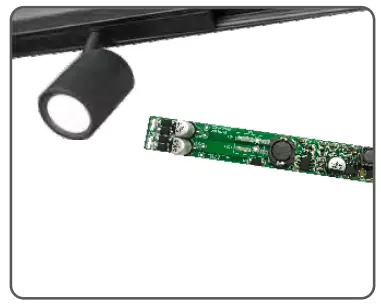
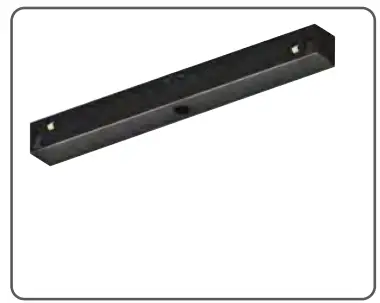
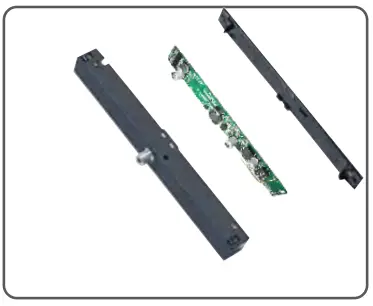
- Installation guide

Technical Parameters
Model | CXR–21A | CXR–28A | |
Output | Output Voltage | 10~42Vdc | |
| Output Current | 150-500mA | 350-700mA | |
| Output Power | 1.5W- 21W | 3.5W-29.4W | |
| Current Accuracy | ±5% | ||
| Dimming Range | 0~100% , 024levelsdimming | ||
| Channel num | 1 | ||
Input | Dimming Interface | RF2.4G | |
| input Voltage | 48Vdc±5%( Nopolarity) | ||
| Input Current | Max.0. 47A | Max.0.65A | |
| Efciency(Typ) | 93% | 95% | |
| Standby Power | <0.5W | ||
Environment | Woking Temperature | -20~50°C | |
| Storage Temp | |||
| Working Humidi | 20~95%RH,non condensing | ||
Protection | Overload | When load voltage exceed its range, the current declines, auto recovers when the load is reduced. | |
| Short Circui | Shut down automatically if short circuit occurs, auto recovers. | ||
| Reverse connection | Prevent dirver and load damage | ||
Other | Size | L125×W13.5×H10.8mm | |
| Weight | 10.5g±2g |
LED Current Selection
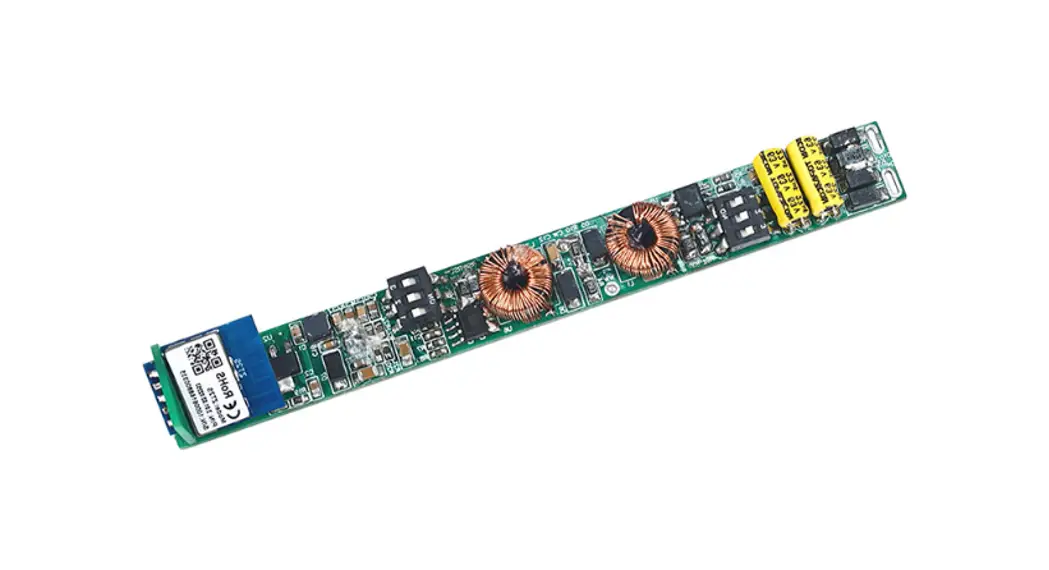
Note: Please select the correct current through the DIP switch on the PCB board when the power is off.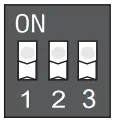
| DIP Switch | 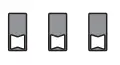 | 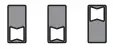 | | 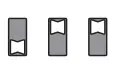 | 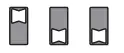 | 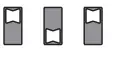 | 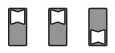 | 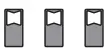 | 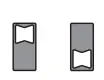 ON OFF | |
| CXR-21A | Output Current | 150mA | 200mA | 250mA | 300mA | 350mA | 400mA | 450mA | 500mA | |
| Output Voltag | 10-42V | 10-42V | 10-42V | 10-42V | 10-42V | 10-42V | 10-42V | 10-42V | ||
| Output Power | 1.5-6.3W | 2-8.4W | 2.5-10.5W | 3-12.6W | 3-12.6W | 4-16.8W | 4.5-18.9W | 5-21W | ||
| DIP Switch | | | | | | | | | ON OFF | |
| CXR-28A | Output Current | 350mA | 400mA | 450mA | 500mA | 550mA | 600mA | 650mA | 700mA | |
| Output Voltage | 10-42V | 10-42V | 10-42V | 10-42V | 10-42V | 10-42V | 10-42V | 10-42V | ||
| Output Power | 3.5-14.7W | 4-16.8W | 4.5-18.9W | 5-21W | 5.5-23.1W | 6-25.2W | 6.5-27.3W | 7-29.4W | ||
Mechanical Structures and Installations
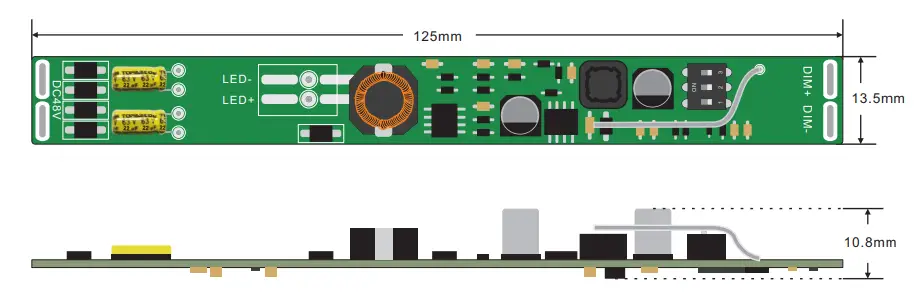
Wiring Diagram
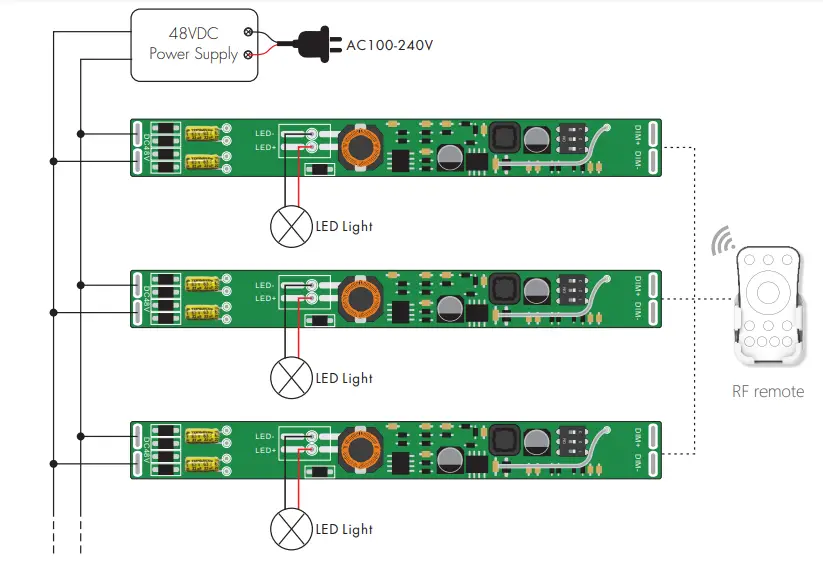
Match Remote Control
Match:
Switch off the power of the LED dirver, then switch on power, repeat again. Immediately short press on/off key (single zone remote) or zone key (multiple zone remote) 3 times on the remote. The light blinks 3 times means match is successful.
Delete:
Switch off the power of the LED driver, then switch on power, repeat again. Immediately short press on/off key (single zone remote) or zone key (multiple zone remote) 5 times on the remote. The light blinks 5 times means all matched remotes were deleted.
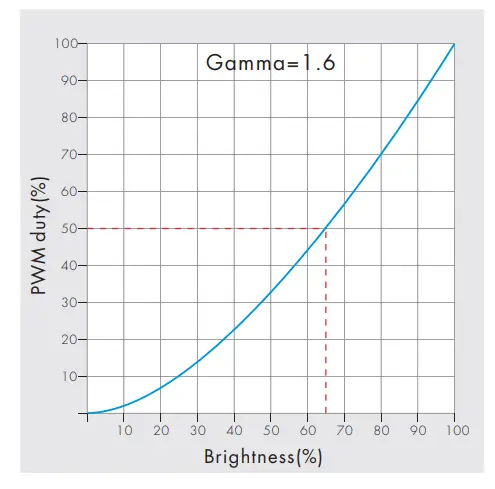
Dimming Curve
Malfunctions analysis & troubleshooting
Malfunctions | Causes | Troubleshooting |
No light |
|
|
No response from the remote |
|
|