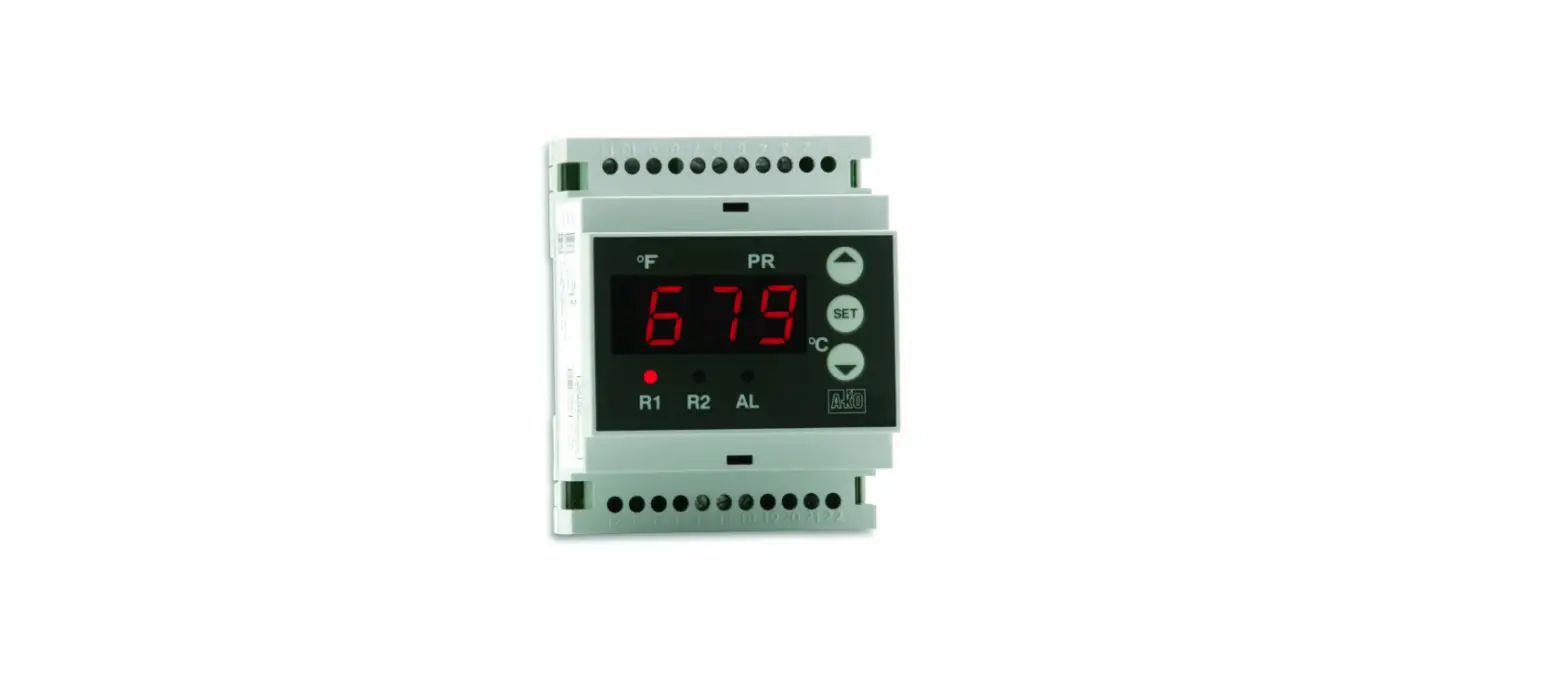
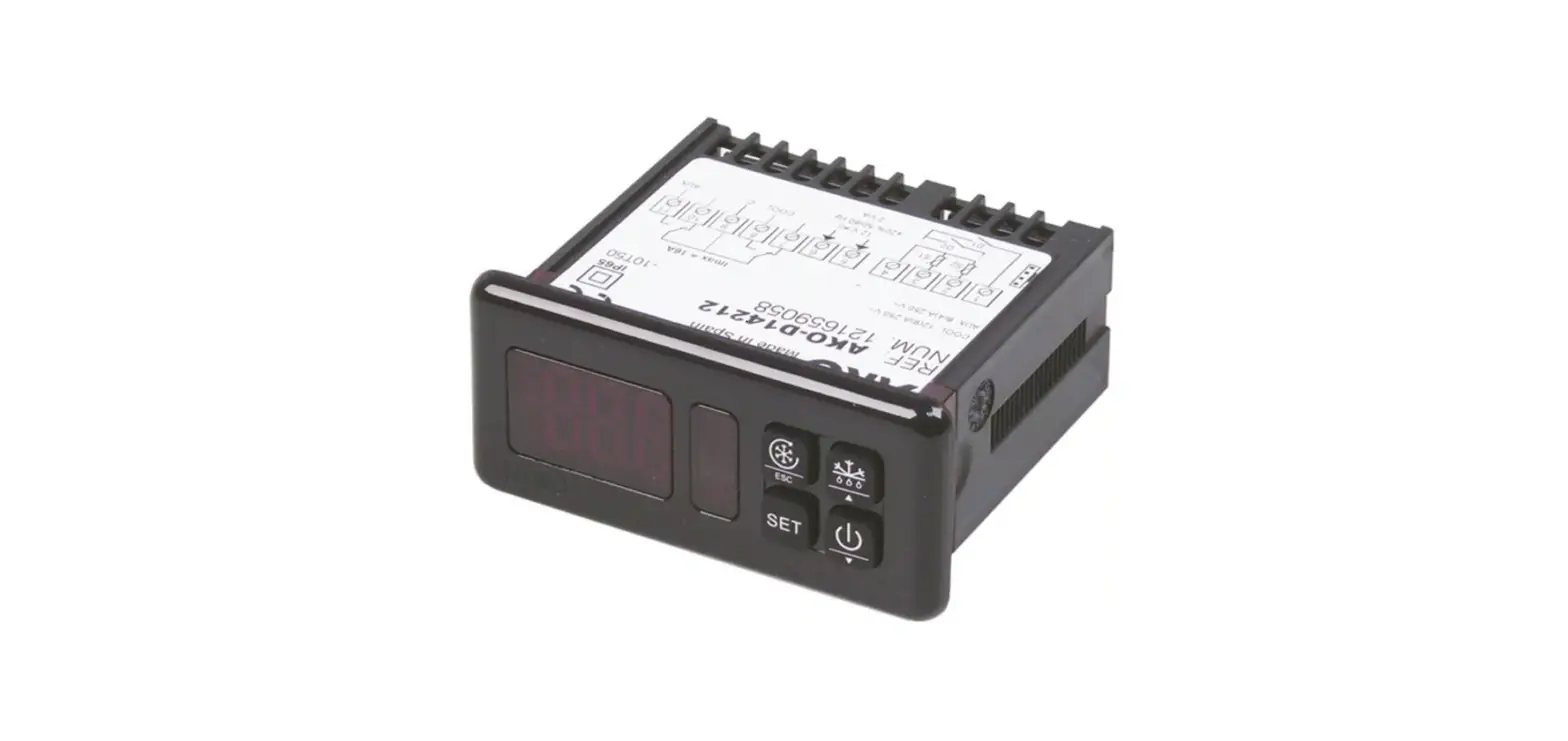
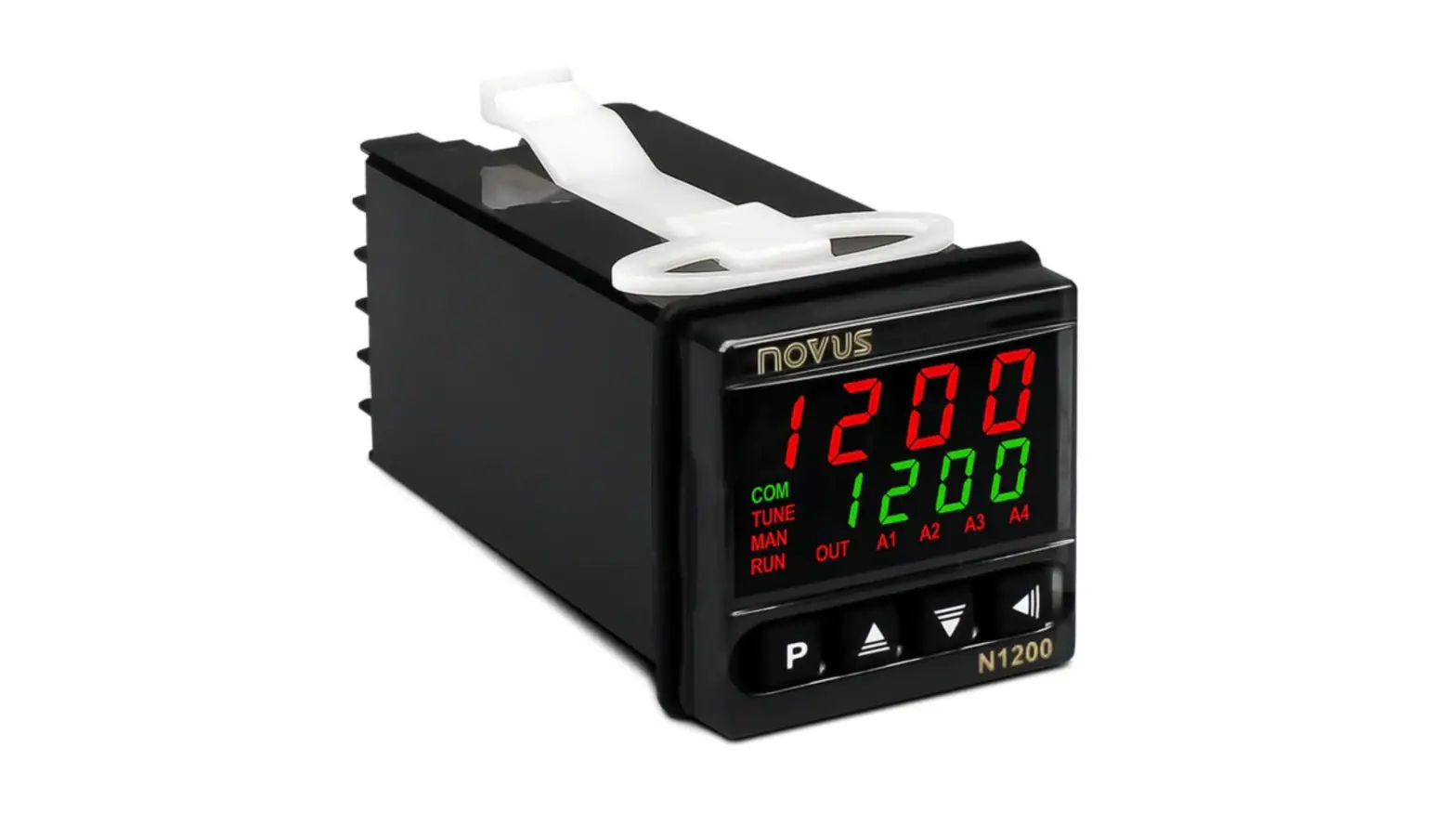
AKO-16526, AKO-16526A V2 Controller
Product Information
The AKO-16526 / AKO-16526A V2 controller is designed to control
electronic expansion valves (EEV) in cooling systems. It can
control a Pulse Width Modulation (PWM) type EEV directly, but for
Stepper-type EEVs, an external driver must be used. The controller
communicates with the driver to regulate the opening of the EEV
based on the temperature and pressure at the evaporator outlet to
maintain the superheating value defined in parameter Sh. The
controller can be connected to various sensors and devices,
including pressure sensors, superheating sensors, cold room
sensors, and defrost resistors/solenoids.
Product Usage Instructions
- Wiring: Connect the controller to the various
components of the cooling system as per the wiring diagram provided
in the manual. Use RS485, ANALOG, and MODBUS interfaces as
required. - Configuration: Before configuring the
controller, note down installation details such as the defrost
method used, type of gas used, and pressure sensor type. Configure
the controller as per the instructions provided in the manual. - Assistant Mode: The first time the controller
receives power supply, it enters Assistant mode. Follow the
instructions displayed on the screen to set up the controller for
your specific installation. - Usage: Once configured, the controller
regulates the opening of the EEV based on the temperature and
pressure at the evaporator outlet to maintain the superheating
value defined in parameter Sh. Monitor the system for any issues
and make adjustments to the configuration as required.
en
351652682 Ed. 02
Controlling an electronic expansion valve (Stepper-type) using the AKO-16526 / AKO-16526A V2 controller
The AKO-16526 / AKO-16526A controller can be used to control a PWM-type electronic expansion valve directly; an external driver must be used to control a Stepper-type valve. The controller tells the driver which opening should be applied to the EEV according to the pressure and temperature at the evaporator outlet, in order to obtain the superheating value defined in parameter Sh. An optimum superheating value increases the efficiency of the evaporator.
LIQUID SOLENOID
ELECTRONIC EXPANSION VALVE
EEV DRIVER
ON/OFF
Reg (4-20 mA / 0-10 V)
AUX 3 AN OUT
CONDENSER
EVAPORATOR S1
S2
S6 S5
FAN D1
LIQUID CONTAINER
COMPRESSOR
Wiring
RS485
ANALOG ANALOG
D1/
D2/
D3/
IN
OUT
Tr+ Tr- Gnd S1 Gnd S2 S3 Gnd Gnd S4 Gnd S5 V+ S Gnd OUT Gnd
AUX 3 AUX 2
NO C NC NO C
Superheating sensor
According to parameter I20
Low pressure controller
Evaporator sensor
Cold room sensor
MODBUS
S1 S2 D1 D2/S2 S5
S6
Suction pressure sensor
Input 4-20 mA
or 0-10 V
According to parameter o10
ON/OFF
EEV DRIVER
AUX 1
DEF FAN COOL AUX 1
NC NO C NO C NO C NC NO C
VAC
NL
5A 230 V~
3000 W 230 V~
12 A 230 V~ 150 W 230 V~
100 – 240 V~ 50/60 Hz
The function of the D2/S4 input depends on the configuration of parameter I20. The function of the AUX 2 relay depends on the configuration of parameter o10. For further information, please refer to the user manual available on our website. https://help.ako.com/assets/uploads/351652662.pdf
COMPRESSOR
RESISTANCE OF CARTRIDGE
DEFROST RESISTORS/ DEFROST SOLENOID
EVAPORATOR FANS
1
en
351652682 Ed. 02
Configuration
Before proceeding with the initial configuration, it is advisable to note down certain installation details:
Defrost Note the defrosting method used: Electrical (resistors), air (evaporator fans), hot gas valve (condensing unit) or cycle reversal.
Analogue outputs The analogue output (ANALOG OUT) enables communication between the controller and the external controller of the electronic expansion valve and can be configured as 4-20 mA output (o30=0) or as 0-10 V output (o30=1). Consult the specifications of the external controller and note them down.
SET POINT (temperature)
Make a note of the desired set temperature value.
Type of gas Note the type of gas used in the installation.
Pressure sensor type Note the type of evaporator pressure sensor installed:
4-20 mA (I61=1) 0-5 V (I61=2) 0.5-4.5 V (I61=3) 0-10 V (I61=4) 1-5 V(I61=5) Note also the maximum and minimum values of the pressure sensor as well as the units of pressure used (bar or Psi).
Superheating SET POINT Enter the desired optimum superheating value.
Assistant
The first time the unit receives the power supply, it will enter into ASSISTANT mode. The display will show the messageIn{flashing at 0.
The buttons and change the value, the SET button accepts the value and moves on to the next step.
Step 1: Select the most suitable InI option based on the type of installation to be carried out and press SET.
1
The available options will be shown in the following table:
/ / SET
Type of installation
InI Control of Pump the compressor Down
Defrost
Parameters
Evap. Fans
Pd o00 I00 I10 I11 I20 I21 I30 I31
d1
D7
F3
0
1
No
Demo mode: it displays the temperature but does not regulate the temperature
No
Electric
Yes 0 0 2 0 0 0 0 * * 20 0 0
2
Yes
Yes
Electric
Yes 1 1 2 7 1 0 0 * * 20 0 0
3
Yes
No
Electric
Yes 0 1 2 0 0 0 0 * * 20 0 0
4
No
No
Air
Yes 0 0 1 0 0 0 0 * * 20 1 1
5
Yes
Yes
Air
Yes 1 1 1 7 1 0 0 * * 20 1 1
6
Yes
No
Air
Yes 0 1 1 0 0 0 0 * * 20 1 1
7
Yes
Yes
Hot gas
Yes 1 1 2 7 1 7 1 * * 5 2 0
8
Yes
No
Hot gas
Yes 0 1 2 0 0 7 1 * * 5 2 0
If options 2, 5 or 7 are chosen, check the configuration of parameter I11 according to the pressure switch type used.
2
en
351652682 Ed. 02
Step 2:
3
Define the type of refrigerant gas used.
u02=0 R404A u02=1 R134A u02=2 R407A u02=3 R407F u02=4 R410A u02=5 R450A u02=6 R513A u02=7 R744 u02=8 R449A u02=9 R290 u02=10 R32 u02=11 R448A u02=12 R1234ze u02=13 R23 u02=14 R717 u02=15 R407C u02=16 1234yf u02=17 R22 u02=18 R454C u02=19 R455A u02=20 R507A u02=21 R515B u02=22 R452A u02=23 R452B u02=24 R454A
Step 3*: Define the minimum value of the pressure sensor (I62) (value at 4 mA, 0 V, 0.5 V or 1 V according to I61).
Step 4*: Define the maximum value of the pressure sensor (I63) (value at 20 mA, 5 V, 4.5 V or 10 V according to I61).
*Steps only visible if u02=7
Step 5:
9
Select the temperature set point.
Step 6:
Set all other parameters to default?
dFP=0 No, the other parameters do not need to be changed dFP=1 Yes, set all other parameters to their default values.
/ / SET / / SET
This option only appears if this is not the first time the set-up wizard has been run. The initial configuration is now complete, and the device will start to regulate the temperature.
The configuration wizard will not reactivate. To reactivate it, activate the stand-by mode (by pressing the m button for 3 seconds) and wait until the unit completely halts regulation (the m indicator will light up permanently) and press the , , SET buttons inthisorder
in sequence, not at the same time.
Additional configuration Access the extended programming menu by pressing the SET button for 6 seconds to complete the configuration. Access parameter u00 and set it to 2 to use the Stepper-type electronic expansion valve.
u00=2 Electronic expansion valve
Access parameter o30 (Analogue output) and configure the appropriate output type according to the driver used. The driver input for the electronic expansion valve is connected to this output. Consult the external driver specifications to configure this correctly.
o30=0 4 – 20 mA o30=1 0 – 10 V
3
351652682 Rev. 01 2023
AKO ELECTROMECÁNICA, S.A.L. Avda. Roquetes, 30-38 08812 · Sant Pere de Ribes. Barcelona · Spain
www.ako.com
We reserve the right to supply materials slightly different to those described in our data sheets. Updated information on our website.