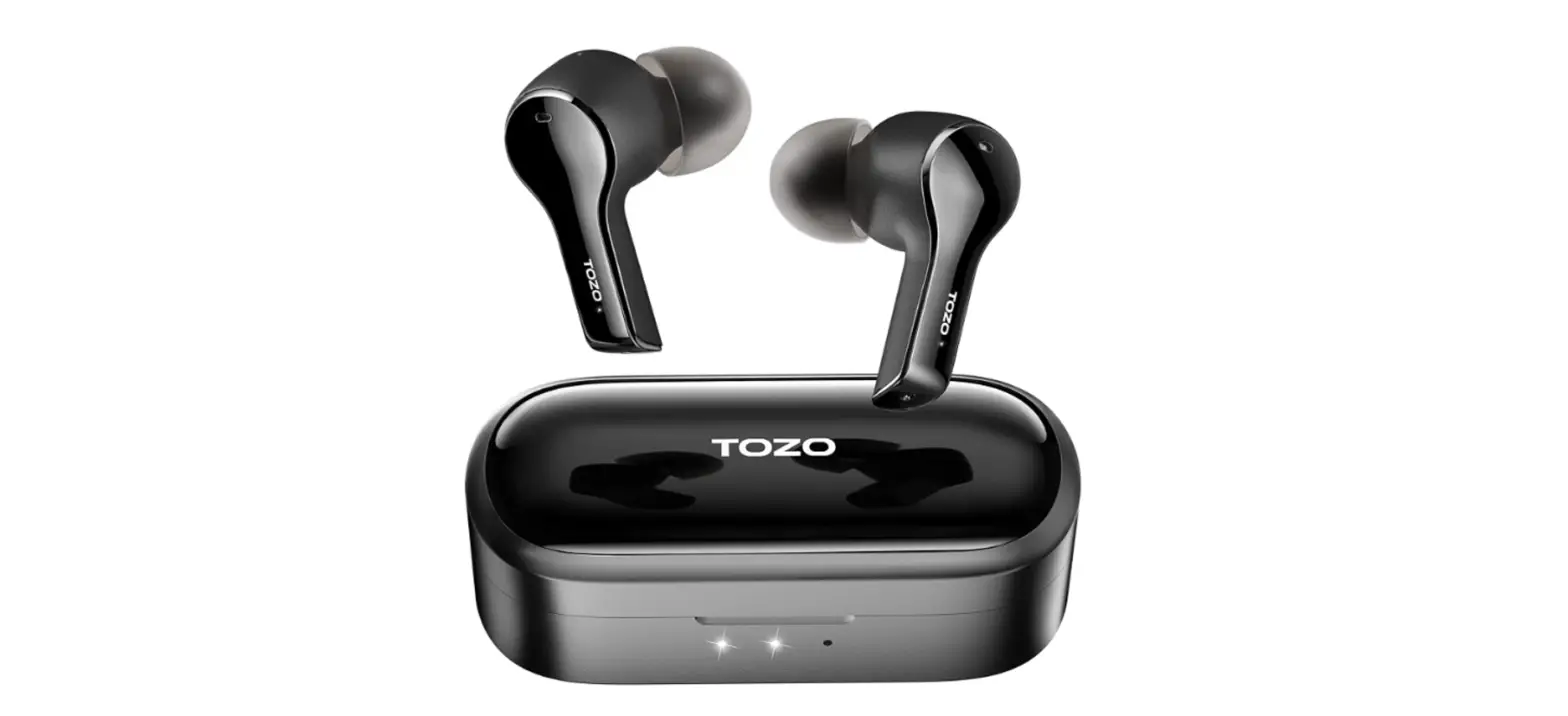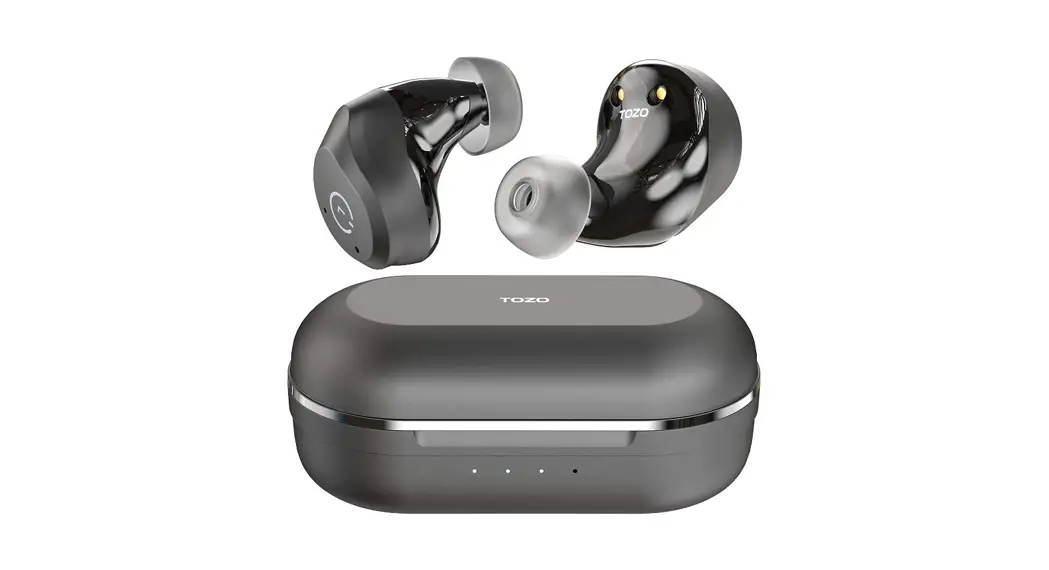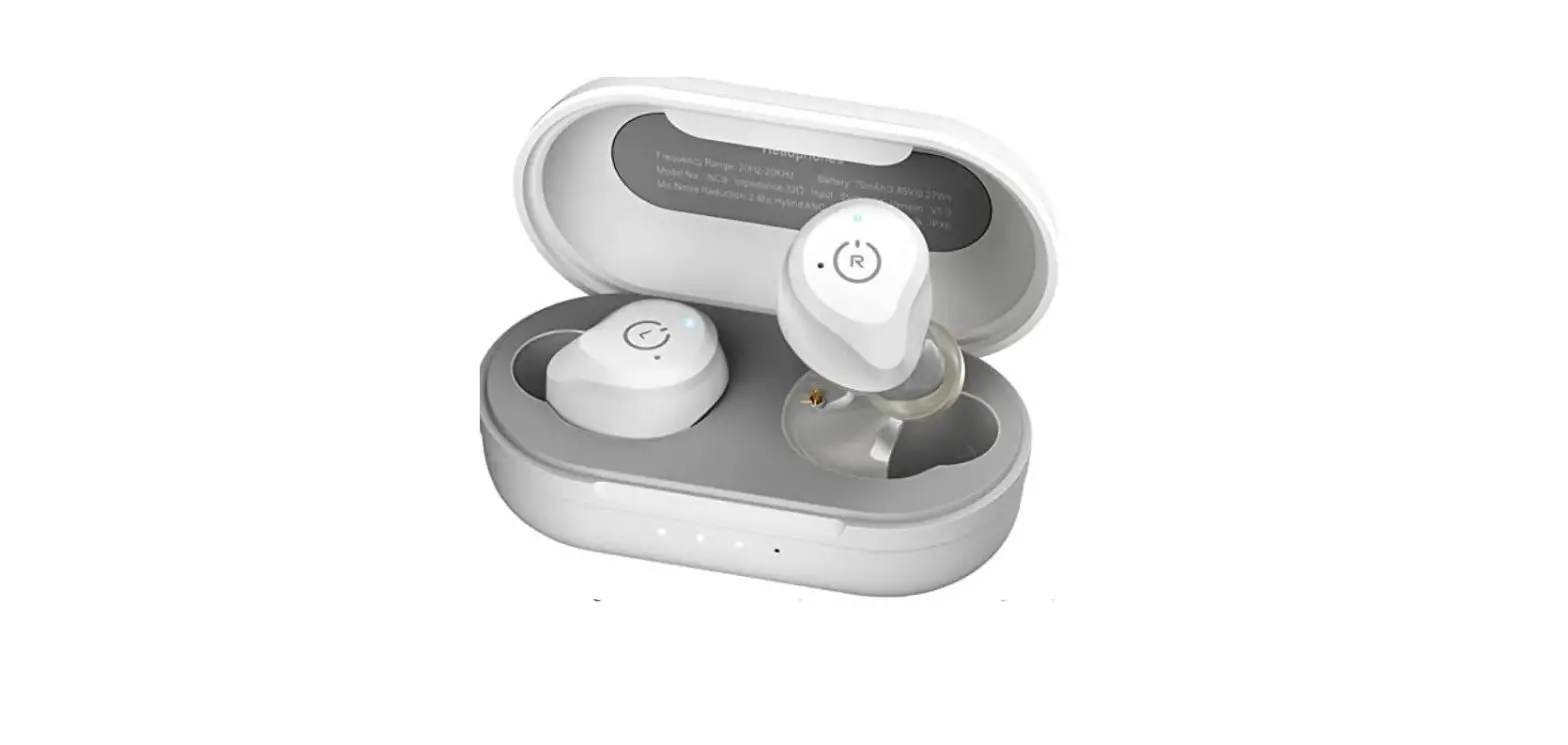

Tozo Nc9 Hybrid Active Noise Cancelling Wireless Earbuds User Guide

Tozo Nc9 Hybrid Active Noise Cancelling Wireless Earbuds User Guide

TOZO logo

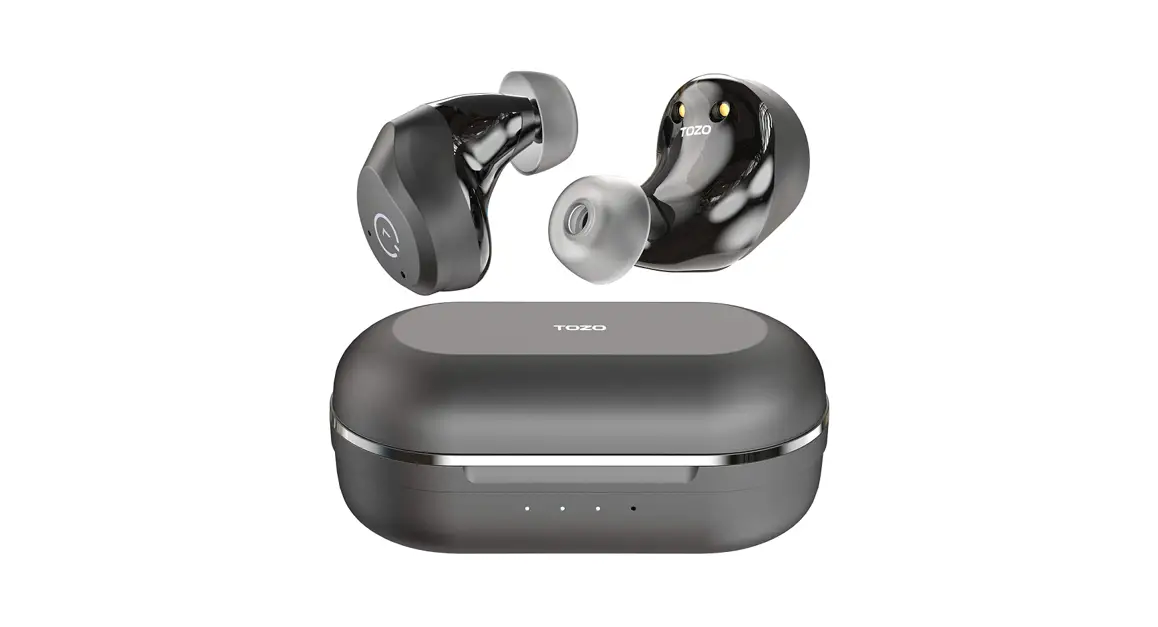
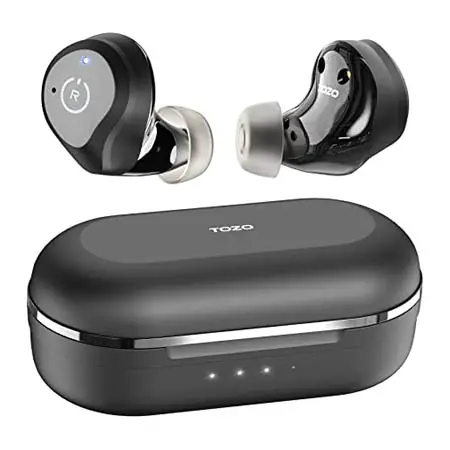
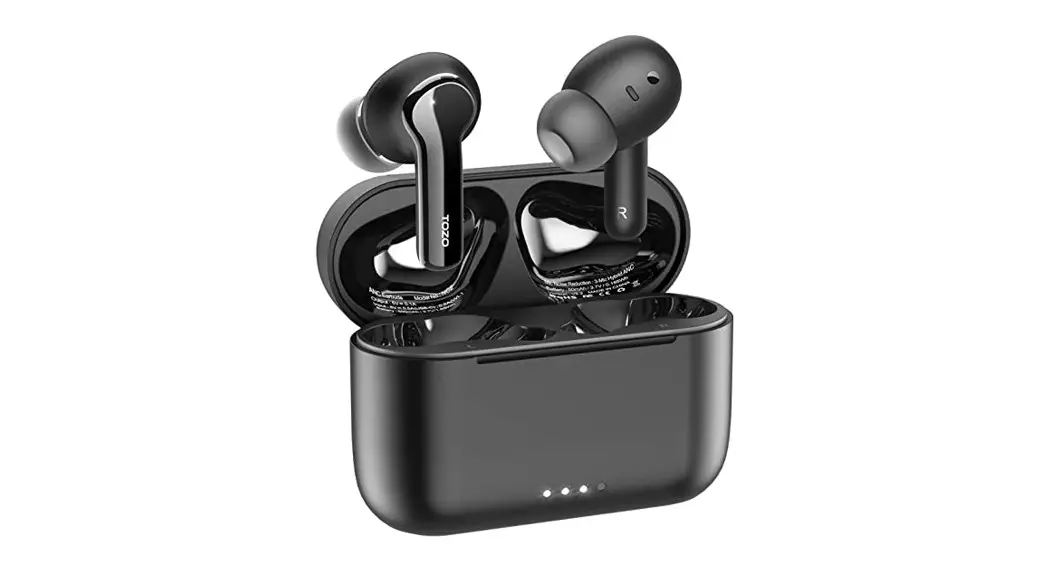
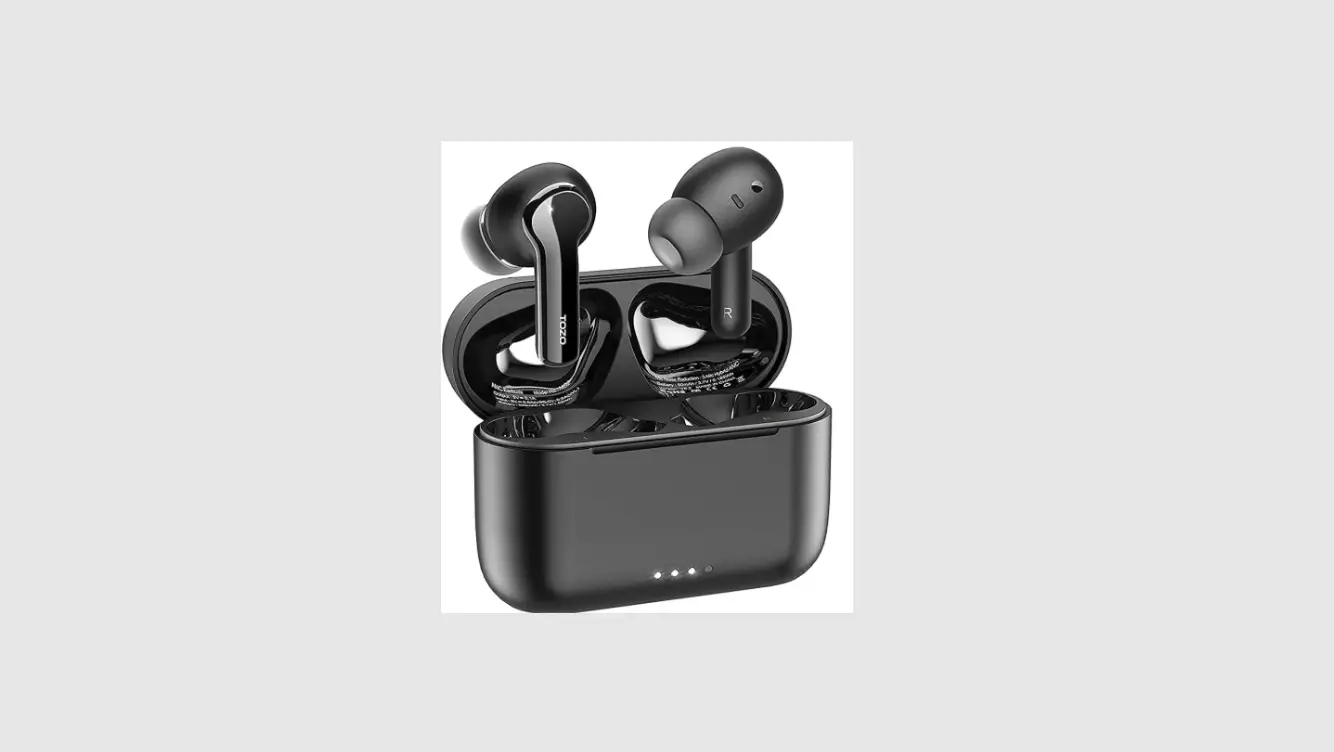
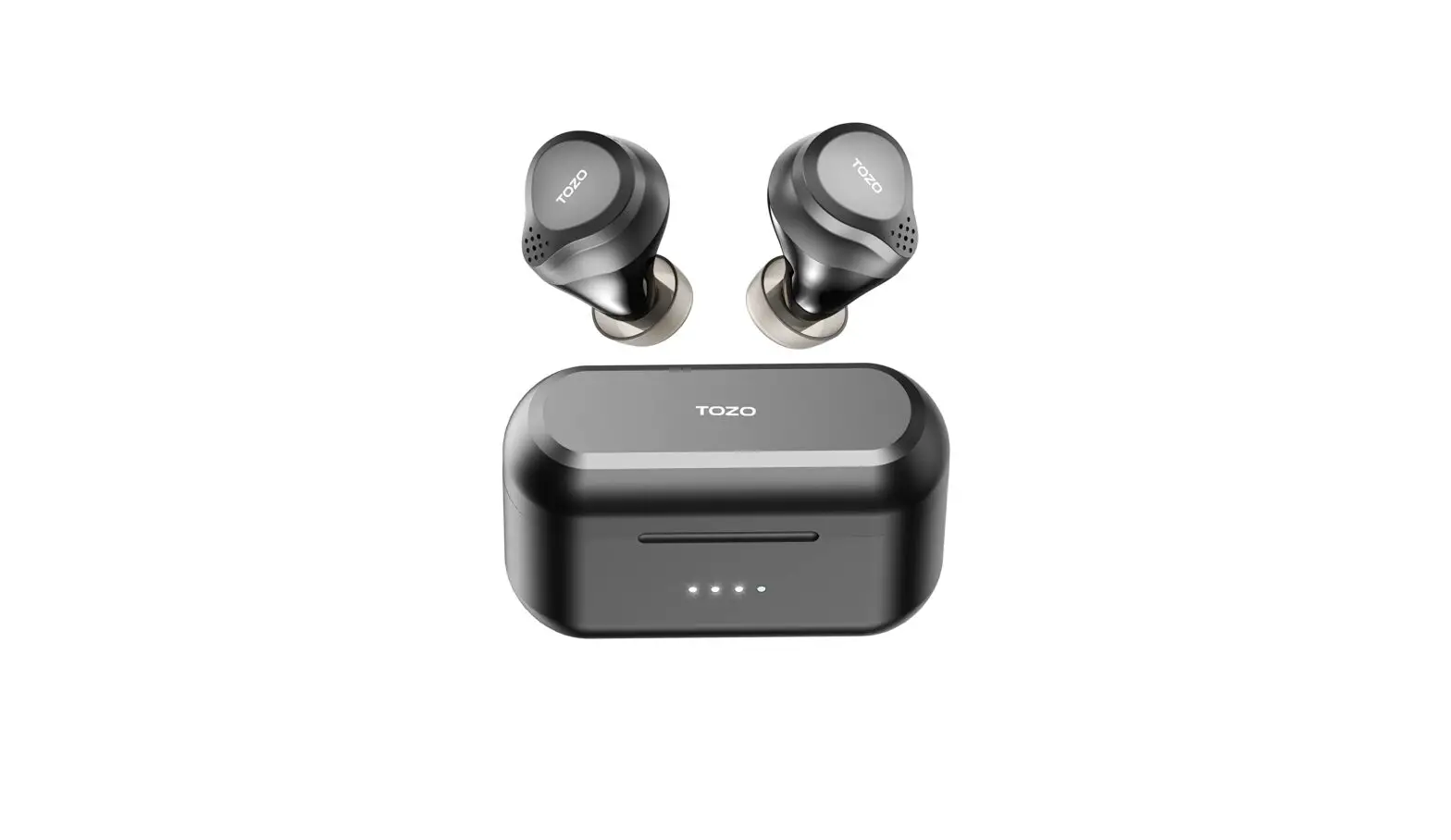
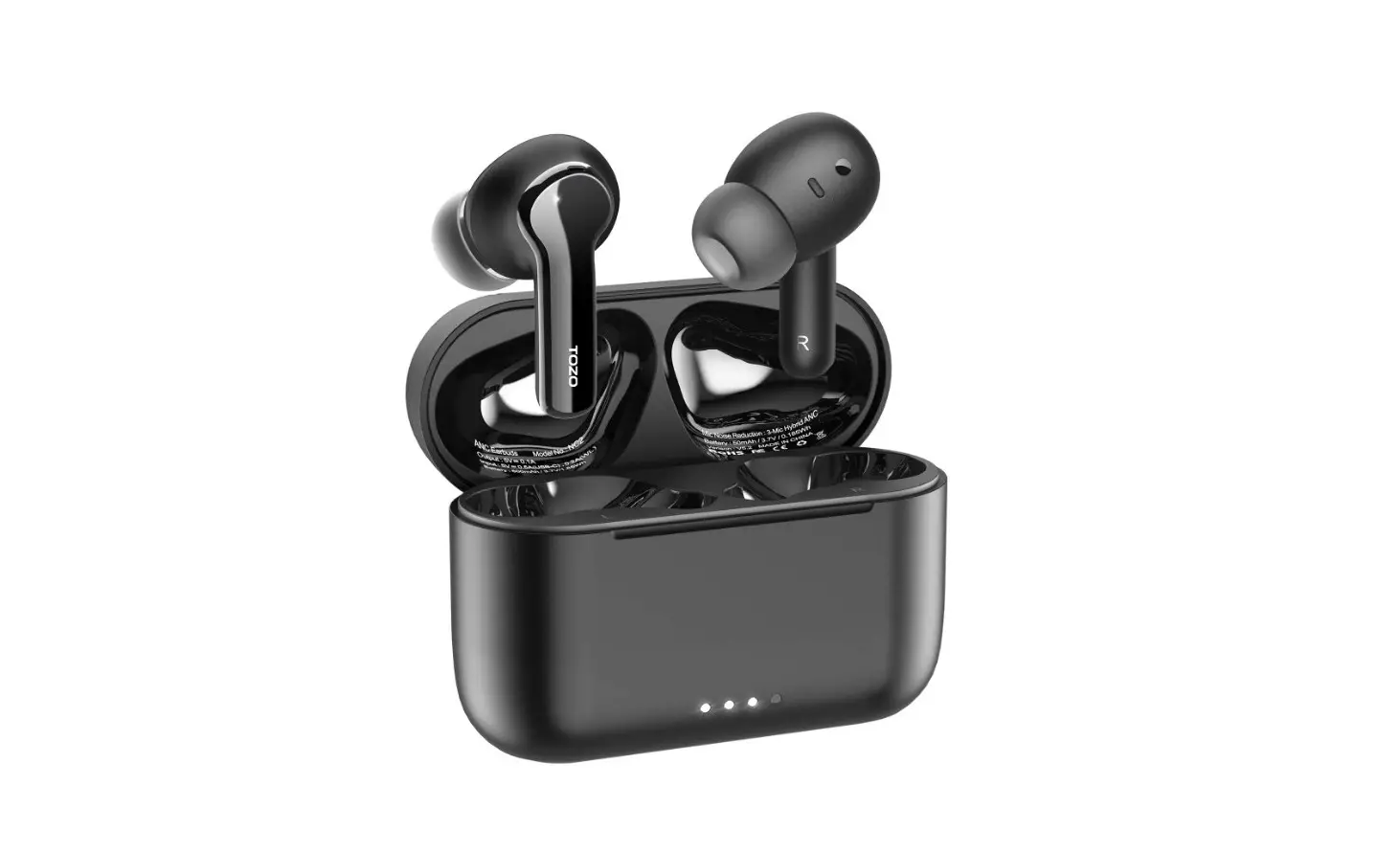
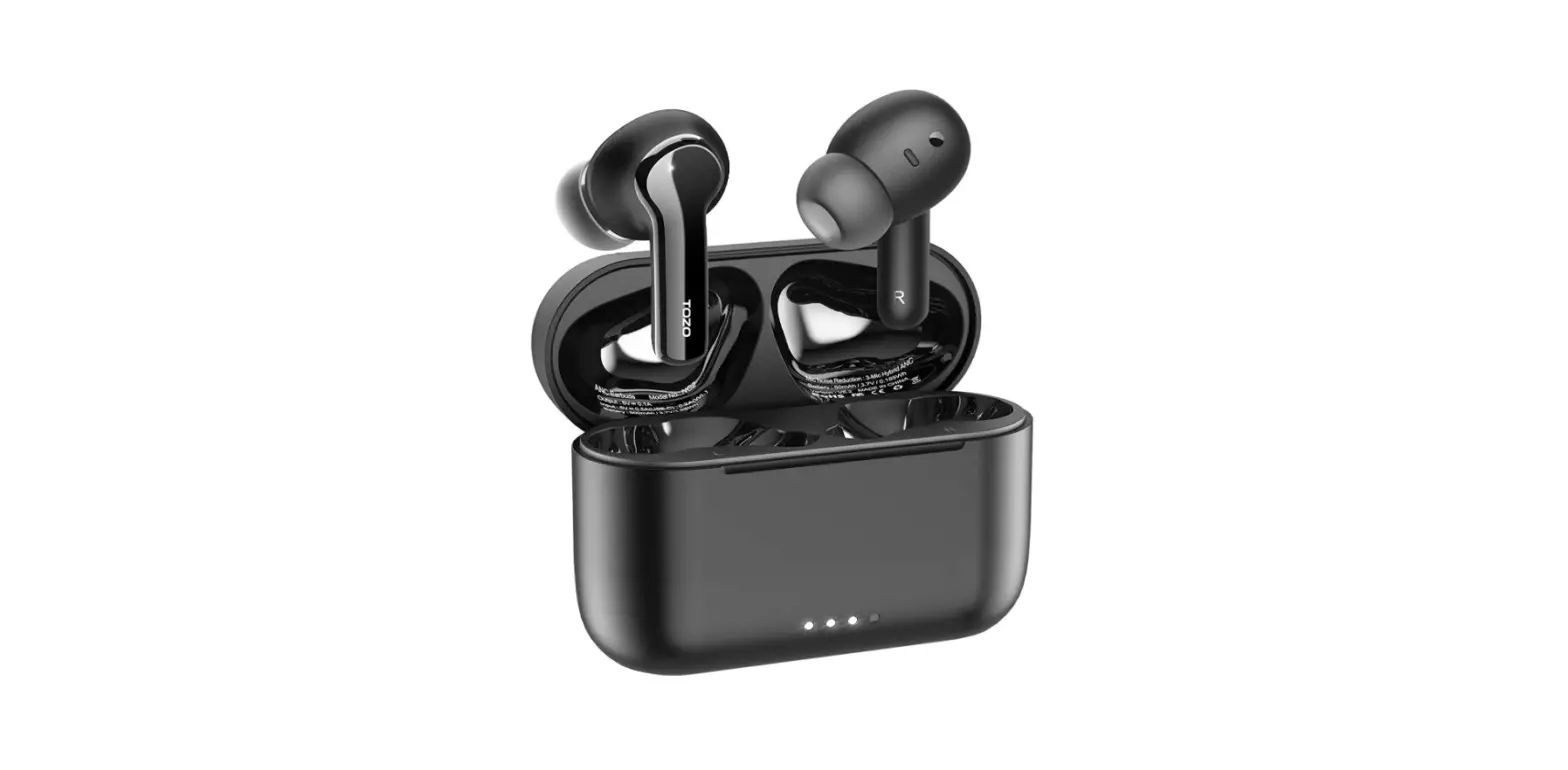
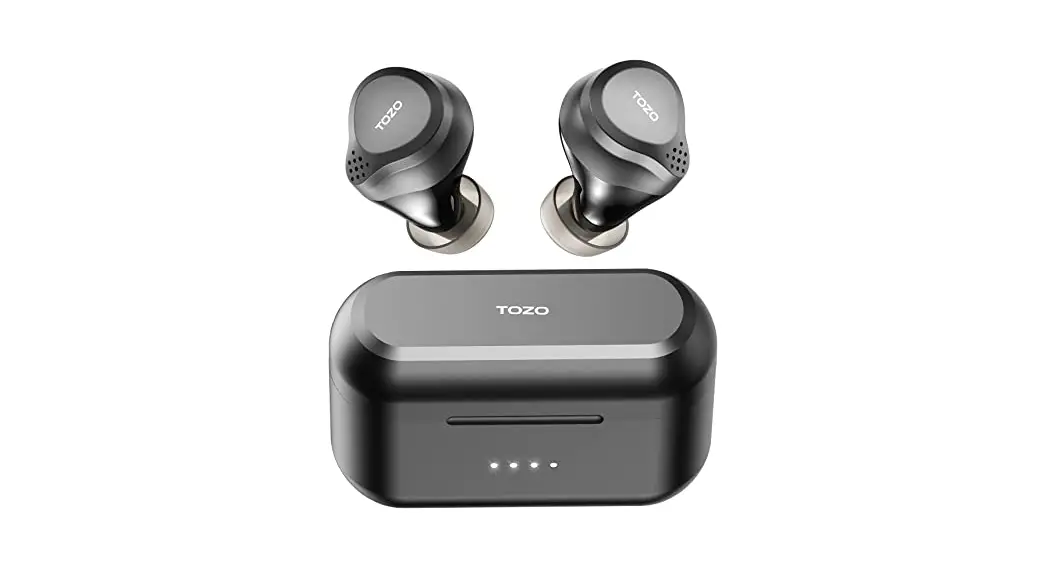
TOZO NC9 Hybrid Active Noise Cancelling Wireless Earbuds
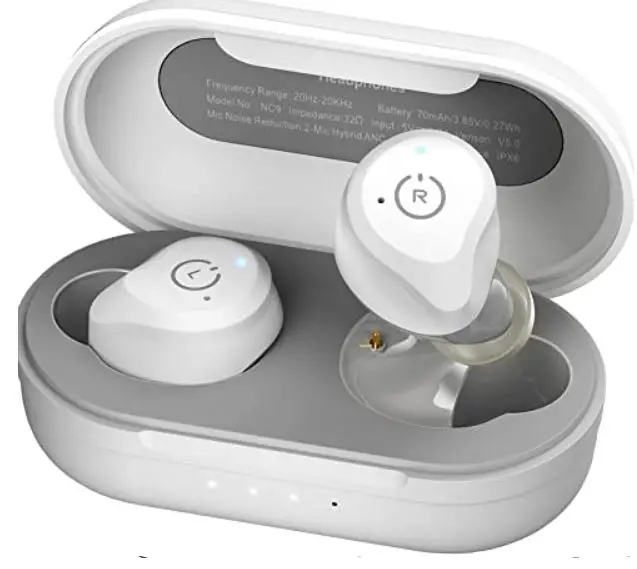
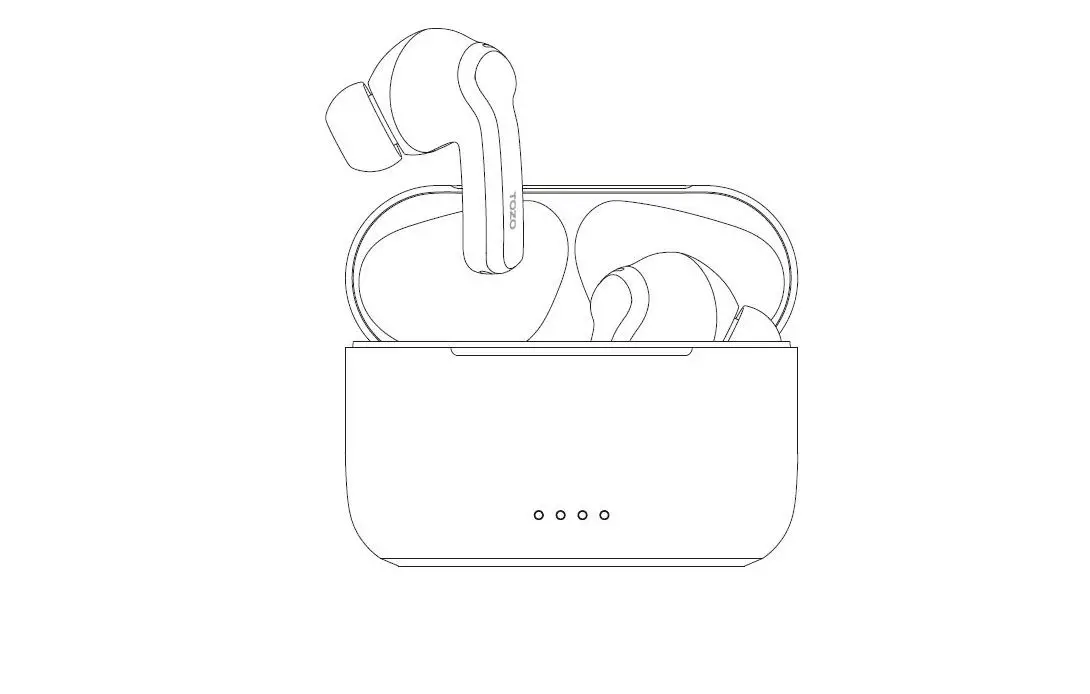
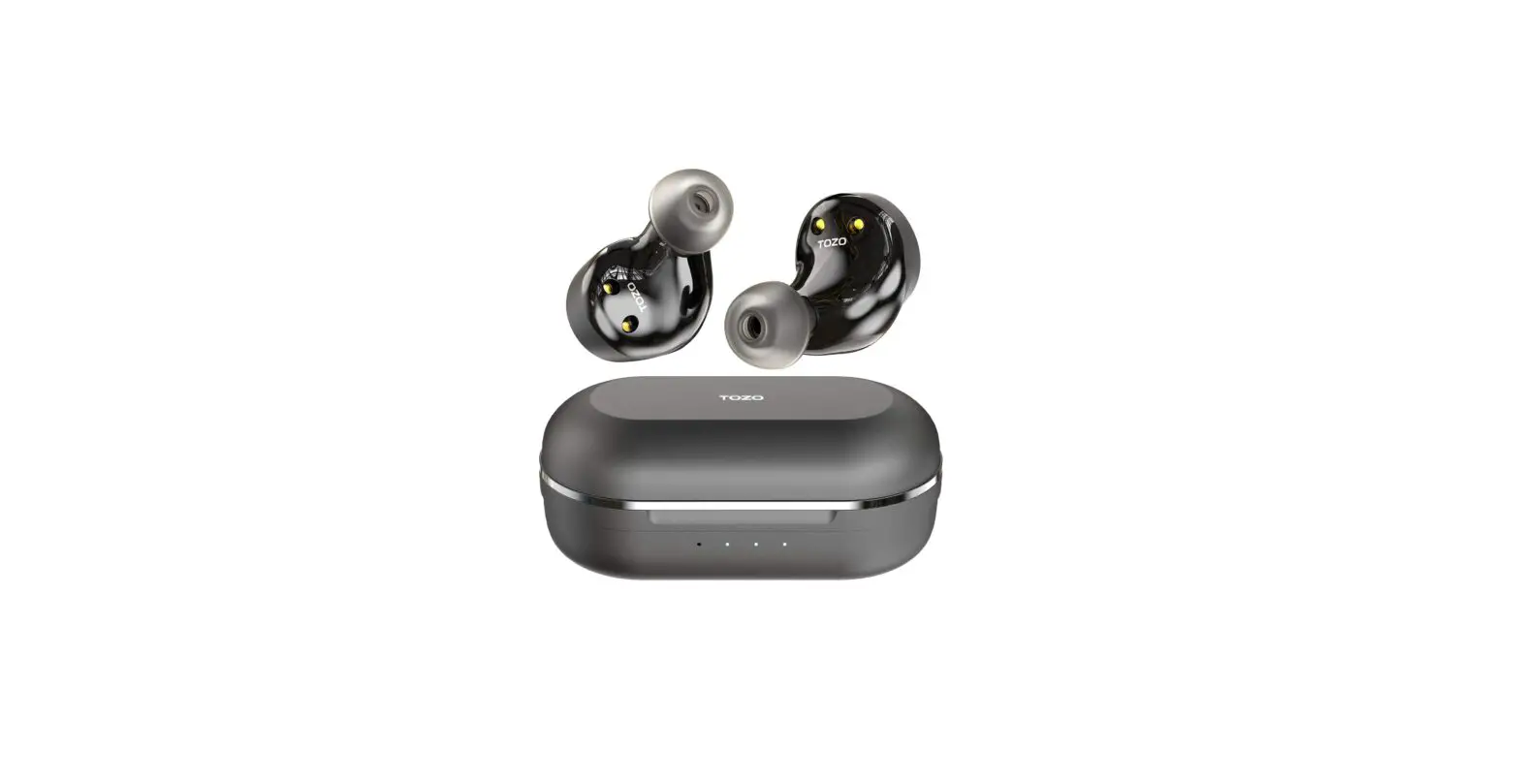
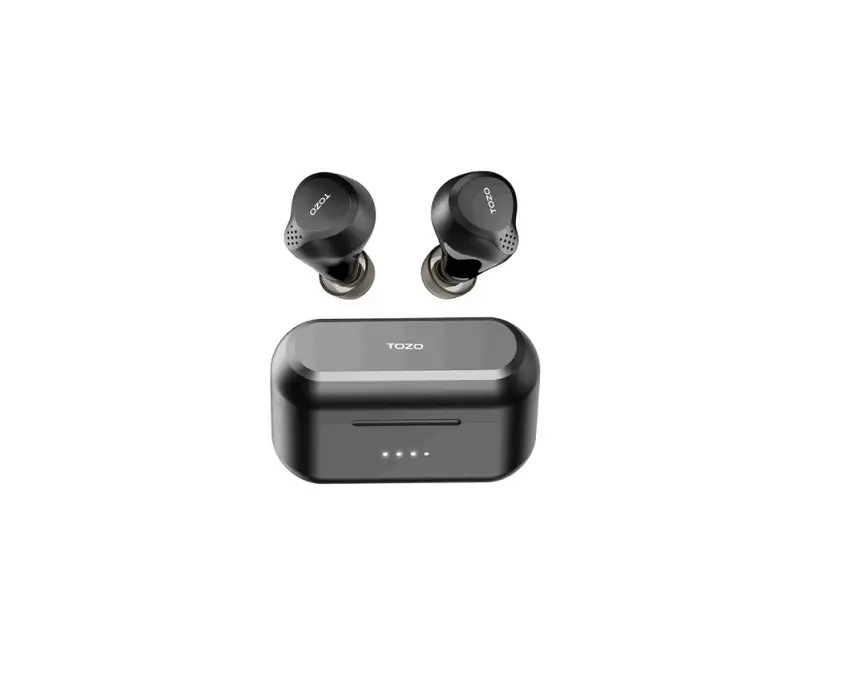
TOZO NC9- Hybrid -Active -Noise- Cancelling -Wireless- Earbuds-fi9g 1

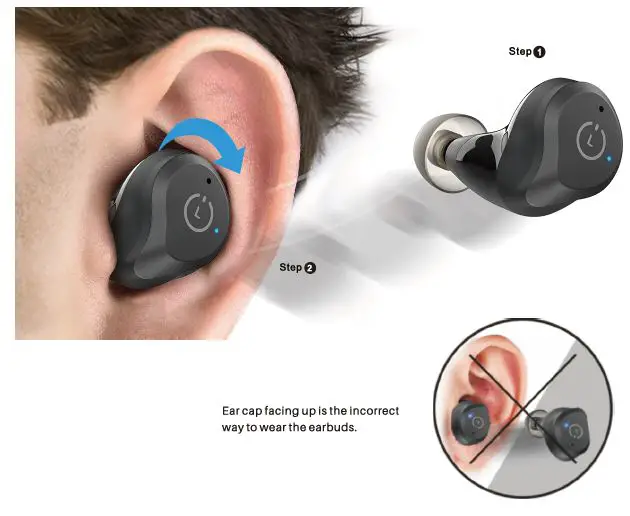
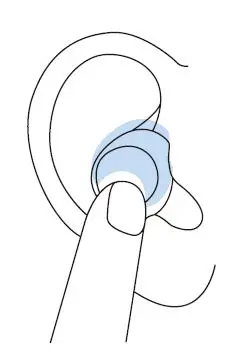
How to wear your TOZO earbuds

  • Step 1: Ensure ear cap is downward, then place earbuds into ear.
  • Step2: Rotating black earbuds to auricle side to fit snugly.TOZO NC9- Hybrid -Active -Noise- Cancelling -Wireless- Earbuds-fig 2

HowToPair

Auto Pairing

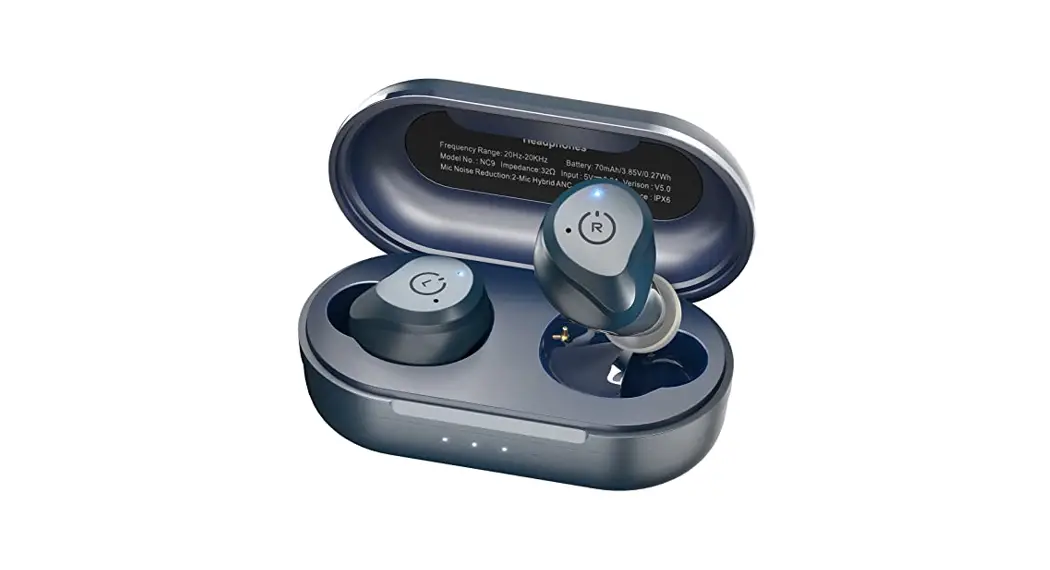
  1. Pick up 2 headsets from the charging base, they will power on automatically and will connect each other automatically within 10 seconds.  TOZO NC9- Hybrid -Active -Noise- Cancelling -Wireless- Earbuds-fig 3
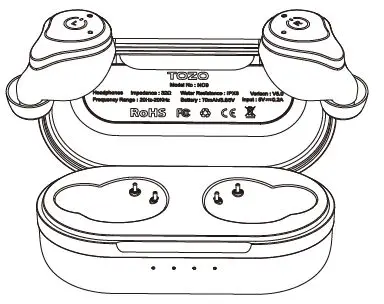
  2. If the earbud is full charge, the earbud will flash blue light for 5 seconds, then disappear. If the earbud is not full charge, it will keep red light until full charge.  TOZO NC9- Hybrid -Active -Noise- Cancelling -Wireless- Earbuds-fig 4
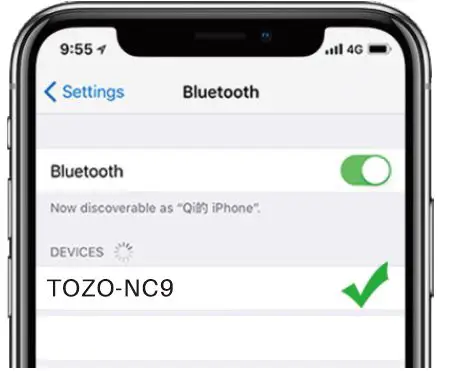
  3. Search for pairing name [TOZO-NC9], and select it in your phone.TOZO NC9- Hybrid -Active -Noise- Cancelling -Wireless- Earbuds-fig 5

Reset

If you accidentally get only one earbud work or fail to pair each other, please reset it:

  1. Delete all TOZO-NC9 records on the phone, then turn off the Bluetooth.
  2. Hold both earbuds button for 5 seconds till red lights on to turn off the earbuds.
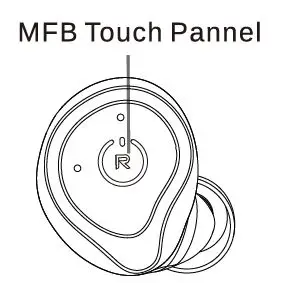
  3. Holding the MFB Touch Panel on each of the earbuds for another 5 seconds till the blue light turn on and off, and then clicking the M FB Touch Pannel on each of earbuds twice quickly, the reset process will be done when the Purple light on for 1s, then two earbuds flash red and blue alternately, reset is complete. NOTE: In case there is [Connection Unsuccessful] in your devices, please consider to delete all historical records of [T0Z0-NC9] and try the paring process again.

Left EarbudTOZO NC9- Hybrid -Active -Noise- Cancelling -Wireless- Earbuds-fig 6
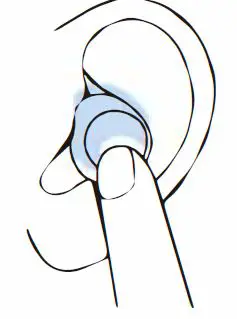
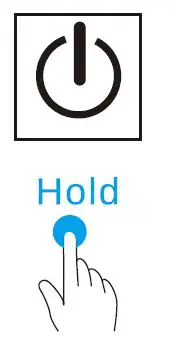
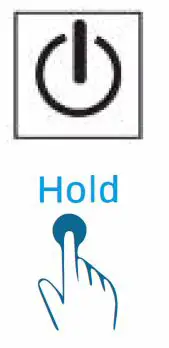
  • Power on: Hold or pick up earbuds from battery case to power on automatically. Power off: Hold or put earbuds into battery case to power off & charging automatically.
TOZO NC9- Hybrid -Active -Noise- Cancelling -Wireless- Earbuds-fig 7

  • Active Noise cancellation ModeTOZO NC9- Hybrid -Active -Noise- Cancelling -Wireless- Earbuds-fig 8
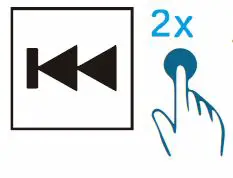
  • Previous I VorherigerTOZO NC9- Hybrid -Active -Noise- Cancelling -Wireless- Earbuds-fig 9
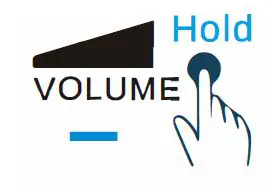
  • Adjusting the volume TOZO NC9- Hybrid -Active -Noise- Cancelling -Wireless- Earbuds-fig 10
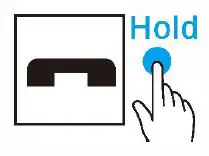
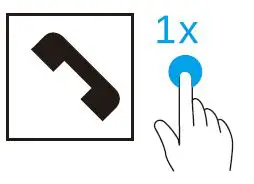
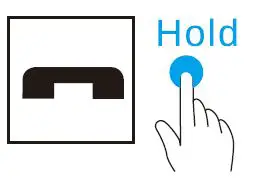
  • End I BeendenTOZO NC9- Hybrid -Active -Noise- Cancelling -Wireless- Earbuds-fig 11
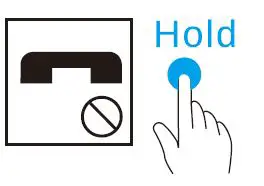
  • Hold Reject I AblehnenTOZO NC9- Hybrid -Active -Noise- Cancelling -Wireless- Earbuds-fig 11
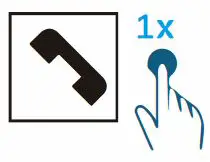
  • ACCEPTTOZO NC9- Hybrid -Active -Noise- Cancelling -Wireless- Earbuds-fig 12
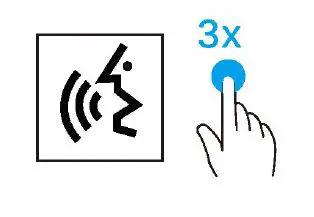
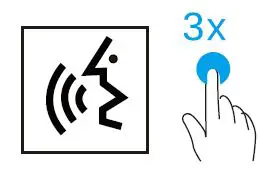
  • Activating the voice assistantTOZO NC9- Hybrid -Active -Noise- Cancelling -Wireless- Earbuds-fig 14
  • Siri, GoogleTOZO NC9- Hybrid -Active -Noise- Cancelling -Wireless- Earbuds-fig 15

Right EarbudTOZO NC9- Hybrid -Active -Noise- Cancelling -Wireless- Earbuds-fig 15

  • Power earbuds on: into Hold battery or pick case up to earbuds power off from & battery charging case to automatically. power on me automatically.TOZO NC9- Hybrid -Active -Noise- Cancelling -Wireless- Earbuds-fig 17
  • PLAY/ PAUSETOZO NC9- Hybrid -Active -Noise- Cancelling -Wireless- Earbuds-fig 18
  • ACCEPT TOZO NC9- Hybrid -Active -Noise- Cancelling -Wireless- Earbuds-fig 19
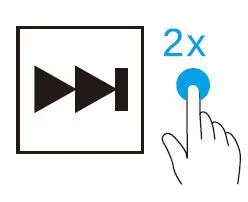
  • NEXT TOZO NC9- Hybrid -Active -Noise- Cancelling -Wireless- Earbuds-fig 20
  • END BEENDENTOZO NC9- Hybrid -Active -Noise- Cancelling -Wireless- Earbuds-fig 21
  • Adjusting the volumeTOZO NC9- Hybrid -Active -Noise- Cancelling -Wireless- Earbuds-fig 22
  • REJECT ABLE HNENTOZO NC9- Hybrid -Active -Noise- Cancelling -Wireless- Earbuds-fig 23
  • Activating the voice assistantTOZO NC9- Hybrid -Active -Noise- Cancelling -Wireless- Earbuds-fig 24
  • Siri, GoogleTOZO NC9- Hybrid -Active -Noise- Cancelling -Wireless- Earbuds-fig 25

Documents / Resouces

Download manual
Here you can download full pdf version of manual, it may contain additional safety instructions, warranty information, FCC rules, etc.


Related Manuals