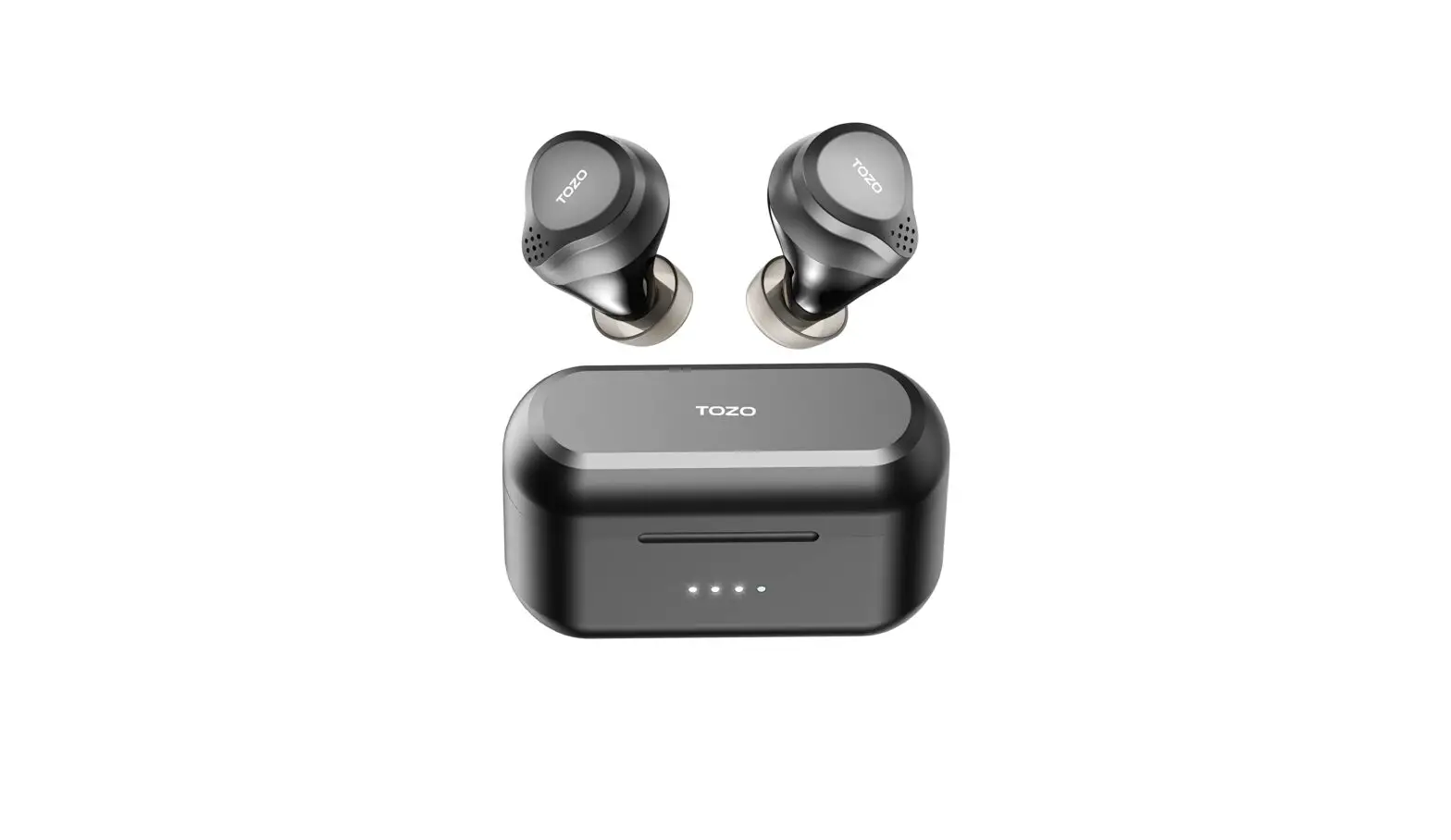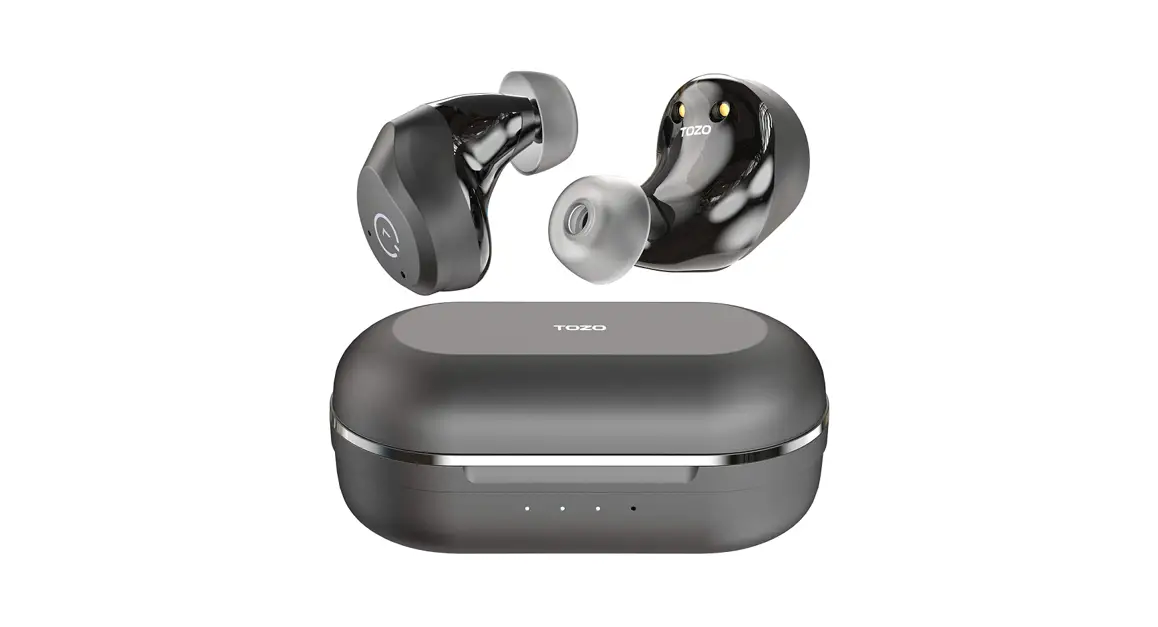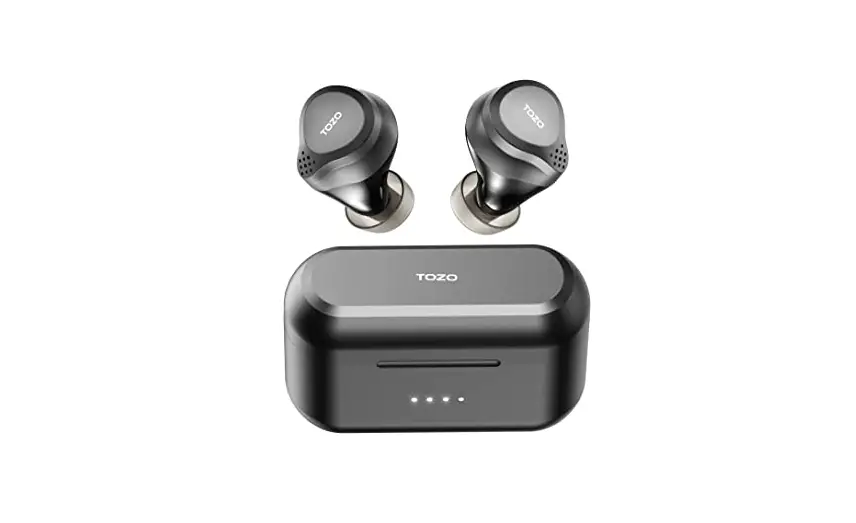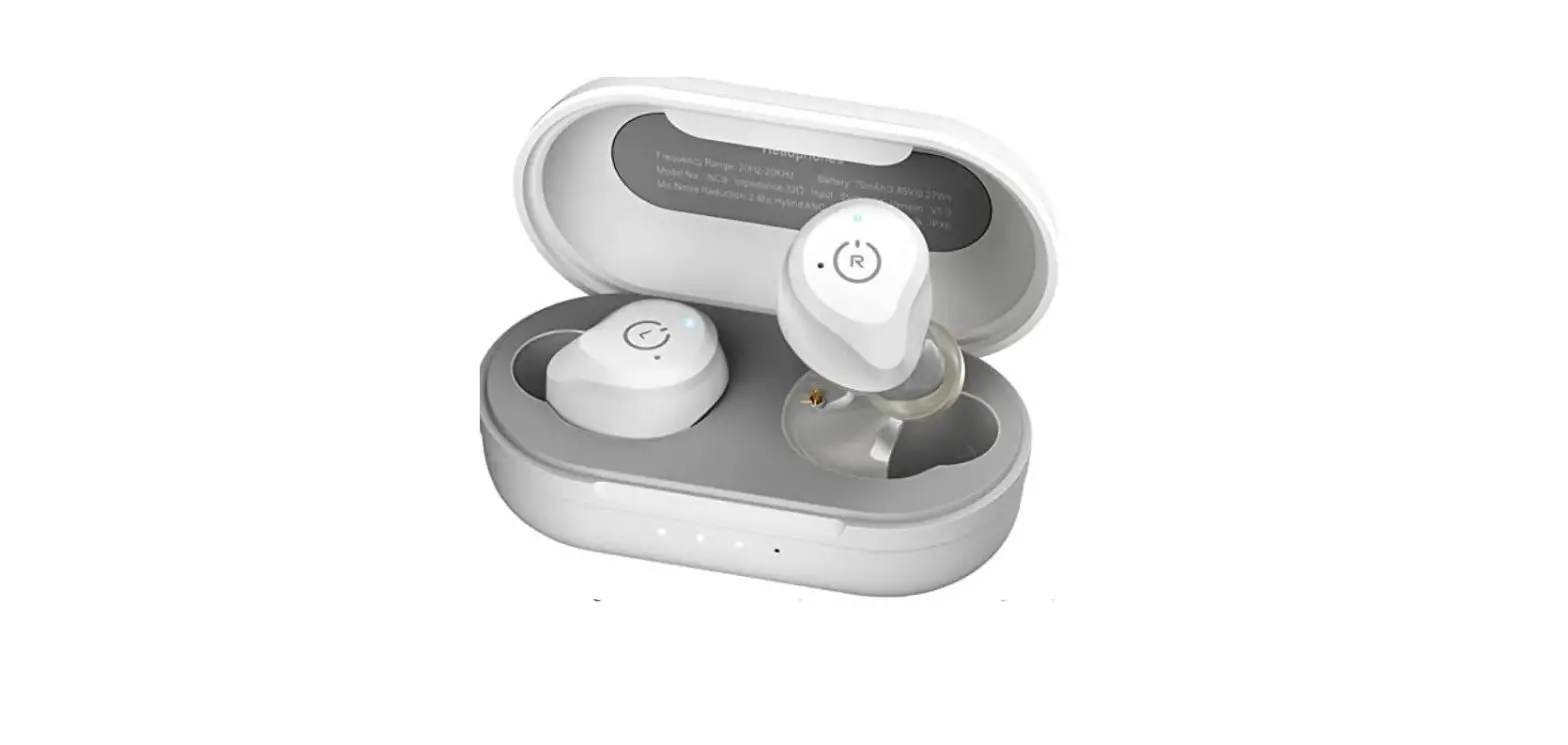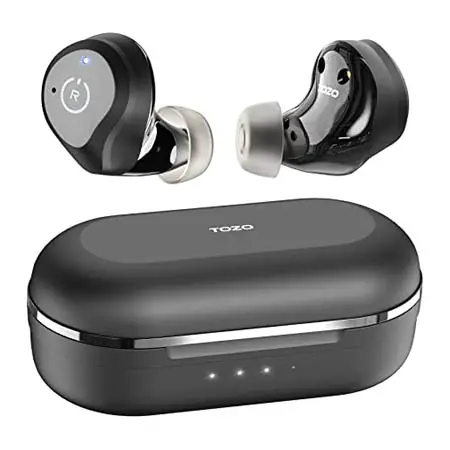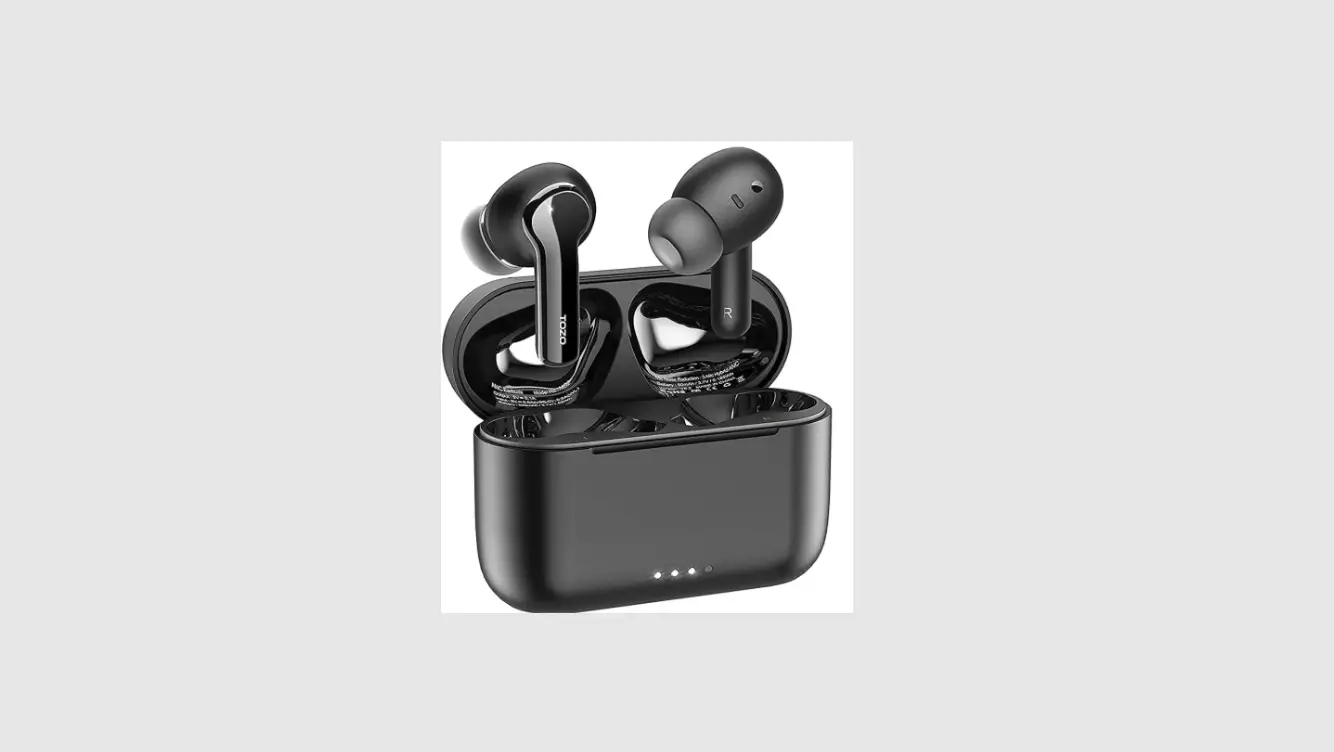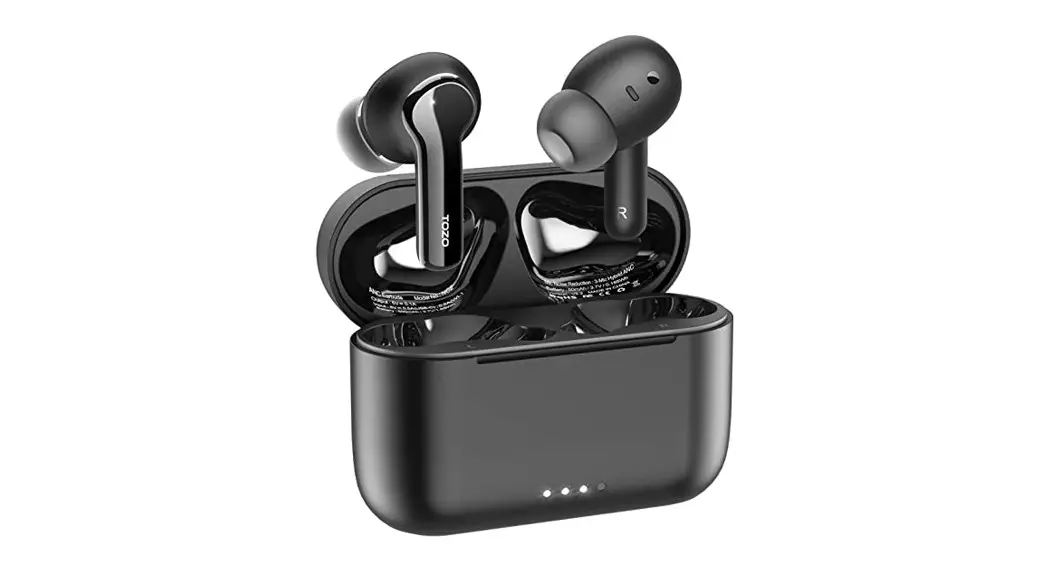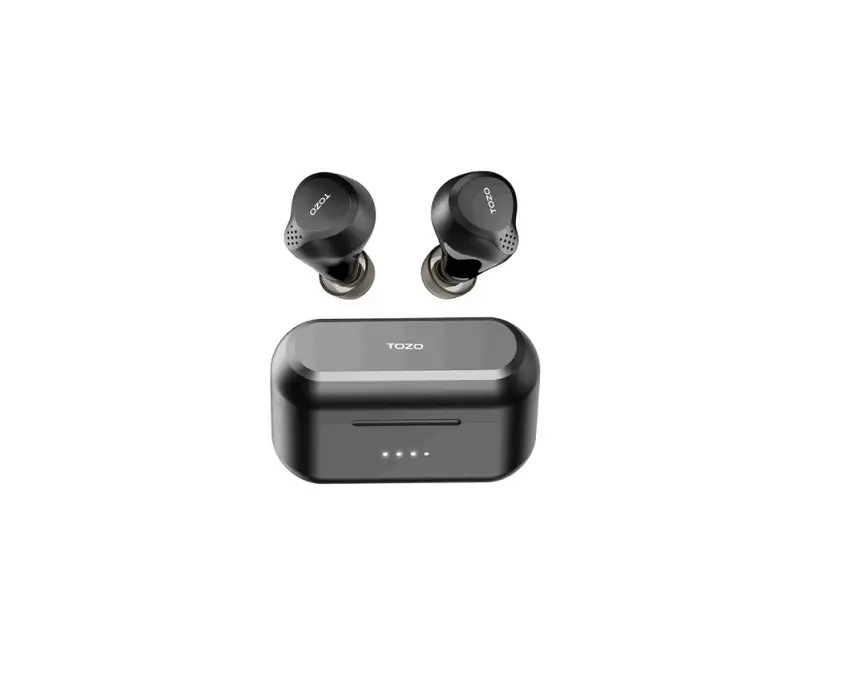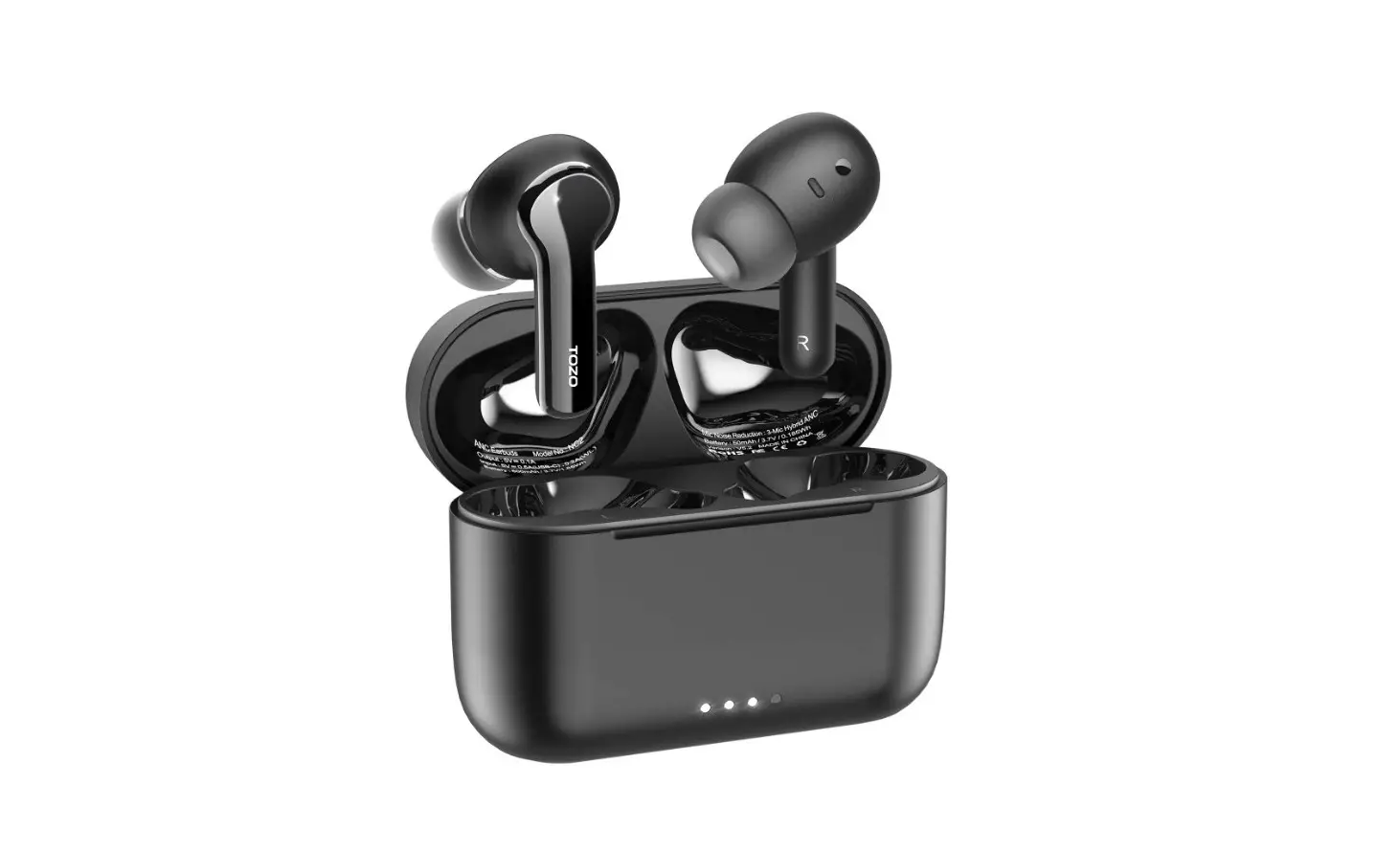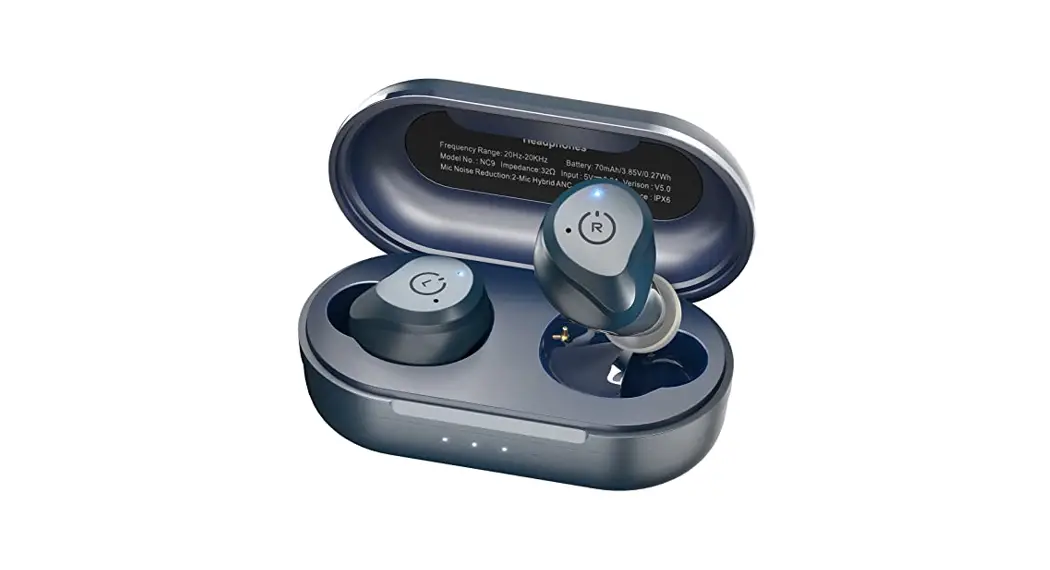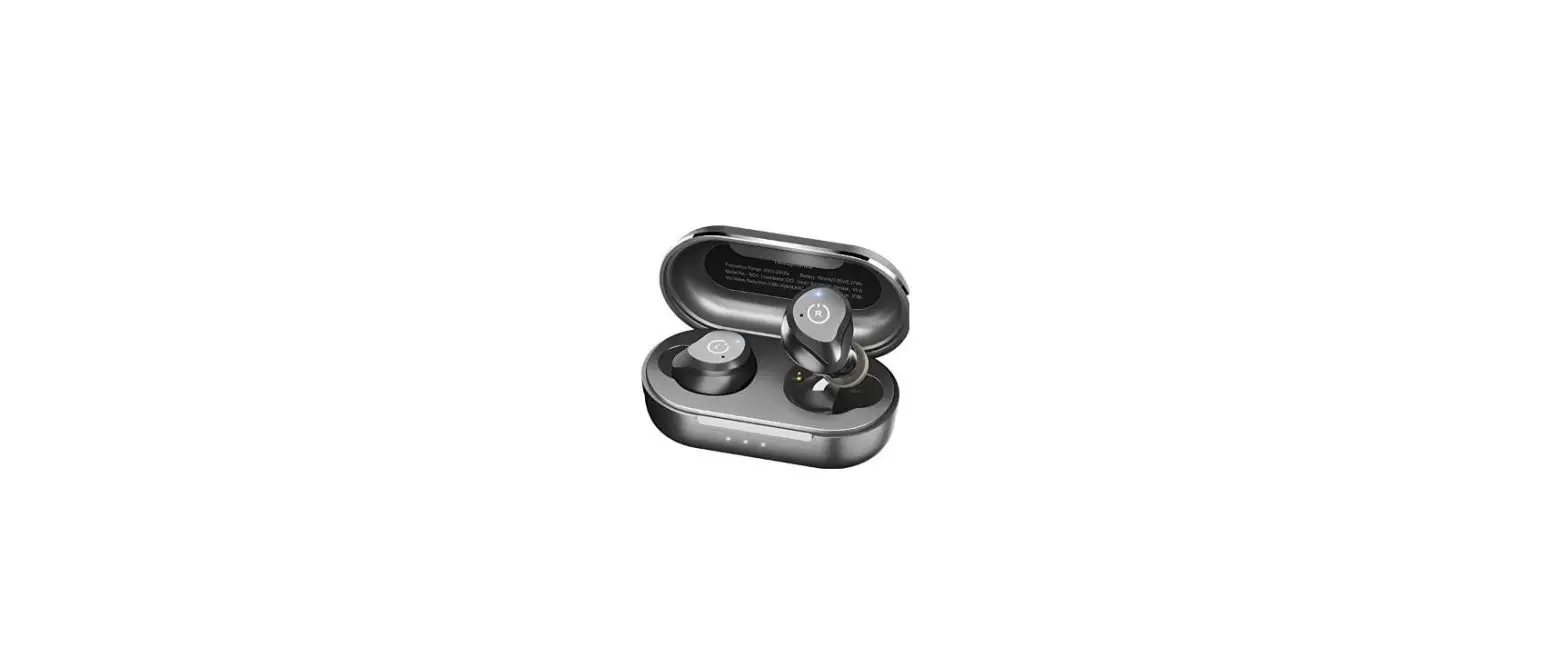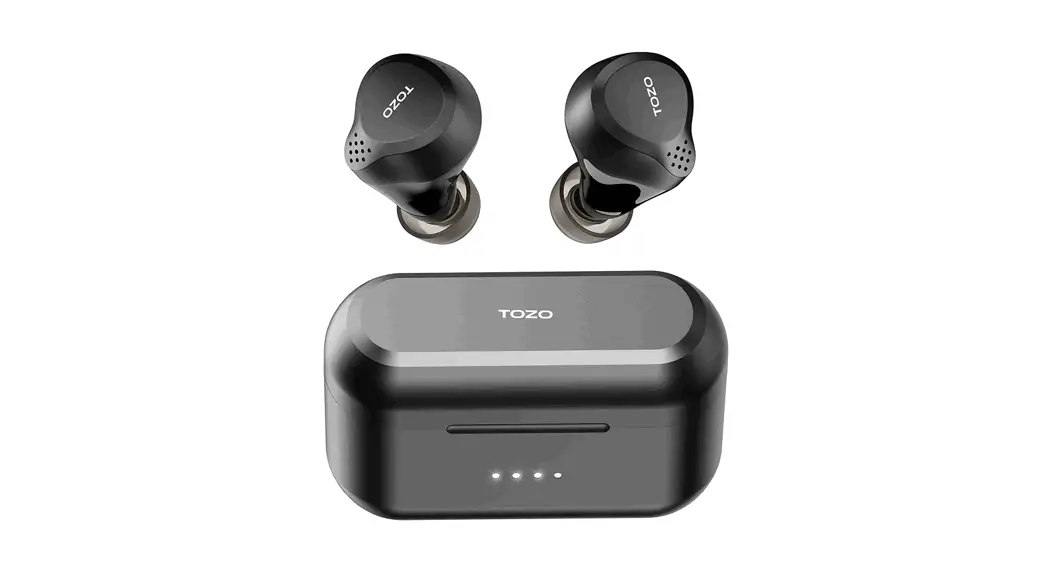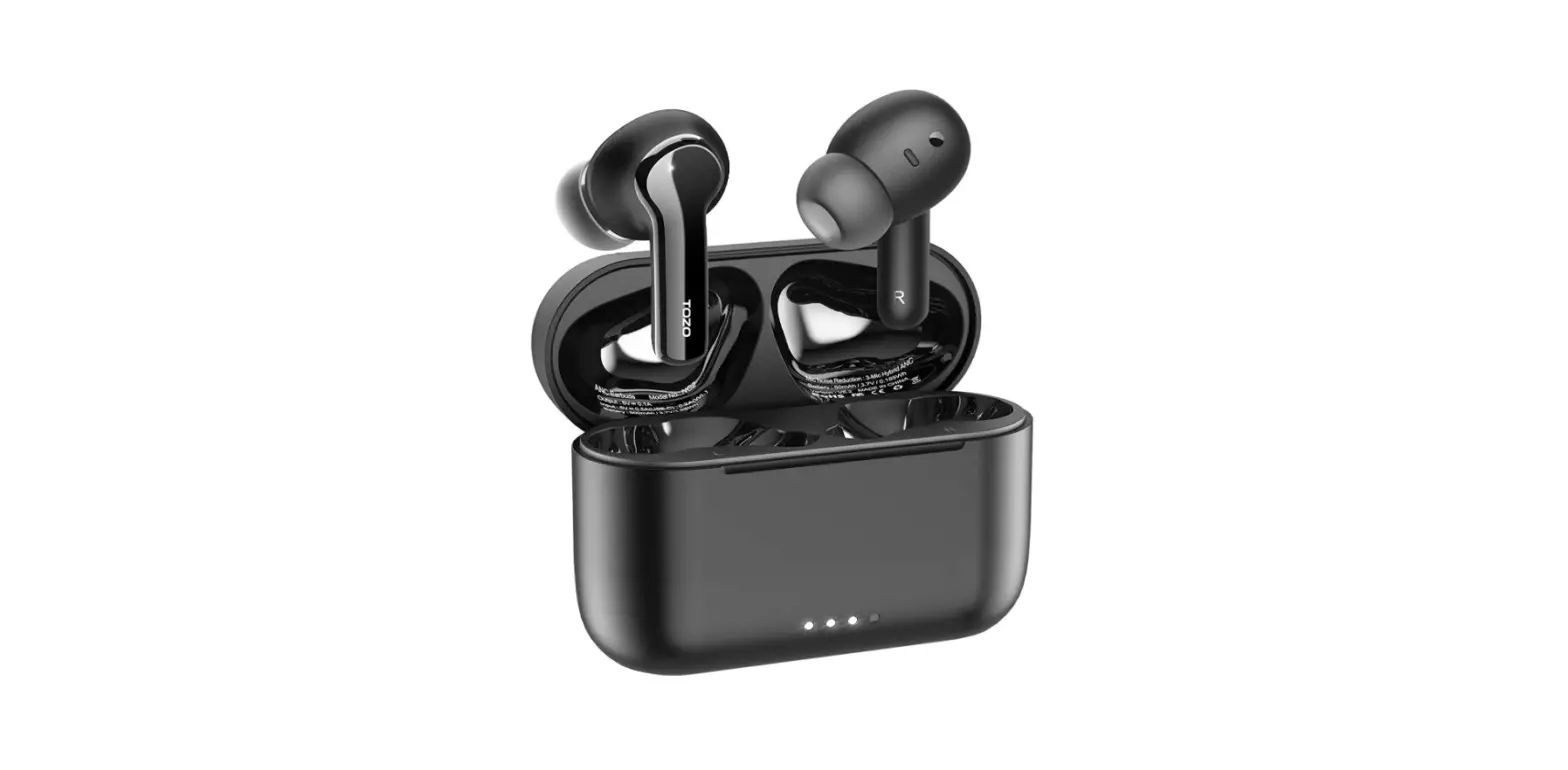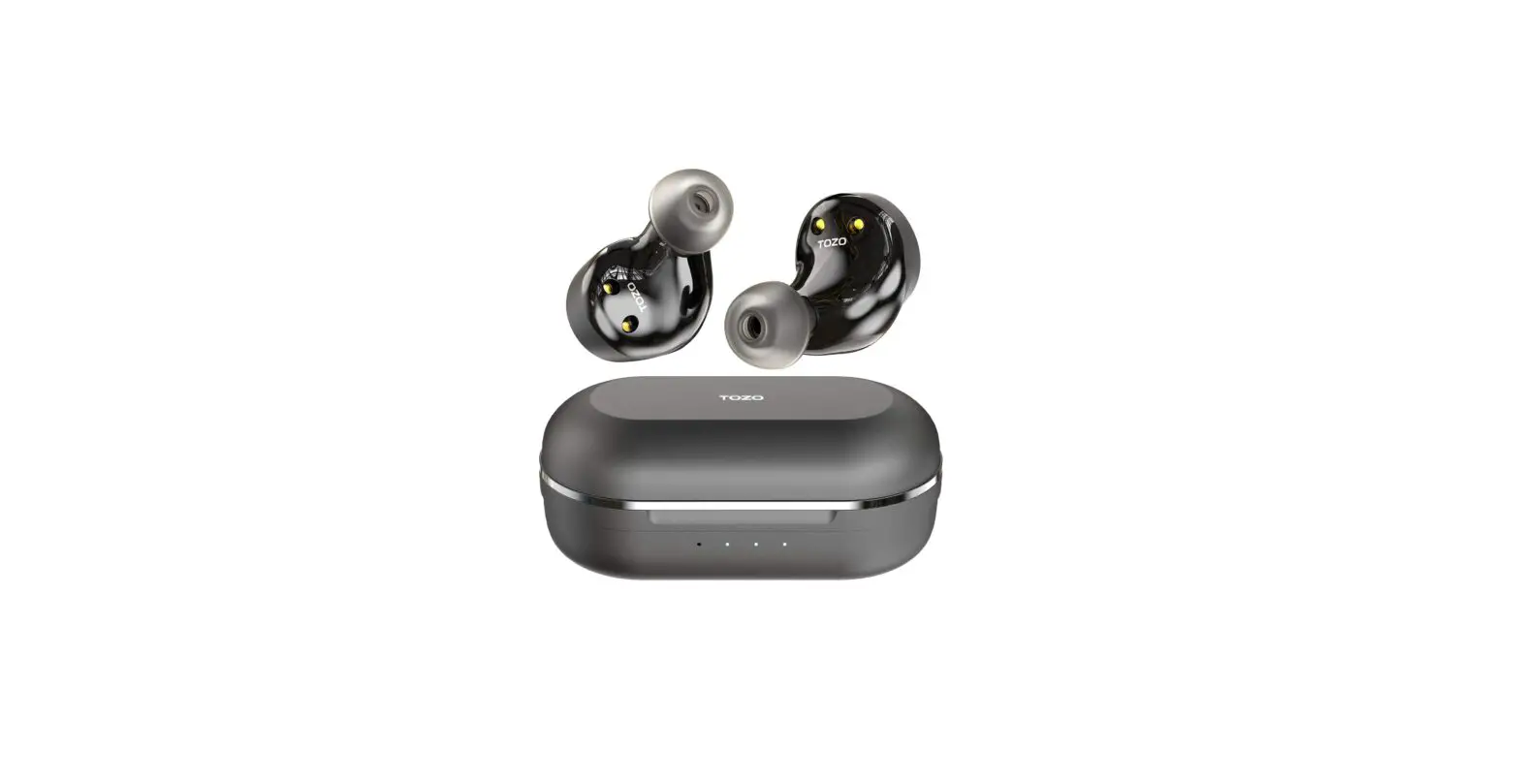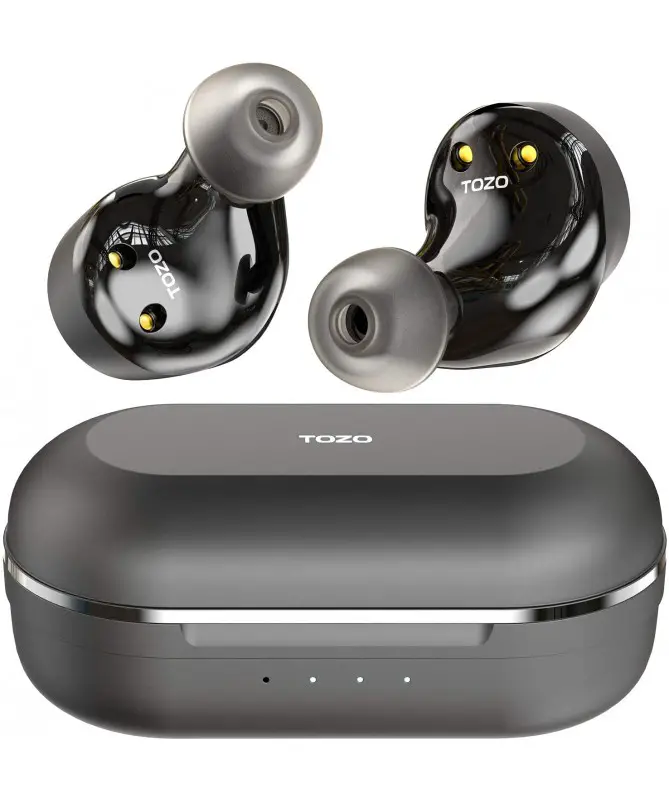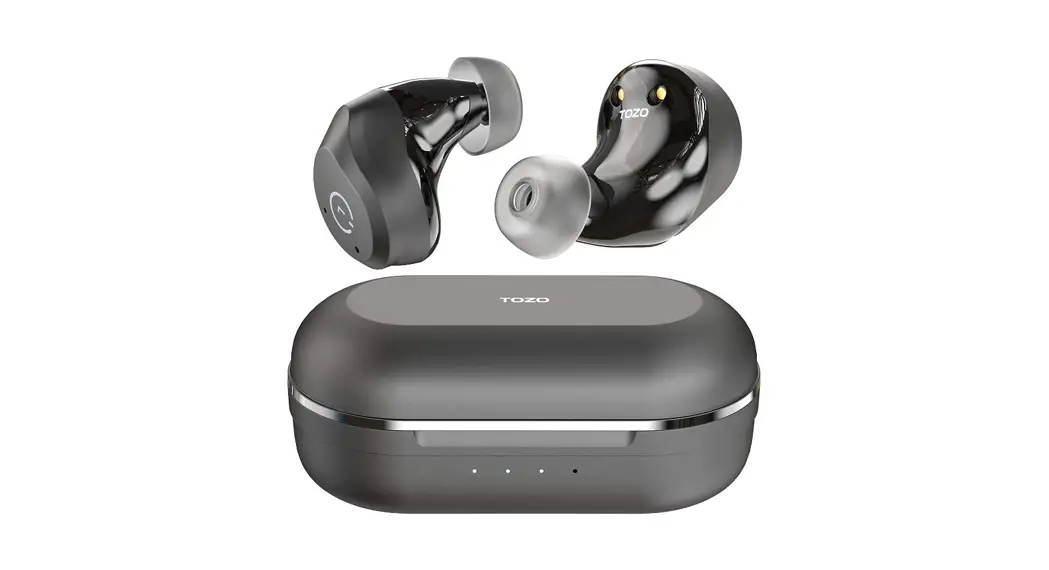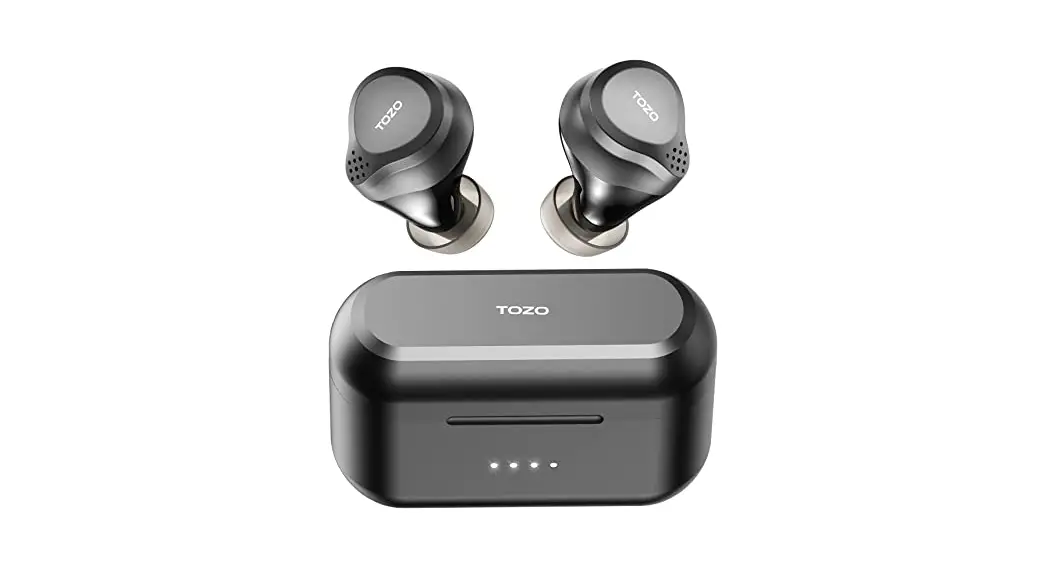
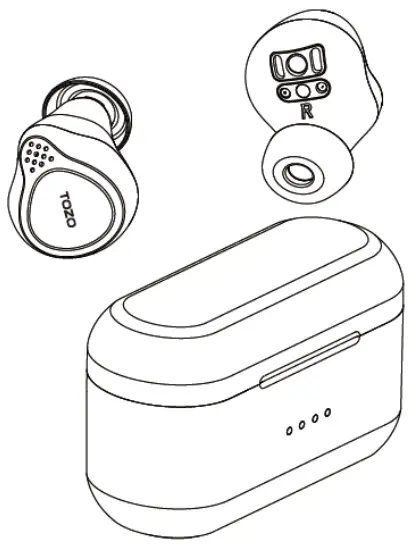
NC7 TWS ANC Earbuds
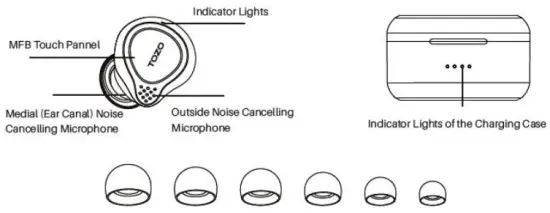
1.0 Product description
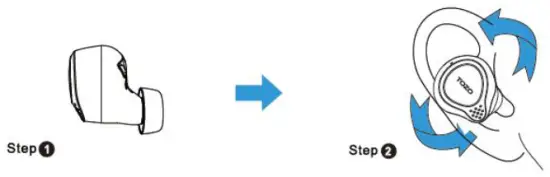
2.0 Wearing Steps
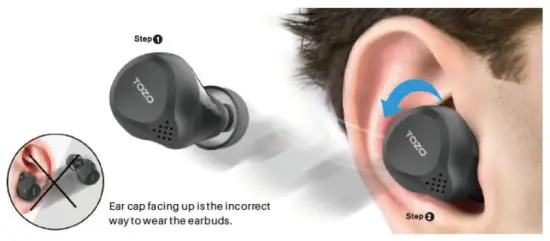
Step 1: Ensure the earbud tip facing downwards, then place the earbuds Into the ear.
Step 2: Rotate earbuds back to the auricle side to fit snugly.
3.0 Operation of earbuds
3.1 How to pair
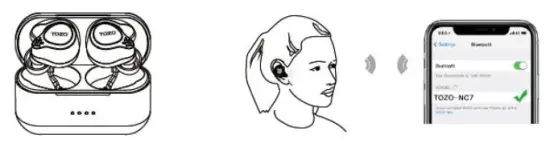
- Take out the 2 earbuds from the charging case, they will power on automatically and will connect to each other automatically within 10 seconds.
- The two earbuds flash red and blue alternately:: Pairing Mode )
- Search for pairing name [TOZO – NC71 and select it.
3.2 Power on/off
Power on: Press & hold both earbuds’ MFB Touch Panne! for over 3 seconds.
Power off:
- When earbuds are not playing music, long press MFB Touch Pannel for 5 seconds to turn off.
- The earbuds will turn off automatically after it is disconnected for more than 5 minutes.
3.3 Reset
In case only one earbud works or two earbuds cannot be connected, please consider resetting by following the below steps:
- Turn off your phone’s Bluetooth
- Pick up 2 earbuds from the charging case, long-press both earbuds’ MFB touch panne( for 5 seconds till blue tight goes out.
- Double click both earbuds MFB touch panne! within 2 seconds, when 2 earbuds flash in blue rapidly, it means both earbuds re-enter the pairing mode.
NOTE: In case there are any unsuccessful connections, please consider deleting all historical records of [TOZO-NC 71 and try the pairing process again.
4.0 Switch between noise-control modes
Tap the left earbud’s MFB Touch Panel to switch between the Active Noise Cancellation (ANC) & Transparency Mode. The ANC function is not available when using a single earbud.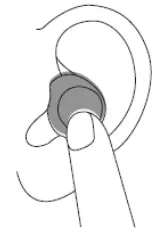
NOTE: If the electromagnetic interference signal is strong in your area, it may affect the Bluetooth connection, and the earbuds will be silent or disconnected, please reconnect it or change the place of use.
4.1 Active Noise Cancellation Mode (ANC Node)
With Active Noise Cancellation, an outward-facing microphone detects external sounds, which your TOZO NC7 earbuds then counter with anti-noise, canceling the external sounds before you hear them. An inward-facing microphone listens inside your ear for unwanted internal sounds, which your TOZO NC7 earbuds also counter with anti-noise.
4.2 Transparency Mode
Transparency mode can enhance the voice frequency band and improve the perception of the surrounding sound, so you can hear what’s going on around you without taking off the earbuds.
Active Noise Cancellation and Transparency mode work be when your TOZO NC7 fits well and wearing correctly.
5.0 BOX Wireless Charging
Designed for modern life, never be strangled by headphone cables.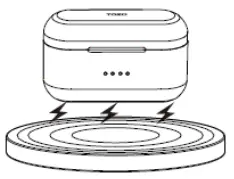
Designed for modern life, there is no need for charging cables, enjoy the convenience of unplugged charging and instant charging.
6.0 Detailed Function List
| Tun on |
|
| Turn off | 1. Manually Turn Off: Tap the MFB touch panne! 5 seconds for turn off in not playing status, and then release it, the red light will turn off after one second. 2. Auto Turn Off: Take the earbuds into the charging case and charge it for 3 seconds, then the red light will be on to turn off automatically. |
| TWS pairing Timeout | After the two earbuds are paired for more than 15 seconds on TWS, if they are not successfully paired, they will enter the mobile phone pairing state. |
| Phone Pairing | When the earbuds are turned off. tap and hold the MFB touch panel simultaneously for 5 seconds and release them to pairing mode the red-blue light flashes alternately). then search for the pairing name” TOZO NC7″ and select it on your mobile phone.
|
| Auto Turn Off | Automatically Turn Off after no connection for more than 5 minutes. After the earbud is disconnected from the phone at a long distance. it will automatically turn off after more than 5 minutes.(Normal mode) |
| Restore Factory Settings | In case the reset step does not resolve your issue, please restore to factory setting: 1. Pick up two earbuds from the charging case. then holding both earbuds button for 5 seconds till red lights on to turn off the earbuds. 2. Holding the MFB Touch Panne! on each earbud for 5 seconds till the blue light turn on and off, and then clicking the MFB Touch Panel on each earbud 3 times quickly, the Restore Factory Settings process will be done when the red light. 3. Put earbuds into the charging case, and then take them out to connect records of “TOZO NC7” on your phone. |
| Turn on for re-connection | 1. Tap the MFB touch panel for 3 seconds and release it to turn on the earbuds— wait for a few seconds for the earbuds to automatically interconnect with each other—wait for a few seconds for the earbuds to connect with the paired phone — the connection is successful. |
| Over distance for re-connection | After the earbud is disconnected from the phone at a long distance, it can automatically reconnect when it returns to the dose-distance with the phone within 5 minutes. For more than 5 minutes, the headset will automatically turn off. |
| Answer Phone Call | Tap the MFB touch pannel once to answer the incoming call. |
| Hang up Phone Call | Tap and hold the MFB touch panel for 2 seconds to hand up the phone. |
| Reject Incoming Call | Tap and hold the MFB touch panel for 2 seconds to reject the incoming call_ |
| Cancel dialing | Tap and hold the MFB touch panel for 2 seconds to cancel dialing before dialing out and the other party fails to answer. |
| Play/Pause | When playing music, tap the Right MS touch pannel once to pause: play the left headset cannot switch to play/pause). |
| Next Track | Double Tap the Right MFB touch panel twice for backward when playing music |
| Previous Track | Double-Tap the Left MFB touch panel twice for previous when playing music. |
| Volume up | Tap and hold the MFB touch panne! on the Right earbud when playing music |
| Volume down | Tap and hold the MFB touch panel on the Left earbud when playing music. |
| Voice interaction of Siri | In standby mode, quickly tap the MFB touch panel 3 times to turn on the voice interaction of the mobile phone. |
| Primary f Secondary switch automatically | When listening to music, put either headset back into the charging case, and the other headset will not be affected. |
7.0 Function List
7.1 Left /Cud
| Turn On | Pick up the earbuds from the case it will turn on automatically. |
| Tap the MFB Touch Pannel for 3 seconds to turn on | |
| Turn Off
| Put back into the charging case, it will turn off & charge automatically. |
| Tap the MFB Touch Panne! for 5 seconds to turn it off when not playing. | |
| Automatically turn off after no connection for more than 5 minutes. | |
| Previous Track | Tap the MFB Touch Pannel to play backward. |
| Volume down | Tap and hold the MFB Touch Pannel to reduce volume. |
| ANC Mode | Tap the MFB Touch Panne! Once. |
| Transparent mode | Tap the MFB Touch Panne! Once. |
| Answer Phone Call | Tap the MFB Touch Panne! Once. |
| Hang up Phone Call | Long press the MS Touch Pannel for 2 seconds. |
| Reject Incoming Call | Long press the MFB Touch Pannel for 2 seconds |
| Cancel) Phone Call | Long press the MFB Touch Pannel for 2 seconds |
7.2 Right earbud
| Turn On | Pick up the earbuds from the case it will turn on automatically. |
| Tap the MS Touch Pannel for 3 seconds to turn it on. | |
| Turn Off | Put back into the charging case, it will turn off & charge automatically. |
| Tap the MFB Touch Pannel for 5 seconds to turn it off when not playing. | |
| Automatically turn off after no connection for more than 5 minutes. | |
| Next Track | Tap the MFB Touch Panel twice to play backward. |
| Volume up | Tap and hold the MFB Touch Pannel to increase volume. |
| Play/Pause | Tap the MFB Touch Panel Once. |
| Answer Phone Call | Tap the MFB Touch Panel Once. |
| Hang up Phone Call | Long press the MFB Touch Panne! for 2 seconds. |
| Reject Incoming Call | Long press the MFB Touch Panne! for 2 seconds. |
| Cancel Phone Call | Long press the MFB Touch Pannel for 2 seconds. |
SPECIAL REMINDER:
Wipe the hardware contacts of the headset and charging box when the headset is not charging. Note:
Note:
If your problem is not answered above, please contact us via email, we will respond within 24 hours. Email: [email protected]
 Battery Warning!
This product has a built-in lithium battery. Do not expose the product to a strong sunlight fire or throw it into the fire to avoid explosion.
FCC Statement
This device complies with part 15 of the FCC Rules. Operation is subject to the following two conditions: (1) This device may not cause harmful interference, and (2) This device must accept any interference received, including interference that may cause undesired operation.
Any changes or modifications not expressly approved by the party responsible for compliance could void the user’s authority to operate the equipment.
Note This equipment has been tested and found to comply with the limits for a Class B digital device, pursuant to part 15 of the FCC Rules. These limits are designed to provide reasonable protection against harmful interference in a residential installation. This equipment generates uses and can radiate radio frequency energy and, if not installed and used in accordance with the instructions, may cause harmful interference to radio communications. However, there is no guarantee that interference will not occur in a particular installation. If this equipment does cause harmful interference to radio or television reception, which can be determined by turning the equipment off and on, the user is encouraged to try to correct the interference by one or more of the following measures:
-Reorient or relocate the receiving antenna.
-Increase the separation between the equipment and receiver.
-Connect the equipment into an outlet on a circuit different from that to which the receiver is connected.
-Consult the dealer or an experienced radio/TV technician for help.
Label
TOGO
Wireless Earbuds
Battery : 70mAh / 3.7V / 0.26Wh
Mic Noise Reduction : 2-Mic Hybrid ANC
Input : 5V= 0.2A
FCC ID : 2ASWH-NC7
Wireless Case
Output : 5V-= 0.2A
Battery : 500mAh / 3.8V / 1 .9Wh
Input : 5V= 0.5A(Wireless) 0.5A(USB-C)
Model No. : NC7
MADE IN CHINA 
 |  |
Thank you for purchasing the TOZO authentic product.
For more latest products, parts, and accessories,
please visit www.tozostore.com
For any assistance please contact Email: [email protected]