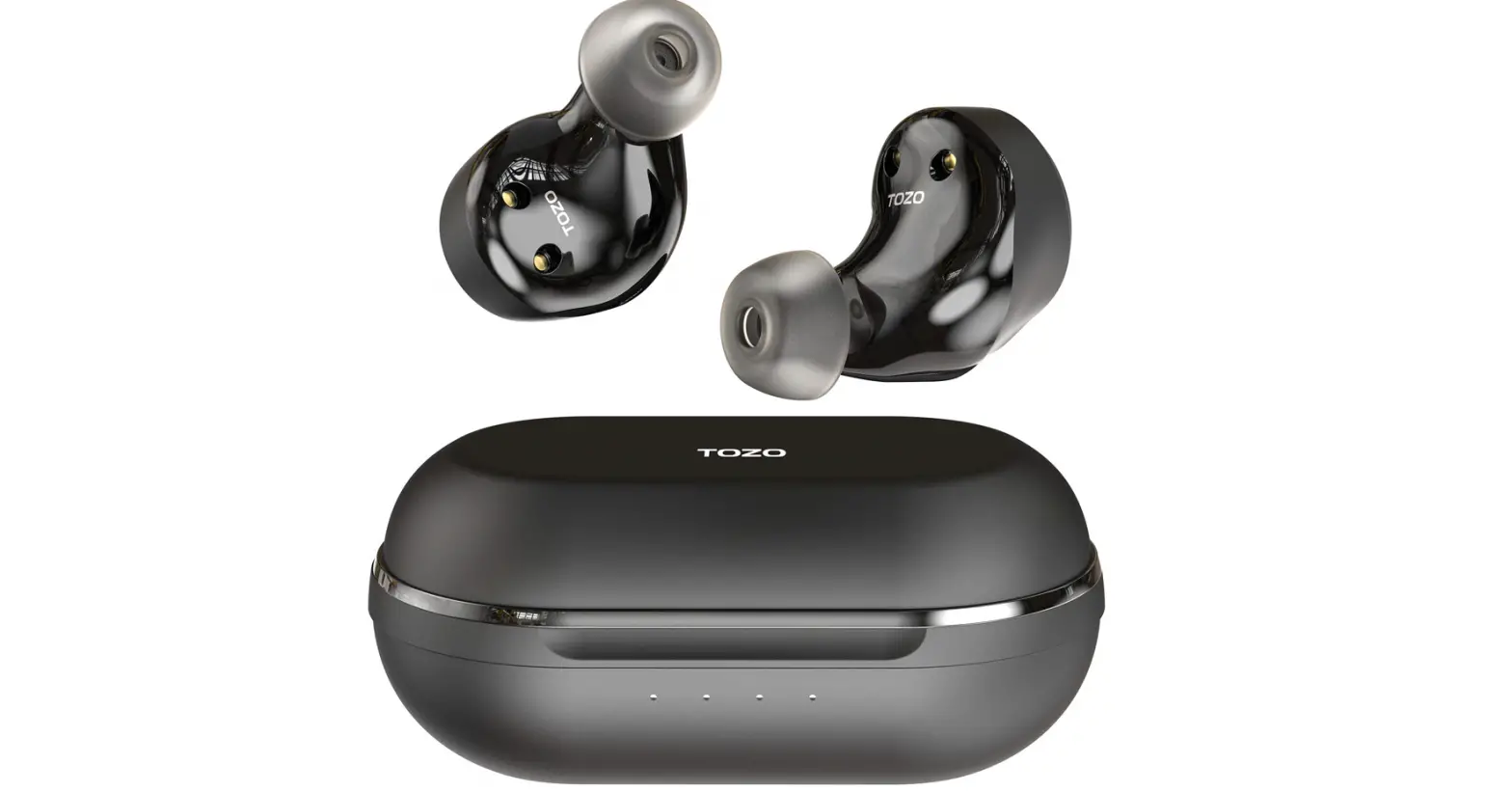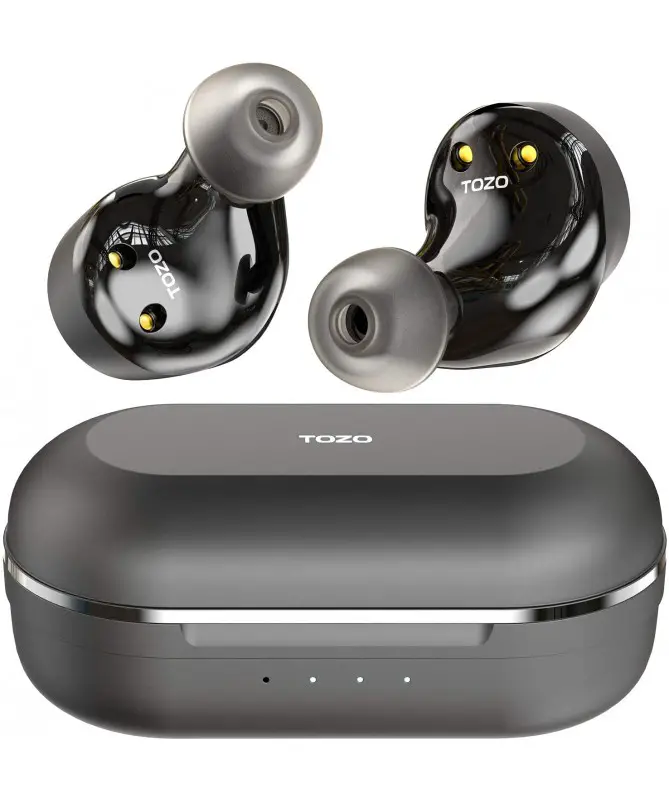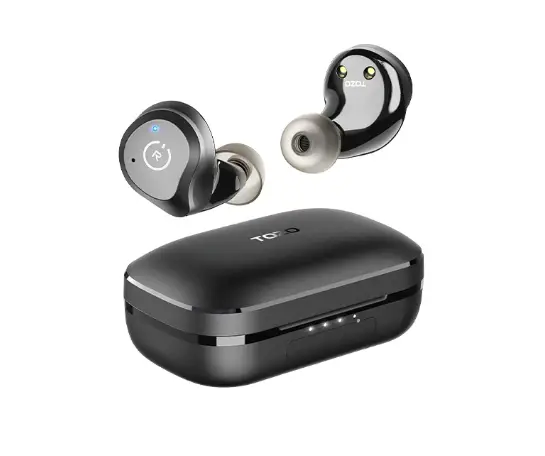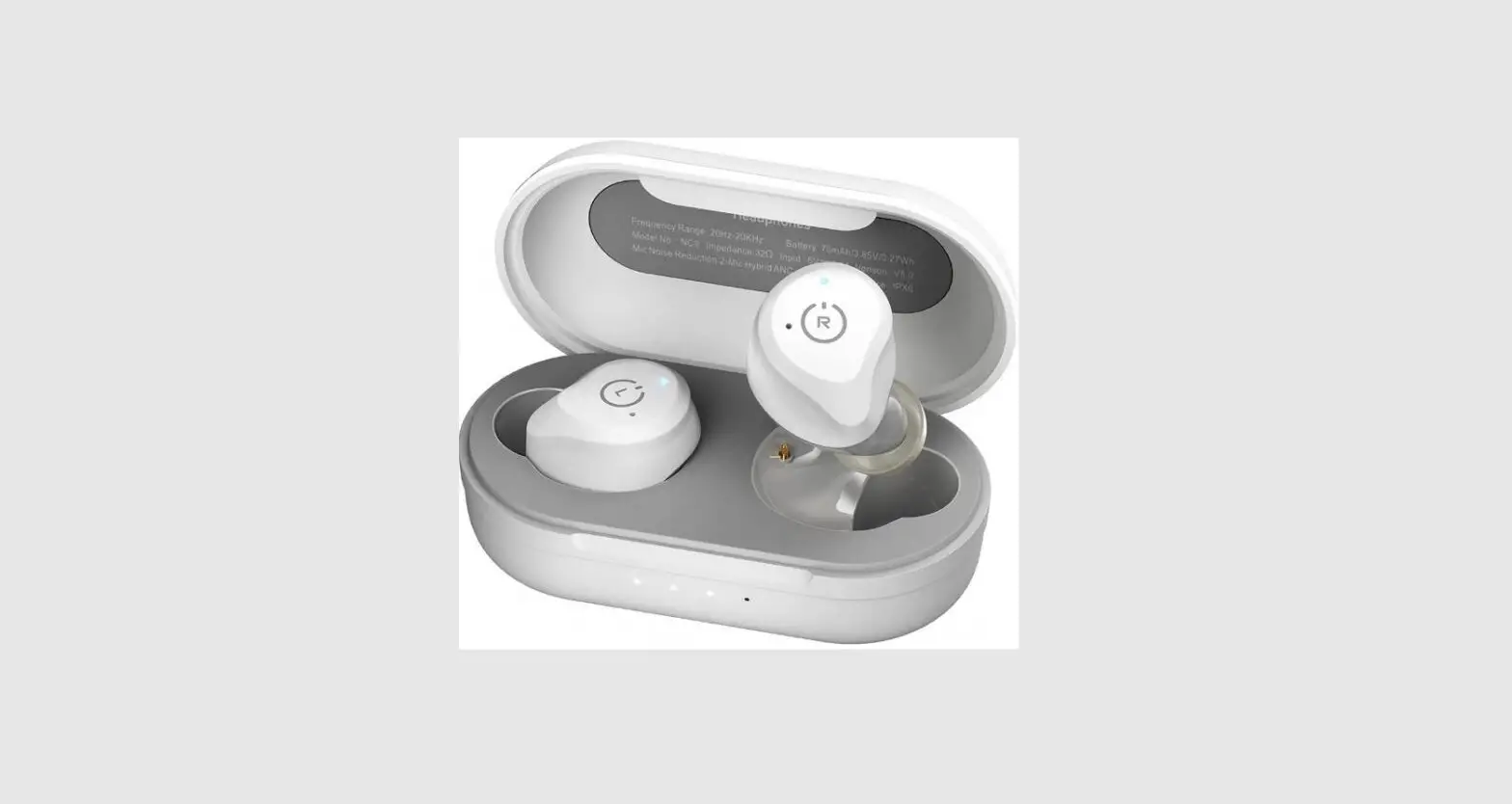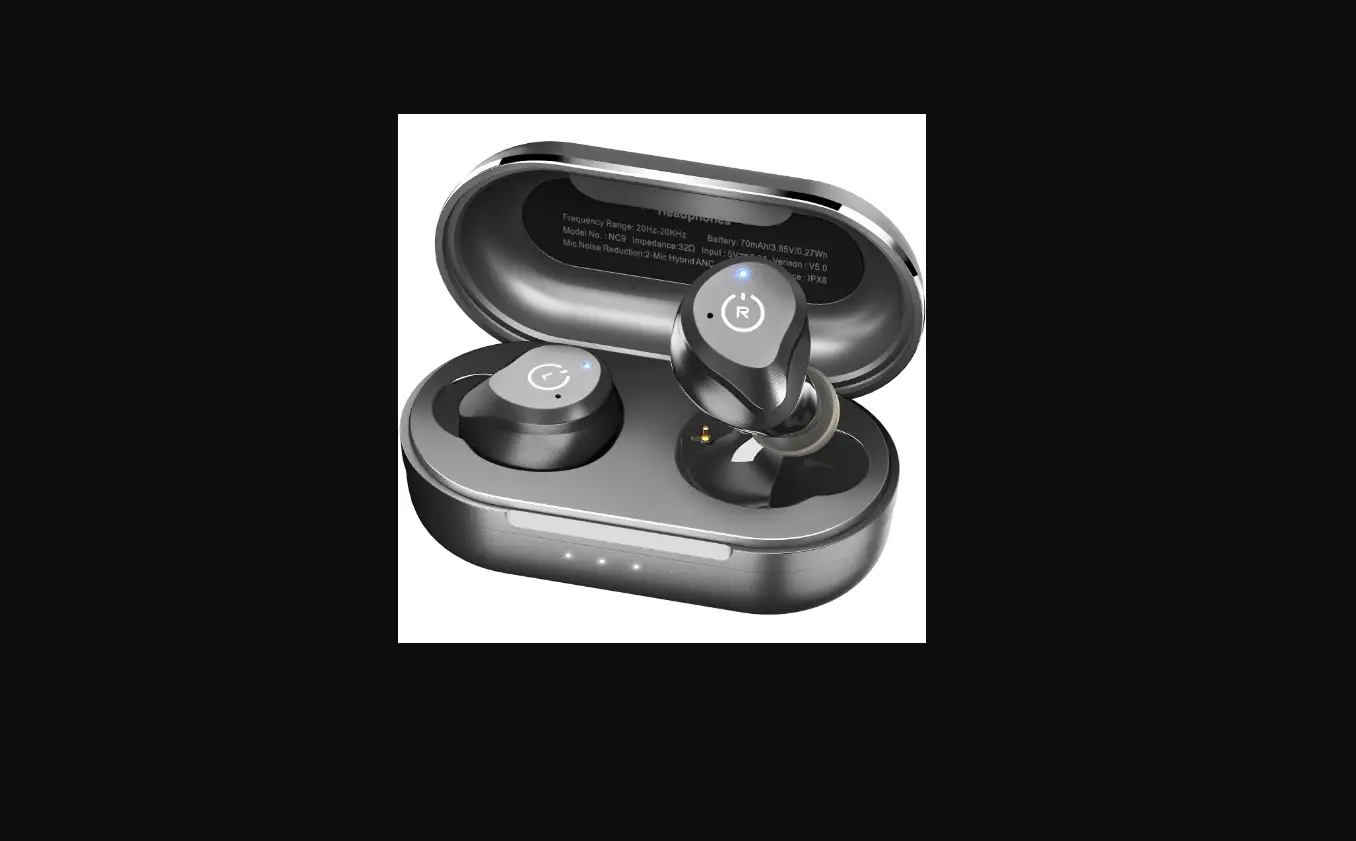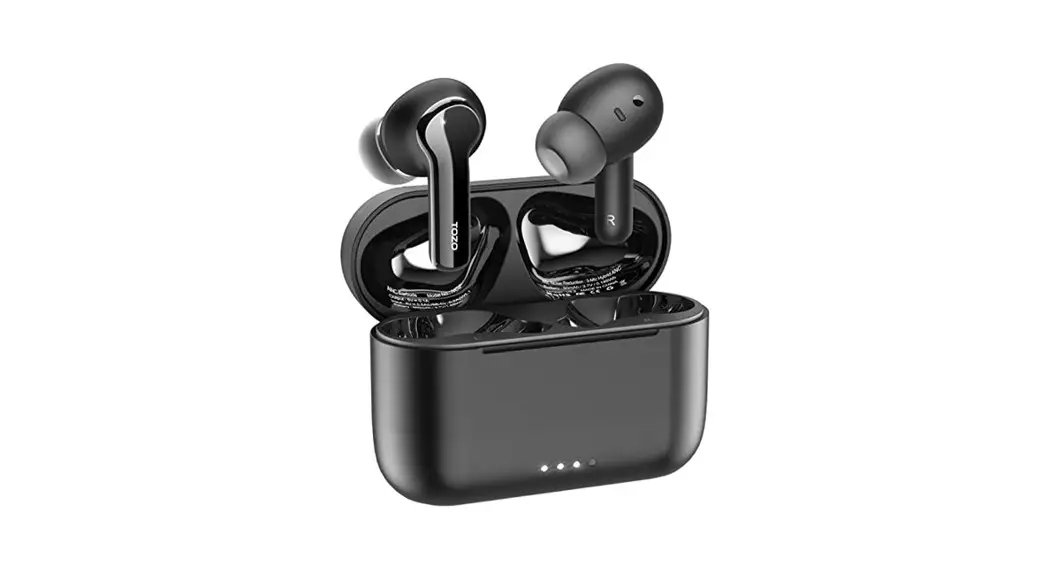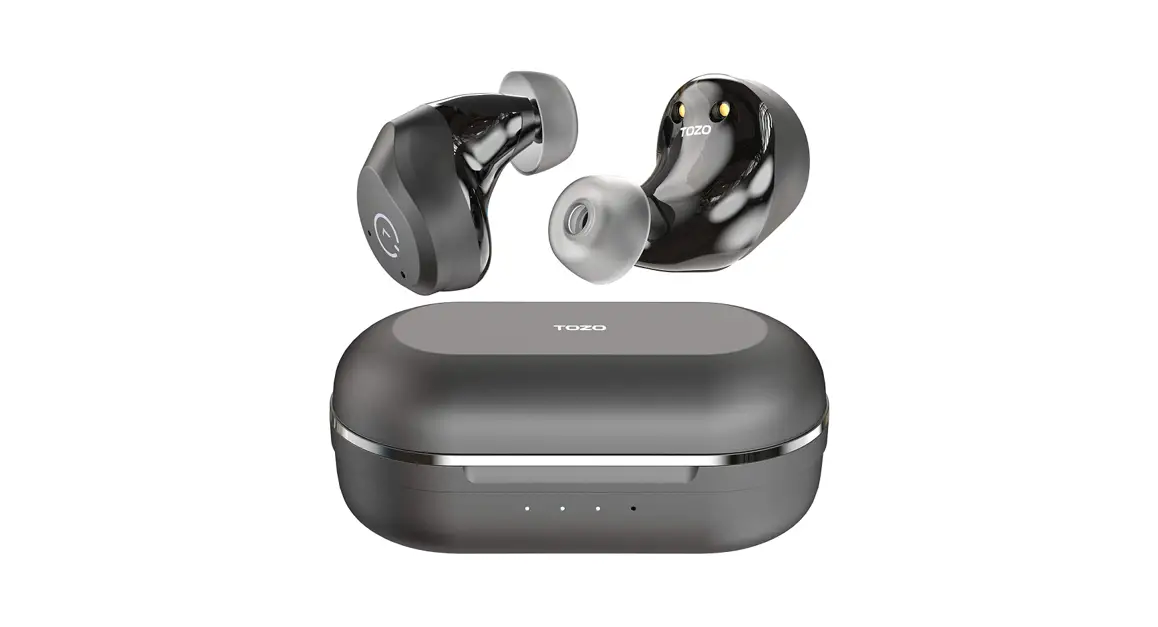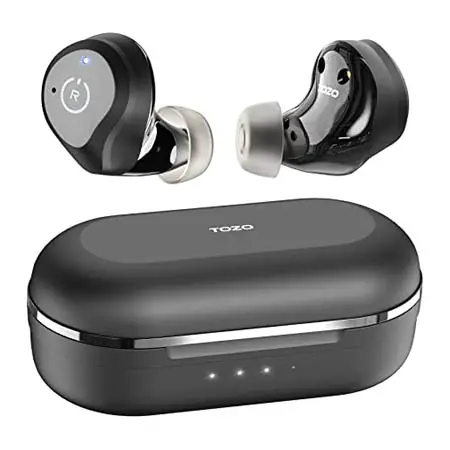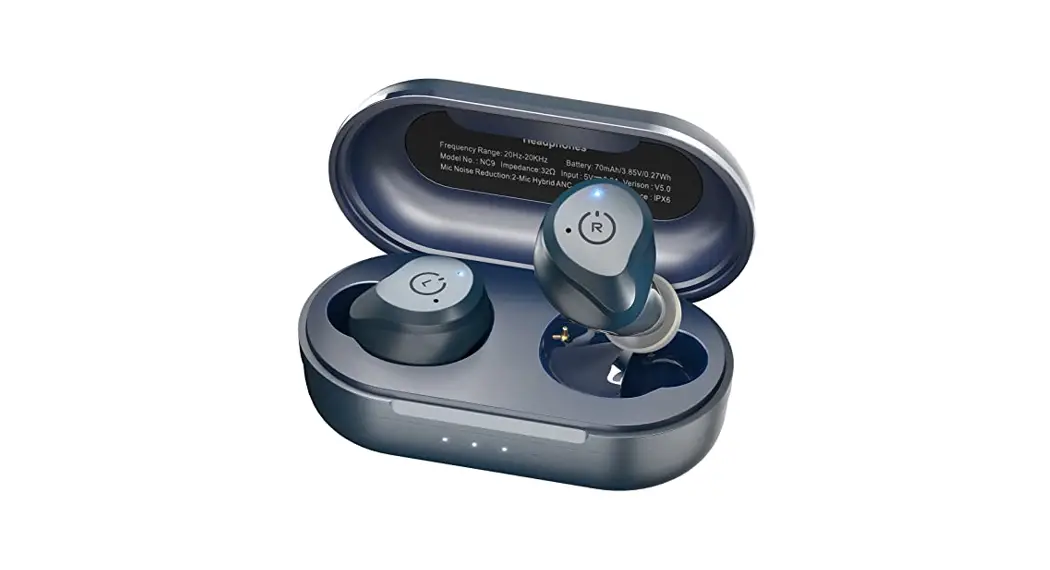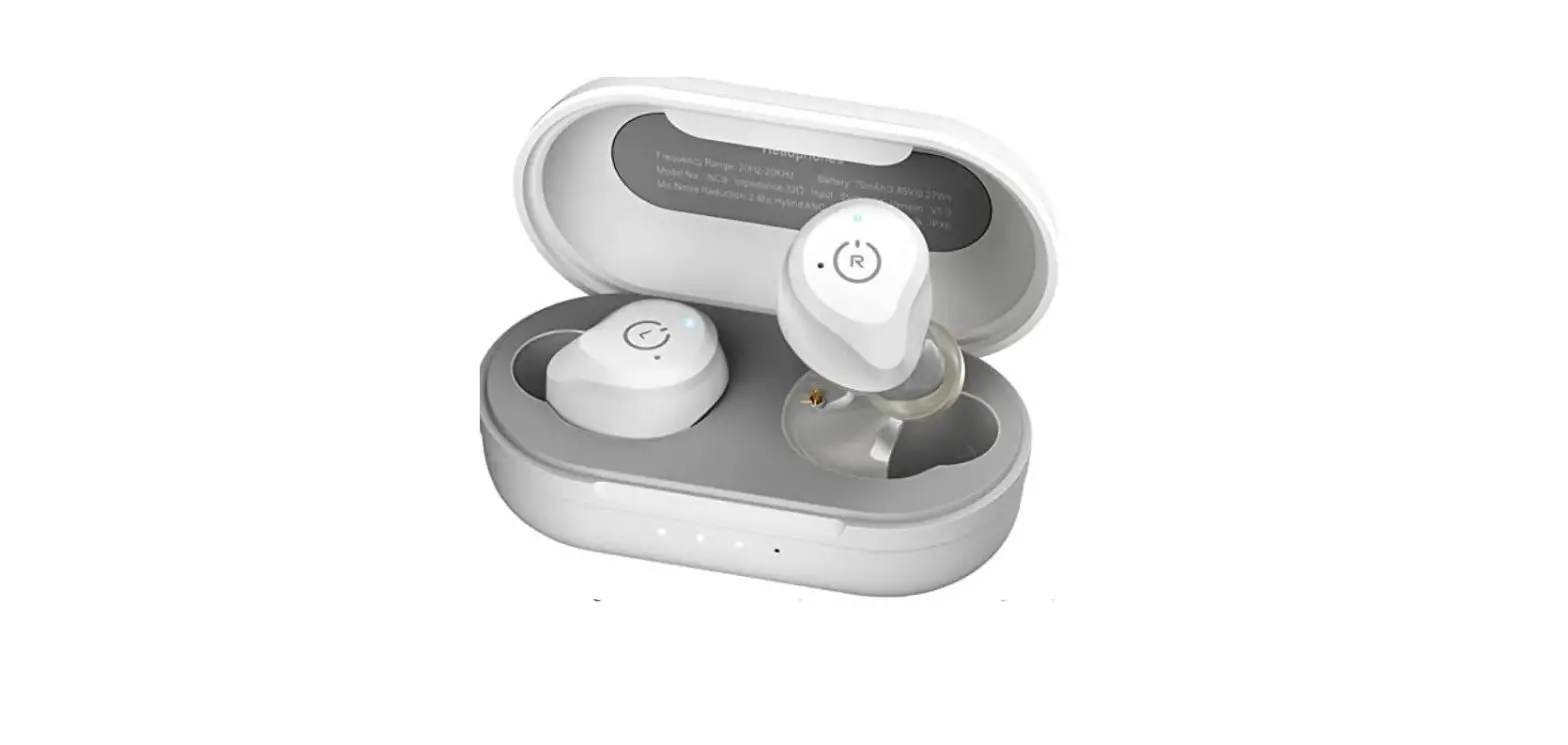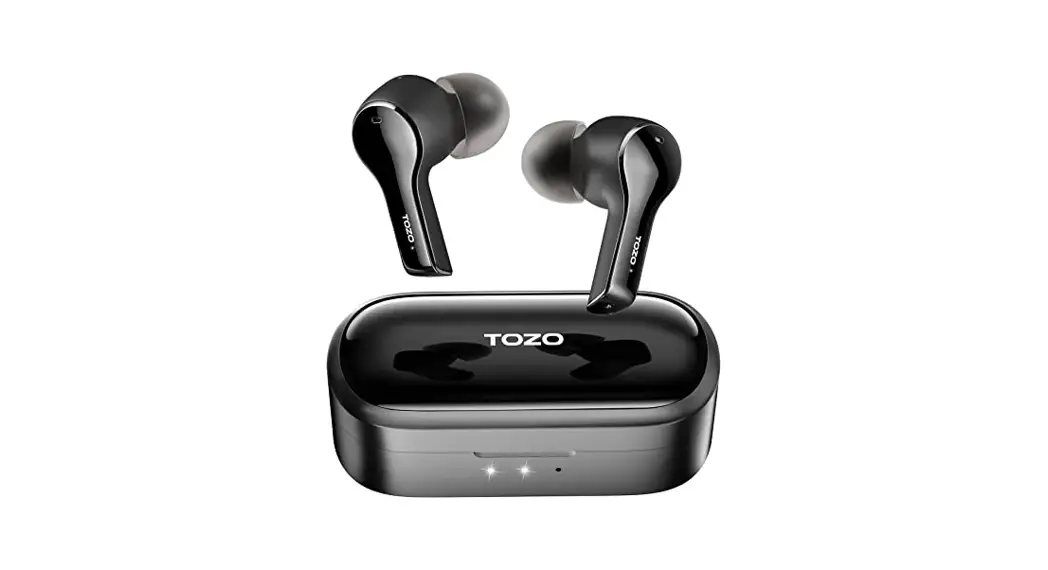


NC Wireless Earbuds
Quick guide
Thank you for purchasing the TOZO authentic product. For more latest products, parts, and accessories, please visit: www.tozostore.com For any assistance please contact Email: [email protected]
How To Pair
TWS Auto Pairing Step
- Pick up 2 headsets from the charging base, they will power on automatically and will connect to each other automatically within 10 seconds.

- The two earbuds flash red and blue alternately (Pairing mode).
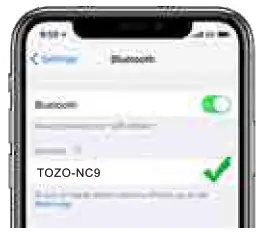
- Selecting the ITOZO-NC9] from the device list in your Bluetooth manual.


Reset
In case only one earbud work/ Two earbuds can not pair anymore, please consider putting earbuds into the case to restart, or reset your earbuds by below steps:
- Turn off the phone’s Bluetooth, pick up two earbuds from the charging case, then holding both earbuds button for 5 seconds till red lights on to turn off earbuds.
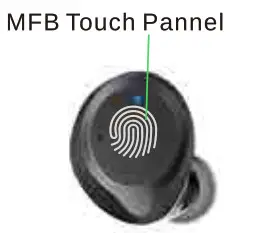
- Holding the MFB Touch Panel on each of the earbuds for another 5 seconds till the blue light turns on and off, and then clicking the MFB Touch Panel on each of the earbuds twice quickly, the reset process will be done when the Purple light is on for 1s, then two earbuds flash red and blue alternately.
NOTE: In case there is [Connection Unsuccessful ) in your devices, please consider deleting all historical records of [TOZO-NC9] and try the pairing process again.
Wearing Steps
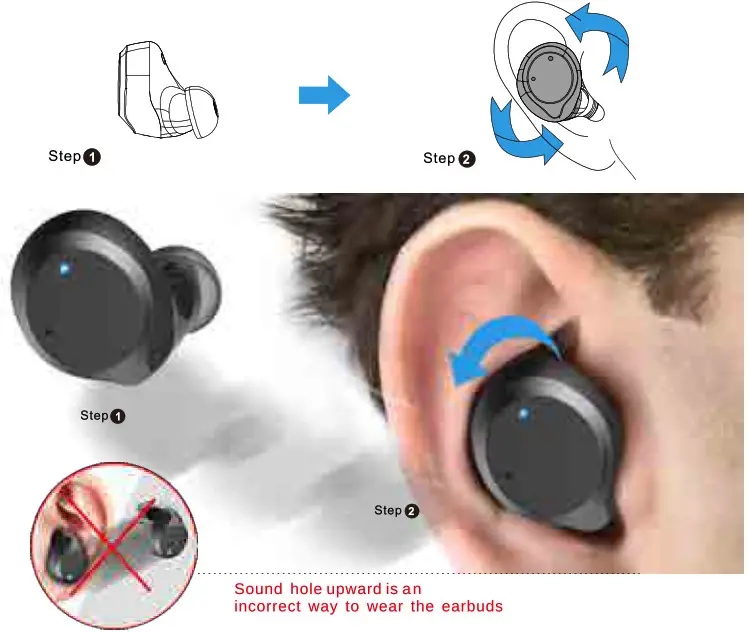
Step1: Ensure sounds hole downward, then place earbuds into the ear.
Step2: Rotate earbud back to the auricle side to fit snugly.
Left Earbud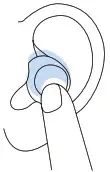
 | Power on: Pick up earbuds from battery case to pair to each automatically. |
 | Power off: Hold or put earbuds into the battery case to power off automatically. |
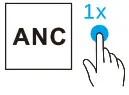 | ANC Mode(Active Noise Cancellation) / Transparency Mode |
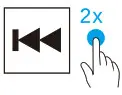 | Previous |
 | Adjusting the volume |
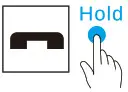 | End |
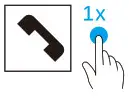 | Accept |
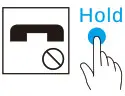 | Reject |
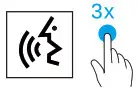 | Activating the voice assistant |
 | Siri, Google Assistant, Baidu, depending on a mobile phone. |
Right Earbud
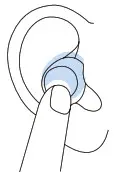
| Power on: Pick up earbuds from battery case to pair to each automatically. |
| Power off: Hold or put earbuds into battery case to power of automatically. |
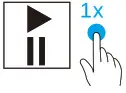 | Play/pause |
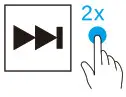 | Next |
| Adjusting the volume |
| Activating the volce assistant |
| Accept |
| End |
| Reject |
| Siri, Google Assistant, Baidu, depending on a mobile phone. |
Product Description
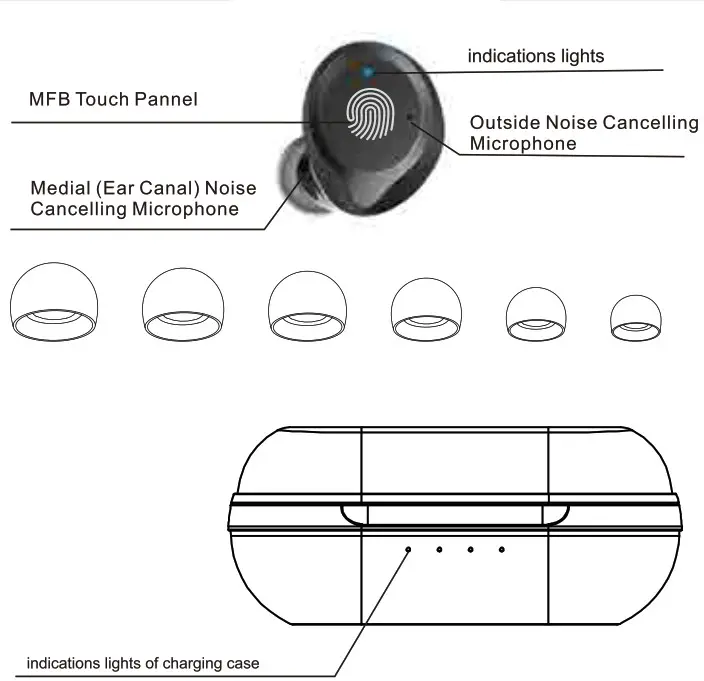
Wearing Steps
Step1: Ensure sounds hole downward, then place earbuds into the ear.
Step2: Rotate earbud back to the auricle side to fit snugly.
 Operation of earbuds
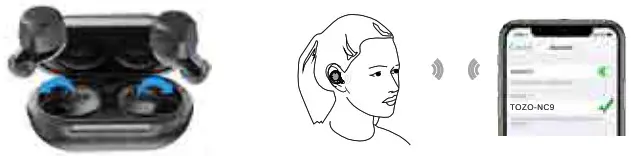
How to pair
- Take out the 2 earbuds from the charging case, they will power on automatically and will connect each other automatically within 10 seconds.
- The two earbuds flash red and blue alternately.(Pairing Mode)
- Search for the pairing name [TOZO-NC9] and select it.
Another method of Turning on & Turning off
Turn on :
Tap and hold the Touch Control on borh earbuds for over 3 seconds.
Turn off:
- Touch the Control button 5 seconds will turn off when earbuds in playless status.
- The earbuds will turn off automatically after it is disconnected for more than 5 minutes
Reset
If you accidentally get only one earbud work or fails to pair each other, please reset it:
- Delete all TOZO-NC9 records on the phone, then turn off the Bluetooth.
- Holding both earbuds button for 5 seconds till red lights on to turn off earbuds.
- Holding the MFB Touch Panel on each of the earbuds for another 5 seconds till the blue light turn on and off, and then clicking the MFB Touch Panel on each of the earbuds twice quickly, the reset process will be done when the Purple light is on for 1s, then two earbuds flash red and blue alternately.
NOTE: In case there is [Connection Unsuccessful] in your devices, please consider deleting all historical records of [TOZO-NC9] and try the pairing process again.
Switch between noise-control modes
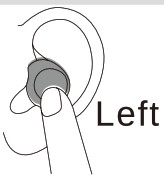
Click the left earbud to switch the ANC Noise Cancellation/Transparency mode.
The ANC function are not available when using a single earphone.
Note: If the electromagnetic interference signal is strong in your area, it may affect the Bluetooth connection, and the earbuds will be silent or disconnected, please reconnect it or change the place of use.
Active Noise Cancellation Mode (ANC Mode)
With Active Noise Cancellation, an outward-facing microphone detects external sounds, which your TOZO NC9 earbuds then counter with anti-noise, canceling the external sounds before you hear them. An inward-facing microphone listens inside your ear for unwanted internal sounds, which your TOZO NC9 earbuds also counter with anti-noise.

Transparency Mode
Transparency mode can enhance the voice frequency band and improve the perception of the surrounding sound, so you can hear what’s going on around you without taking off the earbuds.
Active Noise Cancellation and Transparency mode work best when your TOZO NC9 fit well and wearing correctly.

Detailed Function List
| Turn On | 1 Manually Turn On: After the headset is in close status, tap and hold the touch control for 3 seconds and release it, the blue light will turn on. Then looking for the phone with the last connect connection memory within 10s after the headset is turned on.lf it is not found, enter the pairing state (the red and blue lights flash alternately). 2.Auto Turn On: When the earbuds are in the charging case, you can pick it up and it will automatically turn on. Then finding the phone with the last connect connection memory within Los after the headset is turned on.lf it is not found, enter the pairing state (the red and blue lights flash alternately). |
| Turn Off | 1 Manually Turn Off: Tap the Touch Control 5 seconds for turn off in not playing status and then release it, the red light will turn off after one second. 2.Auto Turn Off: Take the earbuds into the charging case and charge it for 3 seconds, then the red light will be on to turn off automatically. |
| TWS pairing Timeout | After the two earbuds are paired for more than 60 seconds on TWS, if they are not successfully paired, they will enter the mobile phone pairing state. |
| Phone Pairing | When the earbuds are turned off, tap and hold the touch control simultaneously for 5 seconds and release them to pairing mode (the red/blue light flashes alternately),then searching for pairing name •TOZO-NC9*and select it in your mobile phone. 1.Take out the 2 headsets from the charging base, they will power on automatically and will connect to each other automatically within 10 seconds. 2.The two earbuds flash red and blue alternately(Pairing mode) 3.Search for pairing name”TOZO-NC9’and select it in your mobile phone. |
| Auto Turn Off | Automatically Turn Off after no connection for more than 5 minutes. After the headset is disconnected from the phone at a long distance, it will automatically turn off after more than 5 minutes. |
| Restore Factory Settings | In case the reset step not resolve your issue, please restore to the factory setting : 1.Pick up two earbuds from the charging case, then holding both earbuds button for 5 seconds till red lights on to turn off earbuds. 2. Holding the MFB Touch Panel on each of the earbuds for 5 seconds till blue light turn on and off, and then clicking the MFB Touch Panel on each of earbuds 3 times quickly, the Restore Factory Settings process will be done when the red light . 3.Put earbuds into the charging case, and then take them out to connect records of “TOZO-NC9″on your phone.Note: After Restore Factory Settings successfully, please delete all connection records of ‘TOZO-NC9–on your phone, then research again. |
| Turn on for re-connection | 1.Tap the touch control for 3 seconds and release to turn on the earbuds-, wait for a few seconds for the earbuds to automatically interconnect with each other—wait for a few seconds for the earbuds to connect with the paired phone -. the connection is successful. 2.Take out the earbuds from the charging case—wait for a few seconds for the earbuds to automatically interconnect with each other-.wait for a few seconds for the earbuds to connect with the paired phone -* the connection is successful. |
| Over distance for re-connection | After the headset is disconnected from the phone at a long distance, it can automatically reconnect when it returns to the close distance with the phone within 5 minutes. More than 5 minutes. the headset will automatically turn off. |
| Answer Phone Call | Tap the touch control once to answer the incoming call |
| Hang up Phone | Tap and hold the Touch Control for 2 seconds to hand up the phone. |
| Reject Incoming Call | Tap and hold the Touch Control for 2 seconds to reject the incoming call. |
| Cancel dialing | Tap and hold the Touch Control for 2 seconds to cancel dialing before dialing out and the other party fails to answer. |
| Play/Pause | When playing music, tap the Right touch control once to pause/play(The left headset cannot switch to play/pause). |
| Next Track | Double-Tap the Right Touch Control twice for backward when playing music. |
| Previous Track | Double-Tap the Left Touch Control twice for previous when playing music. |
| Volume + | Tap and hold the Touch Control on Right earbud when playing music. |
| Volume – | Tap and hold the Touch Control on Left earbud when playing music. |
| Voice interaction of Sid | In standby mode, quickly tap the Touch control 3 times to turn on the voice interaction of the mobile phone. |
| Primary / Secondary switch automatically | When listening to music, put either headset back into the charging case. and the other headset will not be affected. |
Function List
| Left earbud | Turn On | Pick up the earbuds from the case it will turn on automatically. |
| Tap the Touch Control 3 seconds for Turn On. | ||
| Turn Off | Put back the charging case will turn off & charge automatically. | |
| Tap the Touch Control 5 seconds for turn off in not playing status. | ||
| Automatically Turn Off after no connection for more than 5 minutes. | ||
| Previous Track | Tap the Left Touch Control twice for backward. | |
| Volume- | Tap and hold the Touch Control on Left earbud. | |
| ANC Mode | Tap the Left Touch control Once. | |
| Transparent mode | Tap the Left Touch control Once. | |
| Noise-control OFF | Put the earbuds into the charging case, it will automatically switch to Noise-control OFF when you take it out. | |
| Answer Phone Call | Tap the Touch Control once on Left earbud. | |
| Hang up Phone Call | Tap and hold the Touch Control for 2 seconds on Left earbud. | |
| Reject Incoming Call | Tap and hold the Touch Control for 2 seconds on Left earbud. | |
| Cancel! Phone Call | Tap and hold the Touch Control for 2 seconds on Left earbud. | |
| right earbud | Turn On | Pick up the earbuds from the case it will turn on automatically. |
| Tap the Touch Control 3 seconds for Turn On. | ||
| Turn Off | Put back the charging case will turn off & charge automatically. | |
| Tap the Touch Control 5 seconds for turn off in not playing status. | ||
| Automatically Turn Off after no connection for more than 5 minutes. | ||
| Next Track | Tap the Right Touch Control twice for backward. | |
| Volume + | Tap and hold the Touch Control on Right earbud. | |
| Play/Pause | Tap the Touch Control Button once on Right earbud. | |
| Answer Phone Call | Tap the Touch Control once on Right earbud. | |
| Hang up Phone Call | Tap and hold the Touch Control for 2 seconds on Right earbud. | |
| Reject Incoming Call | Tap and hold the Touch Control for 2 seconds on Right earbud. | |
| Cancel Phone Call | Tap and hold the Touch Control for 2 seconds on Right earbud. |
Note: For any assistance, please contact us via email, we will respond within 24 hours. Email: [email protected]