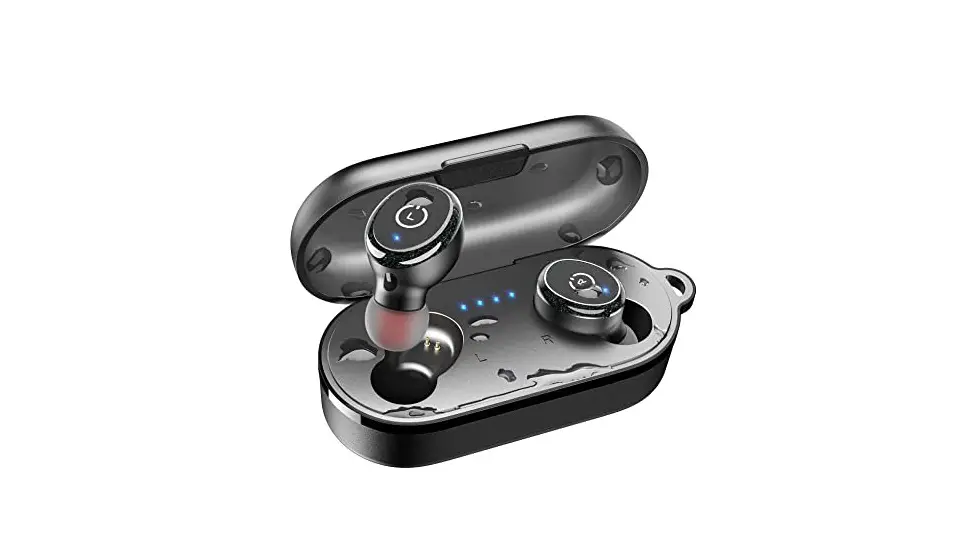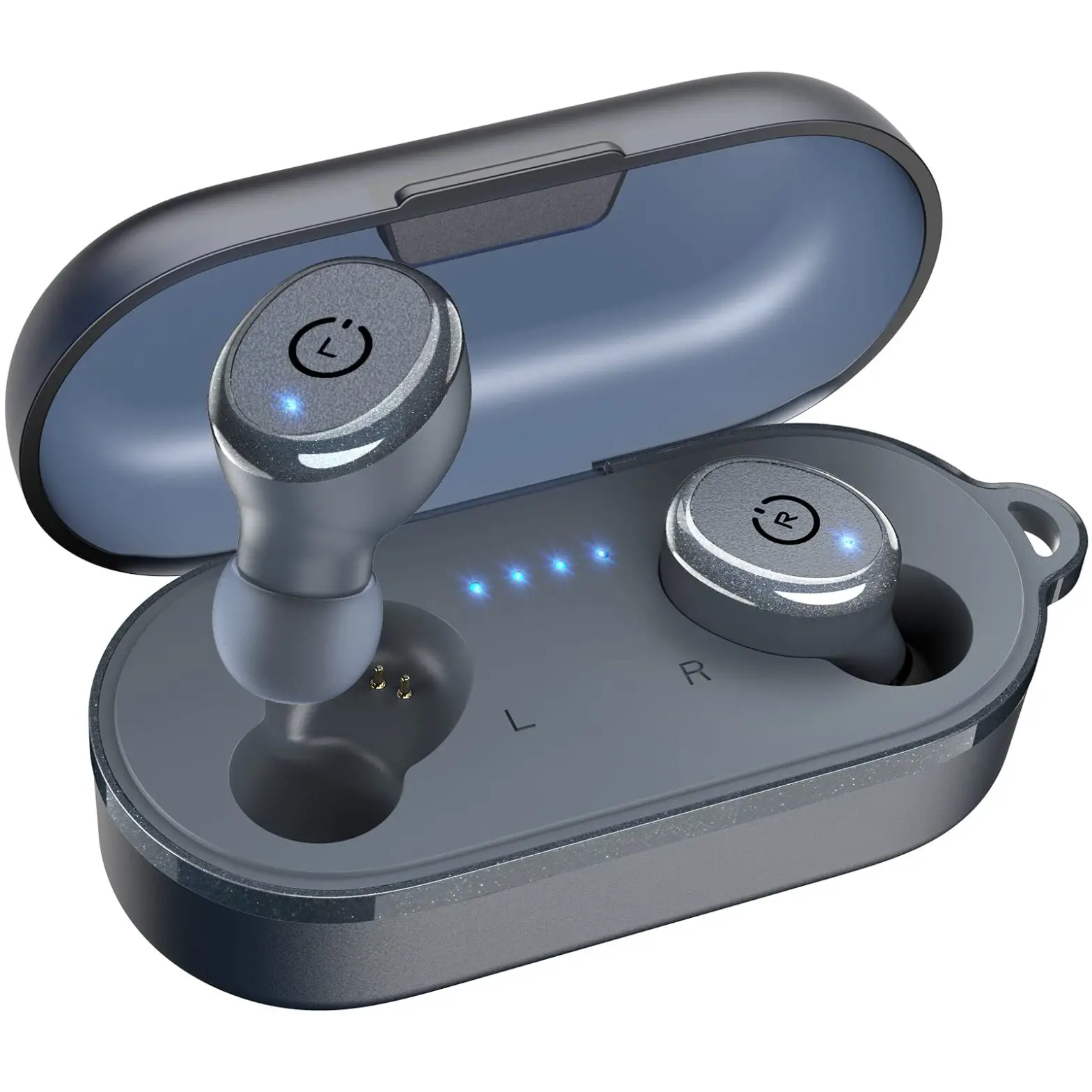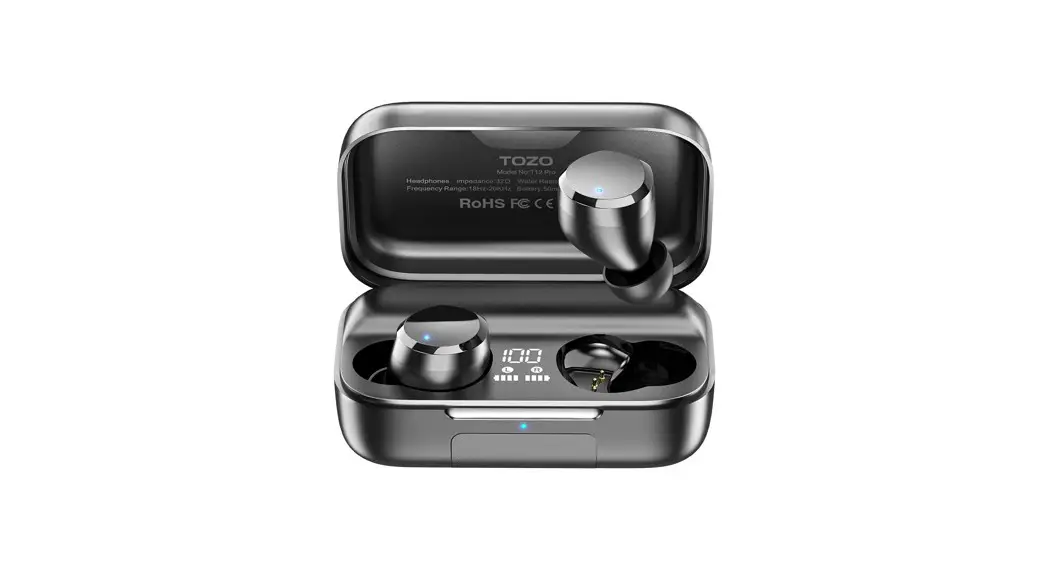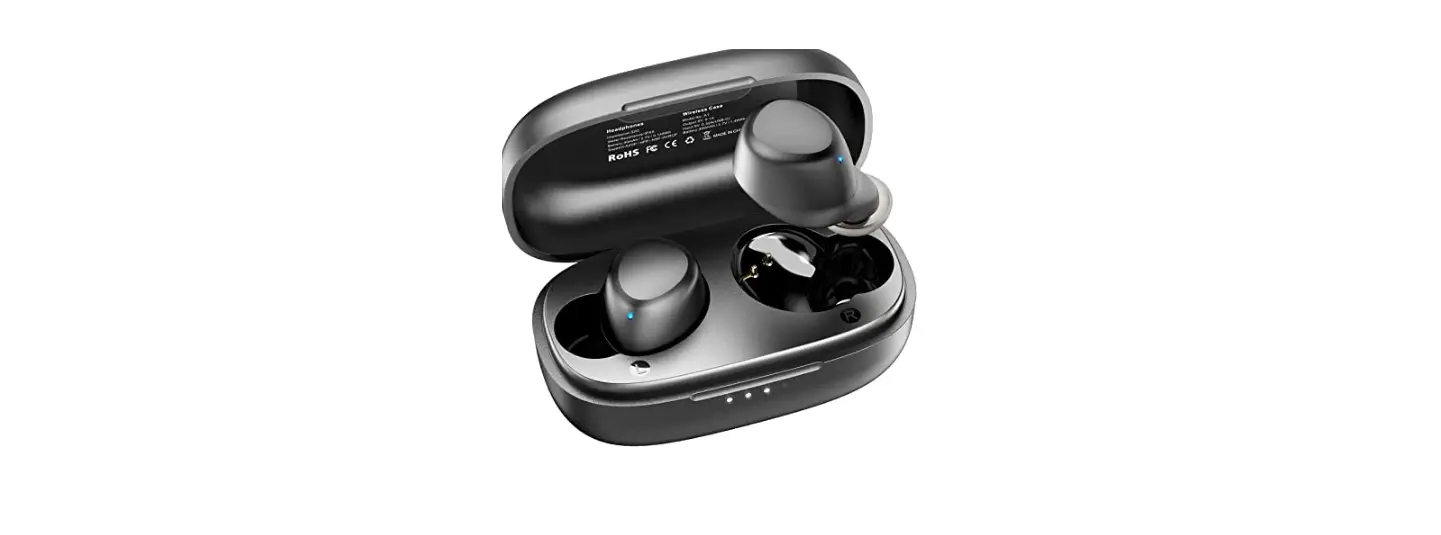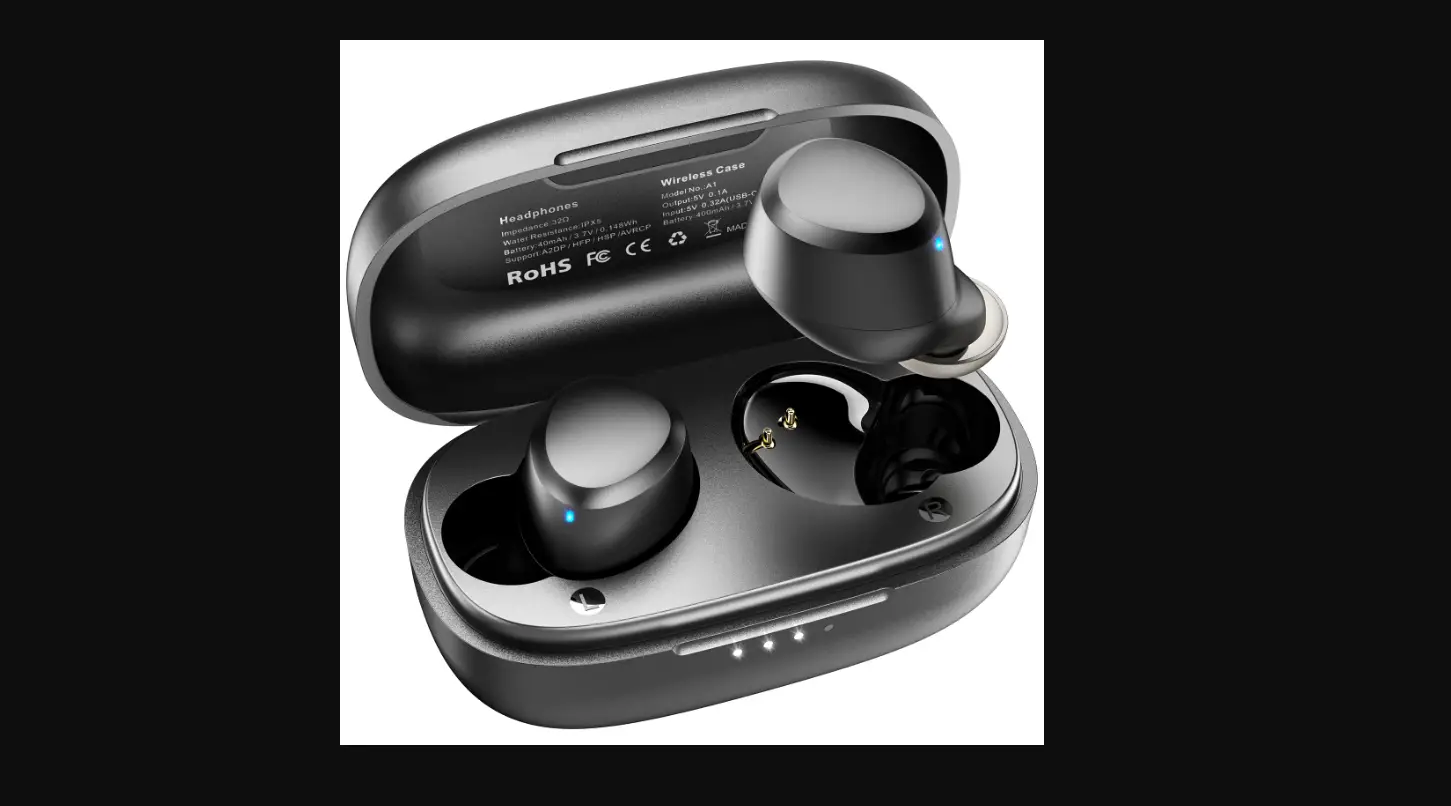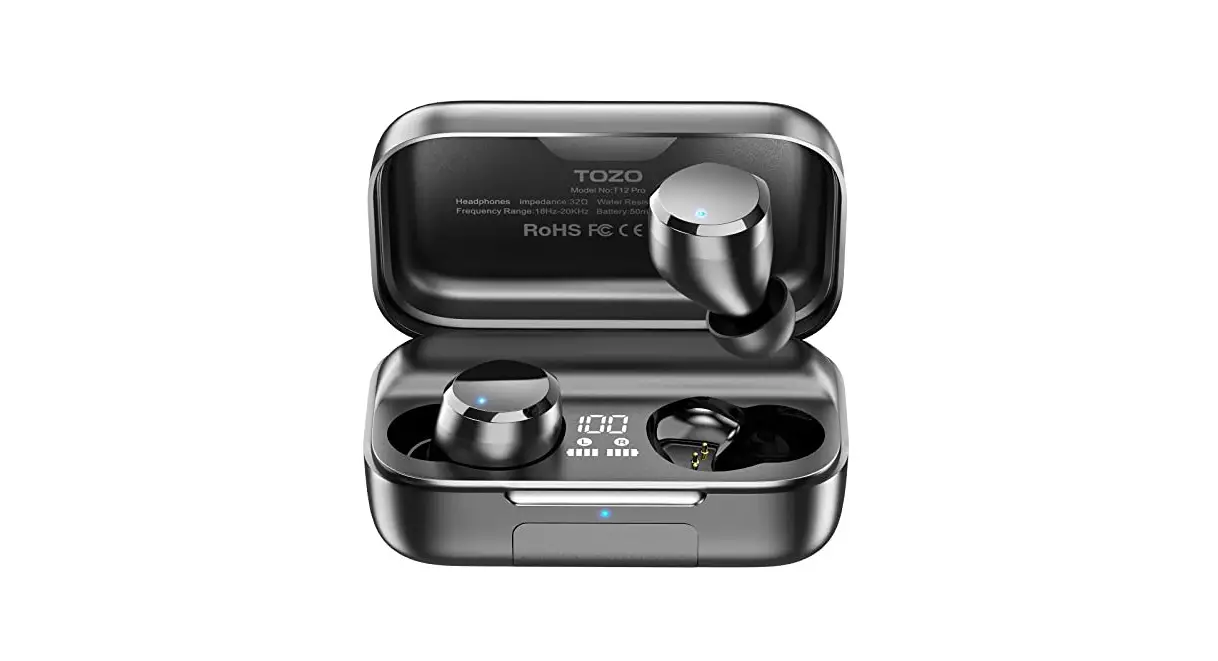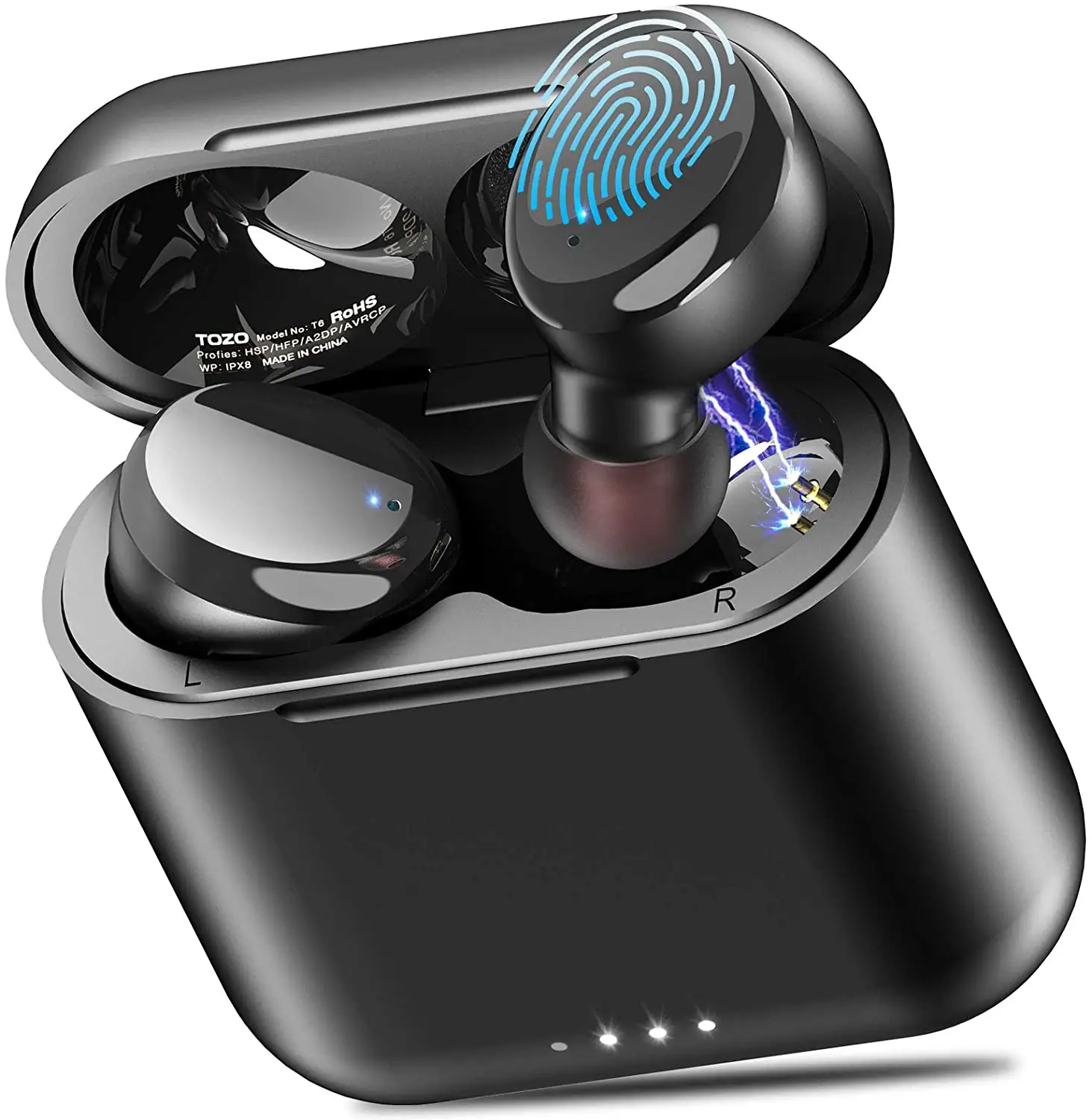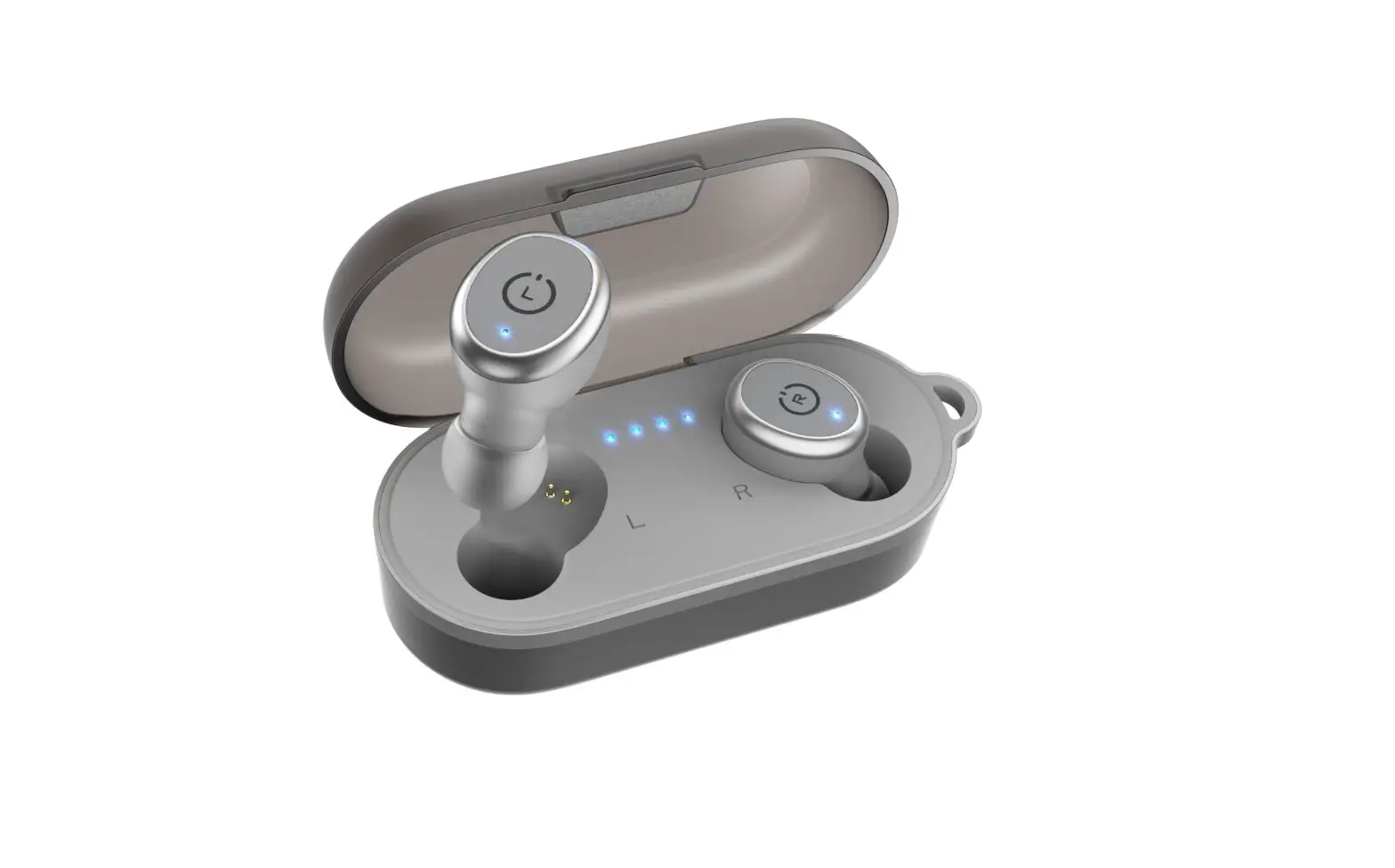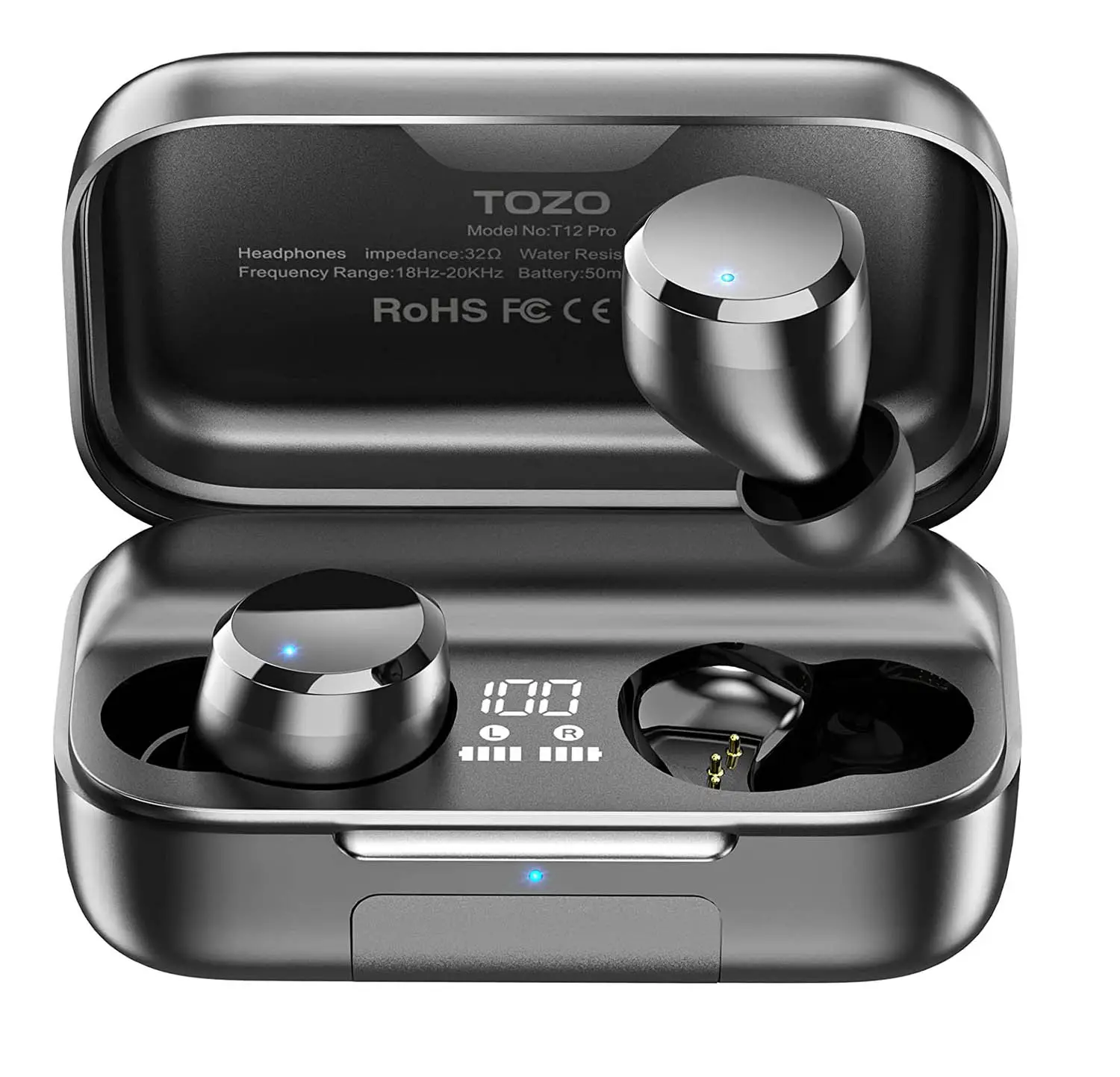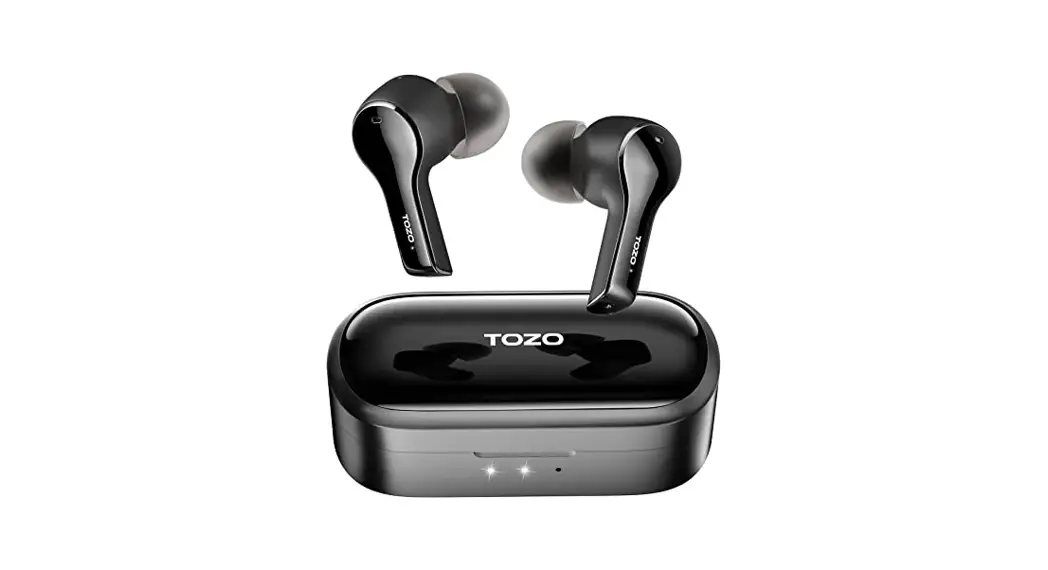

T9 True Wireless Stereo Earbuds
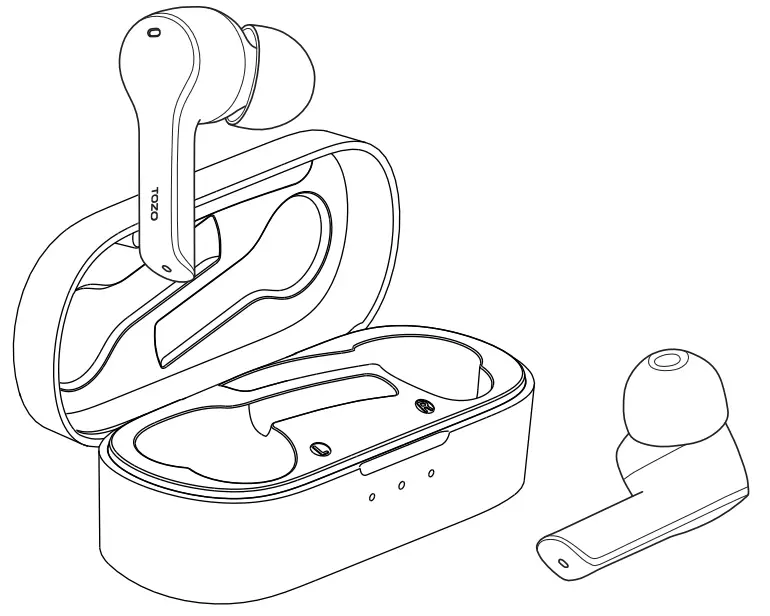 User Guide
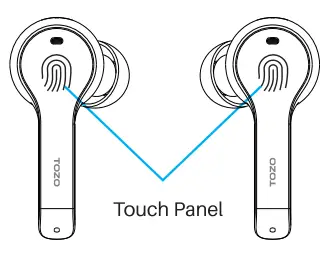
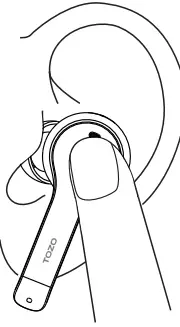
Touch Control Diagram
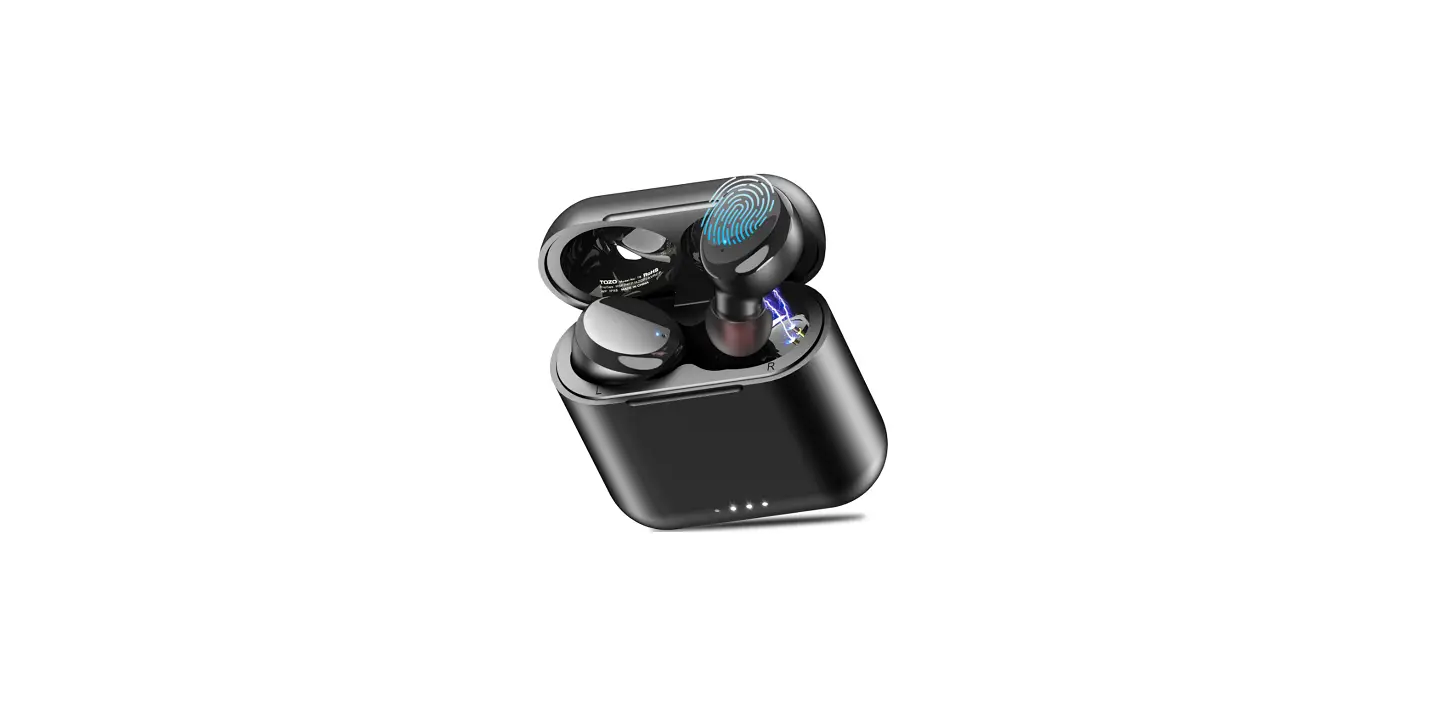
The touch area (MFB Touch Panel)is located in the upper part of earbud handle.
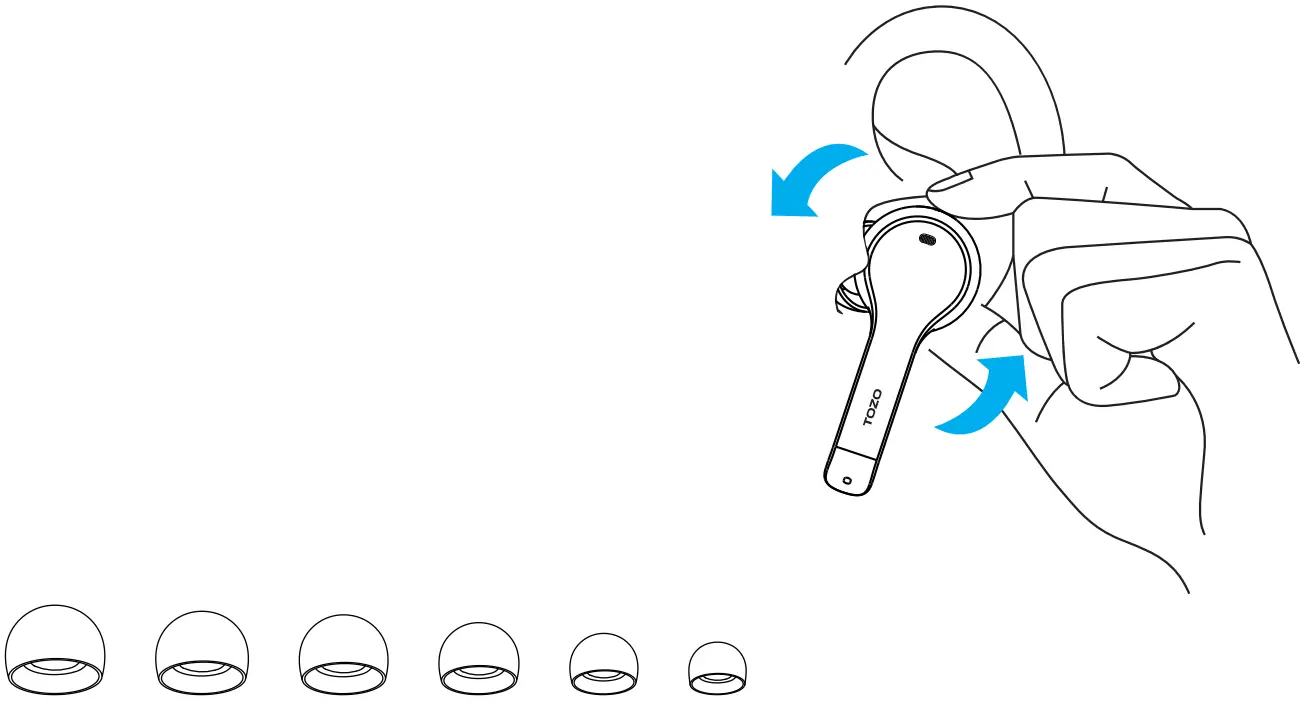
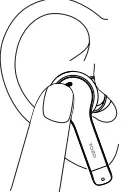
Earbuds Wearing
Step 1. Choose the manips that Ms you most and place the earbuds into your ears.
Step 2. Rotate earbuds back to the auricle side to fit snugly.
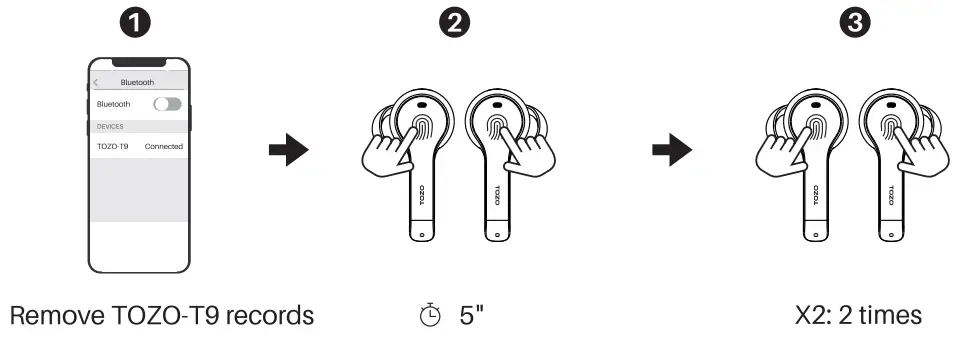
Reset
If your earbuds accidentally only get one earbud to work, or fail to pair. Please reset it.
- Delete all TOZO-T9 Bluetooth records on the phone, and turn off Bluetooth. Then hold both earbuds for 5 seconds until white lights flash on to turn off.
- Tap & hold both earbuds for 5 seconds and release them. The white lights flashes. Then quickly double-tap the earbuds and complete the reset with only one earbud flashing at the end.
Note: If your device displays (Connection failed). Please delete all (TOZO-T9) pairing history and pair again.
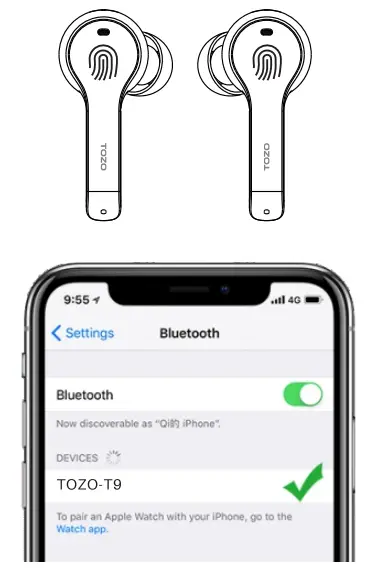
How To Pair
- Take out the 2 earbuds from the charging case, they will power on and connect to each other automatically within 10 seconds.
- One of the earbuds flashes white.( Pairing Mode )
- Search for the pairing name [TOZO – T9] and click on it.
Left Earbud
  | Power On: Pick up earbuds from the charging case. Power Off: Put both earbuds back into the charging case to power off and recharge automatically. |
 | Play/Pause |
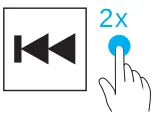 | Previous |
 | Adjusting the volume |
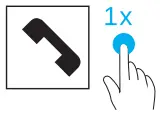 | Accept |
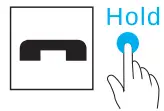 | End |
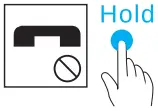 | Reject |
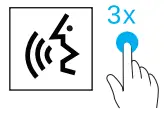 | Activating the voice assistant. Starten Sie den Sprachassistenten |
 | The voice assistance will be automatically activated depending on the different OS in a mobile system. |
Right Earbud
| Power On: Pick up earbuds from the charging case.both earbuds will be on automatically. Power Off: Put both earbuds back into the charging case to power off and recharge automatically. |
| Play/Pause |
| Next |
| Adjusting the volume |
| Accept |
| End |
| Reject |
| Activating the voice assistant. Starten Sie den Sprachassistenten |
| The voice assistance will be automatically activated depending on the different OS in a mobile system. |