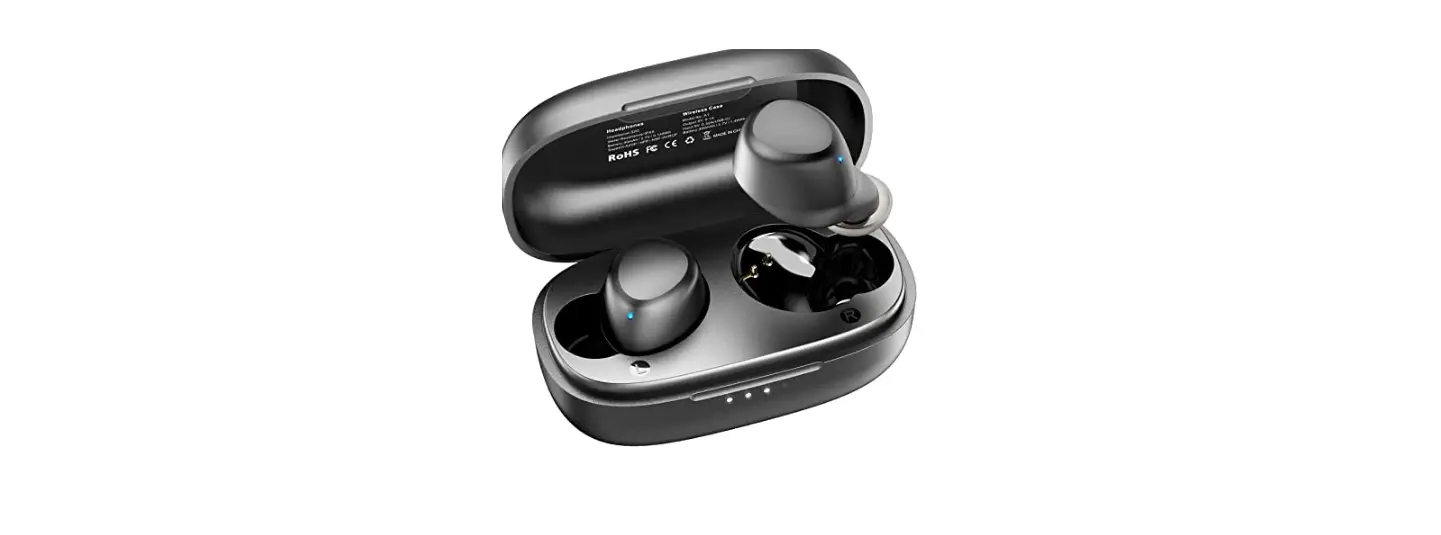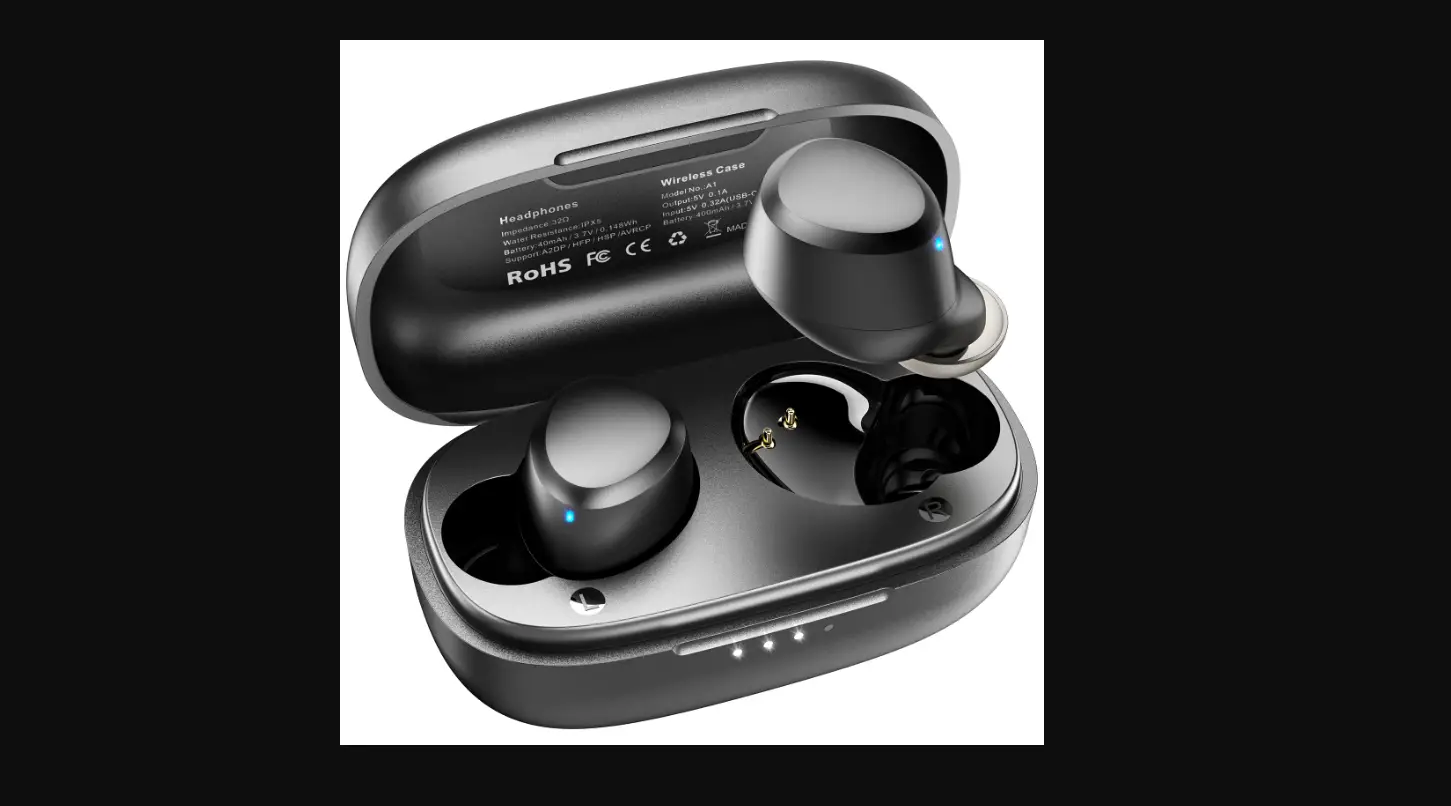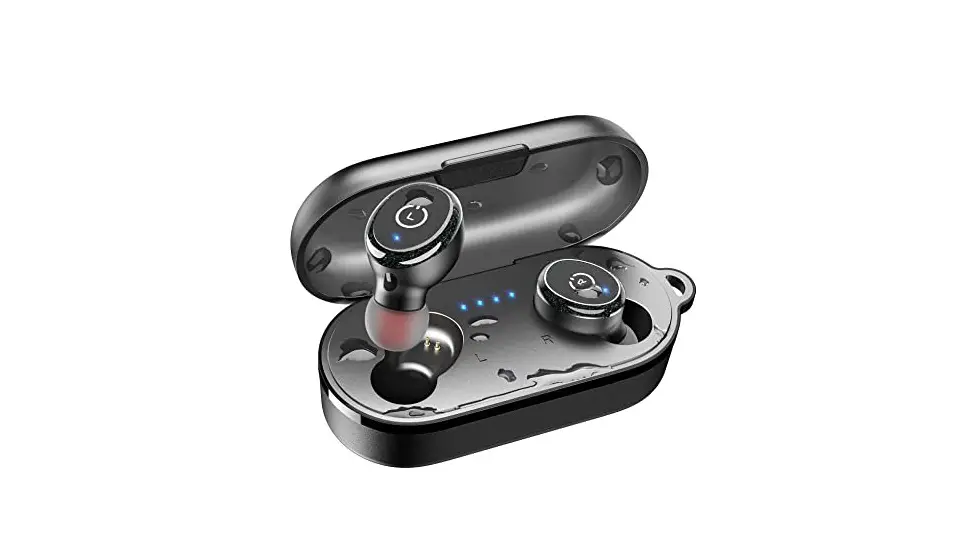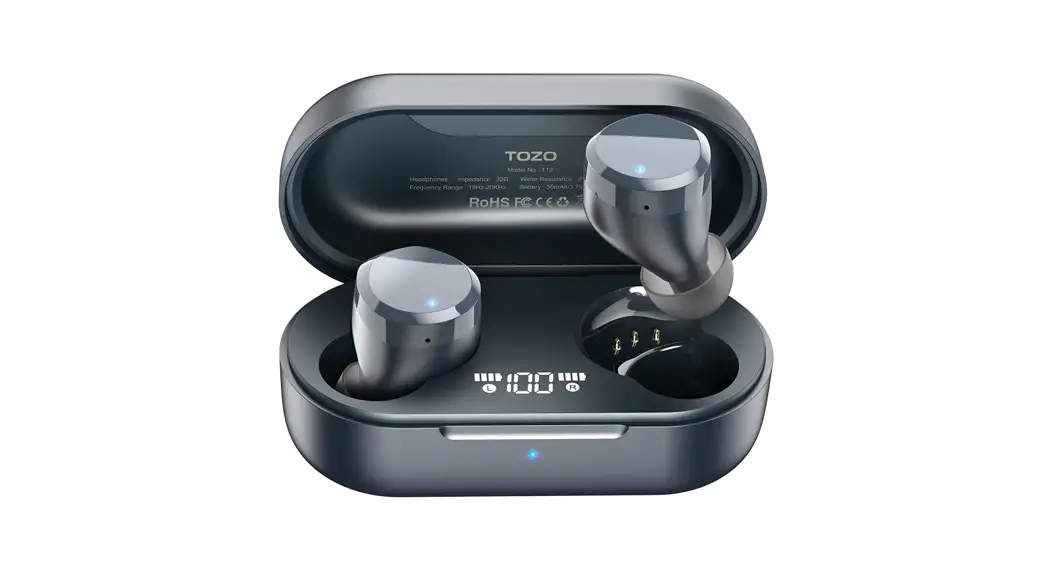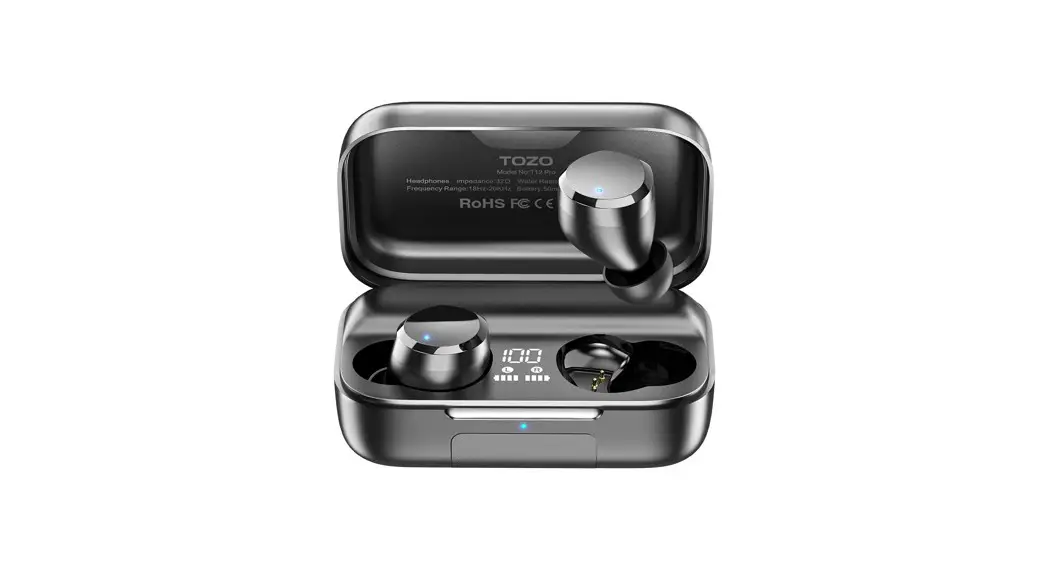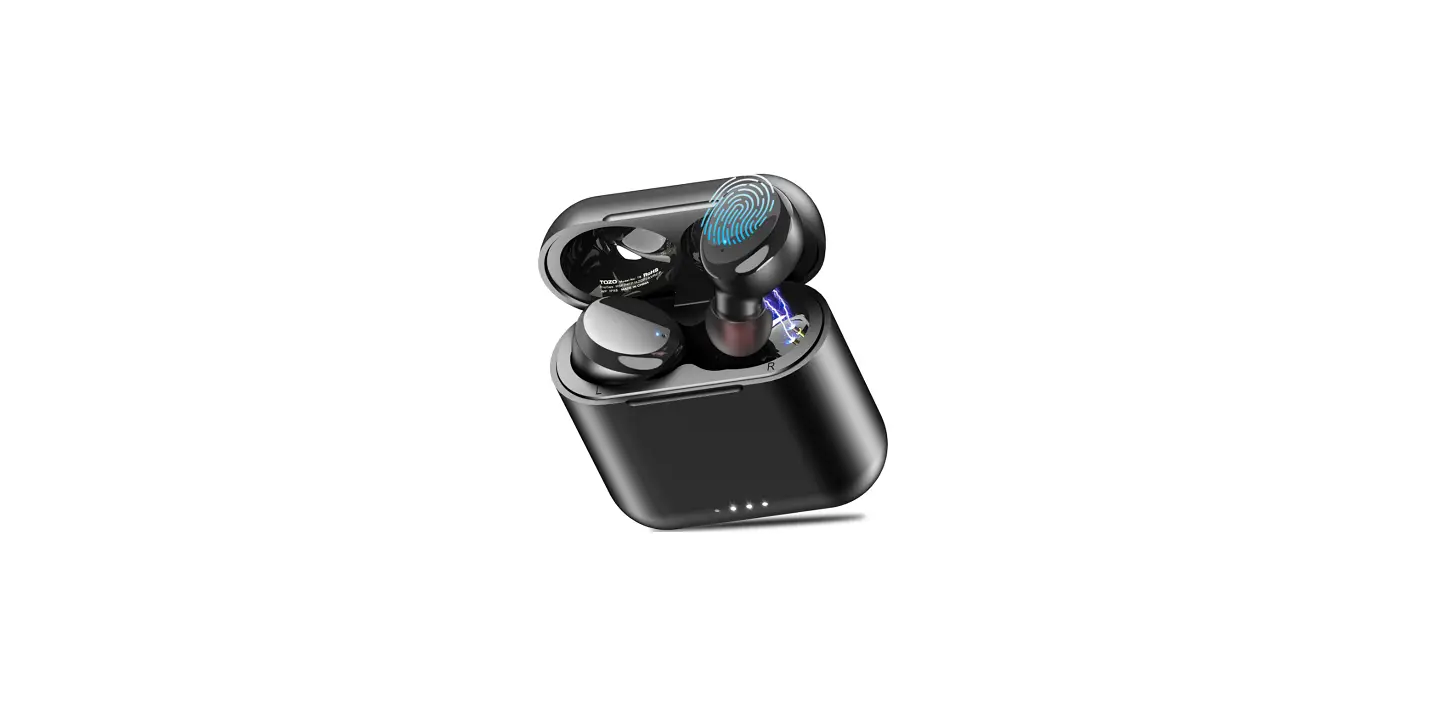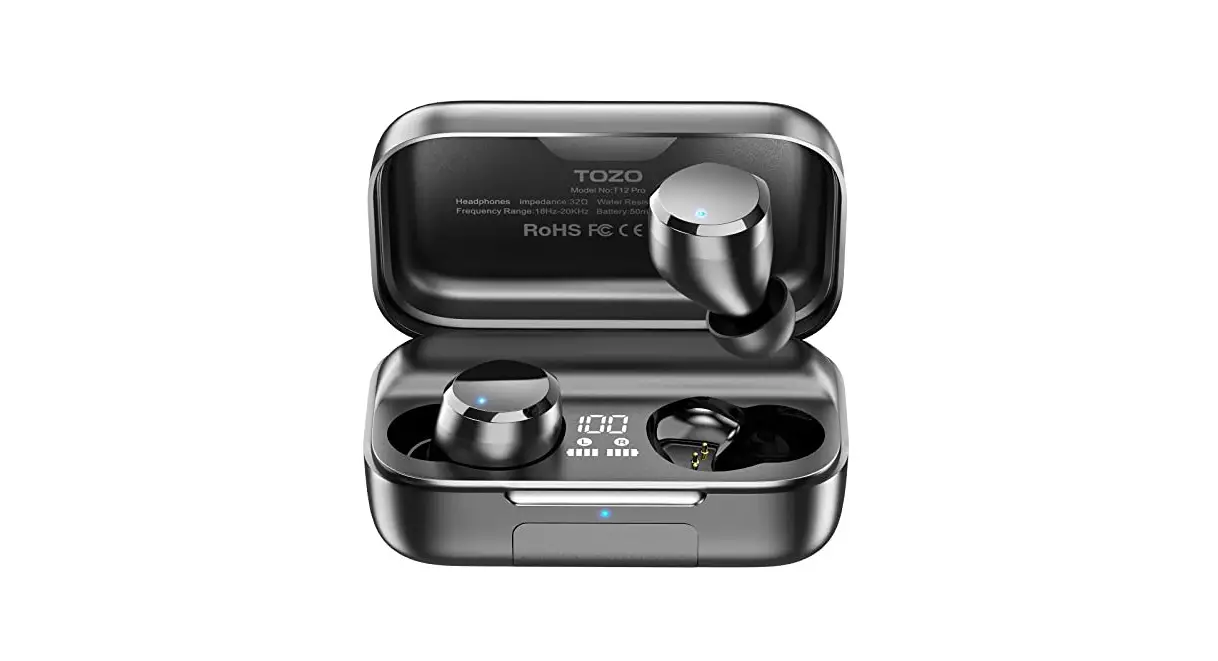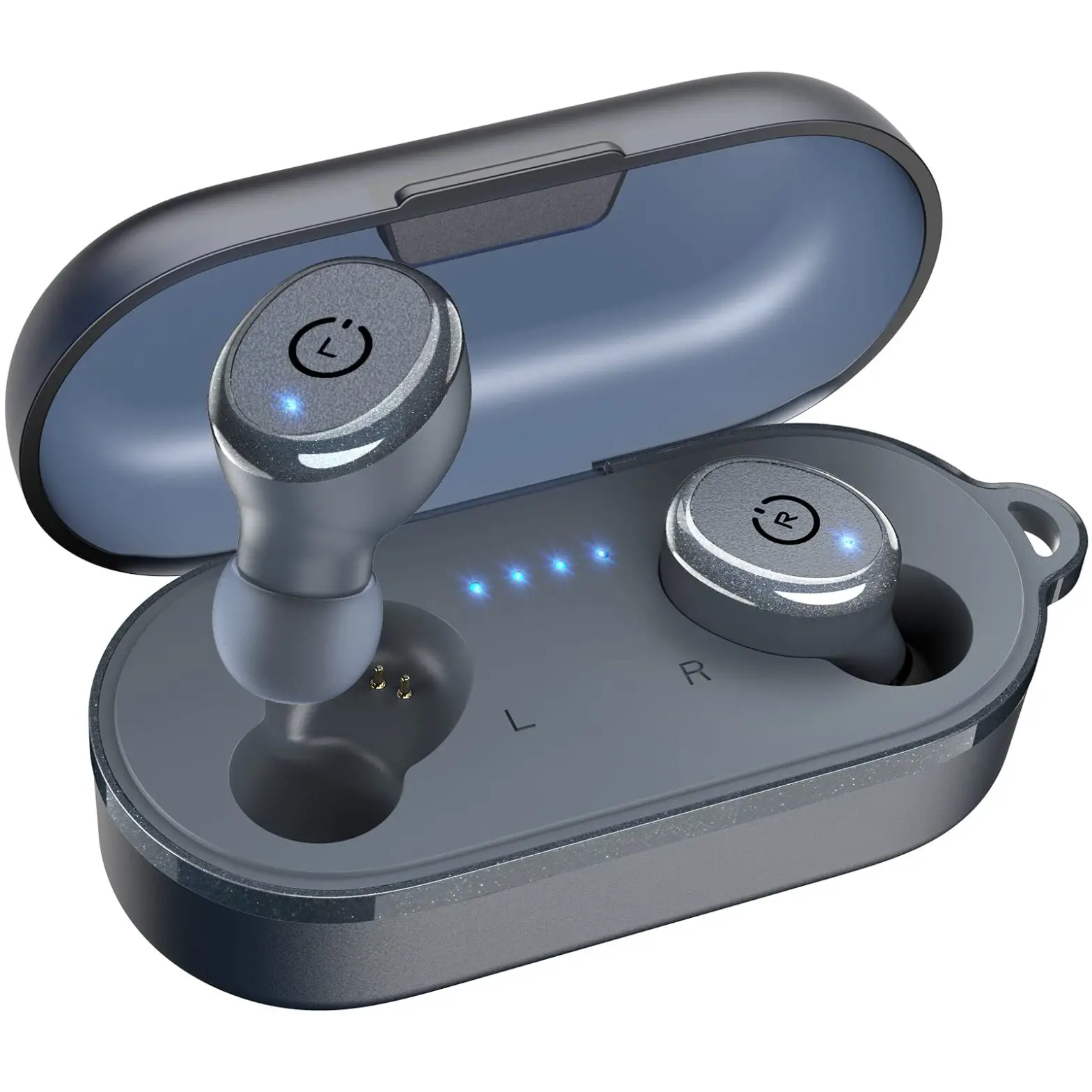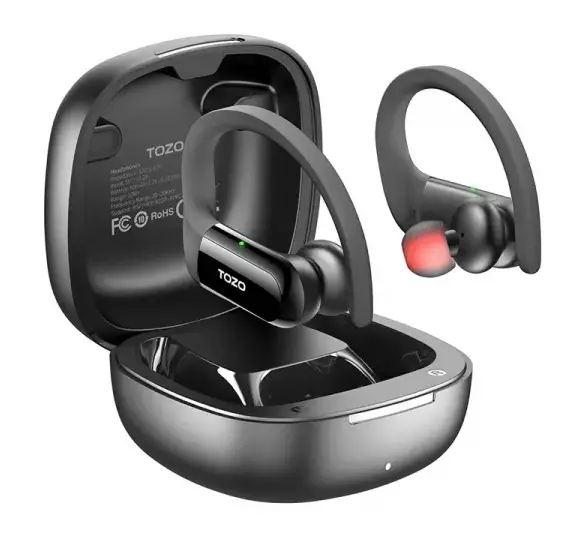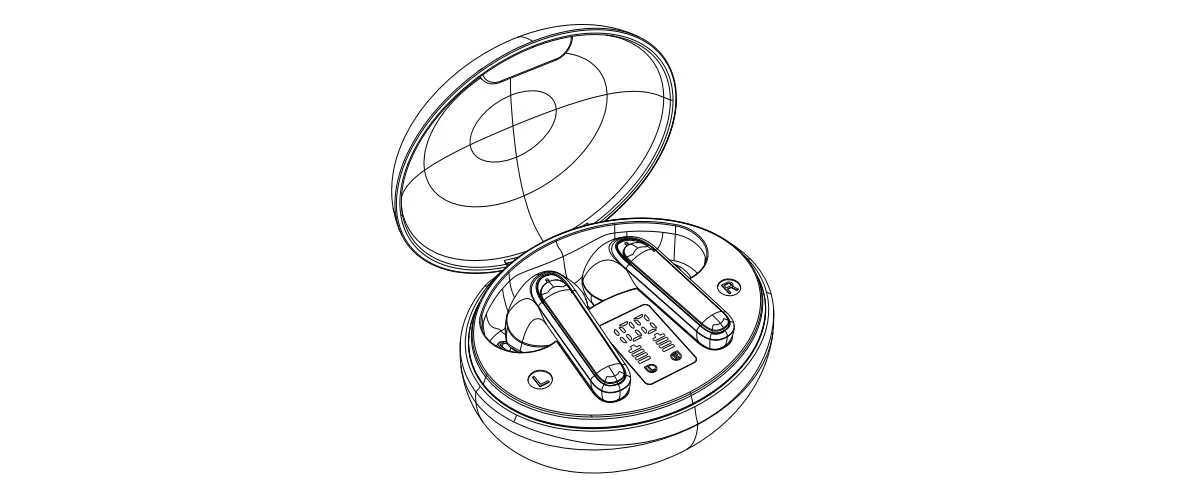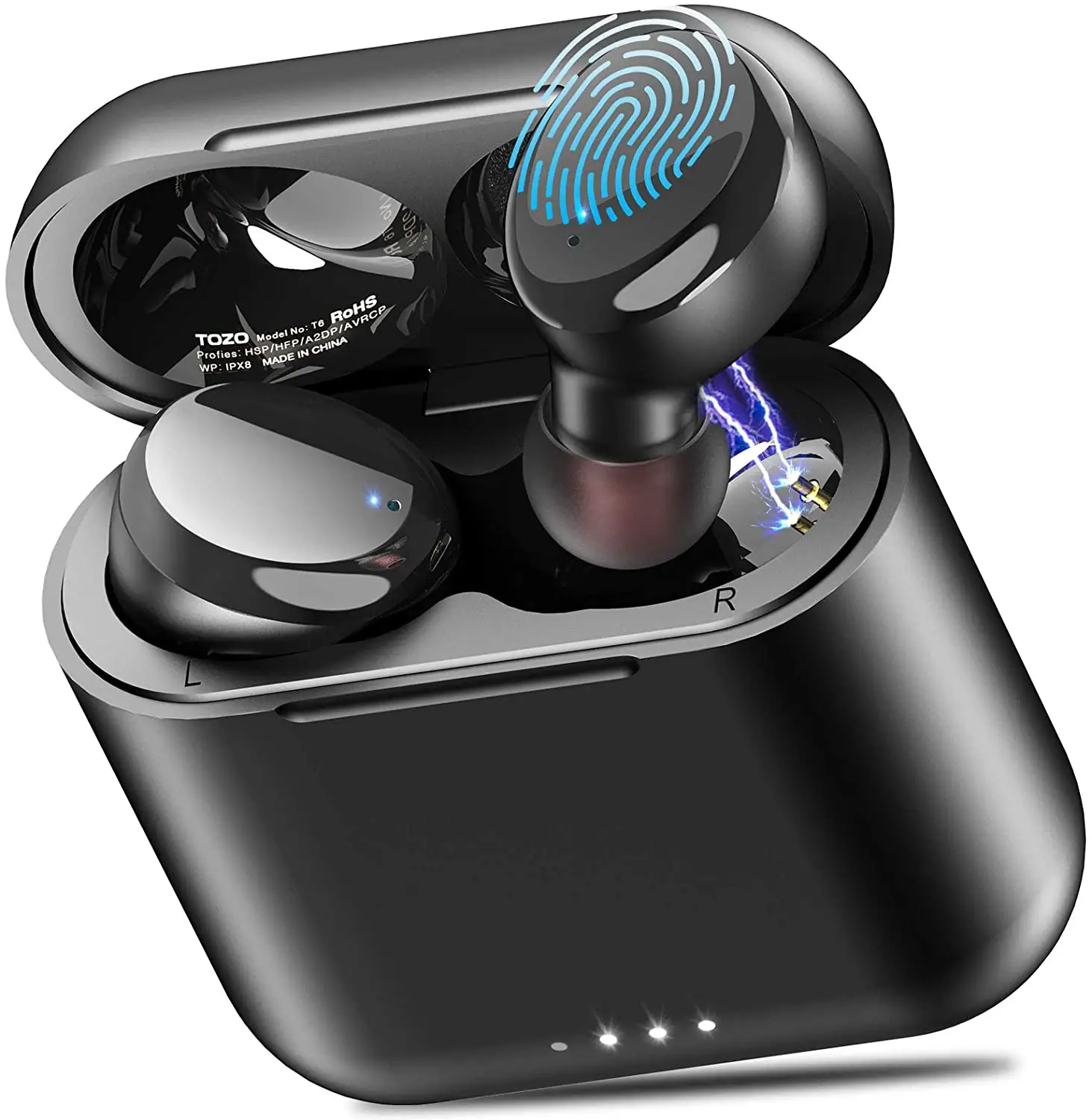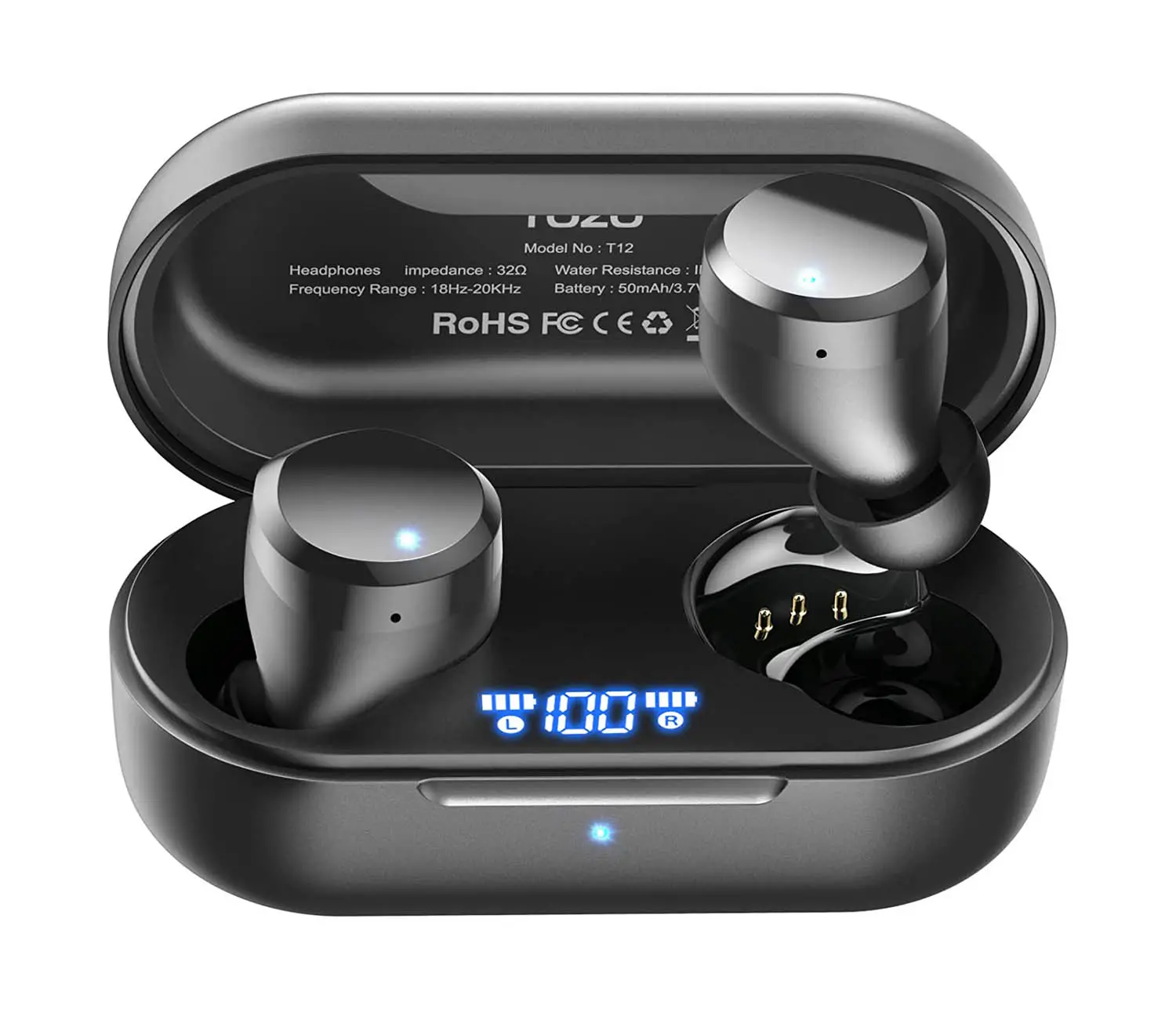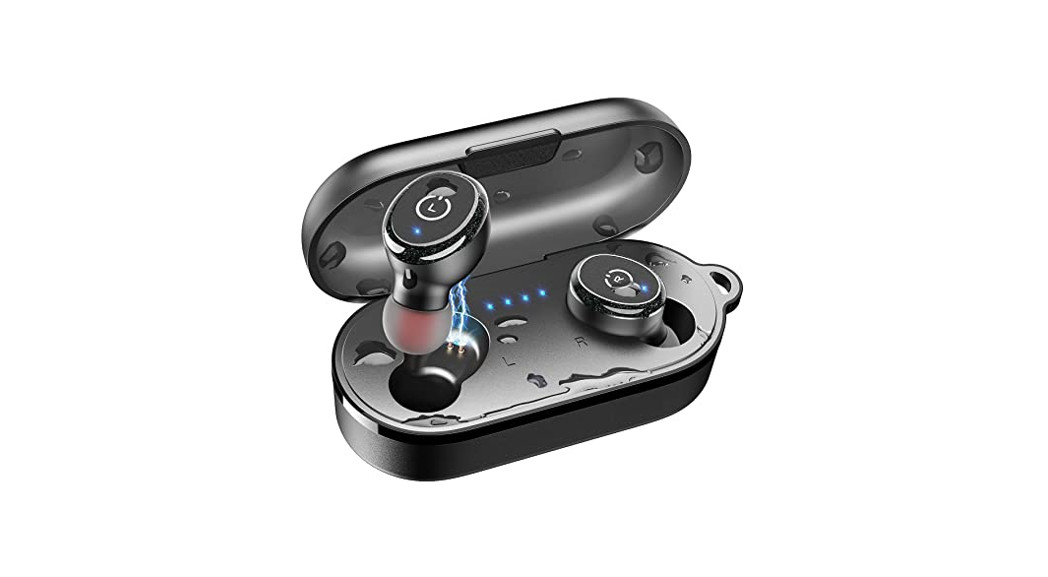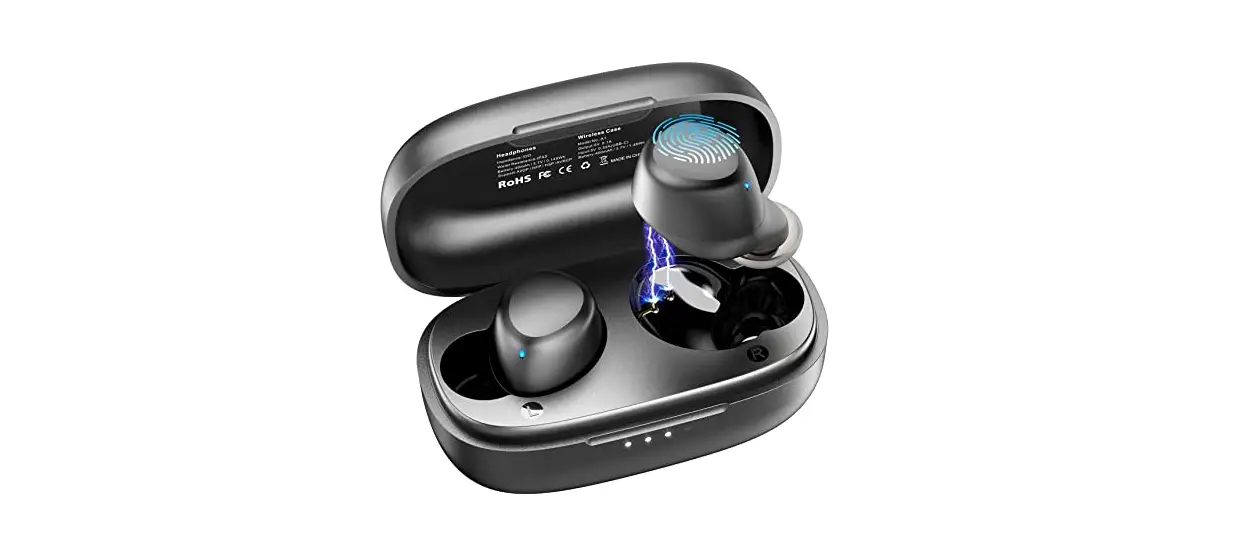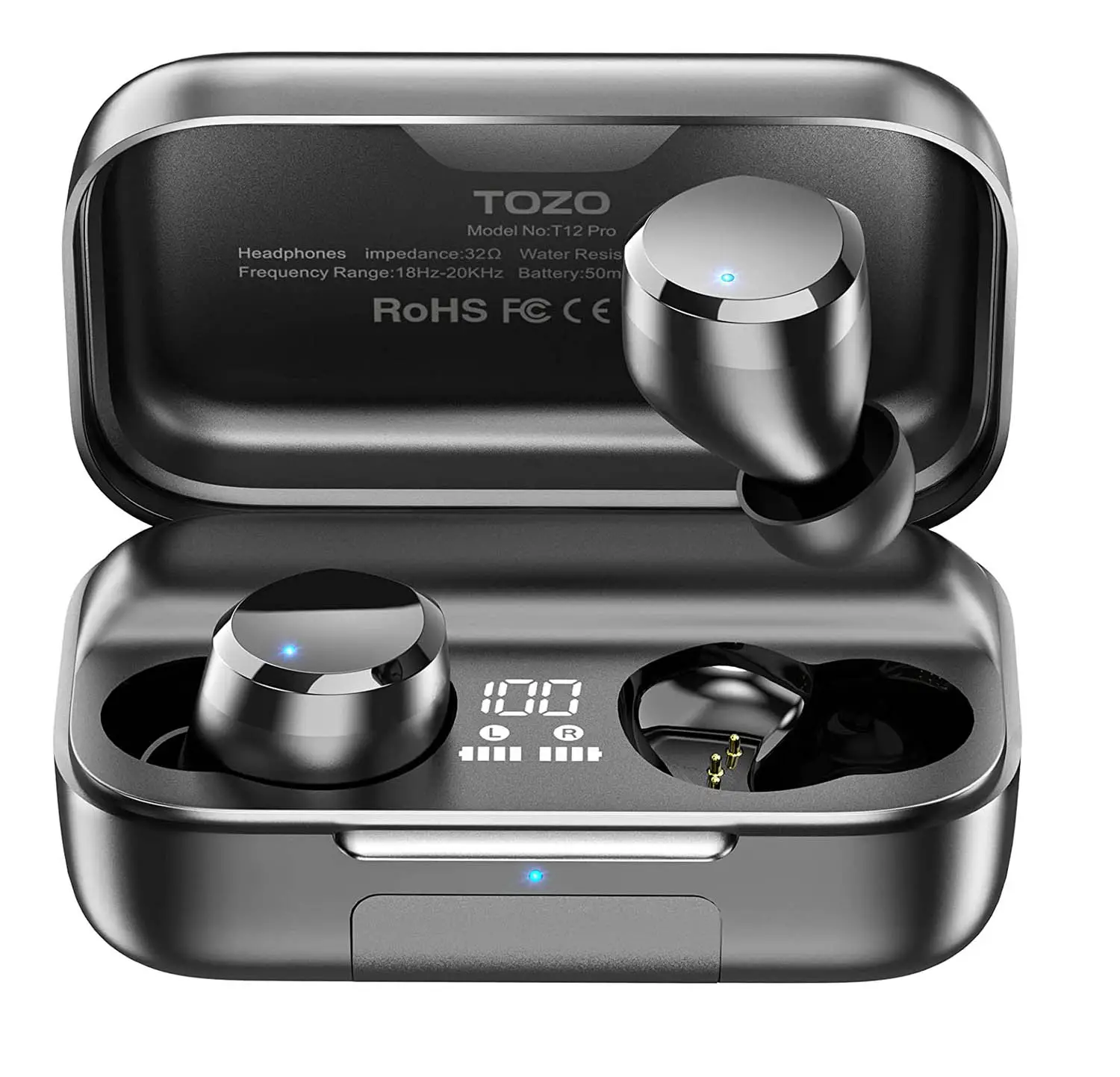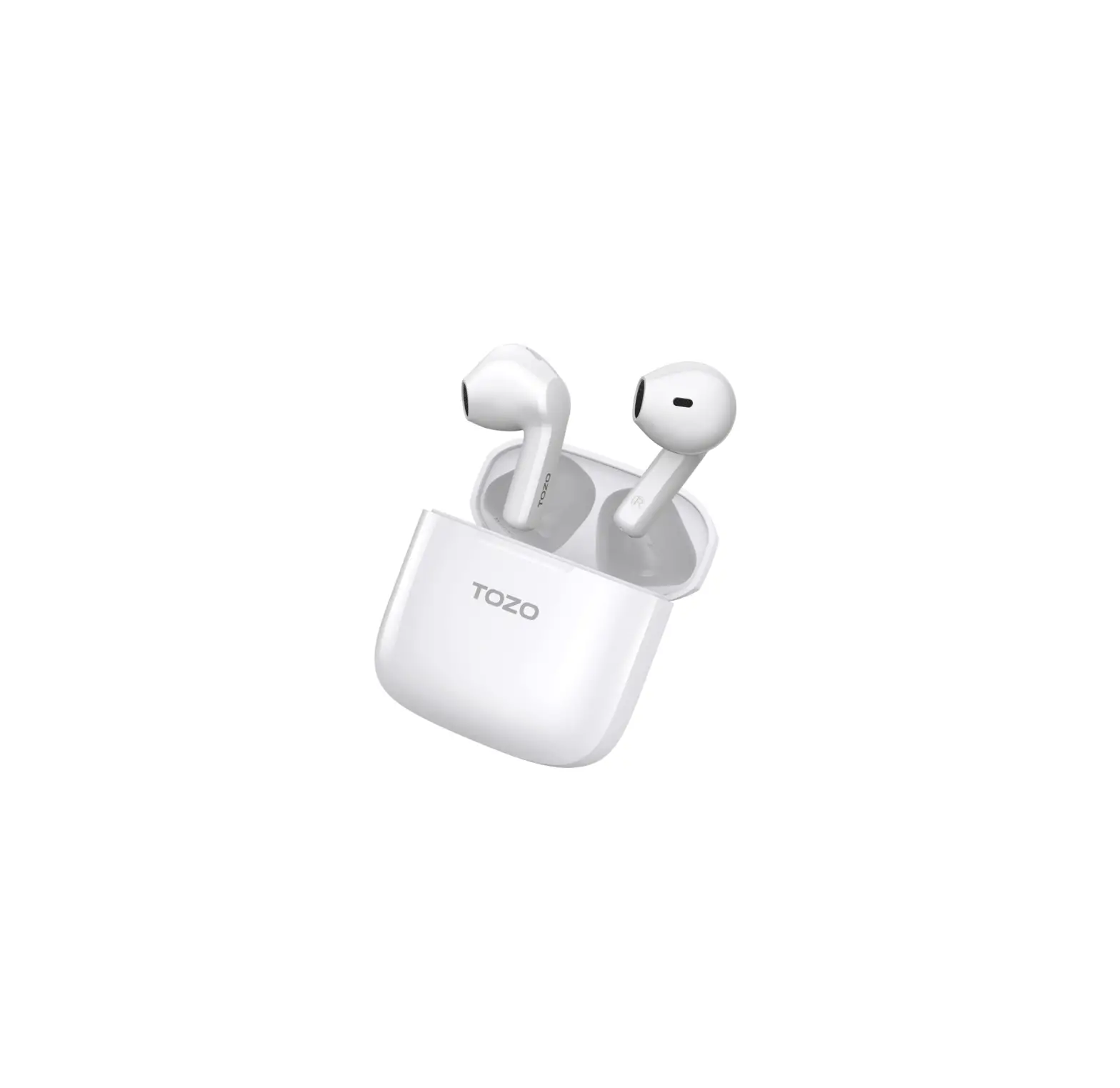
TOZO A3 True Wireless Stereo Earbuds
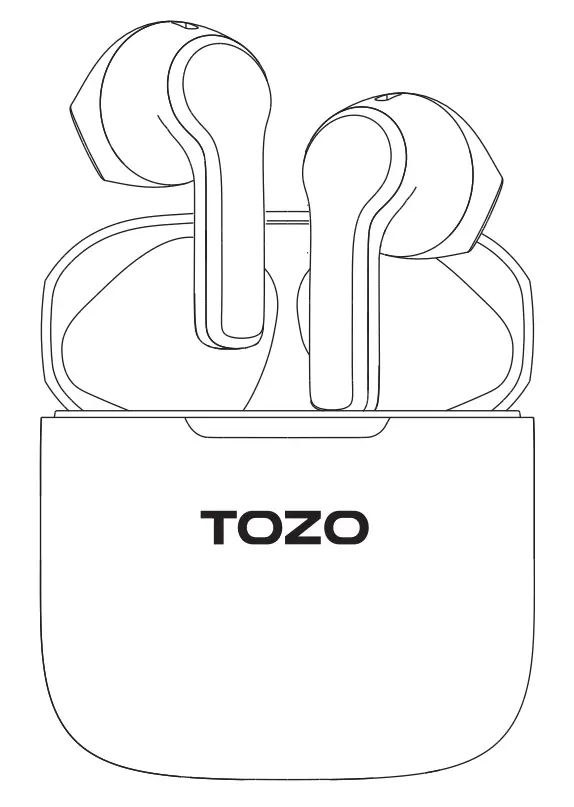
Bluetooth pairing and wearing
Bluetooth pairing
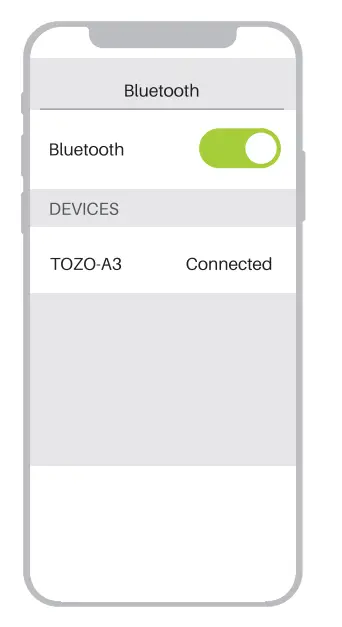
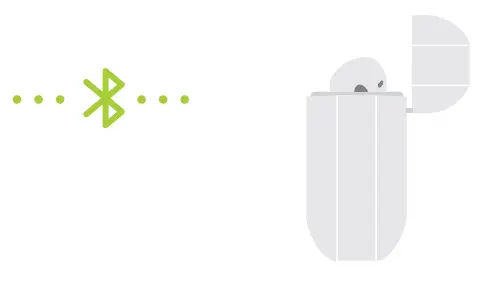
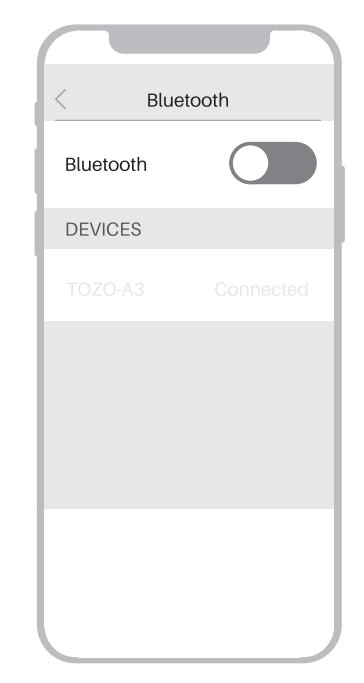
- In first use, take earbuds out of the charging case and the earbuds will power on and automatically pair with each other. Open the Bluetooth device, search [TOZO-A3] and select the connection.
- Non first used, theearbudswillauto connect back to the last pairing device when turning on. If auto connect back fal~ please select [TOZO- A3I again on #DEVICES” list. If need to connect to other device, please forgeUunpair [TOZO- A3] from current device and repeatstep1 to connect to the new one.

Wearing
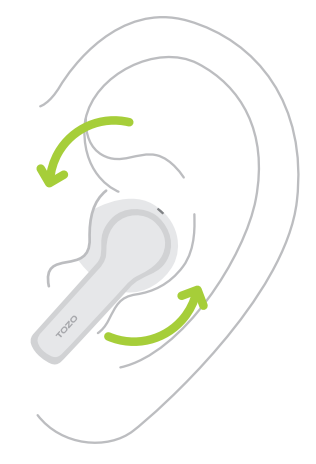
Gently insert the earpiece into the cochlea obliquely and adjust it to an appropriate angle. When making a call turn the earbud microphone towards your mouth to make the call clearer.
Smart touch control
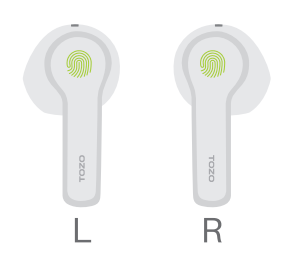
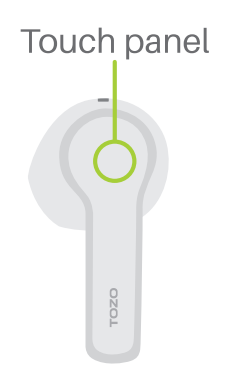
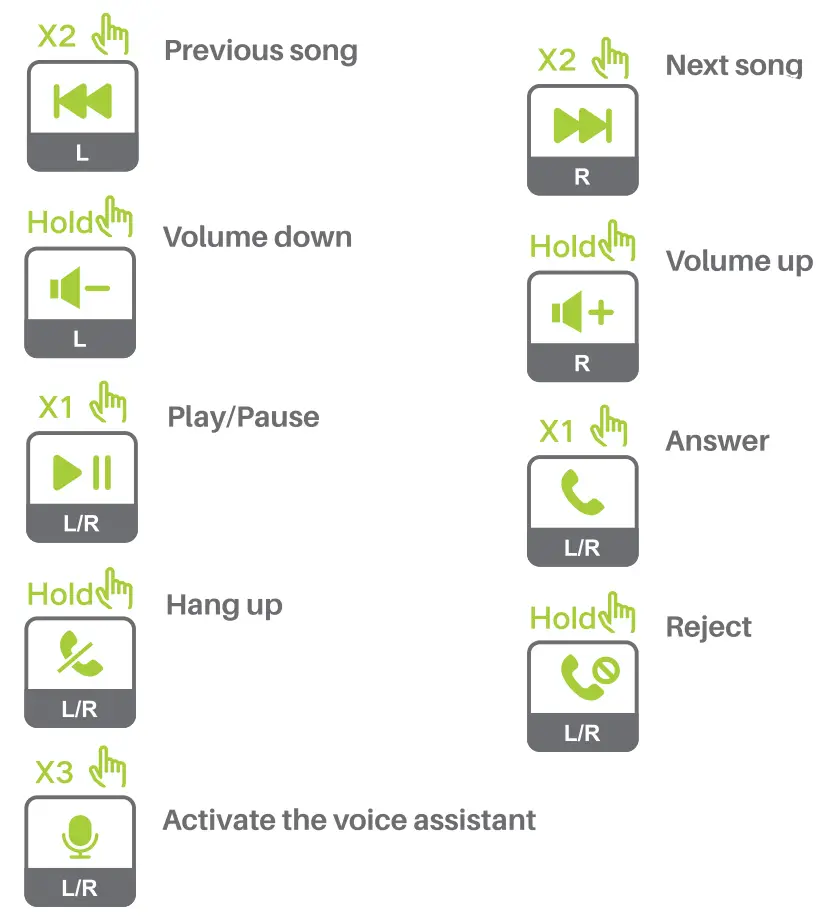
X1: Press once X2: Press twice X3: Pressthreetlmes Hold: Press and hold for 2 seconds
Power on/off
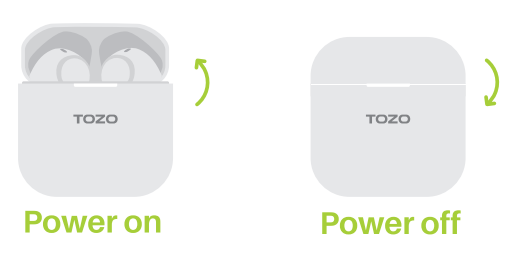
Poweron:
Open the cover of charging case; or press and hold 3 senconds.
Poweroff:
Placathaaarbudsbackintothachargingcasa; orpressandhold5senconds.
Reset
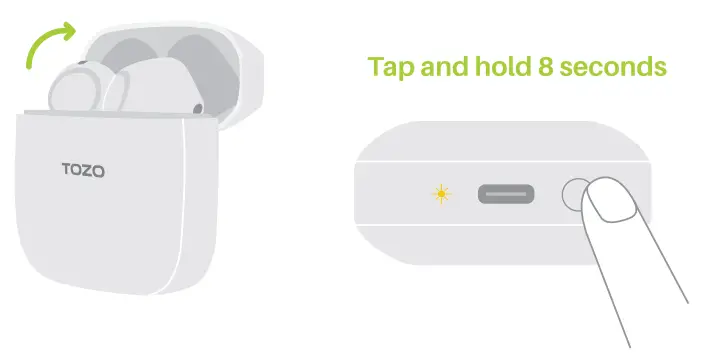
If one of the earbuds not work or fall to pair, please reset It: Put both of earbuds into the charging case, forget/unpair [TOZO- A3] on your device.
- 0pen the charging case and keep the earbuds in it
- Hold the charging case button for 8 seconds, the Indicator light on the box flash 5 times, and the white Ilg ht on the earbudsflashfast.
- Take the earbuds out of charging case and connect with device again.

Charging
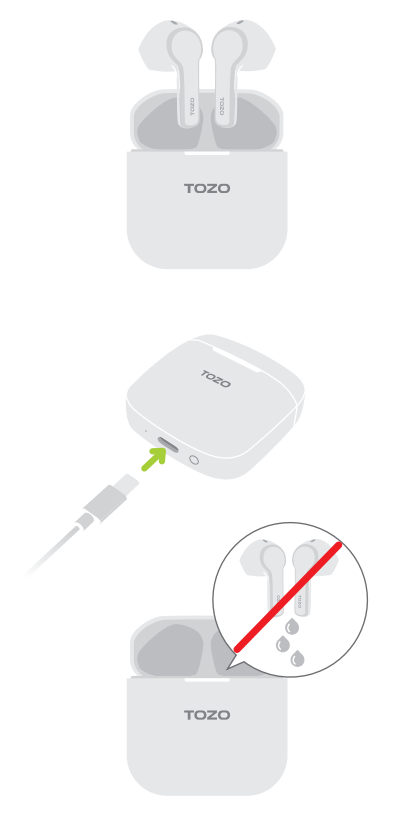
Charge the case via USB-C connector. (USB-C cable included)

Don’t put wet earbuds into the charging case, fully dry off the earbuds before charging.
Customer Support

Thank you for purchasing the TOZO authentic product.
For more latest products, parts and accessories,
pleasevisit: www.tozostore.com
For any assistance please contact Email: [email protected]