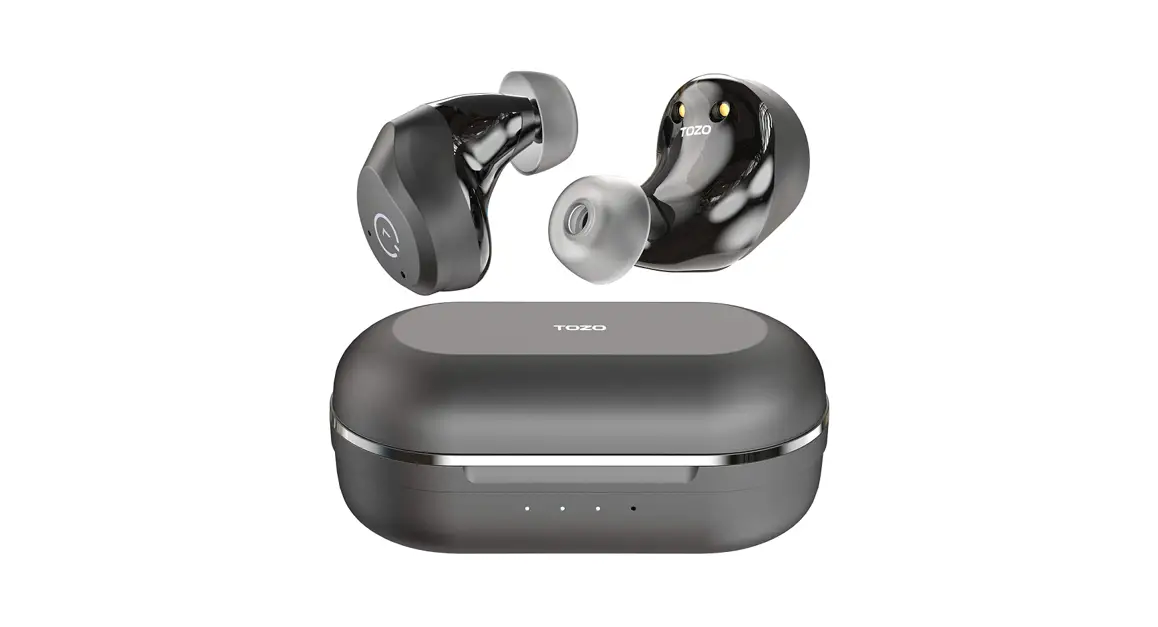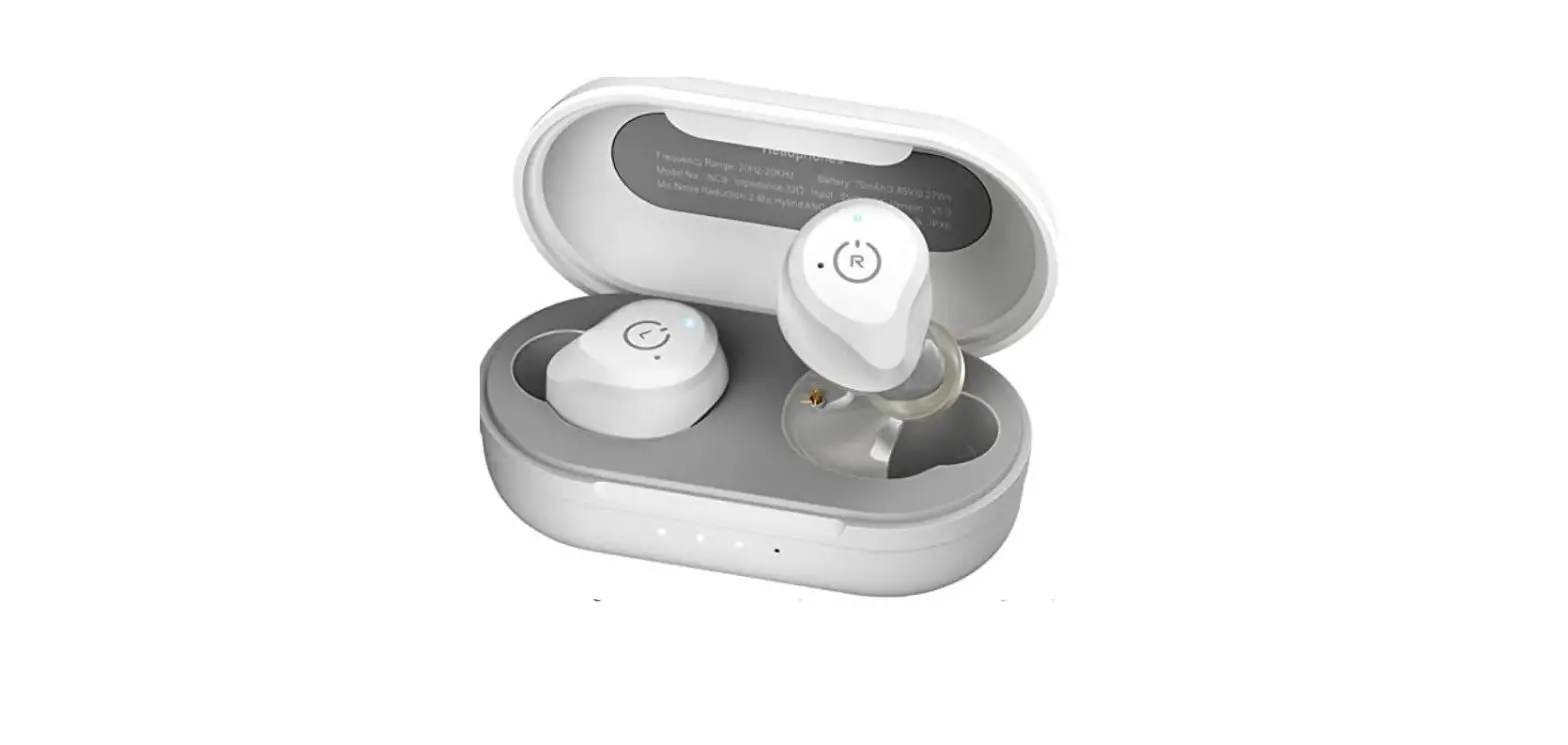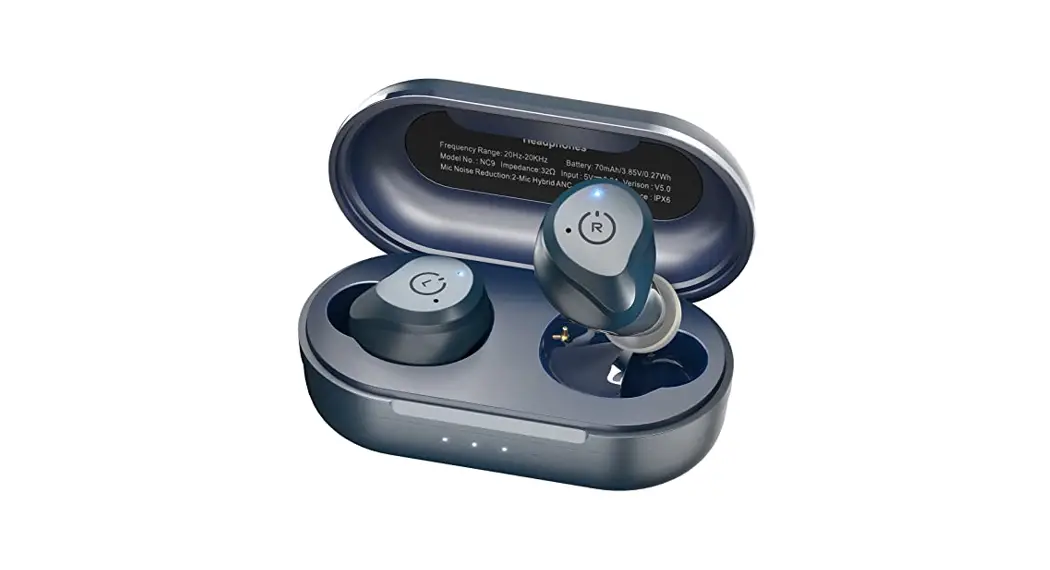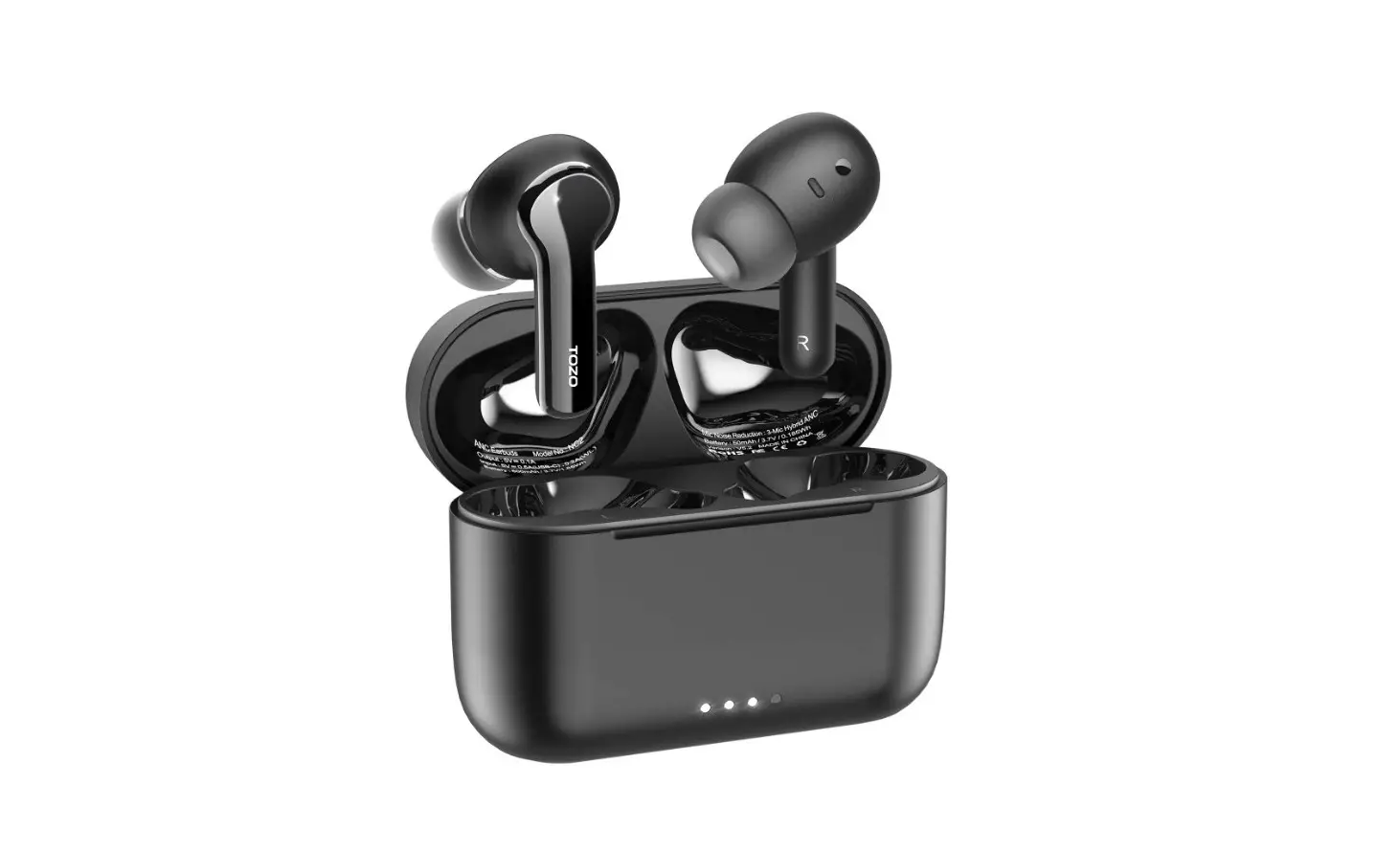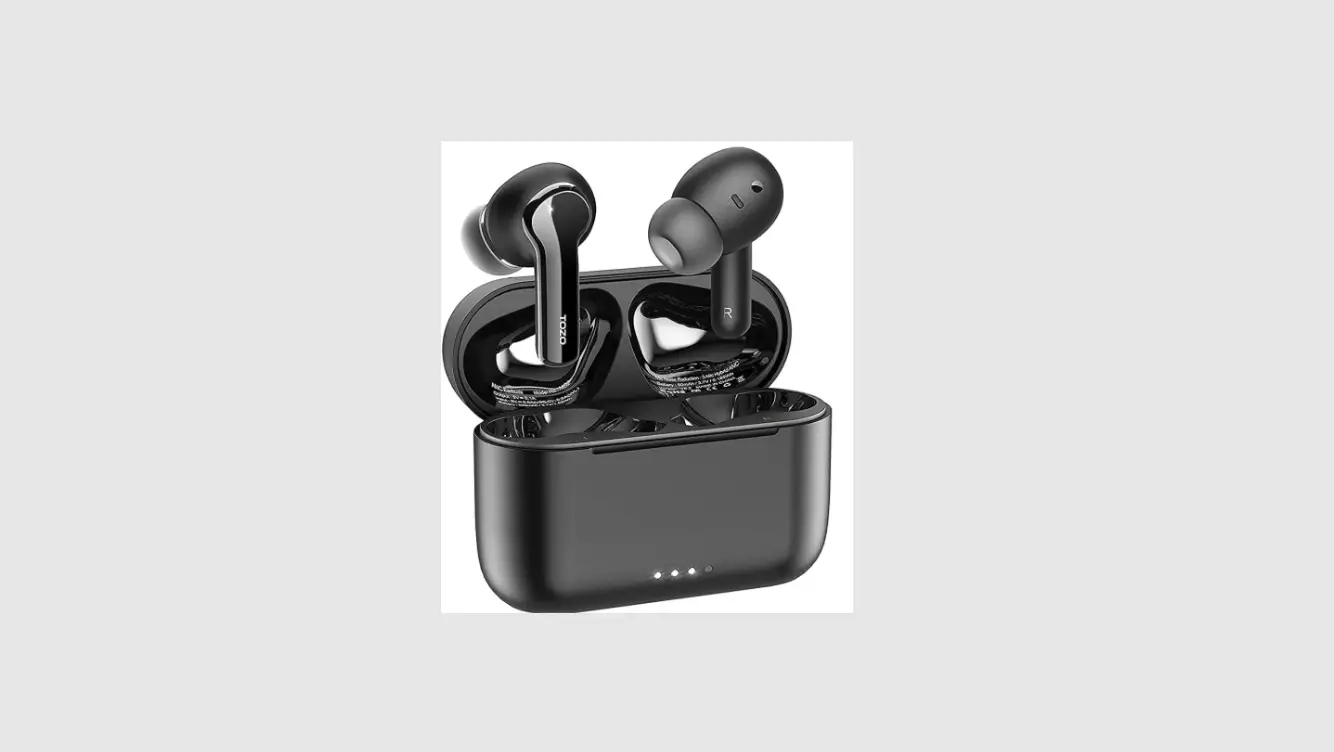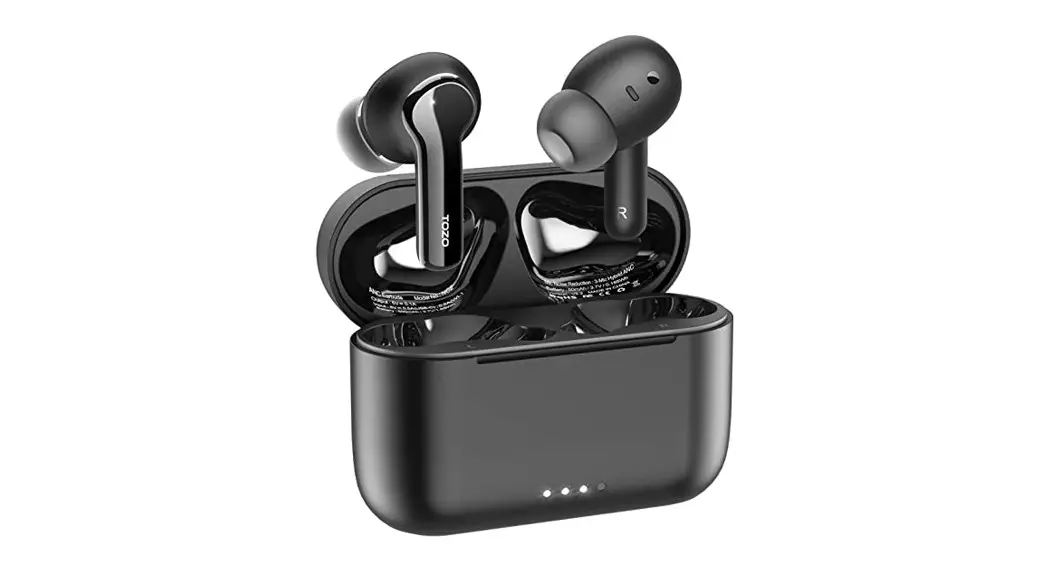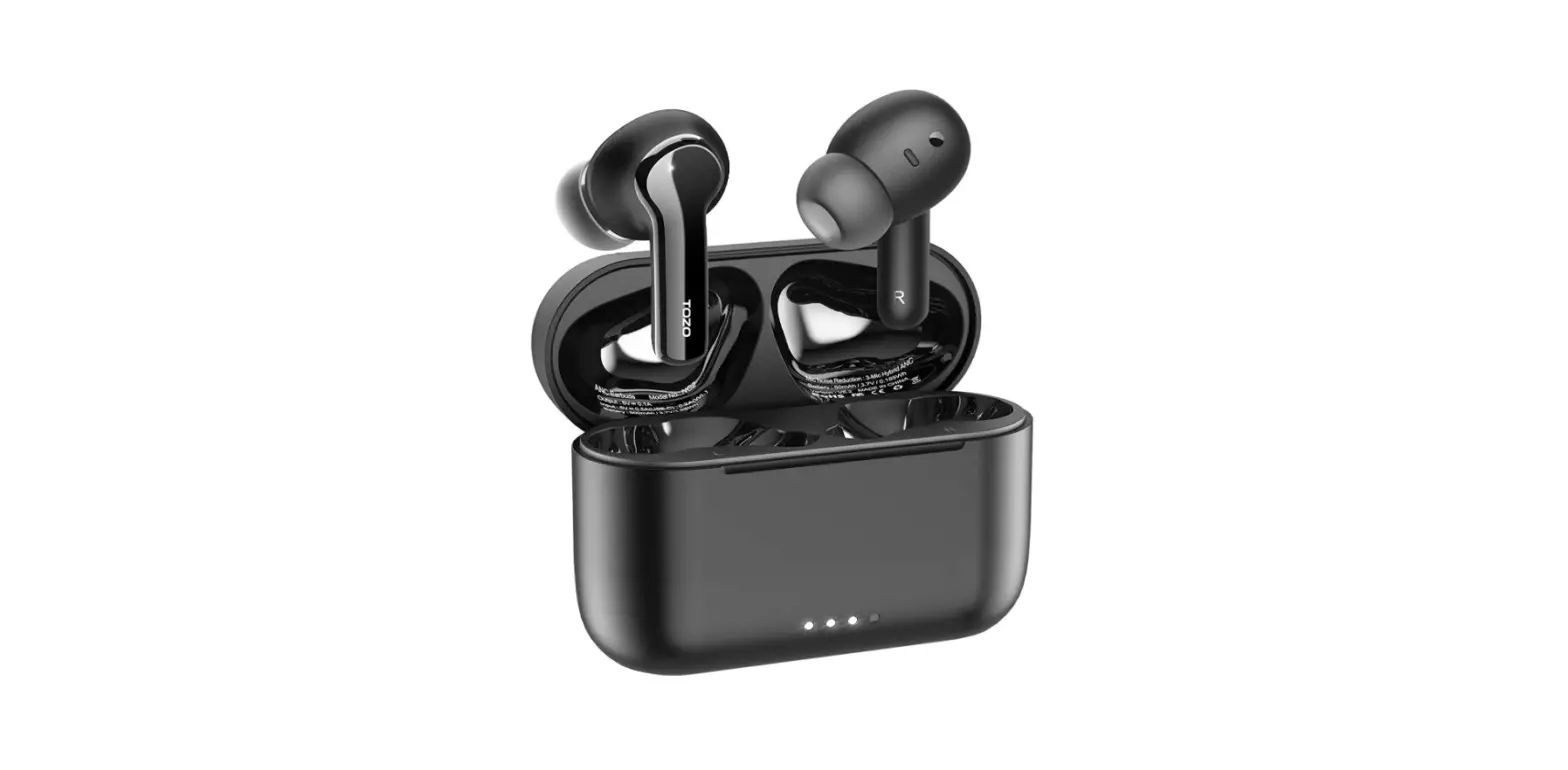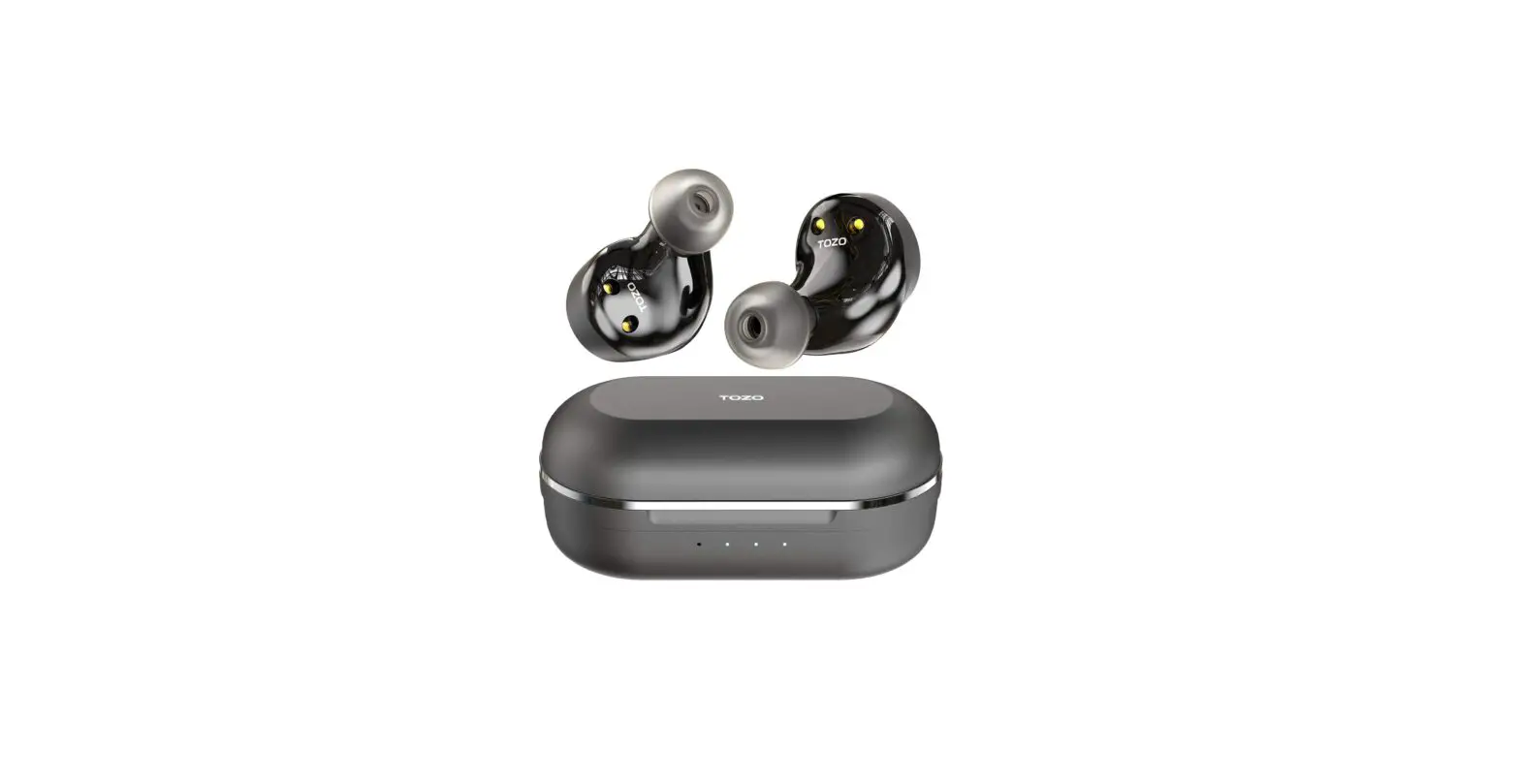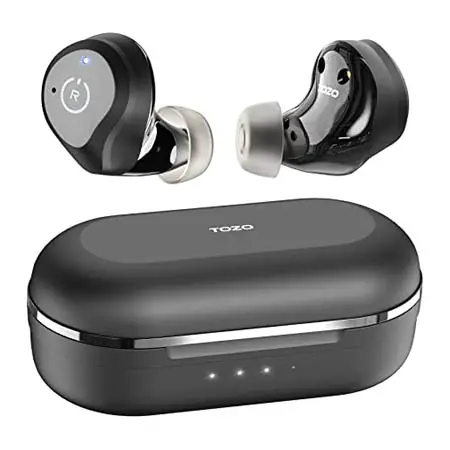
NC9 Active Noise Cancelling Wireless Earbuds
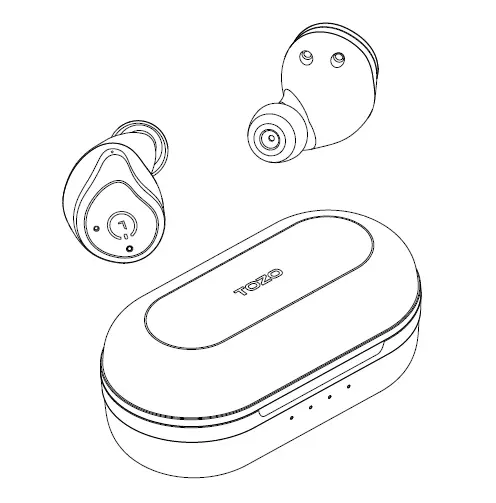
User Manual
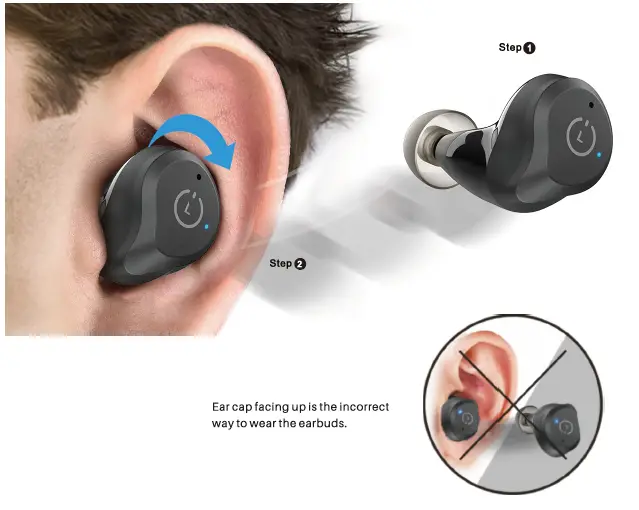
How to wear your TOZO earbuds
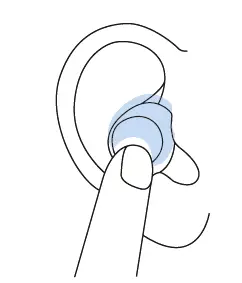
Step 1: Ensure ear cap downward, then place earbuds into ear.
Step2: Rotating back earbuds to auricle side to fit snugly.
How To Pair
Auto Pairing
1. Pick up 2 headsets from charging base, they will power on automatically and will connect each other automatically within 10 seconds.
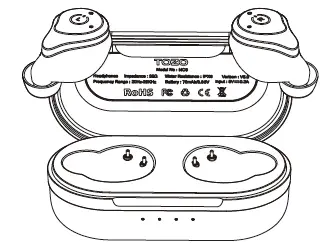
2. If the earbud is full charge, the earbud will flash blue light for 5 seconds, then disappear. If the earbud is not full charge, it will keep red light until full charge.
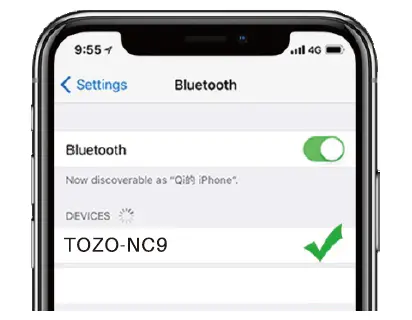
3. Search for pairing name [TOZO-NC9], and select it in your phone.
Reset
If you accidentally get only one earbud work, or fails to pair each other, please reset it:
- Delete all TOZO-NC9 records on the phone, then turn off the Bluetooth.
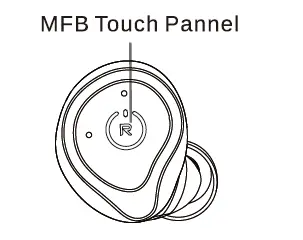
- Holding both earbuds button for 5 seconds till red lights on to turn off earbuds.
- Holding the MFB Touch Pannel on each of earbuds for another 5 seconds till blue light turn on and off, and then clicking the M FB Touch Pannel on each of earbuds twice quickly, the reset process will be done when the Purple light on for 1s, then two earbuds flash red and blue alternately, reset is complete.
NOTE: In case there is [Connection Unsuccessful] in your devices, please consider to delete all historical records of [T0Z0-NC9] and try the paring process again.
Left Earbud
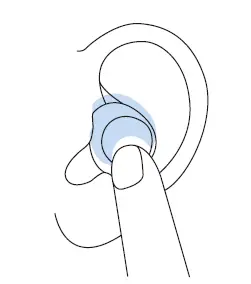
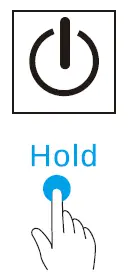
Power on: Hold or pick up earbuds from battery case to power on automatically.
Power off: Hold or put earbuds into battery case to power off & charging automatically.
Active Noise cancellation Mode/ Transparency Mode | Active Noise Cancellation Mode Off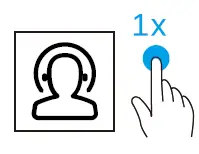
Activating the voice assistant
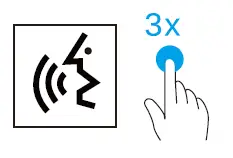
Siri, Google Assistant, Baidu,·;···· depending on mobile phone.
Right Earbud
Power on: Hold or pick up earbuds from battery case to power on automatically.
Power off: Hold or put earbuds into battery case to power off & charging automatically.
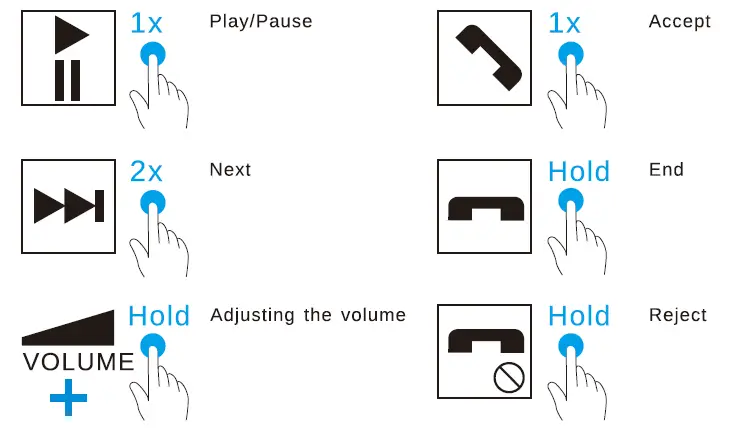
Activating the voice assistant
Siri, Google Assistant, Baidu,·;···· depending on mobile phone.
Thank you, for purchasing the TOZO authentic product.
For more latest products, parts and accessories,
please visit: www.tozostore.com
For any assistance please contact Email: [email protected]
Download
TOZO NC9 Active Noise Cancelling Wireless Earbuds User Manual – [ Download PDF ]