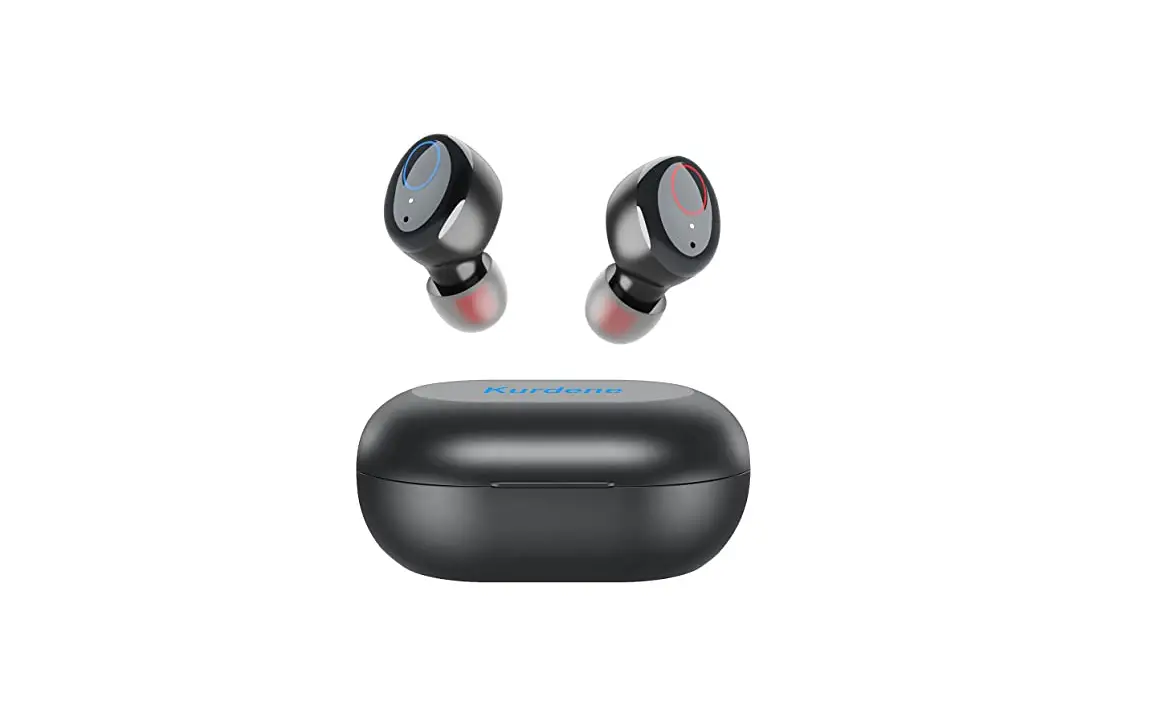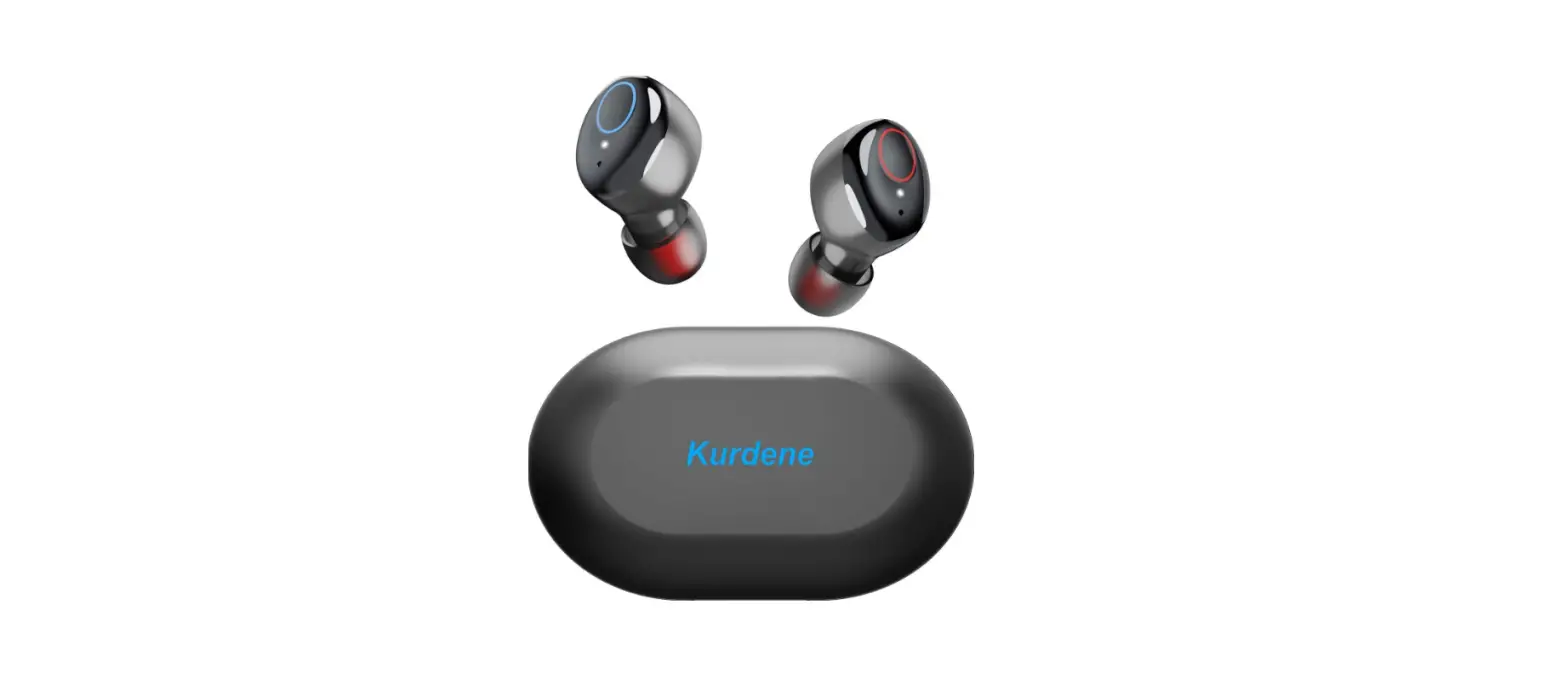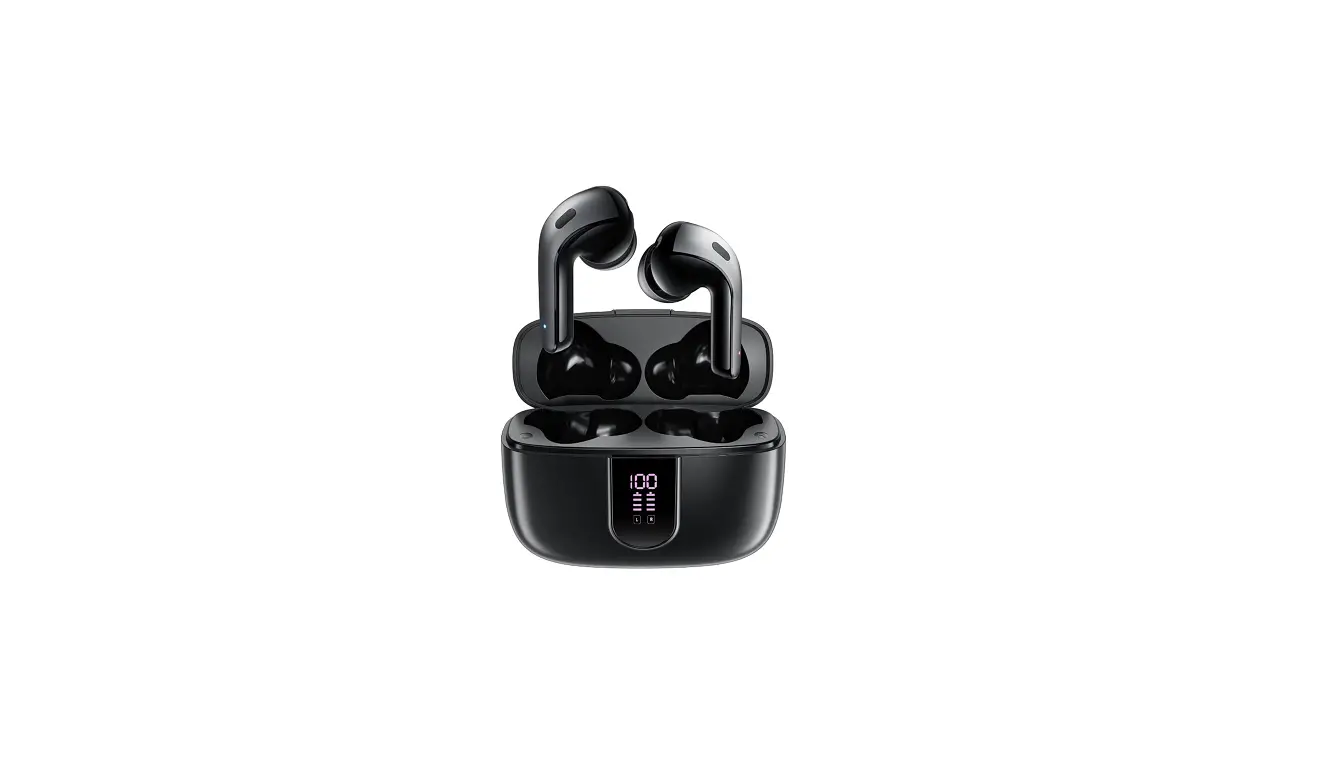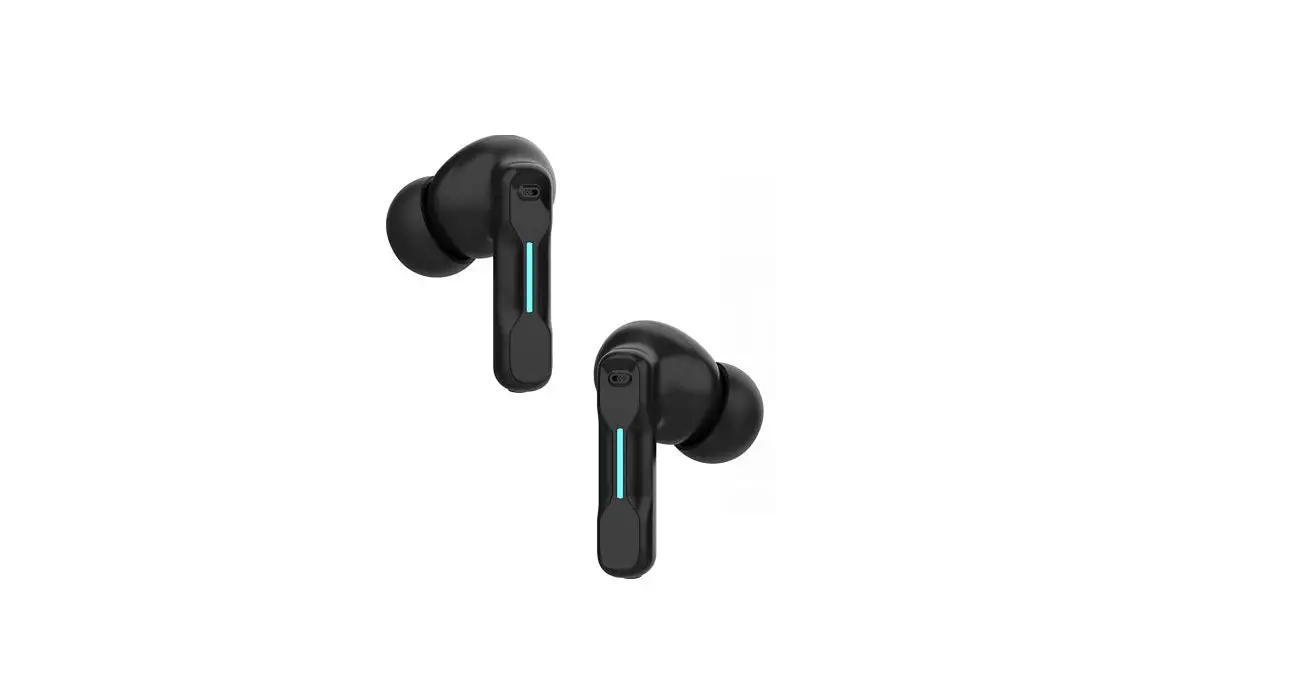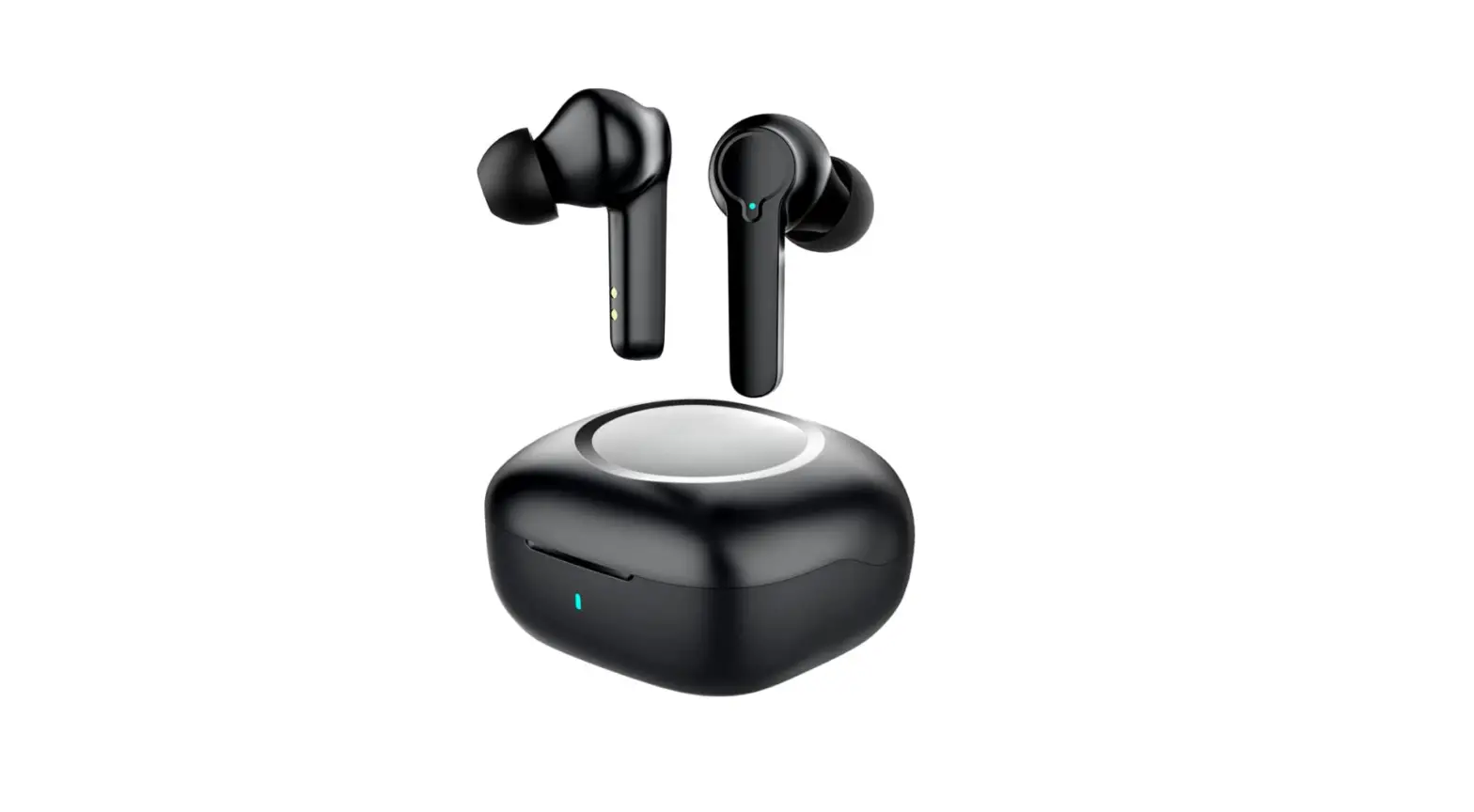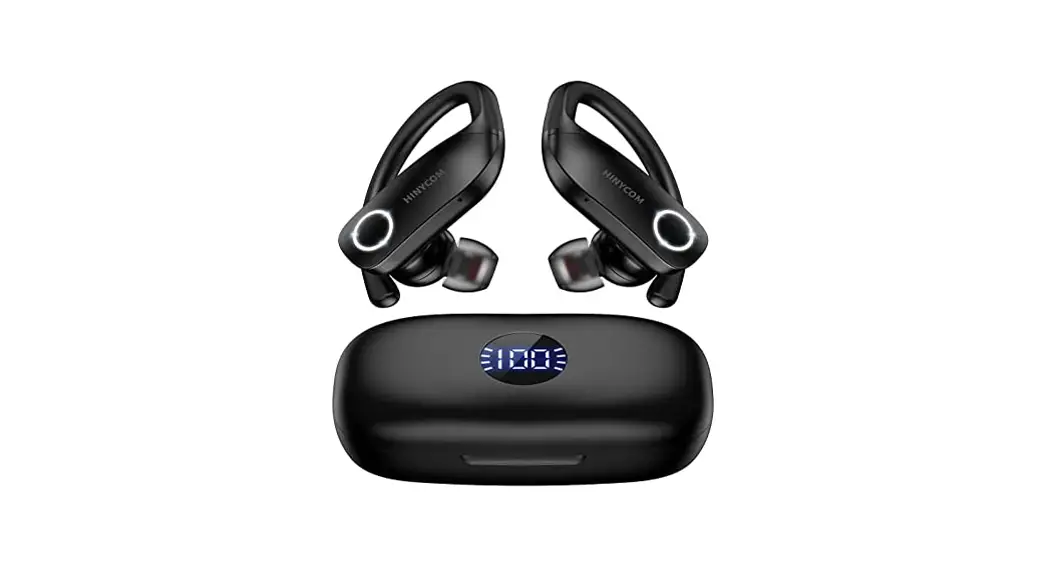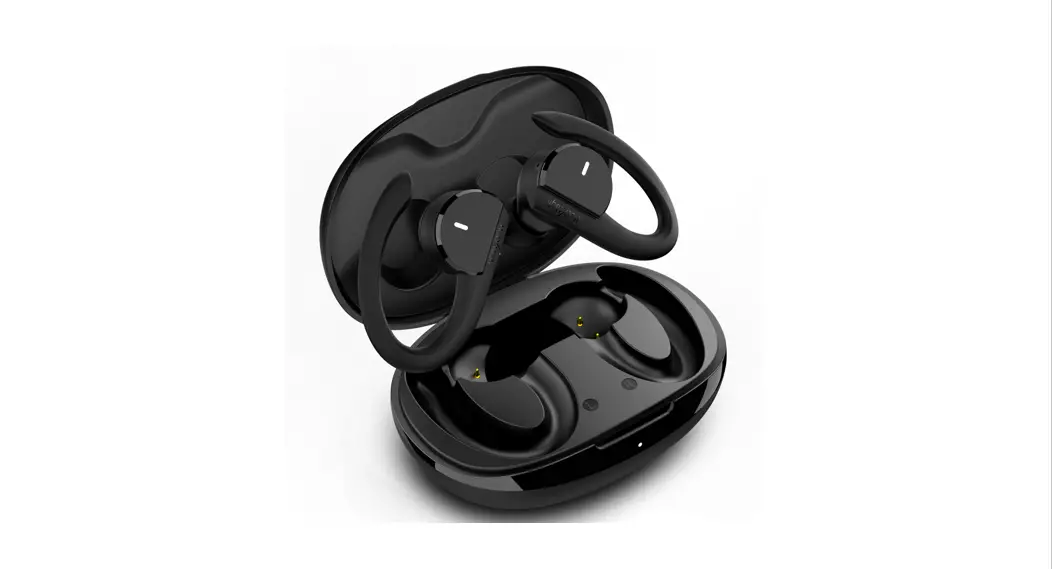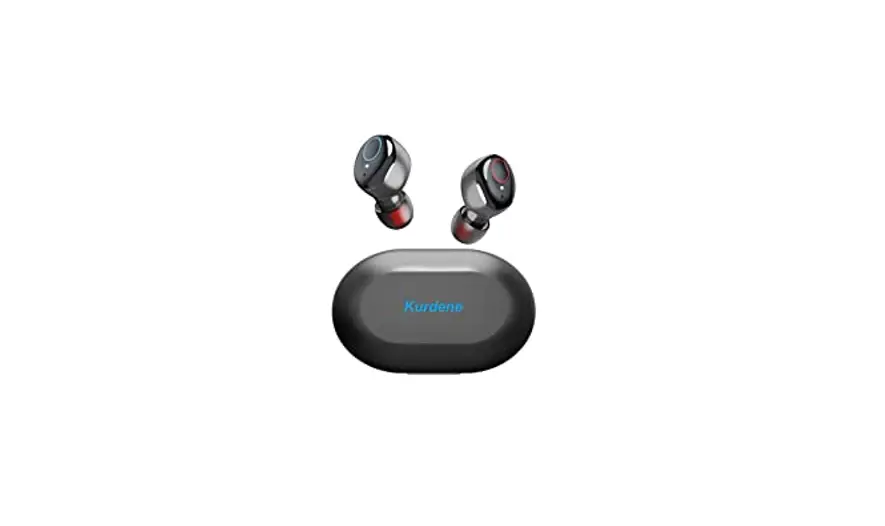
 Kurdene S8 Pro Wireless Bluetooth Earbuds
 Kurdene S8 Pro Wireless Bluetooth Earbuds
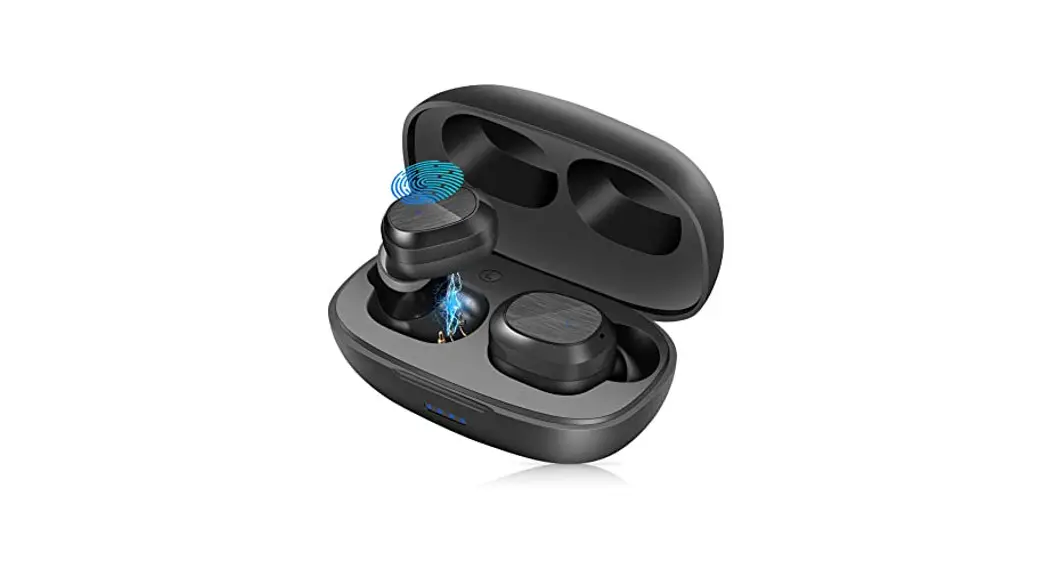
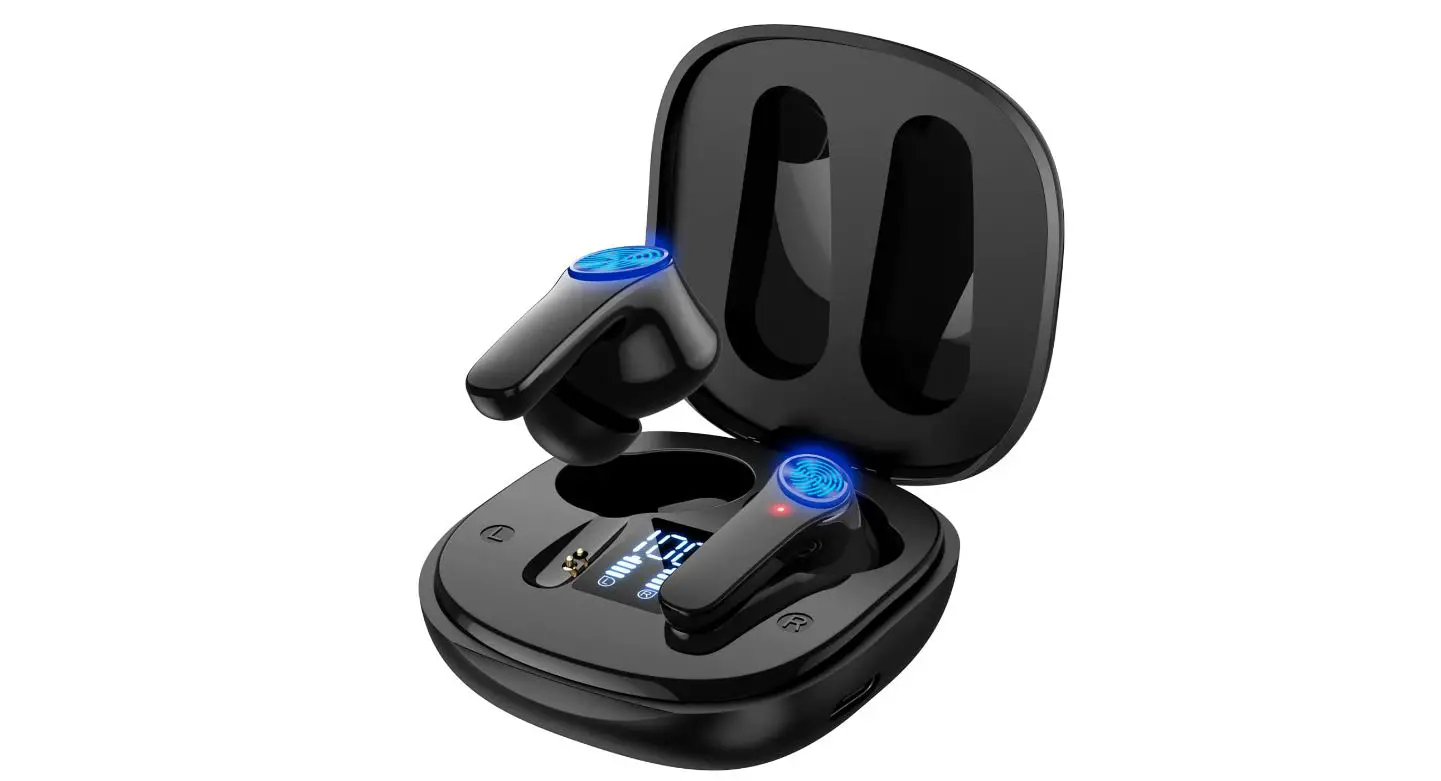
PRODUCT OVERVIEW
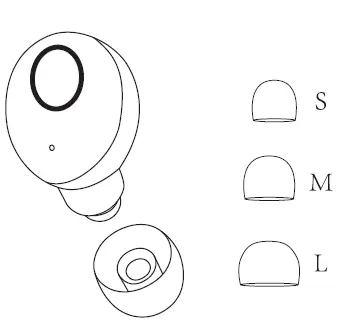
- Choose the ear cap that suits you.
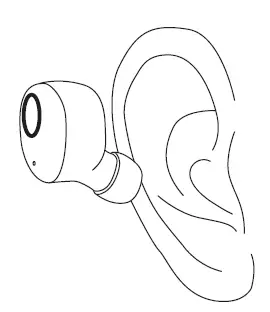
- Put the earbuds into the ear in the angle shown as the picture above.
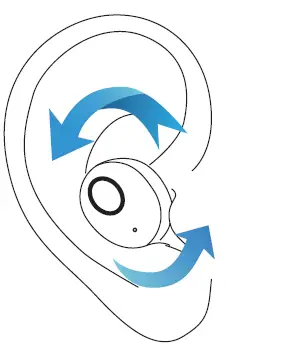
- Gently rotating the earbuds to a comfortable position.
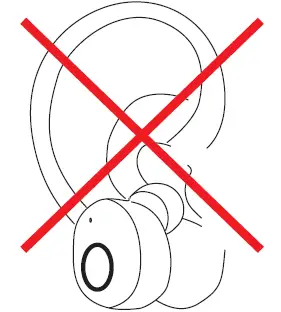
- Error demonstration
MFB Power Switch
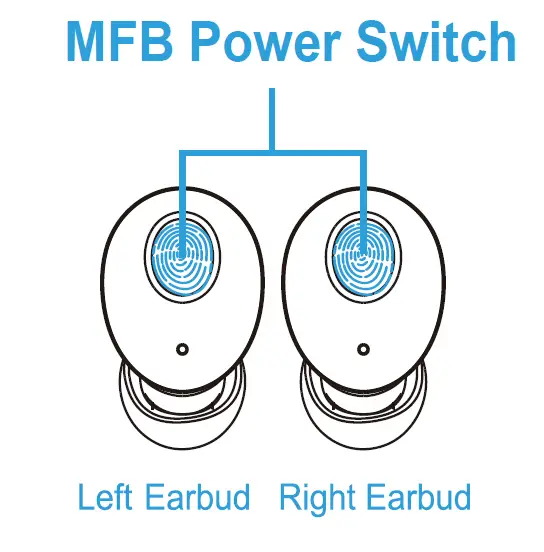
Take-out from case. OR  press and hold for 5 seconds.
When back into case. OR no connection for 5 minutes.
Warm notice
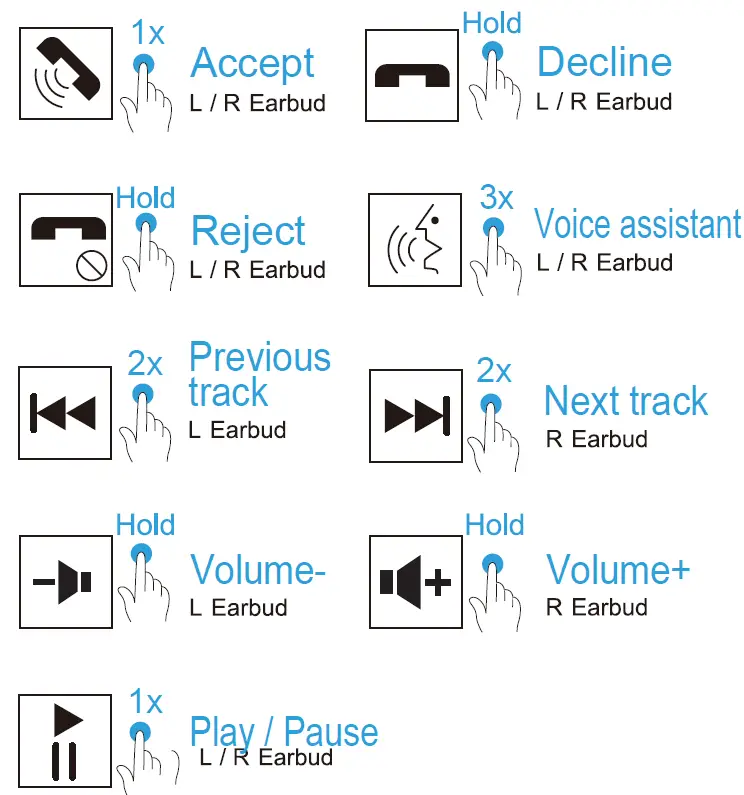
For any single earphone, when it is in standalone mode, you can’t use it to play the previous song or decrease the volume.
First time using 

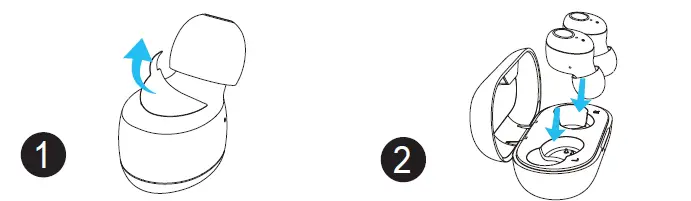
- Tear off the insulating film.
- Put the earbuds into the charging case to charge

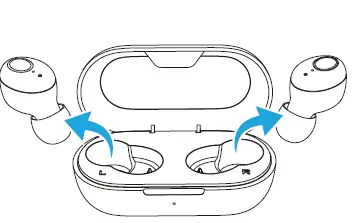
- Take out from case, the indicator will turn to Red and Blue alternately

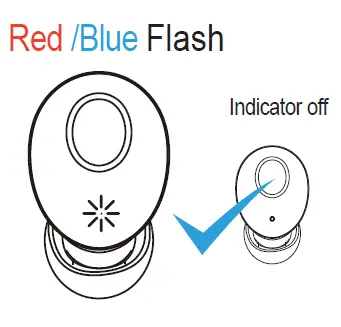
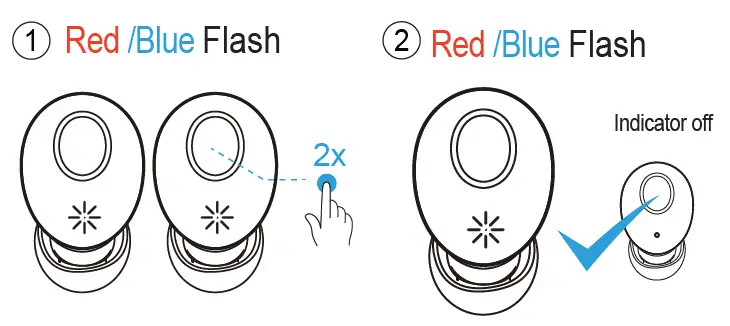
- The indicator of one earbud will go off and another will flash red and blue light alternately.(In pairing mode)

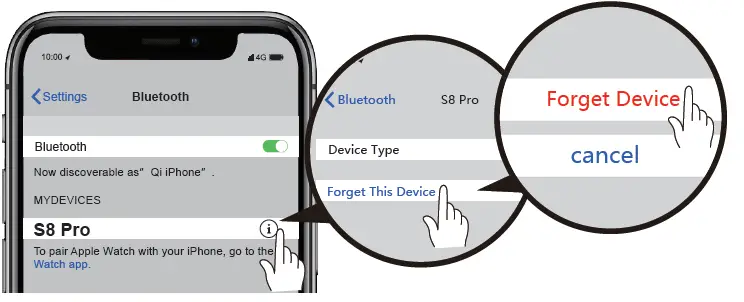
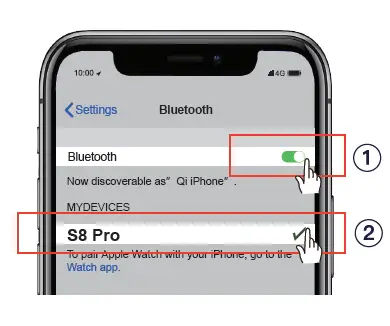
- Turn on the Bluetooth function on your phone and search for【S8 Pro】 and connect it.
Warm notice
If indicators of both earbuds keep flashing red and blue, Click either earbud’s power switch twice. Then the indicator of one earbud will flash red and blue light alternately, another will go off. (in pairing mode)
Restore factory setting

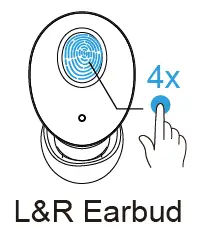
- Please turn off the Bluetooth of the mobile phone and the earbud light will flash red/blue. Quickly press the power button of the earbud four times.

- Please delete all paired records on the phone and re-search【S8 Pro】after clear the pairing and reconnect.