
H-7759, H-8953 DOWNTOWN COLLECTION
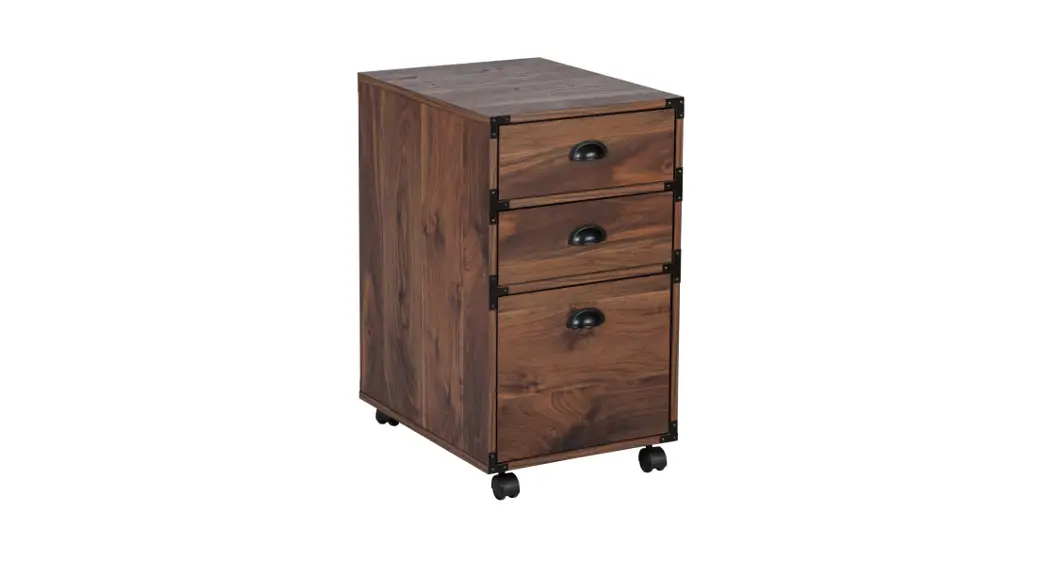
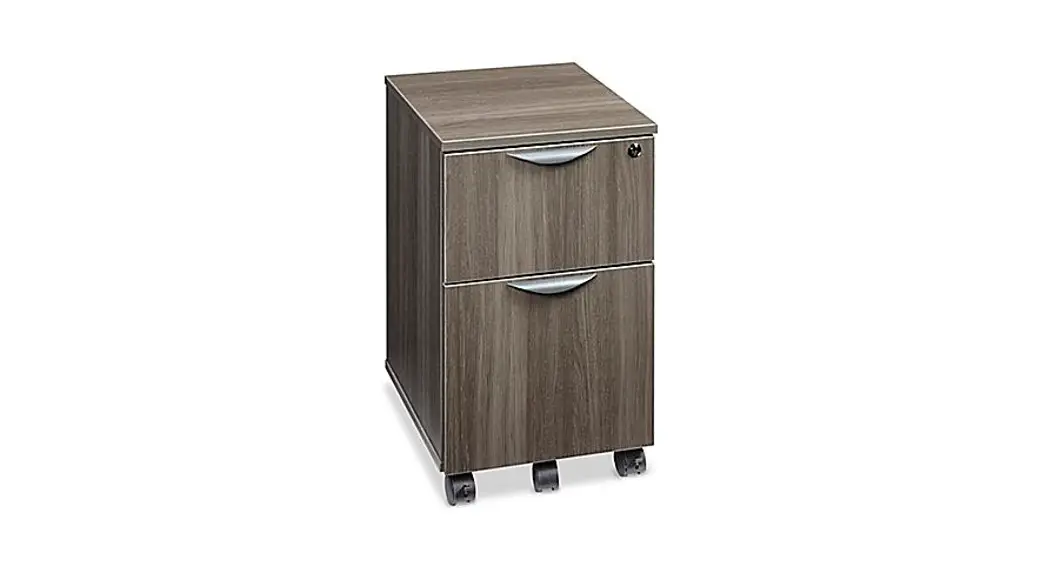
MOBILE PEDESTAL FILE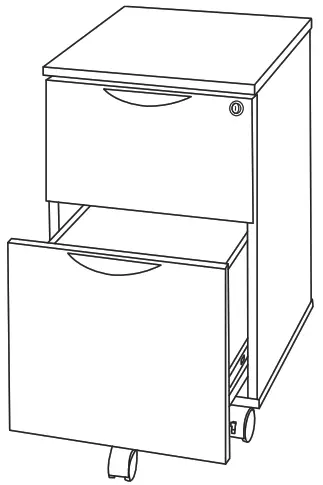
1-800-295-5510
uline.com
TOOL INCLUDED
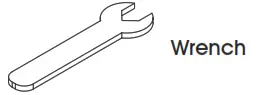
TOOLS NEEDED

PARTS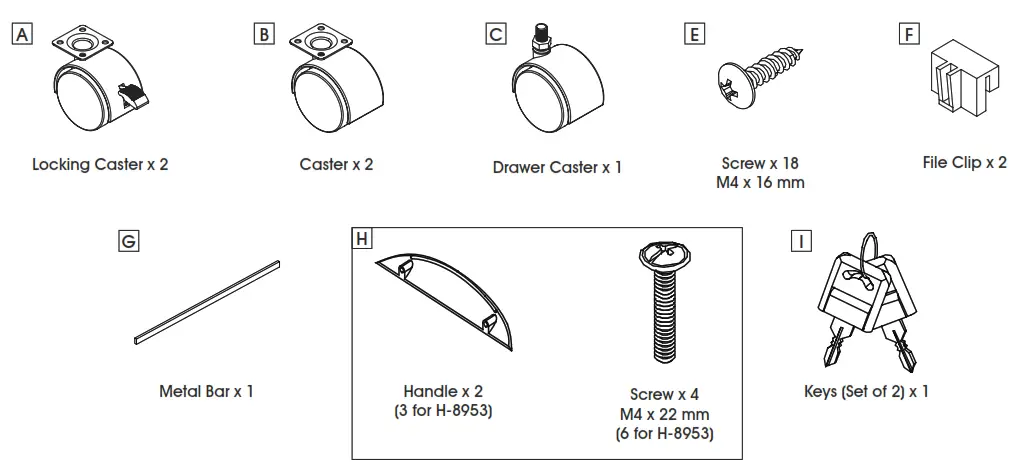
ASSEMBLY
 NOTE: Assemble unit on a smooth, non-marring surface to prevent scratching.NOTE: Check that all parts are included.
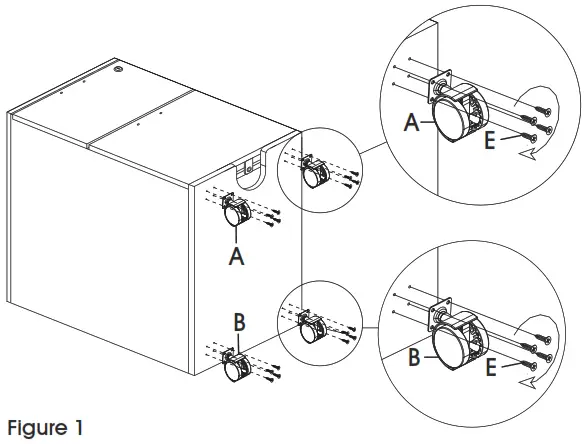
- Lock drawers using a key. Lay pedestal file onto the back and locate pre-drilled holes on the front of the bottom panel. Align holes on the locking caster (A) bracket and attach using four M4 x 16 mm screws (E). Repeat for a second locking caster. (See Figure 1)

- Locate pre-drilled holes on the back of the bottom panel and align with holes on the caster (B) bracket. Attach using four M4 x 16 mm screws (E). Repeat for a second caster. (See Figure 1)
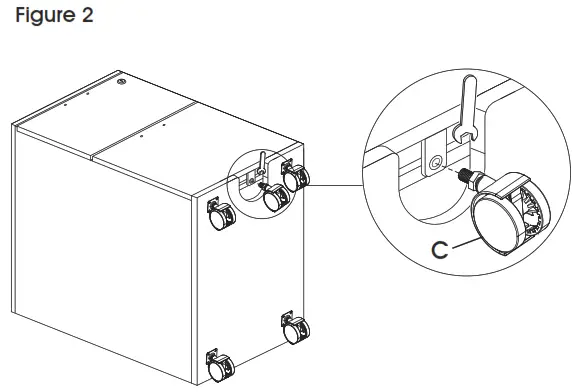
- Use a wrench to attach drawer caster (C) to bracket on the underside of the bottom drawer. (See Figure 2)

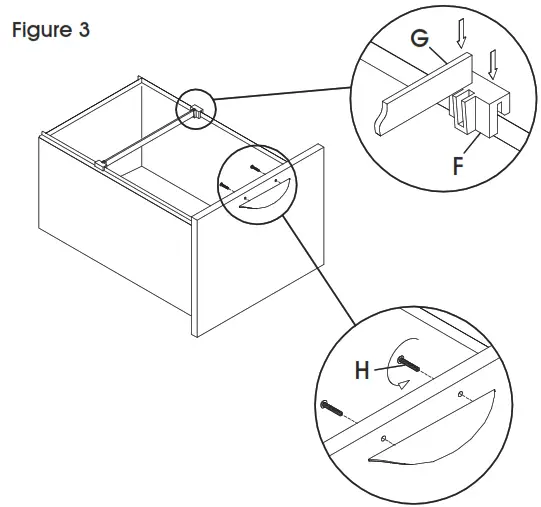
- Place pedestal file upright. Remove pre-attached handles (H) from the inside of the drawer and move them to the outside of the drawer. Align holes on the drawer with holes on the handle and attach using two M4 x 22 mm screws. Repeat for another drawer (s). Attach file clips (F) to both sides of the bottom drawer and insert metal bar (G). (See Figure 3)

1-800-295-5510
uline.com