2.21F01 Advisory Supervisory Control Platform Firmware
Product Information
The product is a Supervisory Control Platform firmware version
2.21F01 for Emerson’s Supervisory controllers. This firmware
version includes various fixes and enhancements to improve the
performance and functionality of the controllers. It is recommended
for all customers to upgrade their Supervisory controllers and PCs
running Connect+ to the latest version.
Compatibility
The Supervisory Controller version 2.21F01 is compatible with
Connect+ version 1.5.4F01. It is recommended to upgrade Connect+ to
the latest version before updating the Supervisory controllers.
Features and Fixes
The Supervisory Controller 2.21F01 includes the following
features and fixes:
- Smart Alarms: Smart Alarm function is now supported for CO2 and
Enhanced Condenser applications. - Calendar Enhancements for Schedules: Time options and new Day
and Holiday selections added for slave events. - Password Lockout: If an incorrect password is entered 10 times
in a row, the user will be locked out for 30 minutes. - Send To Tile Points: Source points can be sent to target users.
Tile point changes can be sent selectively to other applications of
the same type. - XM Circuit: Case Clean out support added. Enable from the
Cleaning Switch parameter in the General tab of the XM Circuit
application. - Sporlan Kelvin 2 Support added; license required.
Product Usage Instructions
To upgrade your Supervisory controllers and PCs running
Connect+, follow these steps:
- Visit the Emerson website at
https://climate.emerson.com/en-us/products/controls-monitoring-systems/facility-controls-electronics/facility-and-system-controls/lumity-supervisory-controls-platform
for more information about the upgrade. - Ensure that your Supervisory controllers and PCs meet the
compatibility requirements mentioned in the user manual. - If you plan to upgrade both Supervisory controllers and
Connect+ at the same time, upgrade Connect+ to the latest version
first. - Contact Emerson for more information about upgrading and to
obtain the necessary firmware and software updates. - Follow the instructions provided by Emerson to update the
Supervisory controllers and PCs running Connect+.
By upgrading to the latest firmware version, you will be able to
take advantage of the new features and fixes, improving the
performance and functionality of your Supervisory controllers.
Update Advisory Supervisory Control Platform Firmware 2.21F01
Release Notes
A new general release version of the Supervisory controller firmware version 2.21F01 has been released and is available for customer upgrade. For more information, visit the Supervisory Control page on the Emerson website: https://climate.emerson.com/en-us/products/controls-monitoring-systems/ facility-controls-electronics/facility-and-system-controls/lumity-supervisorycontrols-platform
IMPORTANT:
· Reset or power cycle an upgraded E3 approximately10 minutes after the upgrade is complete.
Who Should Update Emerson recommends that all customers upgrade their Supervisory controllers and PCs running Connect+ to the latest version to take advantage of the latest fixes and enhancements listed in Table 3.
All customers who use any of the features below are advised to upgrade to Supervisory controller 2.21F01, and customers using any of the features listed in Table 3.
Global Data XM Circuit Application Floor plans Smart Alarms System Backup Online Help BACnet Offline Programming
Time Schedules System Logs CANbus Enhanced Suction Connect+ Backup/Restore M400 Device
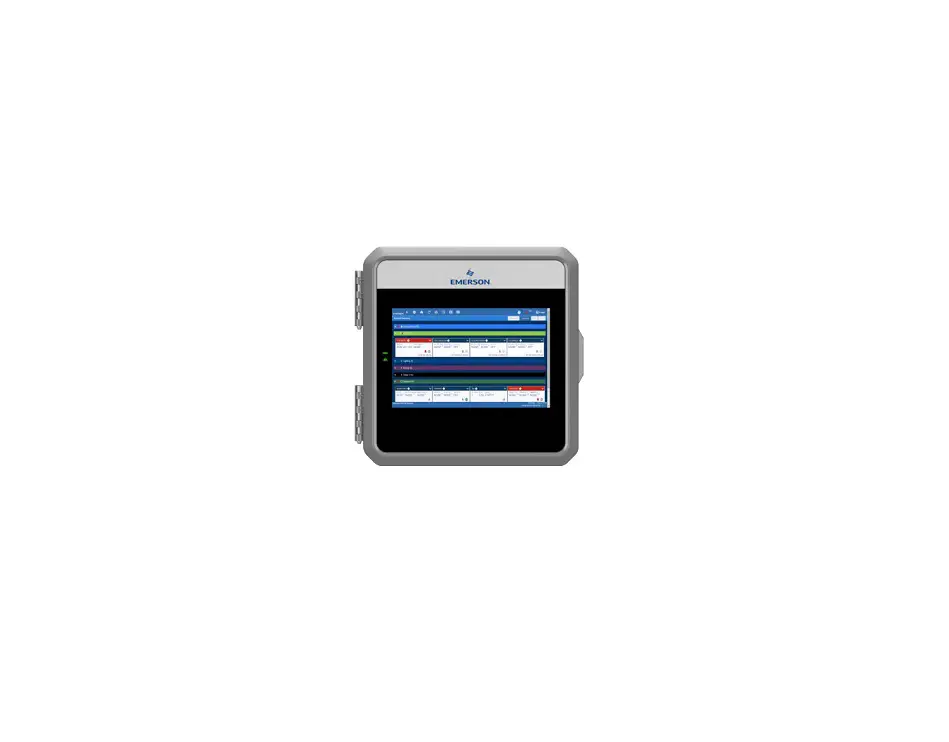
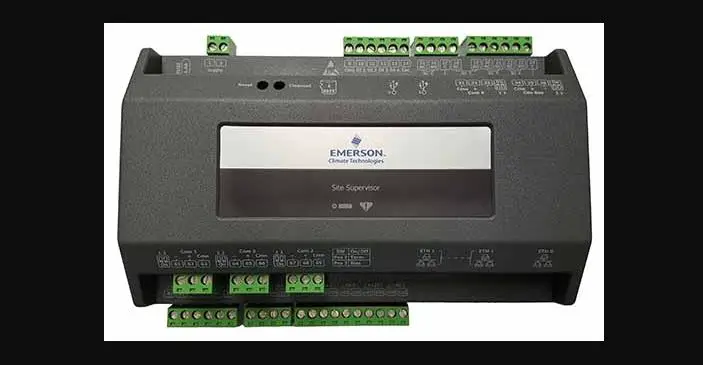
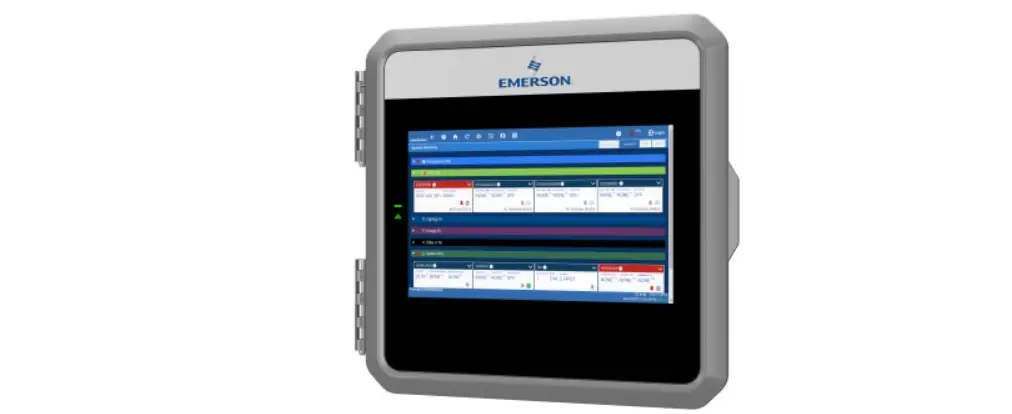
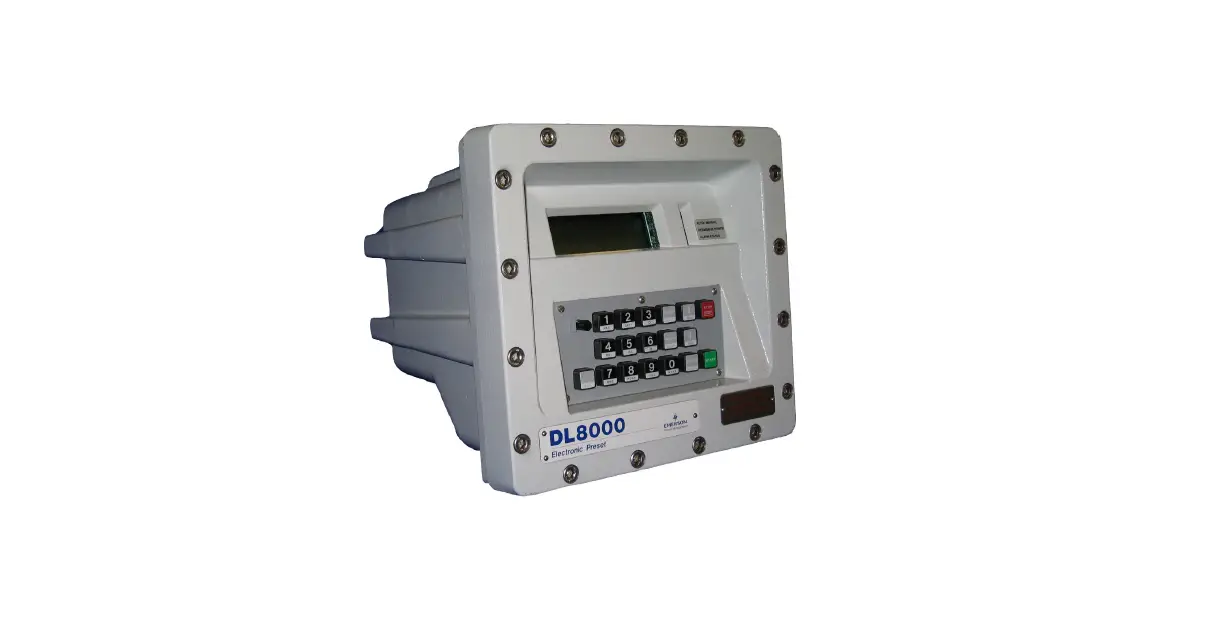
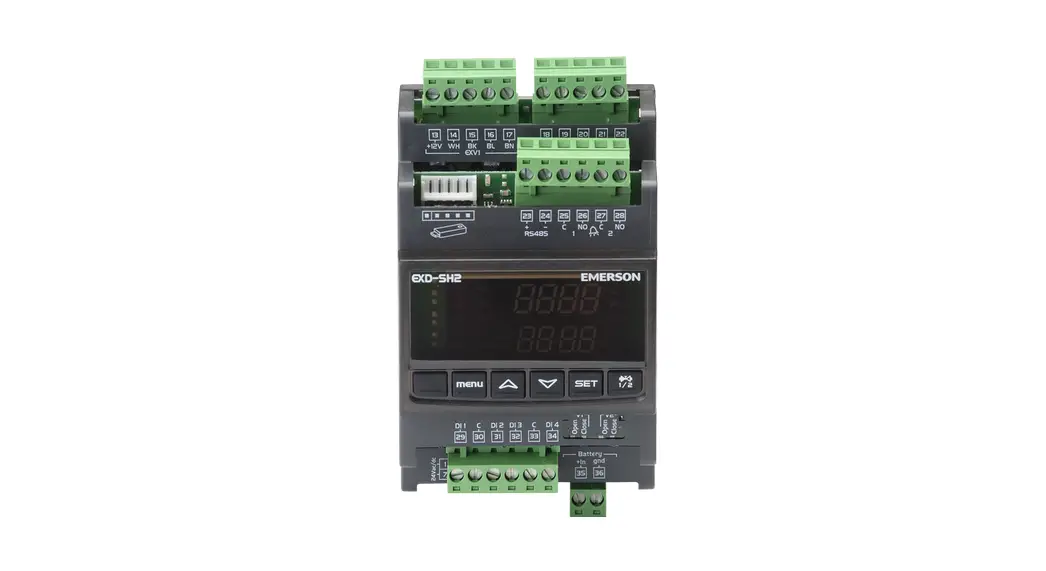
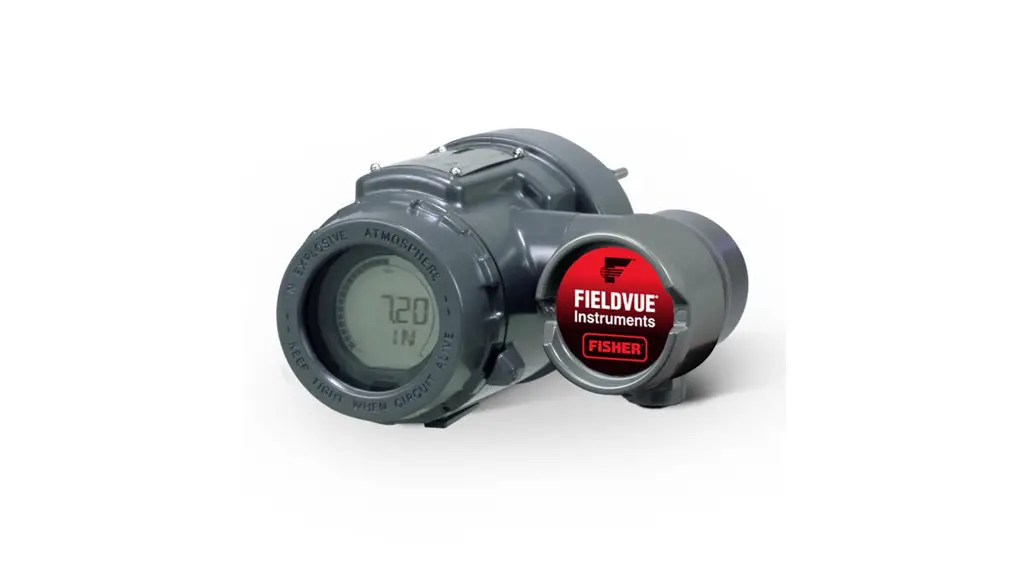
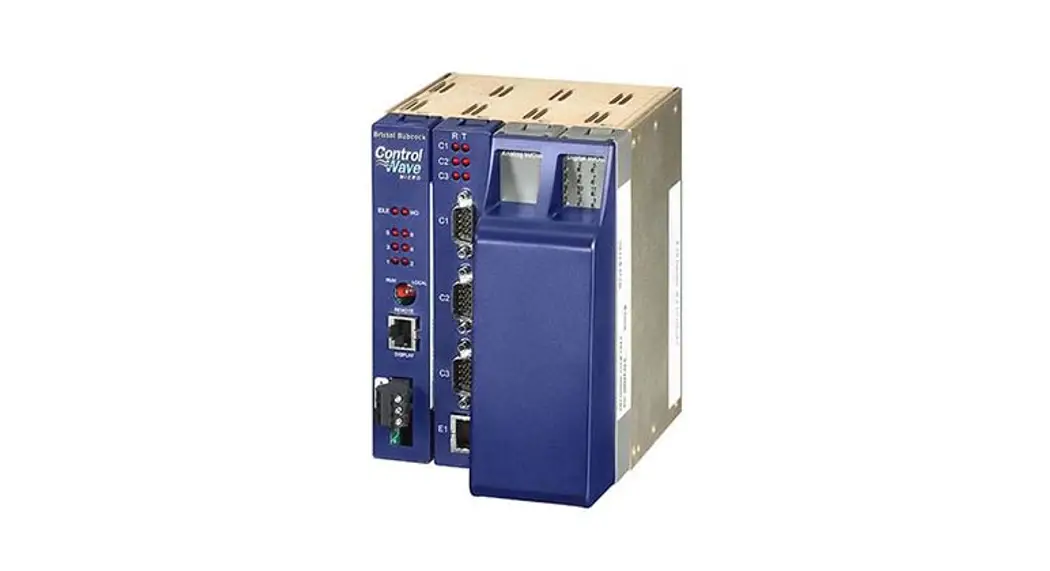
Figure 1 – E3 Controller Figure 2 – Site Supervisor Controller
Document Part # 026-4082 Rev 0
Page 1 of 5
©2022 Emerson Digital Cold Chain, Inc. This document may be photocopied for personal use.
Visit our website at www.climate.emerson.com for the latest technical documentation and updates.
CONNECT+ UPDATE RECOMMENDED
Supervisory Controller Version 2.21F01
Recommended Connect+ Version 1.5.4F01
Table 1 – Supervisory Controller and Connect+ Compatibility Matrix
It is recommended to upgrade to the latest Connect+ version. If you plan to upgrade Supervisory controllers and Connect+ at the same time, upgrade Connect+ to the latest version first, then update the Supervisory controllers. Contact Emerson for more information about upgrading.
CONTROLLER FIRMWARE COMPATIBILITY
Firmware E3_#.#####_ Display_Update E3_#.#####_ Firmware_Update SS_#.#####_ Firmware_Update
Table 2 – Firmware Platform Mapping
Platform E3 only E3 and Site Supervisor Site Supervisor only
Features and Fix Descriptions
Supported in Supervisory Controllers 2.21F01
Features
Smart Alarms > Smart Alarm function is now supported for CO2 and Enhanced Condenser applications.
Calendar Enhancements for Schedules
> Time options added and new Day and Holiday selections added for slave events.
·Master Time – Schedule for the master event.
·Overlap Time – Time of the slave event that is shared with the master schedule.
·Reduced Time – Displayed with the slave event and scheduled to end before the master schedule event (may be based on relative or absolute time).
·Slave Time – Event starts prior to master event and/or ends after master event
schedule (based on relative time only).
·Absolute Time – Time displayed in blue occurs before or after the master event start
and end times (based on absolute time only).
Password Lockout
> If an incorrect password is entered 10 times in a row, the user will be locked out for 30
minutes. A message will appear to show the number of remaining attempts.
Send To Tile Points
> Source points can be sent to target users. Tile point changes to an application can be sent selectively to other applications of the same type. Tile point displays can be easily
created for specific applications and users.
Table 3 – Supervisory Controller 2.21F01 Feature and Fix Matrix
Document Part # 026-4082 Rev 0 ©2022 Emerson Digital Cold Chain, Inc. This document may be photocopied for personal use. Visit our website at www.climate.emerson.com for the latest technical documentation and updates.
Page 2 of 5
Features and Fix Descriptions
Supported in Supervisory Controllers 2.21F01
Features continued
XM Circuit
> Case Clean out support added. Enable from the Cleaning Switch parameter in the General tab of the XM Circuit application. Set the mode from the Cleaning Mode
parameter and configure Failsafe time settings.
Sporlan Kelvin 2 Support added; license required.
Fixes
Time Schedule
> Two events can no longer be added to a slave schedule that conflict with each other (for
example, events with the same parameters, with the exception that the first event has
no OFF event.) A warning message will appear.
BACnet > BACnet IP Broadcast is now supported.
> The unit number is now visible in the Audit Log and Service Log for the setpoint file.
Online Help
· XM Circuit
> Help text and links are now corrected.
· System Summary Screen
> Supported browsers added.
· XEV22D 1.1
> Help support added.
· M400
> Help support added.
· CoreSense
> Help support added.
· IPX6, IPX15, IPX12
> Property and page level help for additional parameters.
· Onboard IO
> Property and page level help for additional parameters.
· Discus
> Missing help icons are now visible.
Backup File Name Configuration > The Backup file name in the USB/SD card is now consistent with that in the local PC.
M400 Device
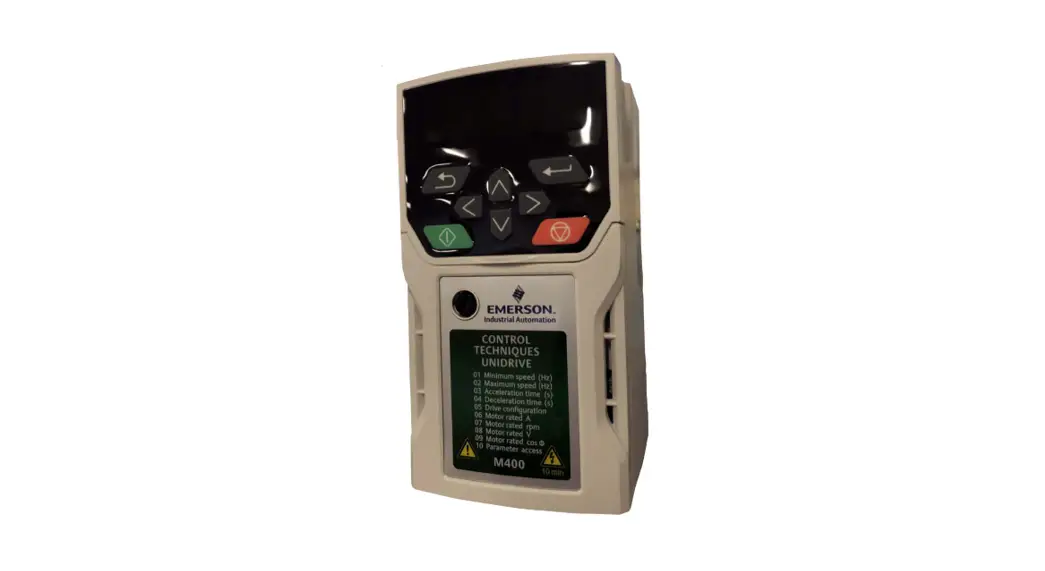
> The Decel and Accel Rate value in the Setpoints tab now shows correct values for min
and max.
E3 Global Data Application
> The “Processor Temperature” property has been added on the “Sys Data” tab in E3.
> “Sunrise Time” and “Sunset Time” values are now correct in the Solar Time tab.
Table 3 – Supervisory Controller 2.21F01 Feature and Fix Matrix
Document Part # 026-4082 Rev 0 ©2022 Emerson Digital Cold Chain, Inc. This document may be photocopied for personal use. Visit our website at www.climate.emerson.com for the latest technical documentation and updates.
Page 3 of 5
Features and Fix Descriptions
Supported in Supervisory Controllers 2.21F01
Fixes continued
UI Enhancement > The controller unit number is now included in the footer in the lower right of the screen.
Offline Programming
> Floor plan files exported from Offline Programming are now correct and can be
installed.
Floor plans
> Alarm status no longer displays in “Alarm High Limit” and “Alarm Low Limit” for an E2
unit.
System Logs > The unit number is now visible in the Audit Log and Service Log for the setpoint file.
Enhanced Suction > The “None” setting removed for “Dgtl Lower %” and “Dgtl Upper %” properties.
CANbus
> When using the Connect+ function, “Obtain Controller Info” in the IPX device relays will
no longer intermittently activate.
Table 3 – Supervisory Controller 2.21F01 Feature and Fix Matrix
Document Part # 026-4082 Rev 0 ©2022 Emerson Digital Cold Chain, Inc. This document may be photocopied for personal use. Visit our website at www.climate.emerson.com for the latest technical documentation and updates.
Page 4 of 5
For more information on firmware upgrades, see the 026-4184 Upgrade Advisory: https://climate.emerson.com/documents/026-4184-upgrade-advisory-for-all-supervisory-controller-versions-before-2-19f01-en7981974.pdf
For more information on E3 firmware upgrades before 2.20F03, see the 026-4185 Upgrade Advisory: https://climate.emerson.com/documents/026-4185-upgrade-advisory-for-e3-controller-versions-below-2-20f03-en-8070726.pdf
Supported Browsers · Microsoft Edge v88 and later · Mozilla Firefox 11 and later · Google Chrome 61.0 and later · Apple Safari® on iOS10 (iPhone® 5C, iPad® 4) and later · Webview on Android 5.0 (Samsung Galaxy S4) and later
For Emerson Digital Cold Chain Technical Support · 833-409-7505 · [email protected]
Document Part # 026-4082 Rev 0
Page 5 of 5
This document may be photocopied for personal use. Visit our website at www.climate.emerson.com for the latest technical documentation and updates.
Join Emerson Technical Support on Facebook http://on.fb.me/WUQRnt For Technical Support call 833-409-7505 or email [email protected]
The contents of this publication are presented for informational purposes only and they are not to be construed as warranties or guarantees, express or implied, regarding the products or services described herein or their use or applicability. Emerson reserves the right to modify the designs or specifications of such products at any time without notice. Responsibility for proper selection, use and maintenance of any product remains solely with the purchaser and end-user. ©2022 Emerson is a trademark of Emerson Electric Co.
 Emerson Retail Solutions Tech Support | Facebook
 Copeland Worldwide | Copeland US
 Controls & Monitoring Systems | Copeland US