EMERSON RXi2-BP Industrial PC User Manual
Introduction
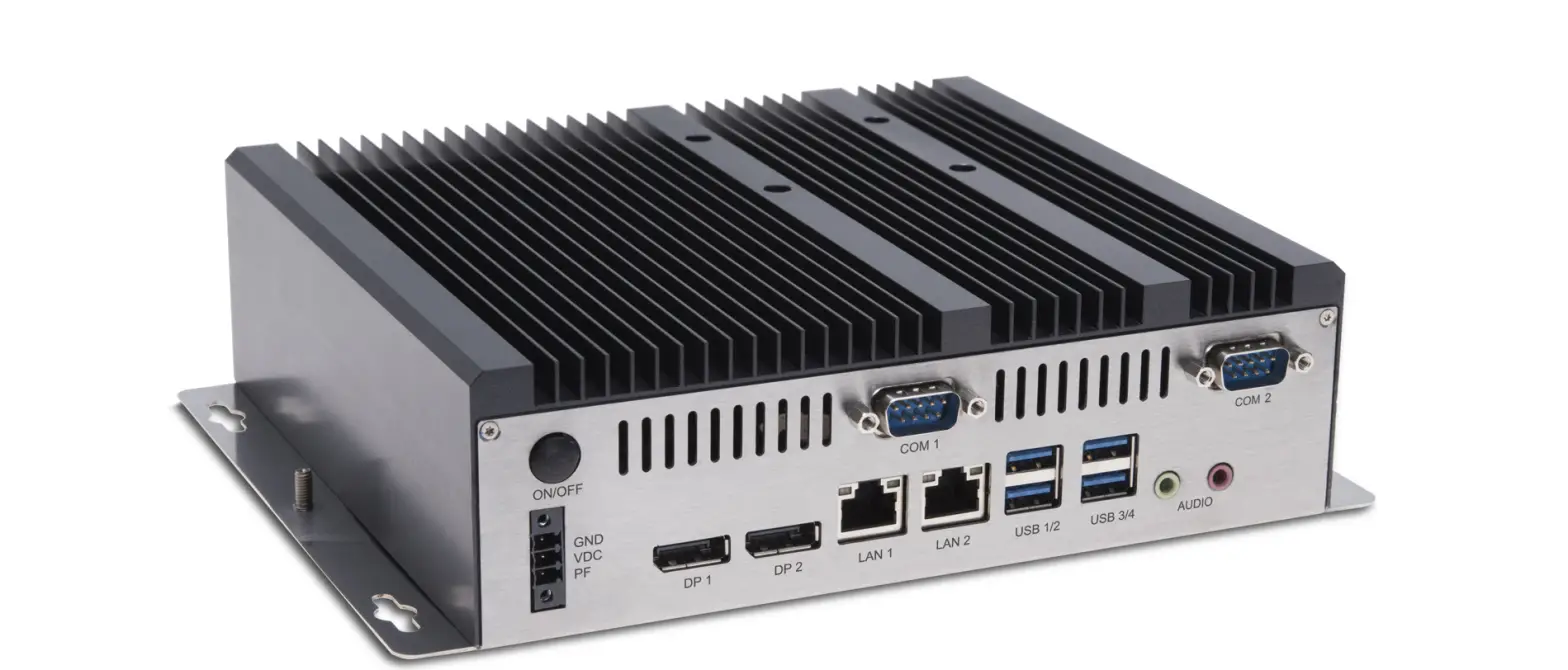
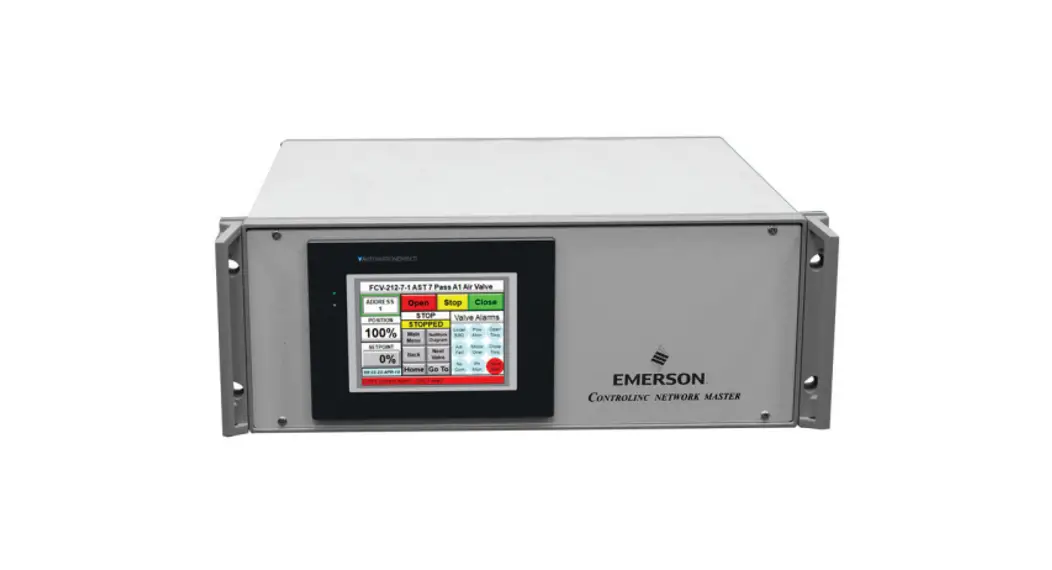
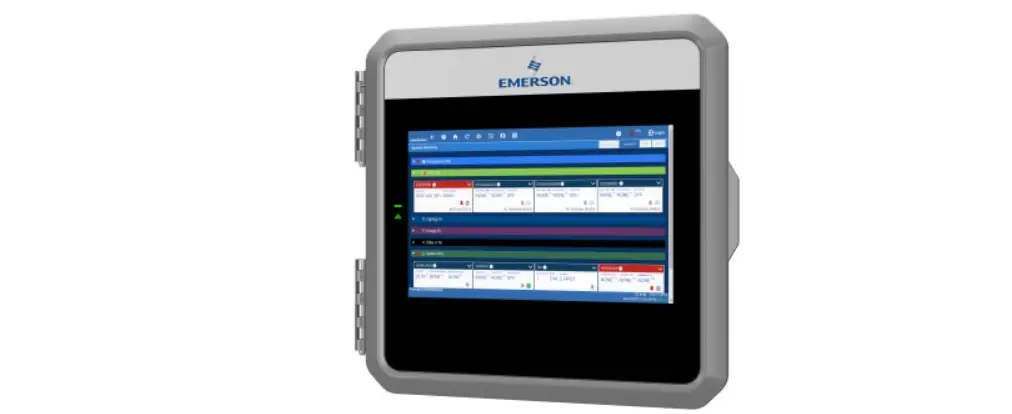
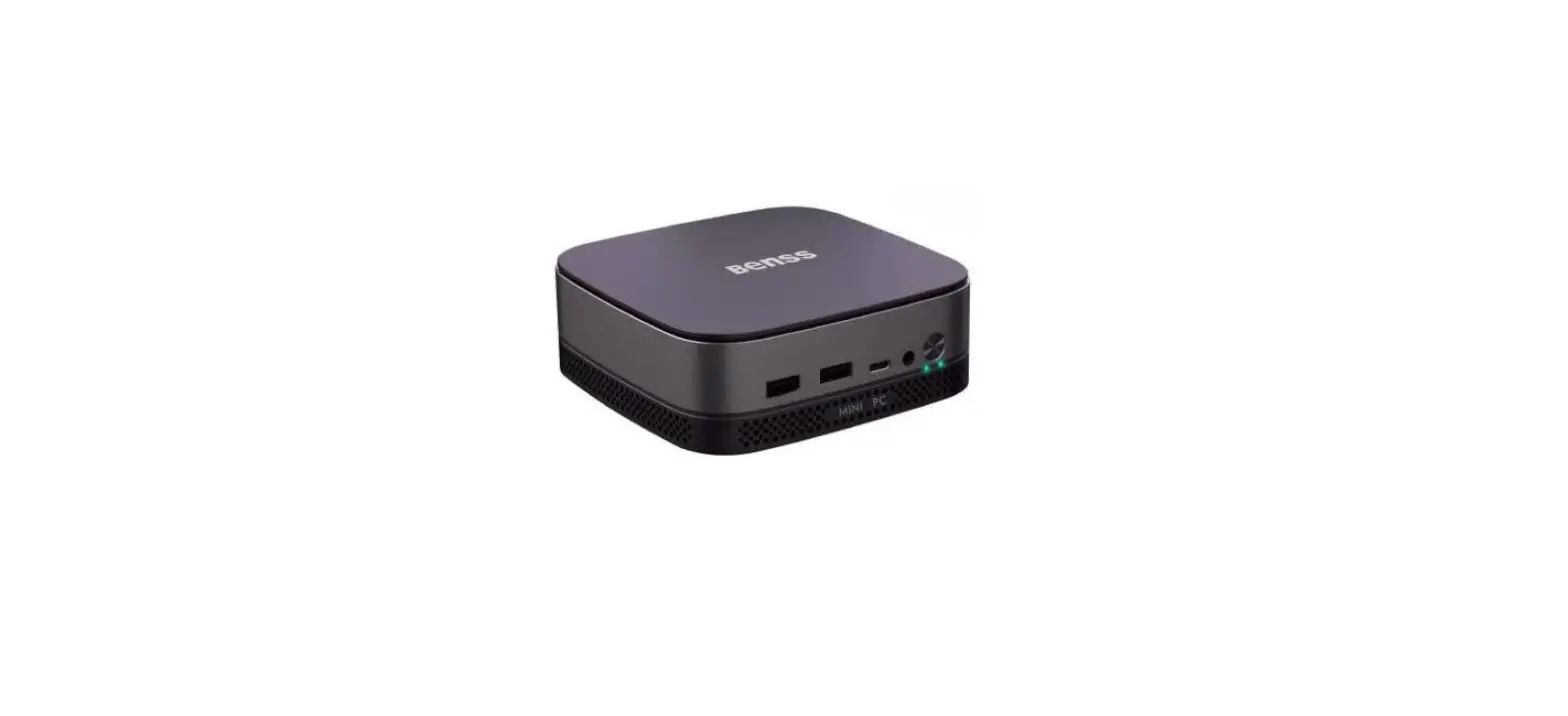
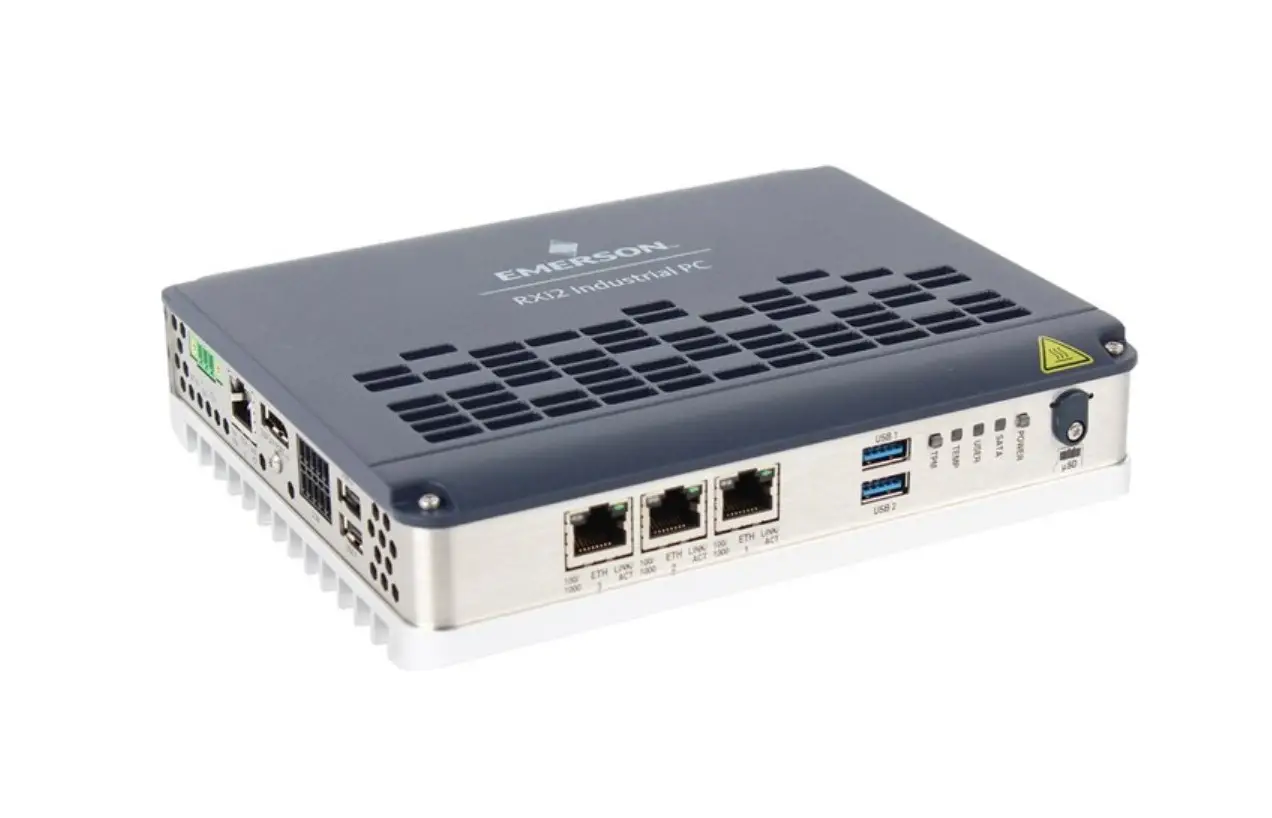
The RXi2-BP IPC industrial computing platform delivers compact,rugged, mid to high-performance computing and high-performance graphics capabilities to run HMI, historian, and analytics applications for real-time control of operations.
The RXi2-BP IPC (NextGen IPC)is composed of the following components:
- mC10L19 COM Express module based on AMD Ryzen V1000 or R1000 series
- CEC10 COM Express type 10 carrier board
- Industrial grade enclosure with heat sink for the module and carrier components
Current Release Information
Component | Version Number |
PACEdge | 2.1 |
| Movicon.NExT devices | 4.1 |
Containers | Version Number |
| MQTT | 2.0.11 |
MySQL (Mariadb) | 10.5.11 |
| Node-RED | 1.3.5 |
InfluxDB | 1.8.6 |
| Chronograf | 1.8.8 |
Grafana | 7.5.7 |
| Portainer | 2.5.1 |
NGINX | 1.21.0 |
| Traefik | 2.4.8 |
Telegraf | 1.18.3 |
| Connext/WebHMI | 4.1 |
Field Upgrades
Upgrades are available for download on the Landing Pages found at https://www.emerson.com/IndustrialAutomation-Controls/Support.
| Upgradeable Component | New Version | Part Number | Notes |
| PACEdge 2.0 | PACEdge 2.1 | N/A | Free upgrade. Upgrade kit for RXi2-BP w/PACEdge 2.1 (Available to download from the product landing page.) |
| PACEdge 2.0 | PACEdge 2.1 + Connext | UPGRADE_CONNEXT_LPBP | For purchase. Contact Customer Care. (Available to download from the product landing page.) |
| PACEdge 2.0 | PACEdge 2.1 + WebHMI | UPGRADE_WEBHMI_BP | For purchase. Contact Customer Care. (Available to download from the product landing page.) |
| UEFI | V1.10 | N/A | Contact technical support or download from product landing page |
- Only clients c Rxi2-BP with PACEdge 2.0 (R2B0N9E4N3A0A & R2B0N1E1N3A0A) are eligible to download the latest PACEdge 2.1 upgrade from the SFDC landing page.
- In addition, if the client wants to upgrade their existing PACEdge 2.0 license to add Movicon Connext or Movicon WebHMI on top of PACEdge 2.1, the corresponding upgrade part number should be ordered (UPGRADE_CONNEXT_LPBP, UPGRADE_WEBHMI_BP). The serial number of the existing Rxi2-BP device is required to be provided at the time of order. Emerson Customer Care will then provide the license activation.
Release History
Hardware Version | UEFI Firmware Version | Date | Description |
| V1.6 | 1.10 | Jul 2021 | 1 slot variant released |
V1.5 | 1.10 | Jun 2021 | Carrier update |
| V1.4 | 1.10 | Dec 2020 | New UEFI |
V1.3 | 1.09 | Oct 2020 | CPU module update |
| V1.2 | 1.09 | Oct 2020 | Initial Release |
RXi2-BP IPC: Functional Compatibility
Compatibility Issue | Description |
| N/A | N/A |
PACEdge: Functional Compatibility
Compatibility Issue | Description |
| Will require a valid PACEdge 2.1 license | When upgrading from PACEdge 2.0 to PACEdge 2.1 user will have to obtain a valid license from Emerson Customer Care. |
Restrictions and Open Issues
| Subject | Description |
Serial Port Detection | Port1 shows up in the wrong configuration. The configuration must be changed from RS232 to RS422 in the device manager. This applies to Microsoft Windows only. |
| Wake on LAN Error | WoL from cold S5 is not functional on Ethernet ports 1, 2, and 3. Note: In default IPC configuration, cold S5 state cannot be entered. |
Problems Resolved in Current Release
Subject | Description |
| UEFI | Updates related to Cybersecurity and stability |
Operational Notes
Movicon.NExT License File Recovery in Windows 10
An Industrial PC pre-installed with Windows 10 and a Movicon.NExT software package ships with the license files already activated and ready to use. In the case of a major software crash, the IPC will require a re-image of the
Windows’s license files, which will have to be manually re-installed. Emerson Customer Care should assist with this reinstallation. Please refer to GFK-3187, RXi2-BP User Manual for detailed instructions on obtaining and reinstalling the license files.
Movicon.NexT Demo Mode
Movicon.NExT software can be used to design data flows, alarms, and HMI screens (Editor mode) as well as execute already designed projects (Runtime mode). Industrial PCs with pre-installed Movicon.NExT software are licensed for runtime operation only and not for editor / development mode. When launching a project on this Industrial PC, the user is expected to launch the runtime only (i.e., launch project directly instead of opening it from the Movicon editor tool). If the user opens the editor tool, they will see a pop-up stating that it is running in Demo Mode. This message is referencing the editor functionality only and is expected. If you need an editor license, please contact your Emerson sales representative to make your purchase.
- PACEdge User’s Manual: GFK-3178
- RXi2-BP Quick Start Guide: GFK-3196
- PACEdge Secure Deployment Guide: GFK-3197
- RXi2-BP Hardware ReferenceManual: GFK-3187
- Industrial PC Secure Deployment Guide: GFK-3200
- RXi2-BP Industrial PC Datasheet: 00813-0100-0134
General Contact Information
- Home link: http://www.emerson.com/industrial-automation-controls
- Knowledge Base: https://www.emerson.com/industrial-automation-controls/support
Technical Support
Americas
Phone: 1-888-565-4155
1-434-214-8532 (If toll free option is unavailable)
Customer Care (Quotes/Orders/Returns): [email protected]
TechnicalSupport: [email protected]
Europe
Phone: +800-4444-8001
+420-225-379-328 (If toll free option is unavailable)
Customer Care (Quotes/Orders/Returns): [email protected]
Technical Support: [email protected]
Asia
Phone: +86-400-842-8599
+65-6955-9413 (All other Countries)
Customer Care (Quotes/Orders/Returns): [email protected]
Technical Support: [email protected]
Any escalation request should be sent to [email protected]
Note: If the product is purchased through an Authorized Channel Partner, please contact the seller directly for any support.
Emerson reserves the right to modify or improve the designs or specifications of the products mentioned in this manual at any time without notice. Emerson does not assume responsibility for the selection, use, or maintenance of any product. Responsibility for proper selection, use, and maintenance of any Emerson product remains solely with the purchaser.
© 2021 Emerson. All rights reserved. Emerson Terms and Conditions of Sale are available upon request. The Emerson logo is a trademark and service mark of Emerson Electric Co. All other marks are the property of their respective owners.