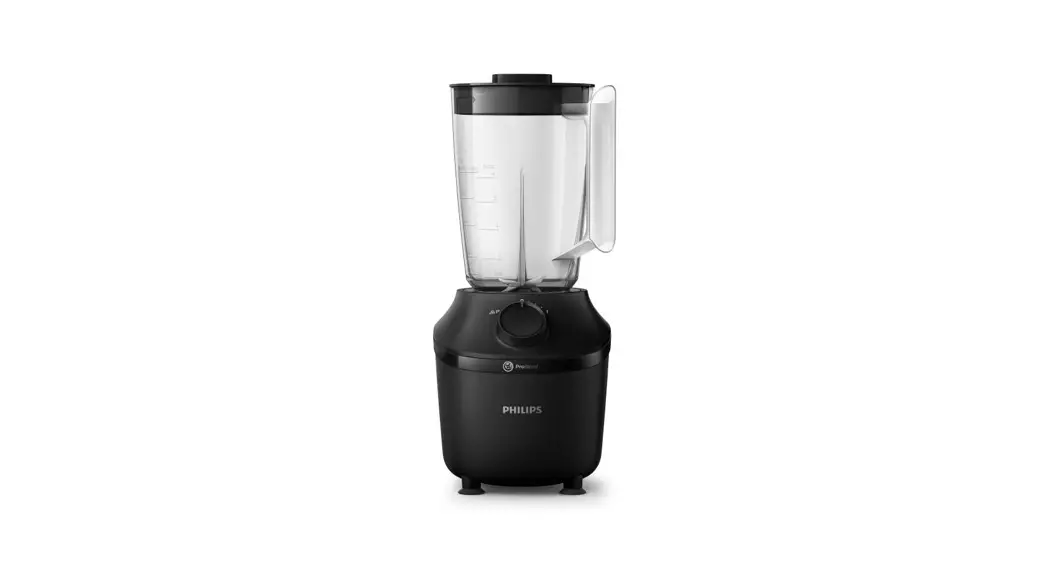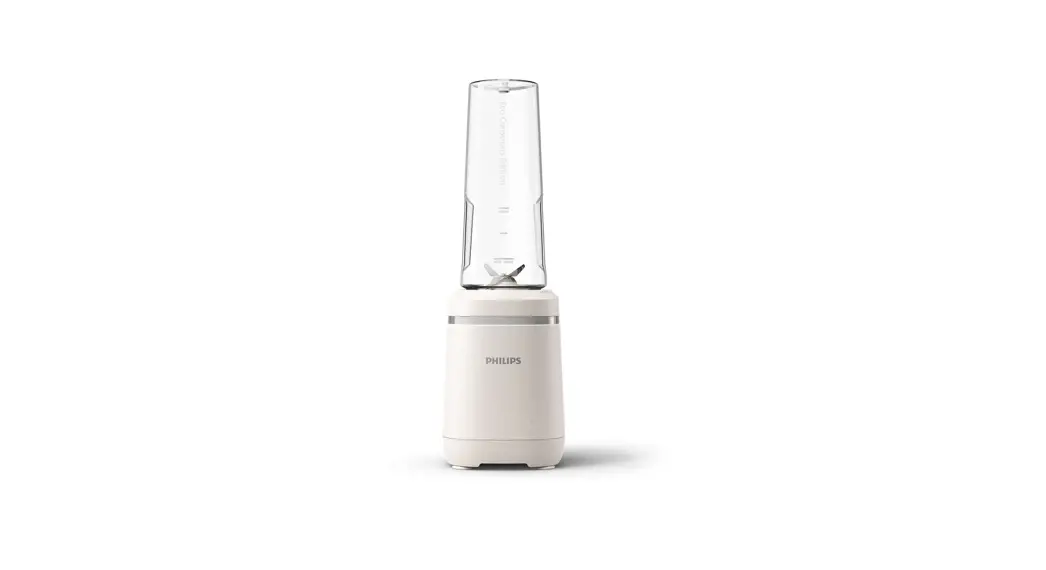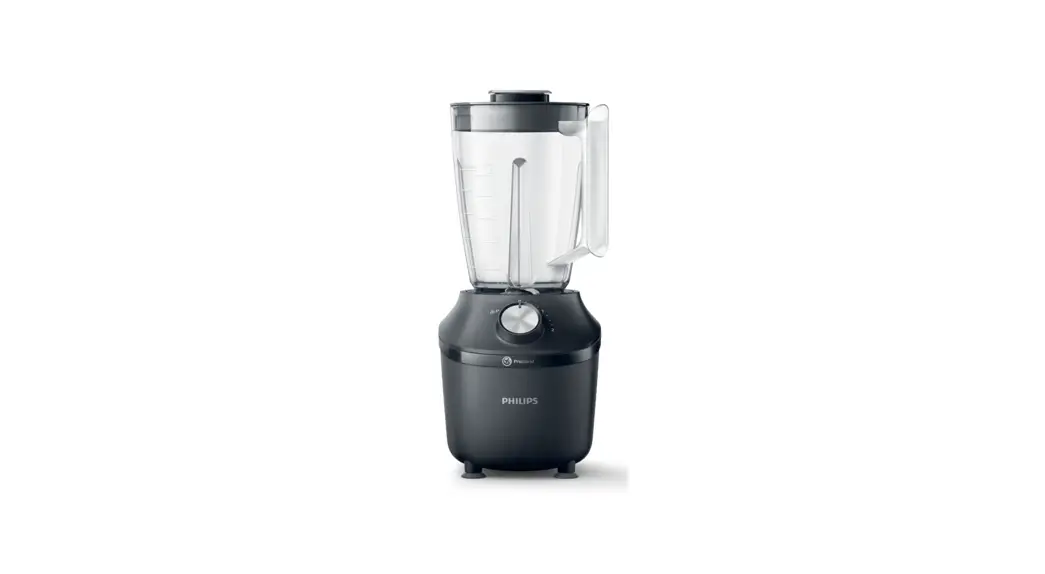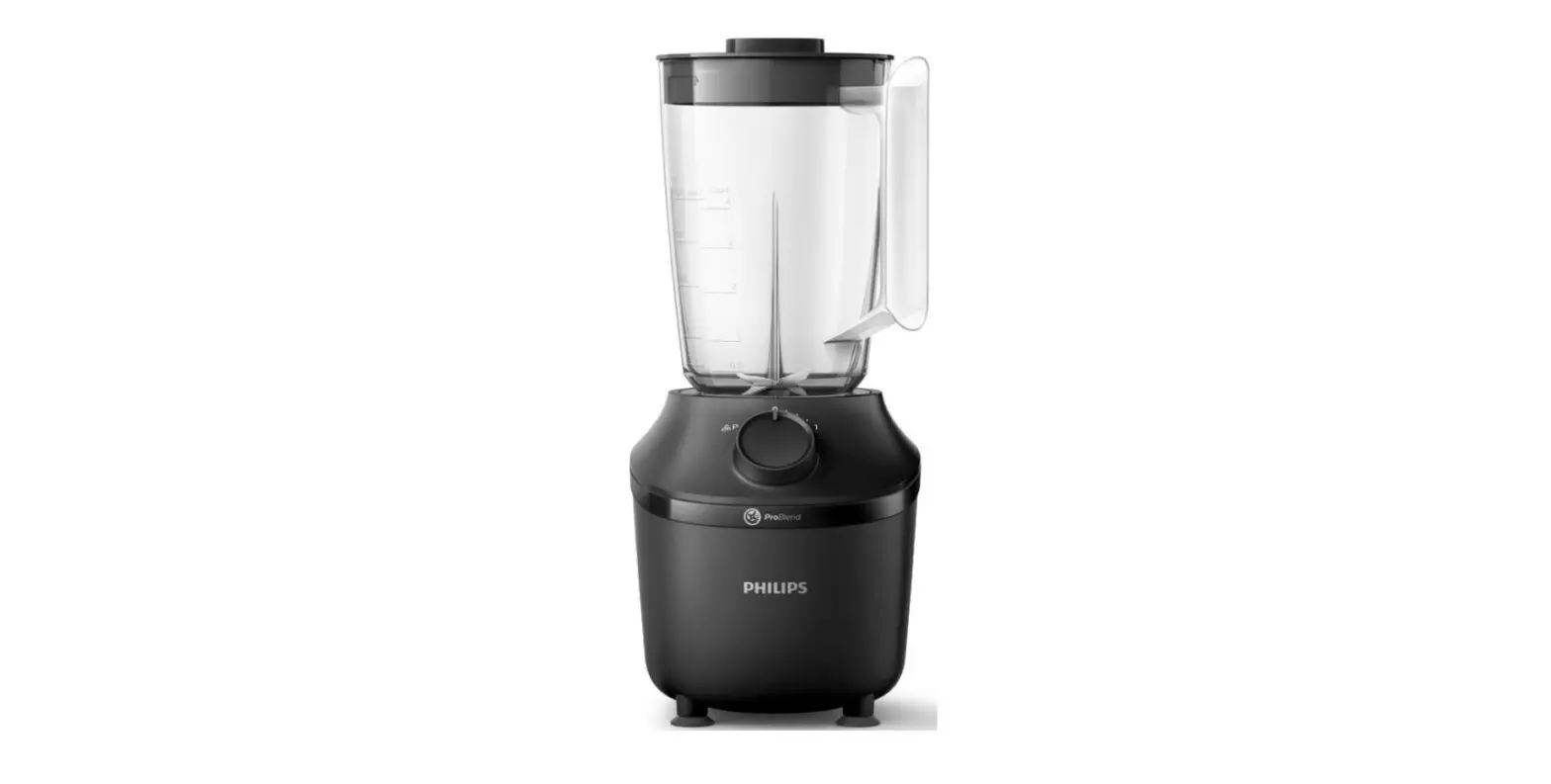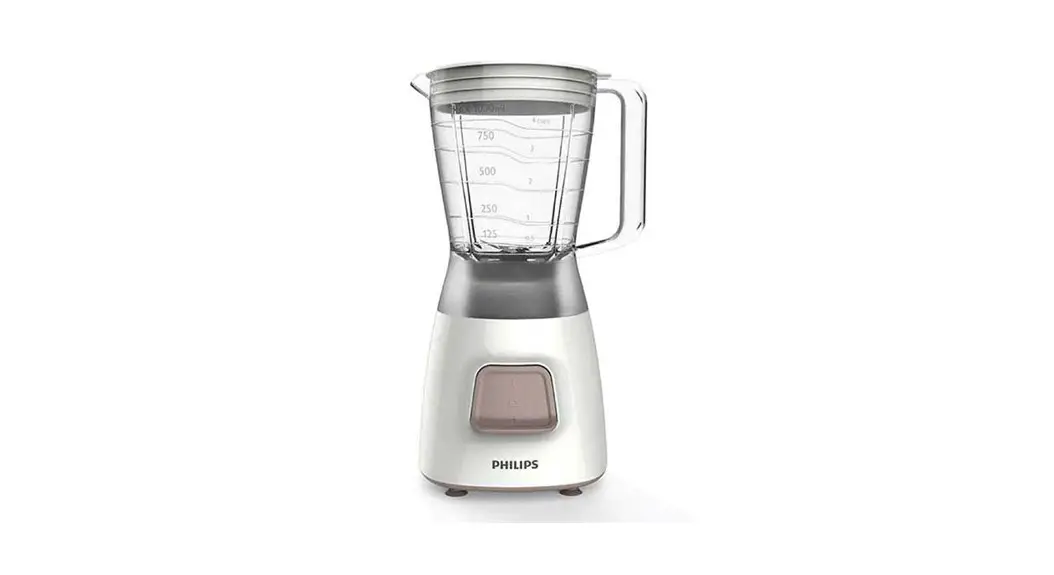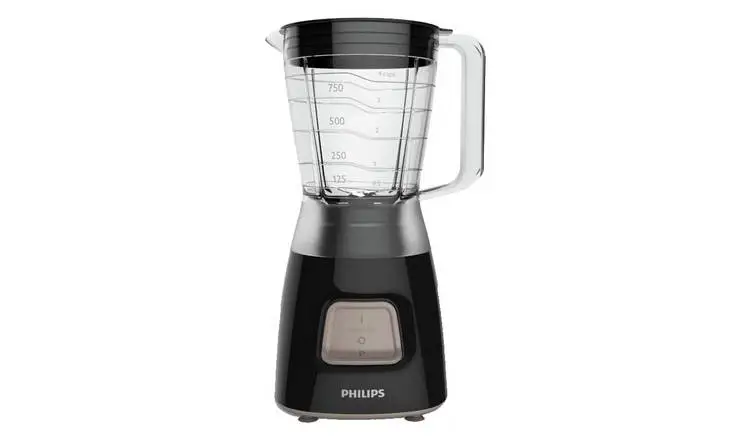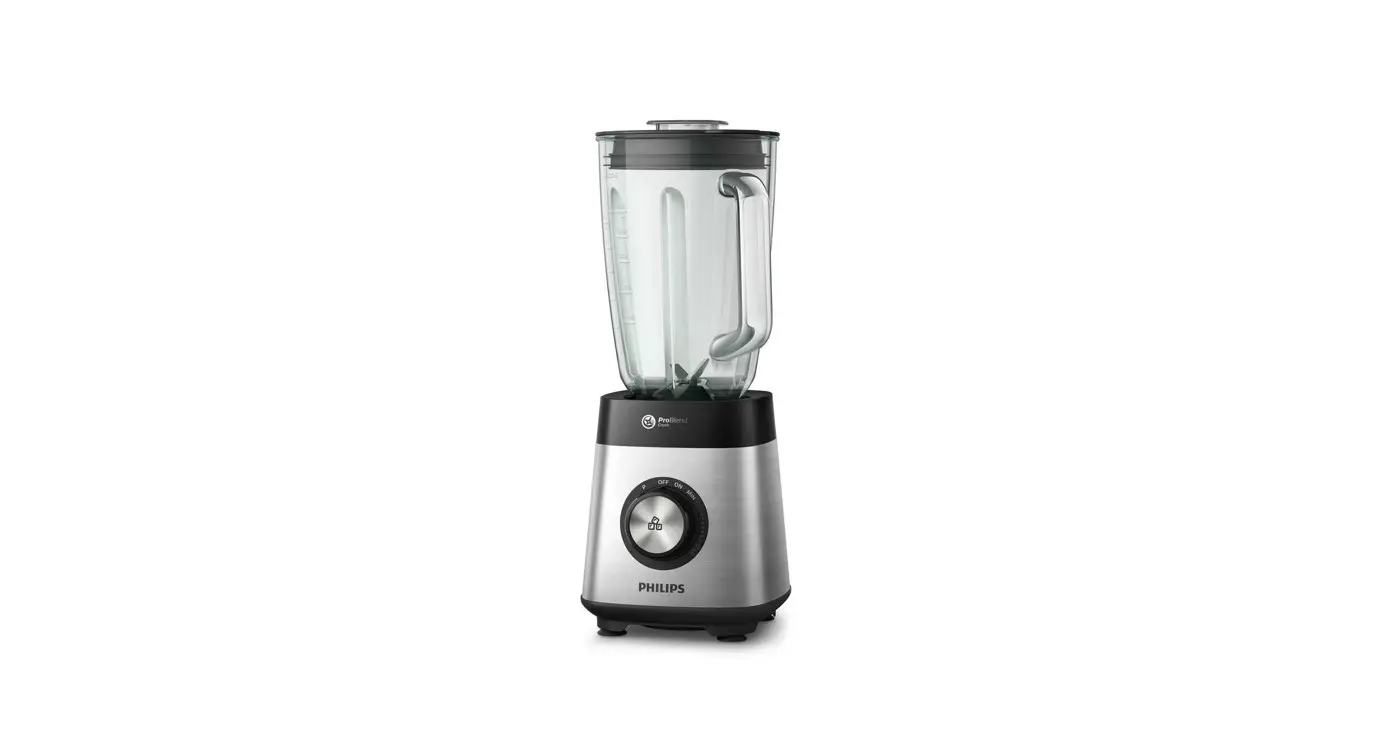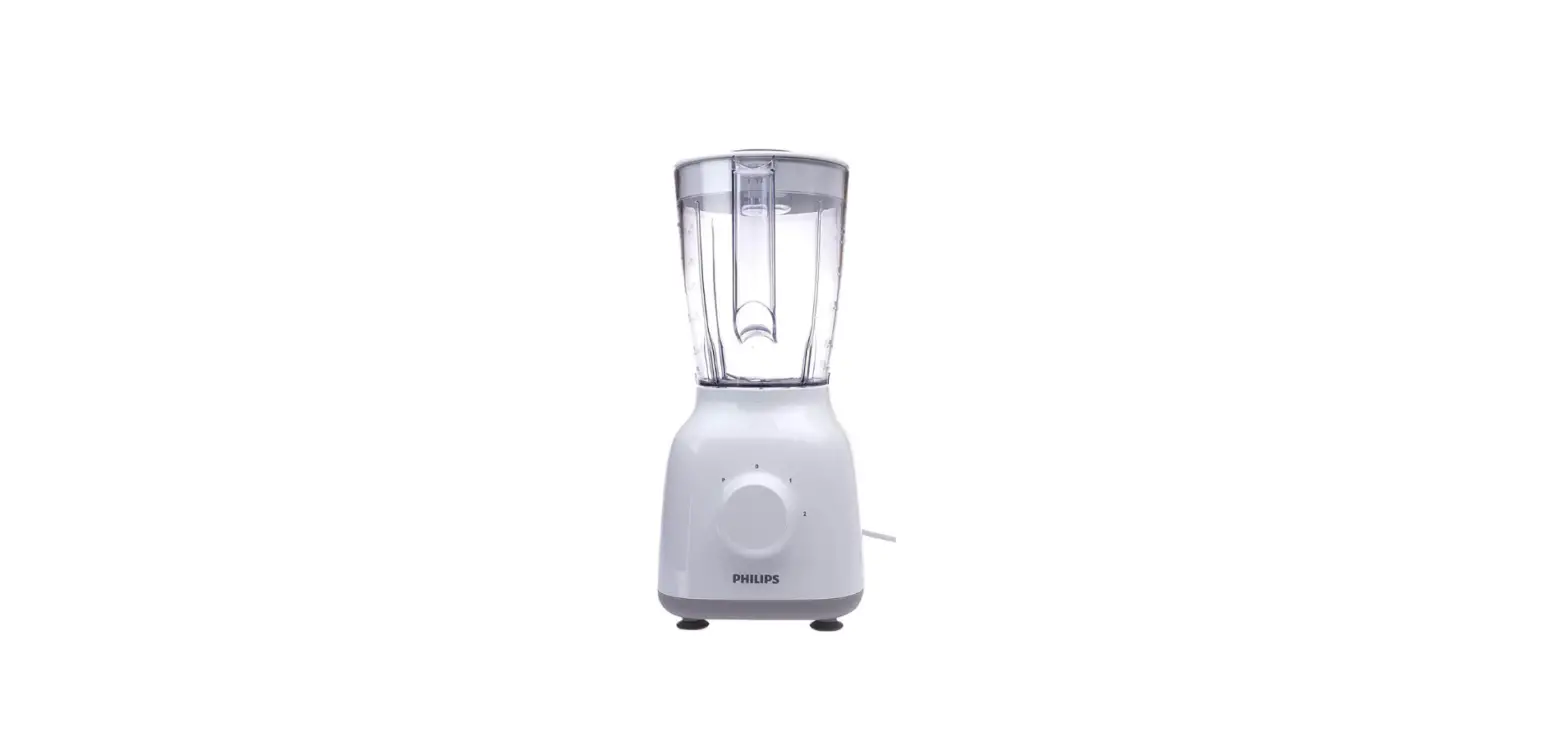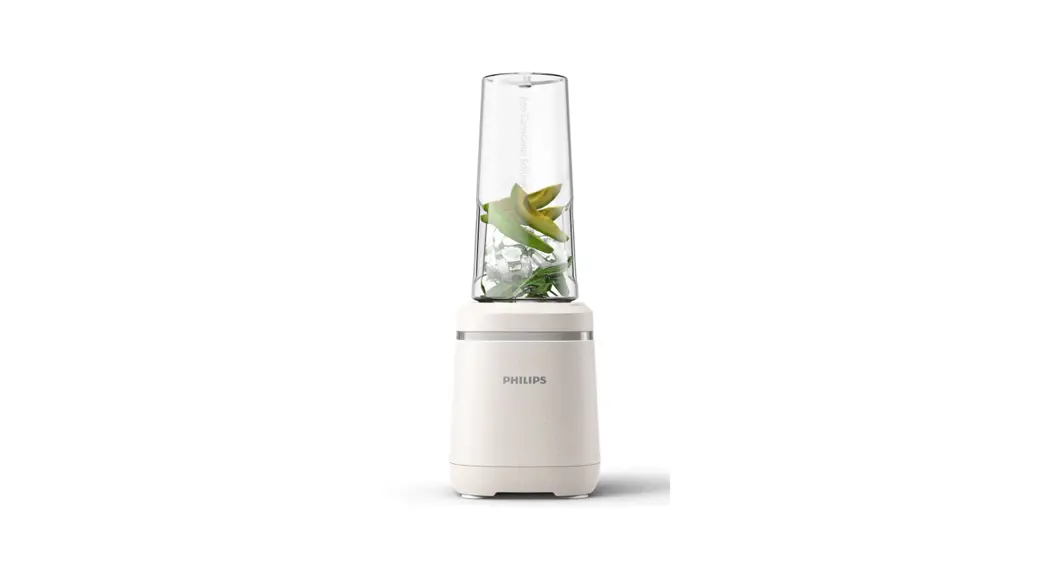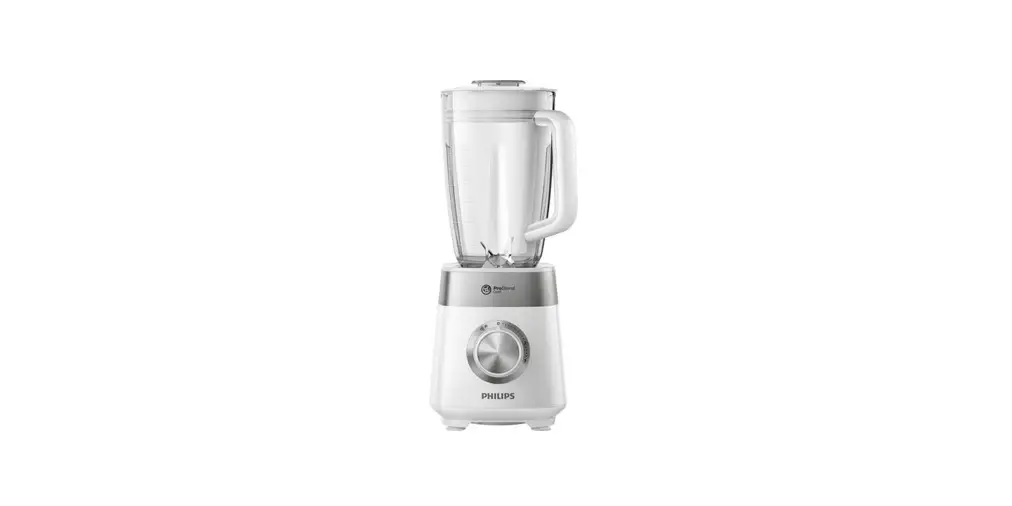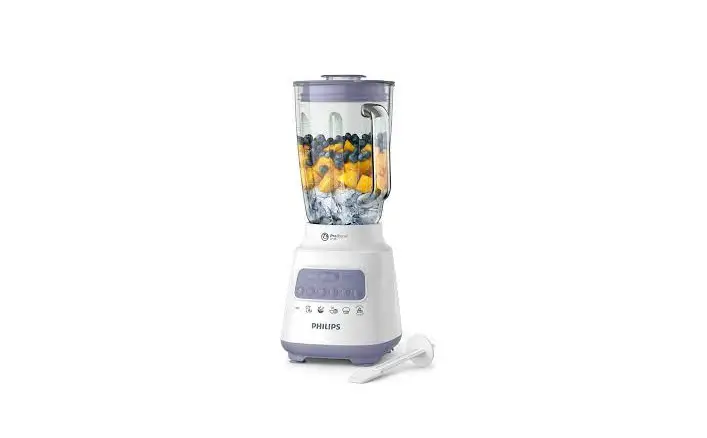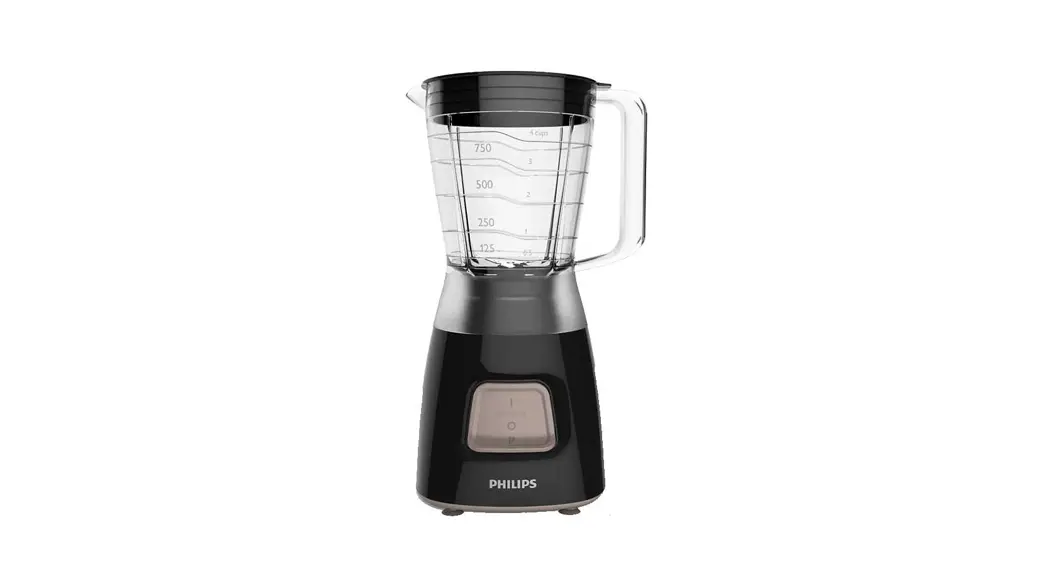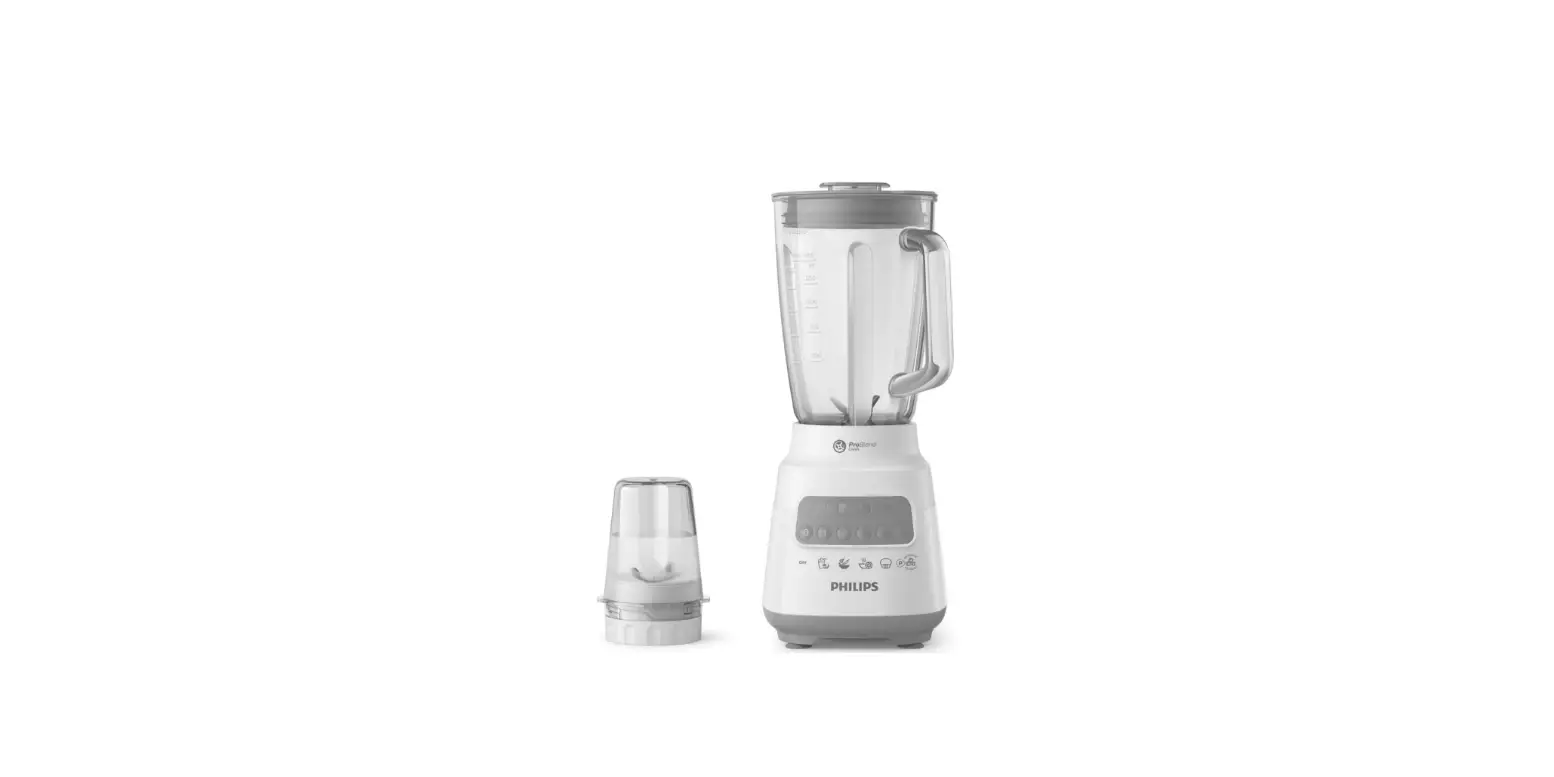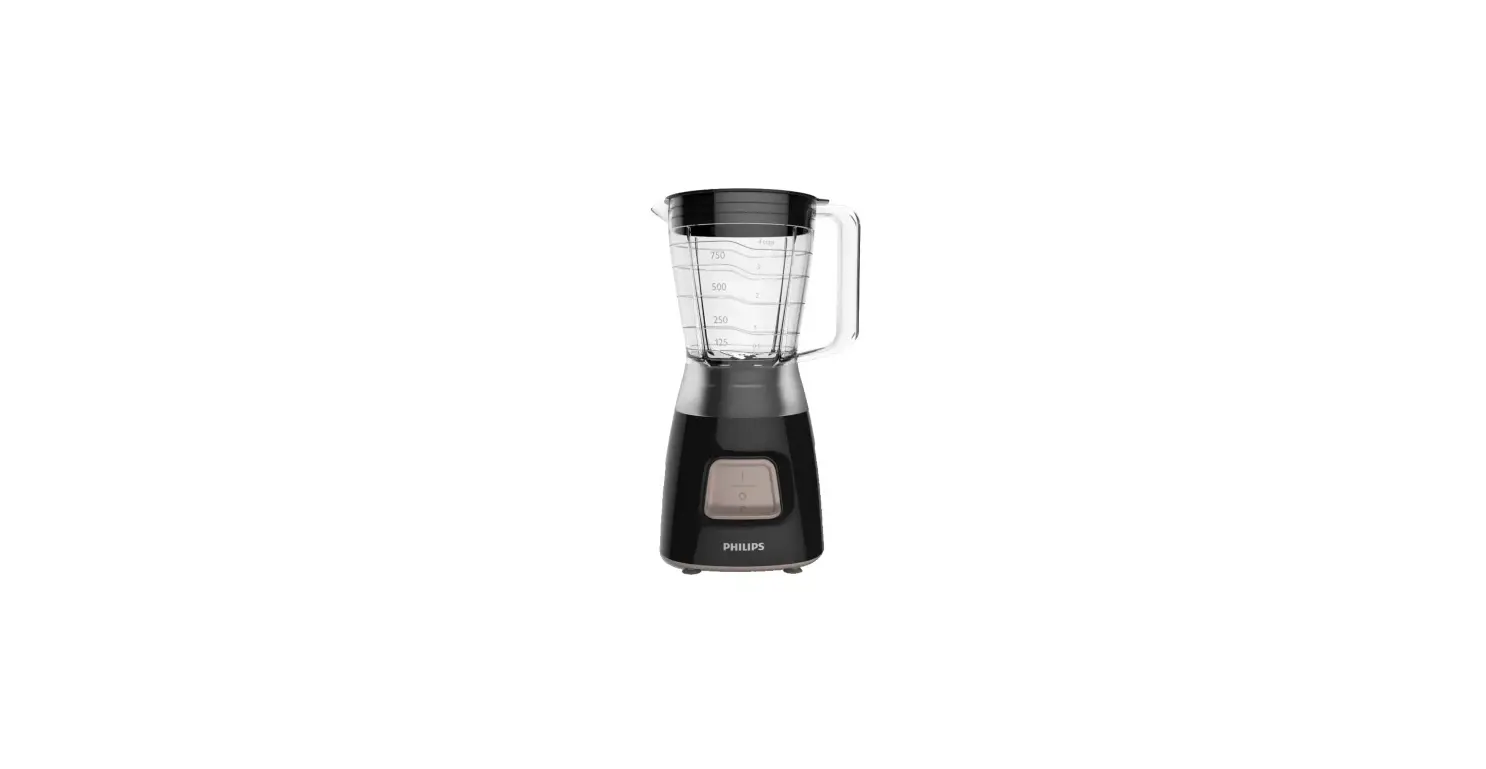
 PHILIPS HR 2050 Series Blender
 PHILIPS HR 2050 Series Blender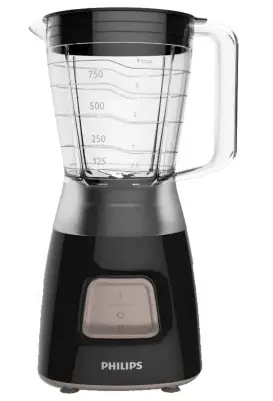
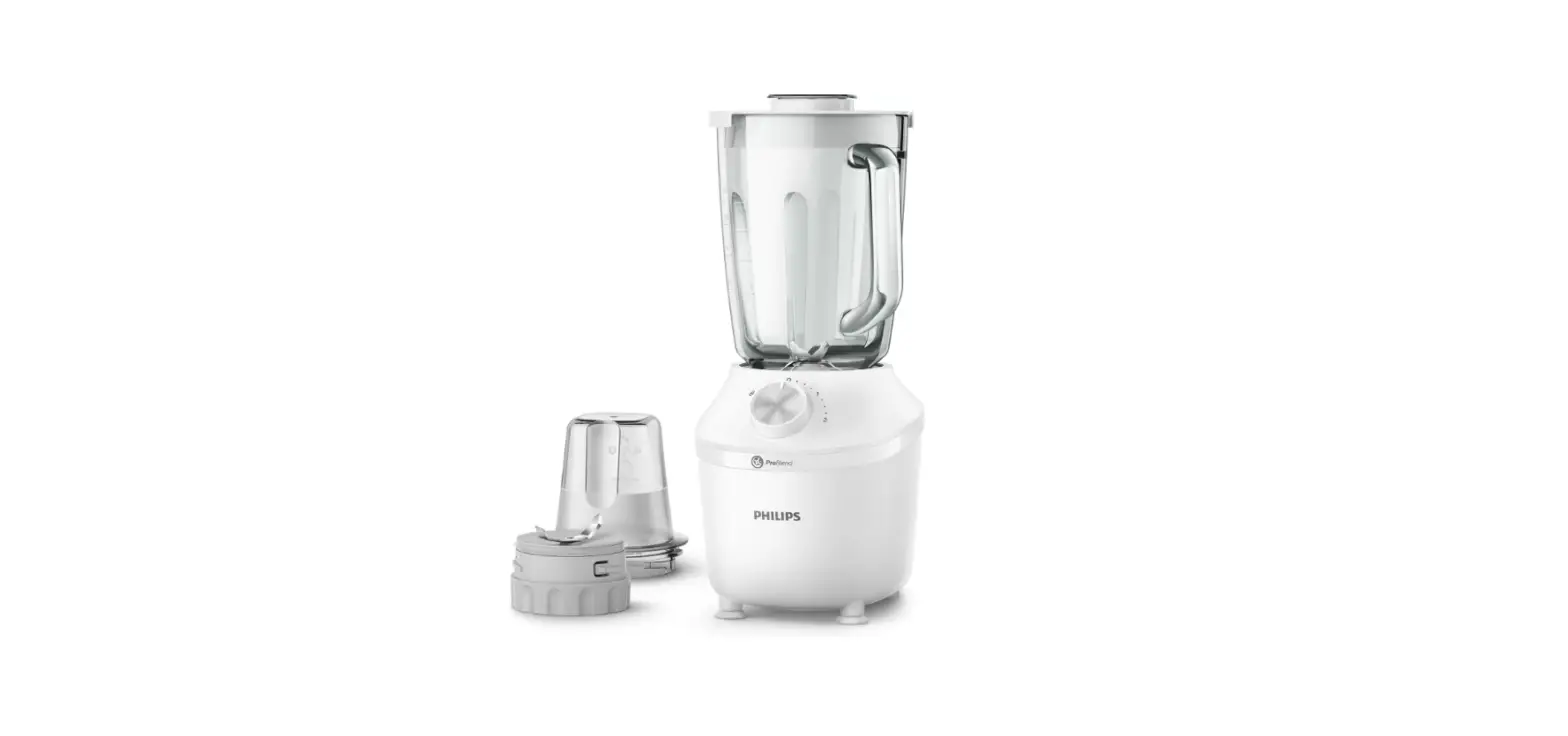
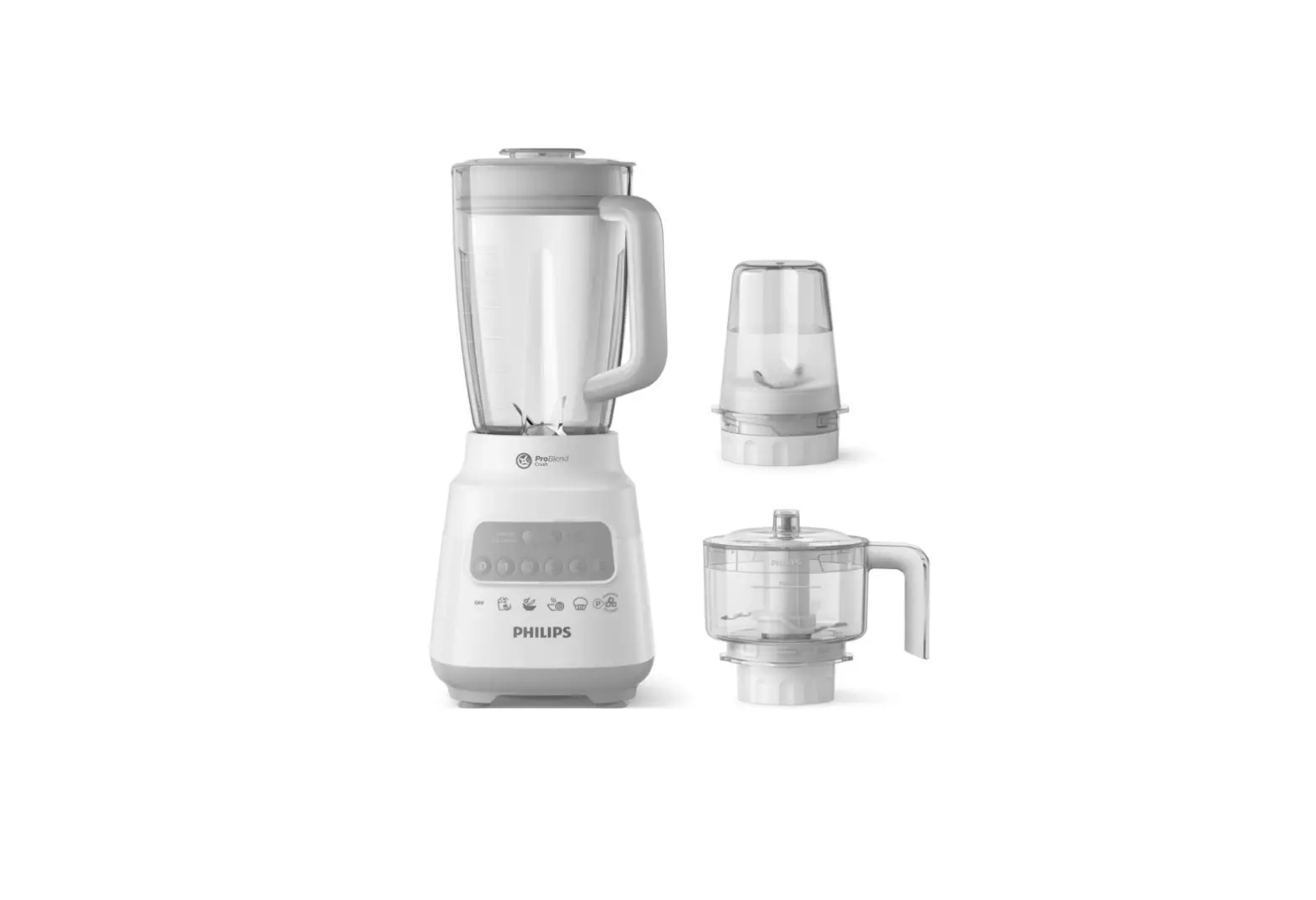
What’s In The Box
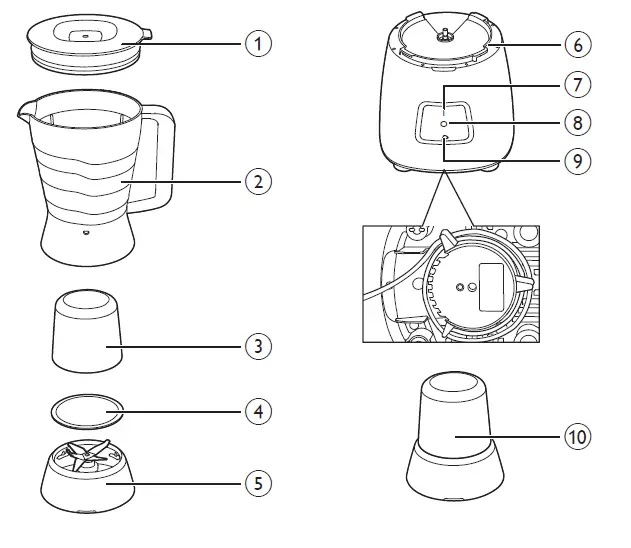
- Lid
- Blender jar with blade unit
- Multi-chopper jar (HR2056/HR2057/HR2058)
- Sealing ring for multi-chopper blade unit (HR2056/HR2057/HR2058)
- Blade unit for multi-chopper jar (HR2056/HR2057/HR2058)
- Motor unit
- On setting (I)
- Off setting (O)
- Pulse setting (P)
- Extra multi-chopper for HR2058
Before first use
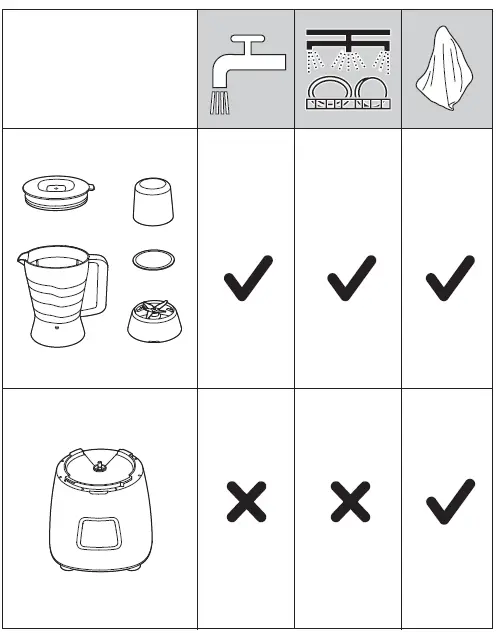
Thoroughly clean the parts that will come in contact with food before you use the appliance for the first time (see chapter “Cleaning”).
Using the blender (fig. 2)
The blender is intended for: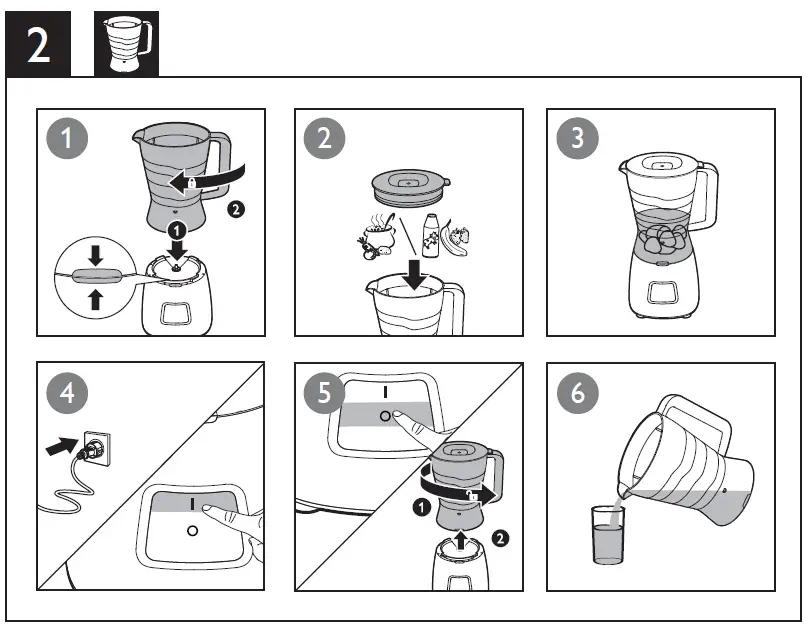
- Blending fluids, e.g. dairy products, sauces, fruit juices, soups, mixed drinks, shakes.
- Mixing soft ingredients, e.g. pancake batter or mayonnaise.
- Pureeing cooked ingredients.
- Crushing ice
Tip: to process ingredients very briefly, press the pulse setting several times. Never use the pulse setting longer than a few seconds at a time.
Using the multi-chopper (fig. 3) (HR2056/HR2057/HR2058 only)
The multi-chopper is intended for grinding dry ingredients such as peppercorns, sesame seeds, rice, wheat, coconut flesh, nuts (shelled), coffee beans, dried soy beans, dried peas, cheese, breadcrumbs, etc.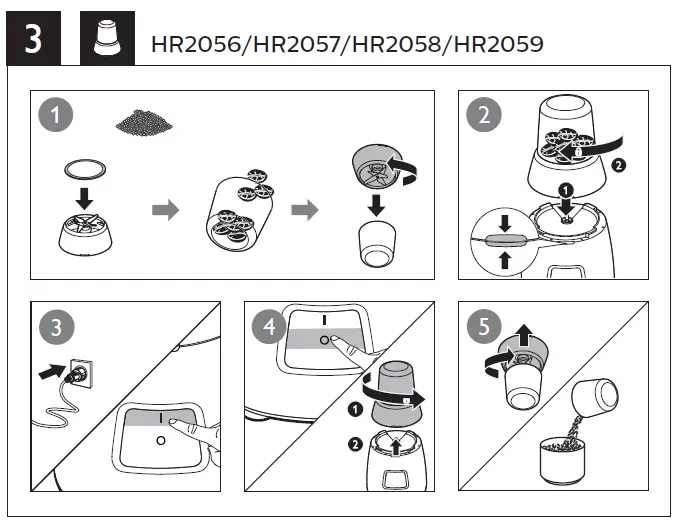
Overload protection (fig. 4)
Your blender will also automatically stop working when overloaded.
To reset the appliance in case of auto stop protection due to overload, follow the steps below:
- Turn off the appliance and then unplug it.
- Remove some of the ingredients or add some liquid to reduce the load.
- Allow the appliance to cool down for 15 minutes.
- Connect the power plug to the power supply.
- Turn on the appliance to start processing again.
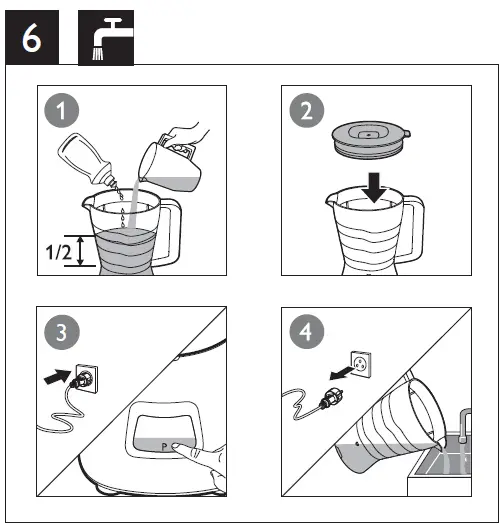
Cleaning (fig. 6)
Easy clean: follow the steps: 1 2 3 4.
Note: make sure to press to the pulse setting a few times.