2.19F01 Update Advisory Supervisory Control Platform Firmware
Product Information
The product being referred to in the user manual is the
Supervisory Control Platform Firmware version 2.19F01. It is a
firmware update for the Supervisory controllers and PCs running
Connect+. The update provides fixes, enhancements, and new features
to improve the performance and functionality of the product.
Compatibility
The Supervisory controller version 2.19F01 requires Connect+
version 1.5.3 or greater. It is recommended to install the latest
version of Connect+ for best practices. If communication with
Connect+ is required, upgrade Connect+ to the latest version first,
then update the Supervisory controllers.
Features and Fixes
The firmware update includes various features and fixes to
enhance the user experience. Some of the notable features
include:
- Offline Programming – Limited Release: Allows configuring a
Site Supervisor/E3 without hardware through a web site. - Layout Manager: Users can move views within a panel and between
other panels. - Floor Plan Match Check: Enables checking configuration with the
Floorplan Match Info window to verify unit types are matched. - 16AI Board Application: Sensor Units support Ohms and
Volts. - UI – Engineering Units: Supports Differential (Delta) Pressure
Engineering Units.
The firmware update also includes fixes for issues related to
Alarm Communications and Graphing features.
Product Usage Instructions
To use the Supervisory Control Platform Firmware 2.19F01, follow
these instructions:
- Ensure your Supervisory controllers and PCs running Connect+
are compatible with the firmware version. Refer to the
Compatibility Matrix (Table 1) in the user manual to confirm the
minimum Connect+ version required. - If you need to communicate with Connect+, upgrade it to the
latest version before updating the Supervisory controllers. - Visit the Emerson website at
https://climate.emerson.com for more information about the
Supervisory Control platform and to access the firmware
update. - Download the firmware update file from the website.
- Follow the installation instructions provided with the firmware
update to upgrade your Supervisory controllers and PCs running
Connect+. - After the update, verify that the new features and fixes are
functioning correctly by referring to the Feature and Fix Matrix
(Table 3) in the user manual.
If you encounter any issues during the update process or have
questions about upgrading, contact Emerson for further
assistance.
Update Advisory Supervisory Control Platform Firmware 2.19F01
Release Notes
A new general release version of the Supervisory controller firmware version 2.19F01 has been released and is available for customer upgrade. For more information, visit the Supervisory Control page on the Emerson website: https://climate.emerson.com/en-us/products/controls-monitoringsystems/facility-controls-electronics/facility-and-system-controls/lumitysupervisory-controls-platform
Who Should Update
Emerson recommends that all customers upgrade their Supervisory controllers and PCs running Connect+ to the latest version to take advantage of the latest fixes and enhancements listed in Table 3.
All customers who use any of the features below are advised to upgrade to Supervisory controller 2.19F01, and customers using any of the features listed in Table 3.
Alarm Communications Lighting Application
Graphing
Wireless Gateway
Floorplan
XM Circuit Application
Peer Networks
Time Schedule Application
DAC Application
OnBoard IO
M400 Application
IO Net Modbus
IMC Prodigy Application Layout Manager
Air Handler Application Restoring
Irrigation Application Digital Sensor Application
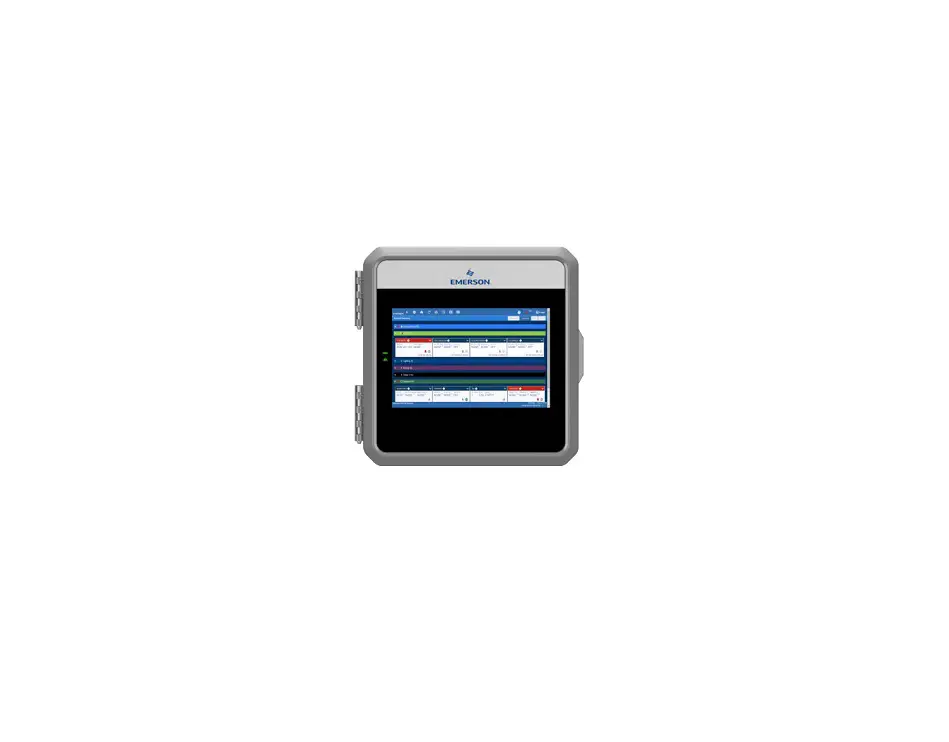
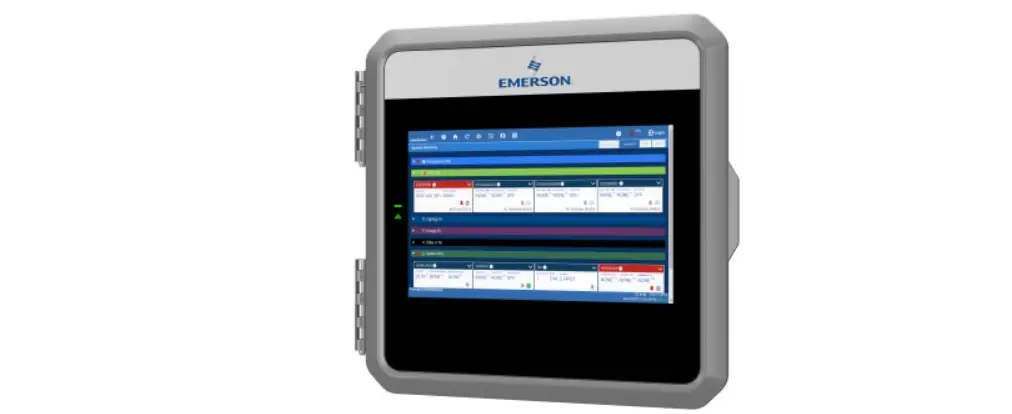
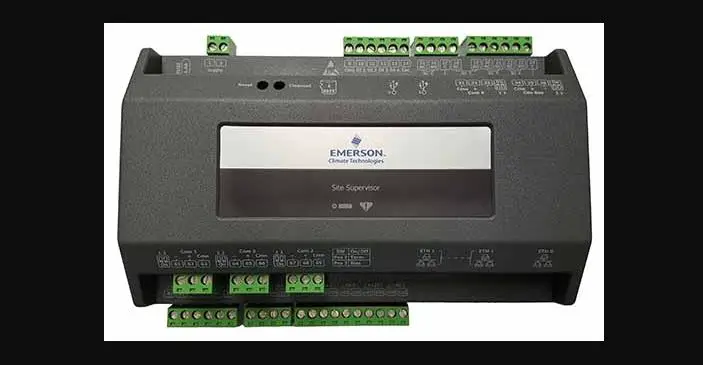
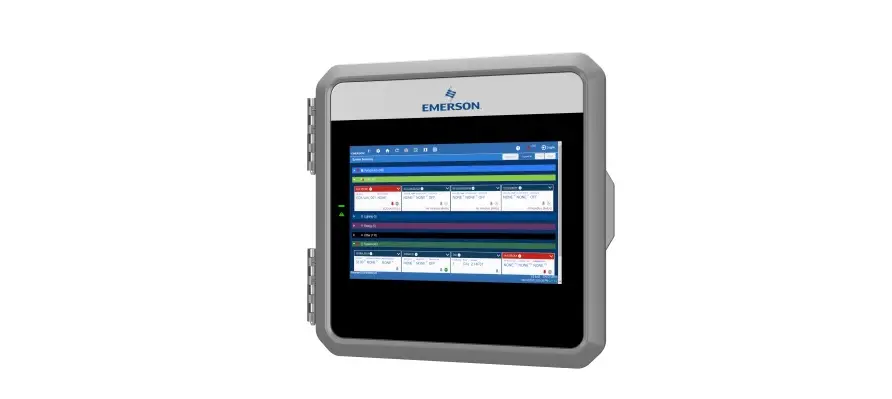
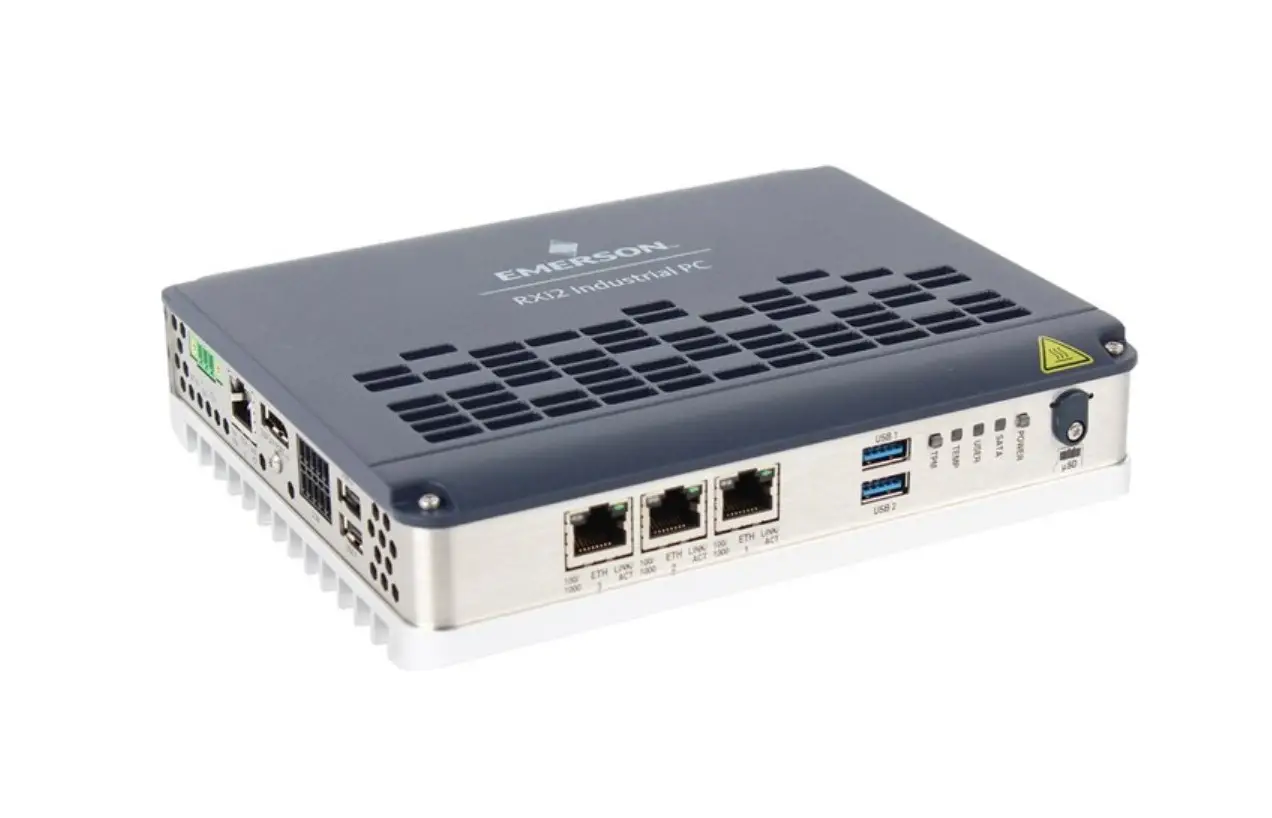
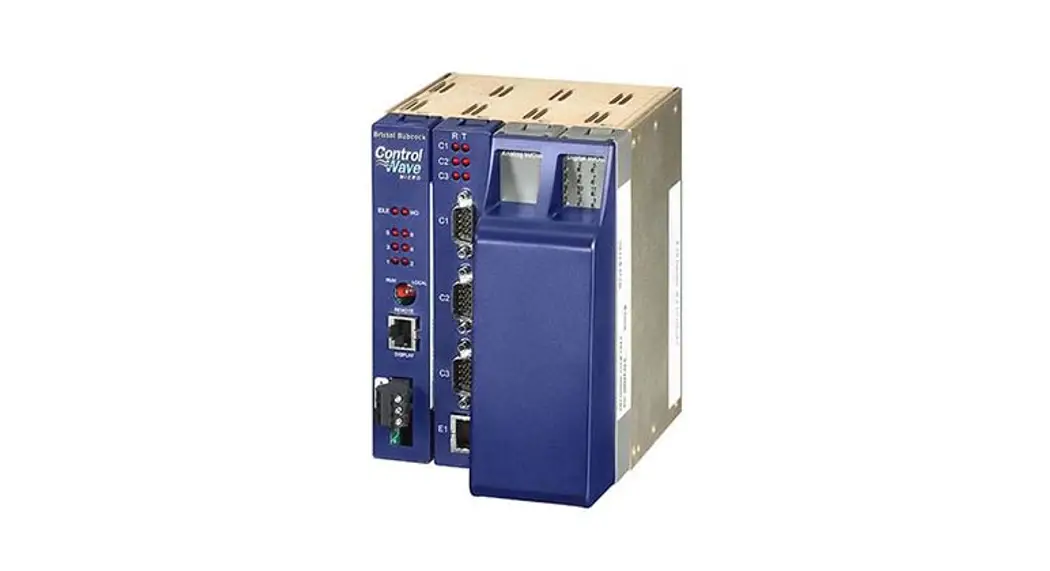
Figure 1 – E3 Controller Figure 2 – Site Supervisor Controller
Document Part # 026-4079 Rev 1
Page 1 of 6
©2022 Emerson Digital Cold Chain, Inc. This document may be photocopied for personal use.
Visit our website at www.climate.emerson.com for the latest technical documentation and updates.
CONNECT+ UPDATE REQUIRED
Supervisory Controller Version 2.19F01
Minimum Connect+ Version Required
1.5.3F01
Table 1 – Supervisory Controller and Connect+ Compatibility Matrix
Supervisory controller version 2.19F01 requires Connect+ 1.5.3 or greater. It is recommended the latest version of Connect+ be installed for best practices. If communication with Connect+ is required, upgrade Connect+ to the latest version first, then update the Supervisory controllers. Contact Emerson for more information about upgrading.
CONTROLLER FIRMWARE COMPATIBILITY
Firmware E3_#.#####_ Display_Update
Platform E3 only
E3_#.#####_ Firmware_Update
E3 and Site Supervisor
SS_#.#####_ Firmware_Update
Site Supervisor only
Table 2 – Firmware Platform Mapping
Features and Fix Descriptions
Features
Offline Programming – Limited Release > Allows the user to configure a Site Supervisor/E3 without the hardware through a web site.
Layout Manager > Users can n ow move views up and down within a panel and between other panels.
Floor Plan Match Check > After installation of a Floorplan, users can now check configuration with the Floorplan Match Info window (View and Edit privileges) to verify unit types are matched.
16AI Board Application > Sensor Units supports Ohms and Volts.
UI – Engineering Units > Differential (Delta) Pressure EU is supported.
Table 3 – Supervisory Controller 2.19F01 Feature and Fix Matrix
Supported in Supervisory Controllers
2.19F01
Document Part # 026-4079 Rev 1 ©2022 Emerson Digital Cold Chain, Inc. This document may be photocopied for personal use. Visit our website at www.climate.emerson.com for the latest technical documentation and updates.
Page 2 of 6
Features and Fix Descriptions
Fixes
UI – Alarm Communications > The format of content in the Confirmation page is now correct when saving configurations for Recipients. > Relays will not turn OFF when active alarms are still present.
UI – Graphing > Saved graphing points of other devices are no longer removed when leaving the app and then returning to the app.
UI – Floorplan > The Floorplan Match Icon will now display. > Points value displayed correctly for non-gateway units when installing one floorplan with GsAppSummaryTable widget onto another peer network. > Floorplan remote point registration failure message no longer prompts error “No Memory or queue is full for registering points.” > Floorplan will now install correctly from USB. > GsTable – All points in the widget are now displayed if the first point cannot be found. > The floorplan now displays correctly when restoring a setpoint file to a different unit number. > Scroll bars are visible and able to scroll floorplans that are longer or wider than the screen. > The “GsAppSummary” widget for “Air Handlers (AHUs)” is no longer blank. > E2 AHU points’ status now display correctly when overriding.
General System Properties – Network Settings > On the Network Settings page, if the DNS Server value is updated and tabs are switched by clicking the Localization tab, the DNS Server value will update correctly on the Confirmation page and when switching back to the Network Settings page.
Circuit Applications – Main Menu > If no Circuit Applications are licensed, the Case Defrost Schedule Summary will not display.
UI Enhancements · Send to > Process bar and error message are will pop out as a separate window when sending to a point’s expanded information. · Layout Manager > After clicking the “Clear Zooming” button on a graph, the graph time filters will no longer be cleared. > When I added a new device/application for the graph after deleting the graph’s app, the preview will now display correctly. · Starting Process page > UI stayed in “Starting Process” page and will now be refreshed automatically after restore setpoint with enabled “Force SSL.”
Table 3 – Supervisory Controller 2.19F01 Feature and Fix Matrix
Document Part # 026-4079 Rev 1 ©2022 Emerson Digital Cold Chain, Inc. This document may be photocopied for personal use. Visit our website at www.climate.emerson.com for the latest technical documentation and updates.
Supported in Supervisory Controllers
2.19F01
Page 3 of 6
Features and Fix Descriptions
Logs & Statistics – Audit Log > The schedule application name is no longer displayed as iid when selecting one schedule application from the Schedule drop-down list in Alarm Communications page.
System Summary Page > Word of Point name displayed in the System Summary page is no longer truncated.
System · Air Velocity > Unit of air velocity changed from default of feet/minute to meters/second.
Peer Network – Alarm Communication > The Alarm out displays correctly in the gateway unit when enabling “Alarm Annunc” for a non-gateway unit.
iPro DAC Application > Damper IAQ enhancements.
Air Handler Application > AHU compressor status can now control by Enable.
M400 > The OUTPUT RPM value On Site Supervisor is now consistent with the device.
Restore – UltraSite to Site Supervisor · Standard Circuits · Analog Sensor Control · AHU Large · Lighting > Various parameters for these applications will now restore correctly.
IMC Prodigy Application > ECON STATUS no longer reports incorrect values on the Input/Output Status tab.
File Management > After an .ADF has been uploaded, application/device type will now display.
Irrigation Application > If connected to Global Data at startup, the Irrigation Outdoor Temp value will now update to NONE to match the Global Data value if also set to NONE.
Digital Sensor Control Application > The visibility of Proof Type is now correct.
Lighting Application > The SUNDOWN parameter will now display correctly when connected to Global Data.
Table 3 – Supervisory Controller 2.19F01 Feature and Fix Matrix
Supported in Supervisory Controllers
2.19F01
Document Part # 026-4079 Rev 1 ©2022 Emerson Digital Cold Chain, Inc. This document may be photocopied for personal use. Visit our website at www.climate.emerson.com for the latest technical documentation and updates.
Page 4 of 6
Features and Fix Descriptions
Application – Expanded Information > Runtime Today and Runtime since Reset are now correct when the output is ON before Expanded Information is enabled. > The Override value is now used to calculate expanded information. > Runtime is no longer recalculated along with system time.
Wireless Gateway Application > The alarm-related properties are now displaying correctly.
XM Circuit Application > Associated Product and Case Temp alarms will no longer alarm when the XM circuit is disabled.
Time Schedule Application > The Event Number of Hours row across the top is now aligned properly when the screen zoom decreases below 90%
Device > Modbus transaction delay updated from 200 to 20.
OnBoard IO Application > The property “RL0# Period” is now functioning properly.
I/O Net Modbus > Device no longer changes from Online to Unknown after upgrading firmware.
Security > General enhancements.
Table 3 – Supervisory Controller 2.19F01 Feature and Fix Matrix
Supported in Supervisory Controllers
2.19F01
Document Part # 026-4079 Rev 1 ©2022 Emerson Digital Cold Chain, Inc. This document may be photocopied for personal use. Visit our website at www.climate.emerson.com for the latest technical documentation and updates.
Page 5 of 6
For Emerson Digital Cold Chain Technical Support
· 833-409-7505 · [email protected]
Document Part # 026-4079 Rev 1
Page 6 of 6
This document may be photocopied for personal use. Visit our website at www.climate.emerson.com for the latest technical documentation and updates.
Join Emerson Technical Support on Facebook http://on.fb.me/WUQRnt For Technical Support call 833-409-7505 or email [email protected]
The contents of this publication are presented for informational purposes only and they are not to be construed as warranties or guarantees, express or implied, regarding the products or services described herein or their use or applicability. Emerson reserves the right to modify the designs or specifications of such products at any time without notice. Responsibility for proper selection, use and maintenance of any product remains solely with the purchaser and end-user. ©2022 Emerson is a trademark of Emerson Electric Co.
 Emerson Retail Solutions Tech Support | Facebook
 Copeland Worldwide | Copeland US
 Lumity Supervisory Control Platform | Copeland US