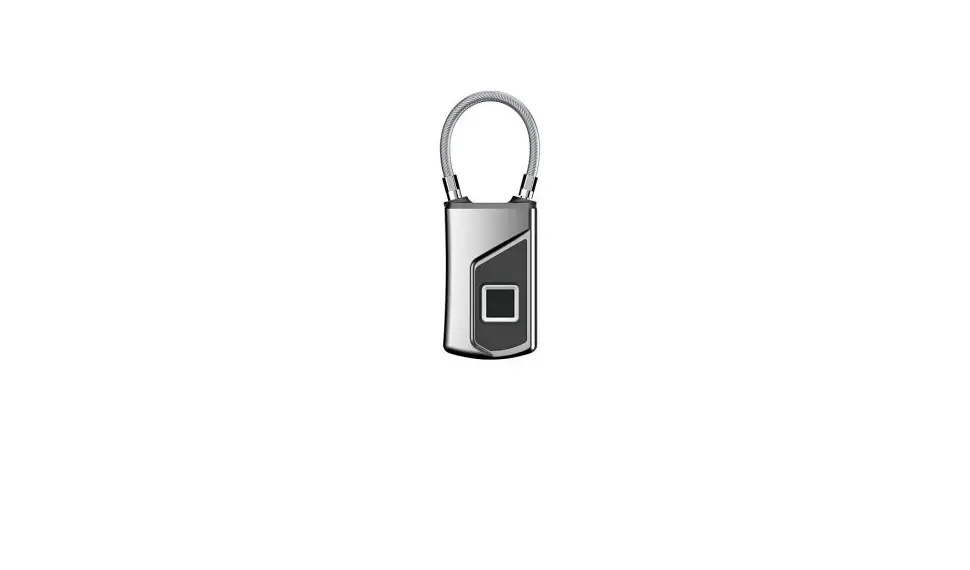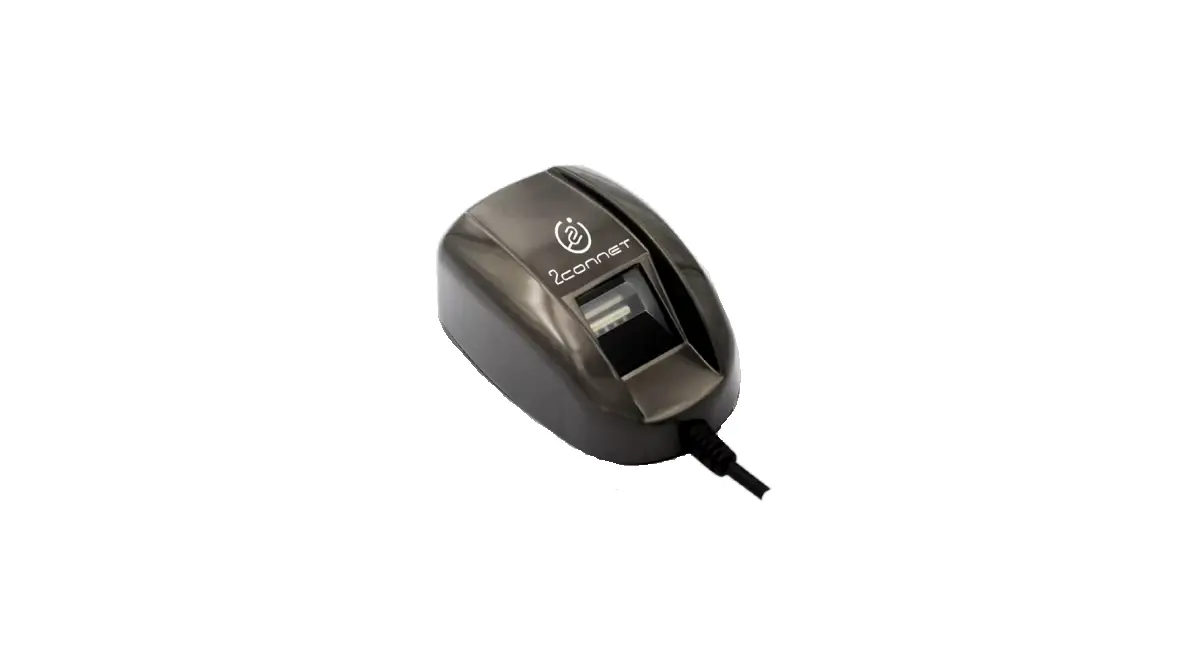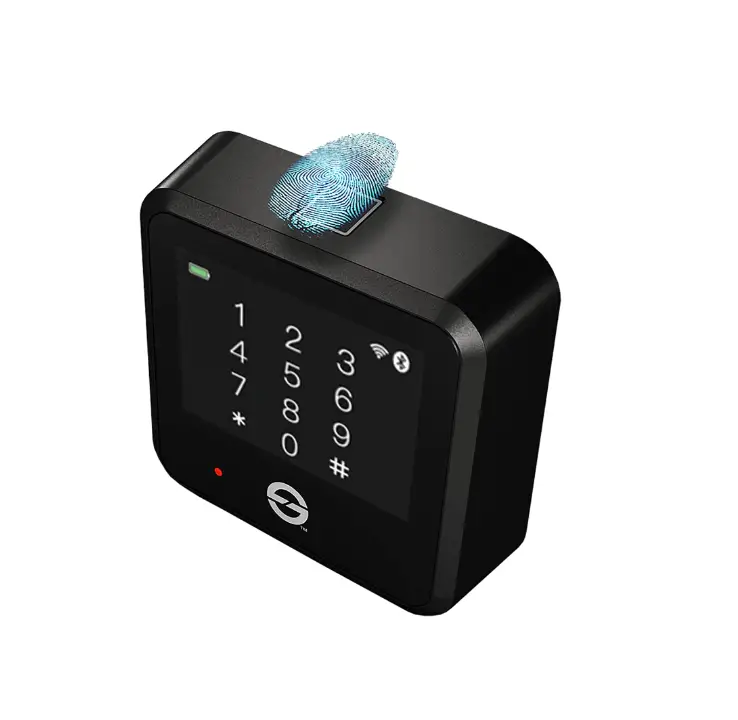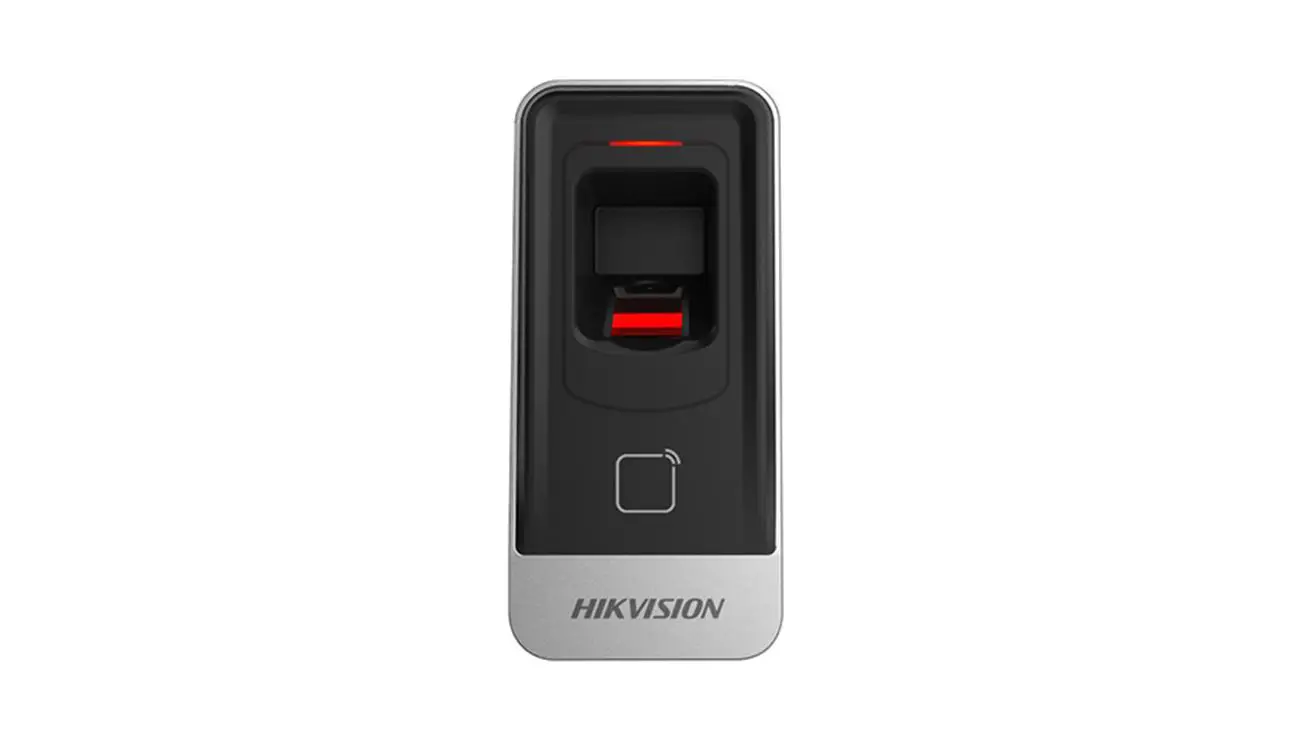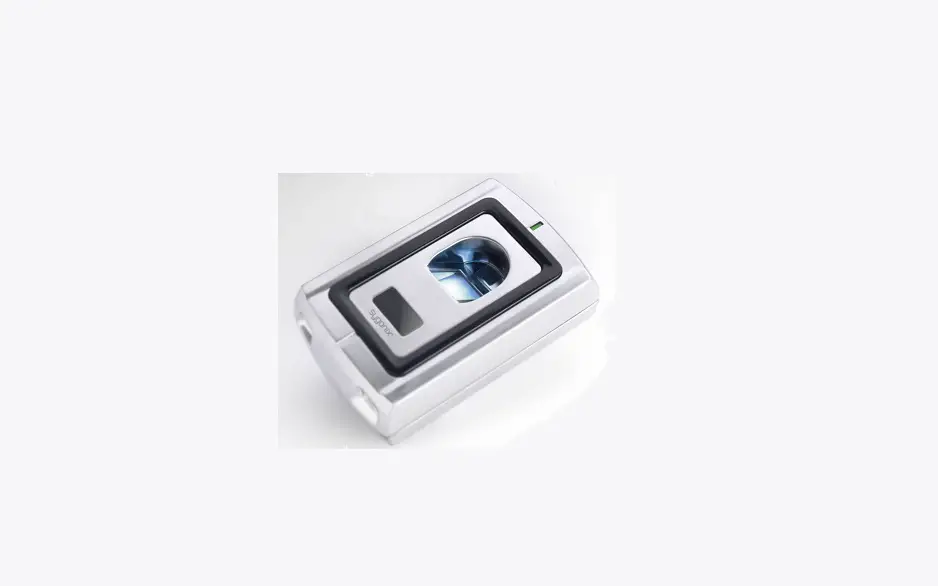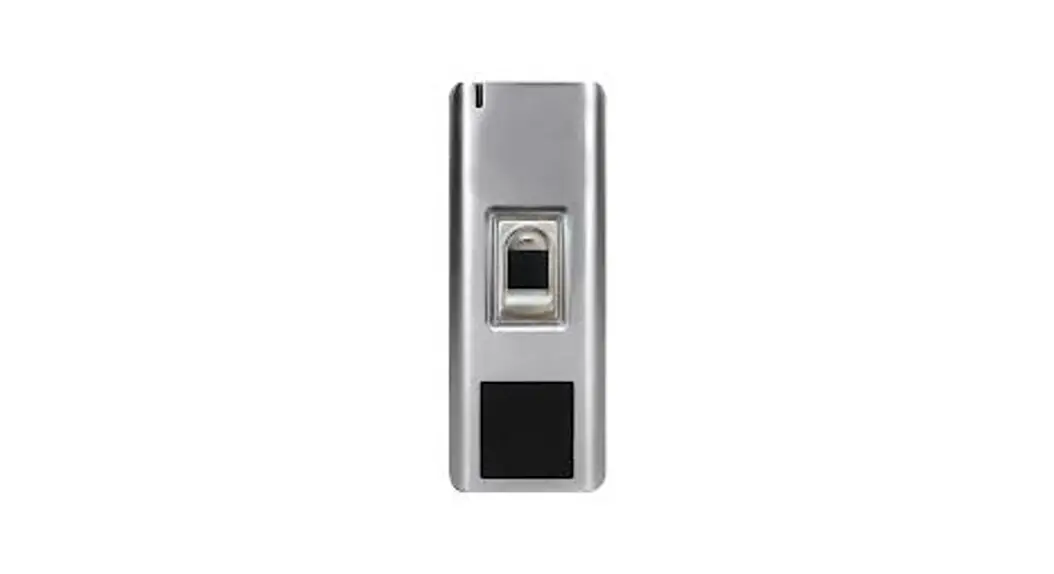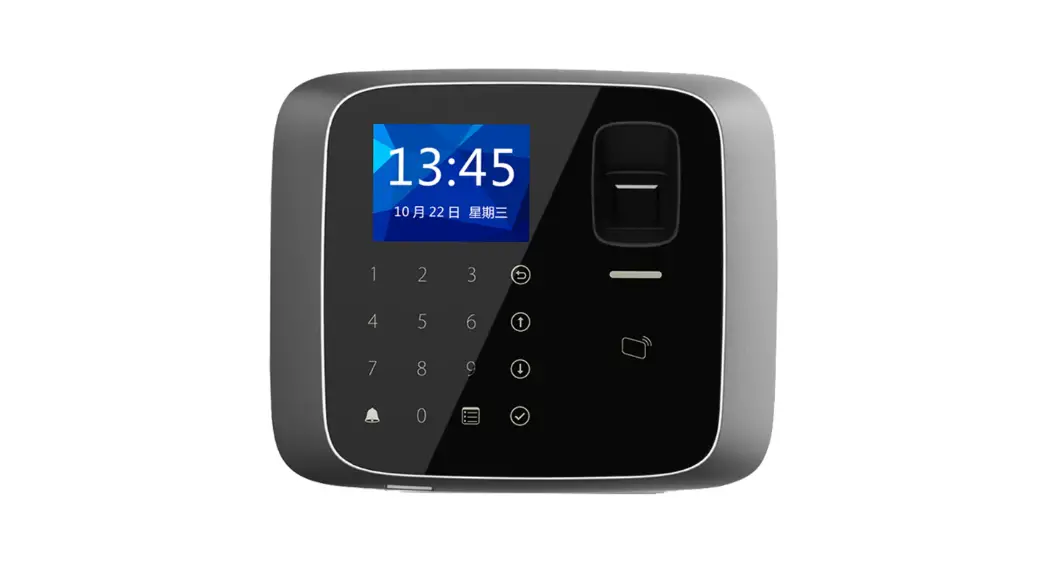
 CT-ASR1102A-V2 Fingerprint Access Control Reader
User Manual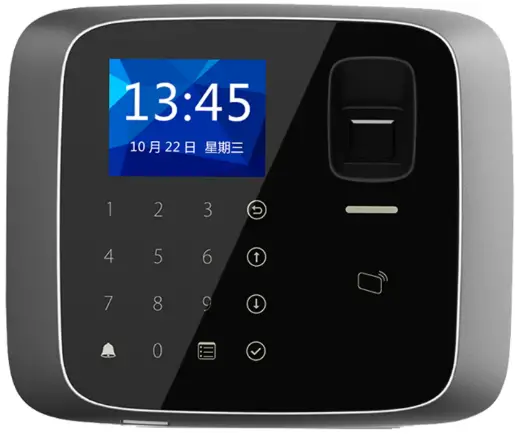 Fingerprint Access Control Reader User’s
Manual
Important Safeguards and Warnings
Please read the following safeguards and warnings carefully before using the product in order to avoid damages losses and body injuries. After reading, please well keep this user’s manual.
Note:
- Please change user default password after being armed.
- Do not install the device at position exposed to sunlight or in high temperature. Temperature rise in device may cause fire.
- Do not expose the device to lampblack, steam or dust. Otherwise it may cause fire or electric shock.
- The device must be installed on solid and flat surface in order to guarantee safety under load and earthquake. Otherwise, it may cause device to fall off or turnover.
- Do not drop or splash liquids onto the device, and do not place container with full liquid on the device to prevent liquid spilling from entering the device.
- Do not block air vent of the device or ventilation around the device. Otherwise, temperature in device will rise and may cause fire.
- Use the device only within rated input and output range.
- Do not disassemble the device without professional instruction.
- Please transport, use and store the product under appropriate temperature and humidity.
Warning:
- Please use battery properly to avoid fire, explosion and other dangers.
- Please replace used battery with battery of the same type.
- Do not use power line other than the one specified. Please use it properly within rated range. Otherwise, it may cause fire or electric shock.
- Please use power supply matching SELV requirements, and IEC60950-1 Limited Power Source. Power supply shall follow requirements on device label.
- For I-type structure product, connect it to power supply plug with GND protection.
- If you use power plug or appliance coupler as disconnecting device, please maintain the disconnecting device available to be operated all the time.
Special Announcement
- This manual is for reference only, subjected to the actual product.
- All the designs, software and instructions here are subject to change without prior written notice.
- All damaged and losses caused by operation not following instructions in this manual, are borne by the user.
- All trademarks and registered trademarks are the properties of their respective owners.
- If there is any uncertainty or controversy, please refer to the final explanation of us.
- Please visit our website for more information.
Overview
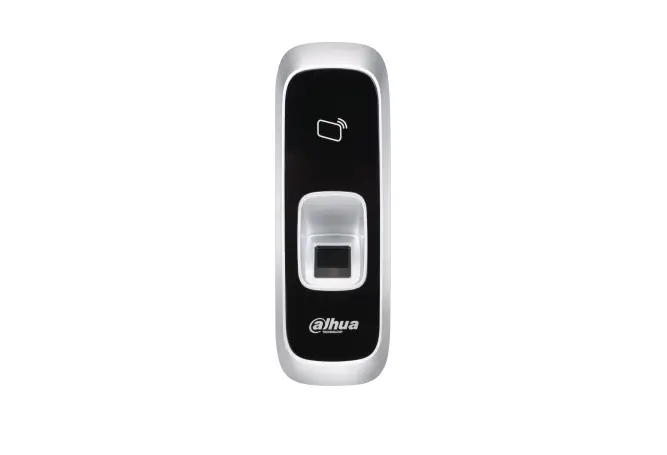
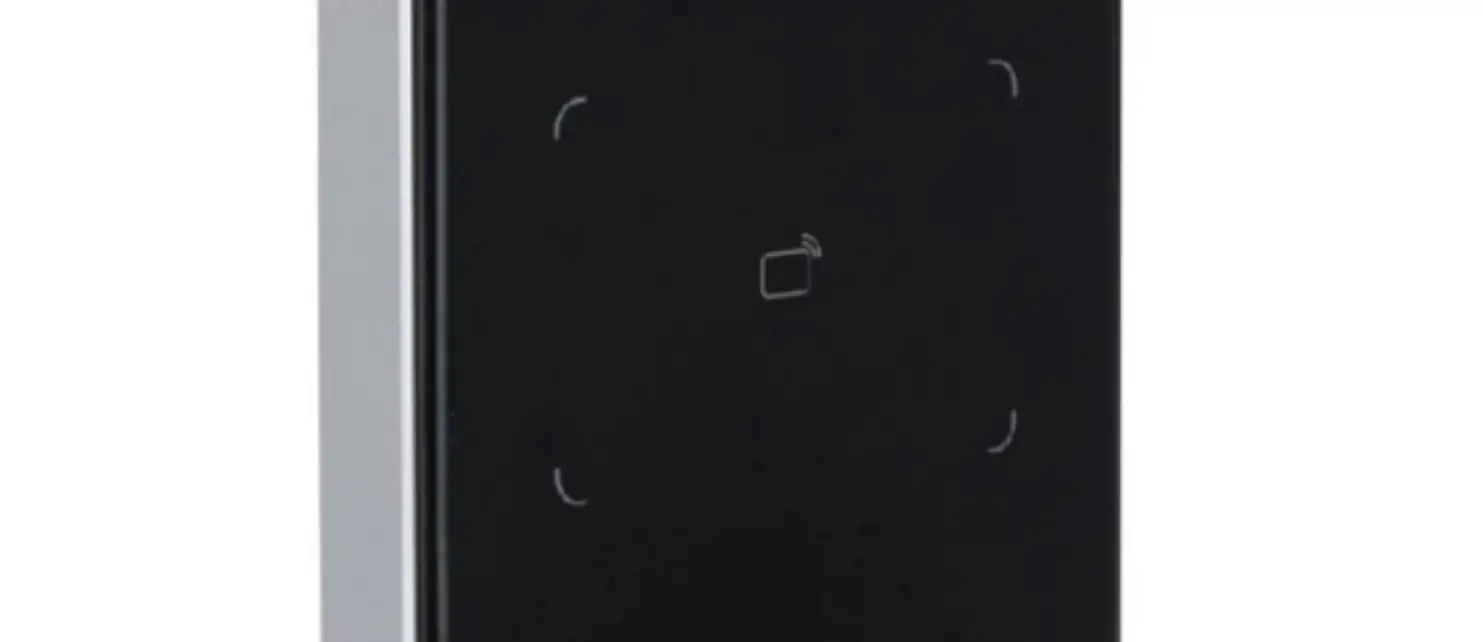
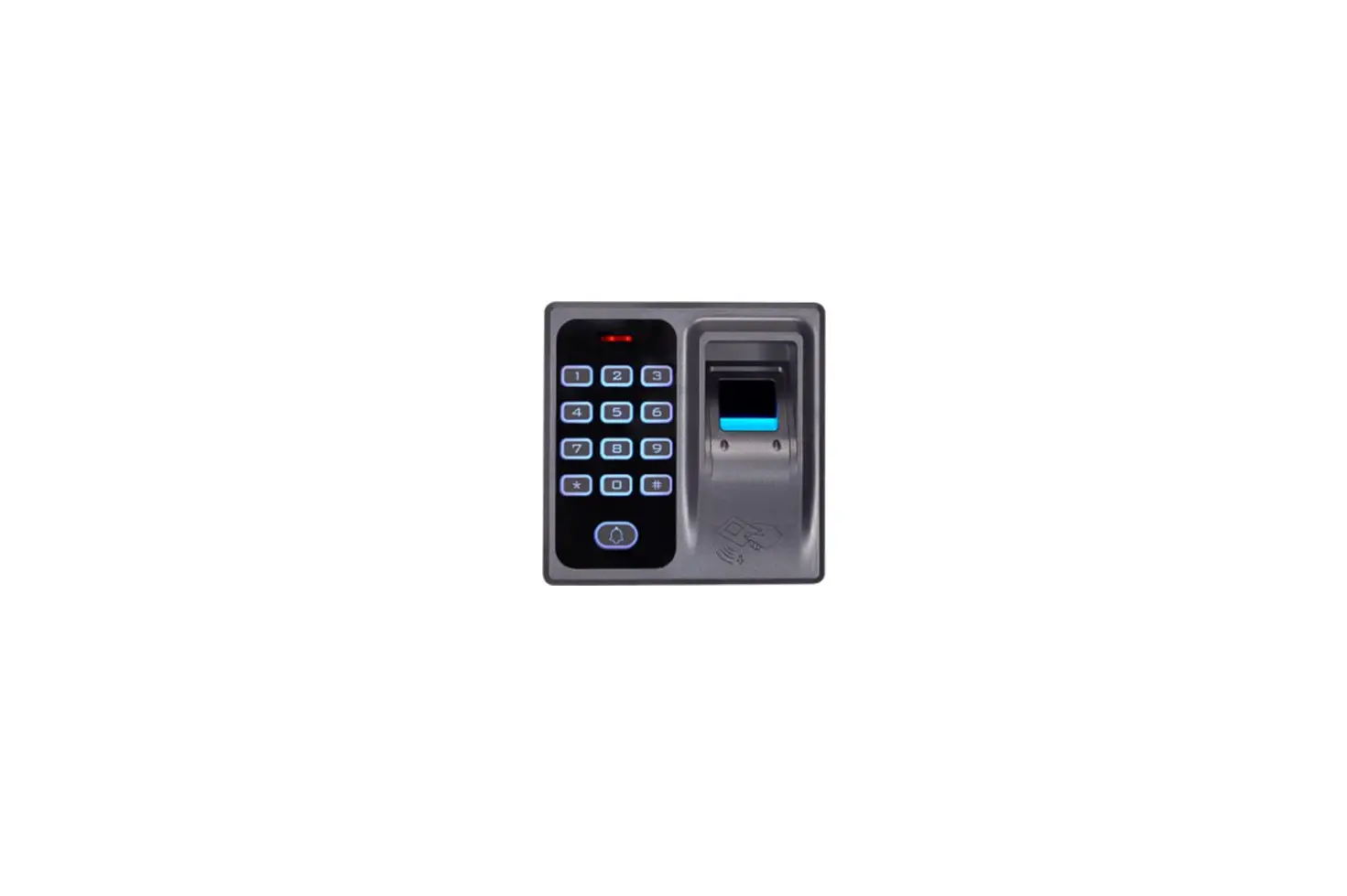
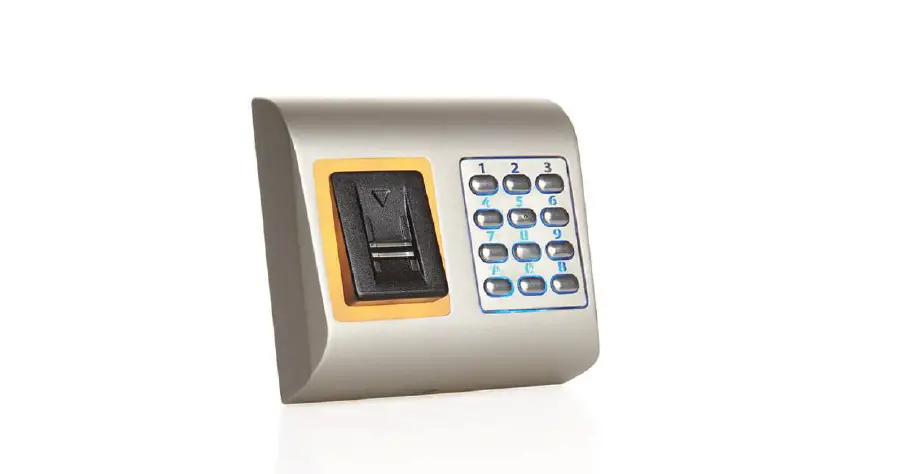
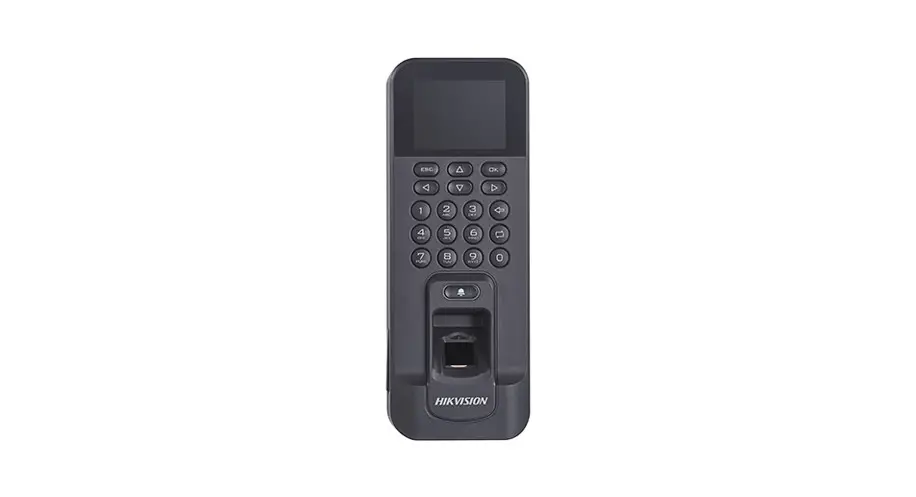
Fingerprint Access Control Reader is a biometric recognition device achieving video surveillance and also a complement to video monitoring and visual talk. Its appearance is neat and fashionable, and its function is enhanced. It is designed for commercial building, corporation property and intelligent community.
It has:
- Blue light
- Non-contact reader (read-only), reading distance 3cm~5cm, response time <0.3s
- Fingerprint verification response time≤0.5s, fingerprint response time ≤1.5s.
- Max fingerprint storage is 3000.
- Wiegand protocol and RS485 output. RS485 baud rate is 9600bps.
- Advanced key management system, lowering risk of data theft or intelligent card duplicate.
- Card, fingerptint, card+fingerprint and card/fingerprint recognition modes.
- Watch dog, vandal-proof.
- Static-free and short circuit-proof.
- Online upgrade.
- Direct mount and hole mount.
- IP65, work temperature: -10℃~+55℃. Work humidity: ≤95%.
- Working voltage: 9VDC~15VDC, working current: 150mA.
Device Structure
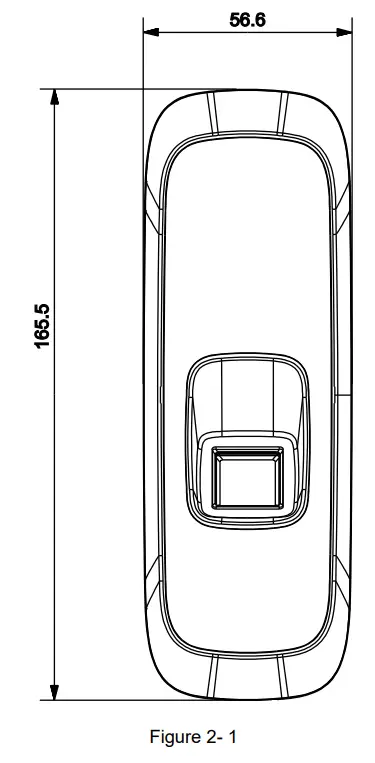
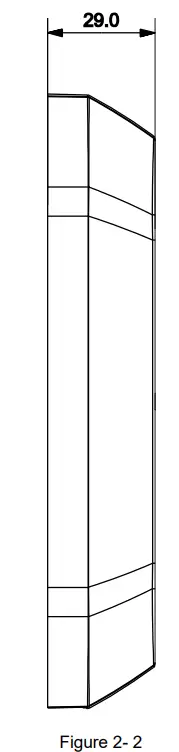
Fingerprint Access Control Reader’s dimension is shown in Figure 2- 1and Figure 2- 2.
Unit is mm.
 |  |
Device Installation
Fingerprint Access Control Reader’s installation illustration and steps are:
Step 1. Remove front cover, fix the device on wall via screw 1. See Figure 3- 1.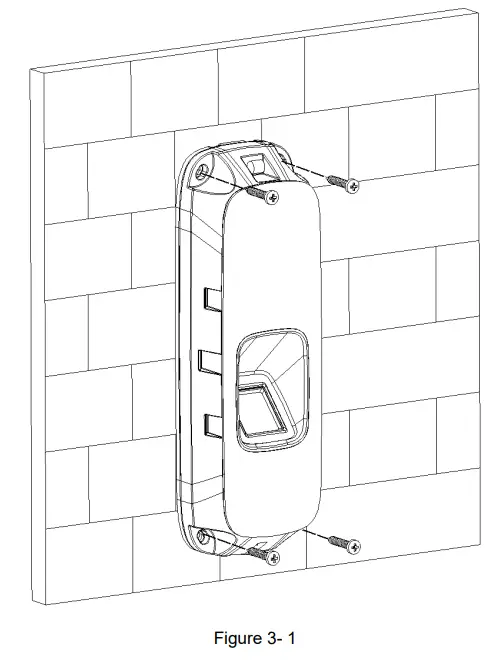 Step 2. Put back front cover. Fix cover on the device via screw 2. See Figure 3- 2.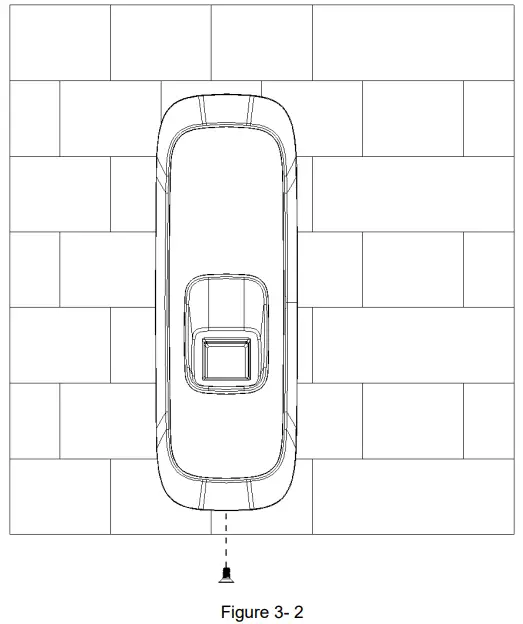
System Framework
4.1 Wiring
Fingerprint Access Control Reader has 8-pin wiring, see Chart 4- 1.
| No. | Color | Port | Note | Protocol |
| 1 | Red | 12V | DC 12V power | |
| 2 | Black | GND | GND | |
| 3 | Blue | ALARM OUT | Wiegand vandal-proof alarm output | Wiegand protocol |
| 4 | White | D1 | Wiegand signal line 1 | |
| 5 | Green | DO | Wiegand signal line 0 | |
| 6 | Brown | LED/BELL CTRL | Wiegand swiping card indicator signal line | |
| 7 | Yellow | RS485- | – | RS485 protocol |
| 8 | Purple | RS485+ | – |
Chart 4- 1
4.2 System Framework
Fingerprint Access Control Reader and access controller is connected as in Figure 4- 1.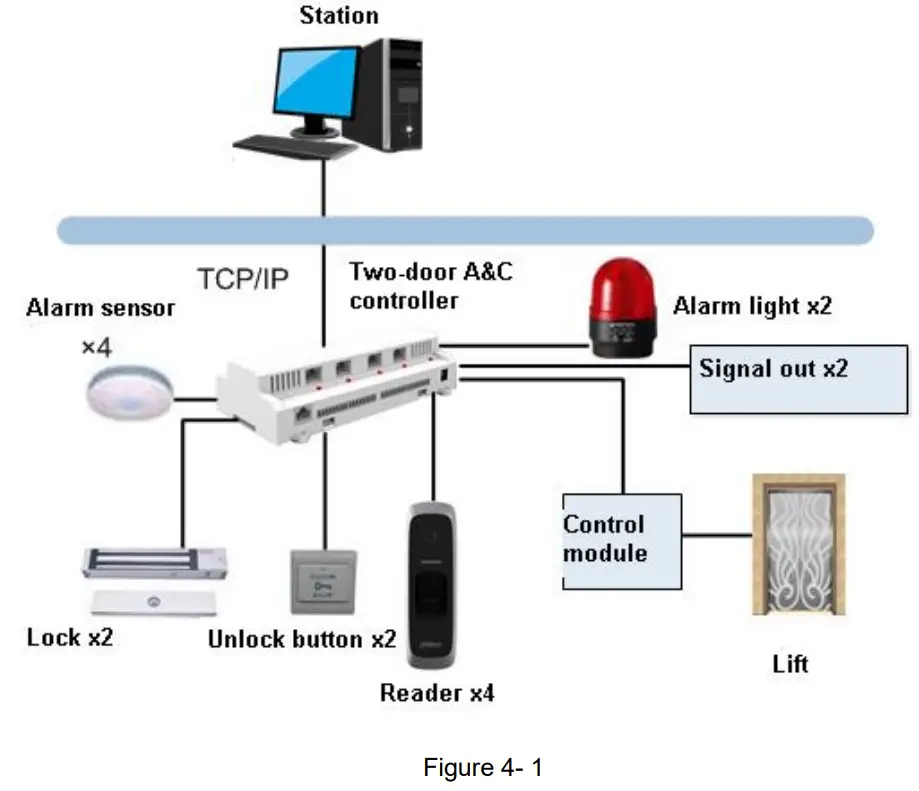 Note:
Note:
- This manual is for reference only. Slight difference may be found in user interface.
- All the designs and software here are subject to change without prior written notice.
- All trademarks and registered trademarks are the properties of their respective owners.
- If there is any uncertainty or controversy, please refer to the final explanation of us.
- Please visit our website or contact your local service engineer for more information.

 AffordableLaundry.com is for sale | HugeDomains