
Technology Change Life
User manual
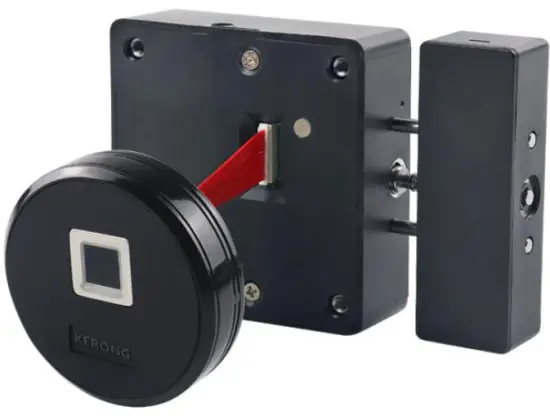
KR- S8064RF
Preface
Dear Customers:
Thanks for choosing this cabinet lock offered by Kerong Industry (HK) Co ., Limited. Please read this 《 User Manual 》 carefully before using it.
Thanks for your kind understanding and support!
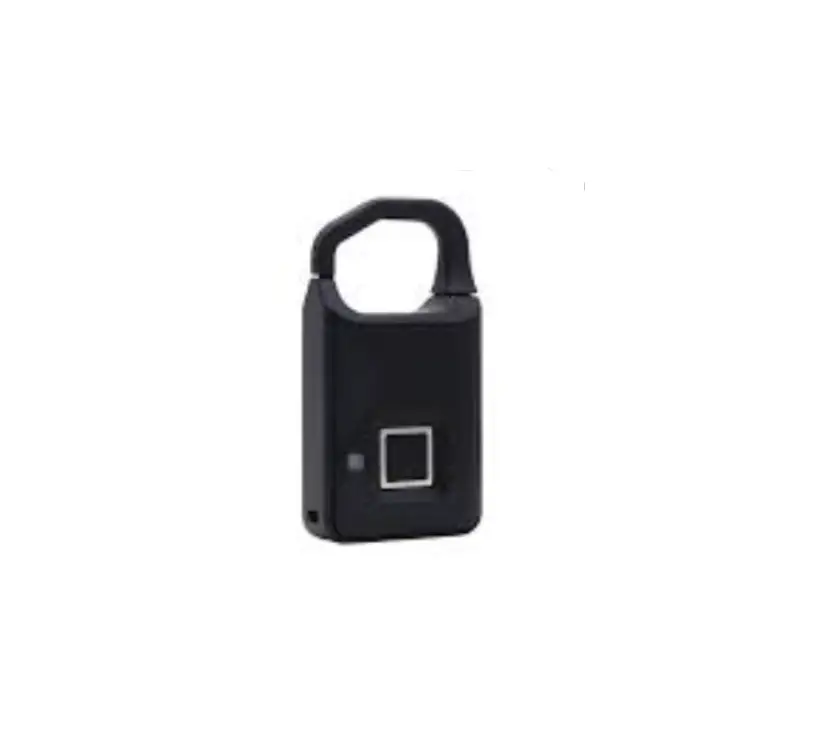
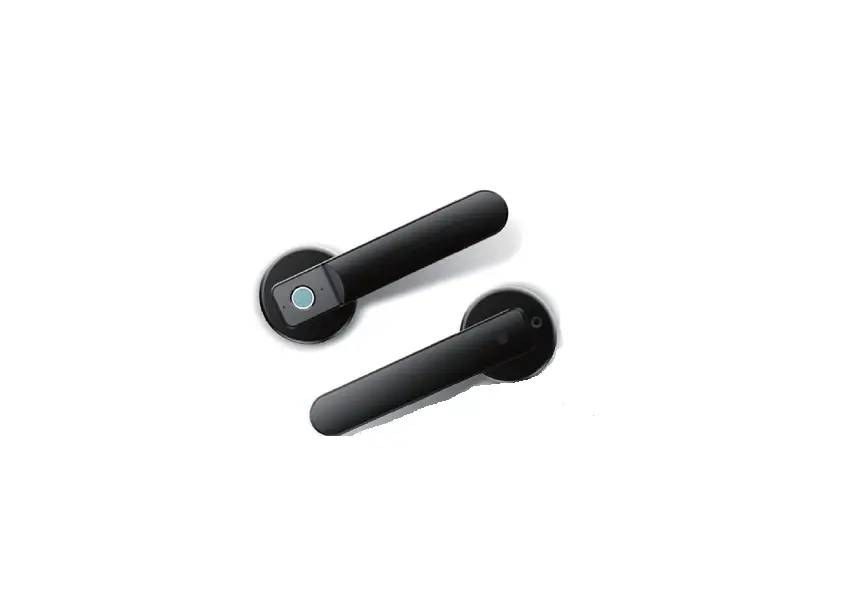
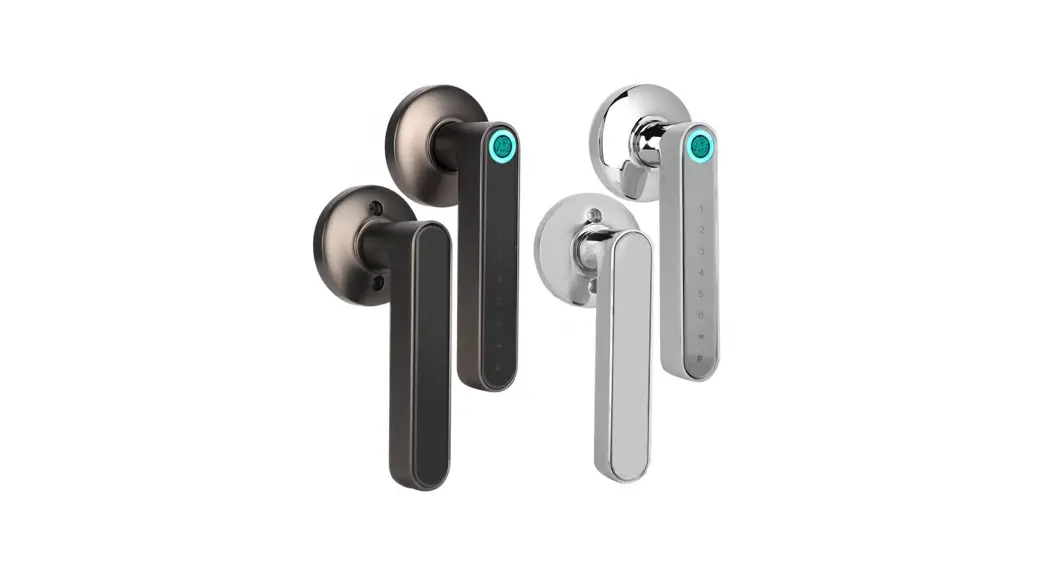
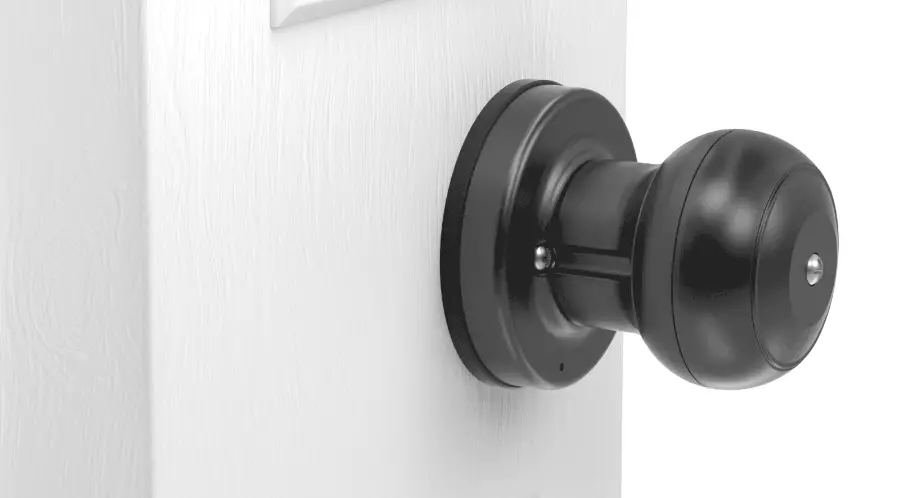
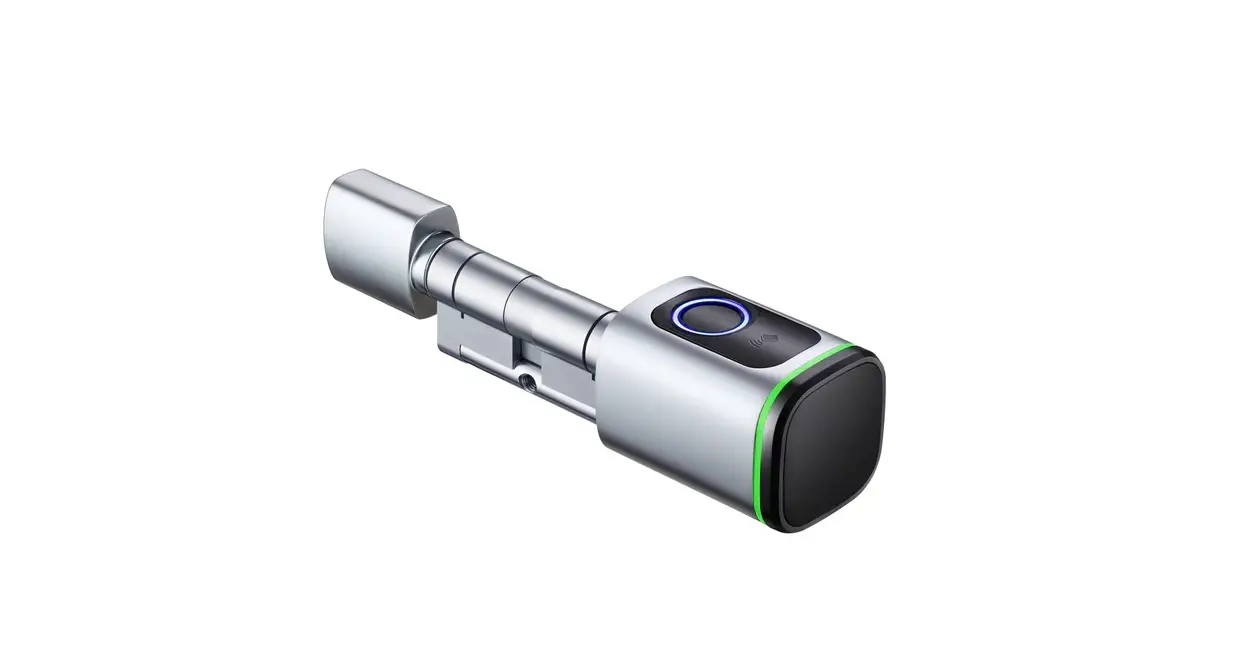
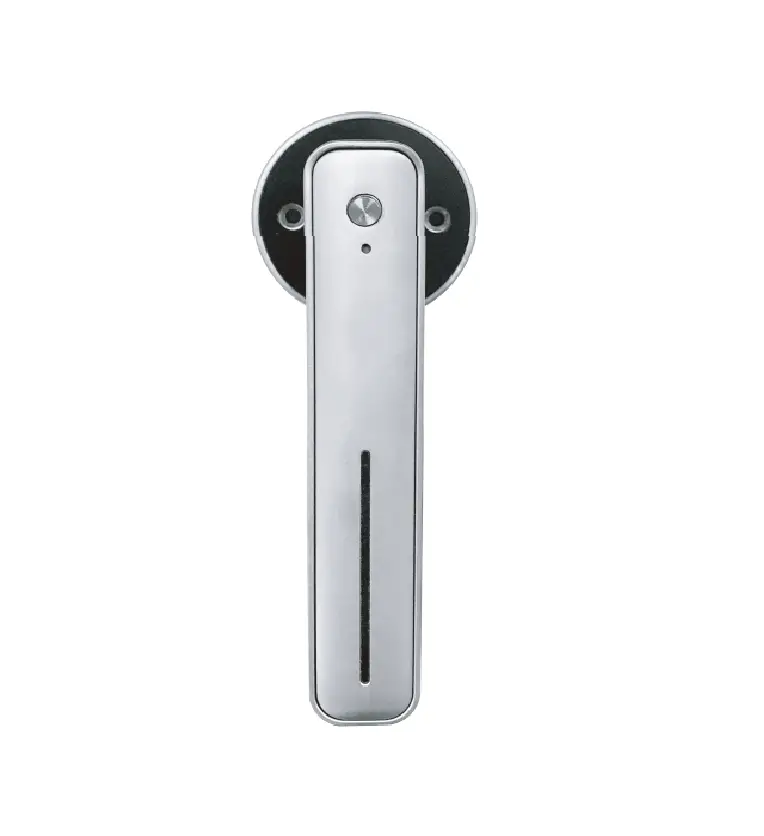
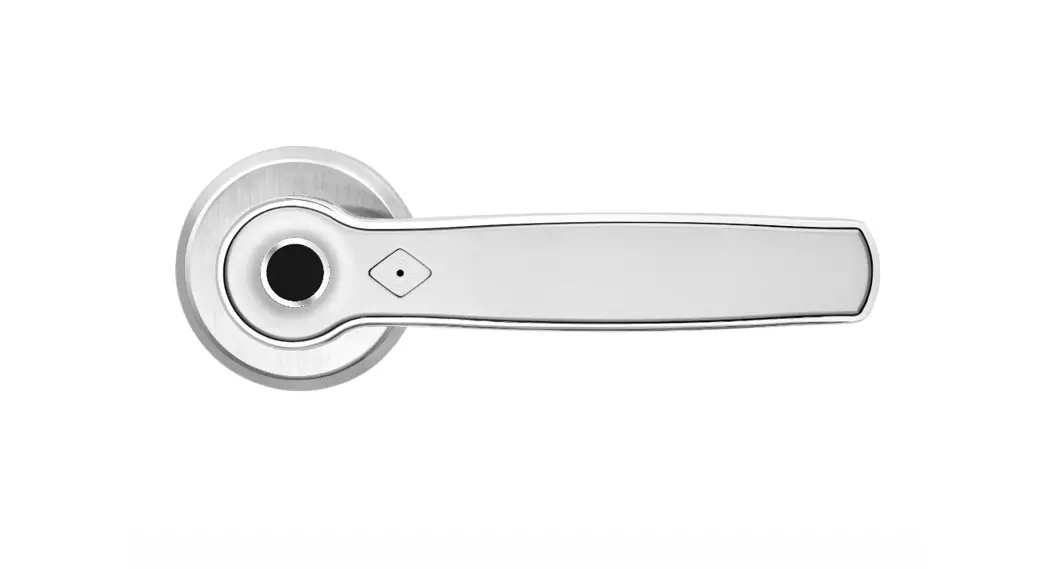
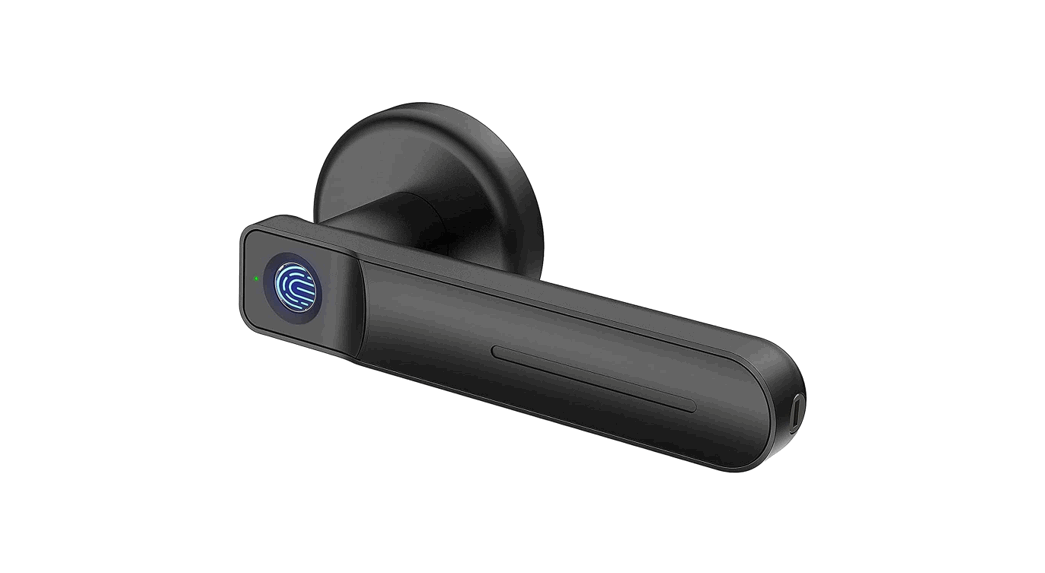
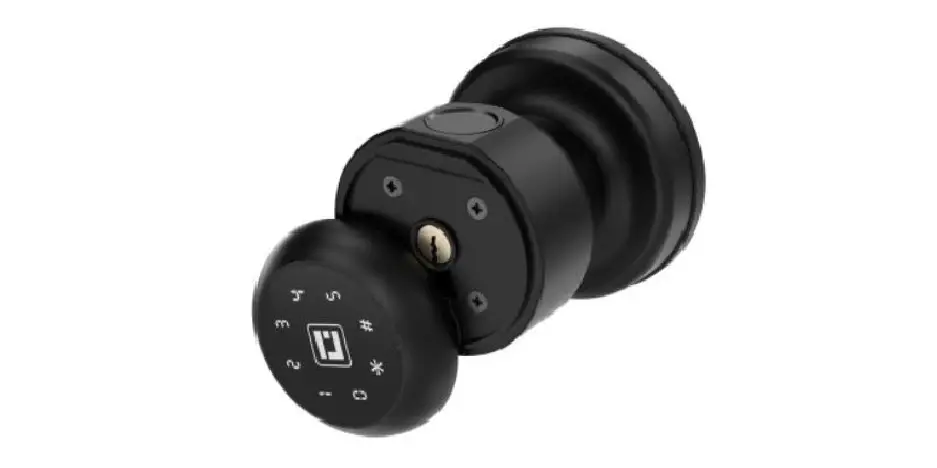
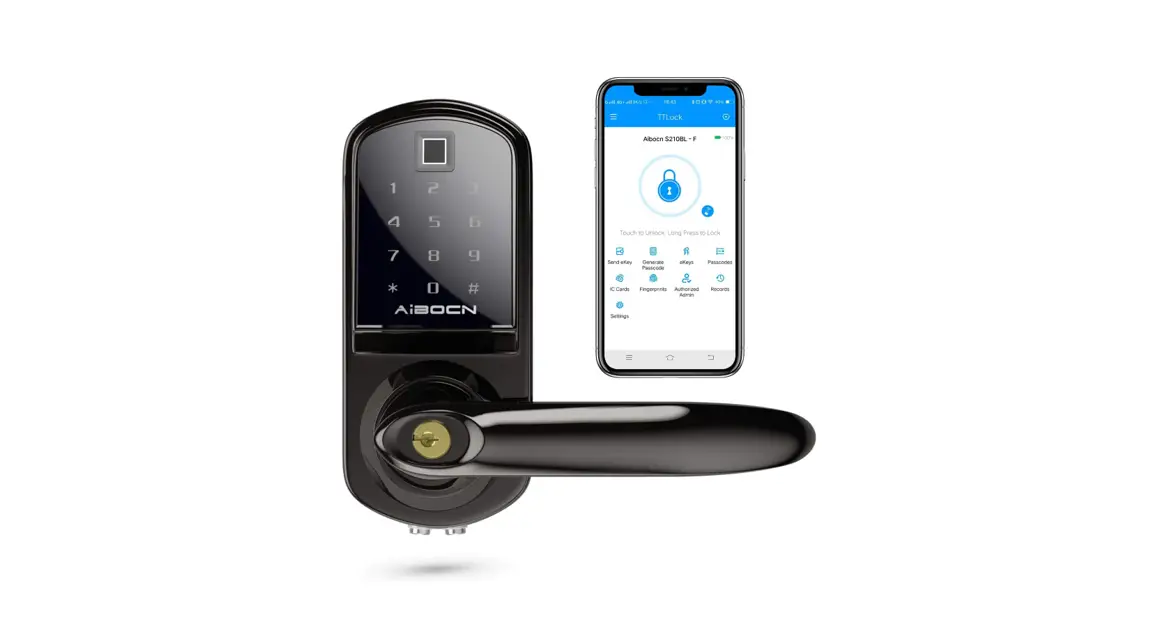
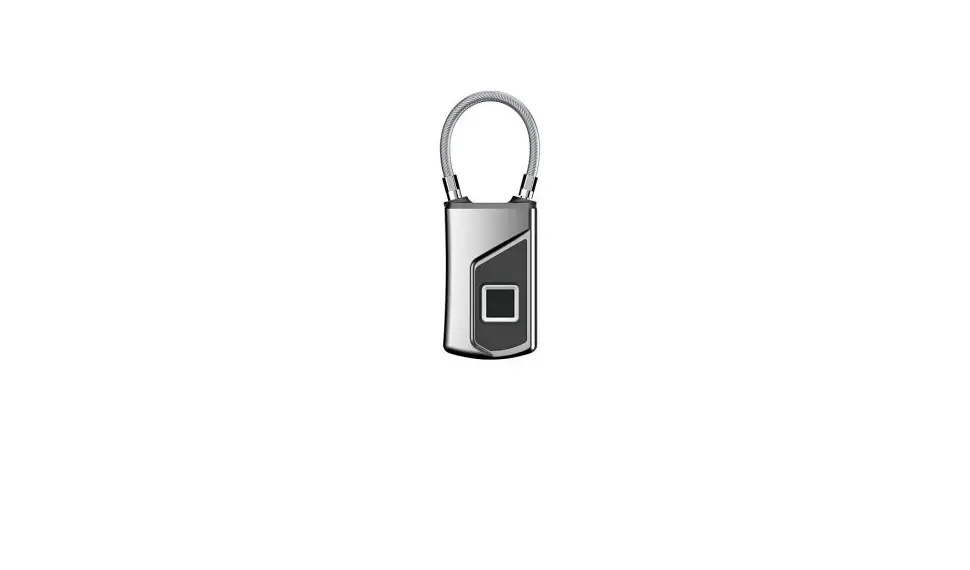
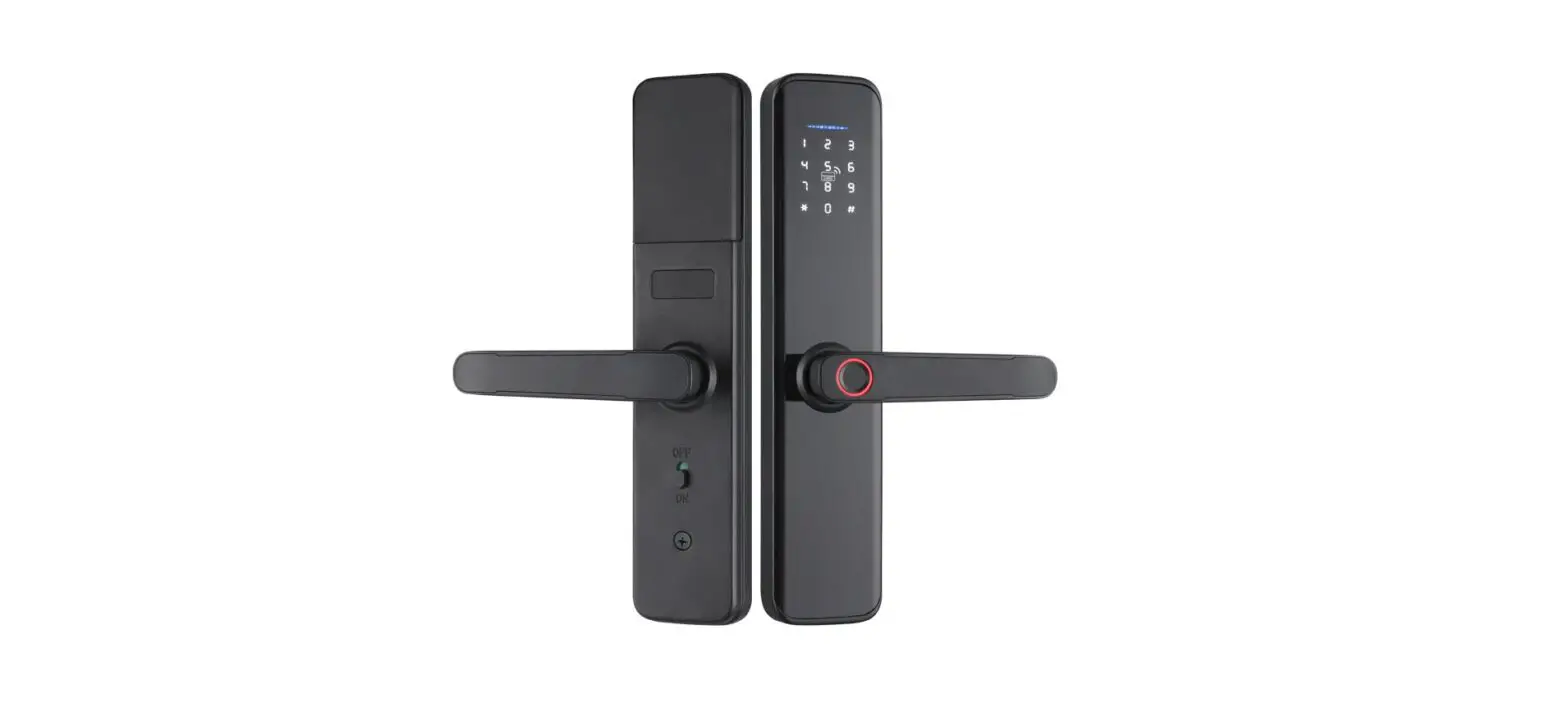
Relative Products
 Product Appearance
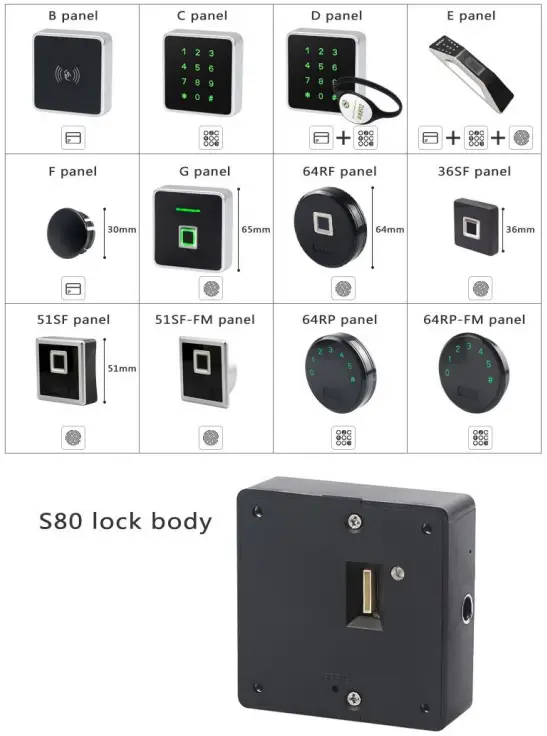 Product Appearance
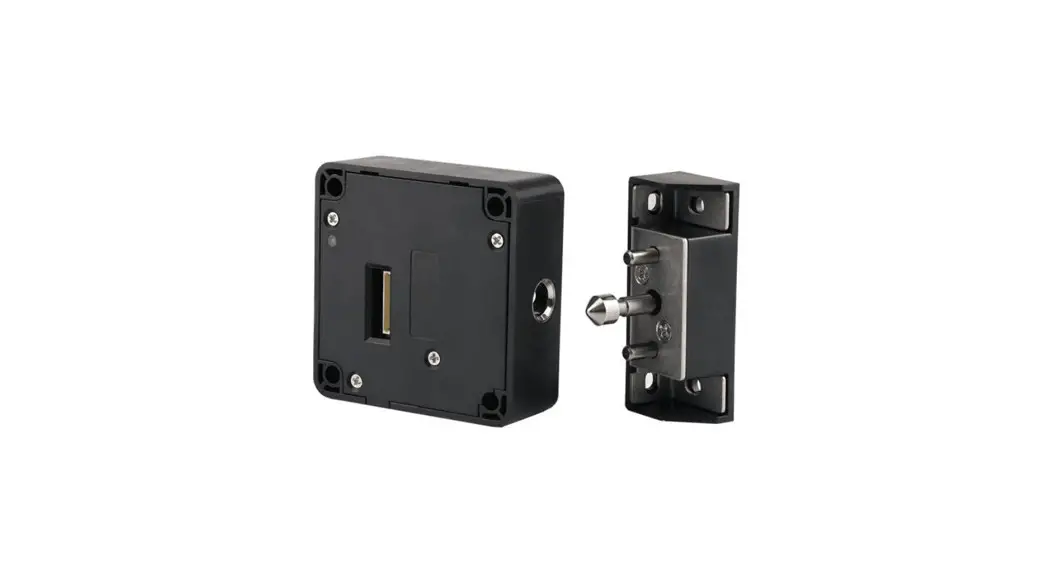
| 2.1 Lock body Material: ABS Size: 80*80*27mm | 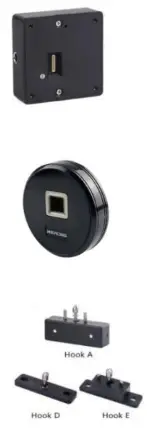 |
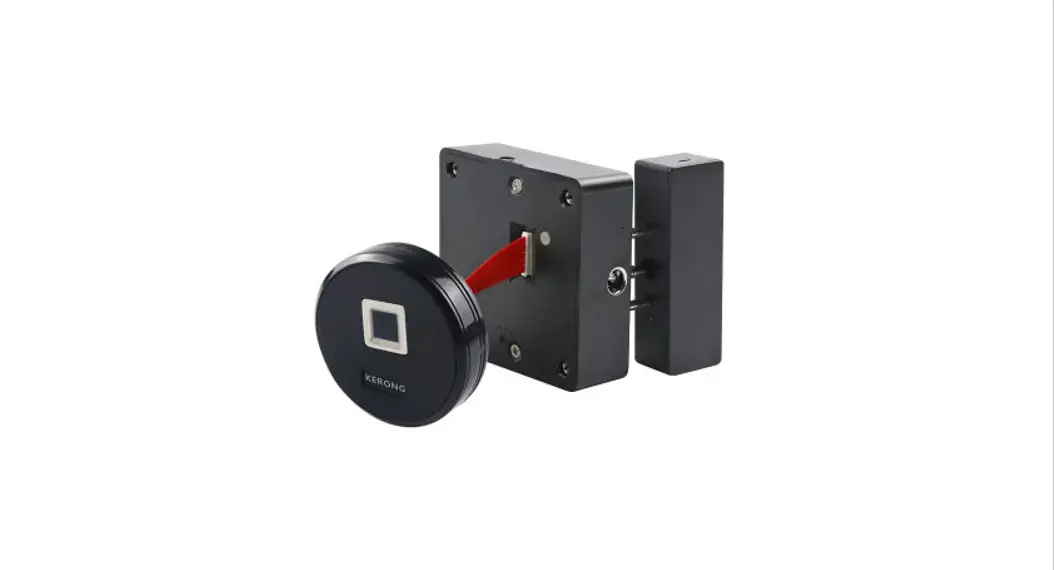
| 2.2 Front panel Material: PC+Acrylic Size: φ64mm | |
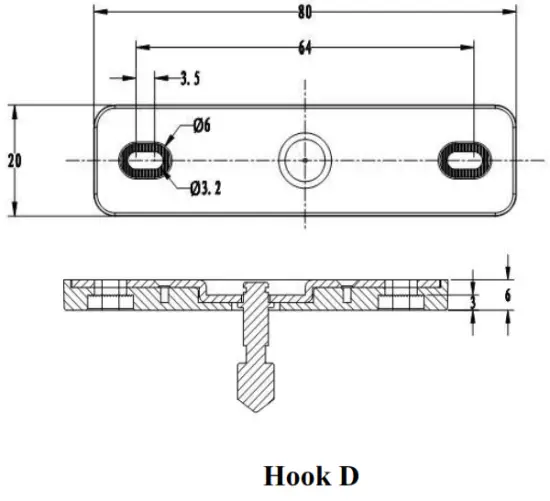
| 2.3 Lock hook Different hook types suit for various application Hook A suits for both vertical and horizontal installation Hook D and Hook E suit for horizontal installation |
| 2.4 Screws Suitable screws for different material cabinets (wooden/metal) and different door thickness. | 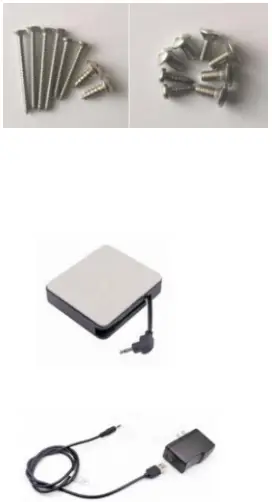 |
| 2.5 External power supply | |
| With external battery box and power adaptor to work with lock body or front panel for emergency power supply. |
Product Installation Dimension
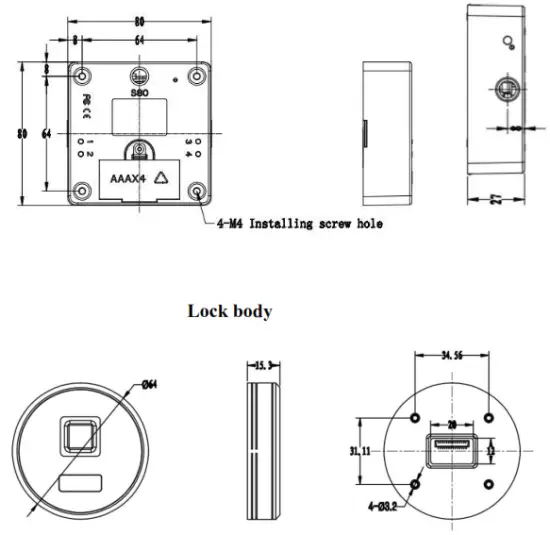 Front Panel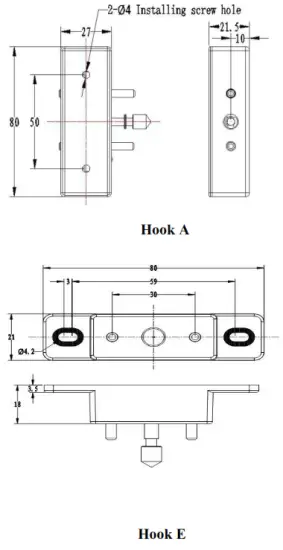
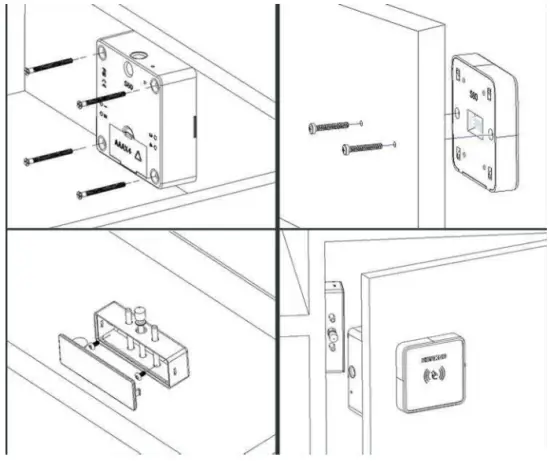
Installation Drawing
Product Functions
5.1 Parameters
| Material | ABS for lock body shell, Acrylic & PC for panel |
| Power consumption | Static power consumption <100uA |
| dynamic power consumption<200mA | |
| Working voltage | DC6V(4*AAA 1.5V) |
| Batteries can standby for around 1 year | |
| Working environment | Working temperature -15°C — +65°C |
| Working humidity 10% — 90%RH | |
| Anti-static | Air static 15KV |
| Touch static 8KV |
5.2 Functions & Features
| Functions | Features |
| Sound prompt | The lock will prompt with sound when input correct/wrong fingerprint, the battery is in low voltage, unlocking for a long time |
| Light prompt | Green: correct operation Red: wrong operation Blue: low voltage White: standby status |
| Low voltage alarm: 1.When the battery’s voltage is lower than 4.5V, light will shine in blue and lock sounds “di di” on every opening or alarm automatically when lower than 4.5V to remind user change new batteries |
| Alarm functions | 2.When voltage is less than 4V, lock can’t be locked until change new batteries. 3.Lock can work normally 1000 times after low voltage warning |
| Lock status alarm: 1.Lock will keep warning for lOs if it keeps unlocking status more than 30s. 2.)K Lock status alarming function only exists in private mode. Press button 1+2 can nable/disable this function. | |
| Locking protection: Input wrong fingerprint, lock will shine in red twice and prompt with “di di”.Wrong for 5 times continuously, lock will be unavailable for 5mins. During the unavailable period: 1.Use manager fingerprint can make it available. 2. Input user fingerprint lock will prompt with “di di di di di” and light shines in red. | |
| Fingerprint functions | 1. Manager fingerprint: For setting user fingerprint and delete fingerprint, also can be used for emergency unlock. 2.User fingerprint: Only be used for unlocking. |
| Button functions | Button 1: Set manager fingerprint and user fingerprint. Button 2: Delete user fingerprint. Button 3: Change working mode. Button 4: Change to single key mode or double key mode. Reset: Reset the lock. |
Operations
6.1 Public Mode
6.1.1 Mode introduction
Lock keeps unlocking under the public mode, manager fingerprint should be programmed first(manager fingerprint can be used for emergency unlock). Any fingerprint to lock and same fingerprint to unlock.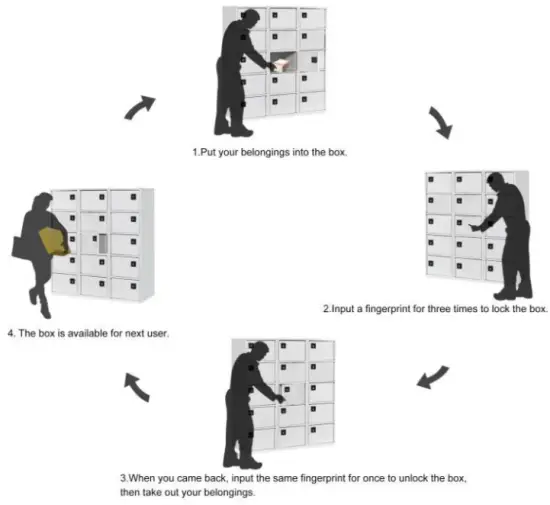
6.1.2 Set lock into public mode

6.1.3 Set manager fingerprint
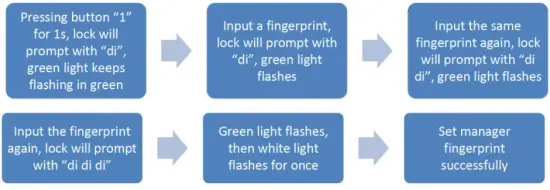
Notice:
- One lock only can have one manager fingerprint.
- Manager fingerprint can be used for emergency unlock.
6.1.4 Set user fingerprint
※ In public mode, no need to set user fingerprint. Input any fingerprint for 3 times can lock,
then same fingerprint once to unlock.
6.1.5 How to use user fingerprint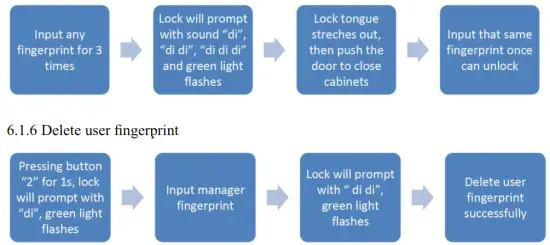
Notice:
1. After deleting, all user fingerprints will be invalid, then need to set again.
6.2 Private Mode
6.2.1 Mode introduction
The lock keeps locking under the private mode, manager’s fingerprint and user fingerprint should be programmed first. Push the door to close, and use the user fingerprint to unlock.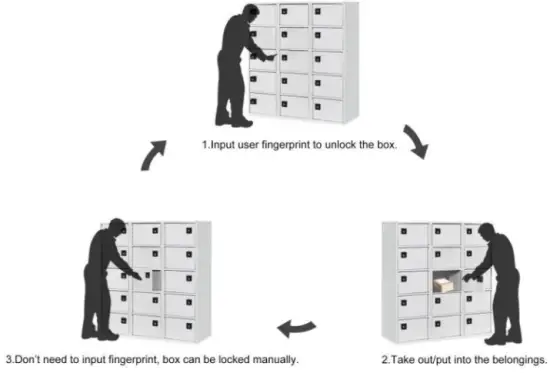
6.2.2 Set lock into private mode
6.2.3 Set manager fingerprint
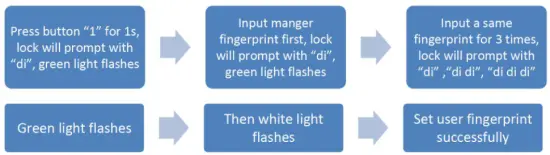
Notice:
1. One lock can have max 100pcs user fingerprint.
6.2.5 How to use user fingerprint

6.2.6 Delete user fingerprint

Notice:
1. After deleting, all user fingerprints will be invalid, then need to set again.
6.3 Limited Public Mode
6.3.1 Mode introduction
Lock keeps locking first under the limited public mode, manager fingerprint and user fingerprint should be programmed first. Lock will keep unlocking after unlocked, then input user fingerprint, push the door can close the box.
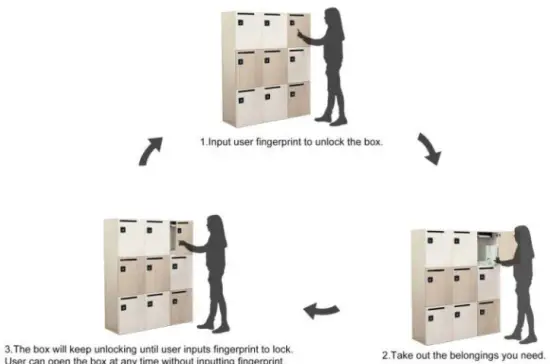
6.3.2 Set lock into limited public mode

6.3.3 Set manager fingerprint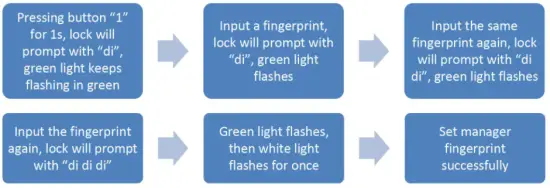
Notice:
- One lock only can have one manager fingerprint.
- Manager fingerprint can be used for emergency unlock.
6.3.4 Set user fingerprint
Notice:
1. One lock can have max of 100pcs user fingerprint.
6.3.5 How to use user fingerprint
6.3.6 Delete user fingerprint

Notice:
1. After deleting, all user fingerprints will be invalid, then need to set again.
Reset lock

Notice:
After resetting, the lock will be factory setting and all fingerprints are invalid, need to be set again.
Warm Tips
- Light shines in blue means batteries are nearly run out, please change new batteries in time.
- Please make sure the lock can work, batteries are included and all fingerprints are set before installation.
- Changing working mode from private mode to limited public mode, all fingerprints will still be valid. But from limited public mode to public mode, all fingerprints will be invalid, need to set again.