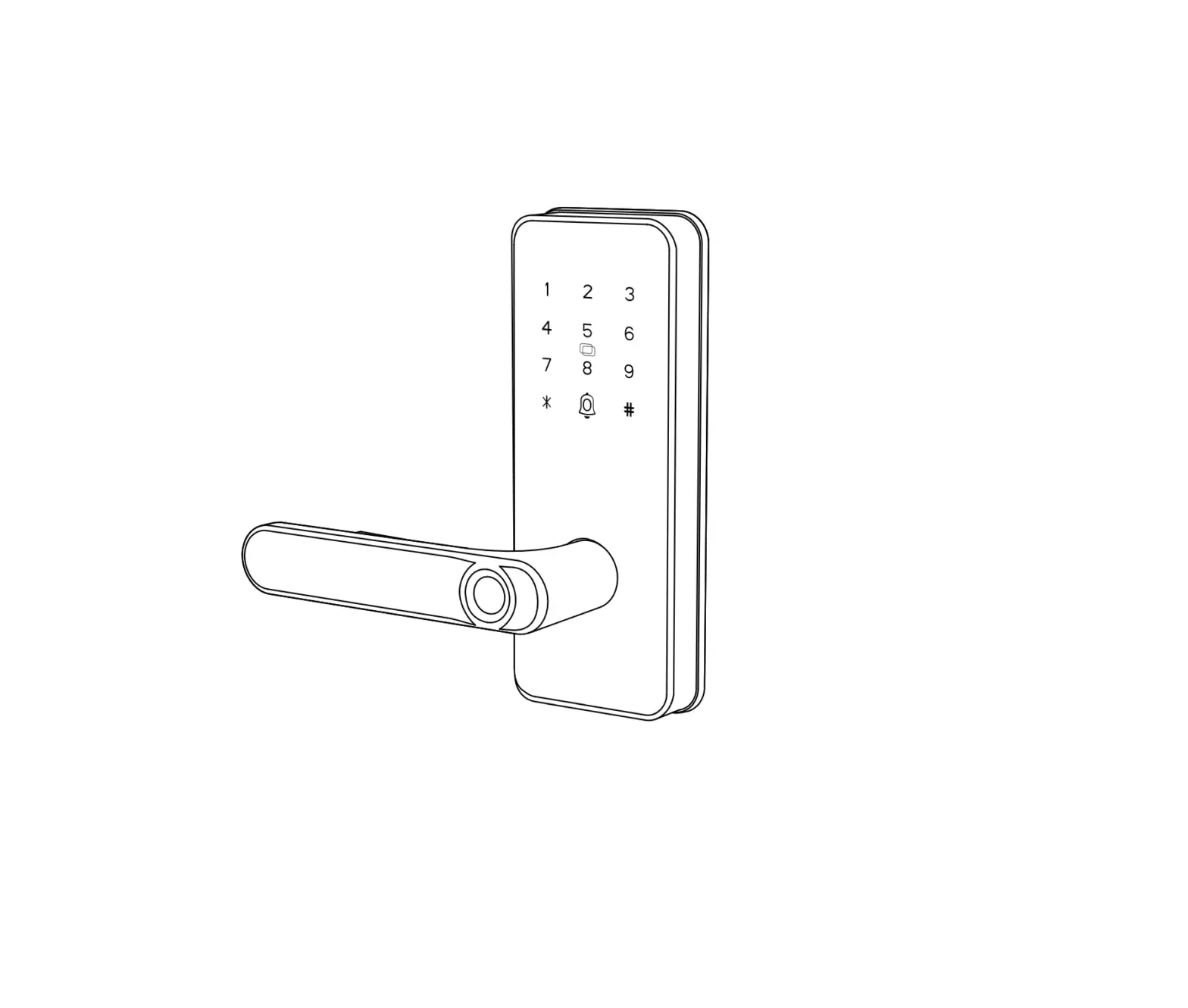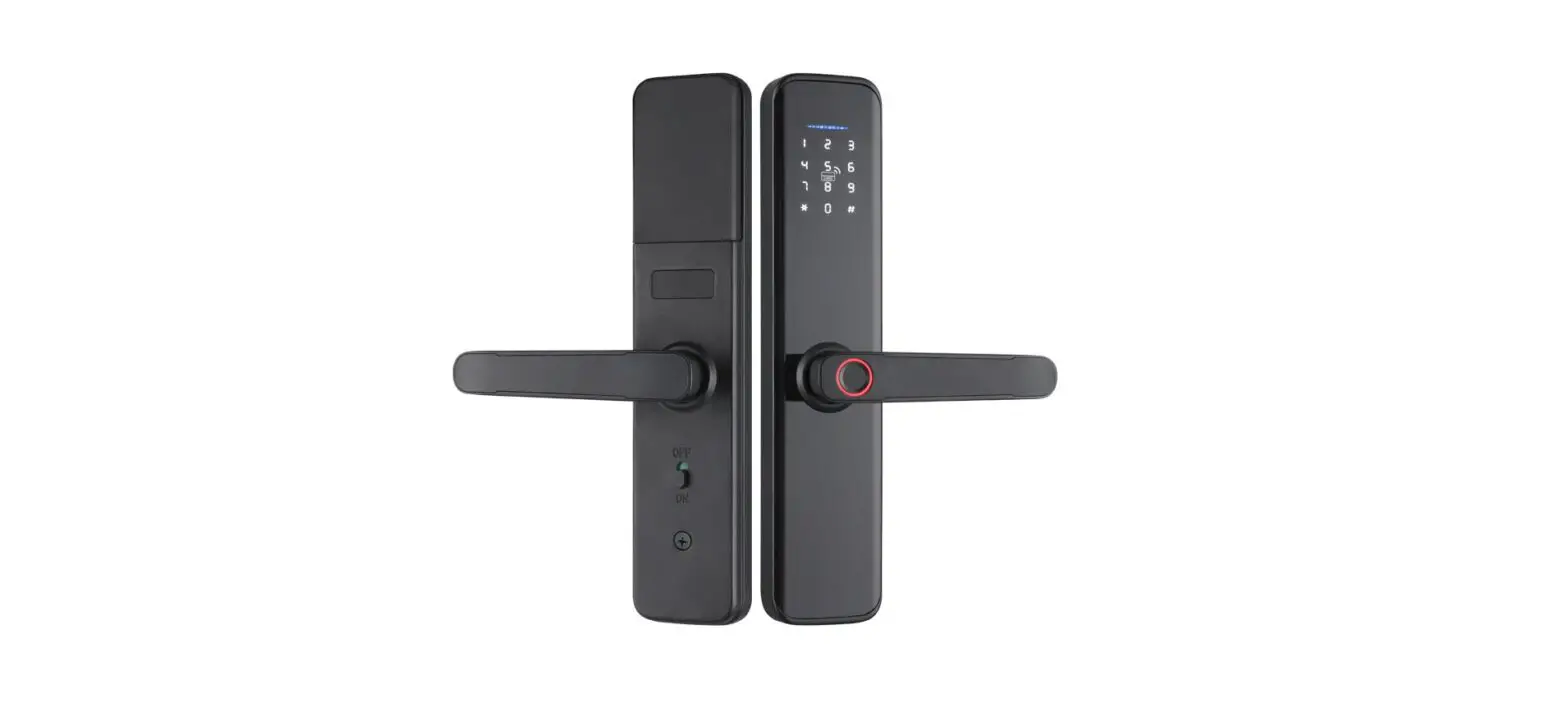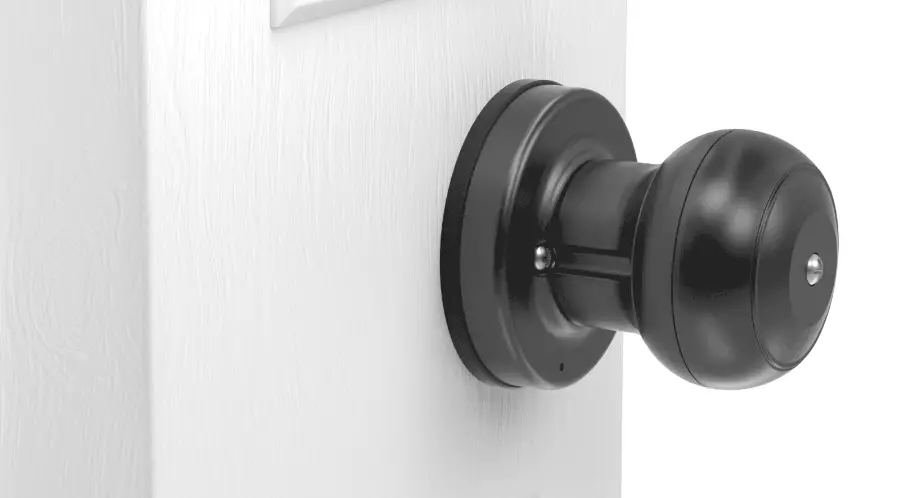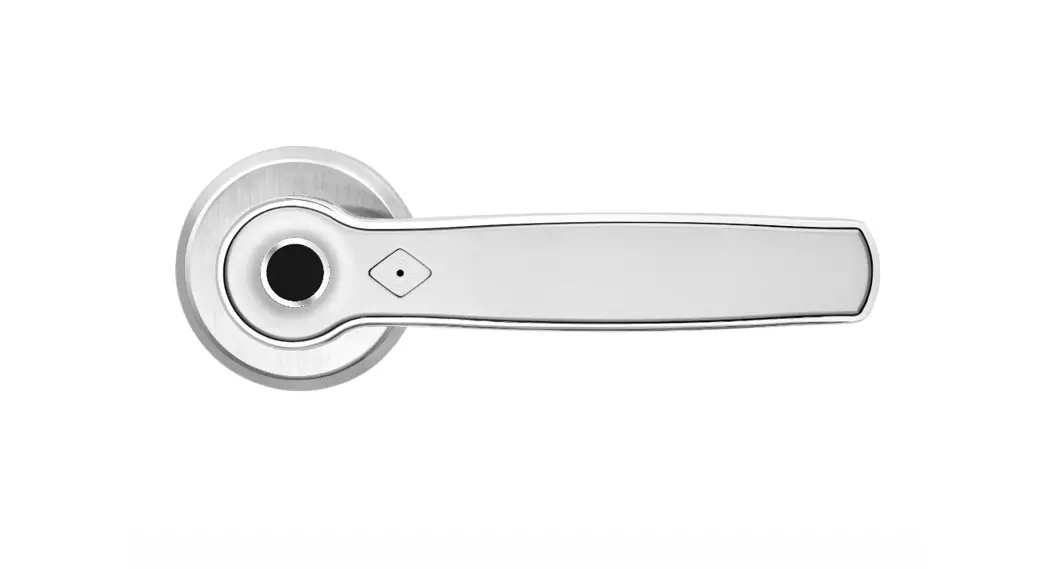
 S1580 Fingerprint Lock
User Manual

Special Attention:
- Mechanical keys please keep outdoor, just in case lock out of doors.
- Please always prepare a backup battery and keep outdoor, for fast 10 seconds replacing the low-power battery. (4*AAA batteries normally support 1 year using)
- Read this manual carefully before installation, and keep it for future reference.
Notice: please refer to the operations of the model option you’ve purchased.
Model option 1: fingerprint+key
Model option 2: fingerprint+card+key
Model option 3: fingerprint+passcode+key
 OPERATION GUIDANCE
 OPERATION GUIDANCE
- Fingerprint management
find the mechanical keyhole, input the mechanical key. Rotating the mechanical key clockwise for about 15-20 degrees and hold on to the switching, hold it for about 2-3 seconds, until the blue light lights up and releases it after hearing the sound of “di”. Record fingerprint: use your same fingerprint area to touch the fingerprint sensor 5 times in multiple angles, if during the process of all the five times touching, blue light flash; and in the fifth time, hearing a long -” di–” sound, the fingerprint recording succeed. Note: during the recording time, if any single time of fingerprint sensor touching leads to a red-light flash and heard short “di” sound, which means this piece of recording is invalid. When this happened, touch the fingerprint sensor again multiple times with blue light lights up until hearing the sound of “di” and release it.
Fingerprint identification to open the door: press the fingerprint, if the fingerprint is correct, the green light will beep briefly, the motor will turn to unlock the door, and the motor will turn off automatically 6 seconds later; If the fingerprint is not correct, the red light will beep2 times.
1. Delete lock data
Insert the mechanical key, rotate about 15-20 degrees clockwise and hold it for about 5 seconds, (firstly, the green light will beep) until the red light is beeping, then immediately return the mechanical key back, they will see the long light-up green light is on with long “beep ~” sound. All data stored are deleted.
- Emergency mechanical key management (key hidden on the handle)
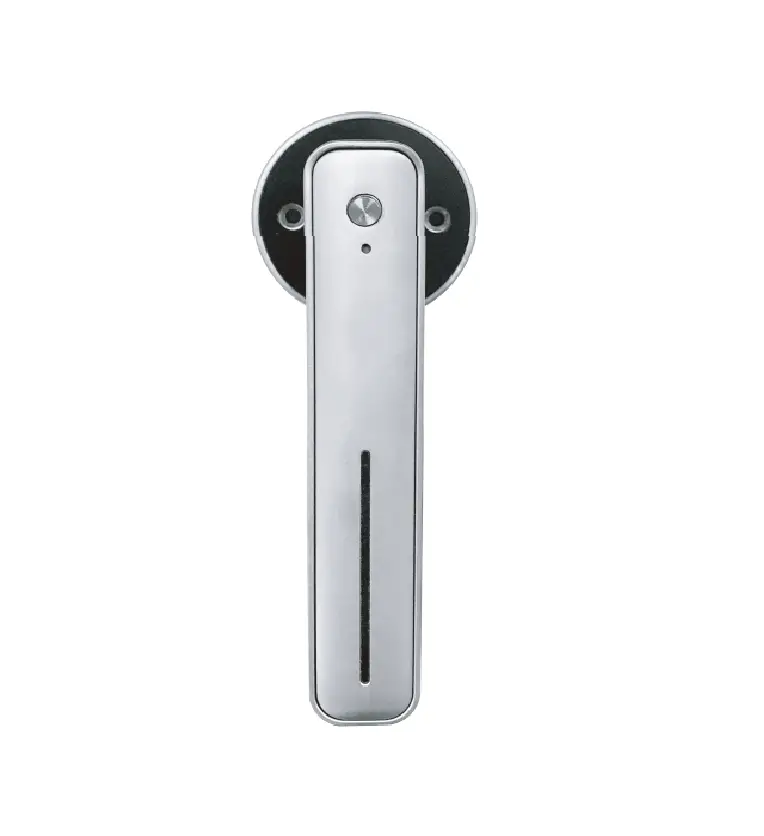
Use a special tool on the key chain to open the key cover of the handle. Insert the mechanical key and rotate counterclockwise about 45 degrees to press the handle and open the door.
- Card management (optional)
card location: on the panel of the front handle. The card can be entered at the same time under the mode of fingerprint record. Firstly: Rotate the mechanical key clockwise for about 15-20 degrees and hold on to the switching, hold it for about 2-3 seconds, until the blue light lights up and releases it after hearing the sound of “di”. Record card: scan the card in the correct card area 2-5times, every valid scan will have a ‘di’ sound until the blue light lights up and hearing the sound of “di” which is a sign of the card recording process finished. - Passcode management (optional)
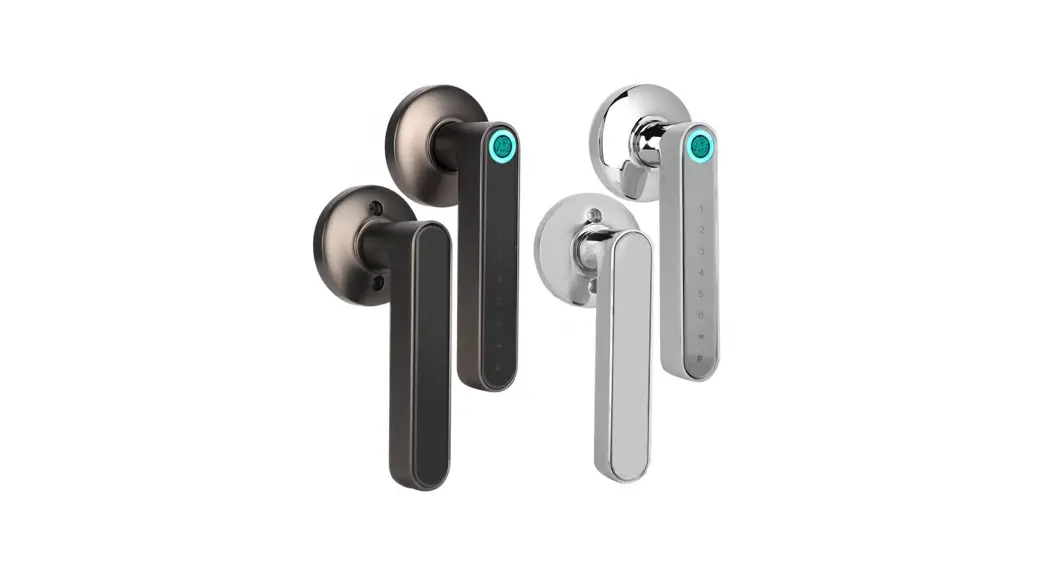
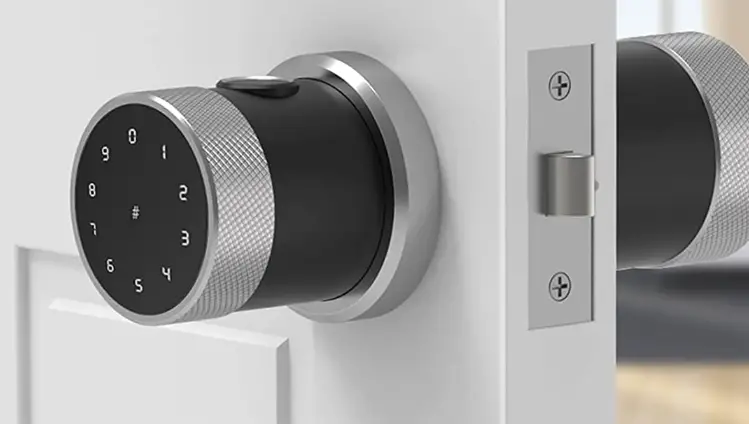
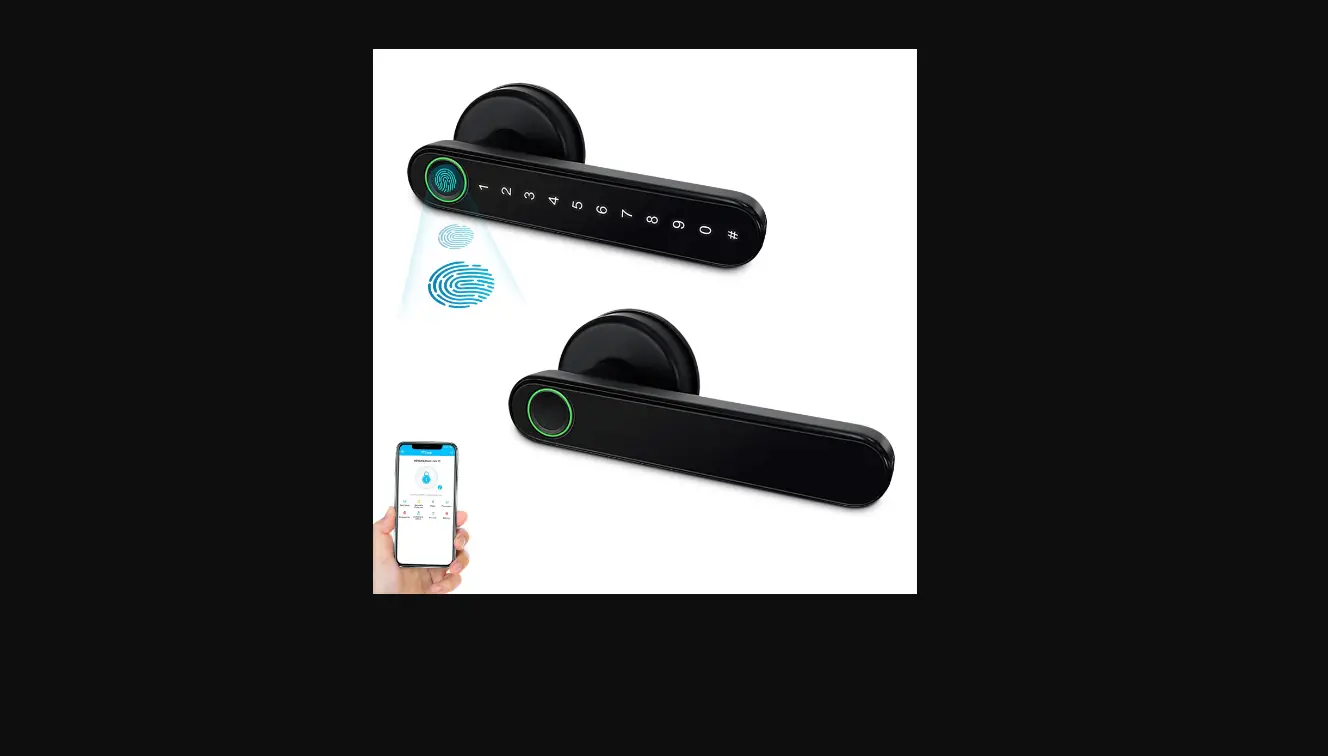
1. Pin’s location: To add the password or enter the password, press the wake-up button firstly (the tiny black button in the forehead of the lock). You will see the passcode after pressing the wakeup button. The first row pin is 01234* digits, press the wake-up button again, you can see the second row of the pin which is 56789# digit. ‘*’ digit is deleted digit for deleting previous wrongfully inputting digit, ‘#’ digit is password confirmation digit after entering this digit, which means you have confirmed your passcode to record/unlock.
2. Add Passcode: The password can be entered at the same time under the mode of fingerprint input. Firstly: Rotate the mechanical key clockwise for bout 15-20 degrees and hold on to the switching, hold it for about 2-3 seconds, until the blue light lights up and releases it after hearing the sound of “di”. For example: if you ant to set the password to be 352816, the operation is as follows: under the recording mode, press the wake-up button to switch to 01234# light, input 3, press wake up to witch to 56789* light, input 5; press wake-up button again to switch to input 2, press wake-up button again switch to input 8, switch to input 1, switch to input 6, press the digit ‘#’ to confirm the password, if successful, you will hear a long-time (about 2seconds) ‘di’ sound and the green light will light up for 2seconds. Notice !: all the password recording operations have to be under the lock’s fingerprint/password recording mode, otherwise, the recording of password/fingerprint will be failed. Please try again by following the process to record your own desired passcode combination for unlocking.
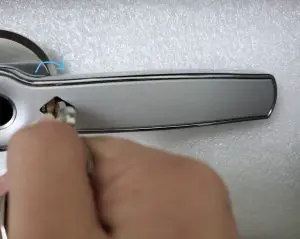
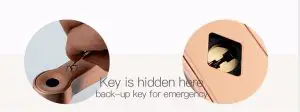
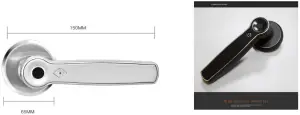
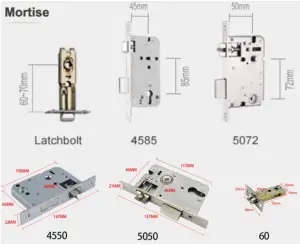
Lock structure
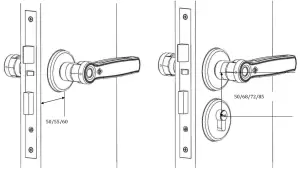
Mortise (latches/5050/3585/4585/5072/6072 and more)
Packing list
| Front panel 1 | Back panel 1 | User manual 1 |
| Strike (plate) 1 | screw package 1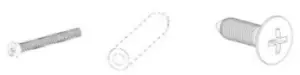 | Mechanical key 2 |
Square steel 1 | Pin 1 | Waterproof ruber plate 1 |
| Latch 1 or (mortise & cylinder 1 ) | Card (optional) 2 |
| M+F7:G27odels | s1580 |
| unlock method | fingerprint. mechanical key. password (optional) or card (optional) |
| Panel size | front panel: 150mm (length)x615mm (width)x8mm(thick) back pane1:150mm (length)x68mm (width)x8mm(thick) 1.5kg include package |
| Weight | DC6V, 4 Piecer of AAA |
| Voltage | -40°C — +70°C |
| Working temperature | RH (20%-90%) |
| Working humidity | The red light glint when voltage below 4.8V |
| powerless indication | 304 stainless steel panel, Zinc alloy handle |
| Material | 40 pieces of fingerprint, 200 groups passcode 200sets of card |
| Figueres | |
| Eff unlock time | 4-6 seconds (freely setting on app) |
| Suitable for door thickness | 30-90mm(can customize) |
| battery usage lite | More than 1 years |
| low volt alarm | 4.8V |
| standby electric current | 60 microamps |
| working electric current | less than 200 milliampere |
| unlocking time | About 1.5s |
| key type | capacitive touching key |
| fingerprint scanner type | semiconductor |
| False Accept Rate | <0.0001% |
| colors | Silver, black with red bronze, golden, brown |
| Door applicable | wooden doors, aluminum doors, gate doors |
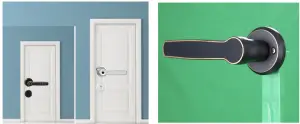
Installation (for the single latch, for mortise please check the next page)
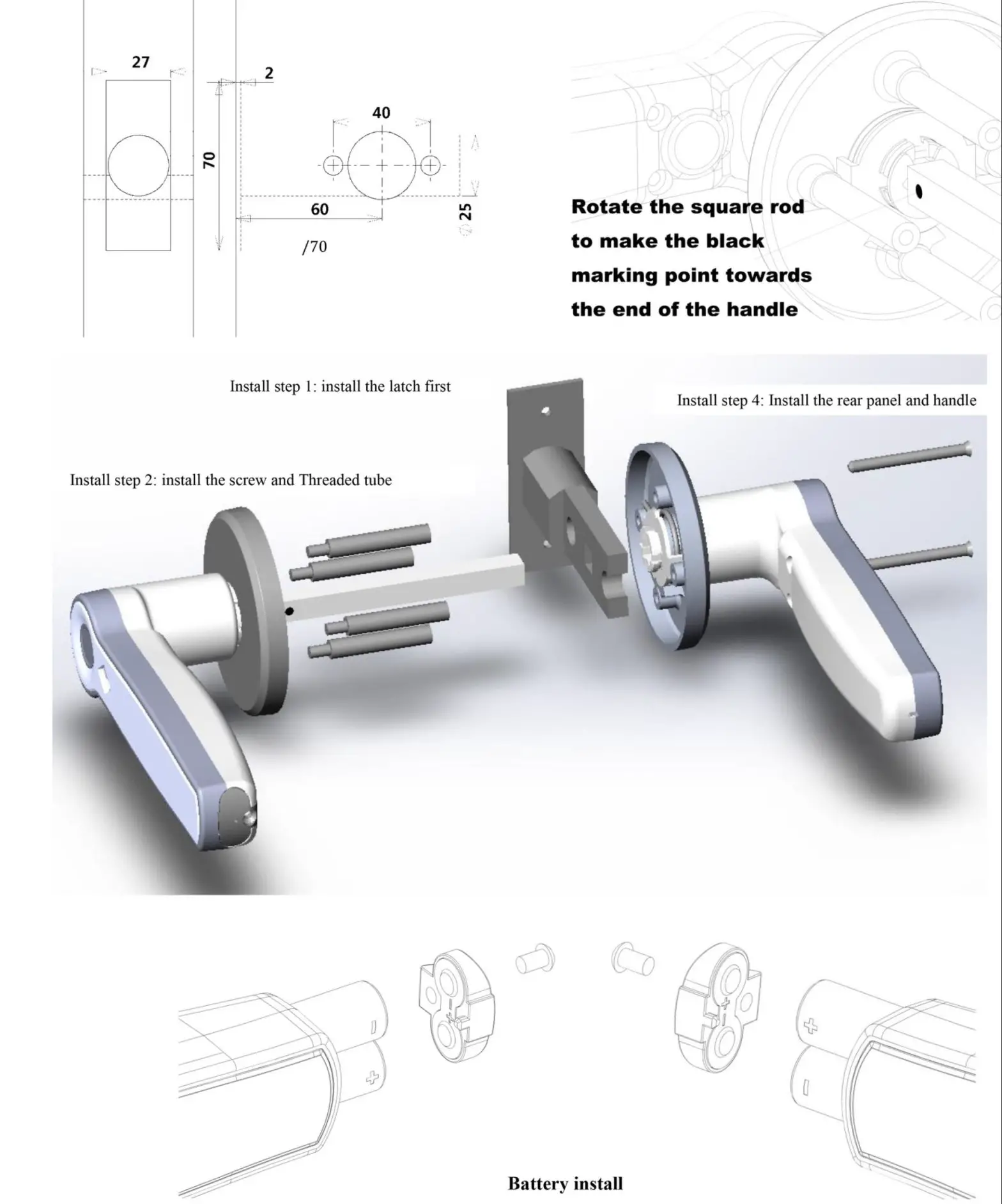
INSTALLATION (FOR MORTISE)
INSTALLATION(for mortise 5050/5072/5572/6072/6068/6085)
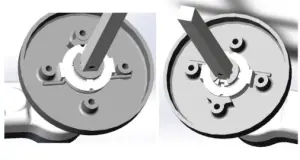
Rotate the square shaft so that the black mark points towards the ground before installing the front panel. Double side fingerprint type: front and rear panel need to set as the above step.
Guarantee
Customer name:_________________________
Customer calls:__________________________
Purchase date:__________________________
Product name:__________________________
Product model:__________________________
Note:
- Please keep this card so that you can use it when you need warranty service
- We provide you with a one-year warranty from the date of purchase.
- This warranty service is valid for customers in any country in the world.
This device complies with Part 15 of the FCC Rules. Operation is subject to the following two conditions: (1) this device may not cause harmful interference, and (2) this device must accept any interference received, including interference that may cause undesired operation
NOTE: This equipment has been tested and found to comply with the limits for a Class B digital device, pursuant to Part 15 of the FCC Rules. These limits are designed to provide reasonable protection against harmful interference in a residential installation. This equipment generates, uses and can radiate radio frequency energy and, if not nstalled and used in accordance with the instructions, may cause harmful interference to radio communications. However, there is no guarantee that interference will not occur in a particular installation.
If this equipment does cause harmful interference to radio or television reception, which can be determined by turning the equipment off and on, the user is encouraged to try to correct the interference by one or more of the following measures:
- Reorient or relocate the receiving antenna.
- Increase the separation between the equipment and receiver.
- Connect the equipment into an outlet on a circuit different from that to which the receiver is connected.
- Consult the dealer or an experienced radio/TV technician for help.
Warning: Changes or modifications not expressly approved by the party responsible for compliance could void the user’s authority to operate the equipment