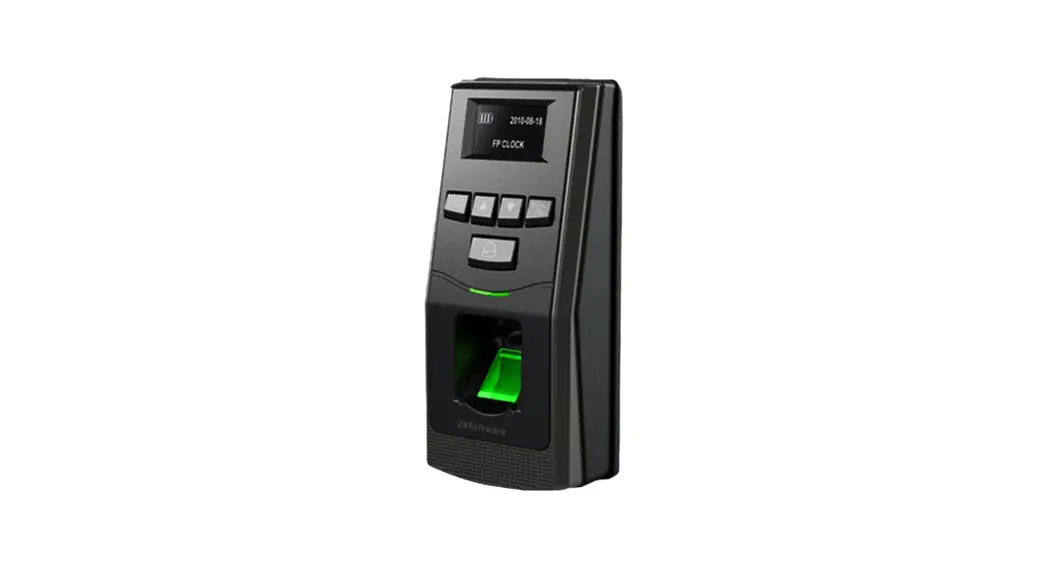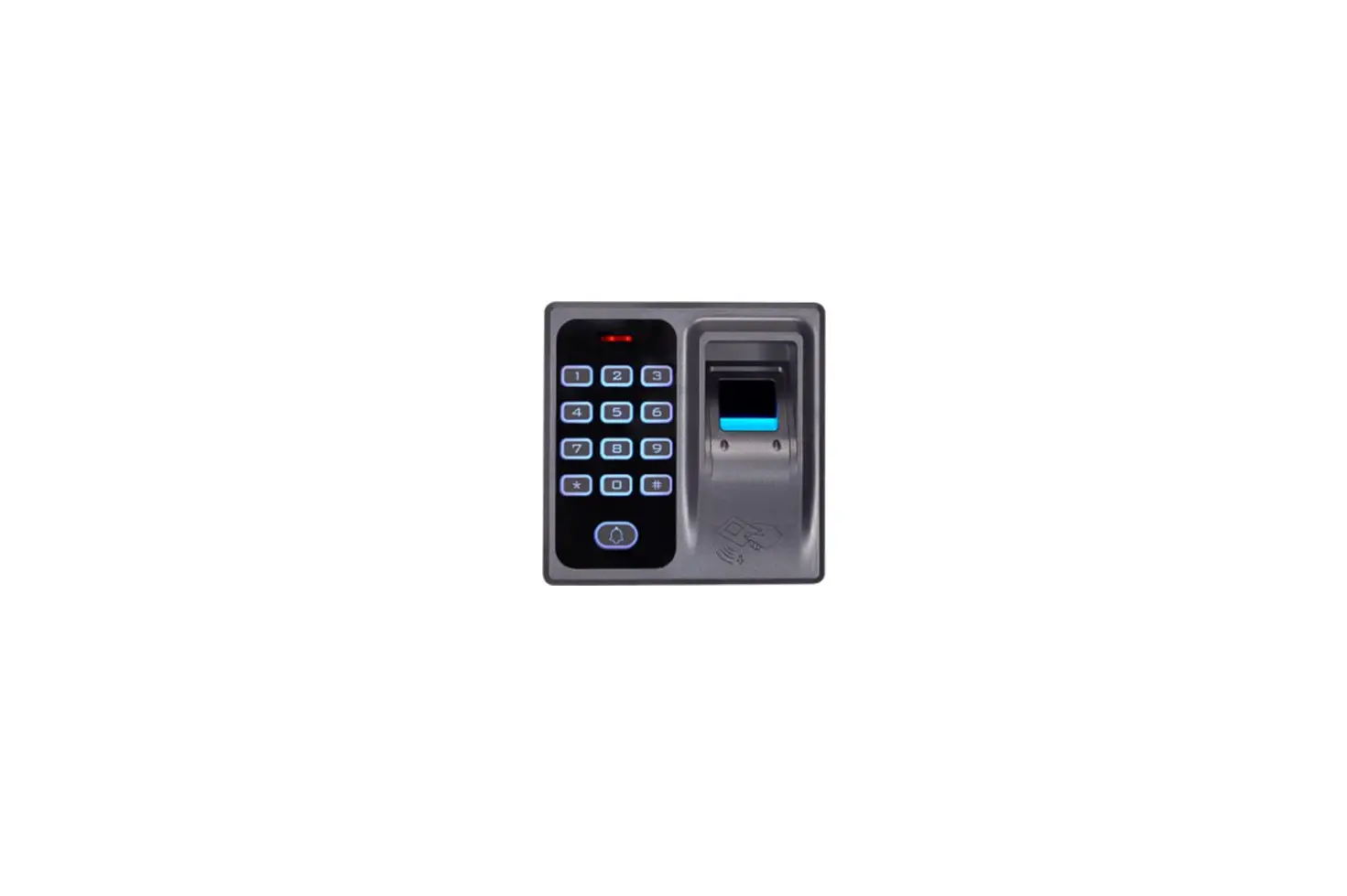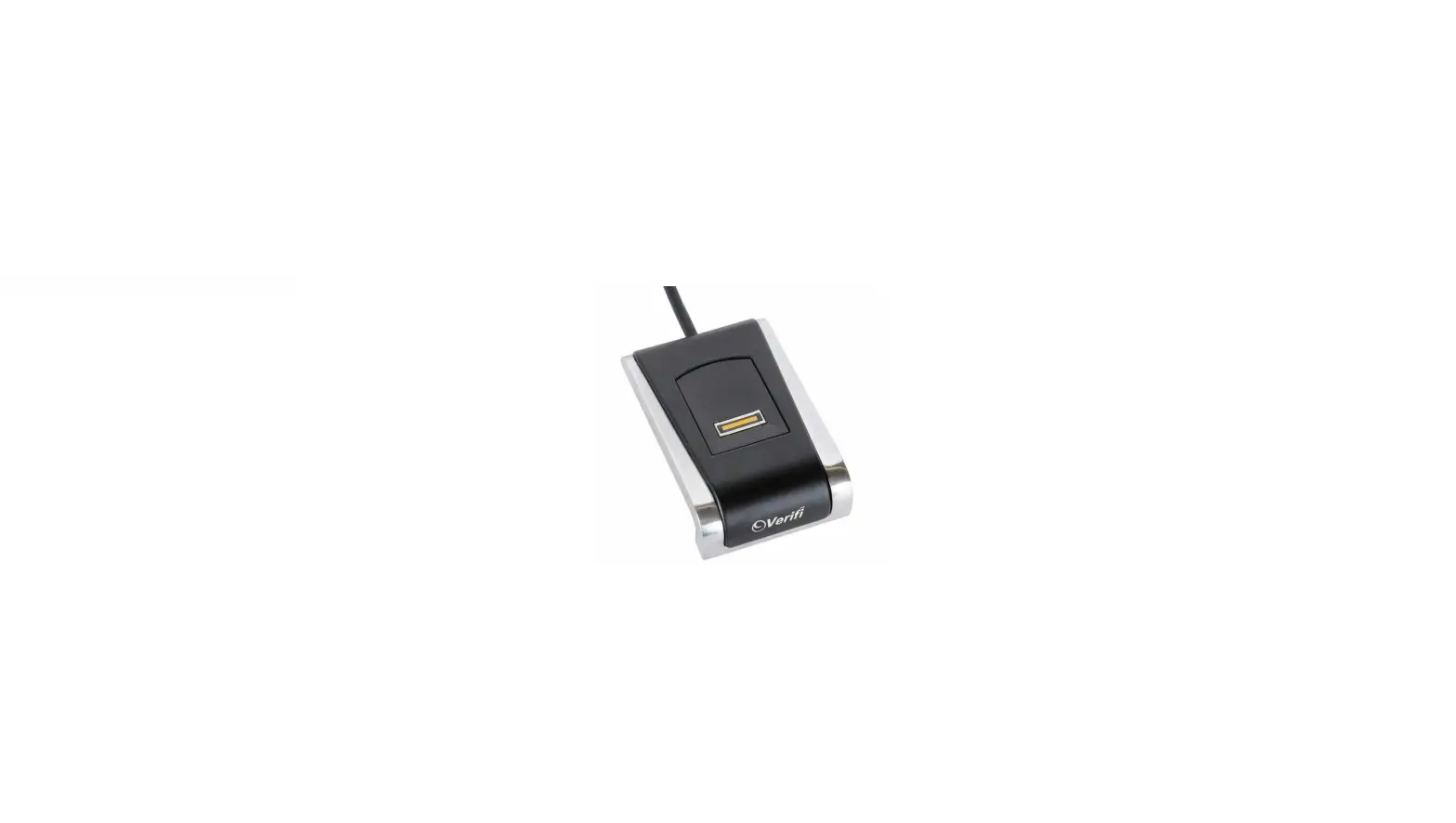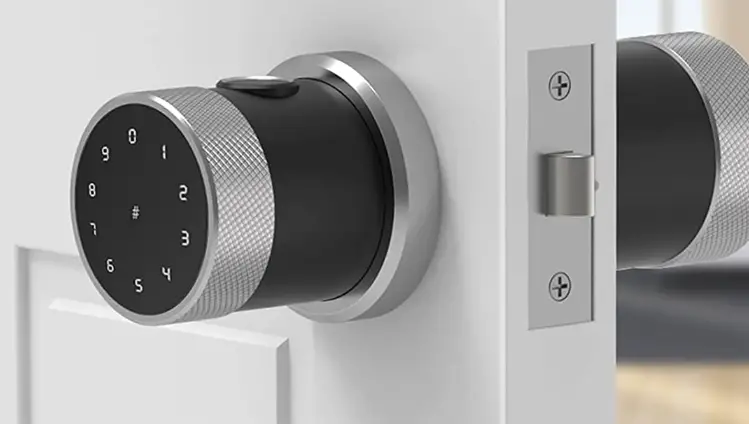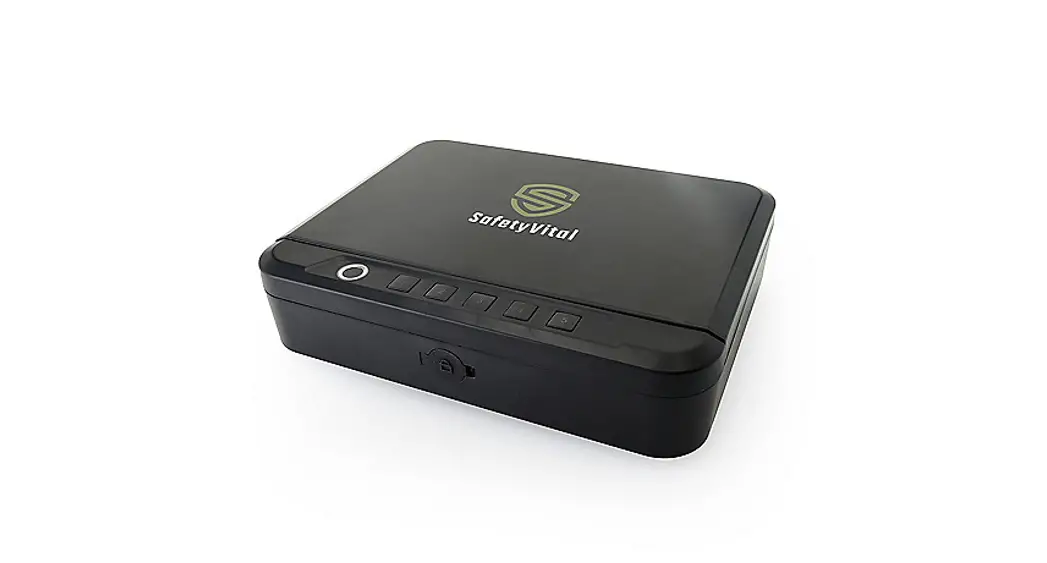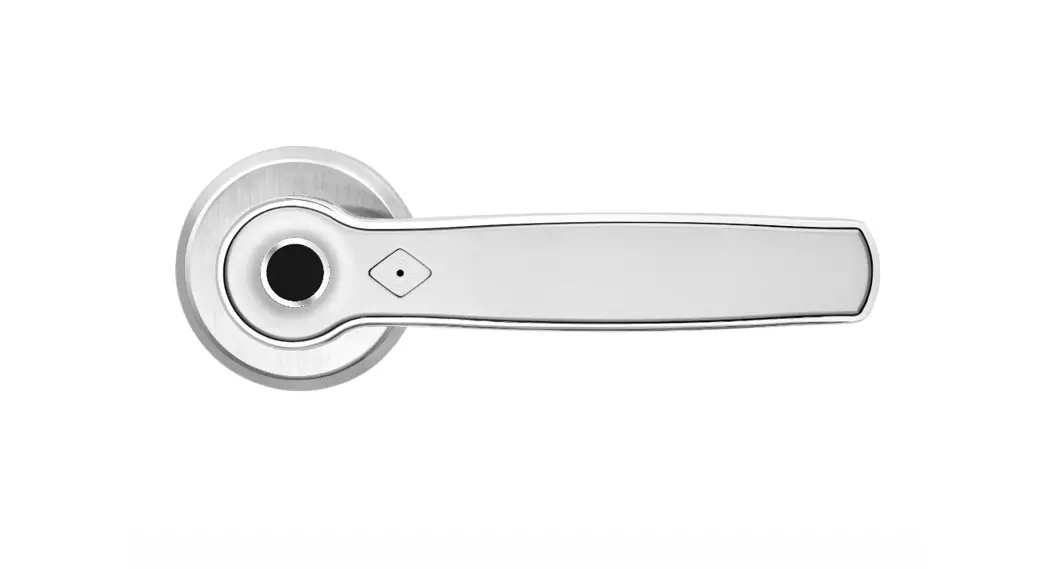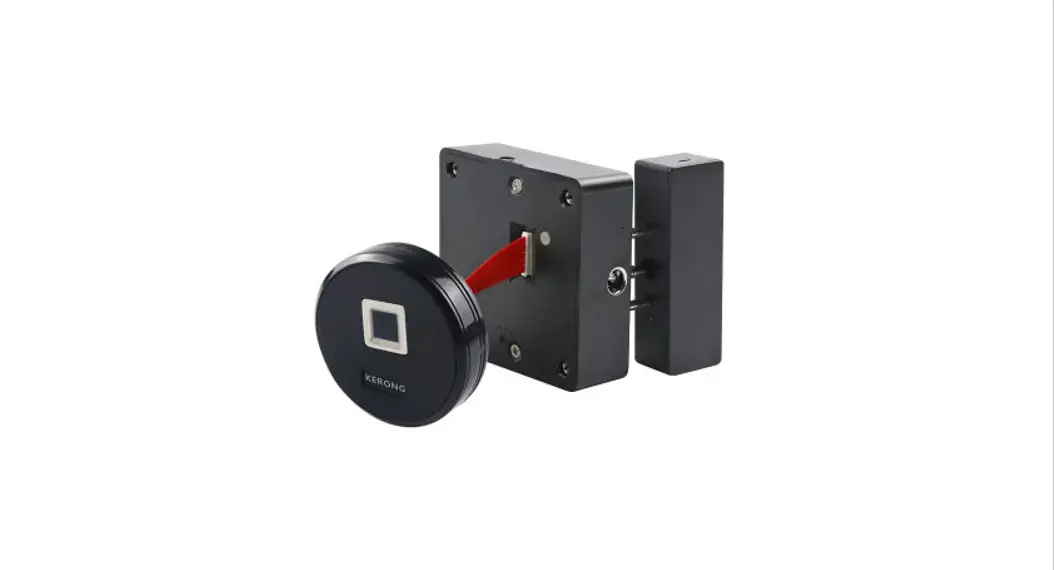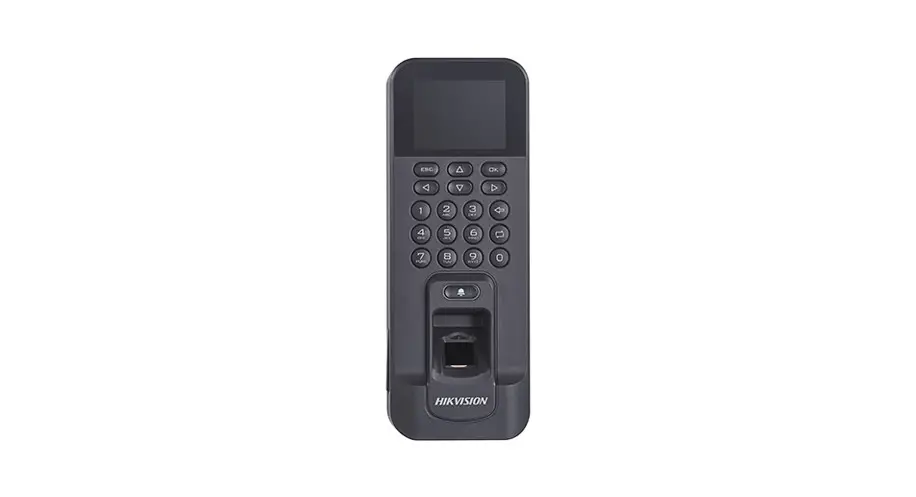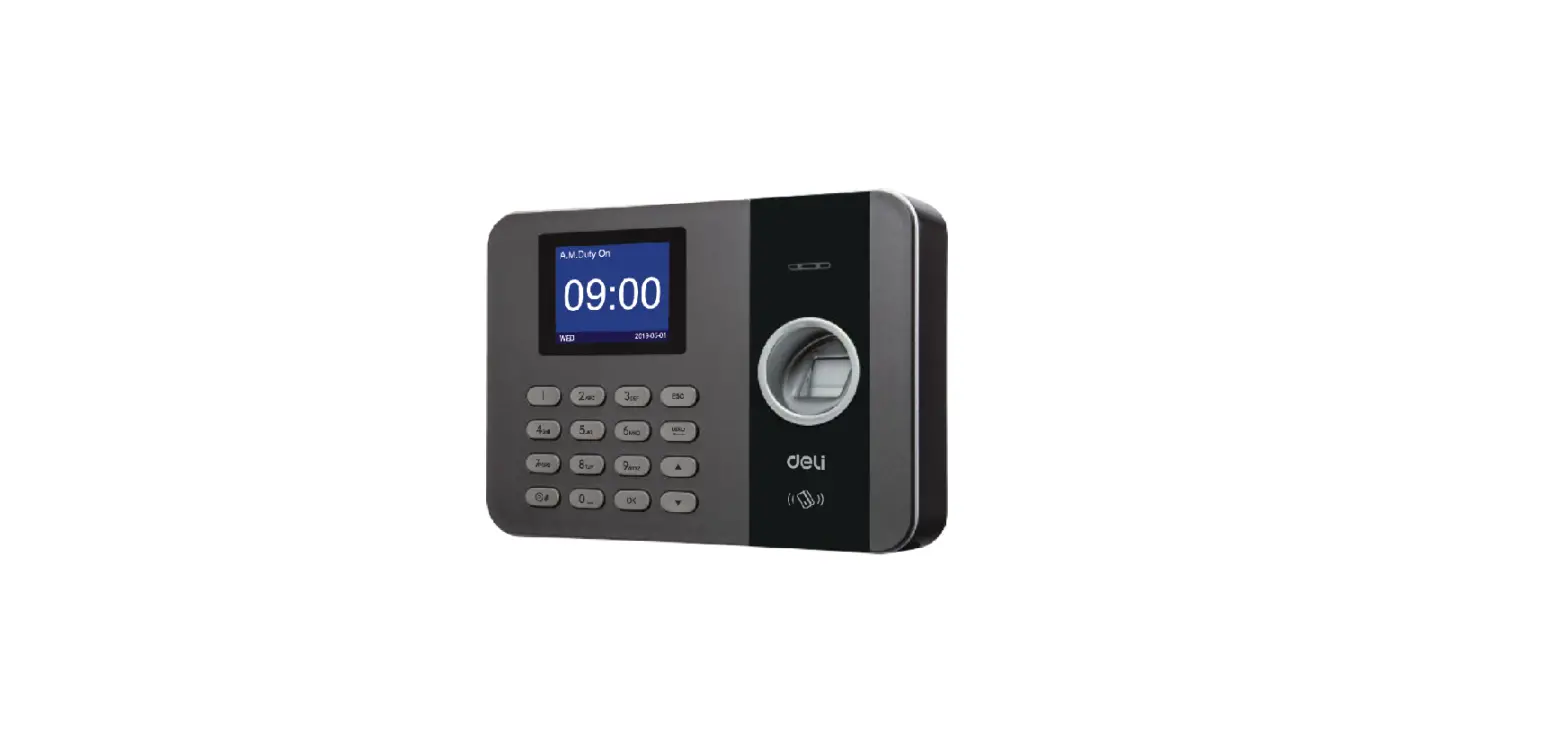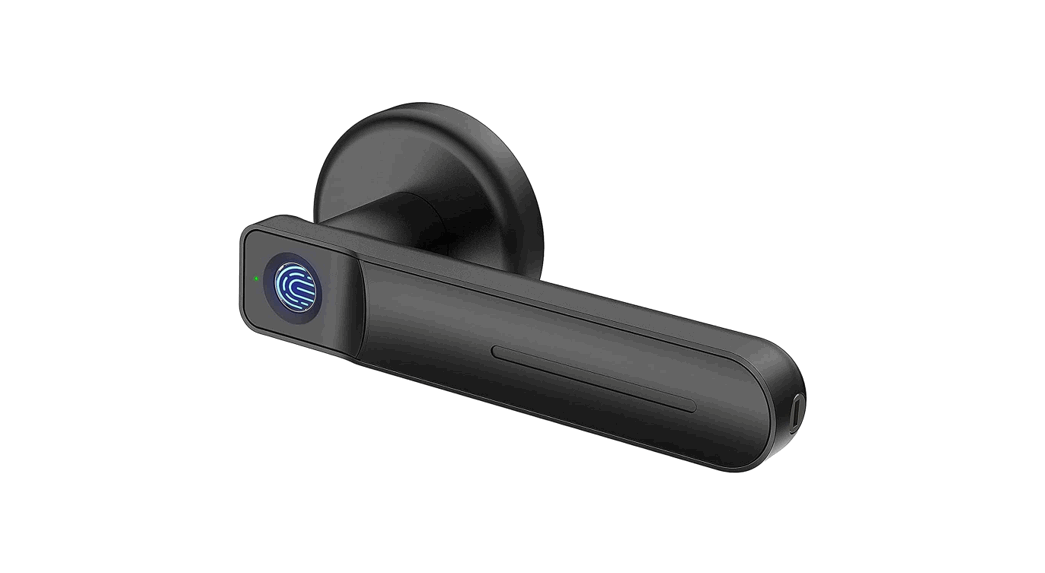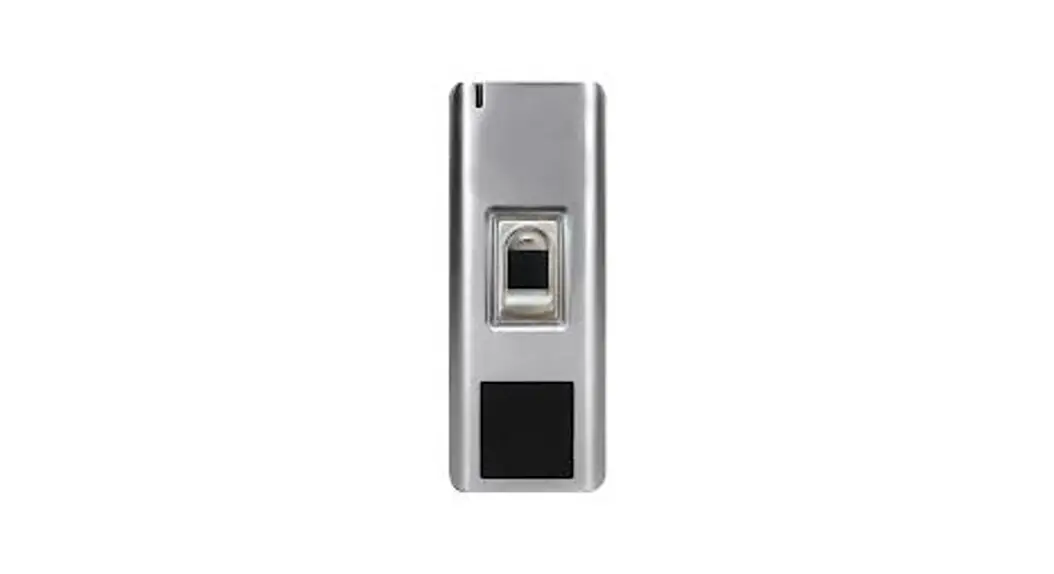

 Fingerprint Access Control
User Manual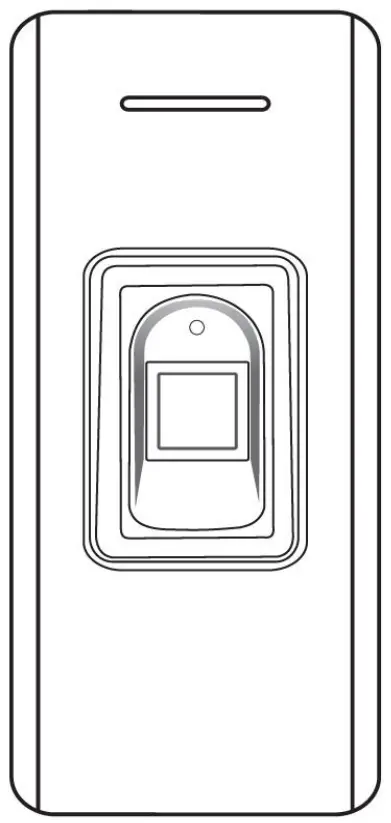
Introduction
The series of products is a new generation of multi-functional standalone access control. It adopts a new ARM core 32-bit microprocessor design, which is powerful, stable, and reliable. It contains reader mode and standalone access control mode etc…
It’s widely applied to different occasions, such as offices, residential communities, villas,s, etc…
Features
| Feature | Specification |
| Card Type | Read 125KHz EM Card and HID Card (Optional) |
| Read 13.56MHz Mifare card and CPU card (Optional) | |
| Keypad Characteristic | Operate by infrared remote |
| Output Way | Contain reader mode, the transmission format could be adjusted by users. |
| Access Way | Support multi-access ways: Card+Fingerprint, multi cards, or multi fingerprints |
| Admin Card/Fingerprint | Support admin card/admin fingerprint |
| User Capacity | 10,000 card users and 300 fingerprint users |
| Unlocking Signal | Relay NO/NC/COM output |
Technical Specifications
| Operating Voltage: DC 12-24V | Standby Current: ≤ 35mA |
| Operating Current: ≤100mA | Operating Temperature: -20℃~60℃ |
| Operating Humidity: 0%~95% | Electric lock signal relay contact current:≤1A |
| Alarm signal MOS tube output current: ≤1A | Unlocking time: 0~300s adjustable |
Installation
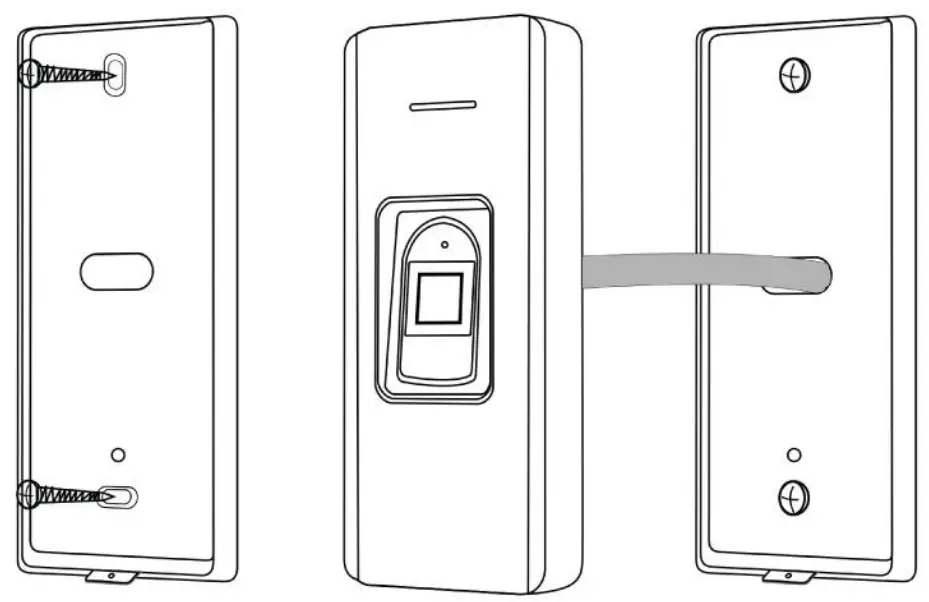
- Remove the back cover from the keypad using the supplied special screw driver
- Drill 2 holes on the wall for the self-tapping screws and a hole for the cable
- Put the supplied rubber bungs into the two holes
- Fix the back cover firmly on the wall with 2 self-tapping screws
- Thread the cable through the cable hole
- Attach the keypad to the back cover. (as the following illustration)
Wiring
| No. | Color | Marks | Description |
| 1 | Green | D0 | Wiegand input (Wiegand output as reader mode) |
| 2 | White | D1 | Wiegand input (Wiegand output as reader mode) |
| 3 | Grey | ALARM | Alarm signal MOS tube drain output end (optional) |
| 4 | Yellow | OPEN/ BEEP | Exit button input end (Beeper input as reader mode) |
| 5 | Brown | D_IN/ LED | Door contact switch input end (LED input as reader mode) (optional) |
| 6 | Red | +12V | Positive power supply |
| 7 | Black | GND | Negative power supply |
| 8 | Blue | NO | Relay NO end |
| 9 | Purple | COM | Relay COM end |
| 10 | Orange | NC | Relay NC end |
Diagram
6.1 Common Power Supply
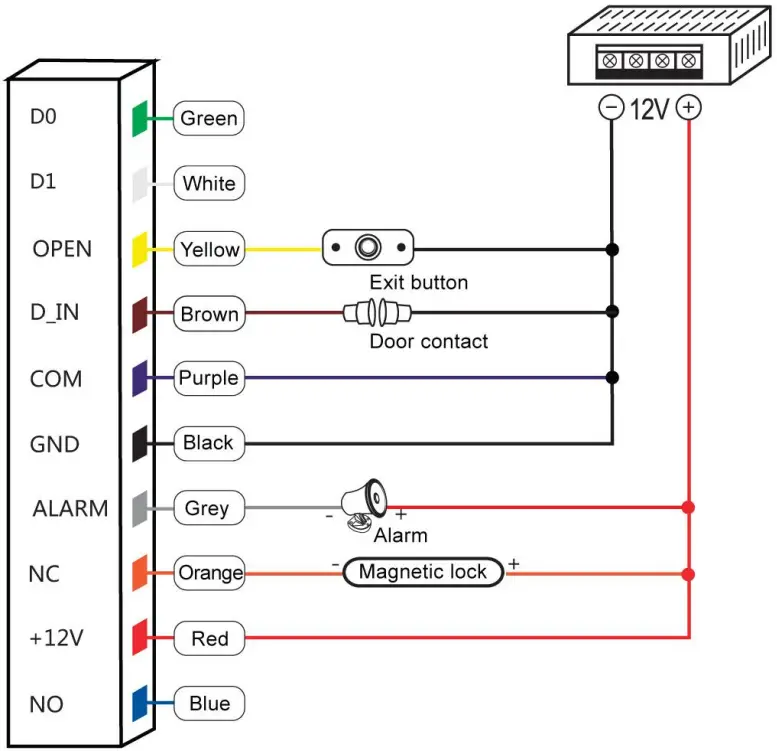
Note: The door contact and alarm function are optional
6.2 Special Power Supply
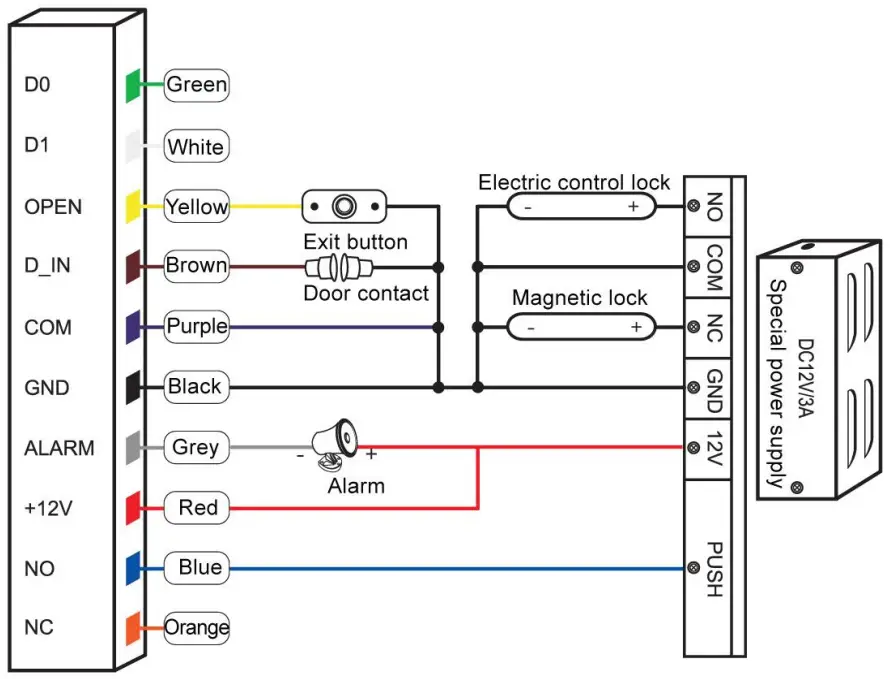
Note: The door contact and alarm function are optional
6.3 Reader Mode
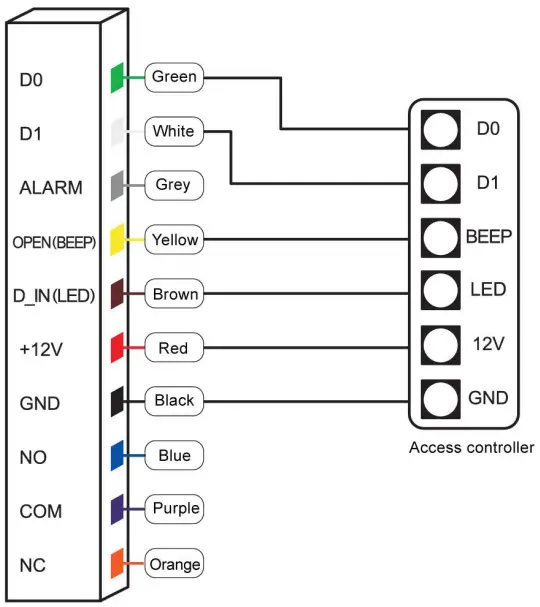
Sound and Light Indication
| Operation Status | Light indicator | Buzzer |
| Stand by | Red | |
| Operation successful | Green | Beep— |
| Operation failed | Beep-Beep-Beep | |
| Admin card enter programming | Beep-Beep | |
| Admin card exit programming | Beep— | |
| Press digital key | Beep | |
| Press * key | Beep— | |
| Read card under fingerprint + code mode | The red indicator flashes slowly | |
| In process of reading multi-user card | The red indicator flashes slowly | |
| Enter programming mode | The red indicator flashes slowly | |
| Enter setting status | Orange | |
| Unlocking | Green | |
| Buzzer alarm | Red indicator flash quickly | Alarm |
8.1 Standalone Mode Settings
Device Management
| Enter programming | Menu | Operation steps | Description | Default value |
| Press * Admin code # (Default admin code is “999999”) | 0 | New admin code # new admin code # | Change admin code | 999999 |
| 1 | 10001# Read card / Input a fingerprint twice * | Set admin add card or admin add fingerprint | ||
| 10002# Read card / Input a fingerprint twice * | Set admin delete card or admin delete fingerprint | |||
| 2 | 10001# * | Delete admin add card or admin add fingerprint | ||
| 10002# * | Delete admin delete card or admin delete fingerprint | |||
| 3 | 11 # | Standalone access control mode | 11 | |
| 12 # | Relay toggle mode | |||
| 13 # | Reader mode | |||
| ( 26-58 ) # | Wiegand 26-58 bits output | |||
| 8 | 8 # | WIFI matching | Optional |
Add and Delete Users
| Enter programming | Menu | Operation steps | Description | Default value |
| Press * Admin code # (Default admin code is “999999”) | 1 | Read card/Input a fingerprint twice… * | Add card users or fingerprint users continuously | “…” means repeating the previous operation, Press the * key to exit. |
| Press 8 or 10 digits card number # … * | Add card users by card number | |||
| Press ID number # Read card/ Input a fingerprint twice …* | Add card users or fingerprint users by specific ID number | |||
| Press ID number # Press 8 or 10 digits card number #… * | Add card users by specific ID number and card number | |||
| Delete users | ||||
| 2 | Read card/Input a fingerprint once…* | Delete card users by reading card / Delete fingerprint users by inputting fingerprint | “…” means repeating the previous operation, Press the * key to exit. | |
| Press 8 or 10 digits card number #… * | Delete card users by card number | |||
| Press ID number # … * | Delete users by ID number | |||
| 0000# | Delete ALL users | |||
Access Ways
| Enter programming | Menu | Operation steps | Description | Default value |
| Press *Admin code #(Default admin code is “999999”) | 3 | 0 # | Entry by card or fingerprint | 0 |
| 1 # | Entry by card + fingerprint | |||
| 2-10 # | Entry by multi-card / multi-fingerprint |
Advanced Settings
| Enter programming | Menu | Operation steps | Description | Default value |
| Press * Admin code # (Default admin code is “999999”) | 4 | (0-300) # | Door opening time range: 0-300S 0 equals to 50mS | 5 |
| 5 | (0-99) # | Alarming time range: 0-99 min. | 0 | |
| 6 | Read user card, input the first fingerprint twice, input the second fingerprint twice…* | Match fingerprints to a card (Maximum 2 fingerprints) | ||
| 7 | Press ID number # press 8 or 10 digits card number # input card quantity # | Add a conductive number card | ||
| 8 | 0# | Normal working mode | 0 | |
| 1# | The external alarm and built-in buzzer will work if wrong operations are over 5 times. | |||
| 2# | The device will be locked out for 10 min if wrong operations are over 5 times. | |||
| 3# | Disable light indicator | 4 | ||
| 4# | Enable light indicator | |||
| 5# | Disable buzzer | 6 | ||
| 6# | Enable buzzer |
8.2 Reader Mode Settings
| Enter programming | Menu | Operation steps | Description | Default value |
| Press * Admin code # (Default admin code is “999999”) | 0 | New admin code # Repeat new admin code # | Change admin code | 999999 |
| 1 | 10001# Read card / Input a fingerprint twice * | Set admin add card or admin add fingerprint | ||
| 10002# Read card / Input a fingerprint twice * | Set admin delete card or admin delete fingerprint | |||
| 2 | 10001# * | Delete admin add card or admin add fingerprint | ||
| 10002# * | Delete admin delete card or admin delete fingerprint | |||
| 1 | Input a fingerprint twice… * | Add fingerprint users continuously | “…” means repeating the previous operation, Press the * key to exit. | |
| Press ID number # Input a fingerprint twice … * | Add fingerprint users by specific ID number | |||
| 2 | Input a fingerprint once… * | Delete fingerprint users | ||
| 0000 # | Delete ALL users | |||
| 3 | (26-58) # | Wiegand 26-58 bits output | 26 | |
| 5 | (0-99) # | Alarming time range: 0-99 min | 0 | |
| 9 | (0-255) # | Device number | 0 |
Admin Operation
9.1 Add Users
Read admin add card / Input admin add a fingerprint, Read the 1st user card / Input the 1st fingerprint twice Read the 2nd user card / Input the 2nd fingerprint twice …, Read admin add card / Input admin add fingerprint
Note: The admin add card/admin add fingerprint is used to add card/fingerprint users continuously and quickly. When you read the admin add card/input the admin add fingerprint at the first time, you will hear short “BEEP” sounds twice and the indicator light turns orange, which means you have entered into add user programming, when you read the admin add card/input the admin add fingerprint at the second time, you will hear long “BEEP” sound once and the indicator light turns red, it means you have exited the add user programming.
9.2 Delete Users
Read admin delete card / Input admin delete fingerprint, Read the 1st user card / Input the 1st fingerprint twice Read the 2nd user card/input the 2nd fingerprint once…, Read admin delete card
Note: The admin delete card/admin delete fingerprint is used to delete card/fingerprint users continuously and quickly. When you read the admin delete card/admin delete fingerprint for the first time, you will hear short “BEEP” sounds twice and the indicator light turns orange, which means you have entered into delete user programming, when you read the admin delete card/admin delete fingerprint at the second time, you will hear long “BEEP” sound once, the indicator light turns red, it means you have exited the delete user programming.
Other Operation
10.1 Remove Alarm
Read valid card or Input valid fingerprint or Press admin code#
Note: When the alarm is activated, users can remove the alarm by reading a valid card or inputting a valid fingerprint, or pressing a valid admin code.
10.2 Reset to Factory Default
Users can reset to the factory default when the admin code is forgotten or the default settings have been modified disorderedly, operations as below:
Power off, press and hold the exit button continuously, power on, and release the exit button until hearing a beep sound twice, the admin code has been reset to 999999, and factory default settings are successful.
Note: Registered user data won’t be deleted when reset to factory default.
 Fax: 03-5214524
[email protected]
Phone: 03-5575110
www.telran.co.il
Technical support *2023
p.n.560430