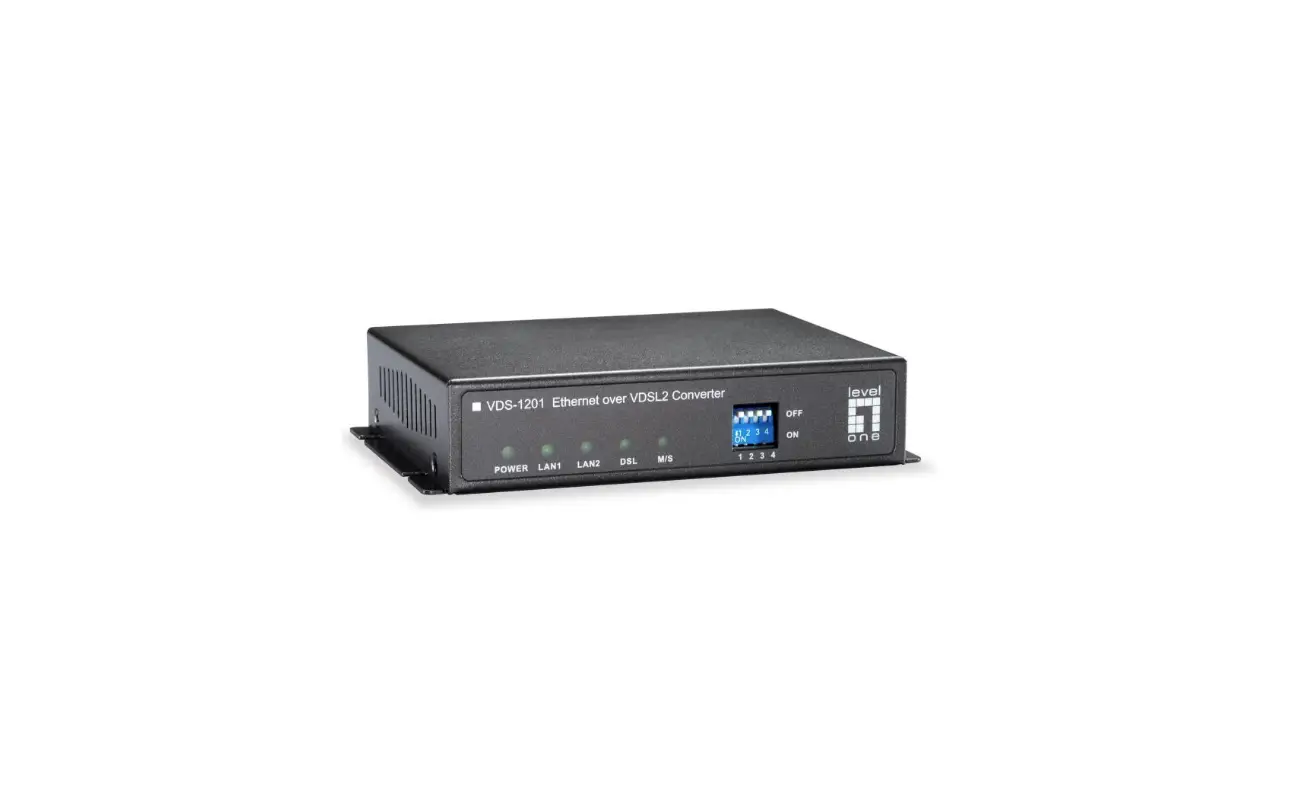

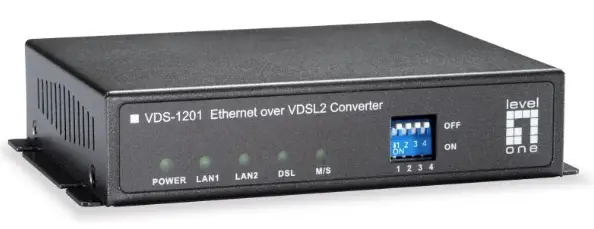
levelone VDS-1201 Ethernet over VDSL2 Converter
Packing Contents
- One VDSL2 LAN Extender
- One AC to DC Power Adaptor (12VDC/1A)
- One User QIG
Installation
Installation Steps

- Connect regular phone set to PHONE port if the original indoor telephone is used
- Connect existing DSL or Coax wireline.
- Connect PC to either LAN 1 or 2
- Set up Pin 1 on OFF as CO side and another device on ON as CPE for a pair connection
- Plug-in 12V/1A external power adaptor and power up the devices for connection
LED Indicators
On the front panel of the device, there are 5 LED indicators as the following
- POWER: “Green On” indicates power is on and normal.
- LAN1:
- “Green On” indicates Ethernet LAN1 port is in connection.
- “Flashing” indicates Ethernet LAN1 data activities.
- LAN2:
- “Green On” indicates Ethernet LAN2 port is in connection.
- “Flashing” indicates Ethernet LAN2 data activities.
- DSL:
- “Green On” indicates VDSL2 is in connection.
- “Flashing” indicates VDSL2 is in line handshaking.
- M/S:
- “Green On” indicates device is set as Slave (VTU-R) mode.
- “OFF” indicates device is set as Master (VTU-C) mode. refer to DIP Switch Pin 1
Dip Switches Settings
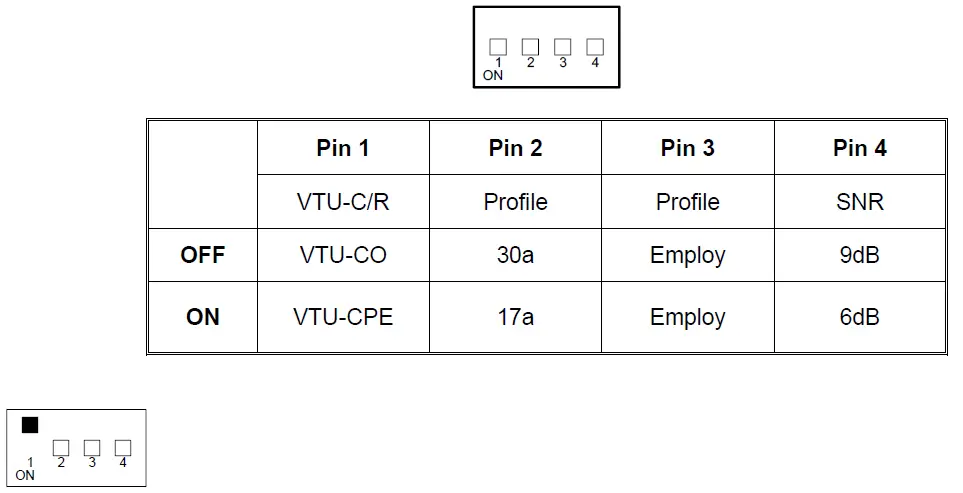
Pin 1: VTU-C/R Switch
- VTU-C: VDS-12xx will act as at the Central Office (CO) side.
- VTU-R: VDS-12xx will act as at the Customer Premise Equipment (CPE) or Remote side.

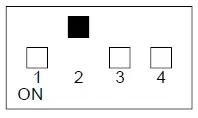
Pin 2: Mode for VDSL2 Connection Profile
- 30a: for VDSL2 30a profile
- 17a: for VDSL2 17a profile.

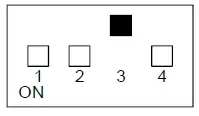
Pin 3: Mode for VDSL2 Annex.A/B
- Annex.A: for VDSL2 Annex.A 30a/17a.
- Annex.B: for VDSL2 Annex.B 30a/17a.

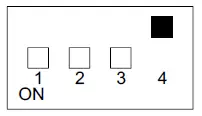
Pin 4: Signal to Noise Ratio (SNR) Margin
- 9dB: Higher SNR margin (9dB) will result in less error with more stable VDSL2 link.
- 6dB: Original and Normal channel noise protection with 6 dB SNR.
VDS-1201/1202 Data Rates & Distances
Performance in AWG 24 Line at 6dB with full rate
| Down Stream Data Rate (Mbps) | Up Stream Data Rate (Mbps) | Distance (feet) |
| 100 | 100 | 1000 |
| 90 | 70 | 1250 |
| 80 | 60 | 1500 |
| 70 | 45 | 1750 |
| 60 | 38 | 2000 |
| 48 | 28 | 2500 |
| 39 | 18 | 3000 |
| 35 | 10 | 3500 |
| 28 | 3 | 4000 |
VDS-1203 Data Rates & Distances
Performance in 5C2V Cable at 6dB with full rate
| Down Stream Data Rate (Mbps) | Up Stream Data Rate (Mbps) | Distance (feet) |
| 100 | 100 | 1500 |
| 96 | 51 | 1750 |
| 88 | 48 | 2000 |
| 81 | 45 | 2500 |
| 77 | 37 | 3000 |
| 70 | 32 | 3500 |
| 63 | 27 | 4500 |