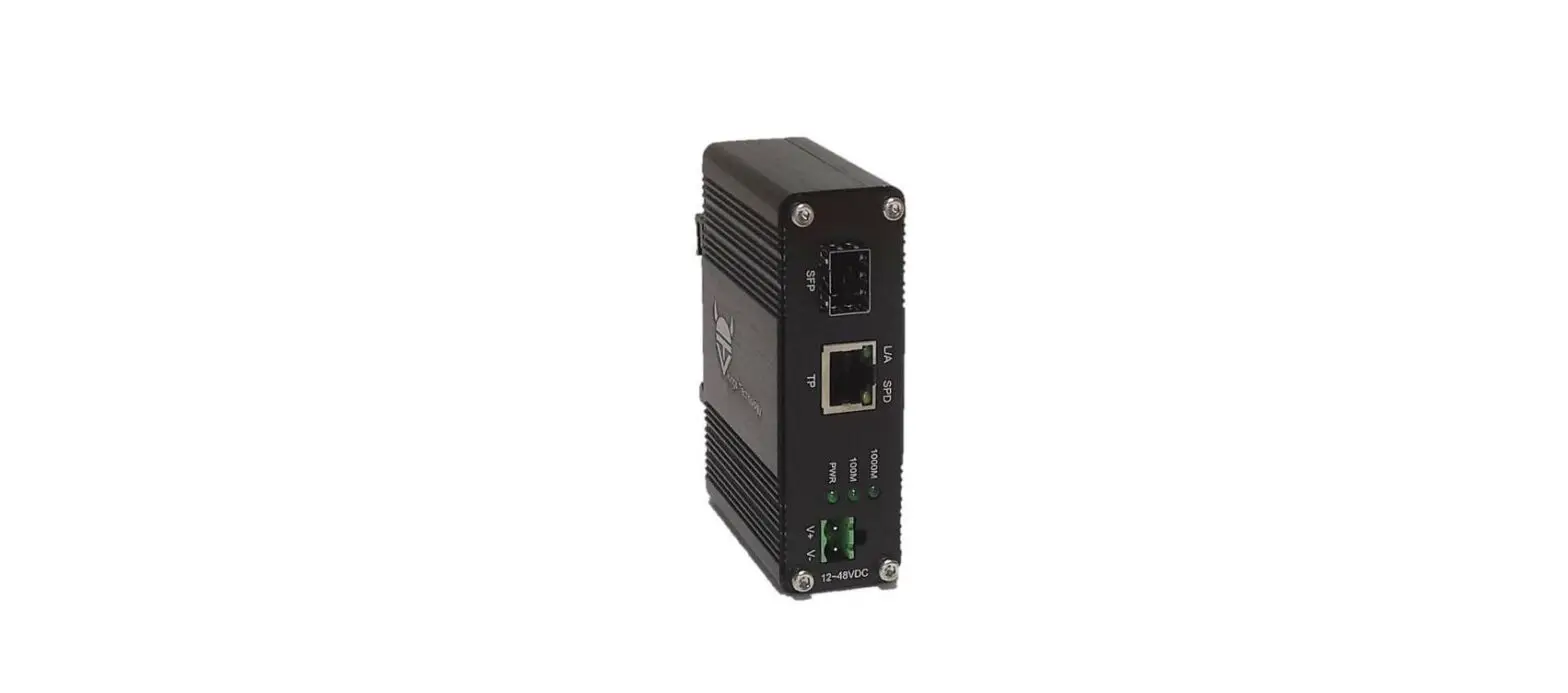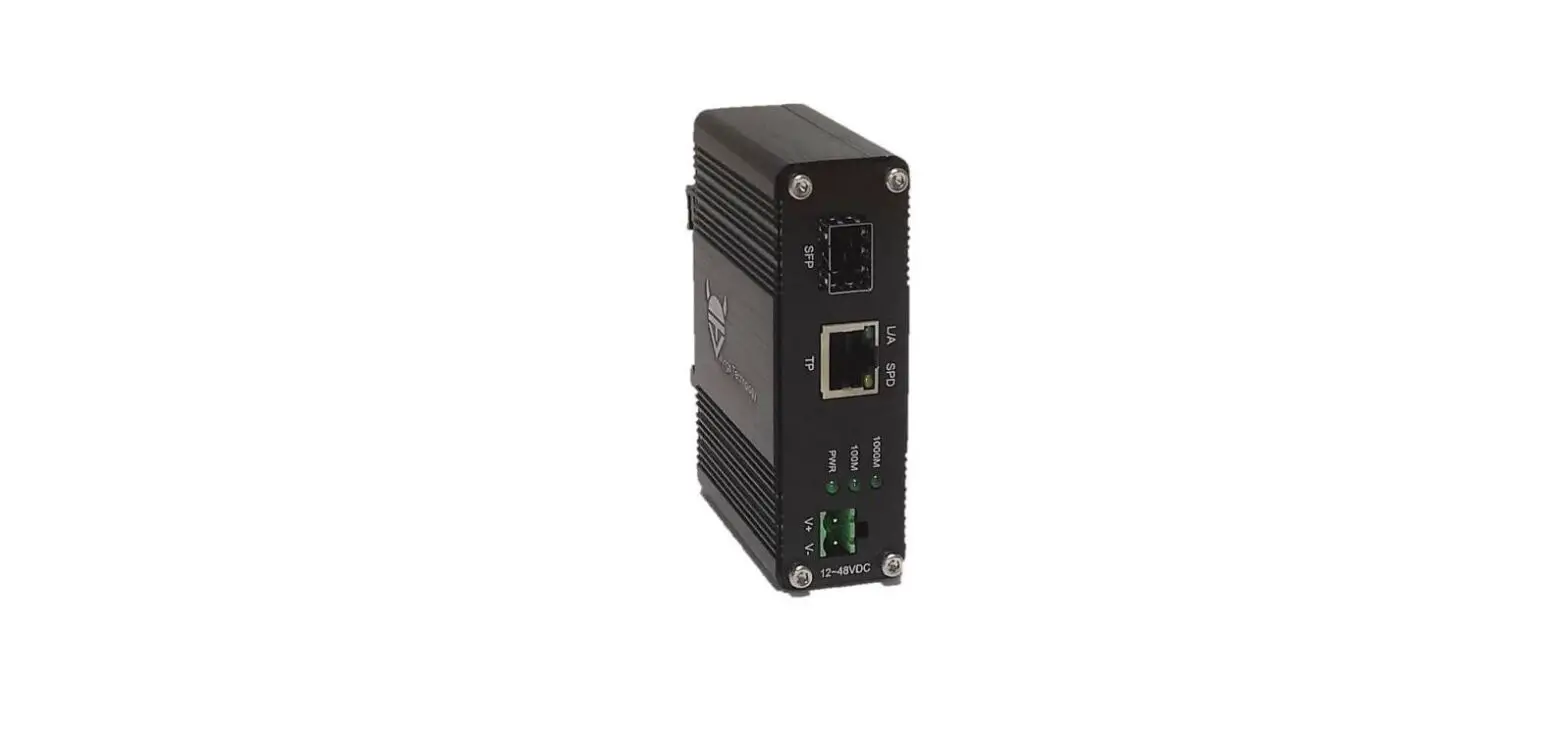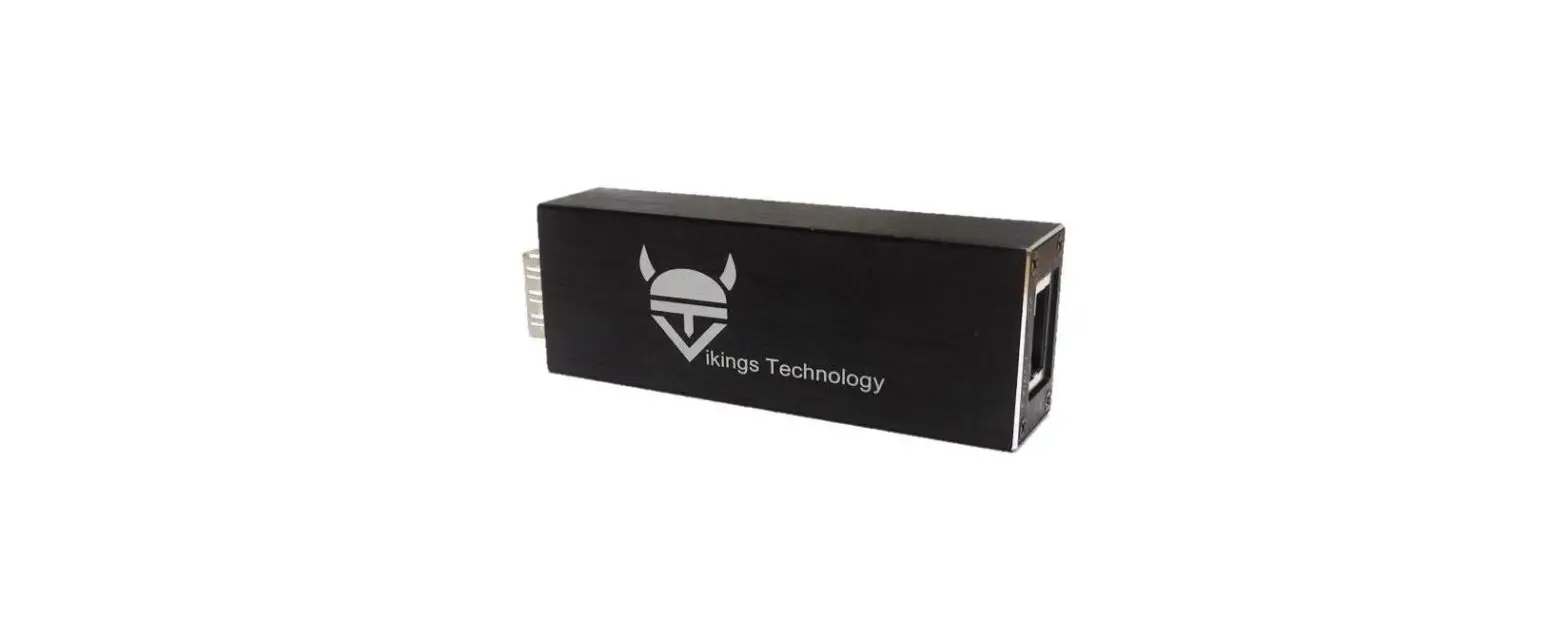

vikings MCG-S1 Ethernet Media Converter
Overview
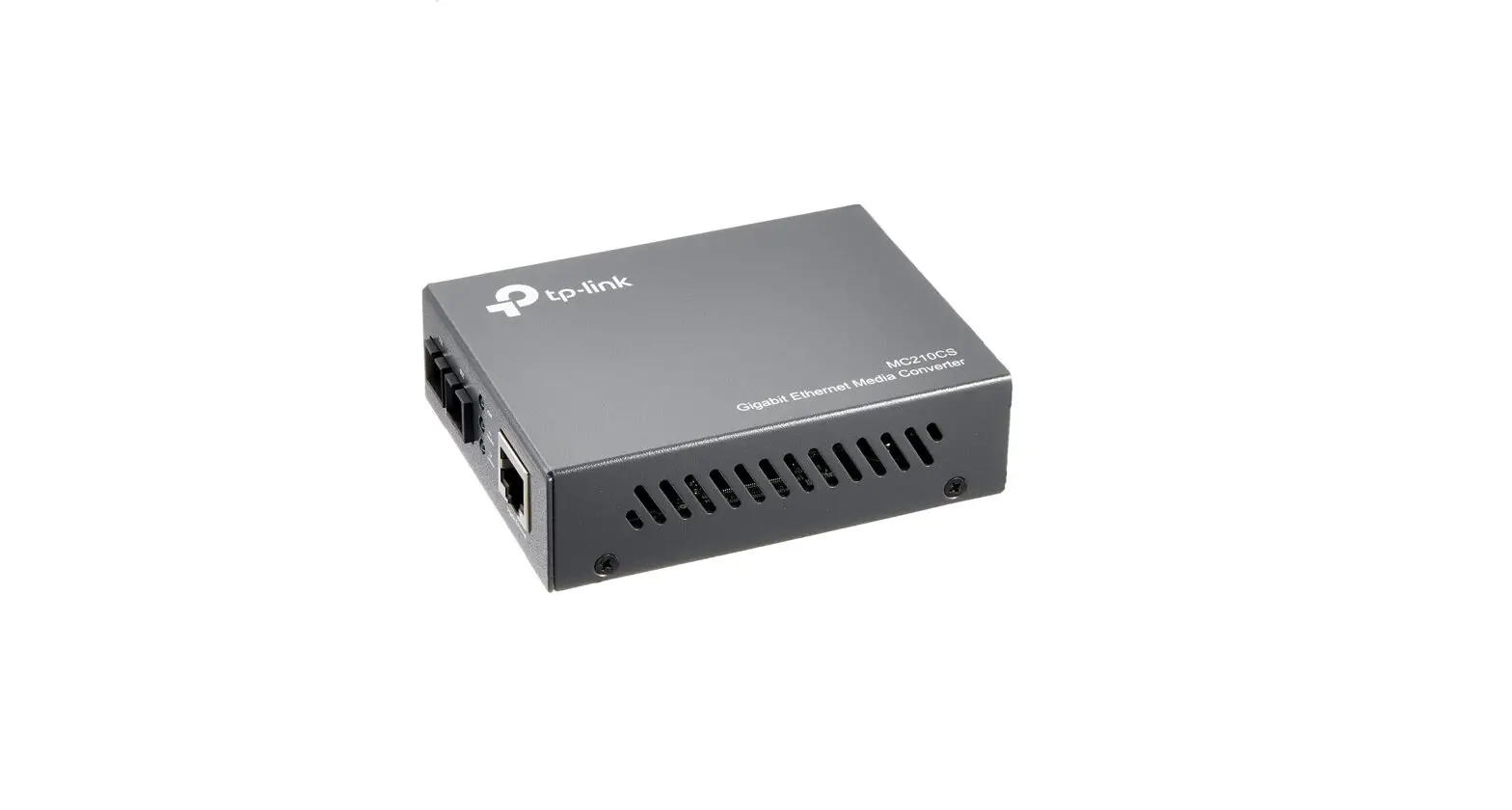
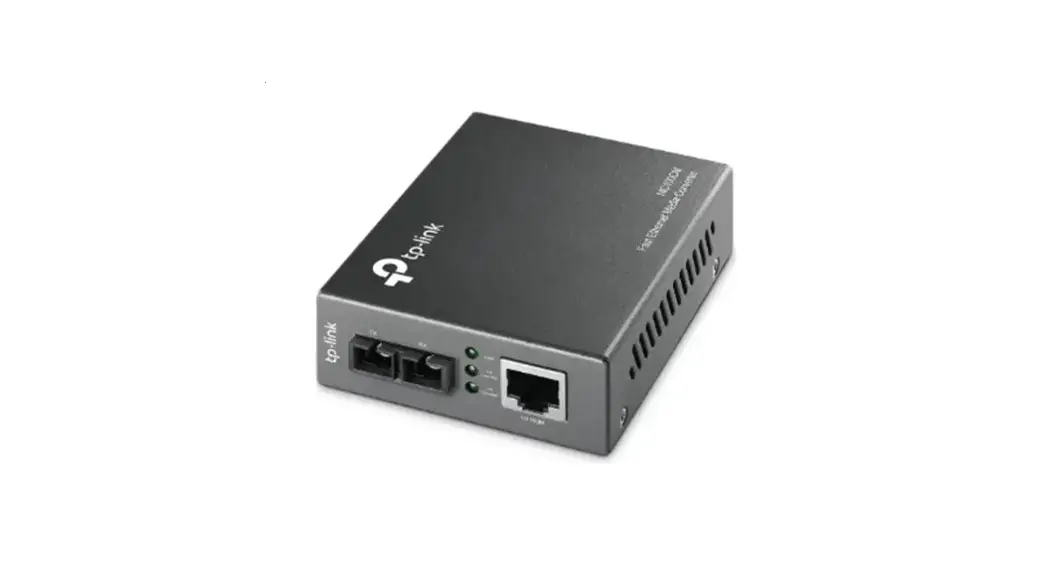
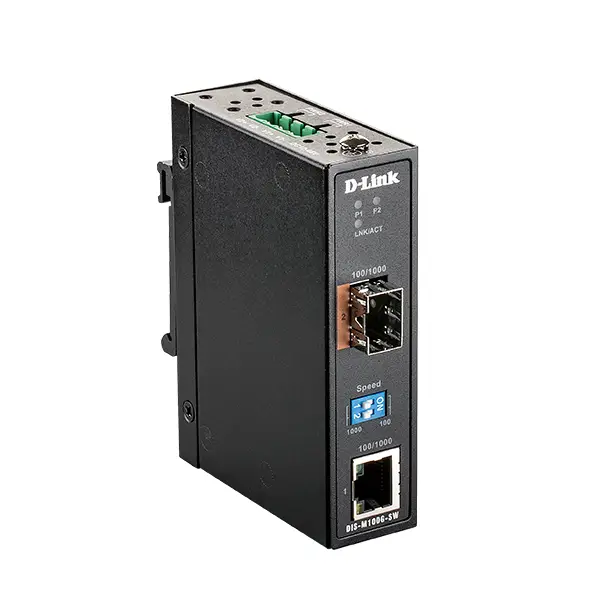
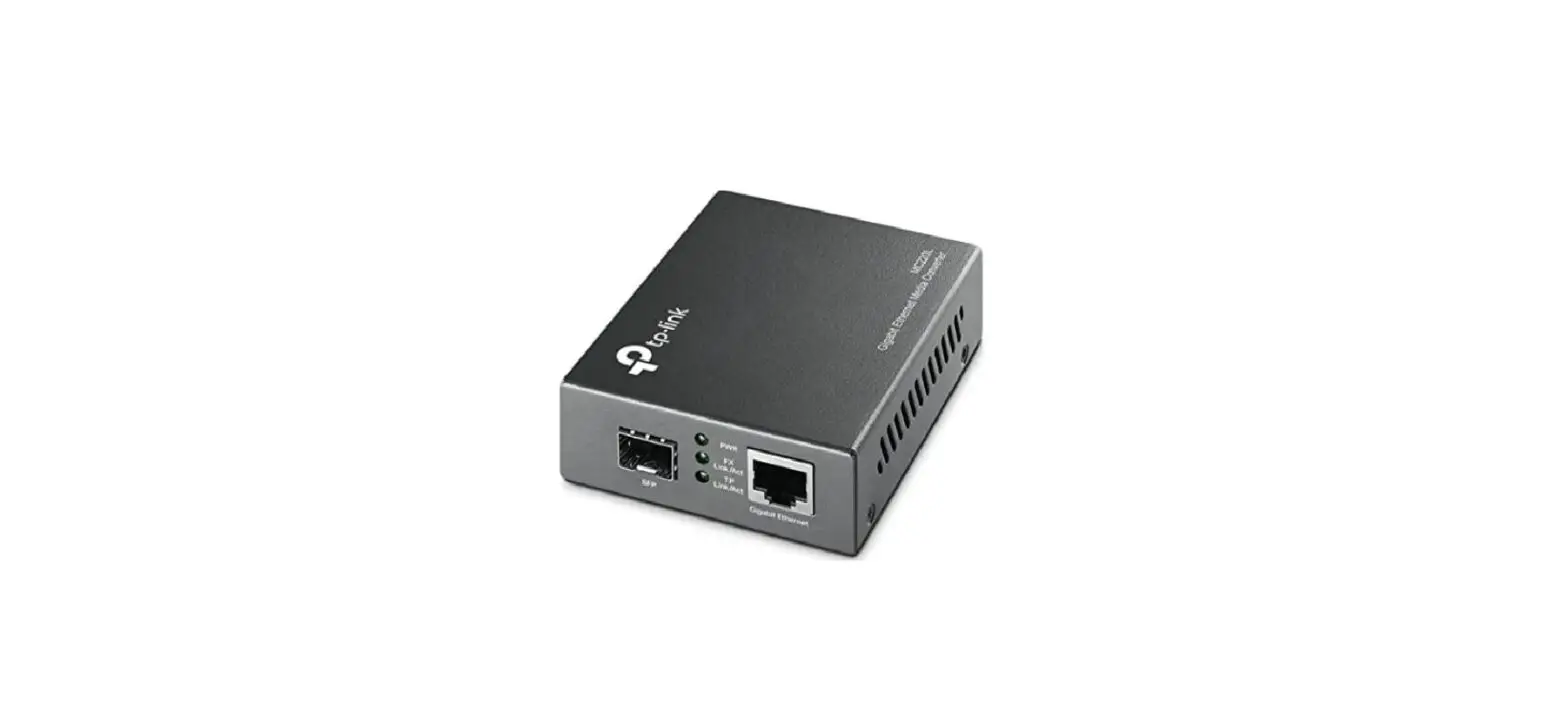
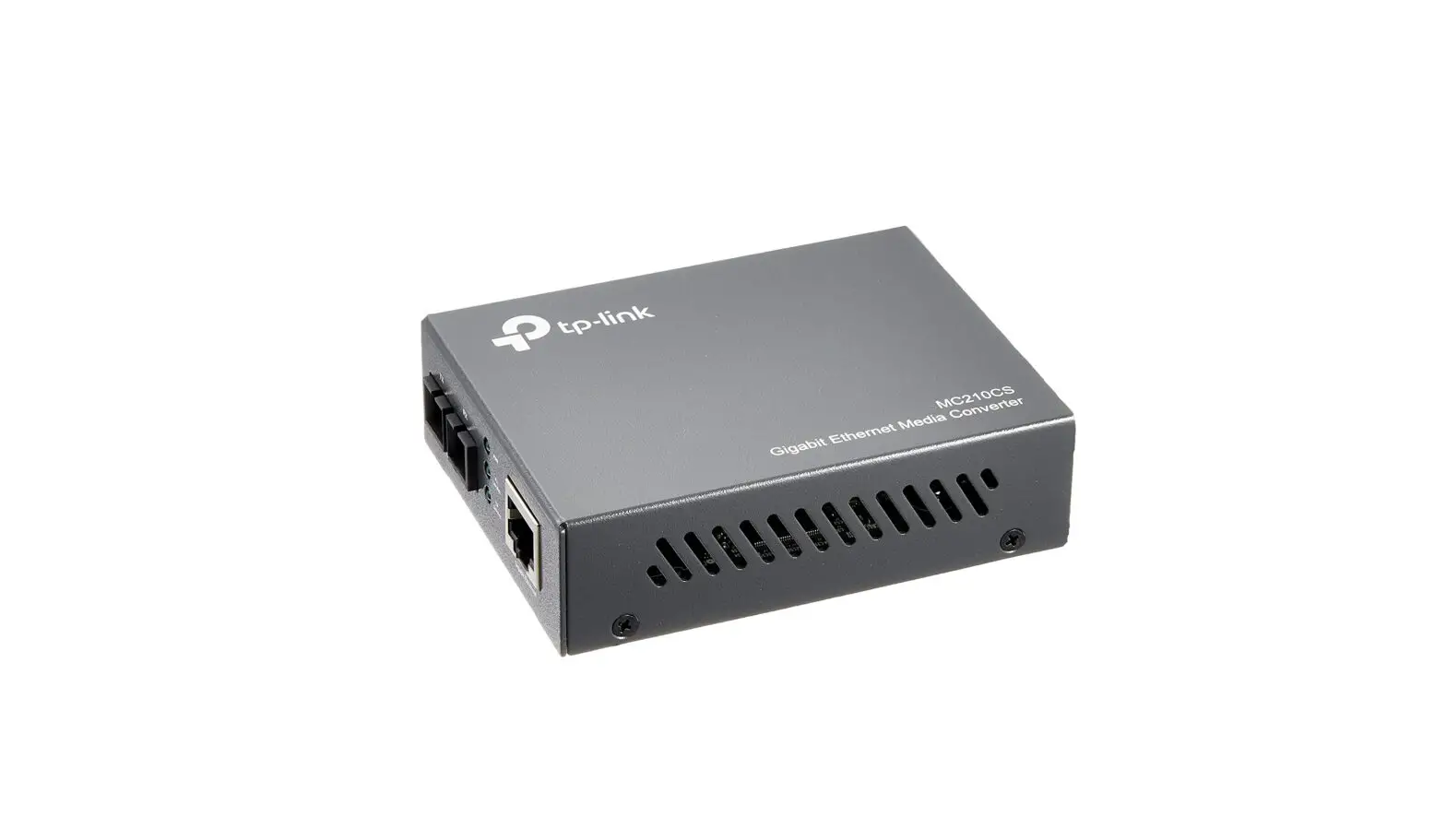
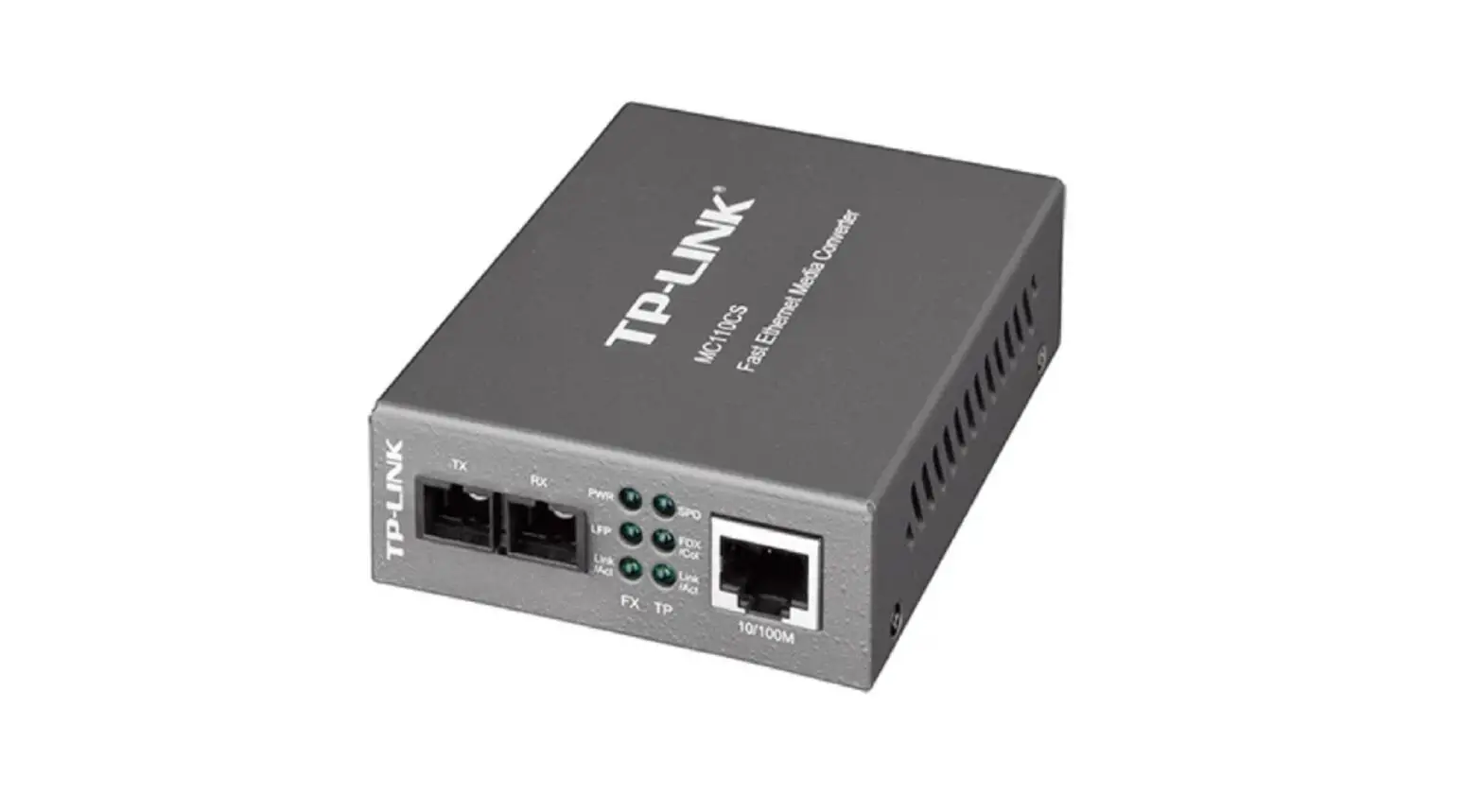
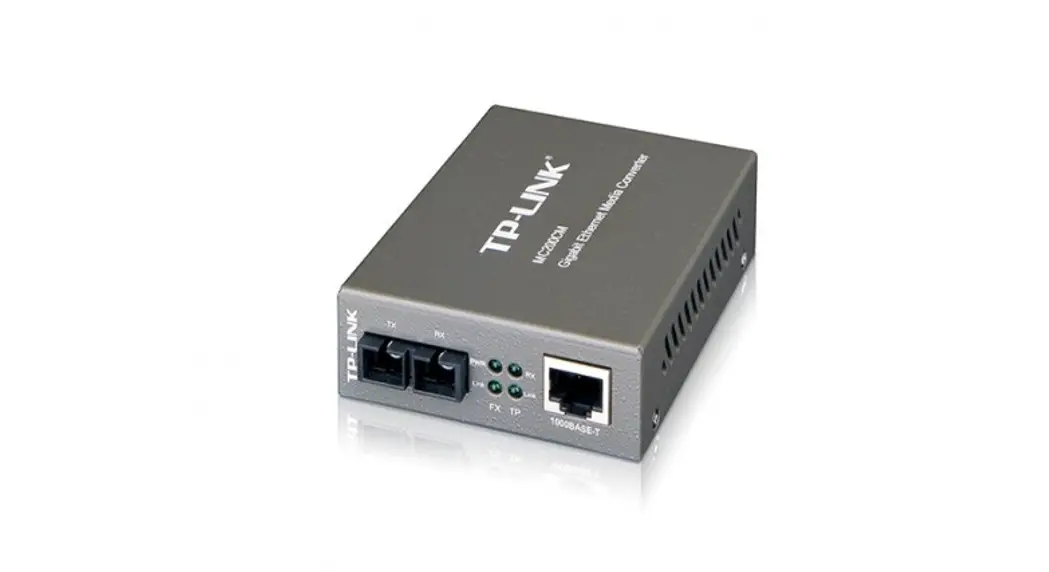
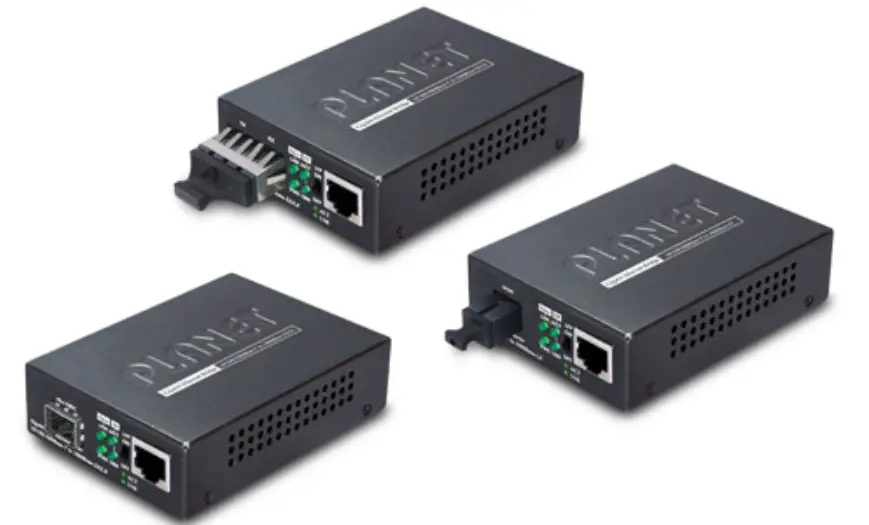
This Media Converter is designed to convert 10/100/1000Mbps Ethernet data over inbuilt fiber (MCG-S1) or selectable SFP module (MCG-S2). Fiber port automatically detects 100Mbps and 1000Mbps network speeds.
Package Contents
- MCG-S1 or MCG-S2 Converter x 1
- 5VDC Power Adaptor x 1
- Velcro tape x 1
- This Quick Installation Guide x 1
Installation
- To install Media Converter on a wall or other surface, you can use included Velcro tape. Clean the surfaces before applying the tape.
- Connect your network device to the RJ45 Ethernet port with a network cable.
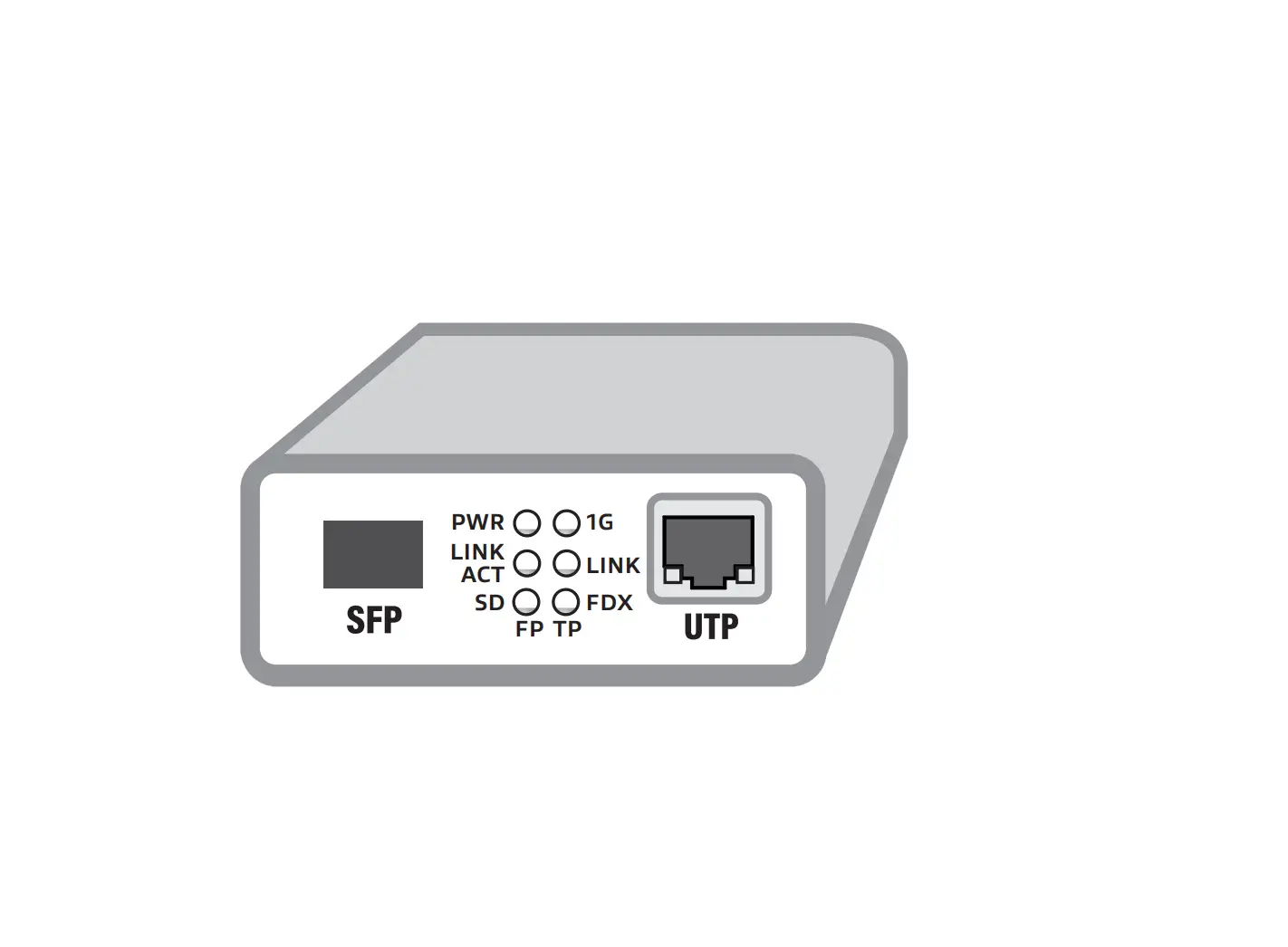
- For MCG-S2 insert the appropriate and matching SFP module into the SFP port. For MCG-S1 and MCG-S2: connect the fiber cable to fiber port.
- Connect included power adaptor to media converter and plug the power adaptor to your wall-socket outlet (100-240VAC).
- After the device is powered on, the PWR indicator will be on. If the indicator is not on, check the power adaptor and its connection. If all cables are correctly connected, the indicators will lit as per LEDs status.
LEDs status
| LED | Color | Indication |
| PWR | Red | Lit when unit is powered |
| TX | Green | Steady lit when network connection is established on RJ45 port, flashing when transmitting or receiving data on RJ45 port |
| FX/ACT | Yellow | Steady lit when network connection is established on fiber port, flashing when transmitting or receiving data on fiber port |
Contact information
Vikings Technology Co. LTD. www.vikingstechnology.com [email protected]
 VIKINGS TECHNOLOGY – Industrial Ethernet solutions