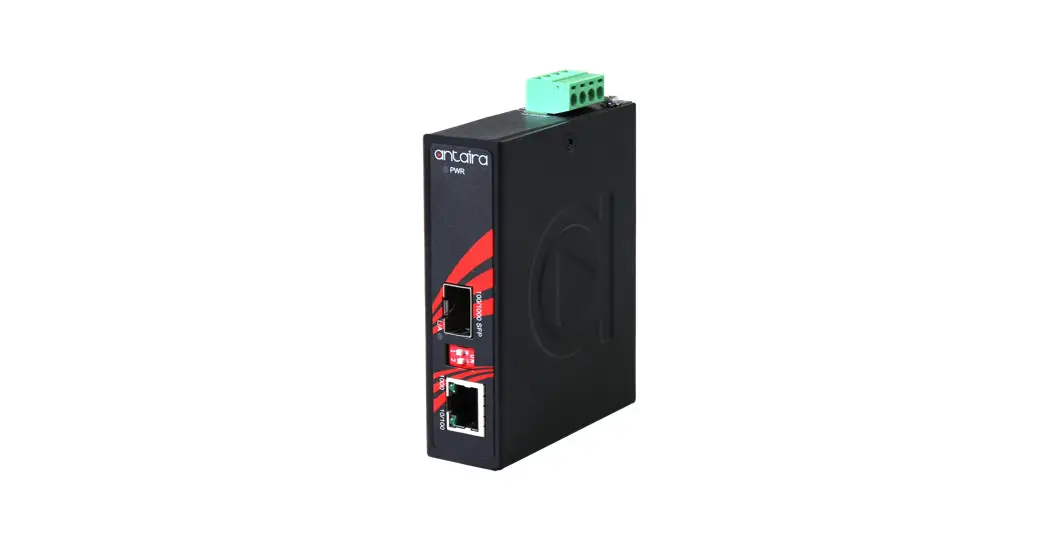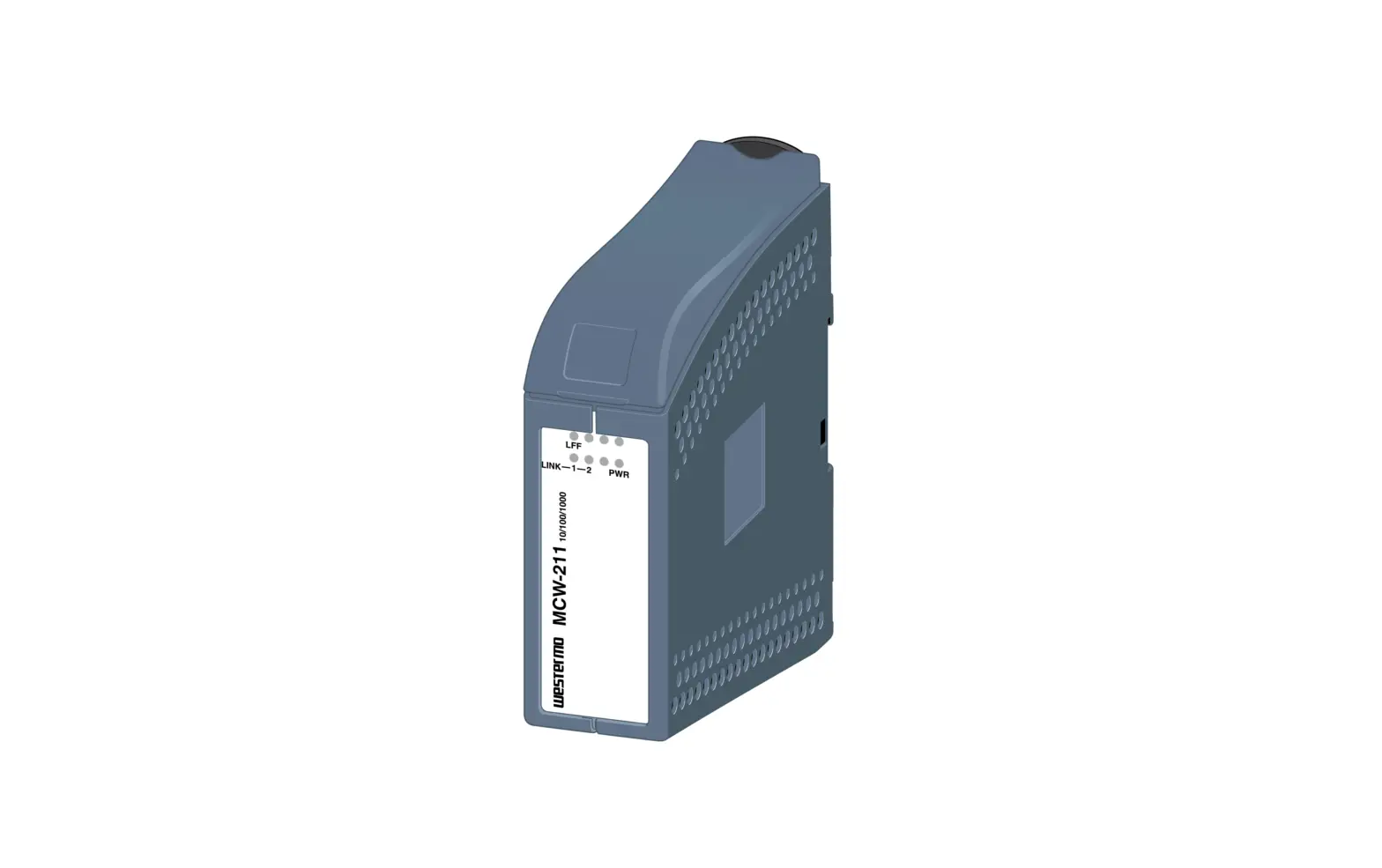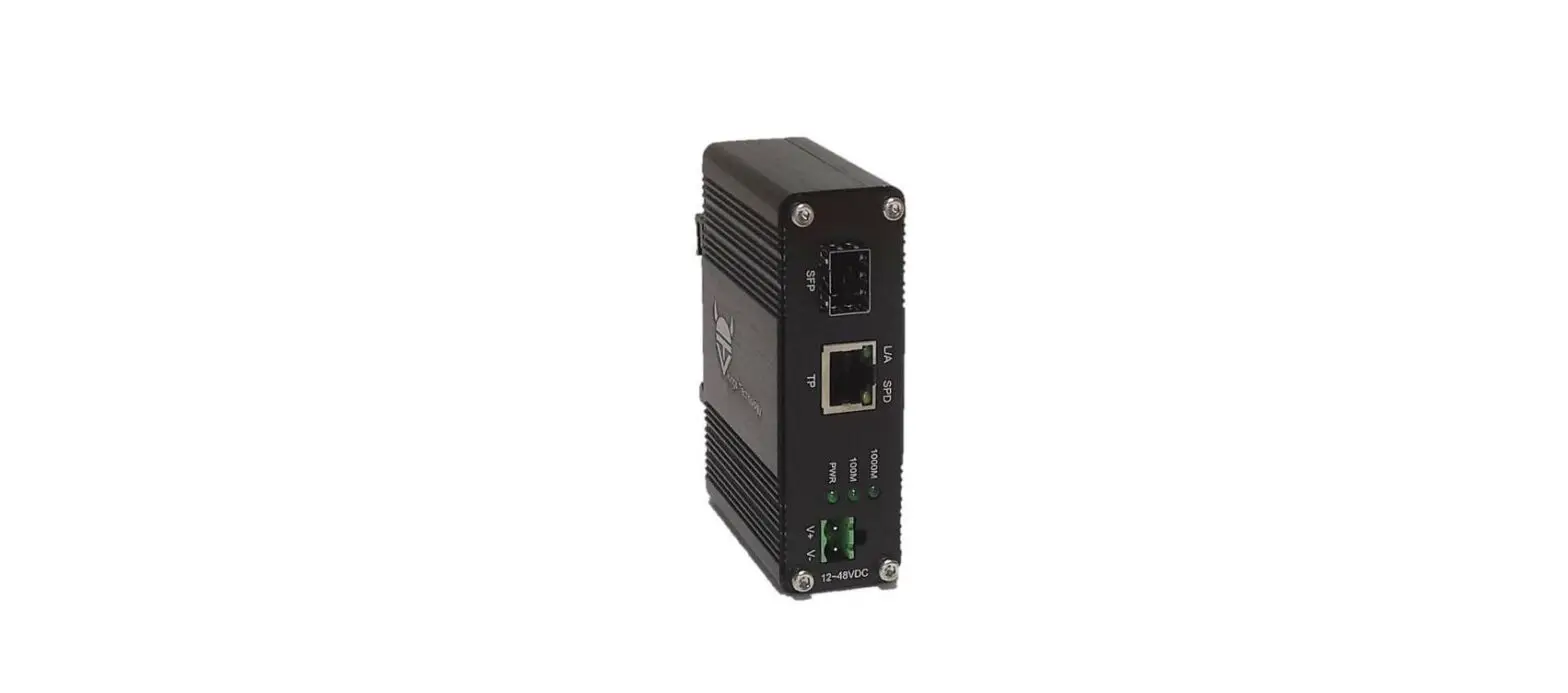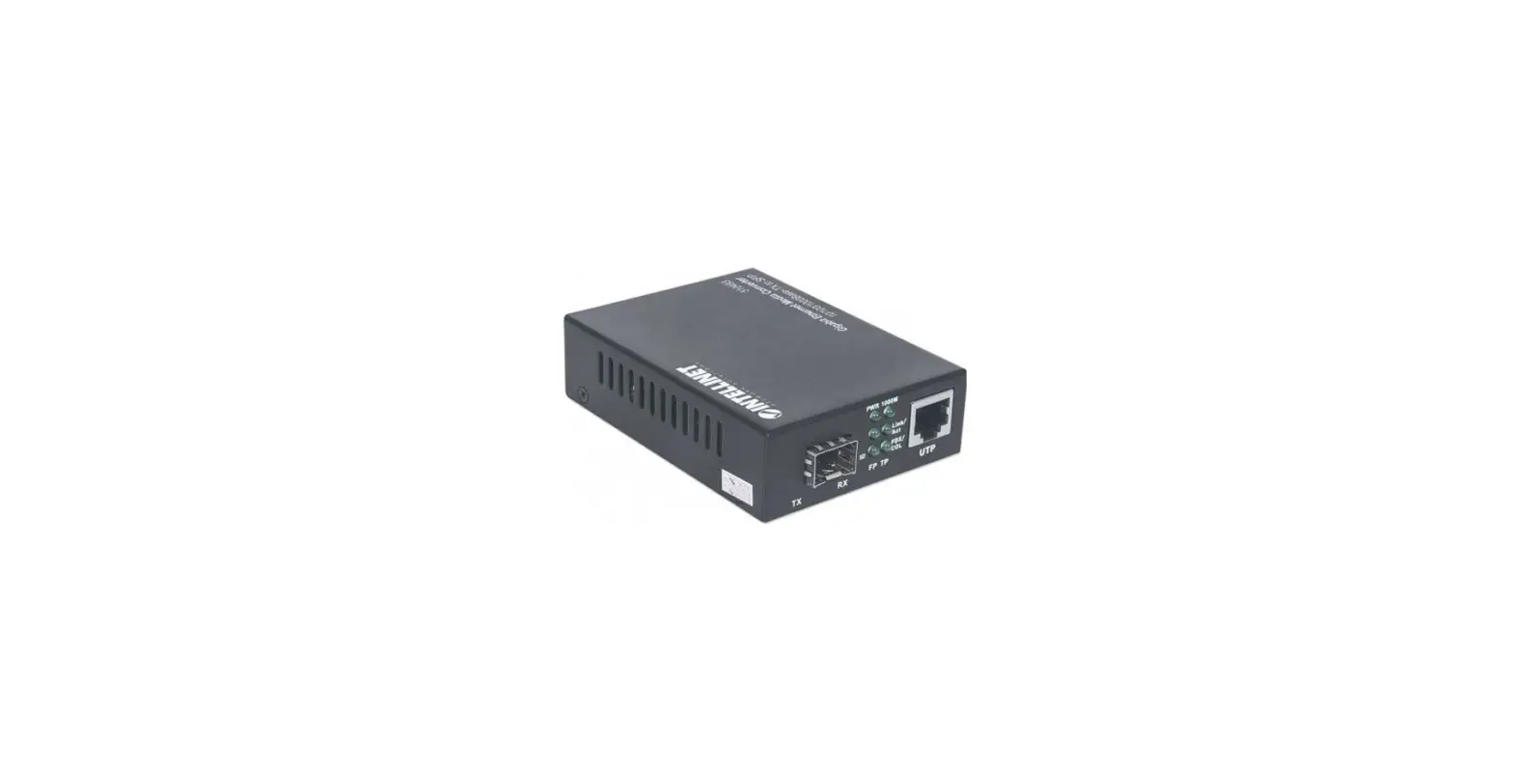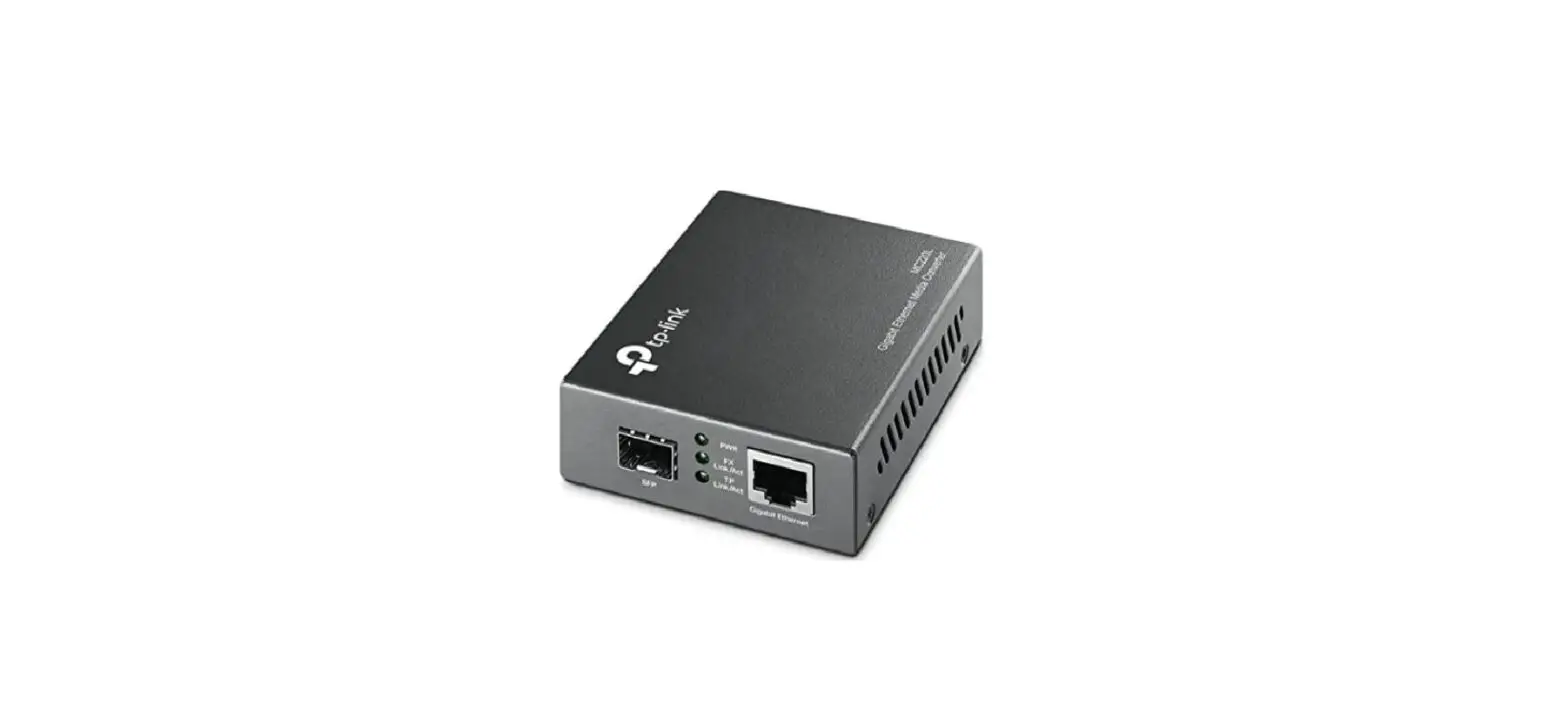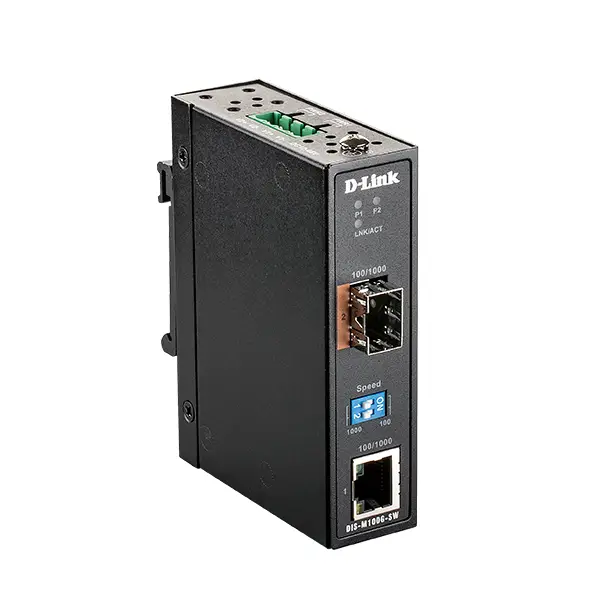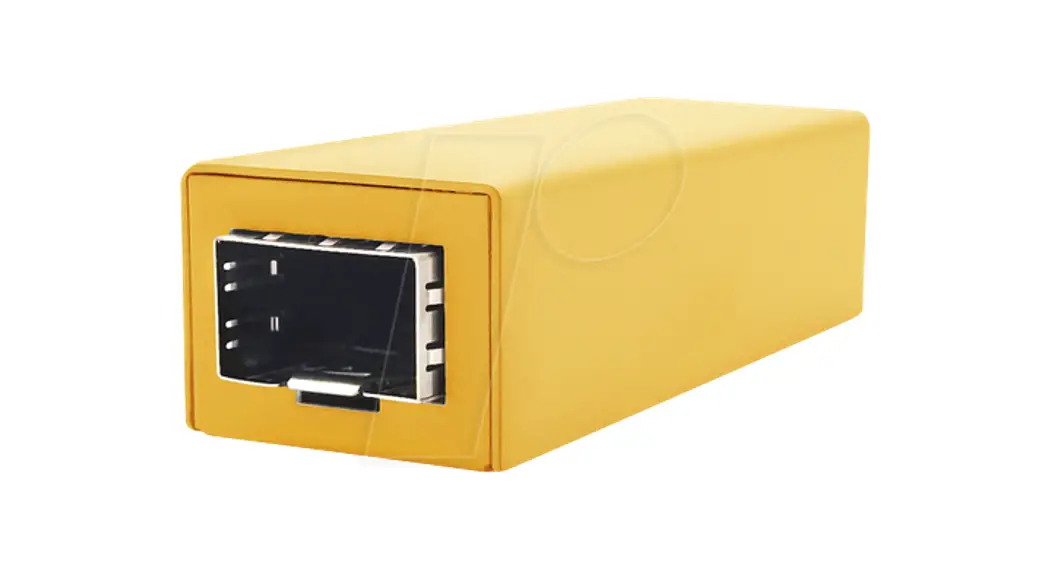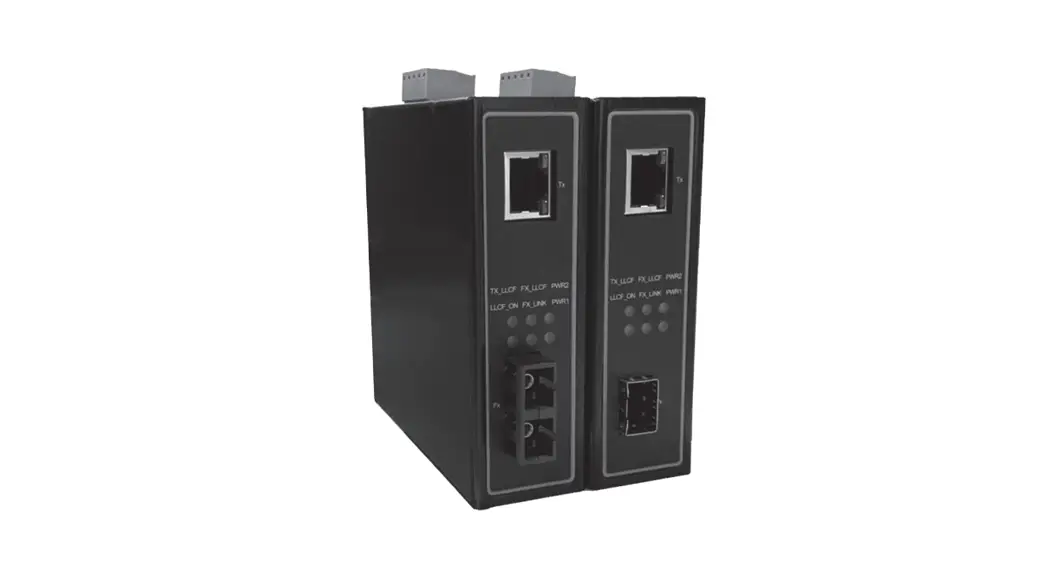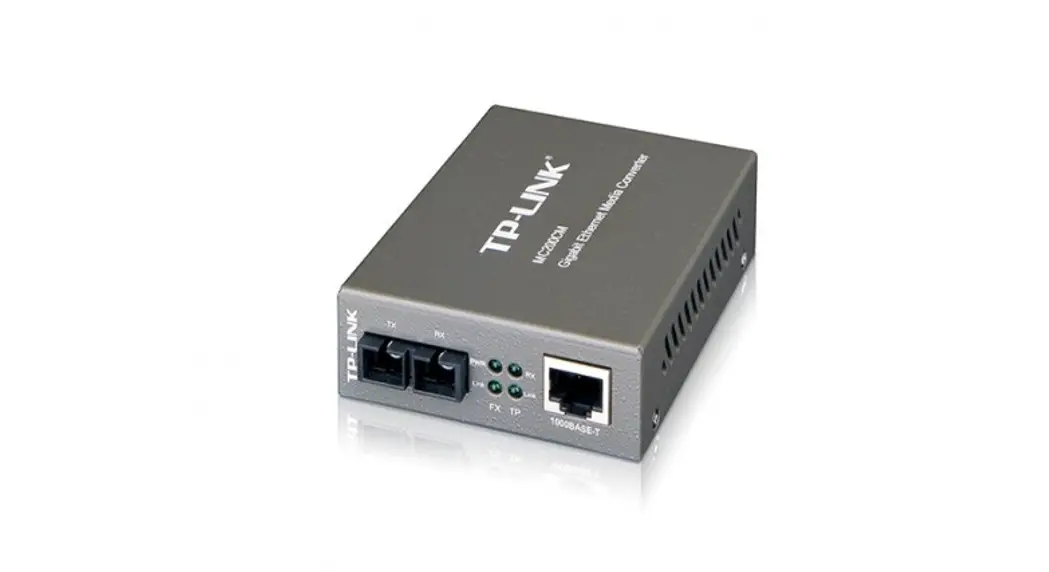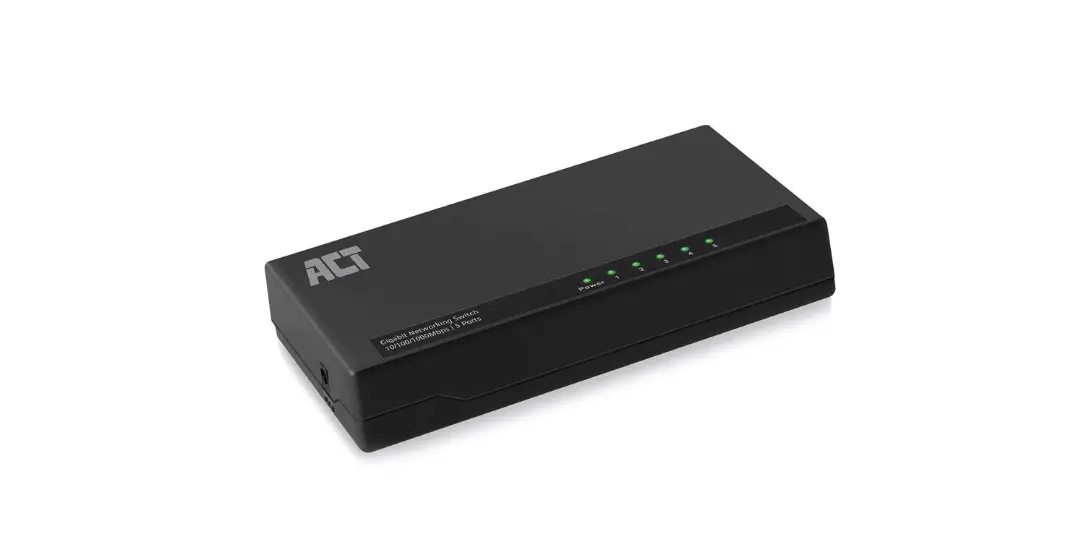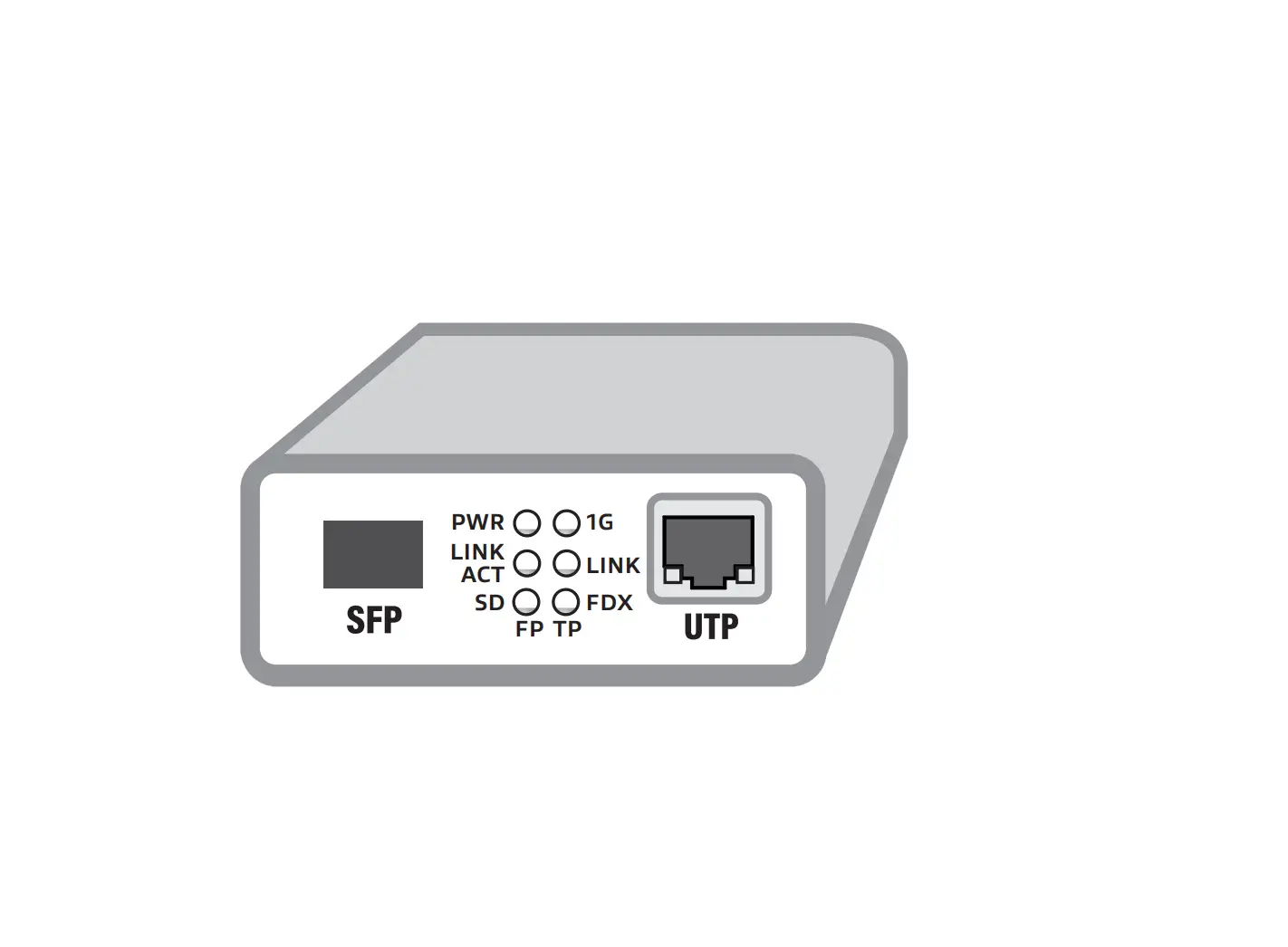
ACT AC4451 Gigabit Ethernet Media Converter
Convert Fiber to Copper Ethernet
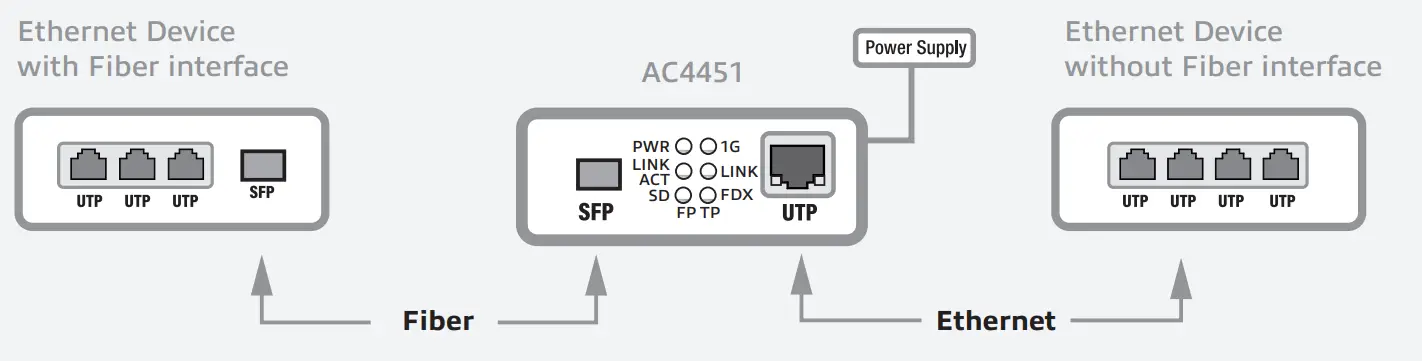
Extend your Network with Fiber
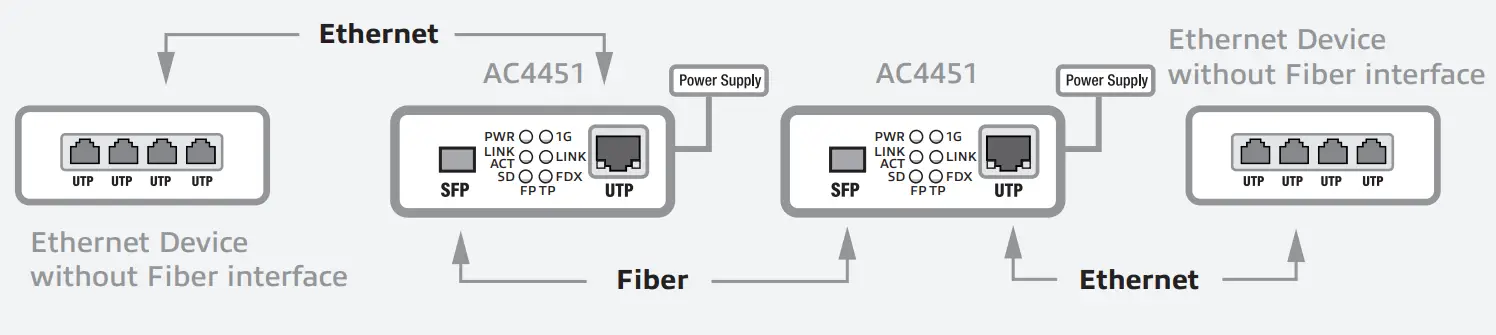
Visit our website for the Full Manual
You can find safety information at www.act-connectivity.com/safety
For service, manuals, firmware or updates visit www.act-connectivity.com
Warranty
5 Year Warranty
ACT, Koolhovenstraat 1E, 3772 MT Barneveld, The Netherlands
Safety Instruction
For PLUGGABLE EQUIPMENT, the socket-outlet shall be installed near the equipment and shall be easily accessible
Made in China
 Caution For Indoor Use Only
For ERP/ECO design 2019/1782/EU Compliant statement visit www.act-connectivity.com/AC4451
Input: 100-240V~50/60Hz, 0.2A Max.
Power: 5.0Watt

Points de collecte sur www.quefairedemesdechets.fr

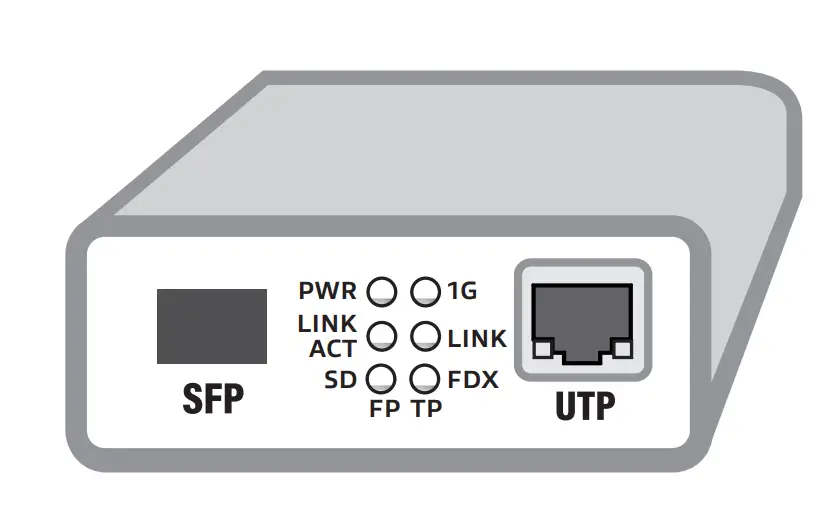
LED Description
| LED | Function | Status | Description |
| PWR | Power LED | On | Power is on |
| Off | Power is off | ||
| 1G | 1Gbps Ethernet LED | On | 1000Mbps speed |
| Off | 10/100Mbps speed | ||
| Link ACT | Fiber Port (FP) Link/Activity Status LED | On | Fiber Port is linked |
| Blink | Fiber Port has data | ||
| Off | Fiber Port is not linked | ||
| Link | UTP Port (TP) Link Status LED | On | UTP Port is linked |
| Blink | UTP Port has data | ||
| Off | UTP Port is not linked | ||
| SD | Fiber Signal Detection LED | On | Fiber Signal is detected |
| Off | Fiber Signal is not detected | ||
| FDX | UTP Full Duplex Mode Indicator | On | Full duplex |
| Off | Half duplex |
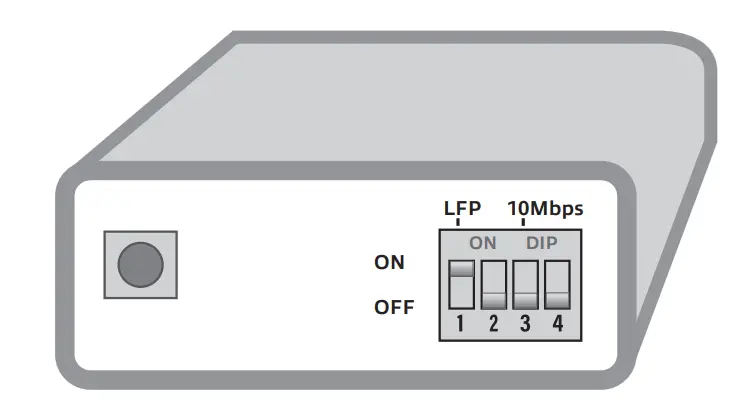
| DIP Switch 1 | |
| ON | LFP function enabled |
| OFF | LFP function disabled |
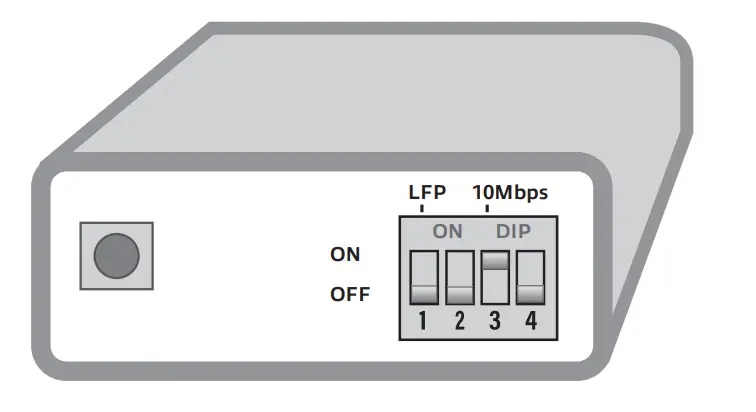
| DIP Switch 3 | |
| ON | 10Mbps mode enabled |
| OFF | 10/100/1000Mbps mode adaptive |
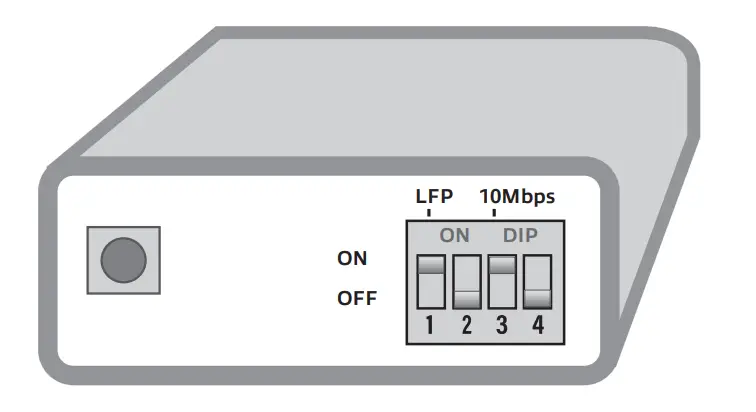
| DIP Switch 1 and 3 | |
| ON | LFP in 10Mbps mode enabled |

 Safety instructions | ACT
 Online Review & Business Listing Management | Connectivity
 Home | ACT