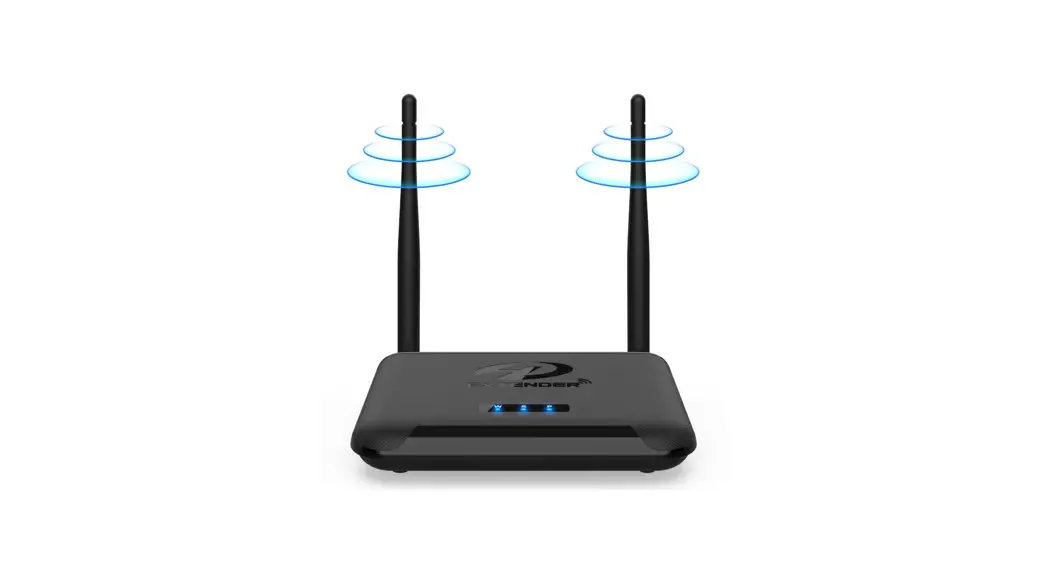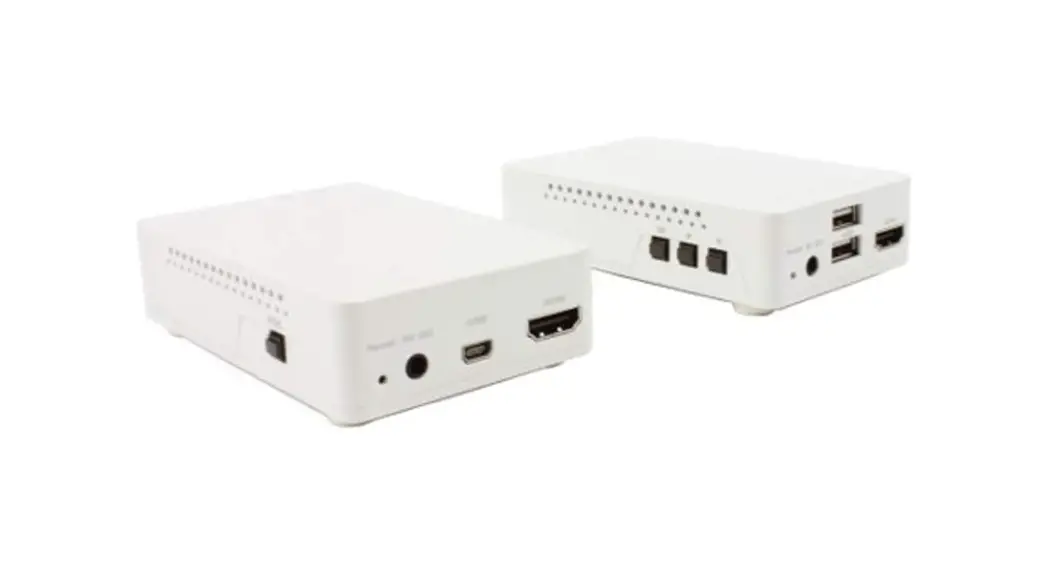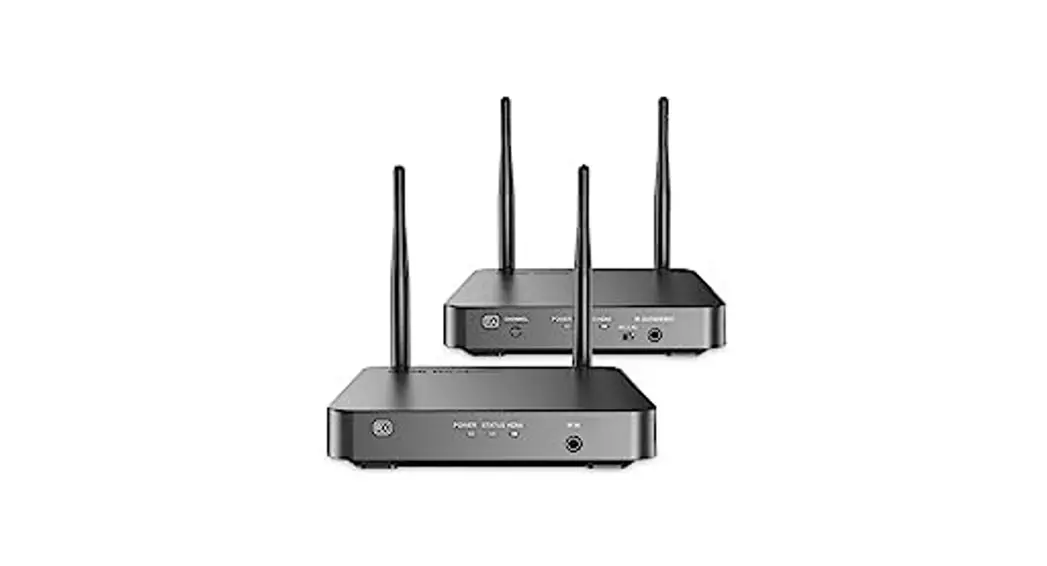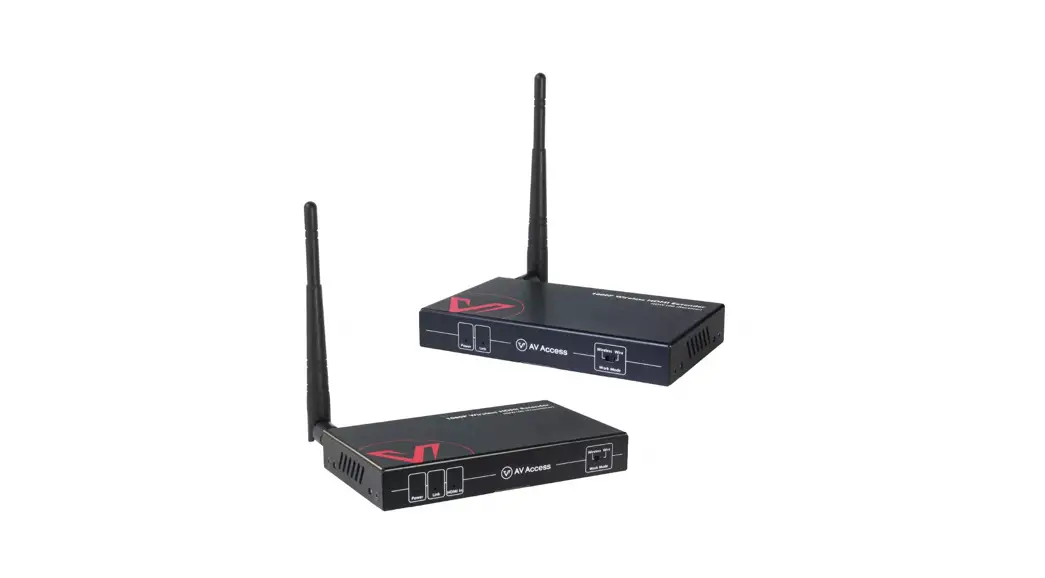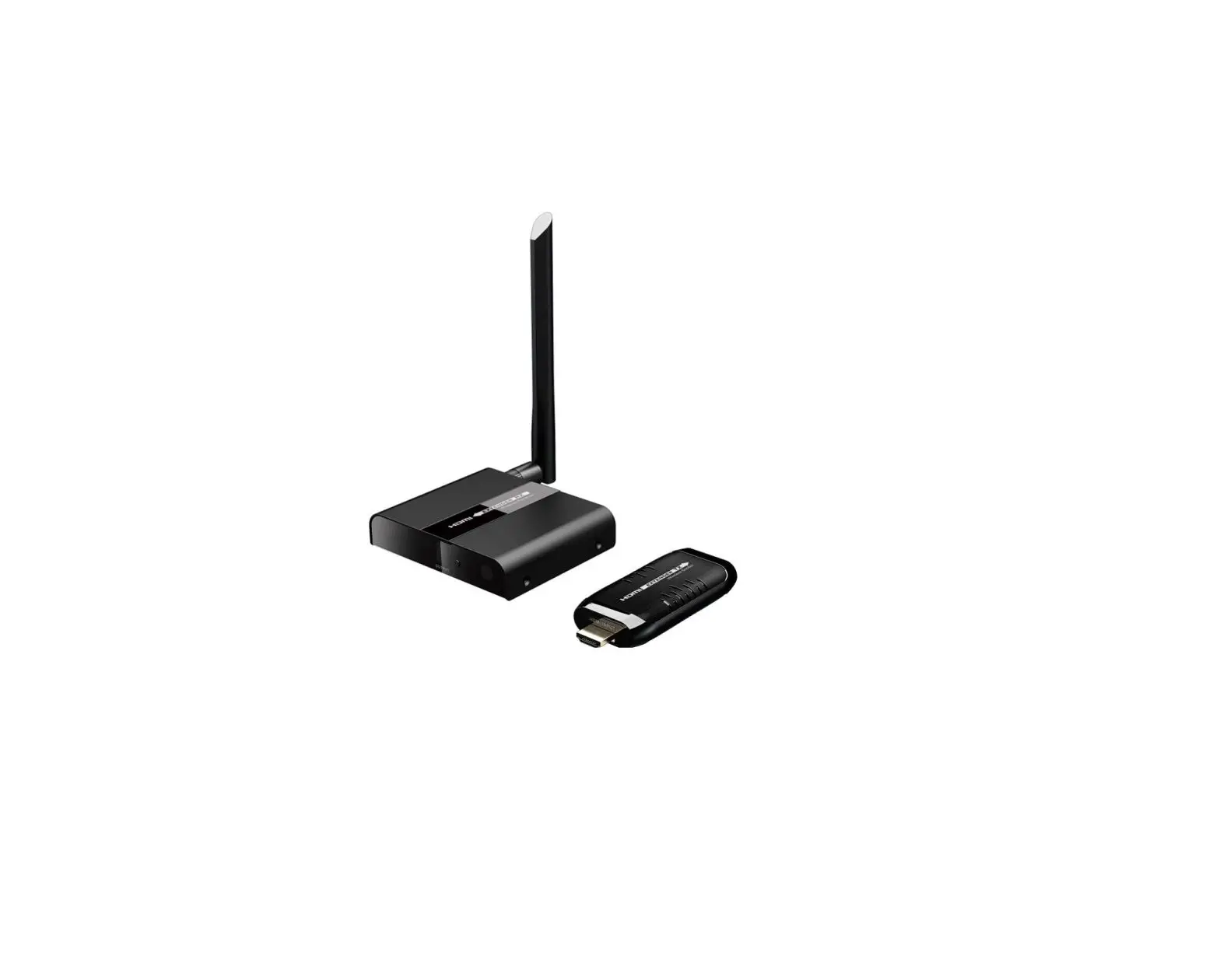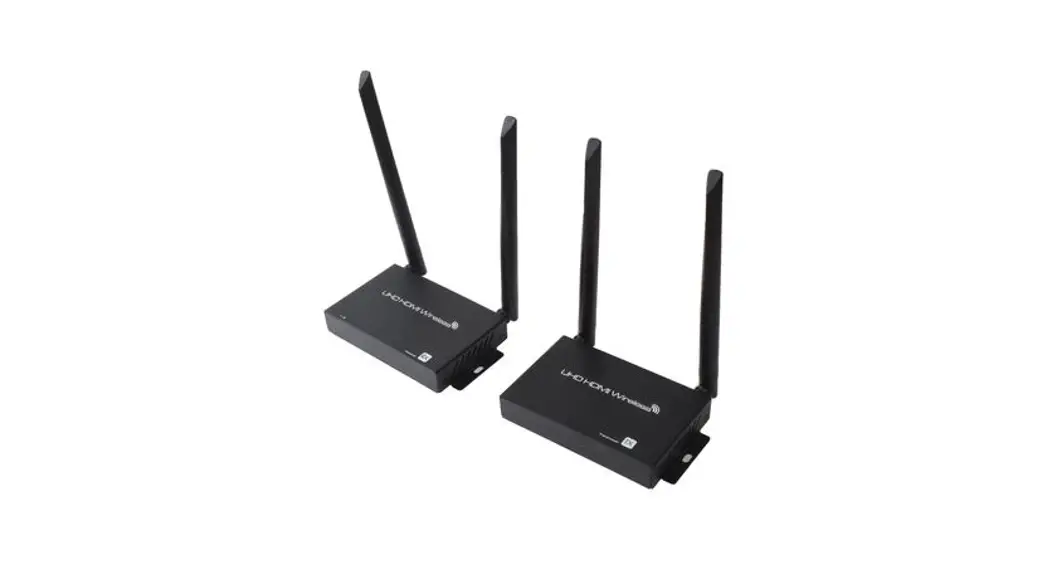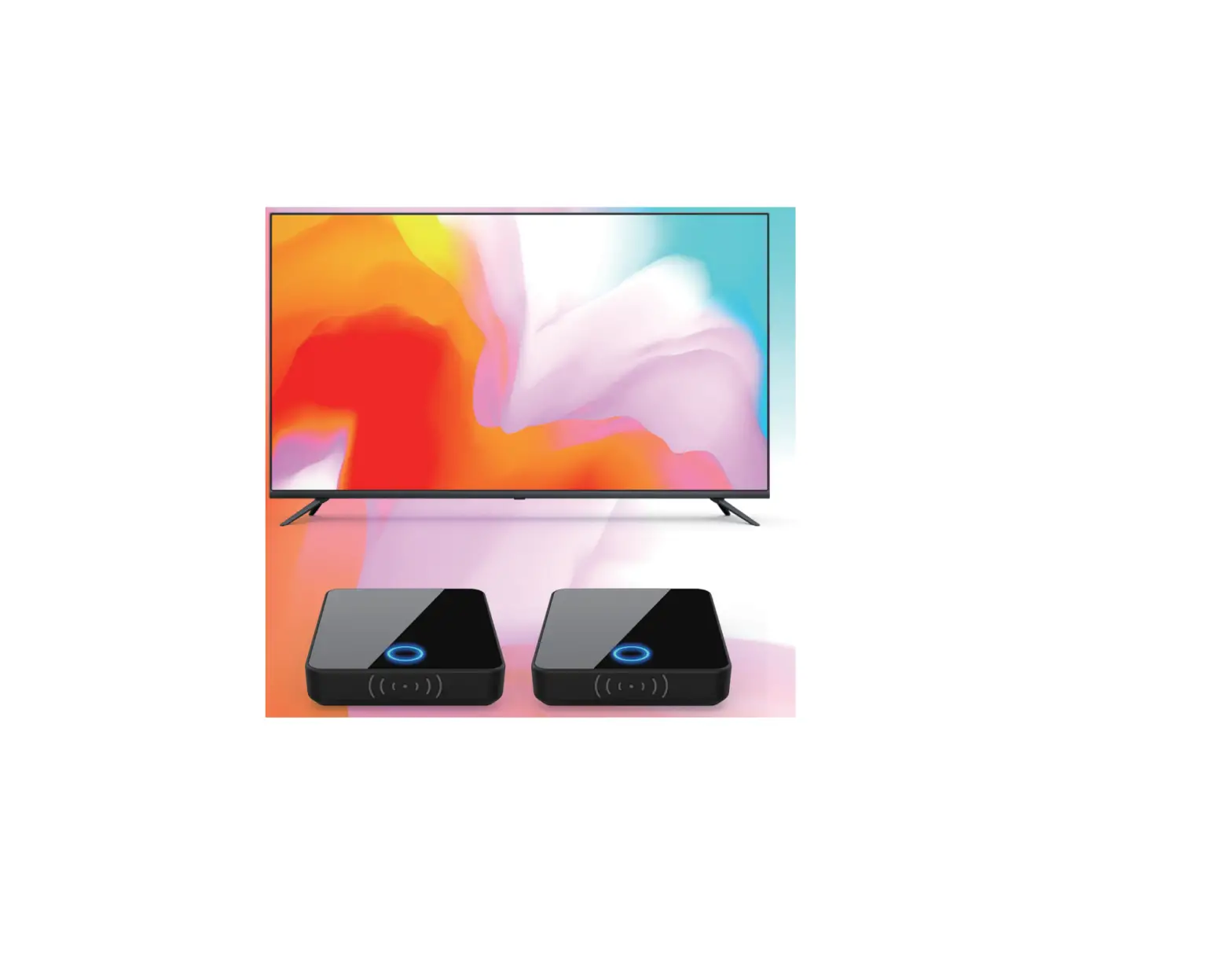
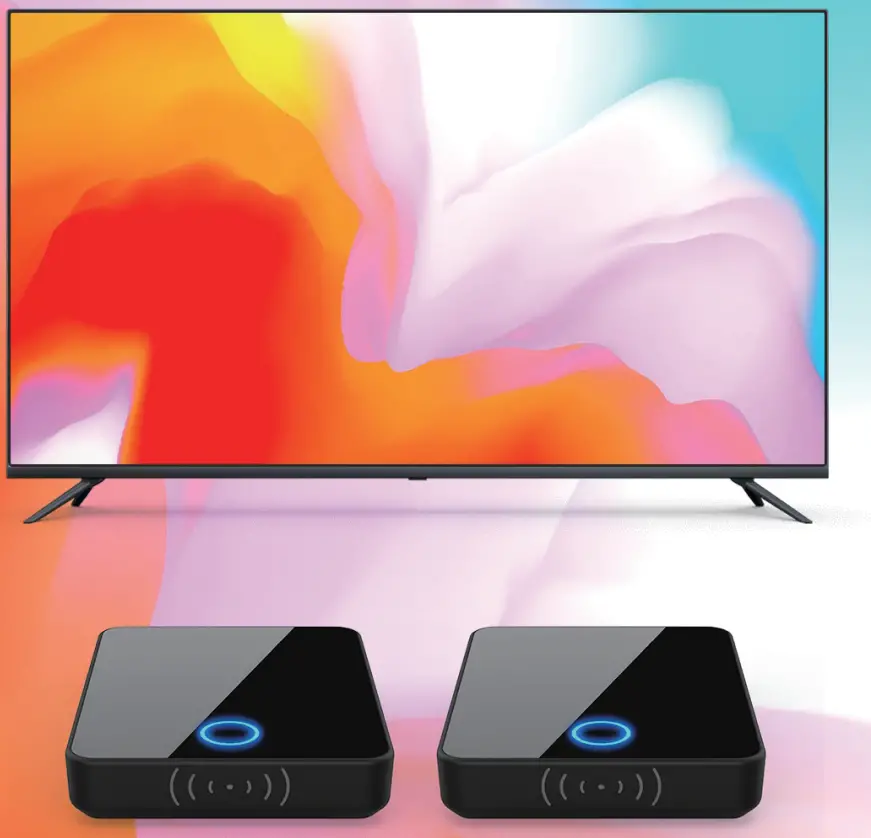
Binken 810 Wireless HD Extender
© The copyright belongs to the product manufacturer.
Dear Customer
Thank you for choosing our products!
For your better use of this product, please read this manual carefully before using ii. This product is for household use only. If there is any malfunction, please repair it in time.
 NOTE:
NOTE:
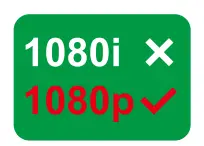 Please adjust the video output signal of the playback device to 720p or 1080p.
 Please put TX or RX in an open place and keep a distance of 2-3m from the wireless router to avoid signal interference.
 When transmitting PC video and audio signals, some PC operating systems need to set the video and audio signal source output.
 If noise occurs during use, switch the audio setting of the signal output lilliiiill device to stereo output.
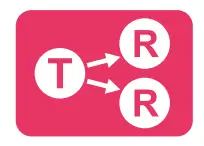 It supports 1 transmitter for wireless transmission and 2-4 receivers. Does not support the use of multiple transmitters in the same environment.
 Transmission distance is about 20-30 meters when there is no other wireless signal interference/obstacles in the operating environment.
 The hue, saturation, and brightness of the picture output by the receiver are different in various TVs, projectors and other equipment. You can adjust the TV HSB parameters according to your preferences.
 Please uses a 5V power adapter, a higher power adapter such as 9V or 12V will damage the product.
we provide a 1-YEAR REPLACEMENT GUARANTEE.
Please have your proof of purchase & pie of the defective product available when you contact us.
If the product you received 1s defective, missing accessories or you need assembly assistance, PLEASE DON’T RETURN IT TO THE STORE and contact our after-sales mailbox directly. Global after-sales service mailbox: [email protected]
PANEL DESCRIPTION
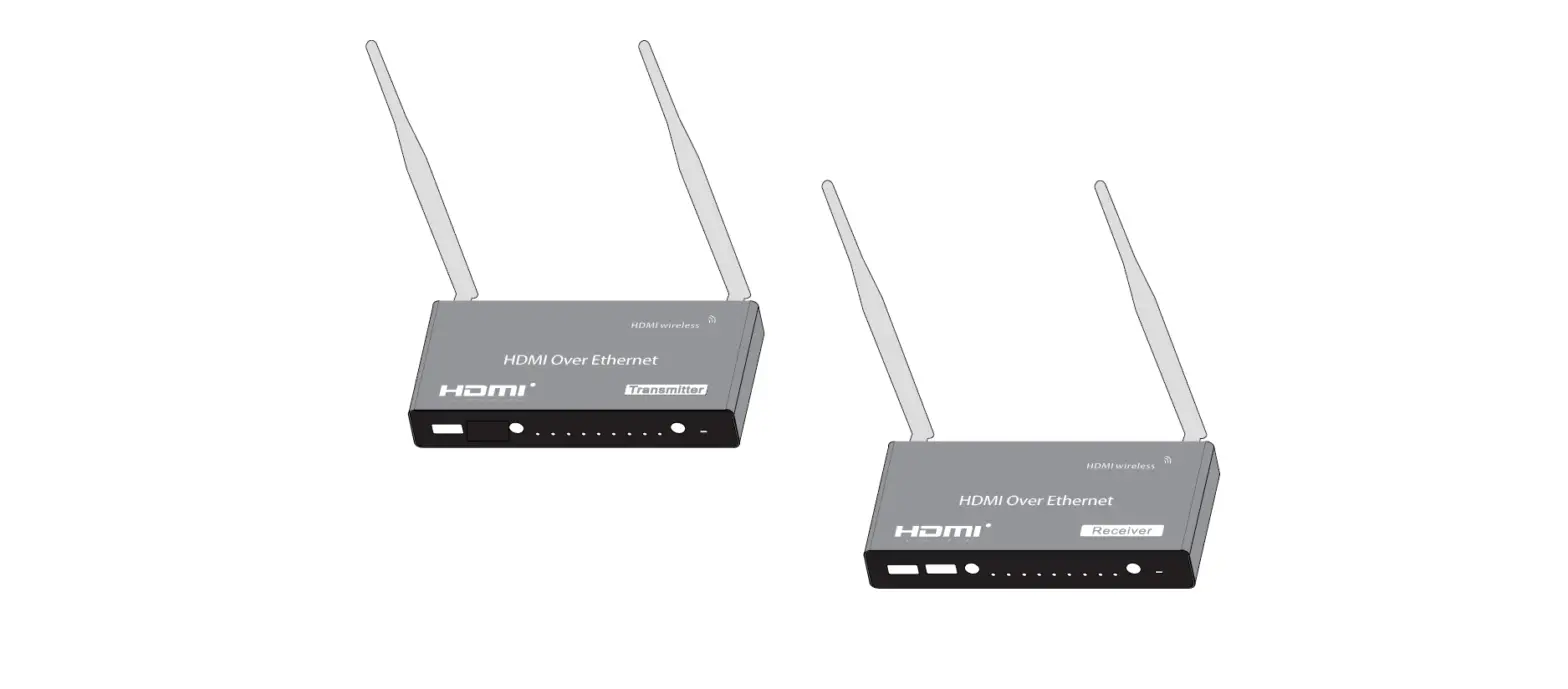
- Transmitter (TX) Panel Description

- Receiver(RX) Panel Description

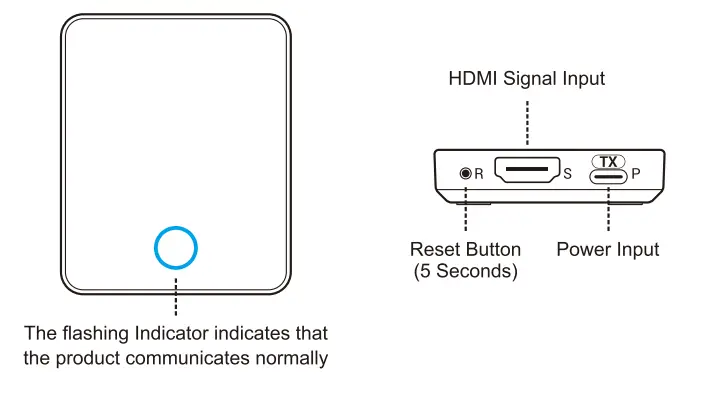
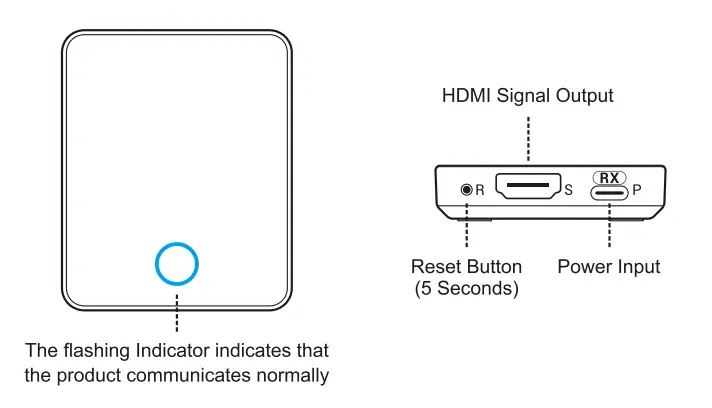
INSTALLATION INSTRUCTIONS
- Transmitter (TX) Installation

- Receiver (RX) Installation

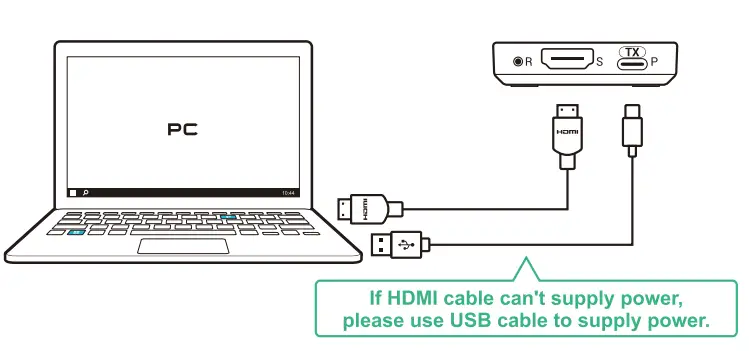
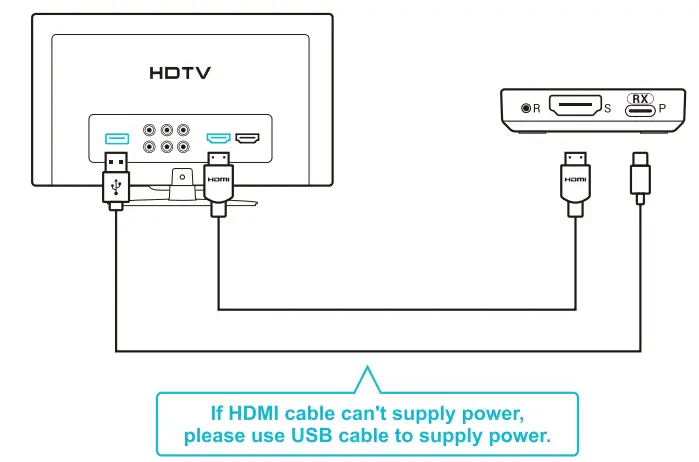
COMPUTER CONNECTION GUIDE
- Use with Computer

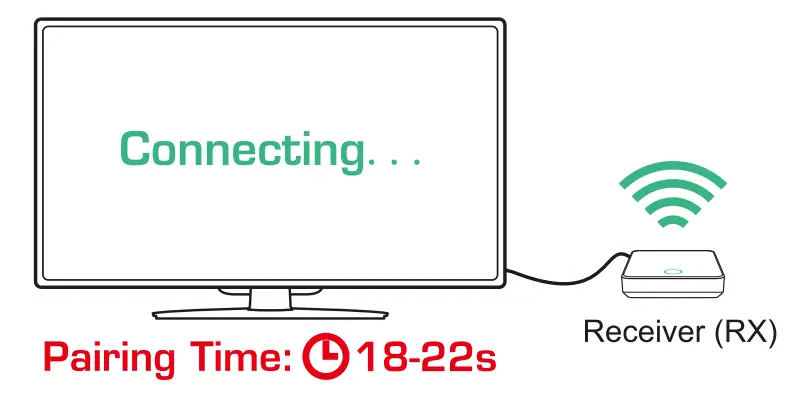
Connect Transmitter (TX) and laptop using HDMI cable.
The Receiver (RX) is connected to a TV or projector - Computer Setting
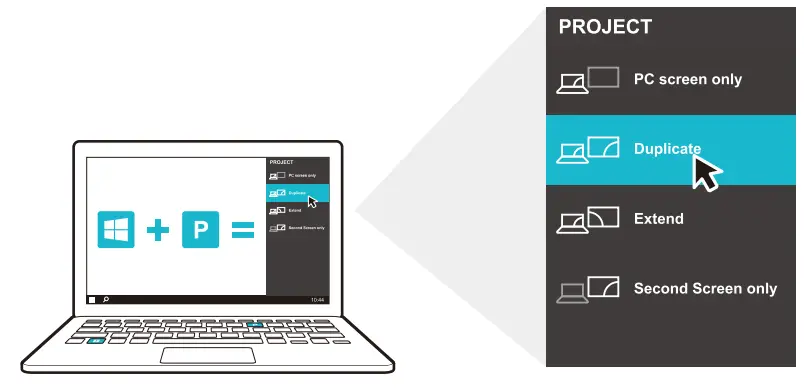
After entering the computer system, press the Windows key and the letter P key on the keyboard at the same time. The projection menu bar will appear on the right side of the screen, click “Duplicate”.
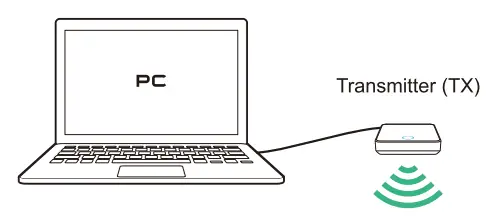
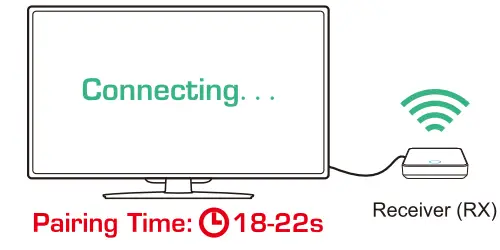
STB CONNECTION GUIDE
- Use with STB


The Receiver (RX) is connected to a TV or projector - STB Audio Setting
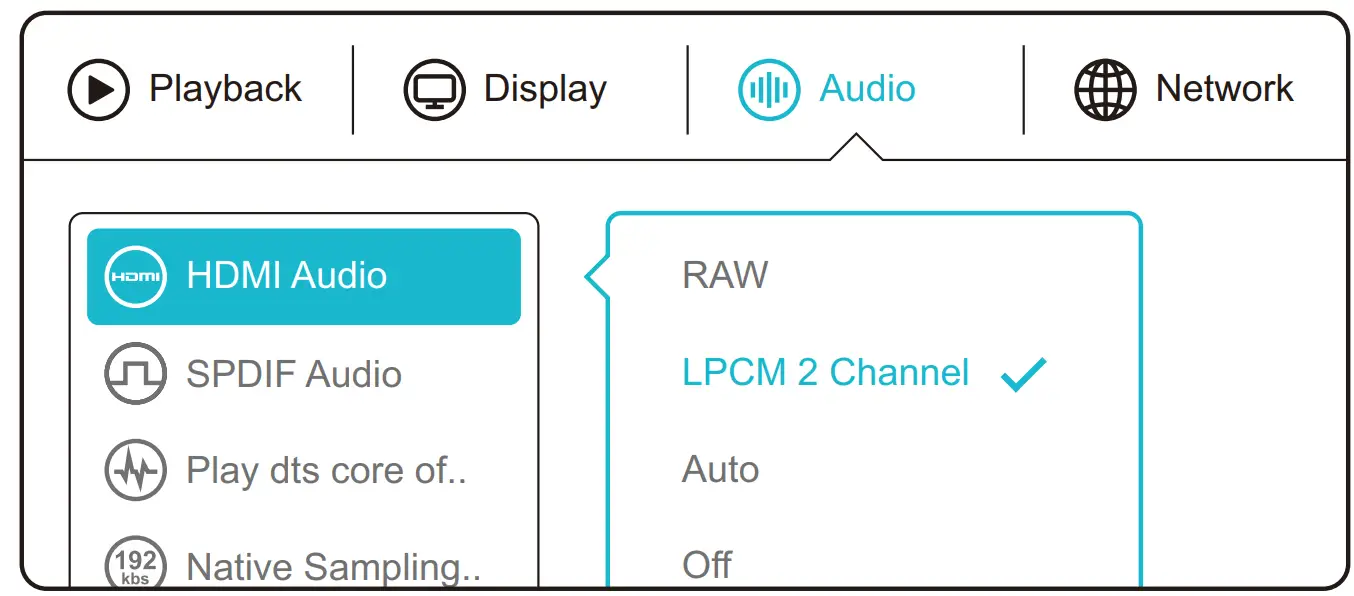
Turn on the setting function of STB and switch HDMI Audio output to LPCM 2 Channel through Audio setting.

Please Support Environment Protection Waste electrical products should not be disposed of household wants.
Please put them to the recycle facilities.
Check with your local authority or retailer for recycling advice!