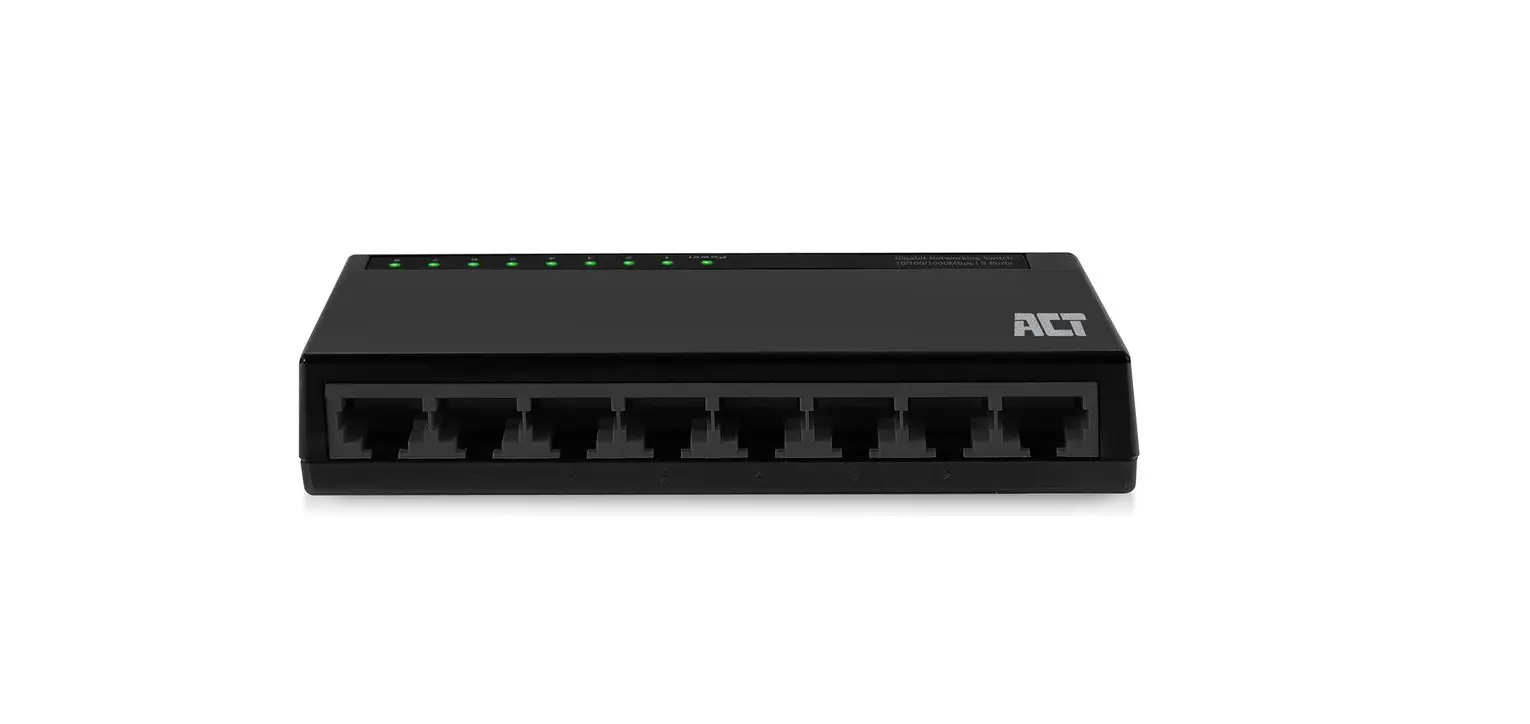
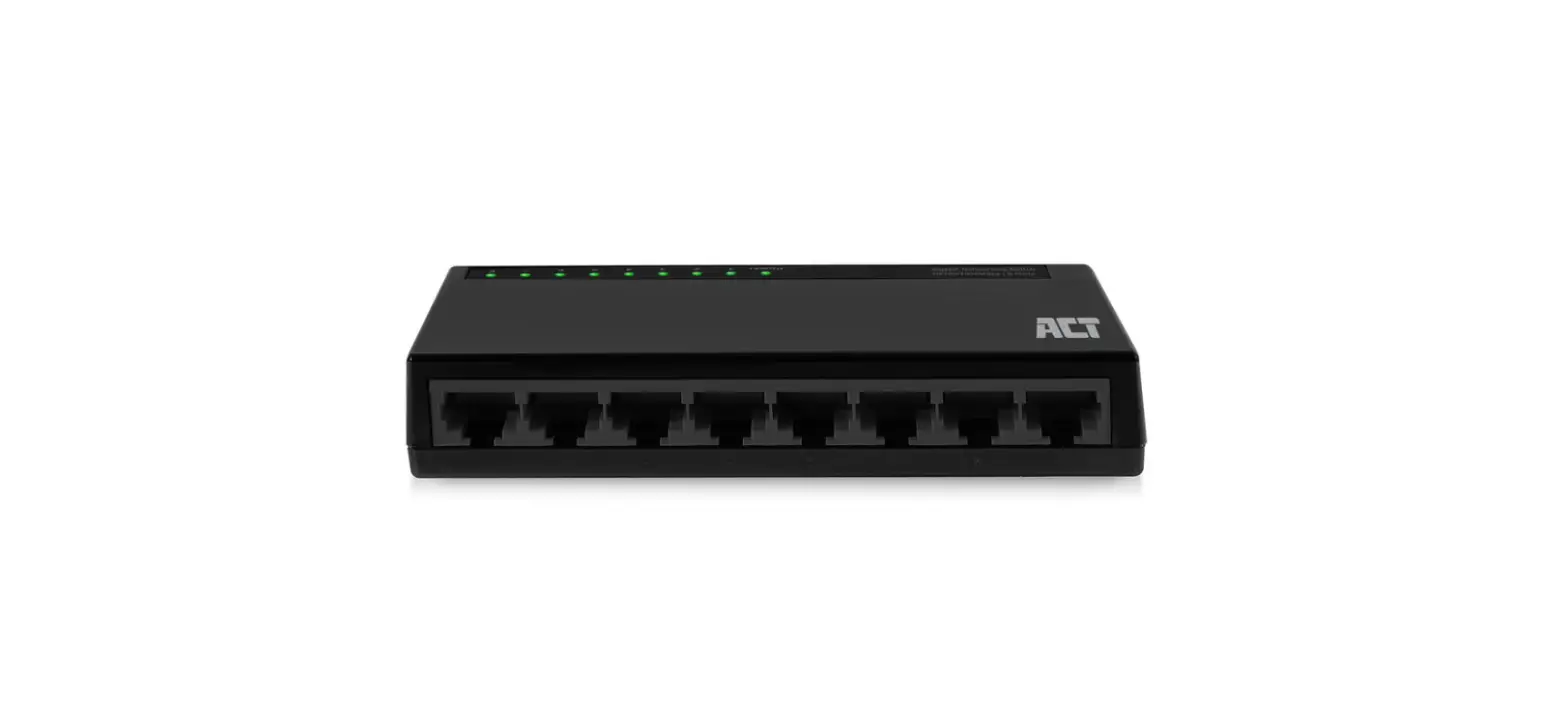
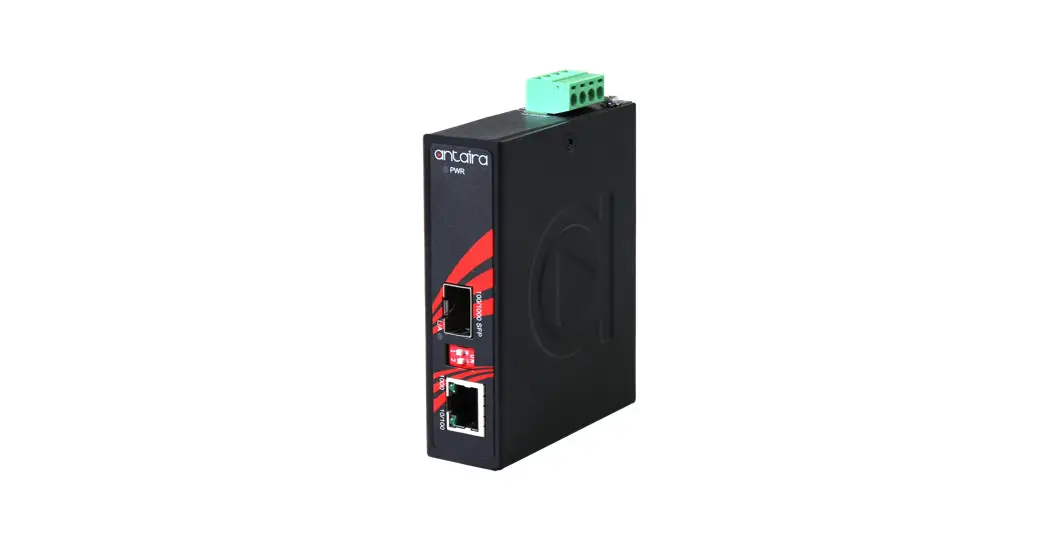
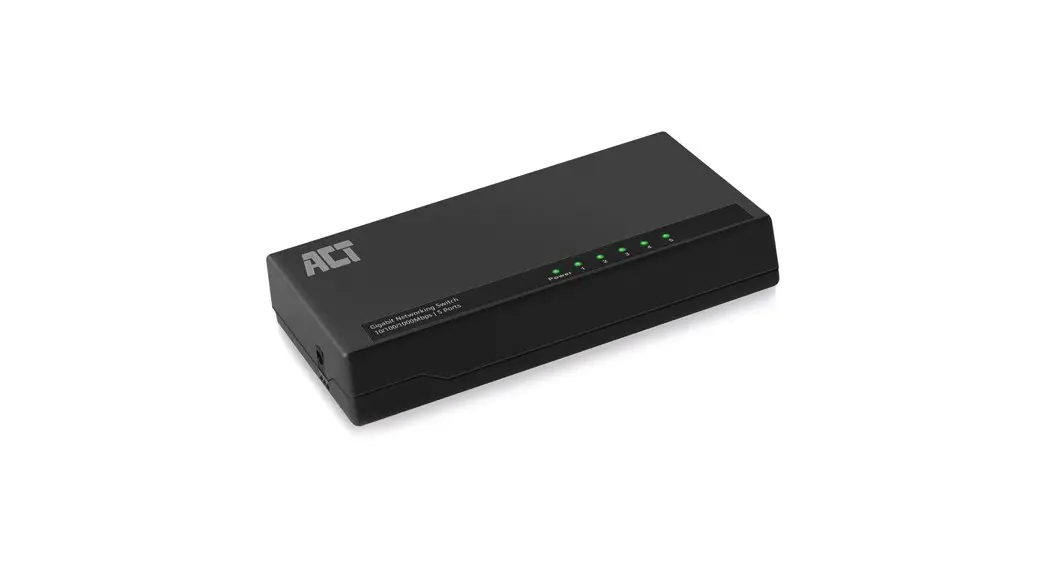
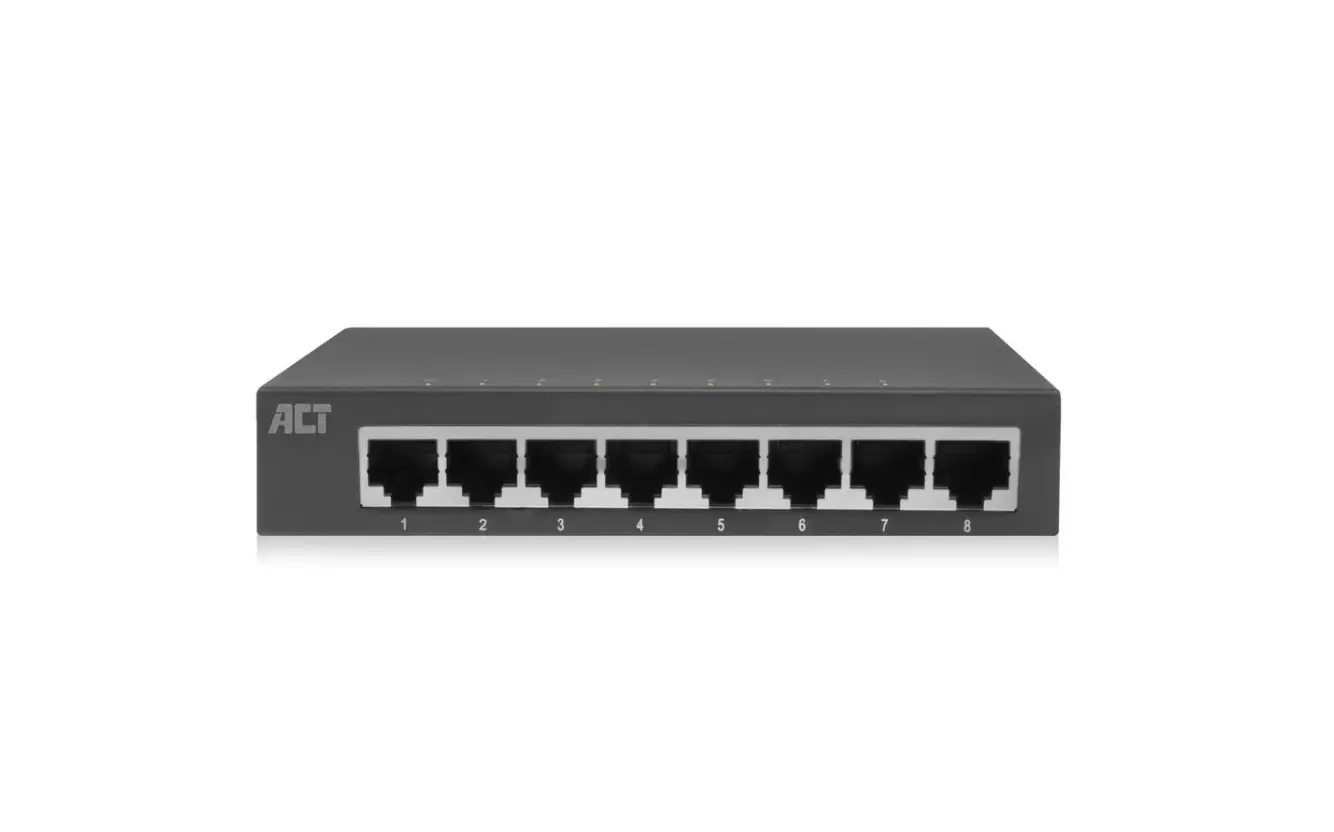
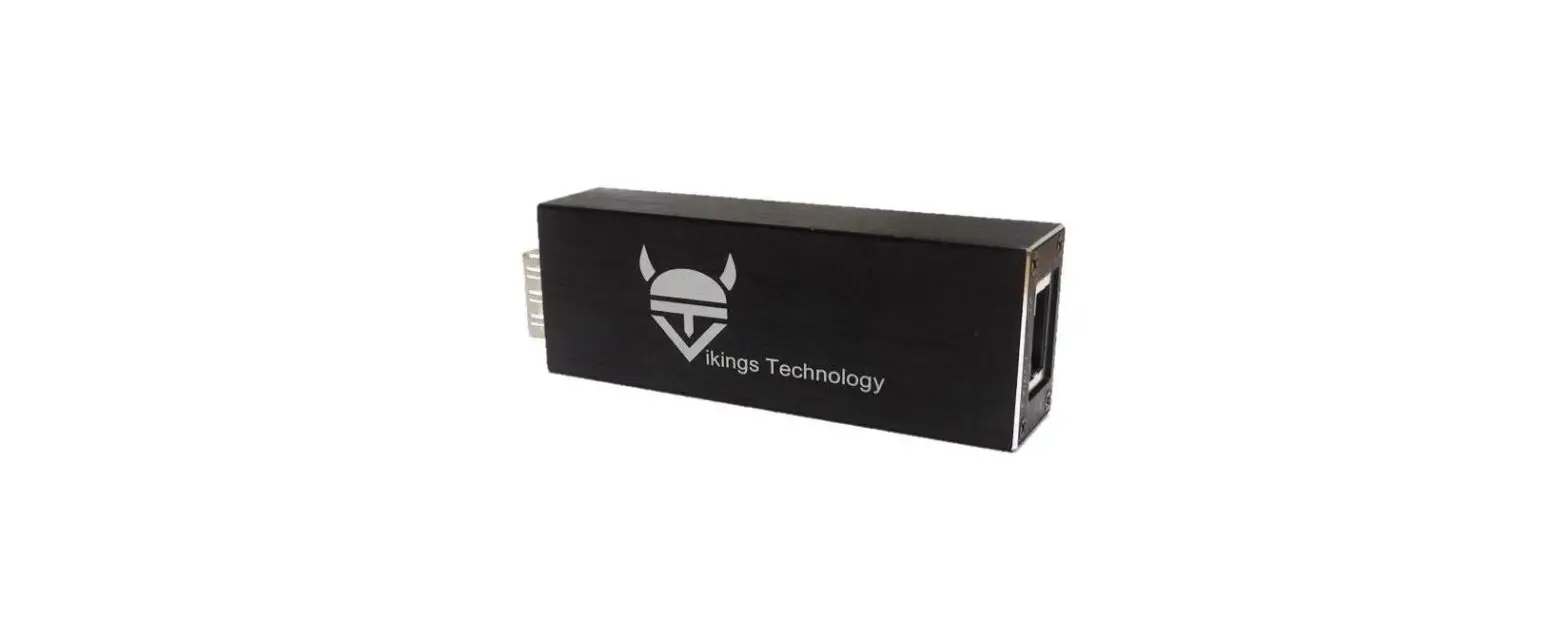
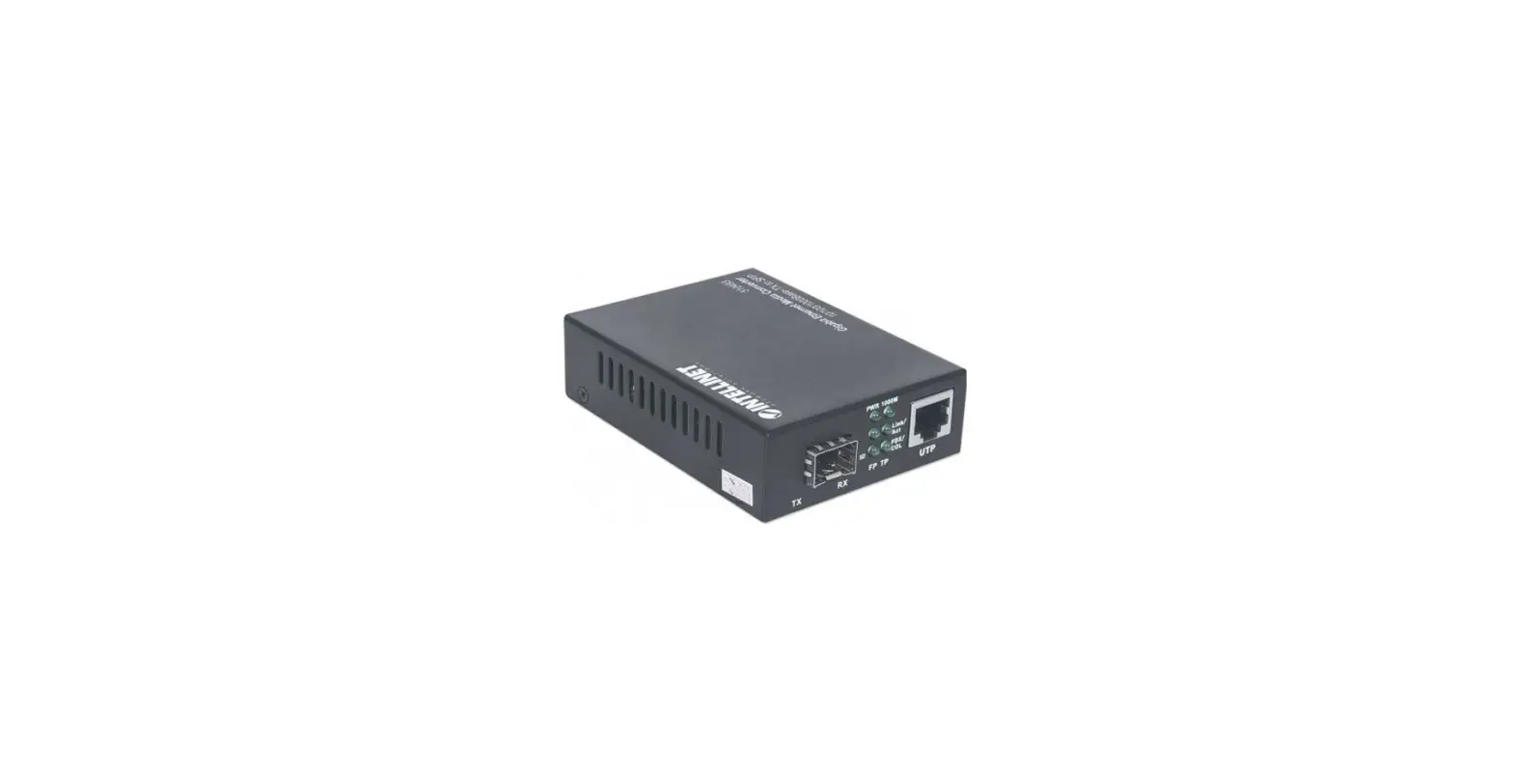
AC4455 10G Ethernet Media Converter
Product Information
The 10G Ethernet Media Converter (AC4455) is a device that
allows you to convert fiber to copper Ethernet. It is designed to
extend your network using fiber technology. The device has both
fiber and Ethernet interfaces.
The device is manufactured by ACT Connectivity and is compliant
with ERP/ECO design 2019/1782/EU regulations. It has a power input
of 100-240V~50/60Hz, 0.4A Max, and consumes 12.0Watt of power. The
product comes with a 5-year warranty.
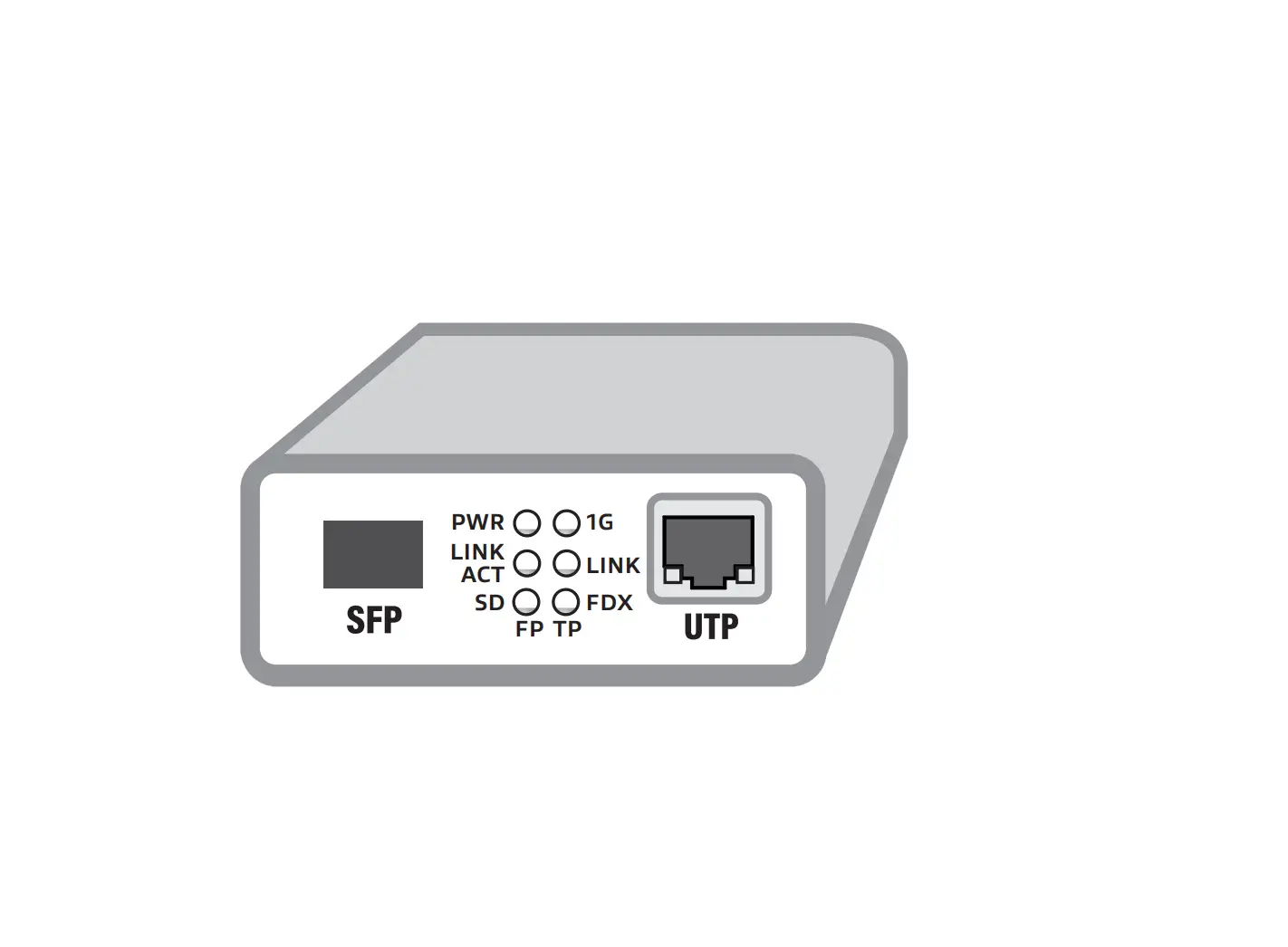
The LED indicators on the device provide information about the
power status, link activity, and signal status of the fiber and UTP
ports. The device also has DIP switches that enable or disable
specific functions.
Product Usage Instructions
To use the 10G Ethernet Media Converter, follow these steps:
- Ensure that the device is placed in an indoor environment as it
is designed for indoor use only. - Connect the AC4455 device to a power source using the provided
power cord. The power LED will indicate whether the power is on or
off. - If you need to enable the LFP (Link Fault Pass-through)
function, set DIP switch 1 to the ON position. Otherwise, keep it
in the OFF position. - If you want to enable bypass mode, set DIP switches 1 and 3 to
the ON position. To disable bypass mode, keep them in the OFF
position. - Connect the fiber interface of the AC4455 device to your fiber
network using an appropriate fiber cable. The fiber link/activity
LED will indicate the status of the fiber port. - Connect the Ethernet interface of the AC4455 device to your
Ethernet network using a standard UTP cable. The link/activity LED
will indicate the status of the UTP port. - The fiber signal status LED will indicate whether the fiber
signal is detected or not. - Monitor the LED indicators to ensure proper power, link
activity, and signal status of both the fiber and UTP ports.
For more detailed instructions and information, please refer to
the full manual available on our website. You can also visit our
website for safety information, service, manuals, firmware,
updates, and compliance statements.
10G Ethernet Media Converter
Quick Install | Snel installeren | Installation rapide | Installazione rapida | Schnelle Installation | Instalación rápida | Instalação rápida | Gyors telepítés | Rychlá instalace | Hurtig installering | Hurtiginstallasjon | Snabbinstallation | Pika-asennus | Hitra namestitev | | | Szybka instalacja
Convert Fiber to Copper Ethernet
AC4455
Ethernet Device with Fiber interface
+
Fiber
AC4455
PWR
LINK ACT
SD
+
10G LINK ACT
Ethernet Device without Fiber interface
Ethernet
Extend your Network with Fiber
Ethernet AC4455
PWR
LINK ACT
SD
+
10G LINK ACT
Ethernet Device without Fiber interface
Fiber
AC4455
PWR
LINK ACT
SD
+
10G LINK ACT
Ethernet Device without Fiber interface
Ethernet
Visit our website for the Full Manual
EN You can find safety information at www.act-connectivity.com/safety
NL Kijk op www.act-connectivity.com/safety voor de veiligheidsinformatie FR Vous pouvez trouver des informations portant sur la sécurité sur www.act-connectivity.com/safety IT È possibile trovare informazioni sulla sicurezza sul sito www.act-connectivity.com/safety DE Sicherheitshinweise finden Sie unter www.act-connectivity.com/safety ES Puede encontrar información de seguridad en www.actconnectivity.com/safety PT Pode encontrar informações relativas a segurança em www.actconnectivity.com/safety HU A biztonsági információkat a www.act-connectivity.com/safety oldalon találhatja meg CZ Bezpecnostní informace mzete nalézt na adrese www.act-connectivity.com/safety DK Du kan finde sikkerhedsoplysningerne på www.act-connectivity.com/safety NO Du finner sikkerhetsinformasjon på www.act-connectivity.com/safety SE Du hittar säkerhetsinformation på www. act-connectivity.com/safety FI Turvallisuustiedot löytyvät osoitteesta www.act-connectivity.com/safety SI Varnostne informacije so na voljo na naslovu www.act-connectivity.com/safety GR www.act-connectivity.com/safety BG www.act-connectivity.com safety PL Informacje dotyczce bezpieczestwa znajduj si pod adresem www.act-connectivity.com/safety.
EN For service, manuals, firmware or updates visit www.act-connectivity.com
NL Voor service, handleidingen, firmware updates bezoekt u www.act-connectivity.com FR Pour l’entretien, les manuels, les mises à jour du firmware ou l’assistance, visitez www.act-connectivity. com IT Per servizi, manuali, aggiornamento firmware e supporto visitare www.act-connectivity.com DE Dienstleistungen, Handbücher, Firmware-Updates oder Support-Dienste werden unter www.actconnectivity.com angeboten ES Para obtener asistencia, manuales, actualizaciones de firmware o soporte, visite www.act-connectivity.com PT Para assistência, manuais, atualizações de firmware ou apoio técnico, visite www.act-connectivity.com HU Szerviz, kézikönyek, firmware-frissítések és támogatás ügyében látogasson el a következ oldalra: www.act-connectivity.com CZ Bezpecnostní informace mzete nalézt na adrese www.act-connectivity.com DK Du kan finde sikkerhedsoplysningerne på www.act-connectivity.com NO Du finner sikkerhetsinformasjon på www.act-connectivity.com/safety SE Du hittar säkerhetsinformation på www.act-connectivity.com/safety FI Turvallisuustiedot löytyvät osoitteesta www.act-connectivity.com SI Varnostne informacije so na voljo na naslovu www.act-connectivity.com BG www.act-connectivity.com GR www.act-connectivity.com PL Informacje dotyczce bezpieczestwa znajduj si pod adresem www.act-connectivity.com.
Safety Instruction:
EN For PLUGGABLE EQUIPMENT, the socket-outlet shall be installed near the equipment and shall be easily accessible
NL Zorg dat het stopcontact dichtbij en gemakkelijk bereikbaar is vanaf het apparaat FR Une prise électrique facilement accessible est nécessaire près de l’appareil IT É richiesta una presa di corrente, e pertanto è raccomandabile che questa sia nelle immediate vicinanze e facilmente raggiungibile DE Eine Steckdose wird benötigt, die in der Nähe und einfach vom Gerät aus zugänglich sein sollte ES Se necesita una toma de corriente que debe estar cerca y de fácil acceso desde el dispositivo HU Olyan konnektorra van szüksége, mely közel van és könnyen megközelíthet az eszköz számára PT Uma tomada deve estar perto e facilmente acessível a partir é necessário o dispositivo CZ V pípad zaízení, která se zapojují do elektrické zásuvky, by se mla elektrická zásuvka nacházet blízko k zaízení a být snadno pístupná DK På tilslutningsbart udstyr skal stikkontakten være i nærheden af udstyret og den skal være let tilgængelig NO Hvis utstyret har støpsel, skal stikkontakten monteres nært utstyret og være lett tilgjengelig SE För inkopplingsbar utrustning ska uttaget installeras nära utrustningen och vara lättåtkomligt FI Verkkovirtaan liitettävien laitteiden pistorasioiden on oltava asennettu lähelle laitetta helposti päästävään paikkaan SI Za vticno opremo je treba namestiti lahko dostopno vticnico blizu opreme BG , , GR , . PL Dla Podlczanych urzdze, gniazdo zasilania powinno by zainstalowane w pobliu u rzdzenia i powinno by latwo dostpne.
EN Made in China Caution For Indoor Use Only
NL Geproduceerd in China FR Fabriqué en Chine IT Prodotto in Cina DE Hergestellt in China ES Hecho en China PT Fabricado na China HU Kínában készült CZ Vyrobeno v Cín DK Fremstillet i Kina NO Laget i Kina SE Tillverkad i Kina FI Valmistettu Kiinassa SI Izdelano na Kitajskem BG GR PL Wyprodukowano w Chinach
For ERP/ECO design 2019/1782/EU Compliant statement visit www.act-connectivity.com/AC4455
Input: 100-240V~50/60Hz, 0.4A Max.
Power: 12.0Watt
FR Cet appareil et ses accessoires se recyclent
À DÉPOSER À DÉPOSER EN MAGASIN EN DÉCHÈTERIE
OU
5 Year Warranty ACT, Koolhovenstraat 1E, 3772 MT Barneveld, The Netherlands
20
PAP
10G Ethernet Media Converter
Quick Install | Snel installeren | Installation rapide | Installazione rapida | Schnelle Installation | Instalación rápida | Instalação rápida | Gyors telepítés | Rychlá instalace | Hurtig installering | Hurtiginstallasjon | Snabbinstallation | Pika-asennus | Hitra namestitev | | | Szybka instalacja
AC4455
PWR Link ACT
SD
+
10G Link ACT
LED Description
LED
Function
PWR
Power LED
Status Description
On
Power is on
Off
Power is off
On
10G
10G Speed Active
Off
Link ACT
Fiber Port (FP) Link/Action Status LED
On Blink Off
UTP Port (TP) On
Link
Link Status
LED
Off
On
SD
Fiber Signal Status LED Off
10Gbps speed
10/100/1000Mbps Speed Fiber Port is linked Fiber Port has data Fiber Port is not linked UTP Port is linked UTP Port is not linked Fiber Signal is detected Fiber Signal is not detected
UTP Port (TP) Blink
UTP Port has data
ACT
Action Status
LED
Off
UTP Port has no data
ON DIP ON
OFF
DIP Switch 1
ON
LFP function enabled
OFF LFP function disabled
ON DIP ON OFF
ON DIP ON OFF
DIP Switches 1 and 3
ON
Bypass mode enabled
OFF Bypass mode disabled
Dip Switches 1, 2, 3, 4 OFF
LFP function disabled Adaptive mode enabled
 Safety instructions | ACT
 Online Review & Business Listing Management | Connectivity
 Home | ACT