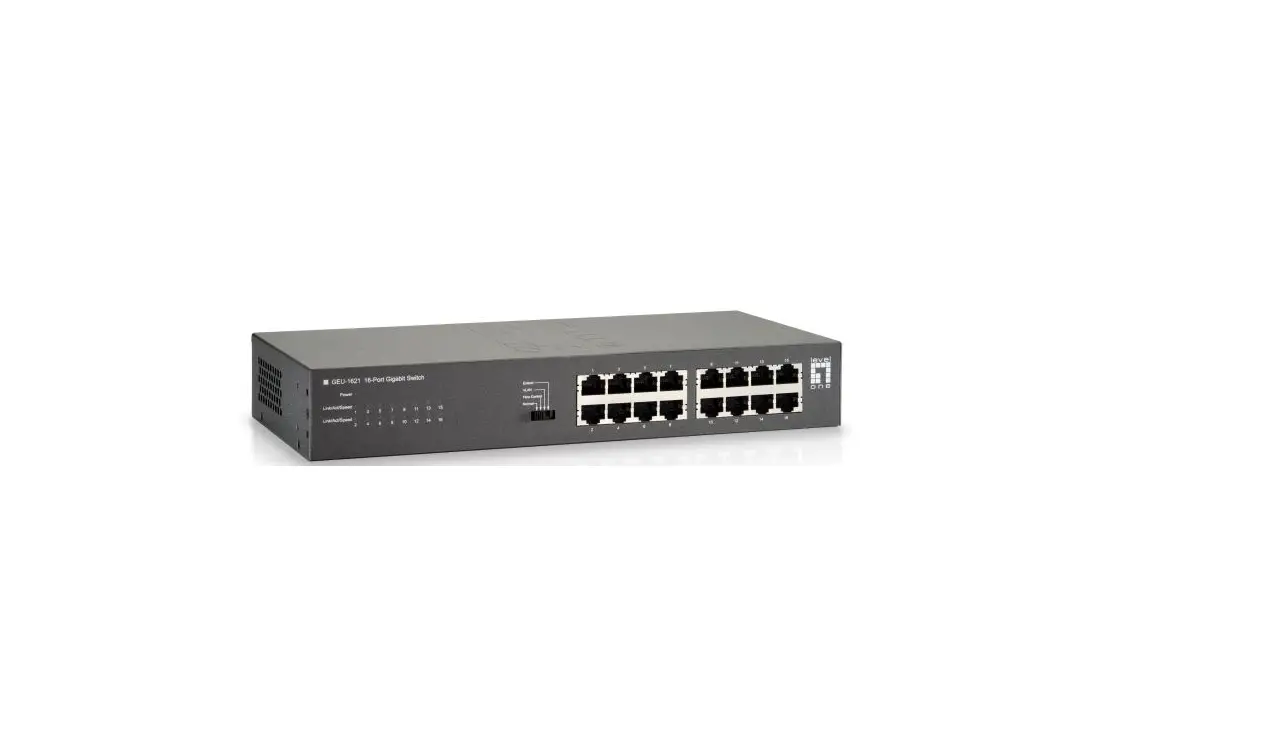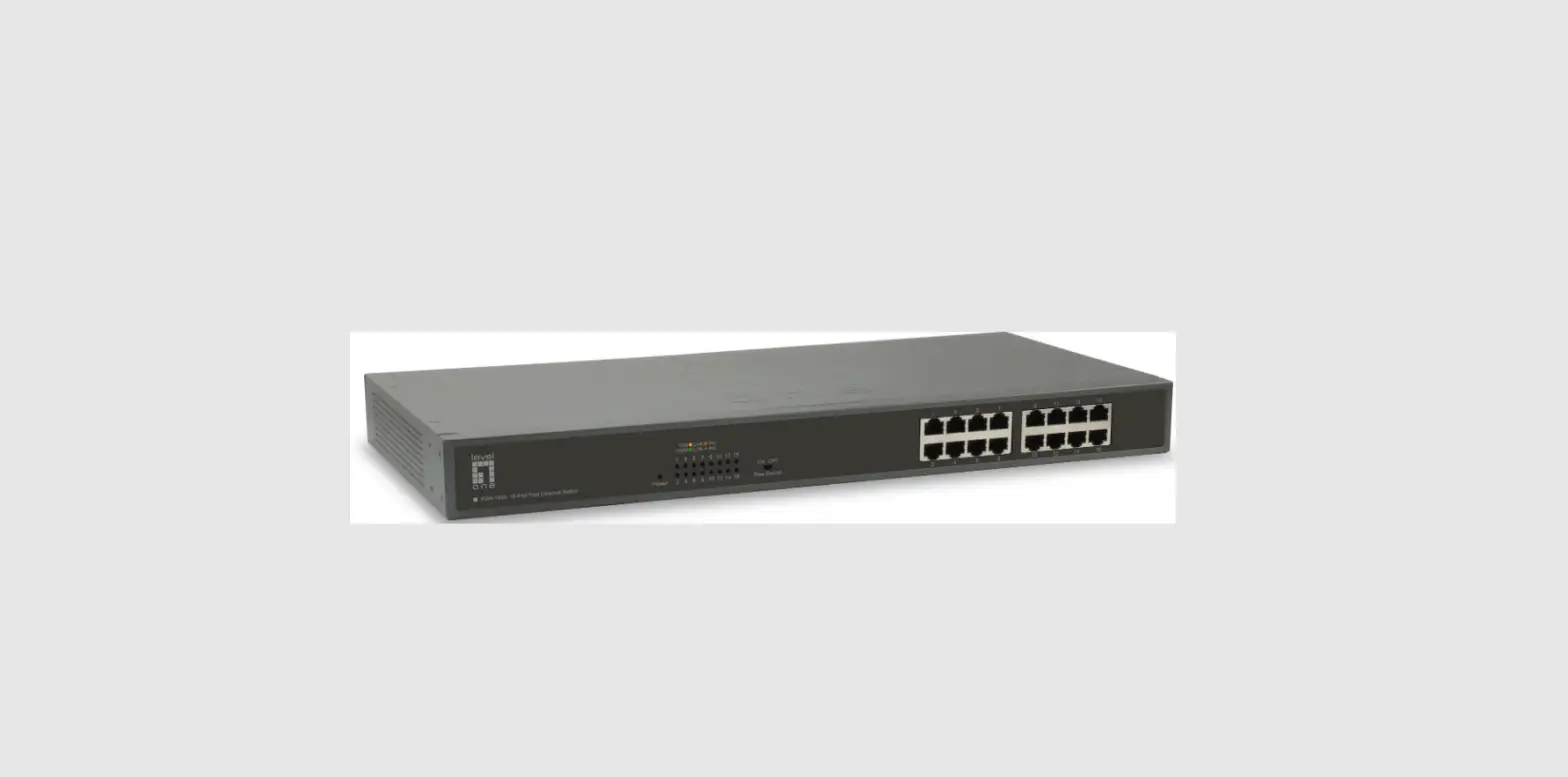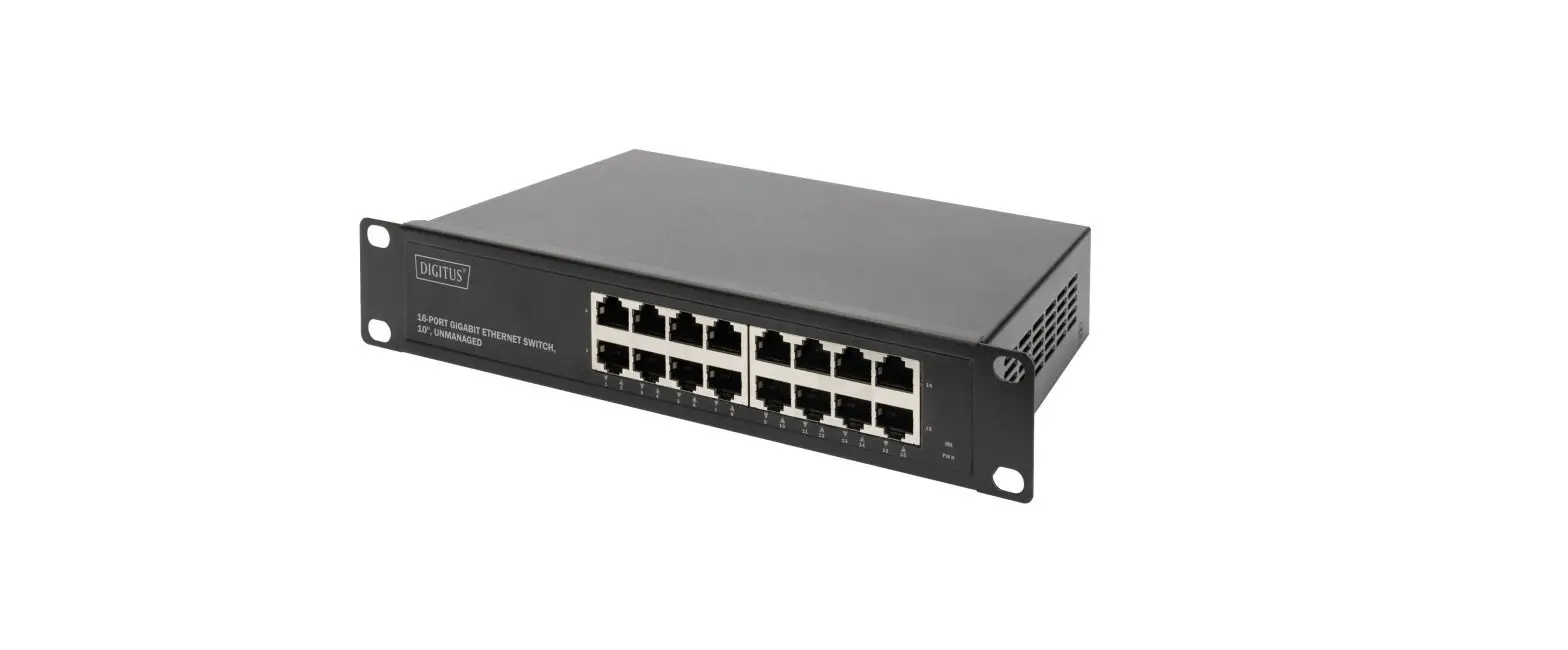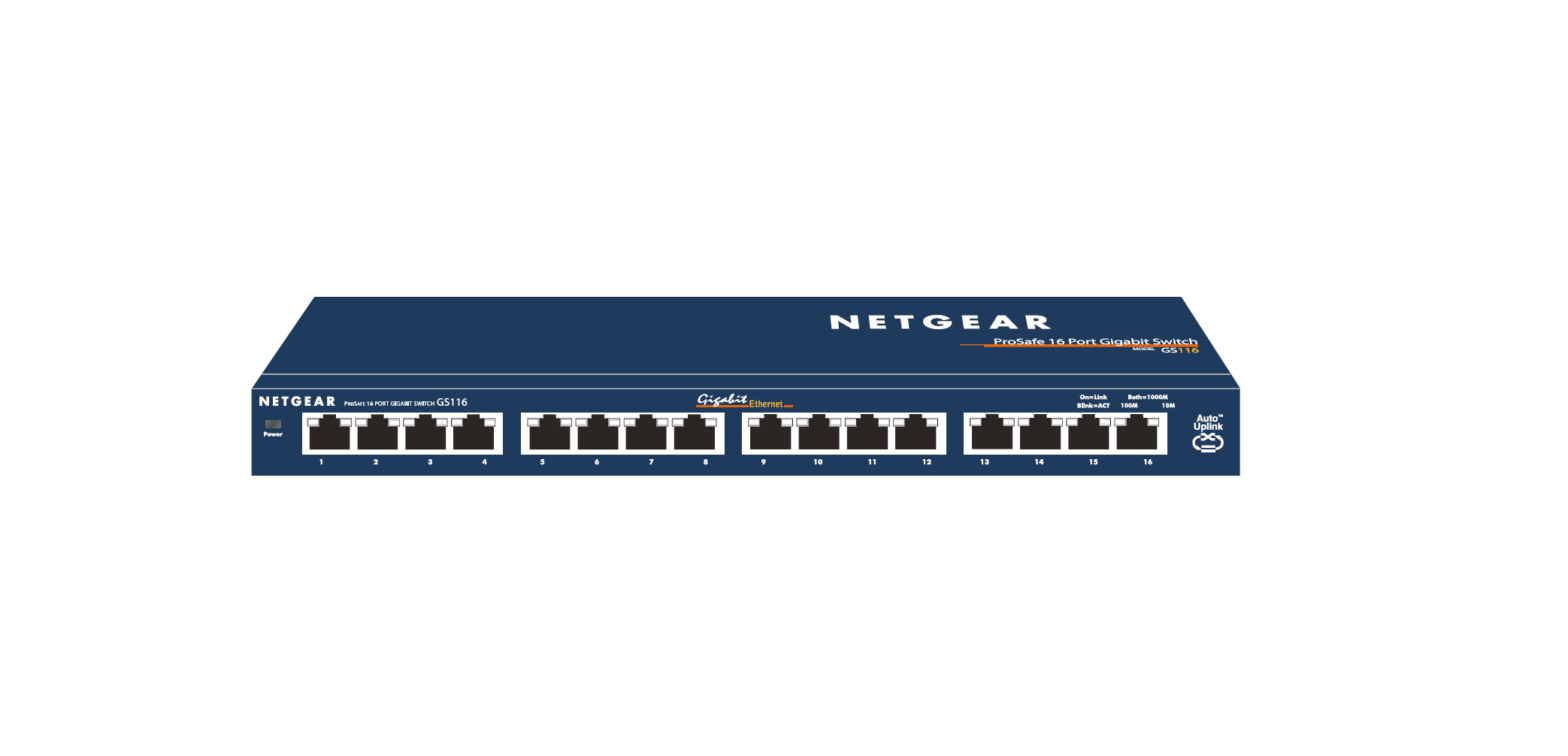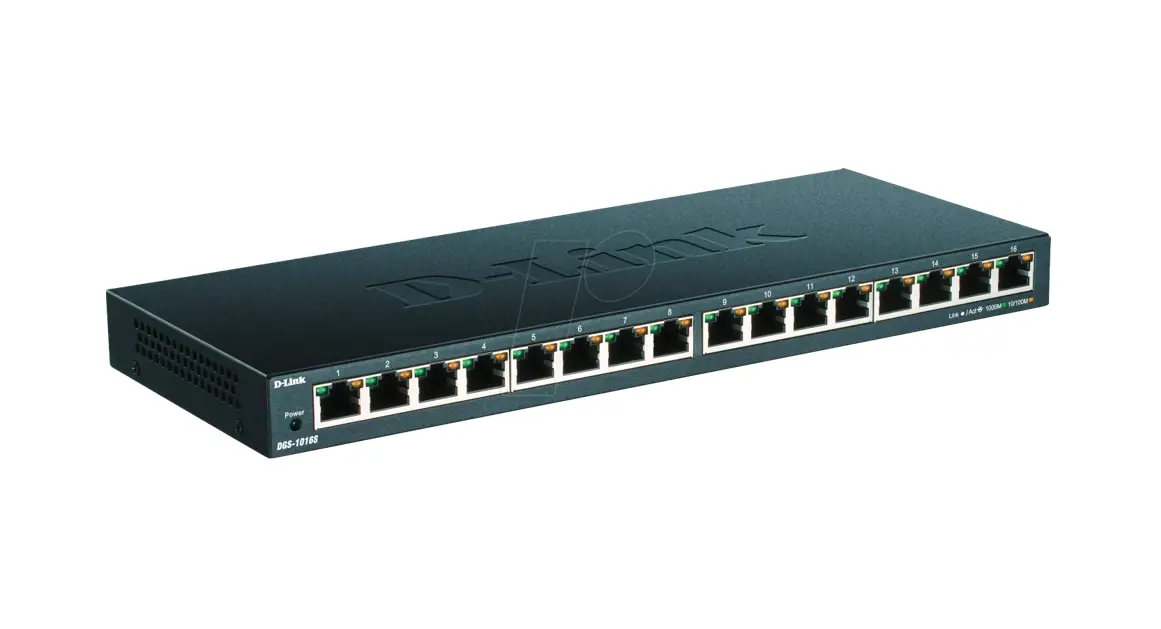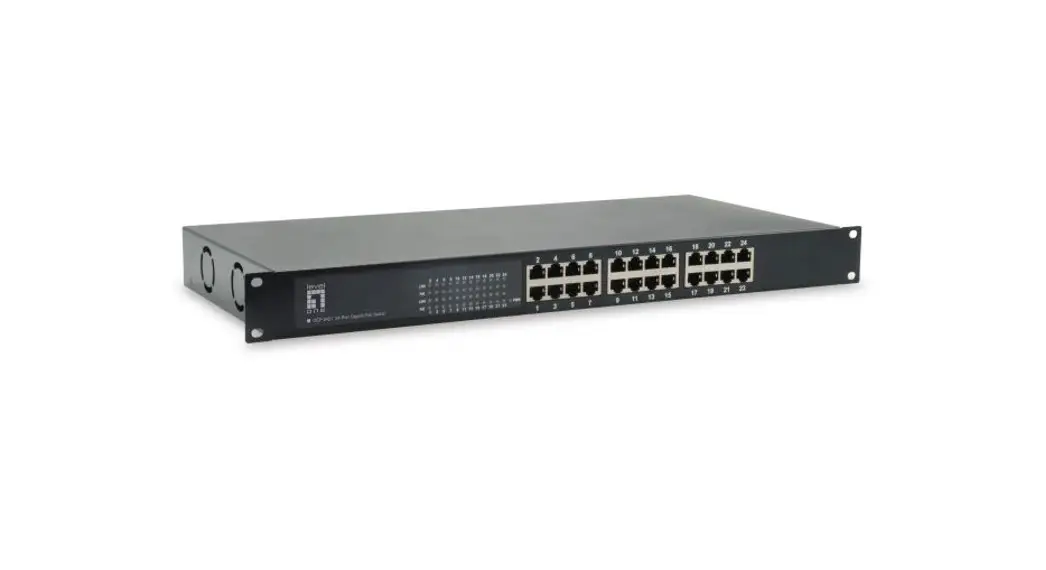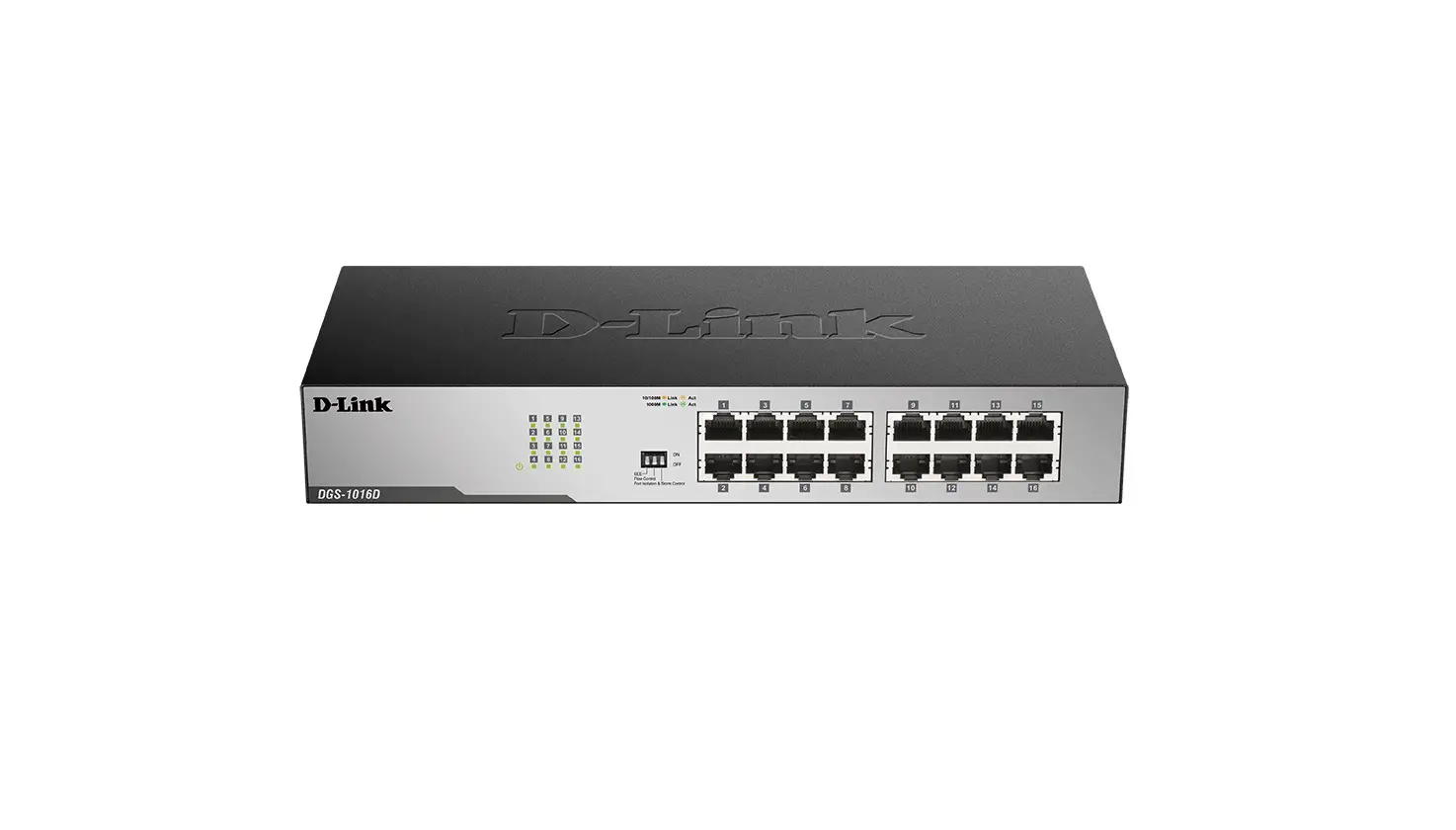

level one GSW-1657 16 Port Gigabit Switch Installation
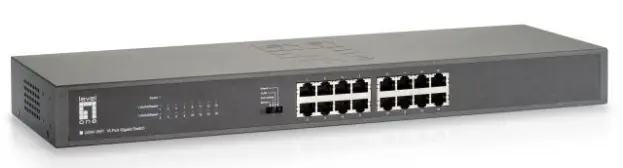
Installation
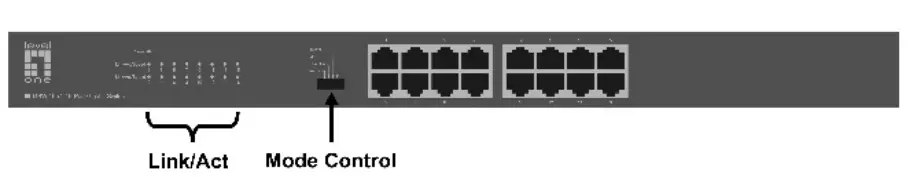
LEDINDICATOR
| LEDIndicator | Status | Meaning |
| Power | Solid green | Power is on. |
| Off | Power is off. | |
| Link/Act/Speed | Solid green | A device is connected to the port at a speed of 1000Mbps |
| Solid orange | A device is connected to the port at a speed of 10/100Mbps | |
| Flashing | Sending or receiving data | |
| Off | The port is NOT connected. |
Mode Control
You can select the switch mode.Normal mode: All ports can communicate with each other.Flow control mode:Flow control function close, all ports cancommunicate with each other.VLAN mode:1~14 ports can not communicate with each other, but can communicate with 15~16 ports. Extend mode:Speed of 1~8 ports is reduced to 10 Mbps, transmission distance can reach 250m.
Connecting Equipment
Step1. Inspect the Power Adapter carefully, and make sure that it is properly connected to a power source.
Step2. Plug-in the Power Adapter to the Switch.
Step3. Connect your network devices with the switch by using Ethernet cable. (e.g. Cat-5e)