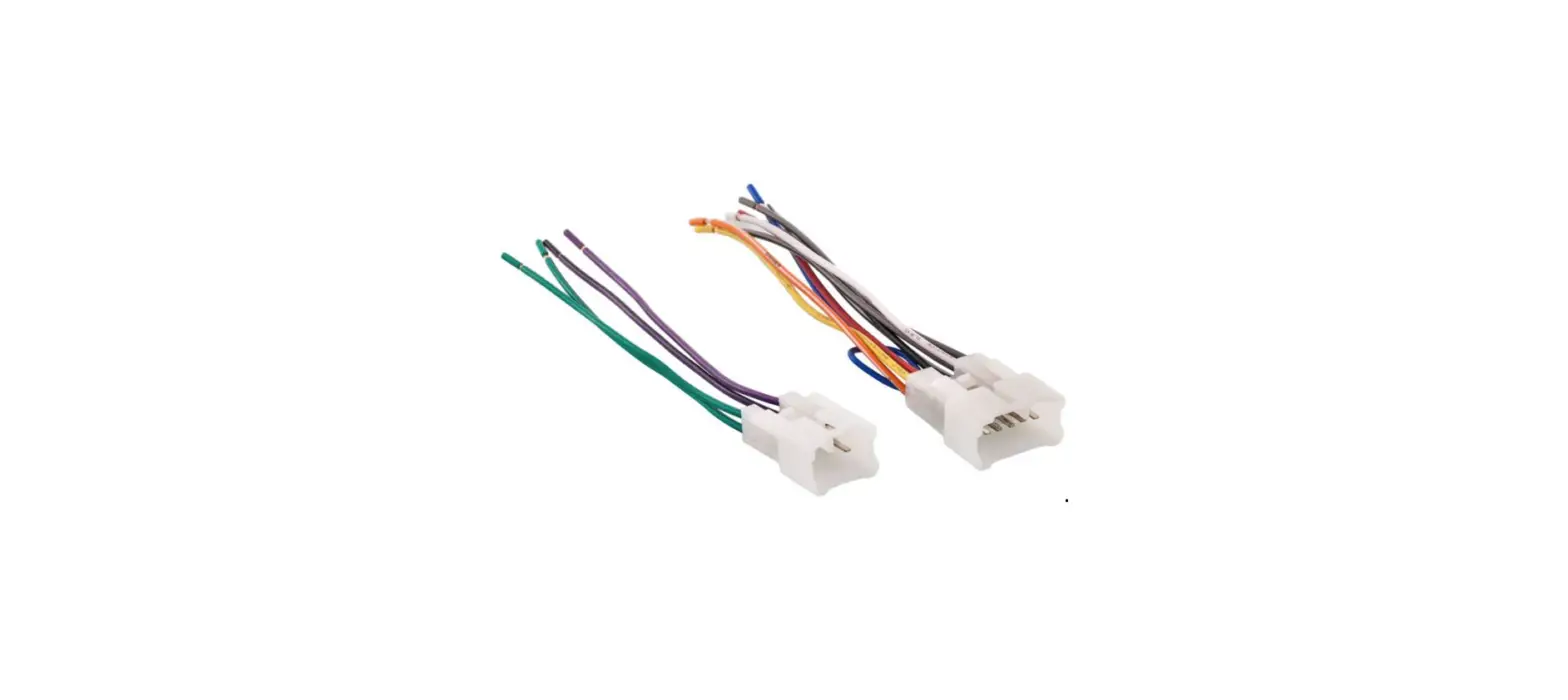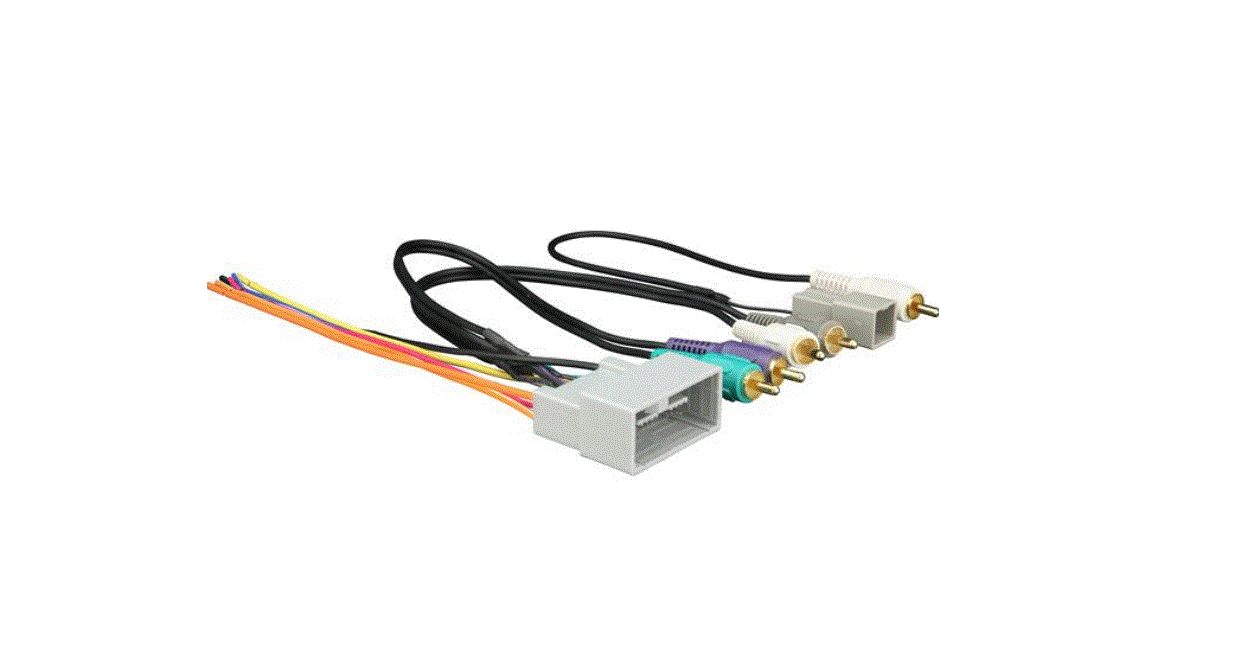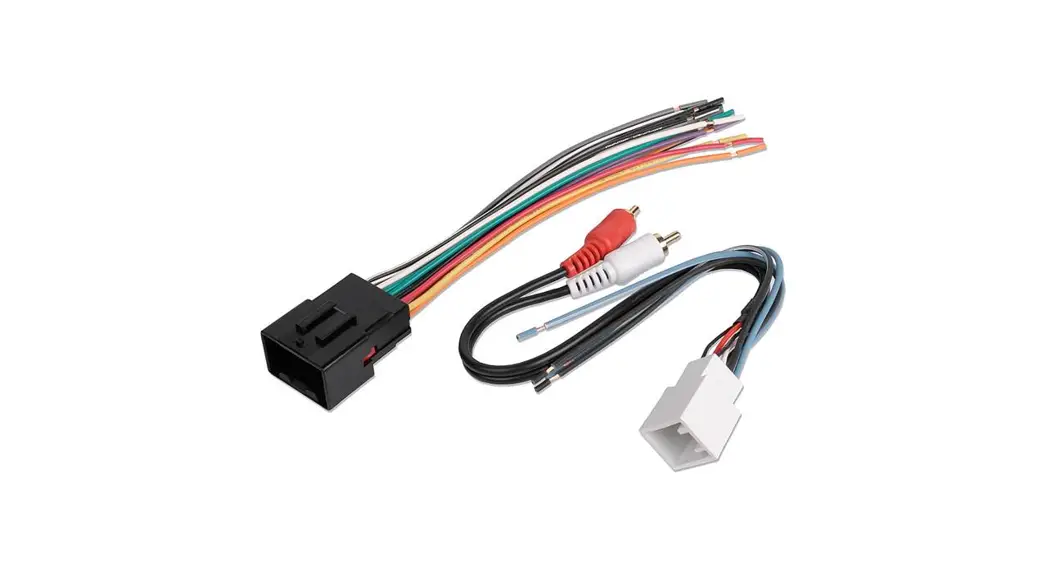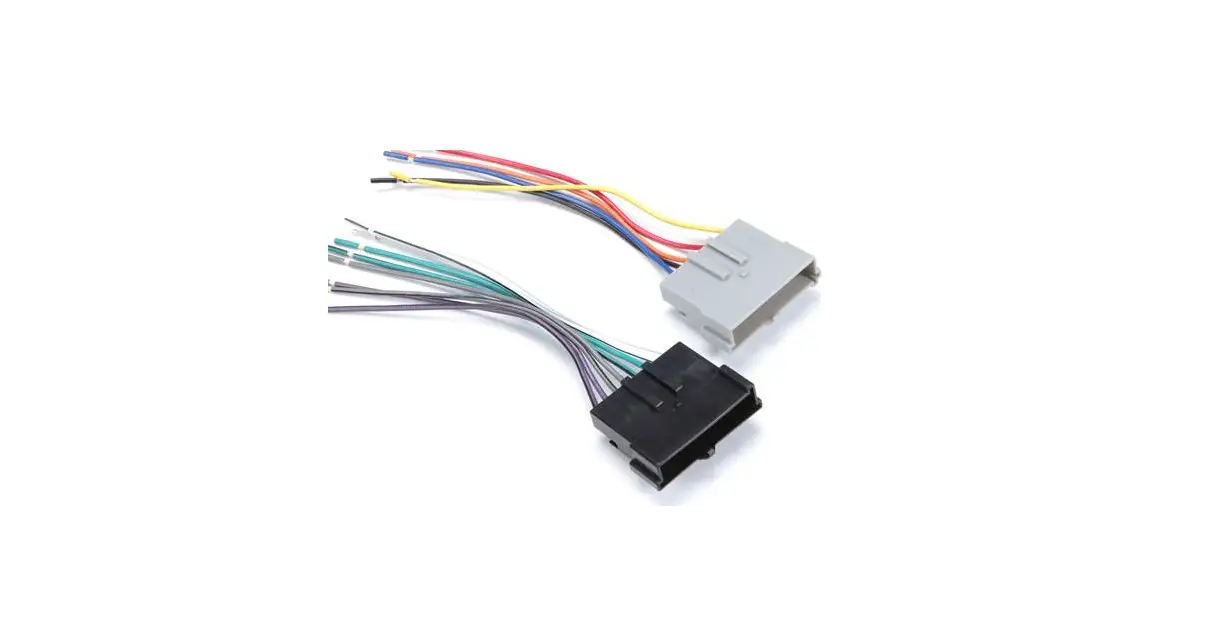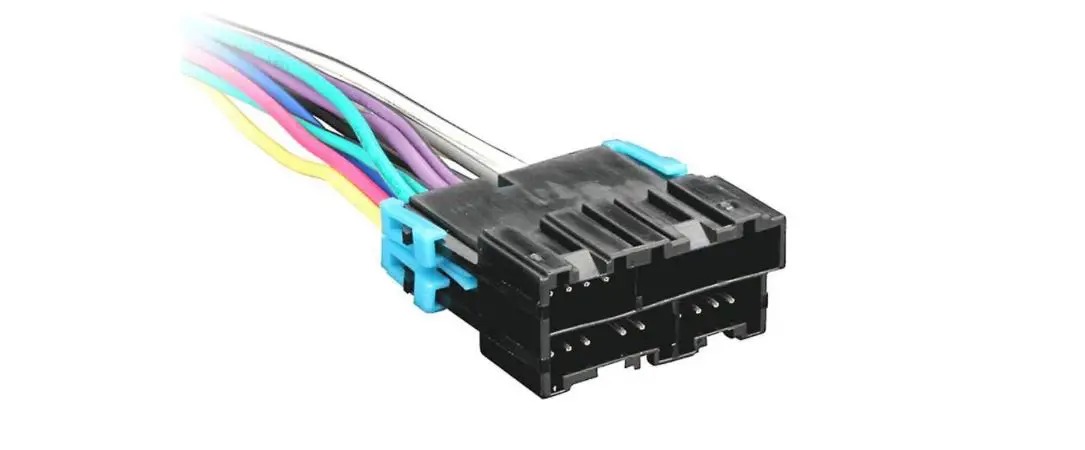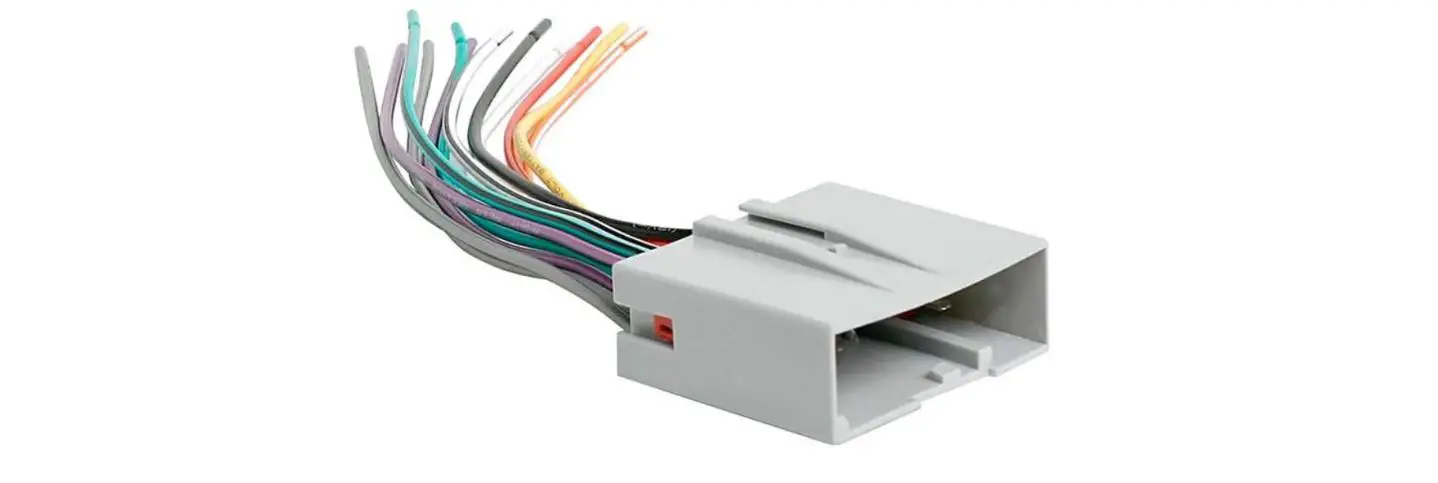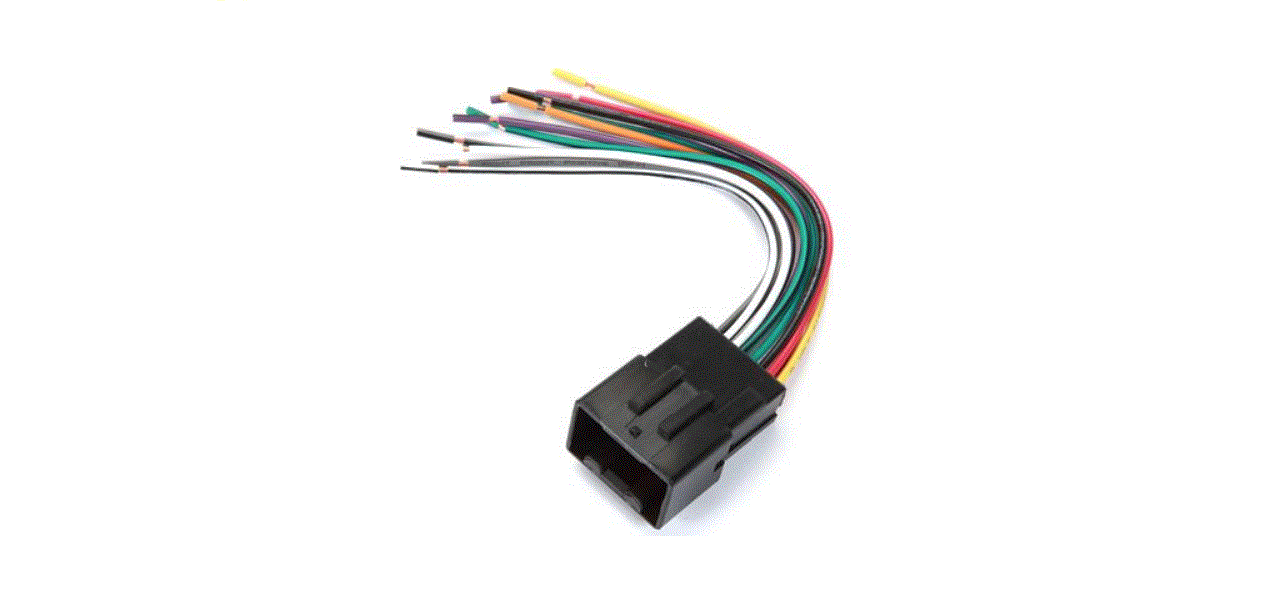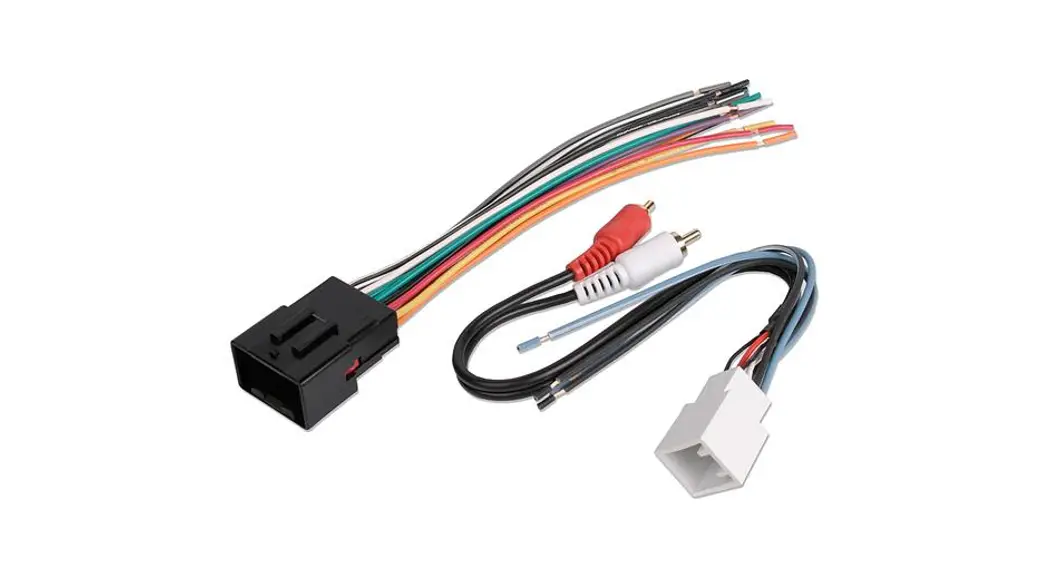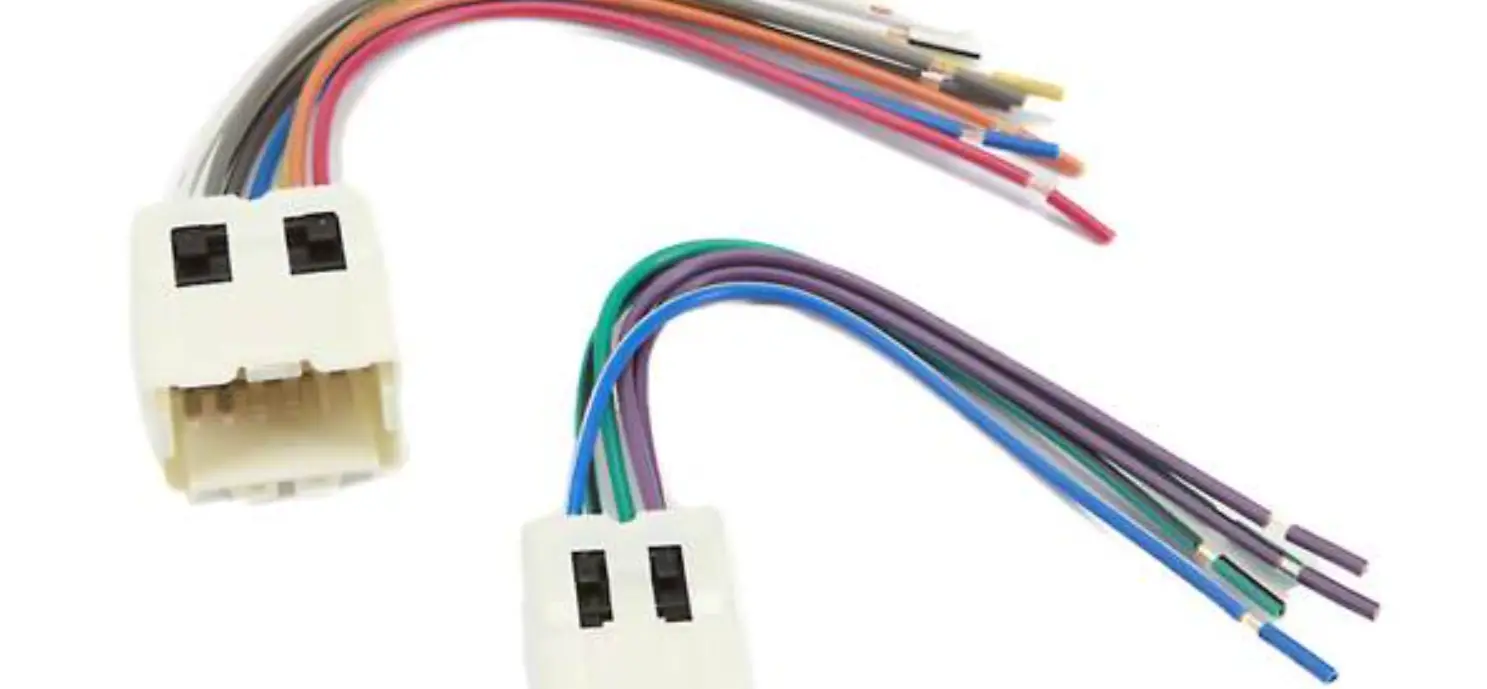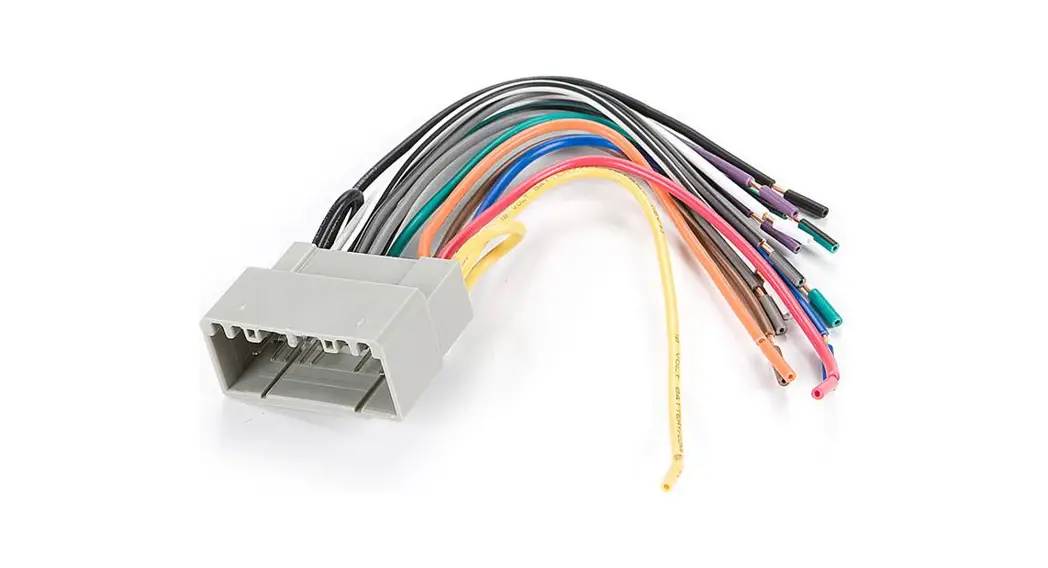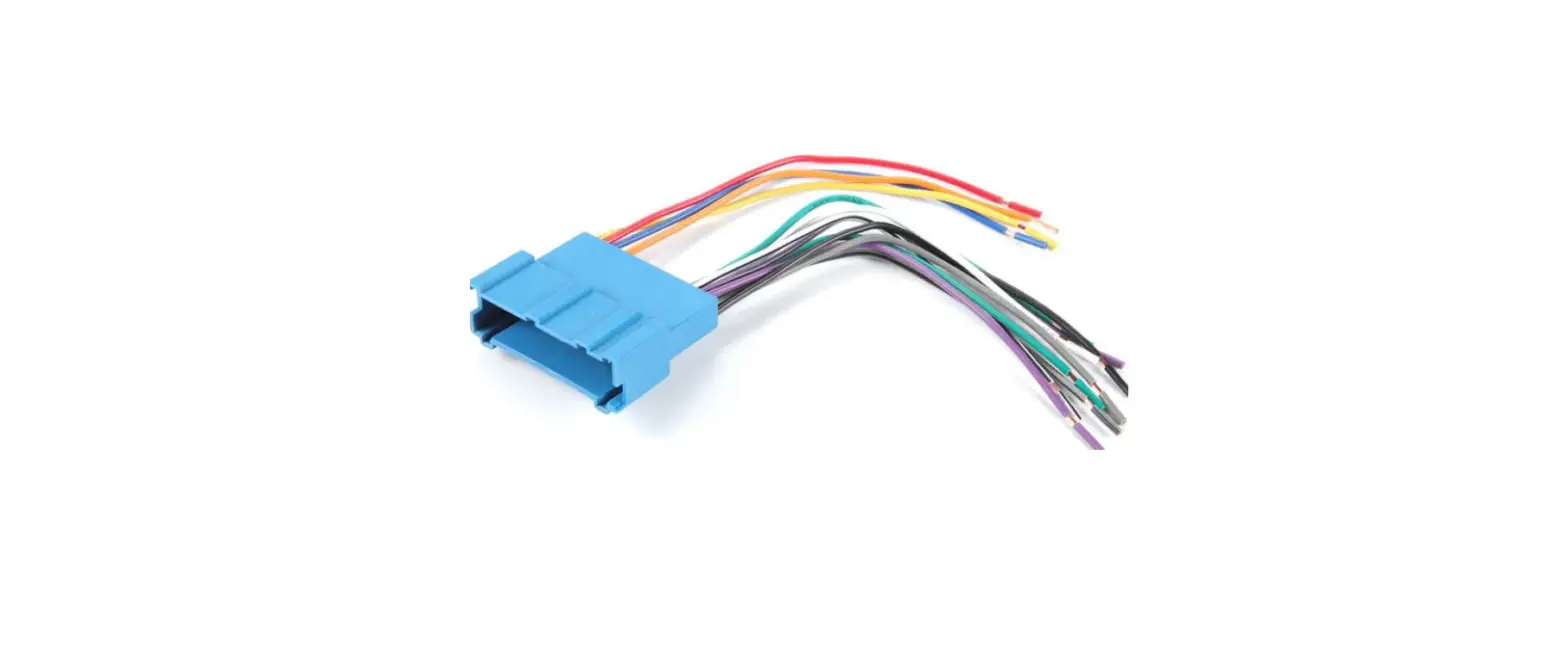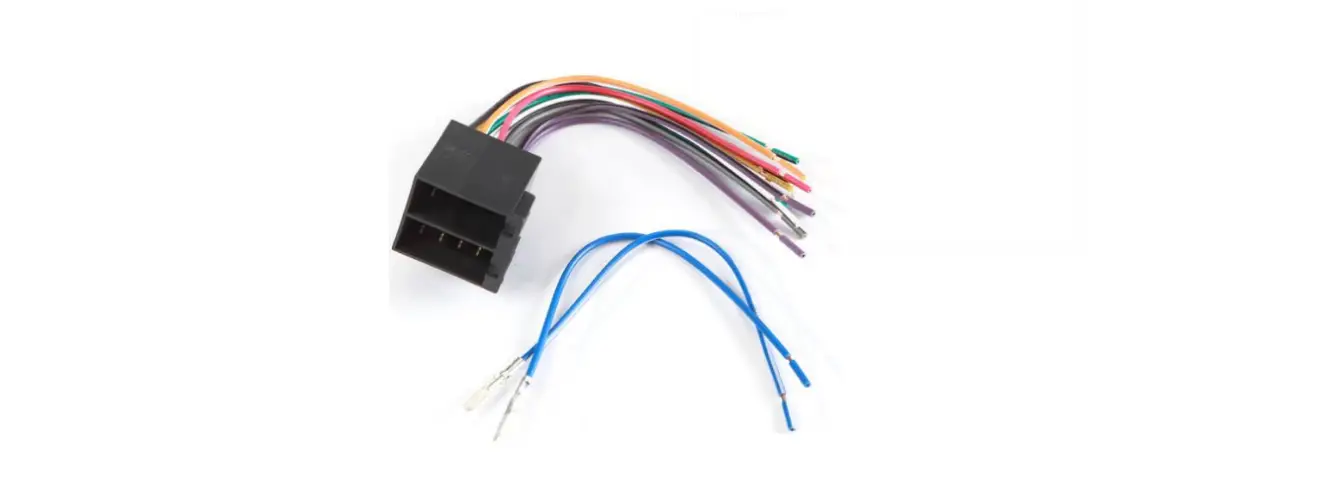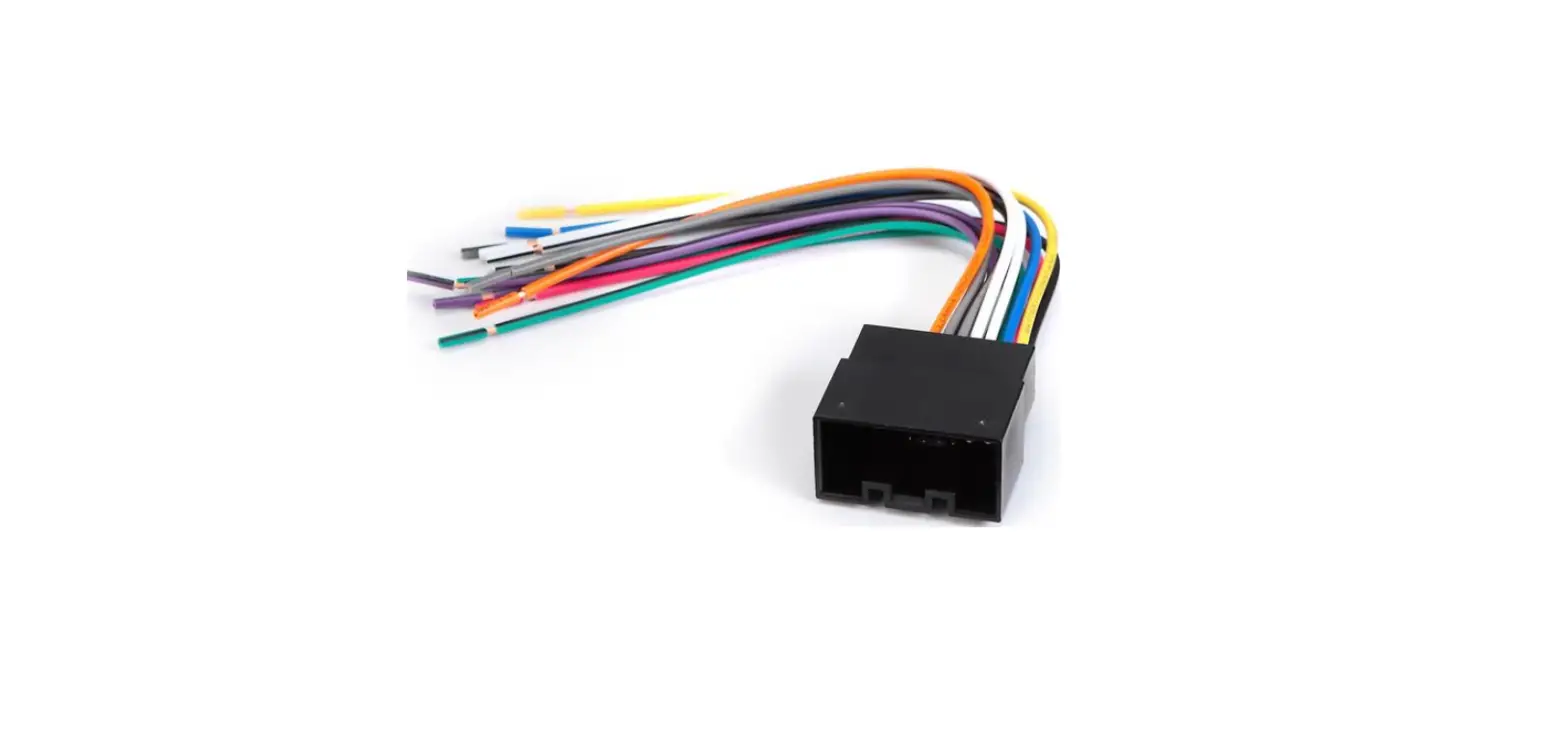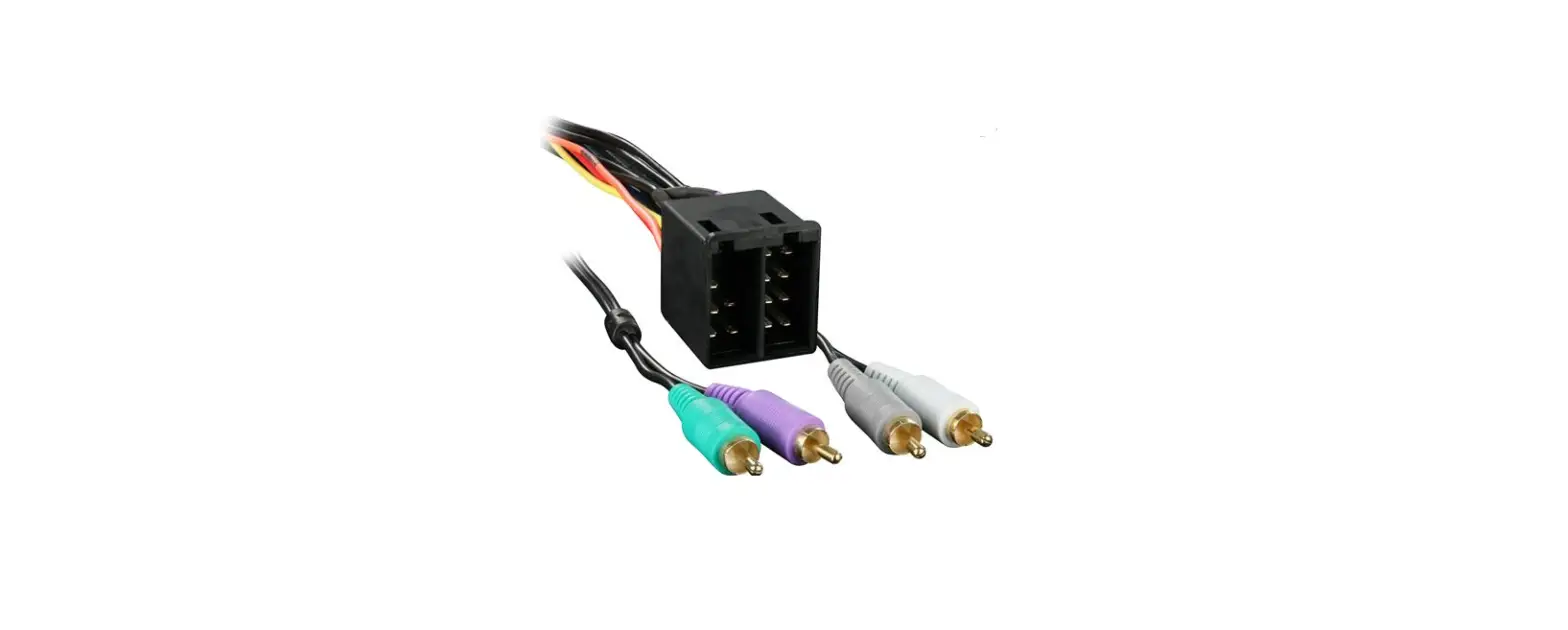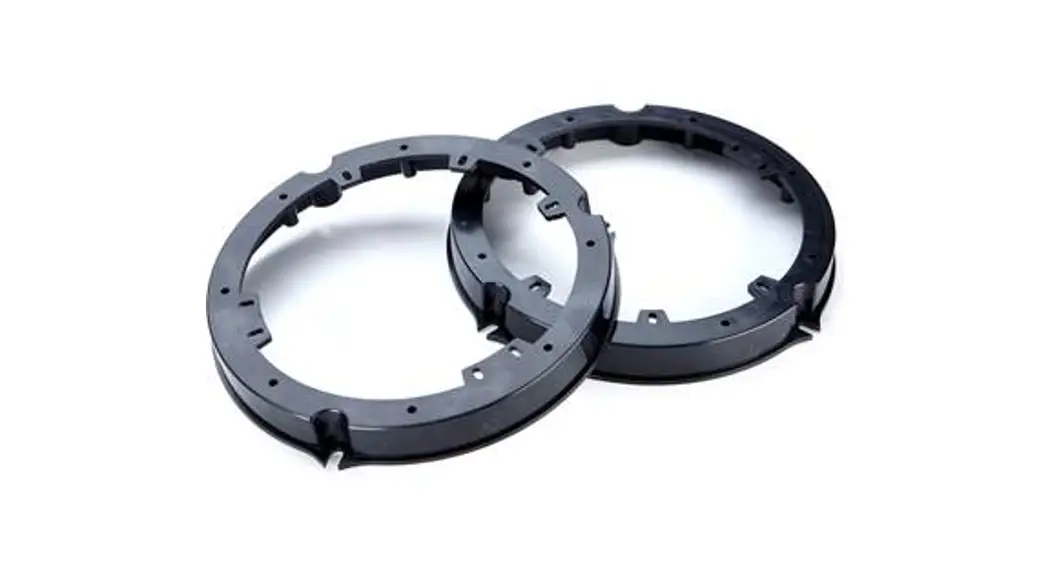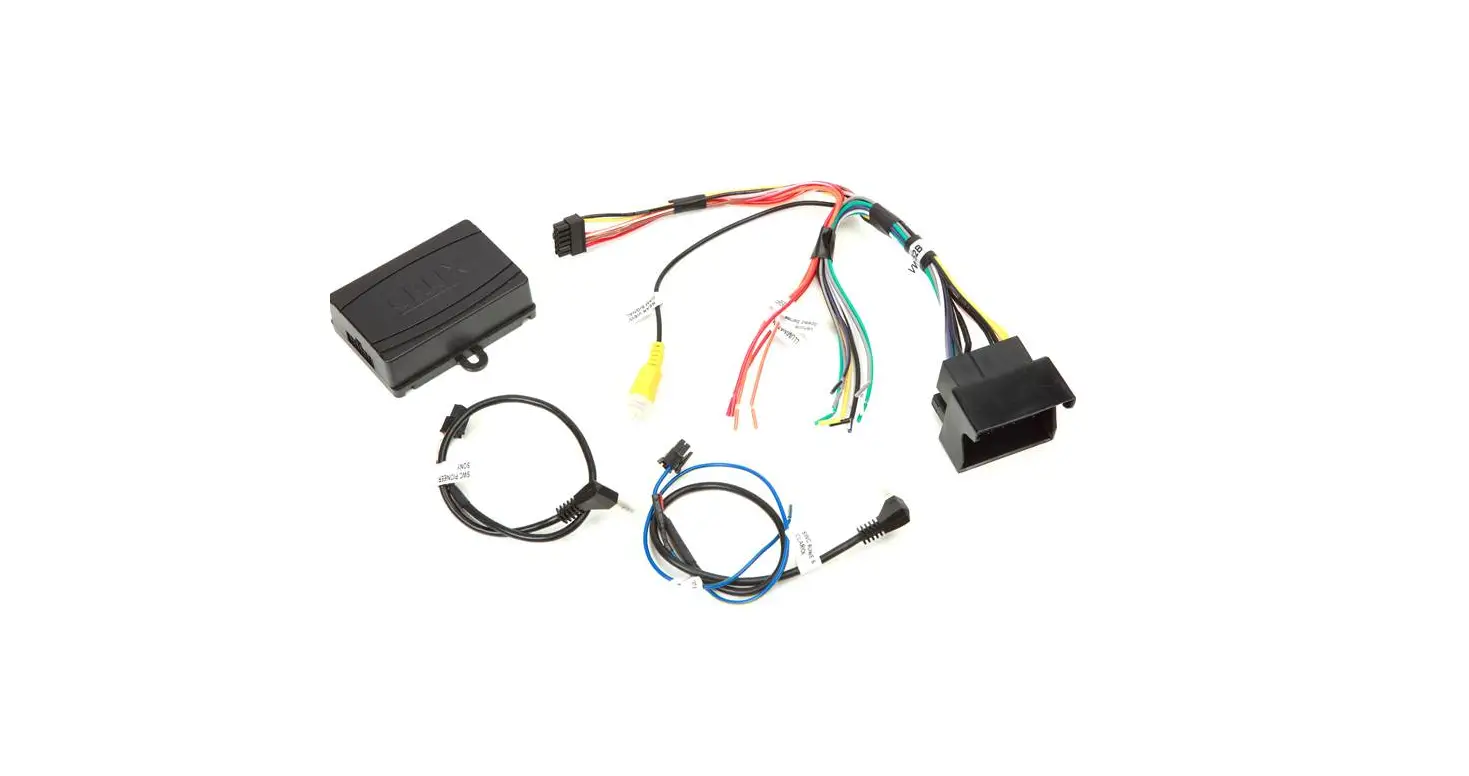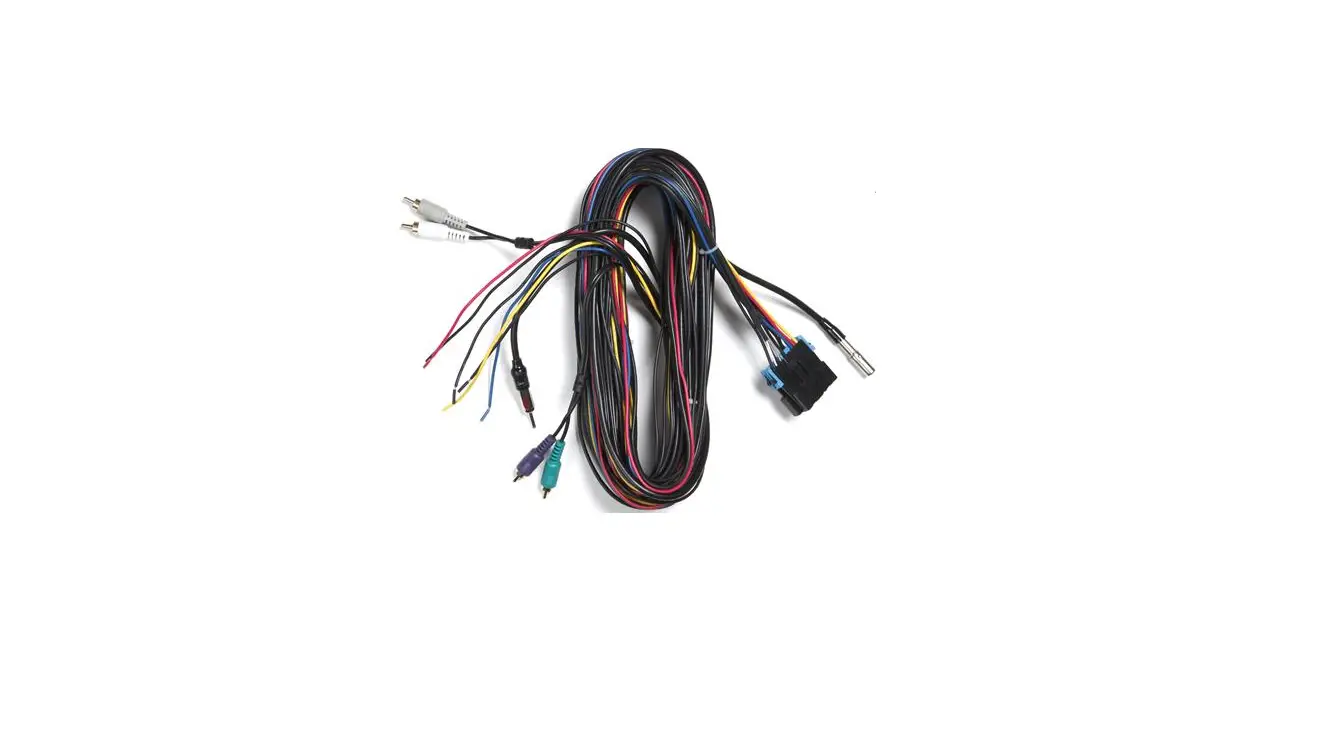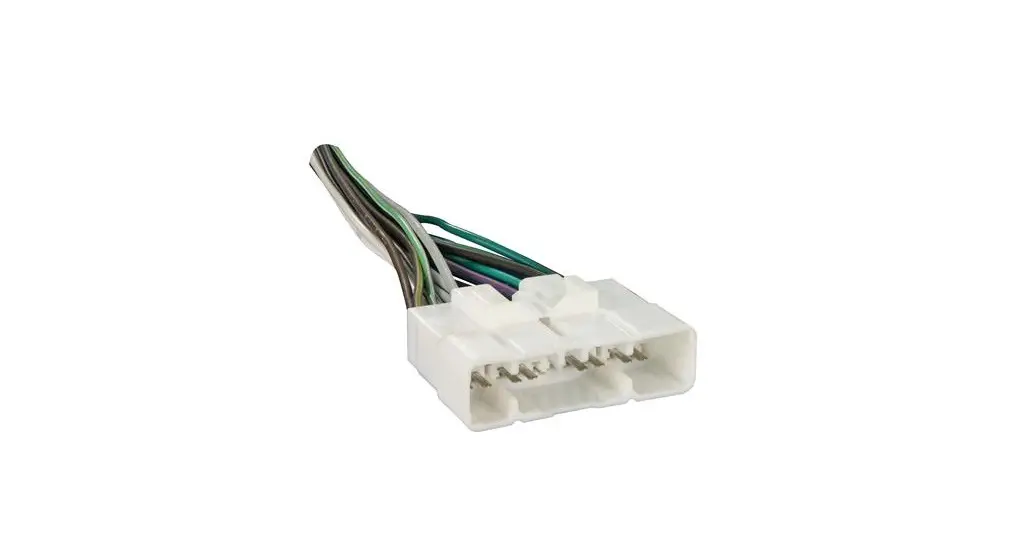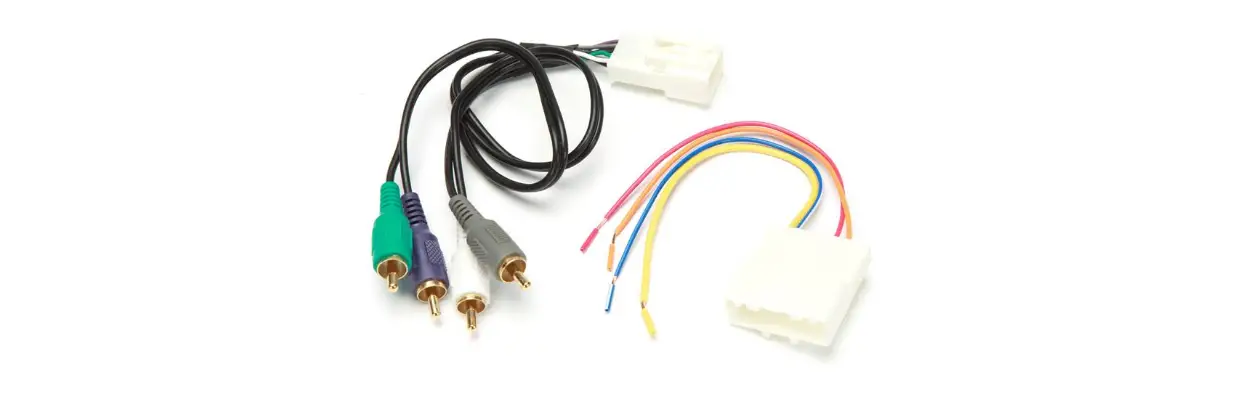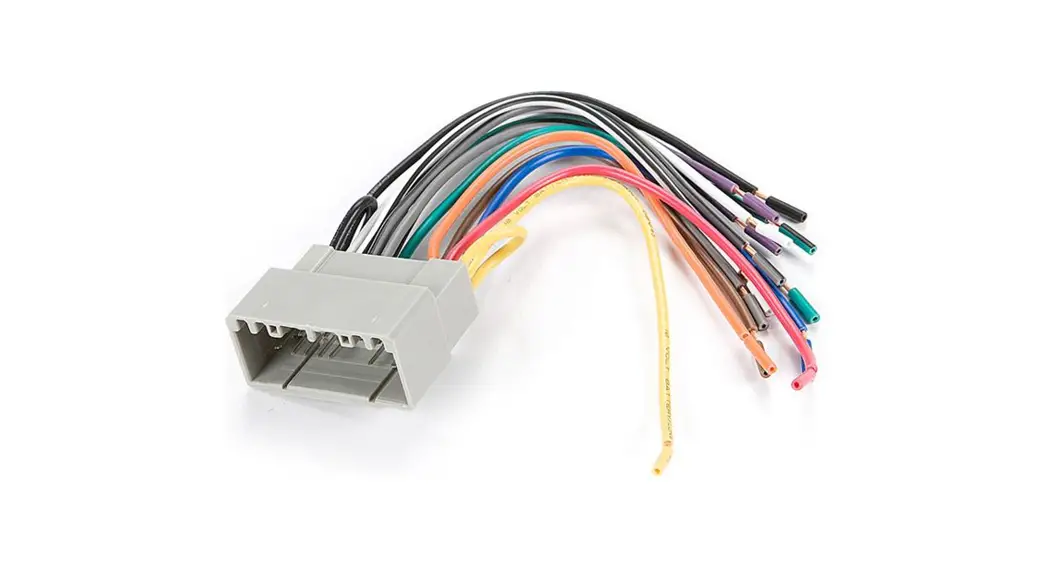
 Receiver Wiring Adaptor
120 70-2001
Revision 08/31/22
IMPORTANT
Before starting, compare items on your invoice with items received. Thoroughly check packing materials. If an item is missing, please call Crutchfield at 1-888-955-6000.
STEP 1 — MATCH & CONNECT WIRES
A. Match wires below to the matching function of each wire on your receiver (refer to instructions supplied with the receiver). The wire colors of your new receiver may, or may not, match the wire colors of the adaptor. Match adaptor and receiver wires by function, disregarding color.
B. Individually tape off any unused wires.
C. Make final wiring connections following the instructions on the next page.
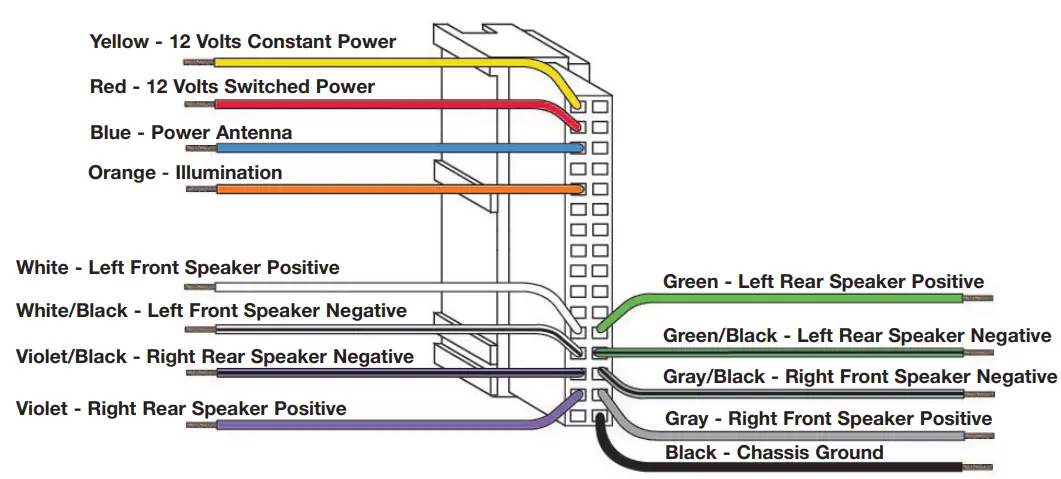
Receiver Wiring Adaptor Connections
STEP 2 — CRIMP CONNECTIONS
Tools & Parts
Required4
Wire Stripper/Crimp Tool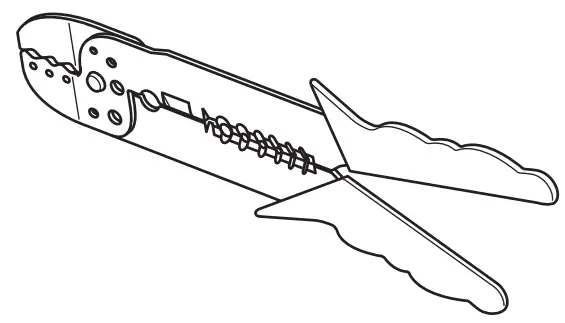
Crimp Caps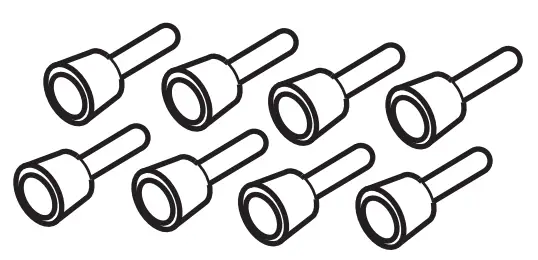
A. Strip wires back 1/2”.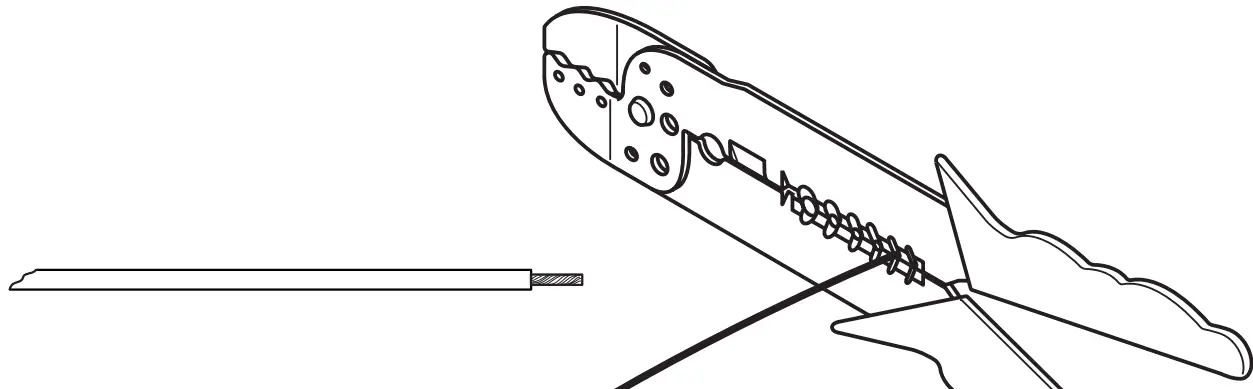
B. Twist wires together and insert in crimp cap.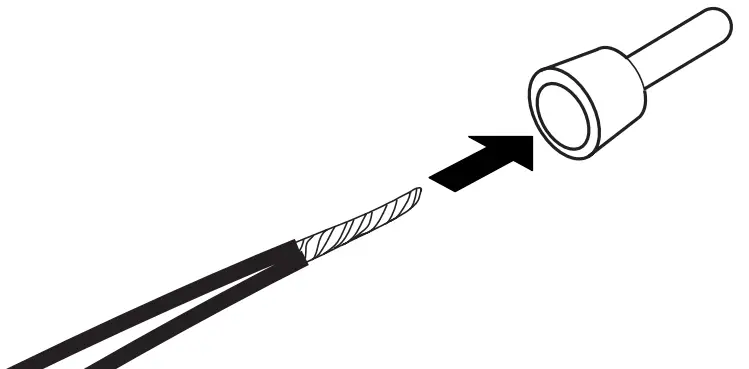
C. Squeeze the middle of cap for a tight connection.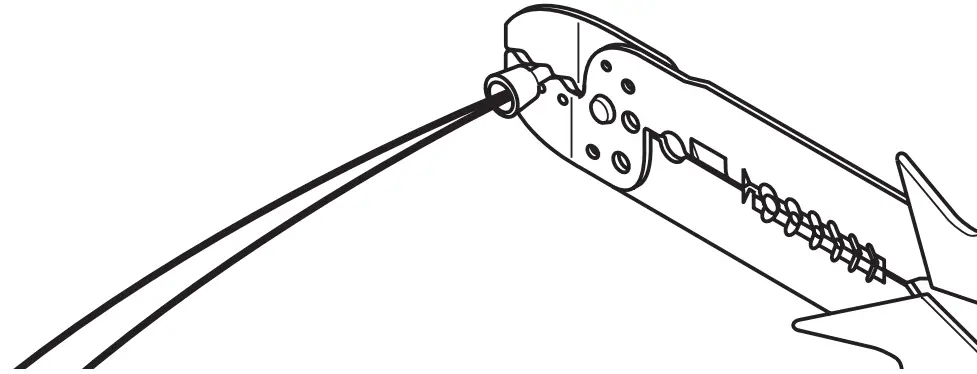
STEP 2 — CONTINUED
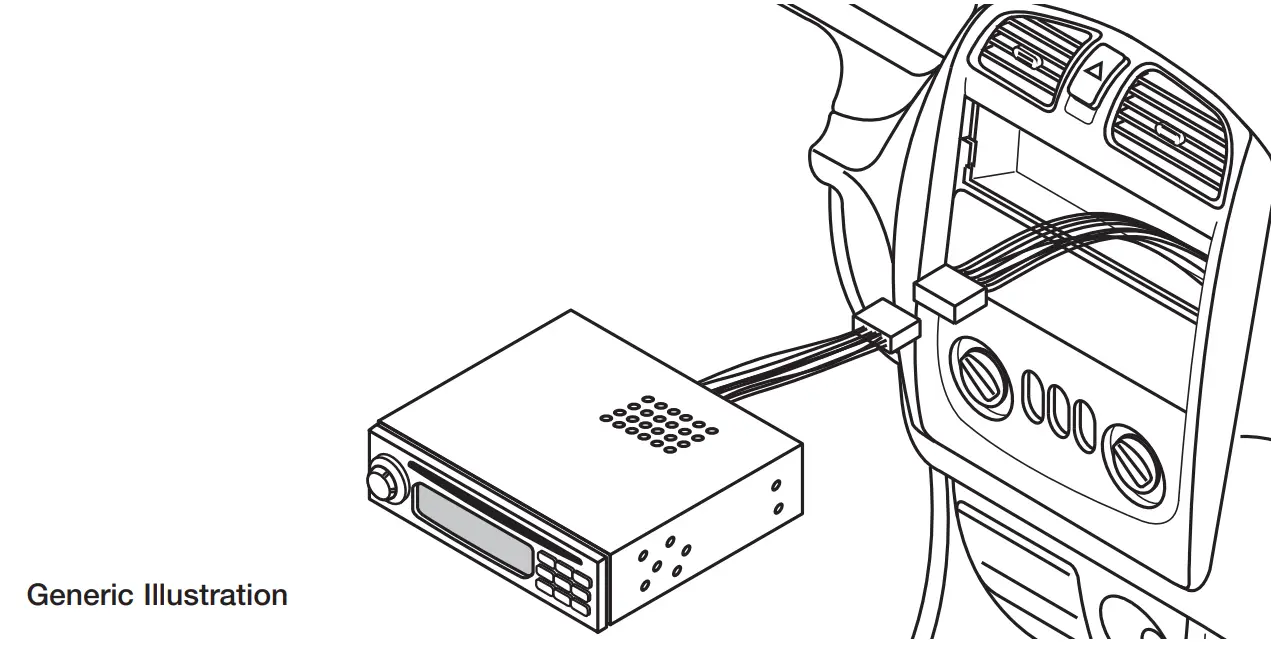
D. Complete crimp connections for all necessary wires.Generic Illustration
E. Be sure to wrap any wires from the Wiring Adaptor that are not necessary (wires with no match from the new receiver) with electrical tape.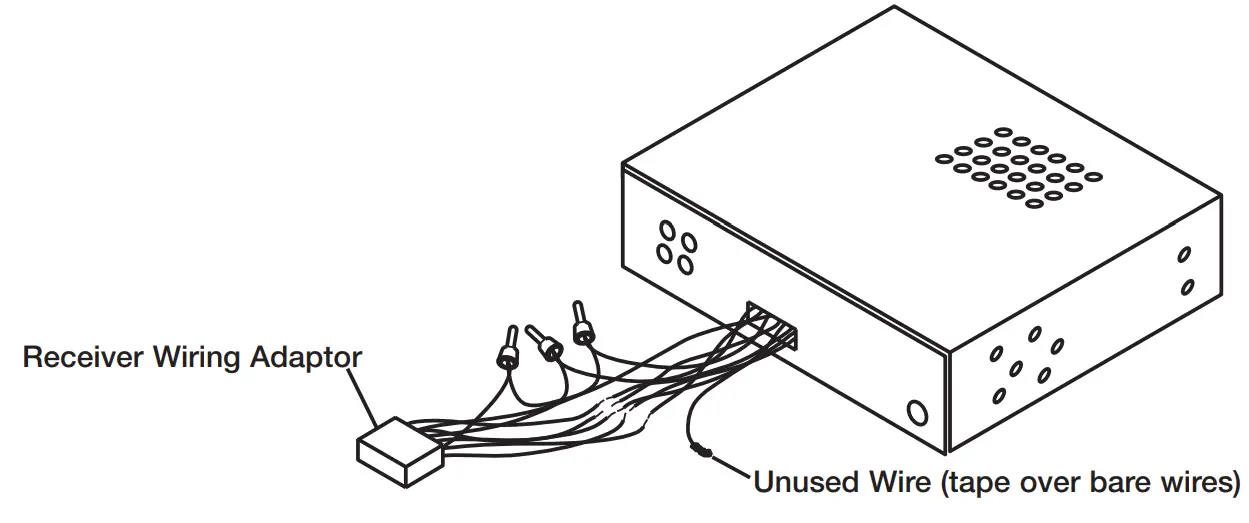
STEP 3 — APPLICATION
When ready to install the receiver, plug the Wiring Adaptor from the new receiver or receiver assembly into the factory radio harness(es) in the vehicle dash.