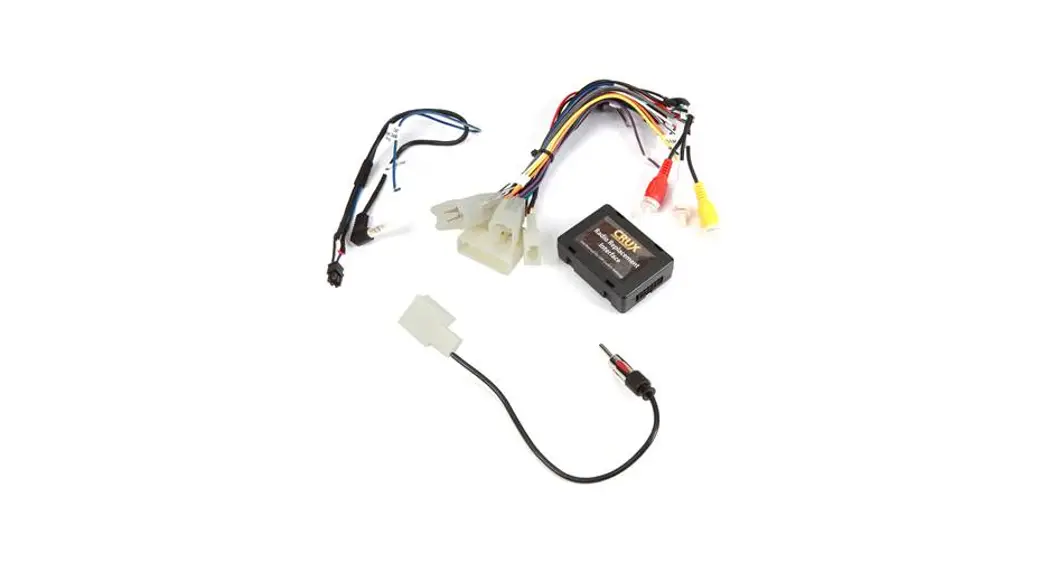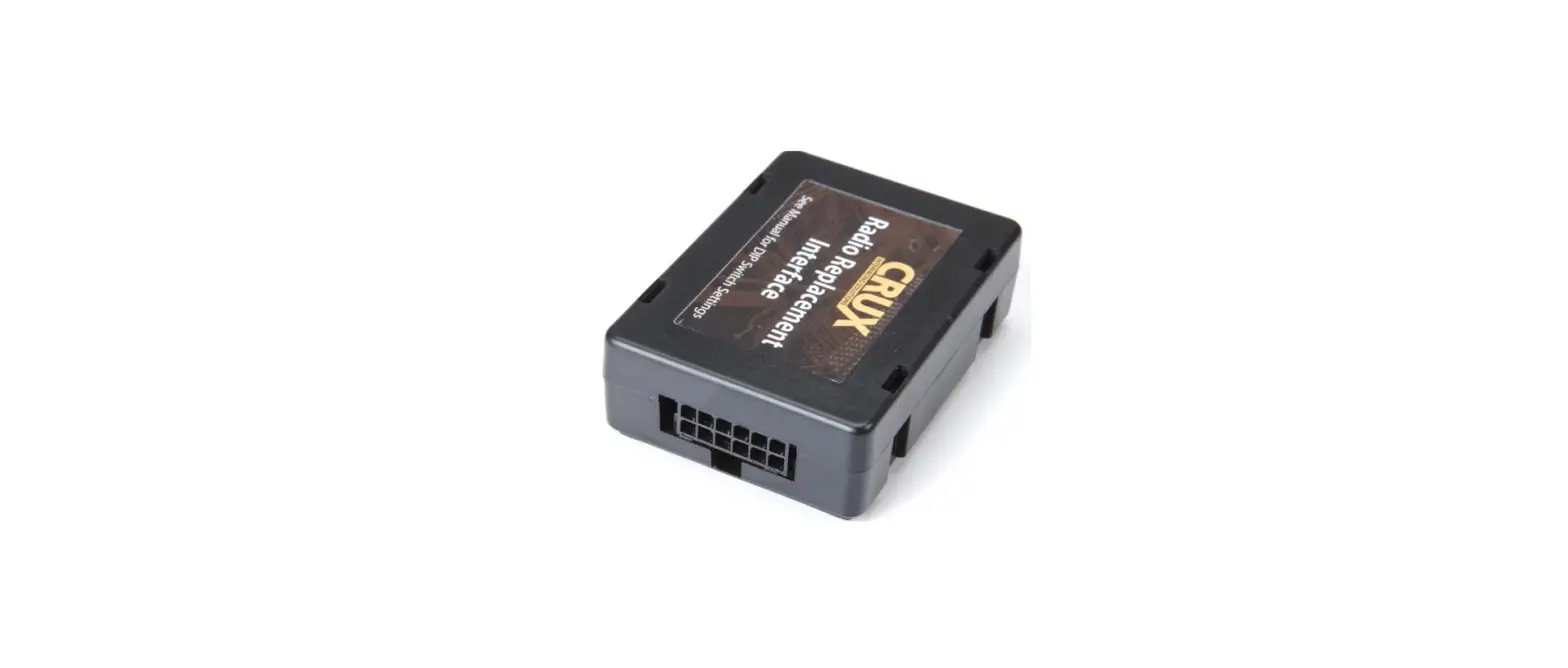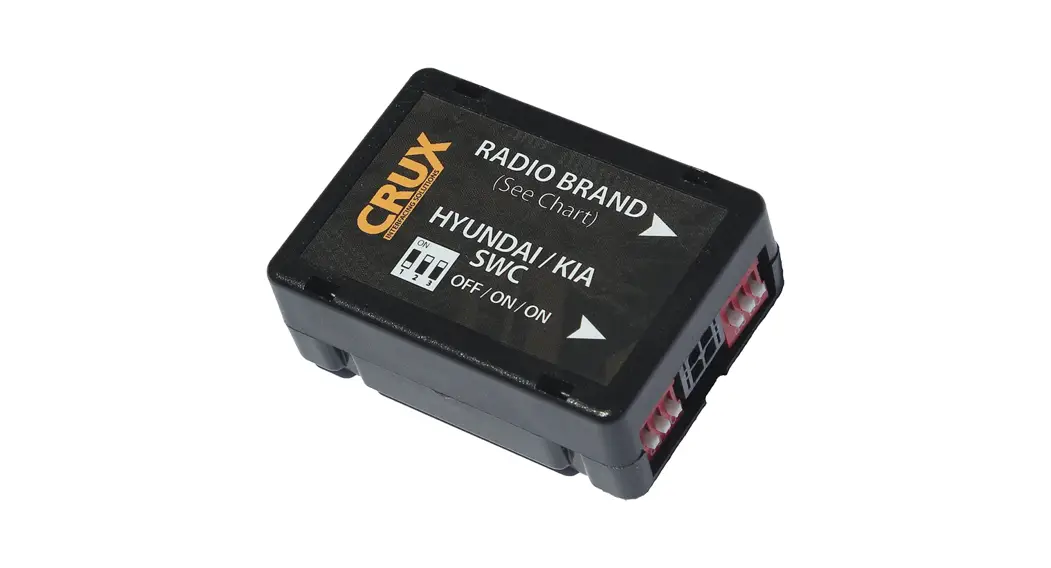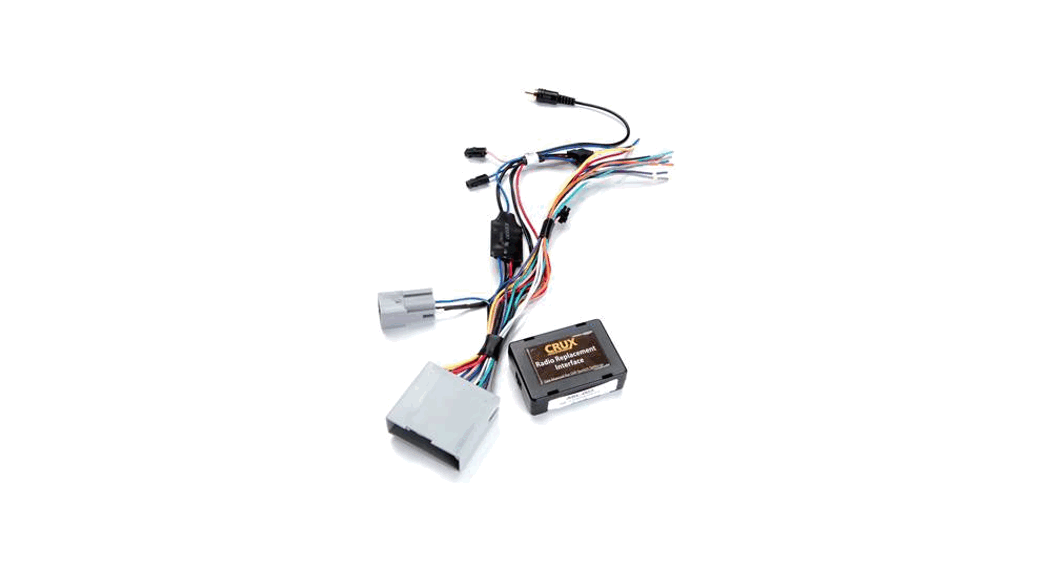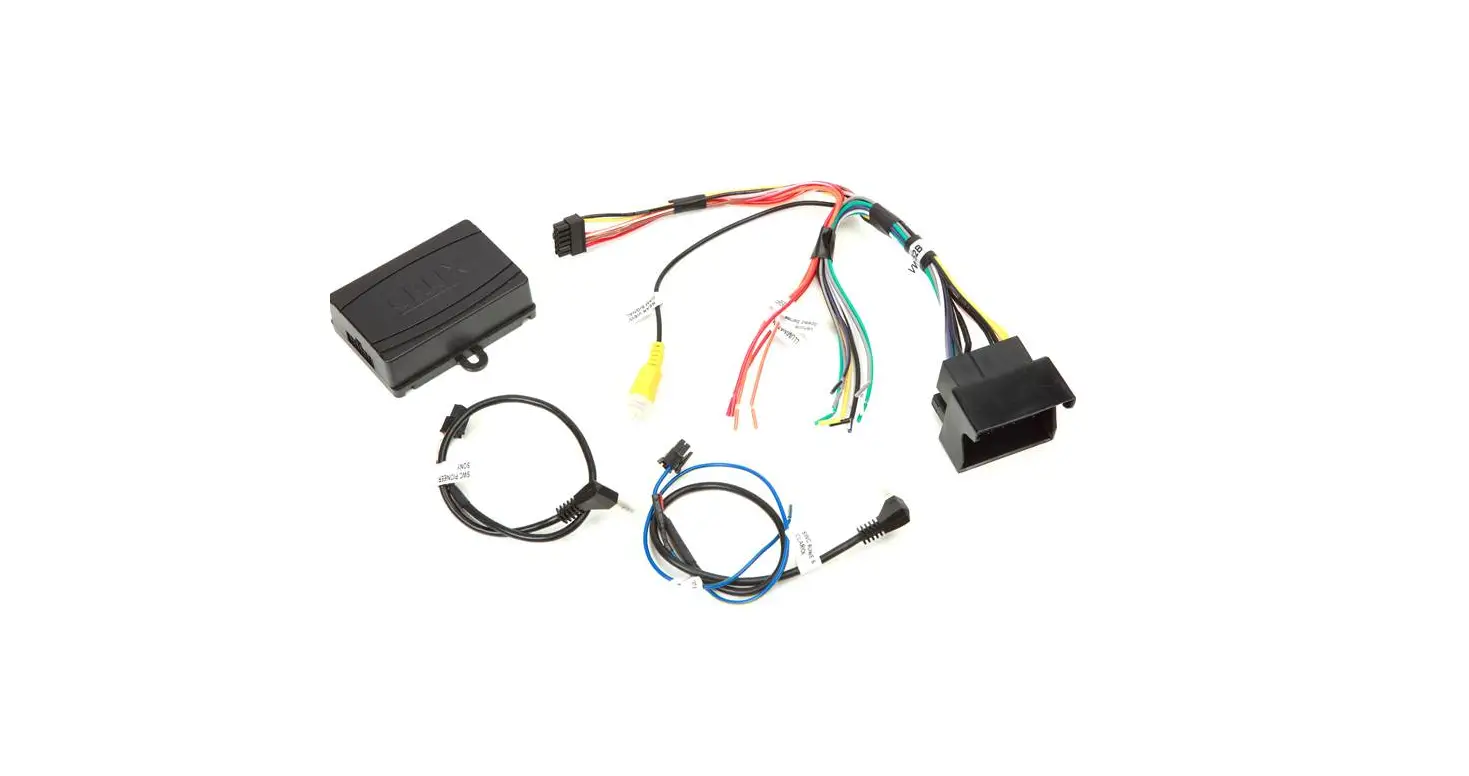

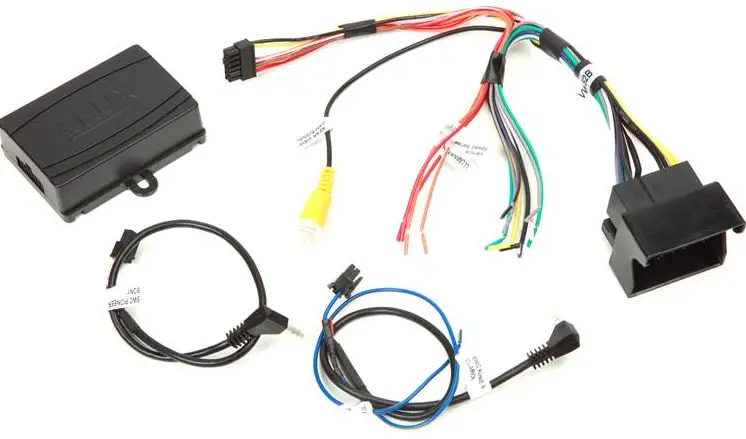
CRUX SWRVW-52B Wiring Interface Connect a new car stereo
PRODUCT FEATURES
- Retains factory features in select Volkswagen vehicles while functioning with an aftermarket radio.
- Retains factory Steering Wheel Control functions.
- Retains factory backup camera.
NOTES:
- Driver information display will show the last information that was shown prior to removing the factory radio.
- This interface does not retain the factory Bluetooth or Sirius Satellite Radio.
- Not compatible with amplified systems.
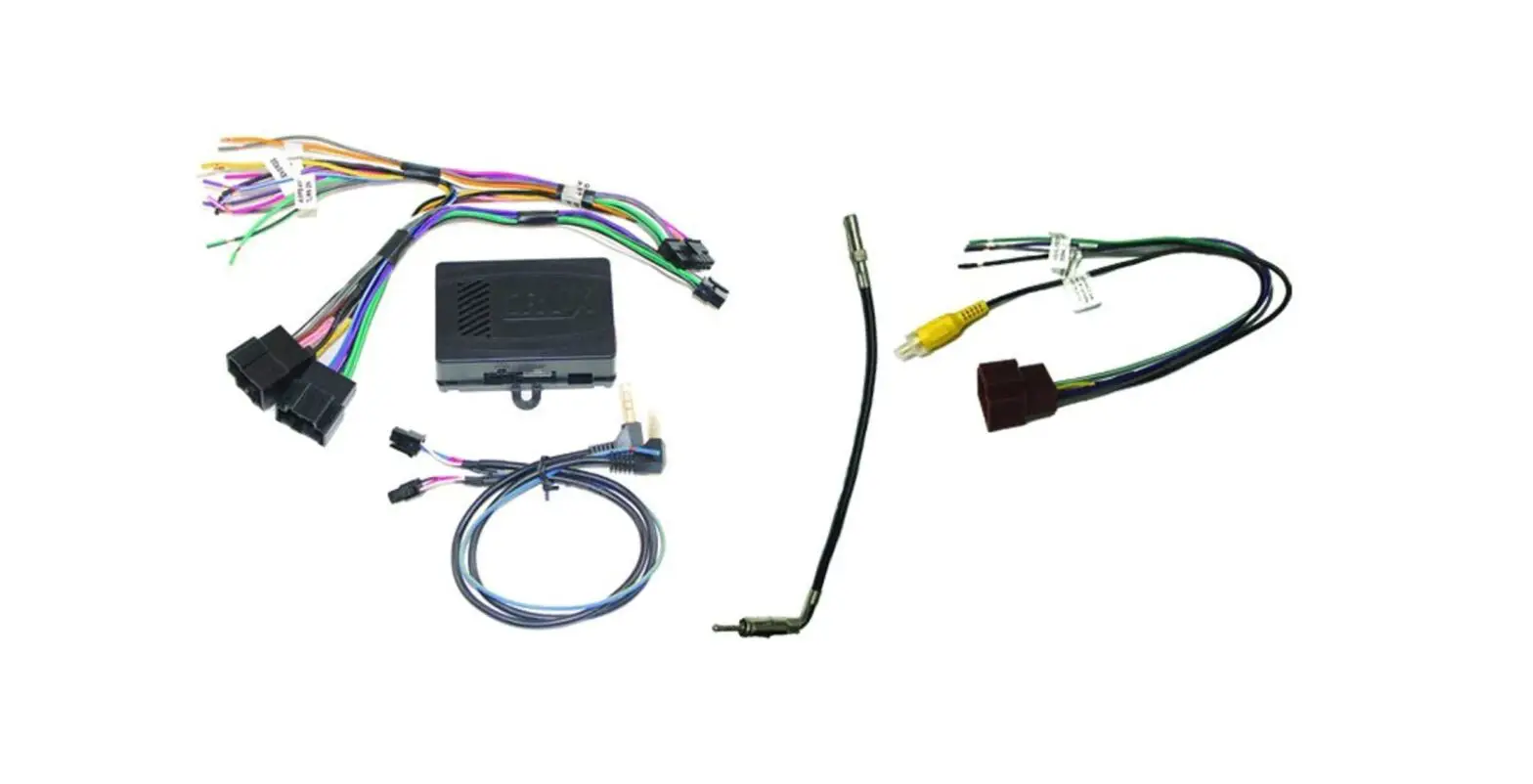
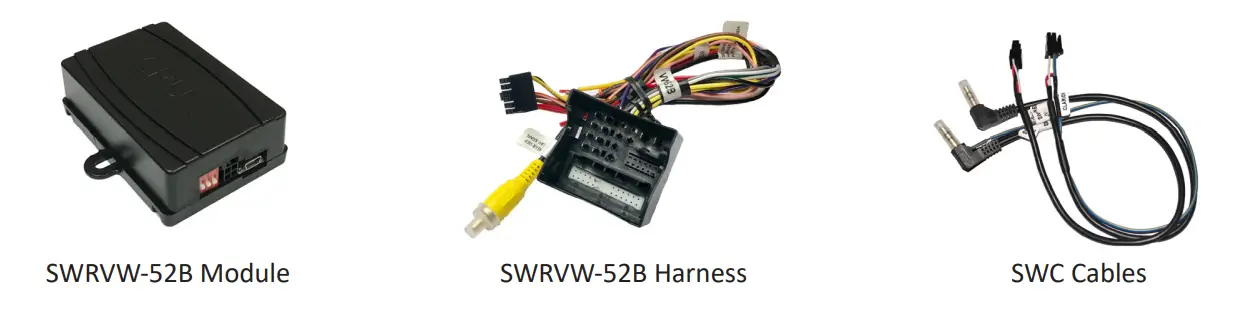
PARTS INCLUDED
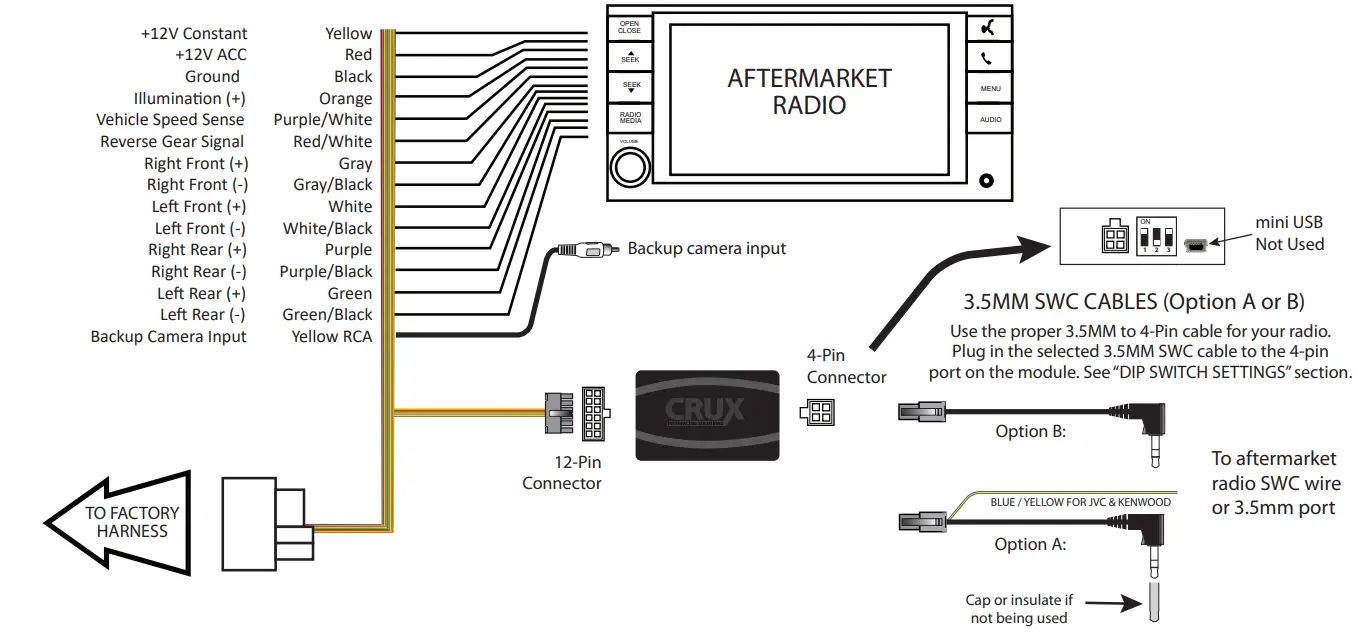
INSTALLATION DIAGRAM
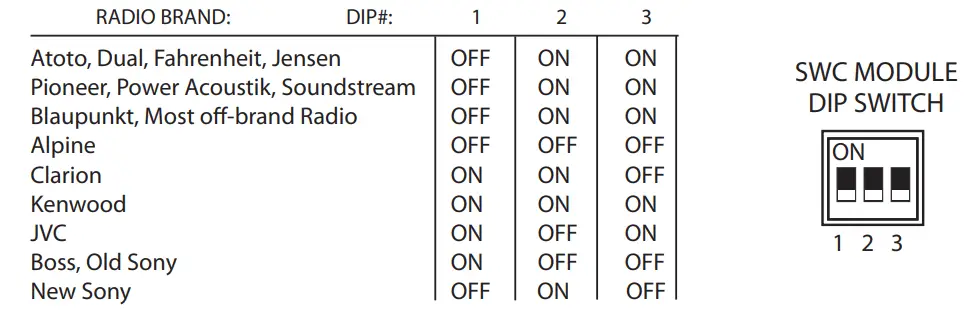
SETTING THE AFTERMARKET RADIO BRAND
This step is done on the SWRVW-52B Module. With the key in the off position, set the DIP switches to the corresponding radio listed below.
NOTE:
For Atoto, Blaupunkt, Dual, Farenheit, Power Acoustik, Soundstream, and most off-brand radios, check the aftermarket radio’s manual to see if the SWC buttons need to be programmed.
4-PIN SWC CABLE
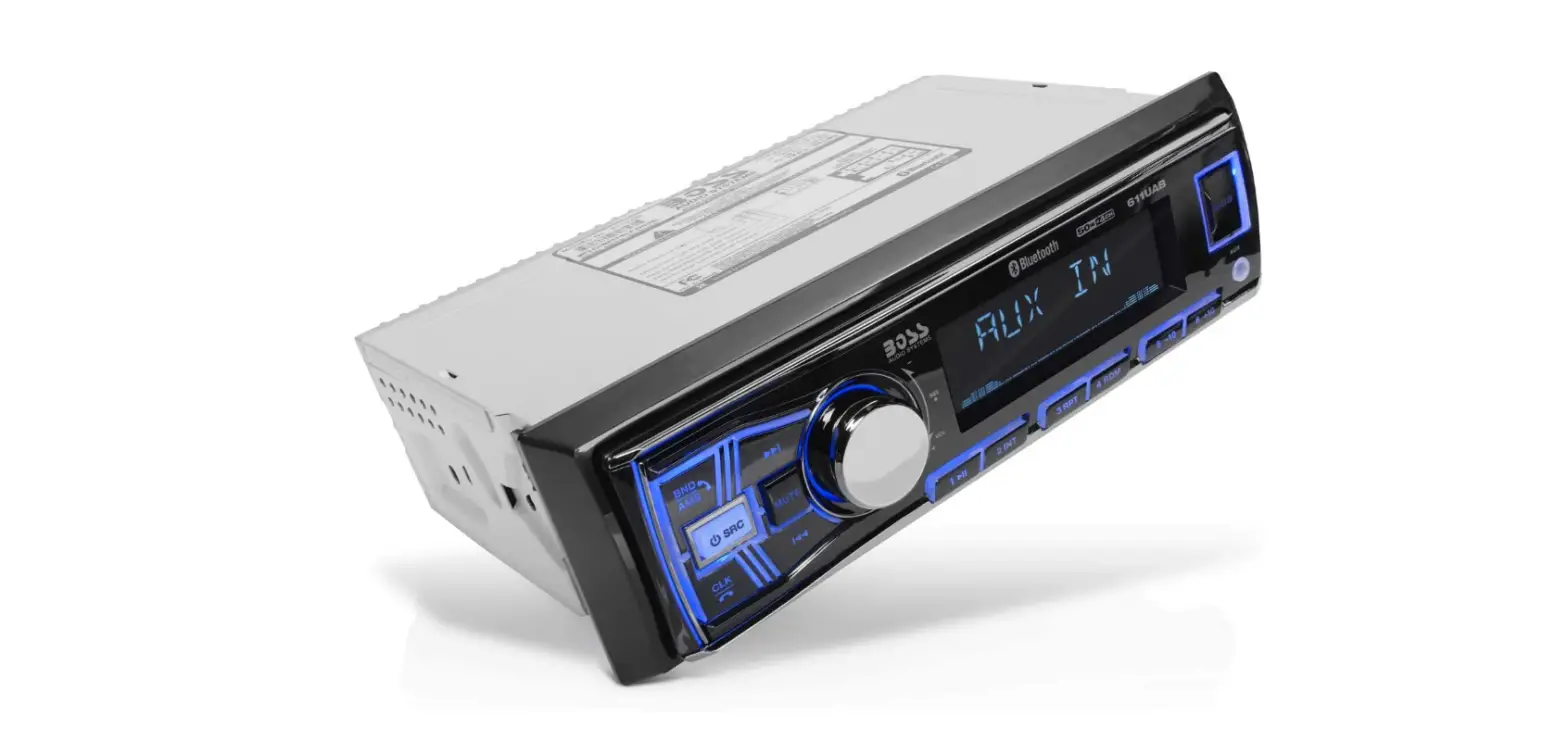
Use the proper 3.5MM to 4-Pin SWC cable for the aftermarket radio you are using. OPTION A is used for ALPINE, CLARION. For JVC and KENWOOD use the Blue/Yellow wire. OPTION B is used for ATOTO, BLAUPUNKT, BOSS, DUAL, FARENHEIT, JENSEN, POWER ACOUSTIK, PIONEER, SONY, SOUNDSTREAM and Most Off-Brand Radios.
NOTE:
Cap or insulate the 3.5mm plug or Blue/Yellow wire if not being used.
For aftermarket radios that have wires for SWC connections, cut off the 3.5mm plug on the Crux SWC Cable and connect the SWC wires as follows:

Note that there are some radios that only have SWC1 and SWC2, in this case “shield” does not need to be connected.
VEHICLE APPLICATIONS

| VOLKSWAGEN |
| 2016 – 2018 Beetle 2015 – 2018 Golf / GTI 2017 – 2018 Golf Alltrack 2015 – 2018 Golf R 2015 – 2017 Golf Sportwagen 2016 – 2018 Jetta / GLI 2016 – 2018 Passat 2016 – 2017 Tiguan |
Crux Interfacing Solutions • 21541 Nordhoff St., Unit C, Chatsworth, CA 91311
phone: (818) 609-9299 • fax: (818) 996-8188 • www.cruxinterfacing.com
 CRUX Interfacing Solutions