 SWRHK-65T Wiring Interface
User Manual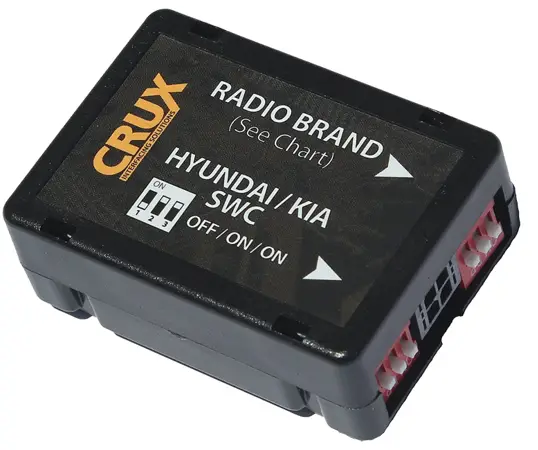
SWRHK-65T Wiring Interface
SWRHK-65T
Radio Replacement with Steering Wheel Retention for Hyundai Tucson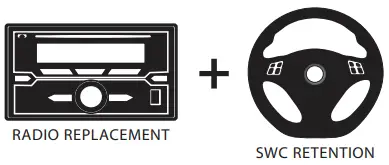
PRODUCT FEATURES:
– Retains factory features in select Hyundai Tucson vehicles while functioning with an aftermarket radio.
– Pre-programmed to retain factory Steering Wheel Controls.
– Includes antenna adapter.
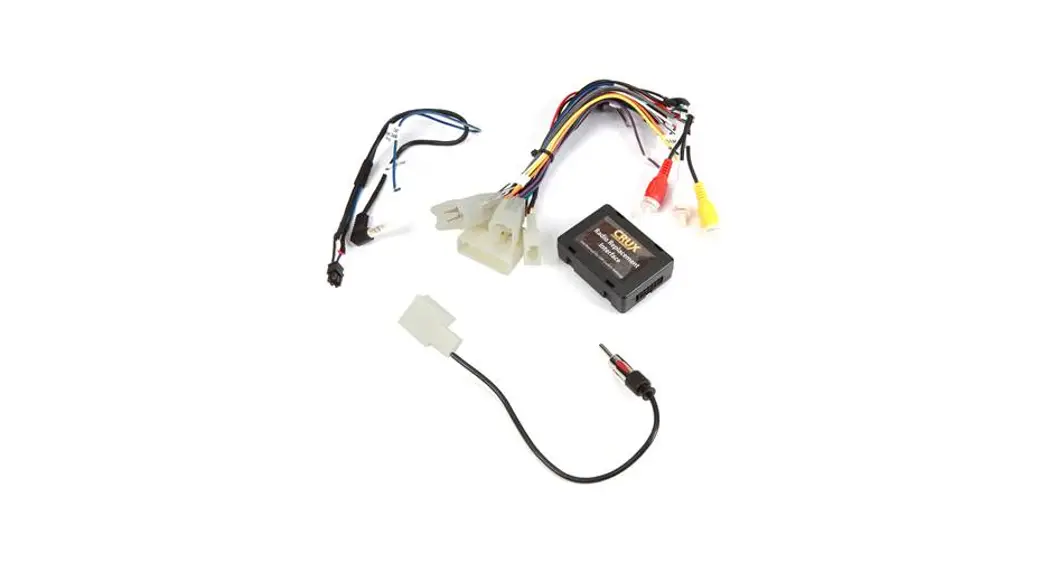
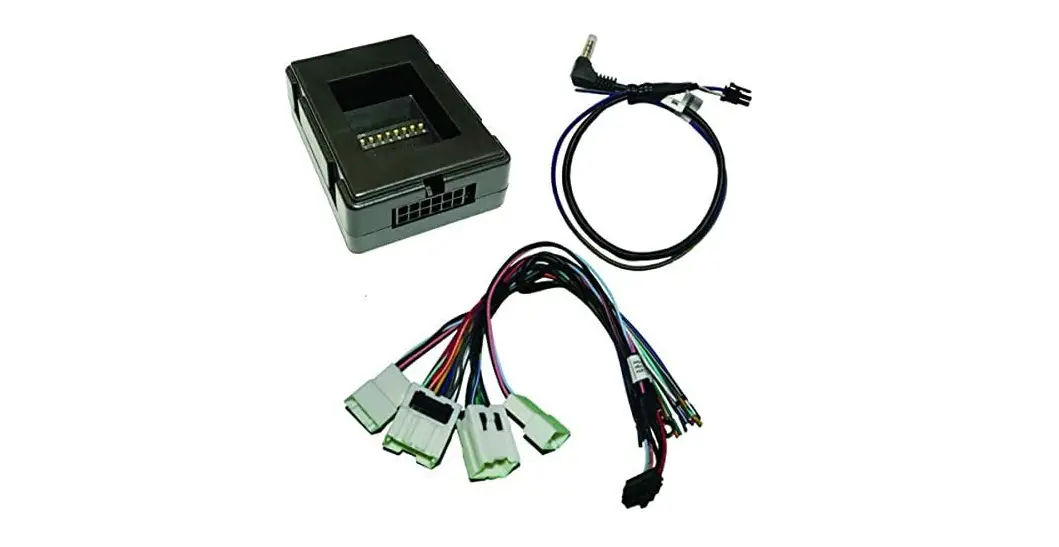
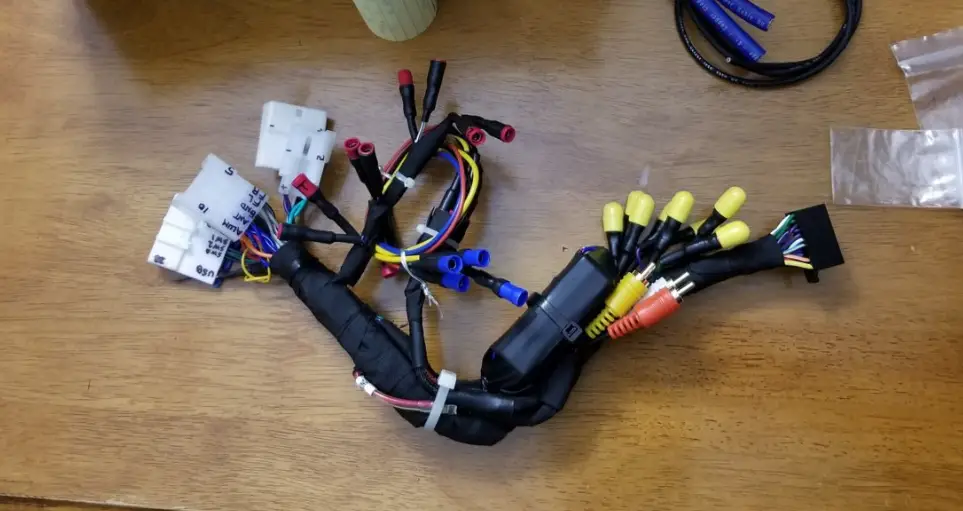
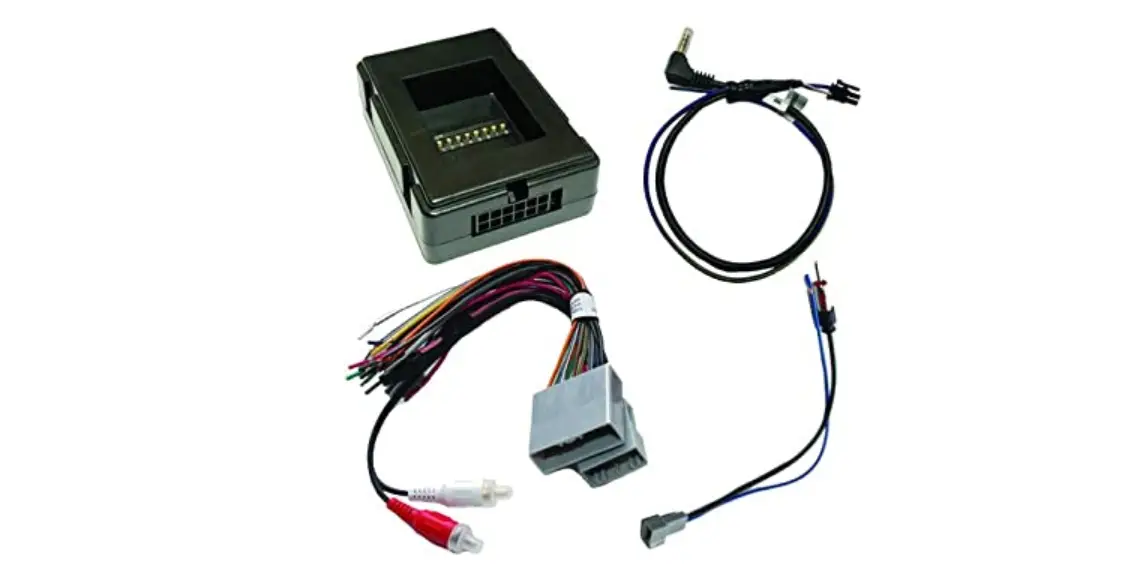
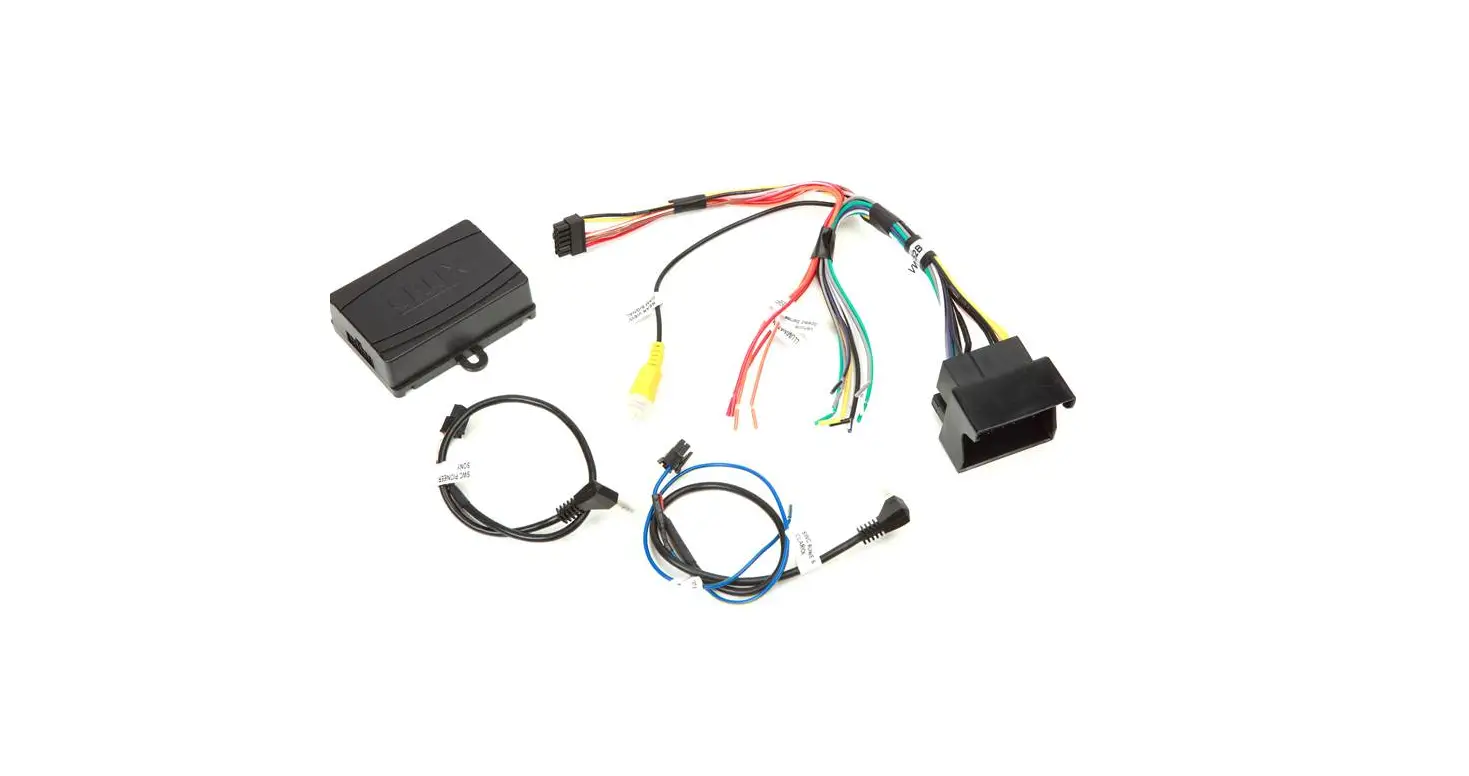
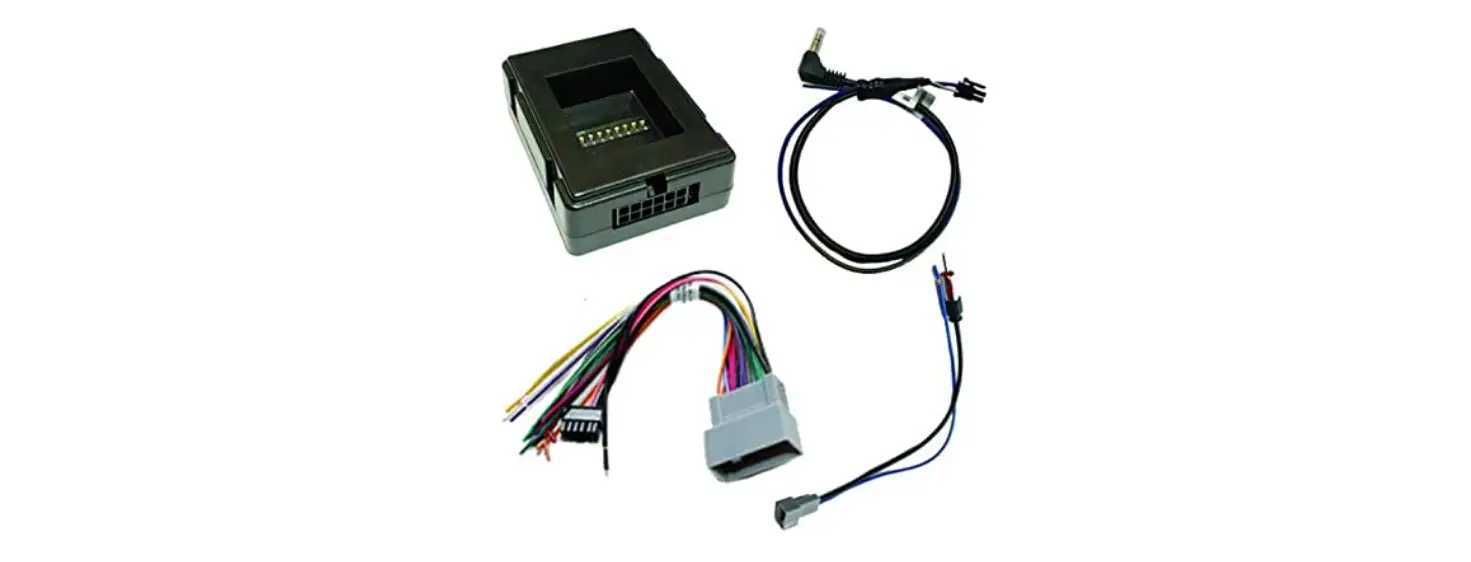
PARTS INCLUDED:
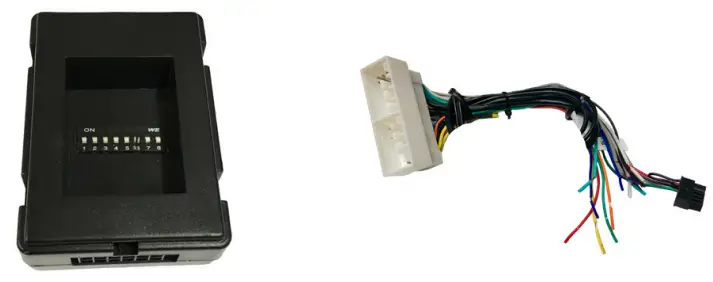 | |
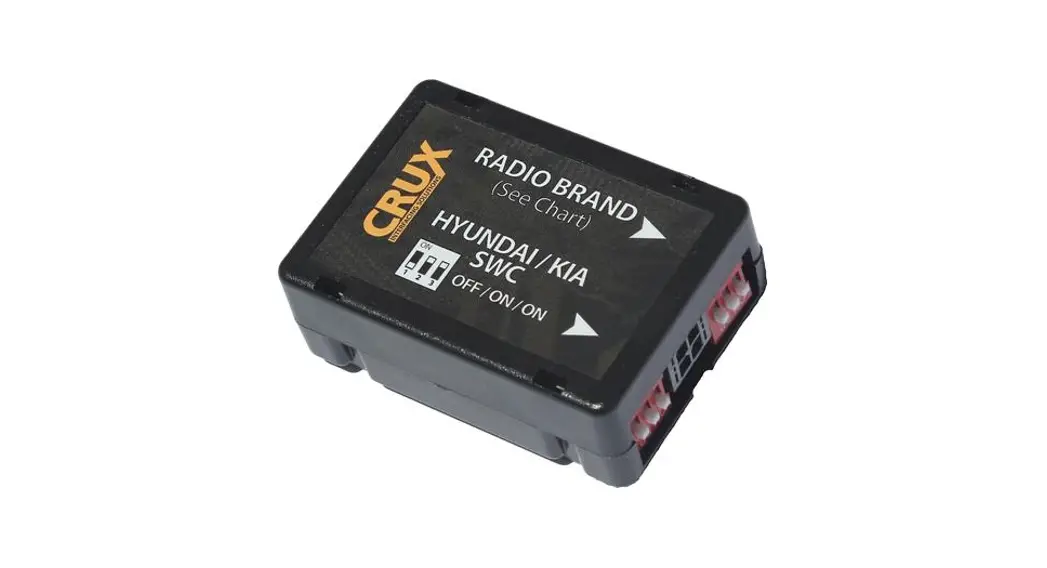
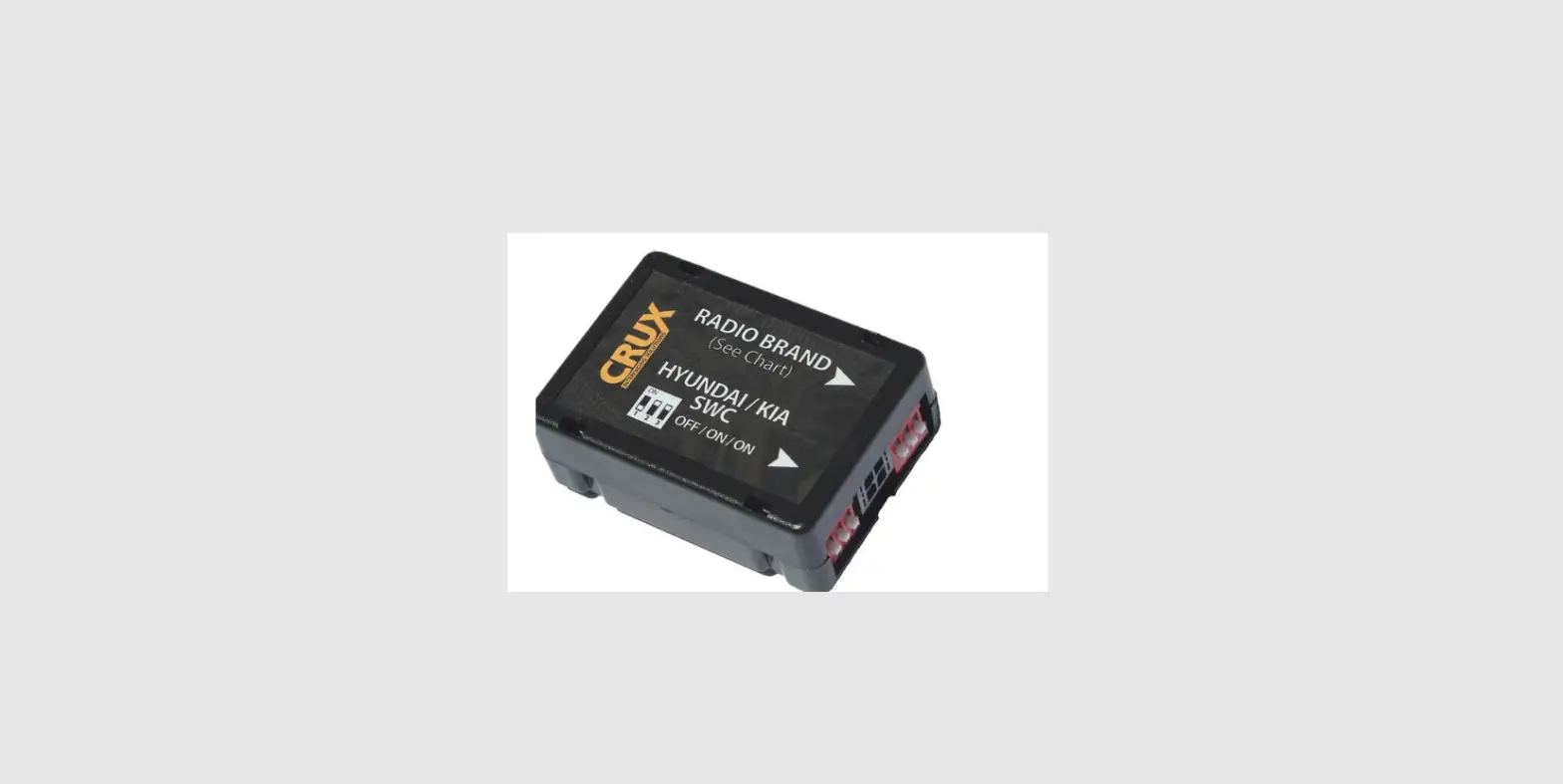
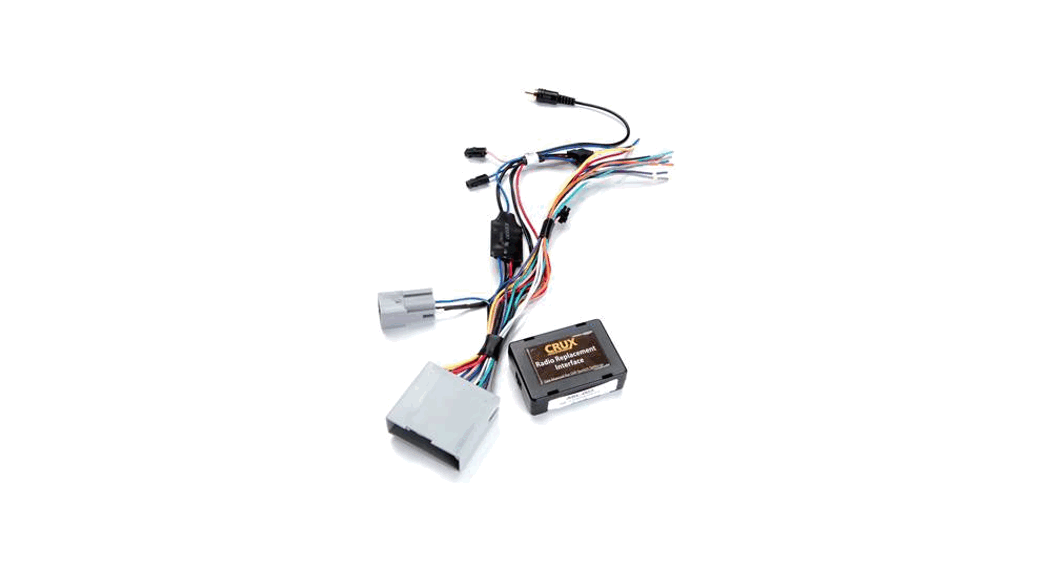
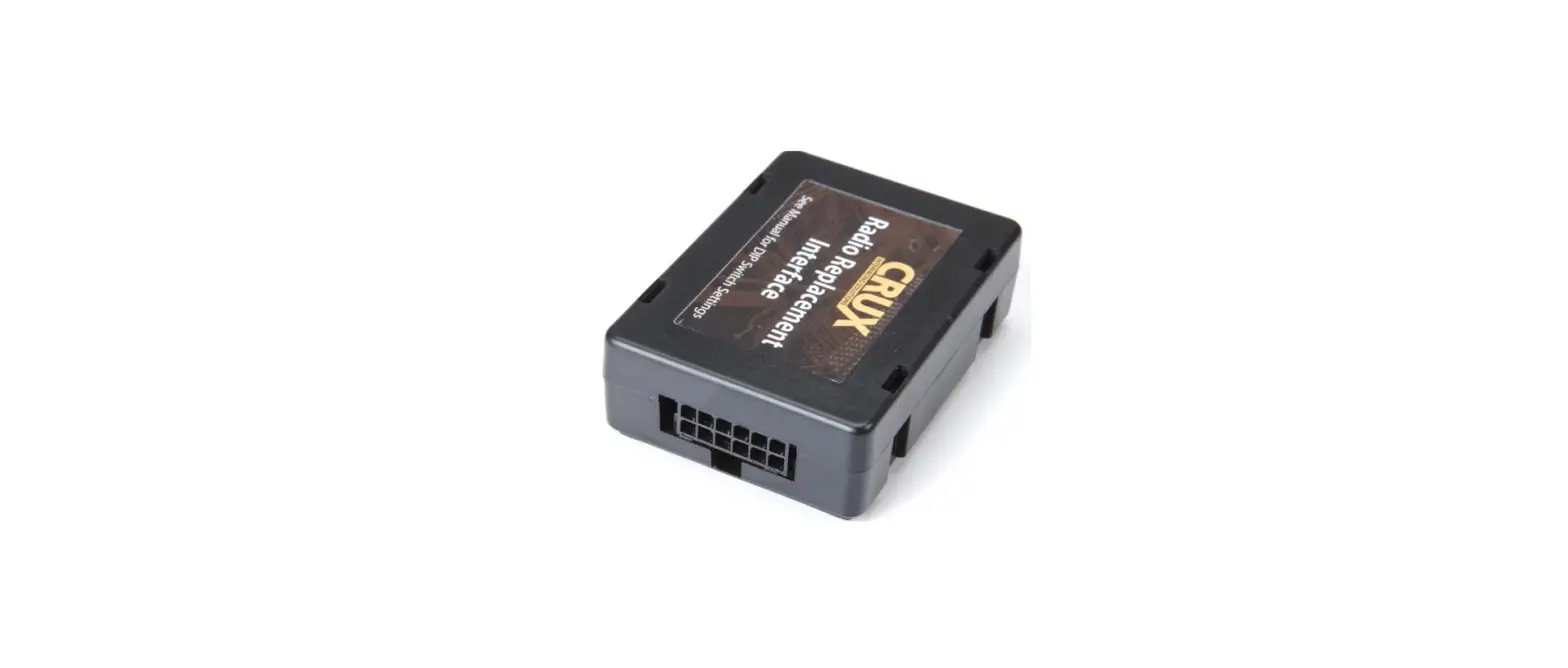
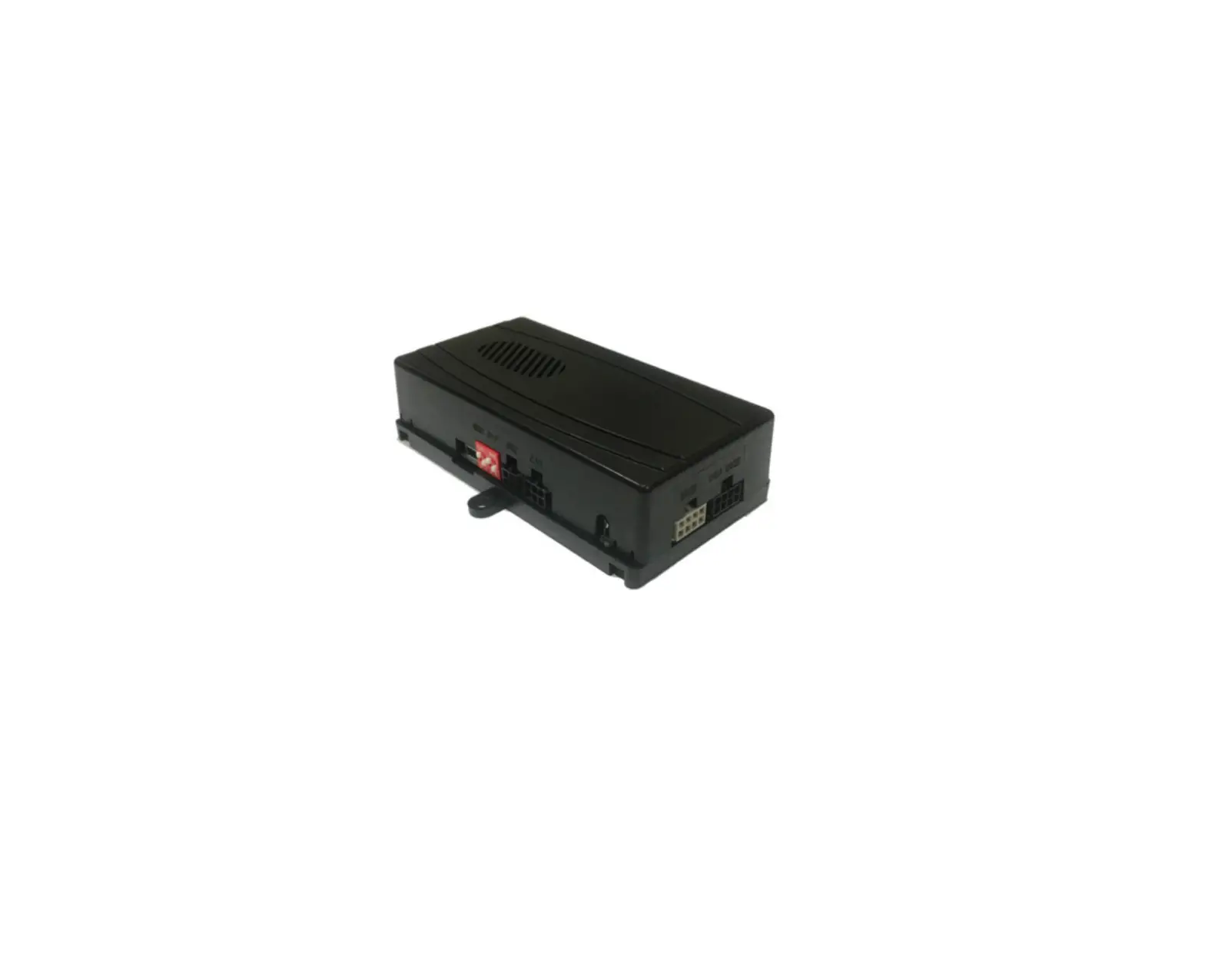
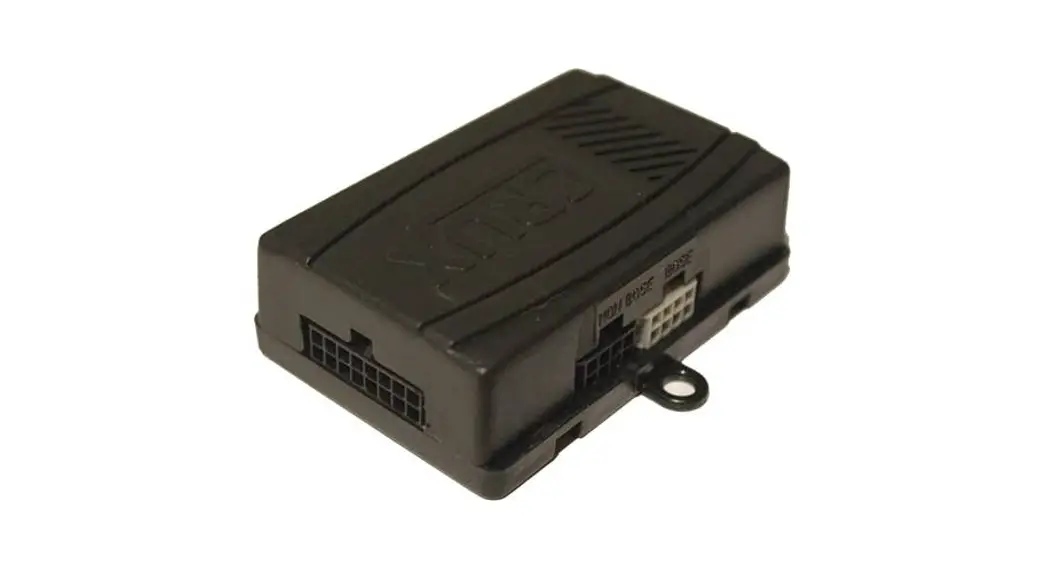
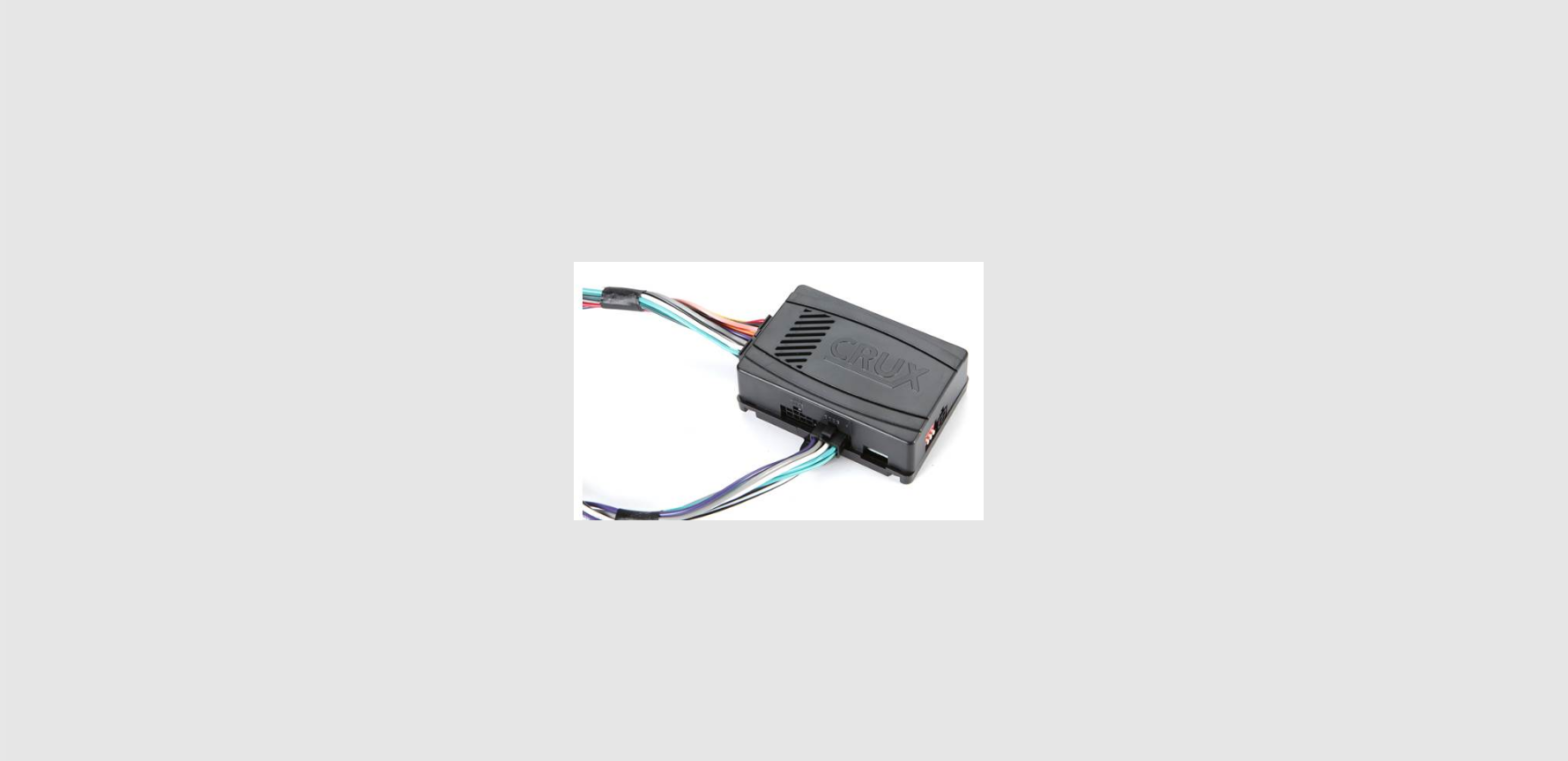
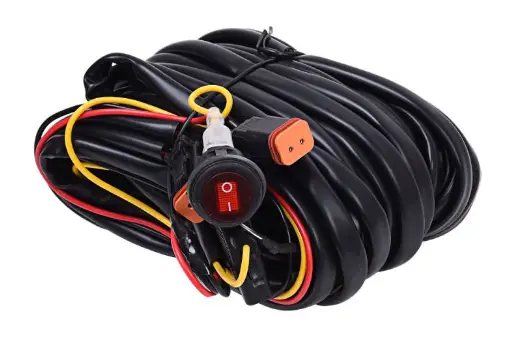
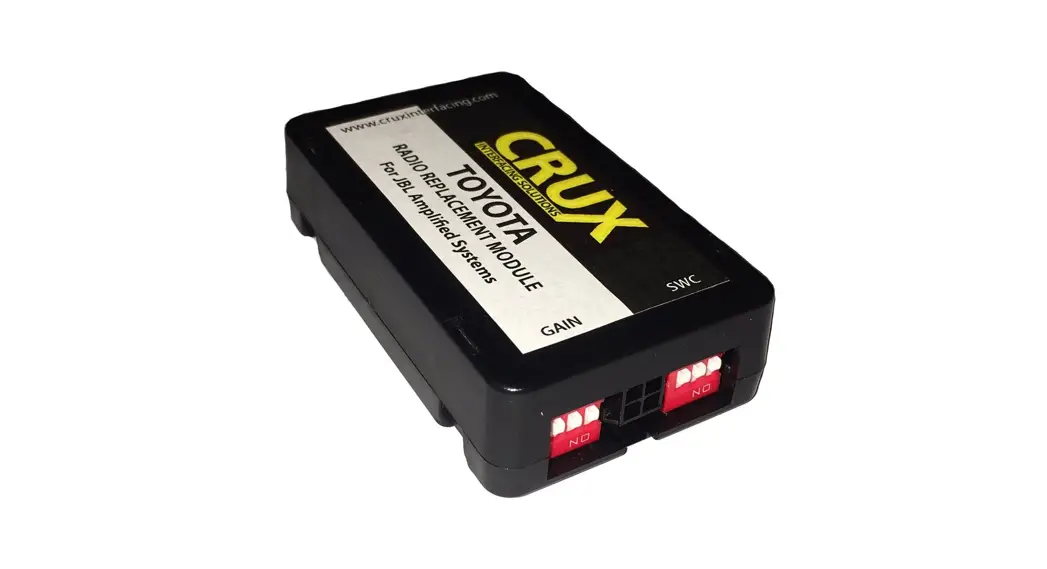
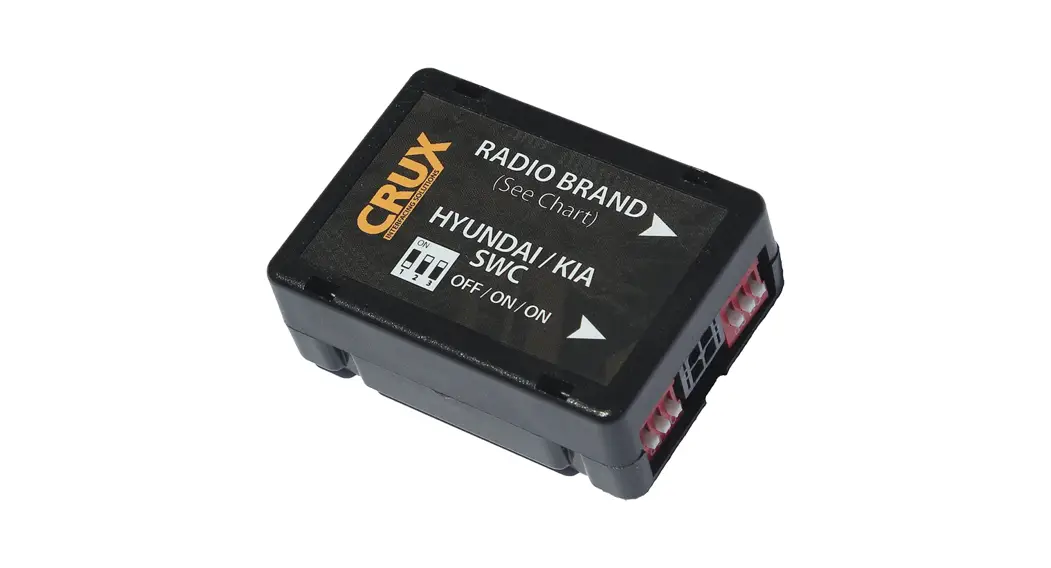
| SWRHK-65T MODULE | SWRHK-65T HARNESS |
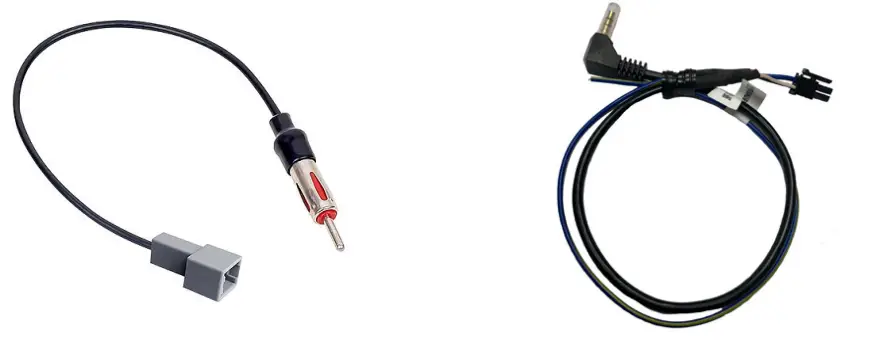 | |
| ANTENNA ADAPTER | SWC CABLE |
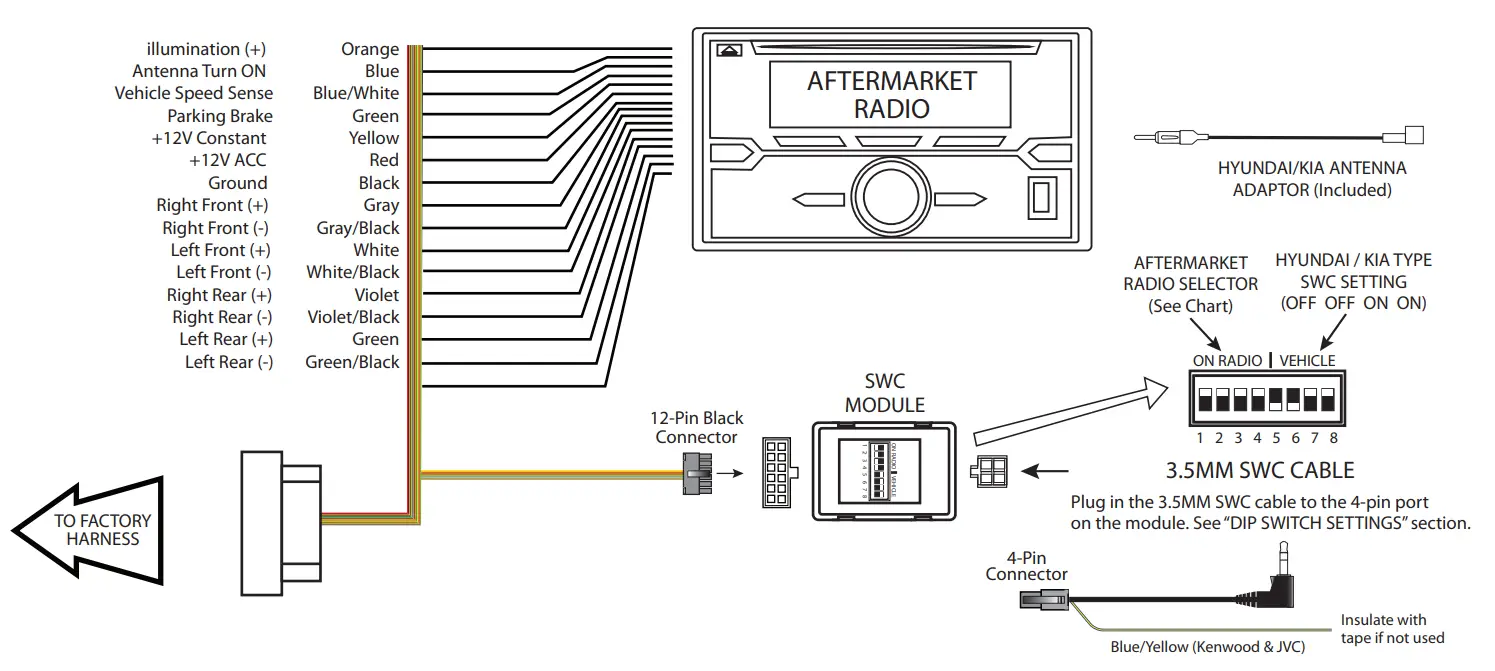
INSTALLATION DIAGRAM:
DIP SWITCH SETTINGS:
HYUNDAI / KIA STEERING WHEEL CONTROL DIP SWITCH SETTING:
| DIP: | 5 | 6 | 7 | 8 |
| Hyundai | off | off | on | on |
SWC MODULE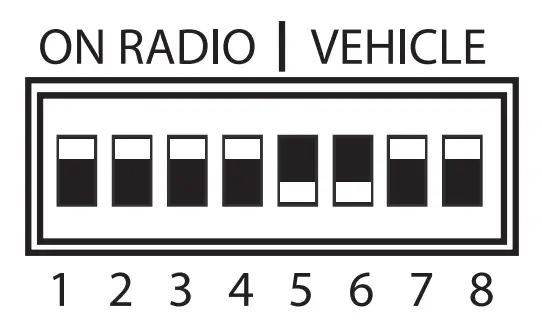
AFTERMARKET RADIO DIP SWITCH SETTINGS:
| RADIO BRAND: DIP | 1 | 2 | 3 | 4 |
| Dual, Farenheit, Jensen, Pioneer | OFF | OFF | ON | ON |
| Power Acoustik, Soundstream | OFF | OFF | ON | ON |
| Blaupunkt, Most off-brand Radios | OFF | OFF | ON | ON |
| Alpine | OFF | OFF | OFF | OFF |
| Clarion | OFF | ON | ON | OFF |
| Kenwood | OFF | ON | ON | ON |
| JVC | OFF | ON | OFF | ON |
| Boss, Old Sony | OFF | ON | OFF | OFF |
| New Sony | OFF | OFF | ON | OFF |
SWC MODULE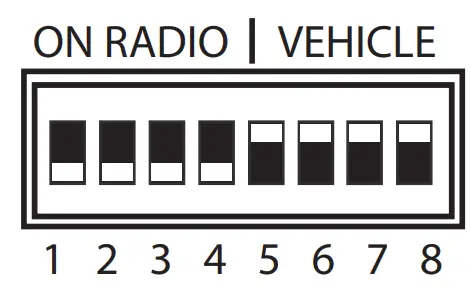
NOTE: For Blaupunkt, Dual, Farenheit, Power Acoustik, Soundstream, and most off-brand radios, check the aftermarket radio’s manual to see if the SWC buttons need to be programmed.
3.5MM SWC CABLE
Plug in the 3.5MM to 4-Pin SWC cable and set the DIP switches to the aftermarket radio you are using.
NOTE: Insulate the Blue/Yellow wire or 3.5mm plug if not being used.
VEHICLE APPLICATIONS:
Hyundai
2018-up Tucson
Crux Interfacing Solutions
21541 Nordhoff St., Unit C, Chatsworth, CA 91311
phone: (818) 609-9299
fax: (818) 996-8188
www.cruxinterfacing.com
 CRUX Interfacing Solutions